Samsung Wallet Finally Integrates Wise Cards in Malaysia
Samsung smartphone users in Malaysia can now add their Wise cards to Samsung Wallet, enabling seamless contactless payments through Samsung Pay. The long-awaited integration was confirmed on Tuesday, ending a lengthy period of anticipation for users of the popular international finance service.
The update allows both physical and virtual Wise cards to be registered for use at any merchant terminal that accepts contactless payments.
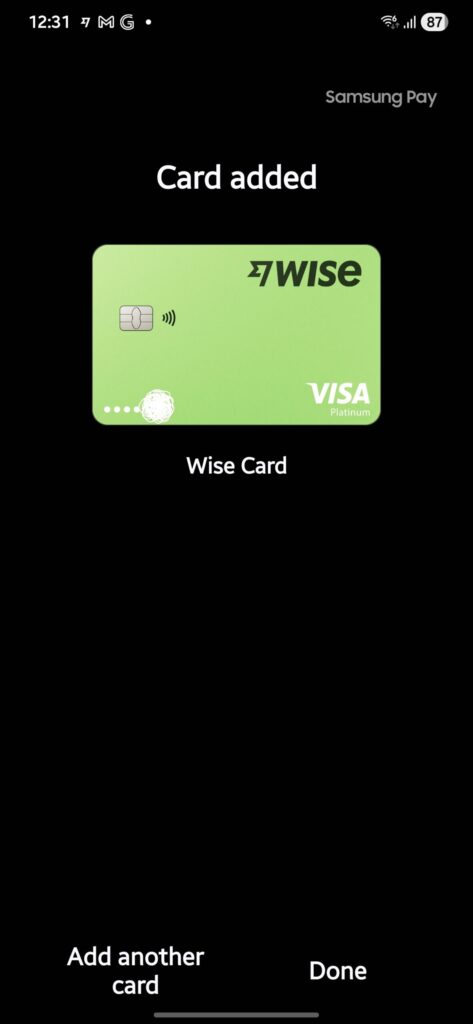
This new addition significantly expands the utility of Samsung Wallet for Malaysians, especially for those who use Wise for multi-currency transactions. Previously, while Samsung Wallet supported Wise cards in other regions, including the US, UK, and the EU, Malaysia was notably excluded.
Wise cards issued in several other countries, such as Japan, New Zealand, and the Philippines, are still not supported by the digital wallet service.
For Samsung users in Malaysia looking to add their new card, the registration process is straightforward.
How to add your card to Samsung Wallet
Samsung has outlined the official steps for adding a new card:
- Open the Samsung Wallet app
- Select the + icon in the top right corner
- Select Add payment card
- Scan your card or enter the details manually
- Verify your card with an SMS code
After you add your card to Samsung Wallet, you might see a small charge on your account. This is a temporary verification charge to ensure the card is active and is usually 0.00. If a small amount is charged, it will be refunded shortly.