ASUS Unveils Mac-Optimised Features for ProArt Displays to Streamline Creative Workflows
ASUS has announced a suite of new features for its ProArt displays designed specifically to enhance the experience for Mac users. The updates focus on streamlining workflows for creators using MacBook, Mac mini, and Mac Studio devices by offering seamless integration and consistent colour accuracy.
Seamless Control and Colour Syncing
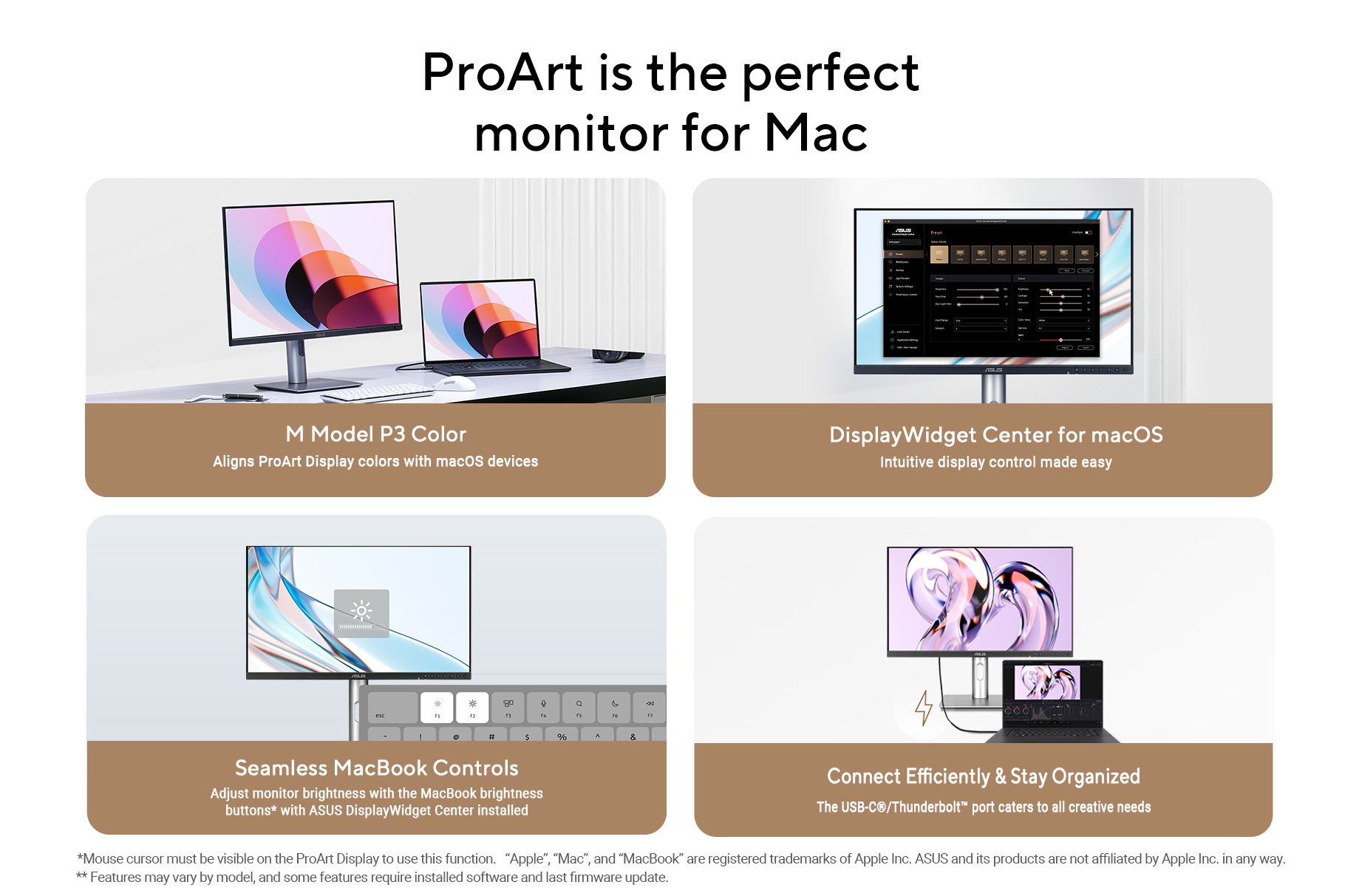
A key addition is the new ASUS DisplayWidget Centre for macOS. This software provides an intuitive interface that allows users to adjust monitor settings, such as brightness, contrast, and colour temperature, directly from their desktop, bypassing the need to navigate on-screen display (OSD) menus. Notably, the software enables users to control the monitor’s brightness using the standard brightness shortcut keys on their MacBook keyboard.
To address the needs of colour-critical work, ASUS has introduced the M Model P3 colour setting. This feature aligns the ProArt display’s colour gamut with the MacBook’s native P3 colour space, ensuring that visuals remain consistent across both screens. This synchronisation is vital for tasks like video editing, graphic design, and photography, where colour discrepancies between devices can disrupt the creative process.
Connectivity and Performance
The displays are designed to complement the performance of high-end Mac devices. Select ProArt models feature a variable refresh rate of up to 240Hz, ensuring smooth motion that syncs with Apple’s ProMotion technology. Additionally, built-in USB-C/Thunderbolt 4 connectivity offers a single-cable solution for data transfer, DisplayPort video, and up to 96W Power Delivery to charge connected MacBooks.
For multi-device setups, the built-in Auto KVM switch allows users to control two connected devices (such as a MacBook and a PC) with a single keyboard and mouse, further simplifying the workspace.
Professional Colour Tools
ASUS continues to prioritise colour precision with factory calibration that achieves a Delta E < 1 accuracy. The displays support hardware calibration via ProArt Calibration software, which saves colour profiles directly to the monitor’s scaler chip rather than the computer. This ensures colour consistency even when switching between different source devices.
These new features are available on the latest ProArt models, while select earlier models can access them via a firmware update.