Yeap, it’s time! After using the LG C1 65” 4K Smart SELF-LIT OLED TV with AI ThinQ® for 2 weeks, here is my full review to help you make a purchase decision, and also to find out if this TV is the best TV for 2021!

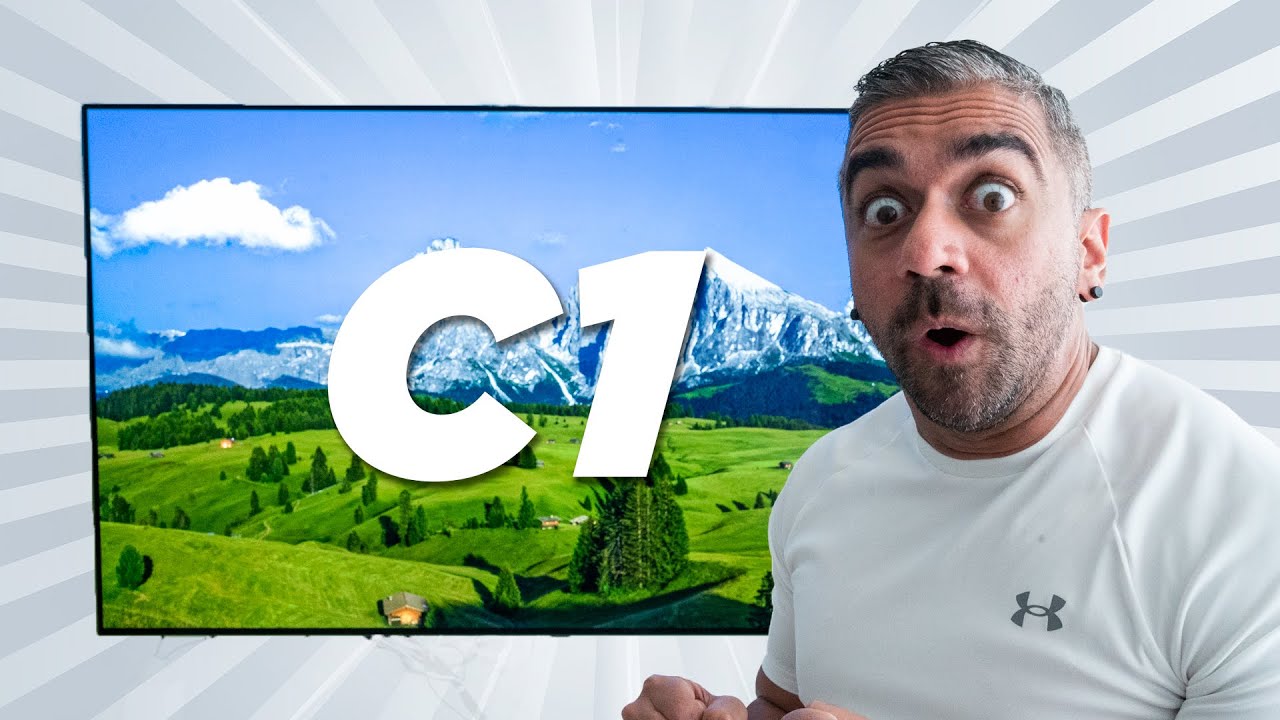
If you haven’t watched my unboxing and my first impressions video, check it out right here as I not only talked about the key features of the TV but I also showed the very aesthetically pleasing LG Gallery Stand as well, which could be one of the options to display this amazing piece of a TV as I went with mounting the TV on the wall to give it that sort of floating effect since I have always been a fan of a very clean and minimalist design.

Design
So ever since I mounted the TV on the wall, that was already something that immediately had a huge impact on my viewing pleasure even before switching the TV on because of how thin the sides were, and this is indeed LG’s way of telling us that, the TV should not only look good when it is on but when it is switched off as well.
And because of this super-thin form factor, it elevated the floating effect even more whether or not you are watching TV during the day and at night as well.


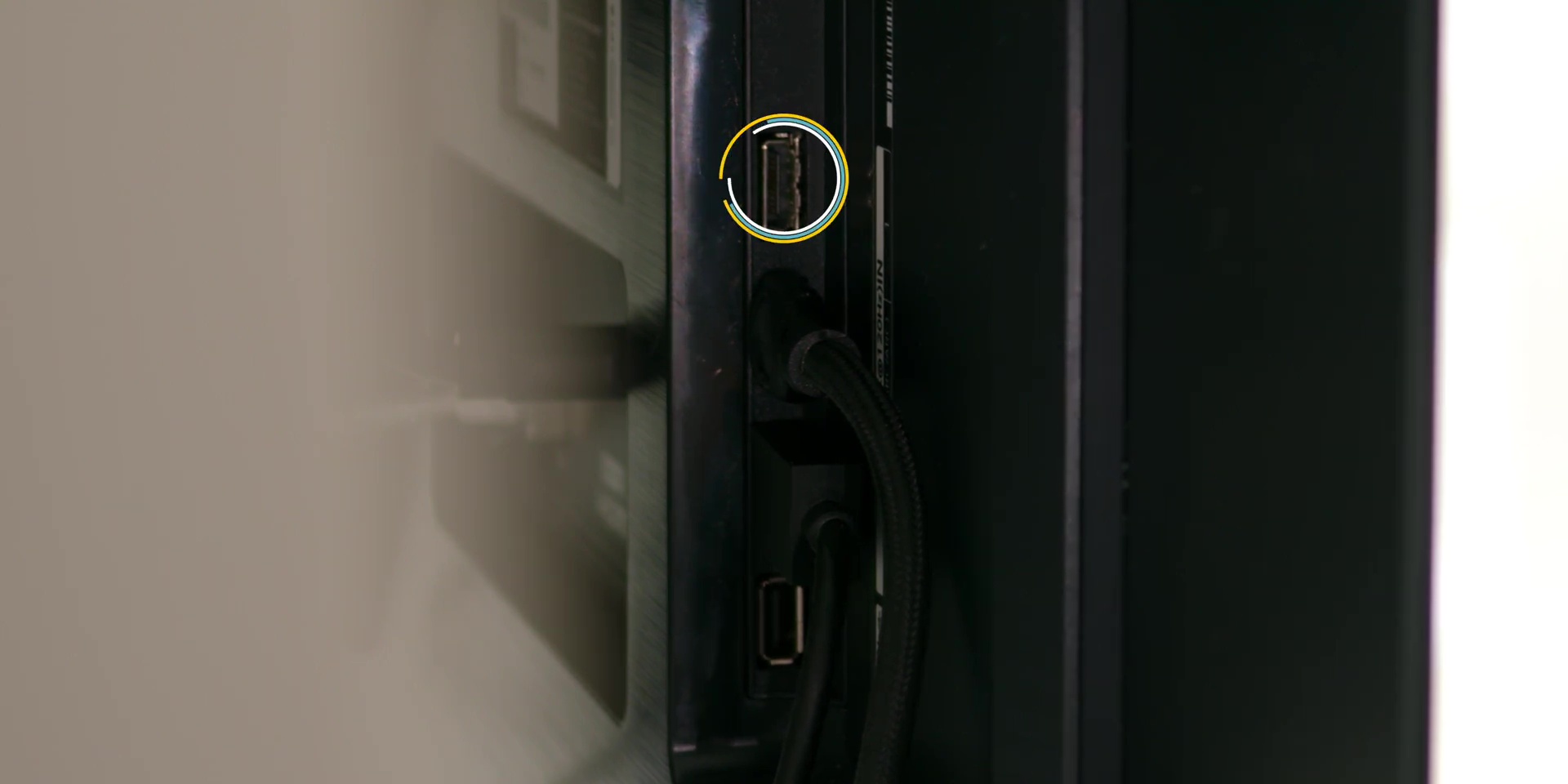
I also found that not only the ports at the side was super easy to access even when mounted on the wall, but even ports like the Ethernet port and the additional HDMI port at the back was easily accessible as well, where I have intentionally left one of the side HDMI ports empty just in case I would like to plug in my laptop or even a PC when I want to.
So yes, this was certainly something that already gave me such a pleasant experience when I was using the TV every day.
Display
Next, let’s not waste any time and dive straight into the TV’s display and what makes this TV’s technology great.
OLED VS LED
So what is the difference between an LED TV and an OLED TV?

Firstly it’s in the name because the TV is called a Self-Lit OLED TV as the light are individually emitted compared to a typical LED where it uses a backlight that has several panels in between which means that even black pixels are lighted up even when it’s not supposed to, hence giving you “non-true” blacks compared to the True Blacks that an OLED TV produces.

Then, LEDs typically have 3 colors, which are Red, Green and Blue, also known as RGB whereas an OLED has RGBW, where the W obviously stands for White, thus providing better overall brightness as well.

And while the brightness is great, it has great eye comfort with less blue light emission and flicker free as it is TUV Rheinland certified as well.

Daily Experience
So, let’s talk about how my experience was when using it daily for several situations, especially with the new Alpha (α) 9 Gen4 AI Processor.
Movies
As mentioned in my usual smartphone reviews, I am not a huge fan of watching movies and videos for a long time on smartphones, as I have always enjoyed watching every show on my TV as I don’t really commute much. And even if I do, I rather listen to music than sit and watch movies on my smartphone.
And coming from an LED TV to this OLED TV, the biggest difference I could immediately tell is the amazing black levels on the TV as to how it is mentioned from the technological point of view.

Gone are the days of having the darker shades of black looking more greyish instead, and gone are the days where I could barely see those black during the day too since I watch lots of TV during the day and work more at night and as you can see, my living area is extremely bright.
As for the Picture modes, I was on Filmmaker Mode all the way, whether or not it’s during the day or night, since I do prefer that real sort of color calibration based on what the movie creator intended for the colors to be.

But of course, you can always change to the other default Picture Modes, like Standard, APS or Auto Power Save Mode, Cinema, and more, or just adjust it manually in the advanced settings.

Then diving further into my movie viewing experience on Netflix, since the TV has Dolby Vision IQ, here is where I could see a HUGE difference in image quality.

And because the visuals look extremely nice, I have become spoiled by just picking and choosing content that ONLY has Dolby Vision, so I hope we see more Dolby Vision content here in Malaysia, especially on Disney Plus HotStar as well.

Sports
So the next most consumed media on the TV is, of course, watching football.

As soon as I got this TV I immediately subscribed to 4K UHD football on Astro and here is when once again I cannot go back to watching football on HD man, because not only it was really sharp and vibrant on the Sports Mode, I could really see how well the motion and movement of the players were during sprinting across the field.

The viewing angle was really pristine no matter which side that you are watching the TV and this may sound like I am over-exaggerating but no kidding guys, this new OLED Motion Pro technology felt as though the players were actually there on the screen, and yes I do miss going to Anfield and this is as close of an experience that I can get my friends!

Gaming
Next is of course gaming, as that is one of the key reasons anyone would consider getting the TV as it is NVIDIA G-SYNC and AMD FreeSync Premium Compatible as well.

But before anything don’t forget to first turn on the Game Optimizer in the settings menu just in case you haven’t done so where usually it will also turn on automatically as well.
And here is where you can also adjust the black stabilizers and white stabilizers as well and also other settings to change game modes between FPS, RPG, and more.

And with this, the first game that came to mind was Forza Horizon 5, and the gaming experience was even better the more I played the game. And the 120-hertz Variable Refresh Rate, and the Auto Low Latency Modes with 1 millisecond response time, with absolutely no screen tearing, could really be felt when I was playing this particular game.
So yes, there goes my daily productivity… *ahem*

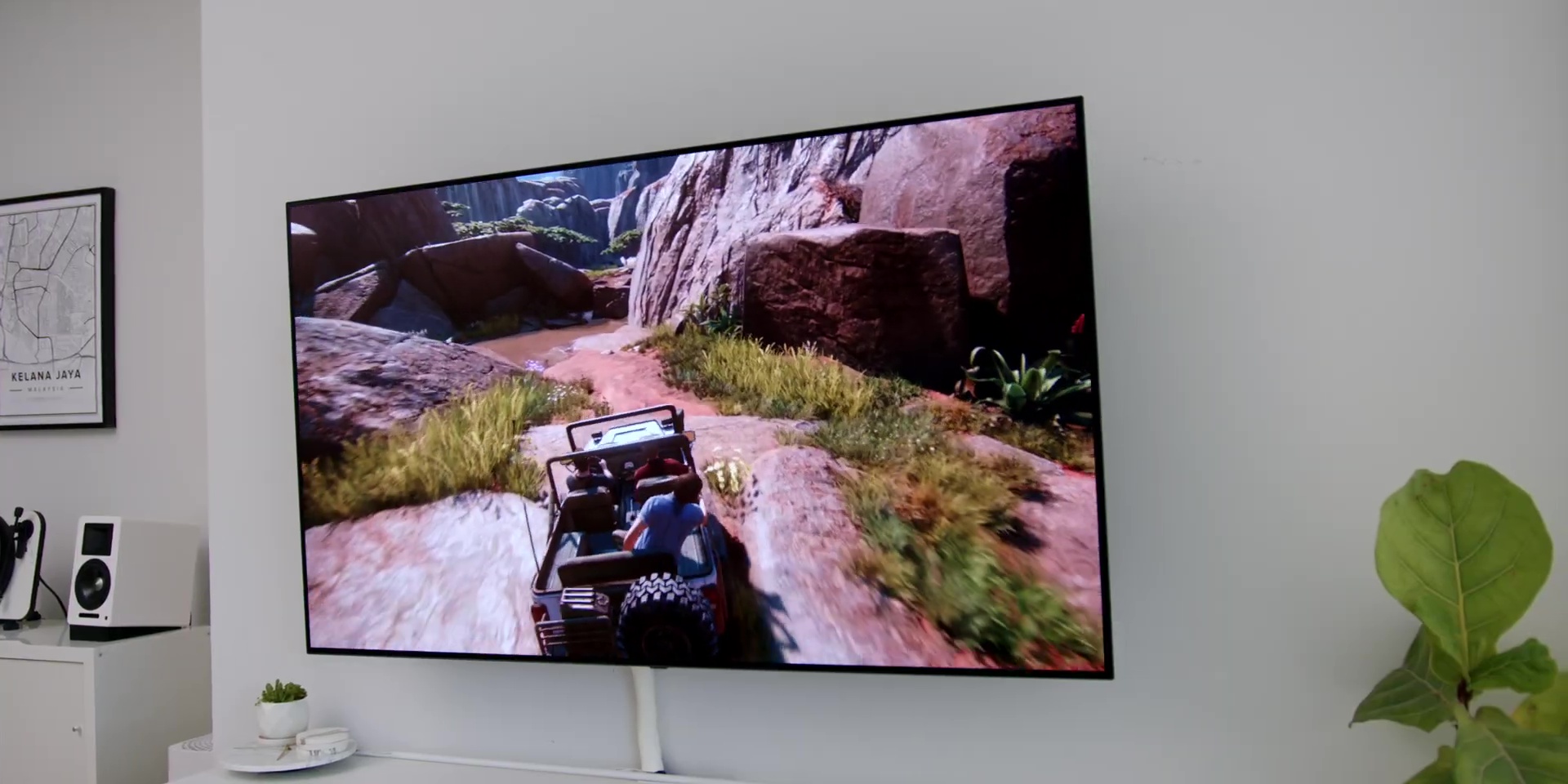
Then playing other games like Mortal Kombat and HDR games like Uncharted was also really nice as well since the HDR capabilities of the TV also known as HGIG Mode really shines over here as well for HDR Gaming.
YouTube
Then finally, if you are like me who loves to watch YouTube videos on a bigger screen too, then you will really appreciate the amazing color accuracy of the Filmmaker Mode for the TV as it is not only where I watch the majority of YouTube videos.

And as a content creator, I actually use the TV as a reference playback when I upload my YouTube videos since it has the best color representation compared to a typical PC Monitor screen.
Audio
Alright, next, let’s talk about the audio. Out of the box, the TV has Dolby Atmos support whether or not it’s through the TV’s speakers or even externally if you plug a Dolby Atmos soundbar through the HDMI eARC port specifically marked as HDMI 2.1 on this TV.
One of my biggest worries is whether or not the sound could project at its full potential since it is mounted on the wall and while I do prefer to have a dedicated soundbar, but I was very surprised by the great audio output and clarity on the speakers as well since there is the option to toggle the AI Sound Pro and AI Acoustic Tuning that collects the sound around the TV and analyzes it accordingly.


Operating System
So the operating system on this LG C1 65” 4K Smart SELF-LIT OLED TV with AI ThinQ® is the latest WebOS 6.0.

Now I have said it before and I will say again, that this is hands down the best Operating System that I have personally experienced compared to any other OS on a TV. The apps on the OS are way more optimized than Android on a TV which is way much better.
Initially, I thought it was going to take me a while to get used to this new iteration of the WebOS 6.0 but because of how the UI is still one of the best Smart TV experiences ever, especially with the Magic Remote, which I have become super dependent on to use with its floating mouse cursor experience and of course the scroll wheel feature as well.

Everything felt very much at home to me, where the new UI was incredibly designed, with a great arrangement of content that you are watching, content recommendation, and also the apps as well.

At the home screen, at the very top, you will find widgets like the AccuWeather, AI, or Account Settings and the search widget.
The second row shows what’s trending depending on your subscription, where mine is set to Amazon Prime Video.
Then the next row is the app list, which you can Edit the App List to arrange it accordingly. In there, you can even adjust it to be based on the intelligent edit of the frequency of the app usage.

Following that, there is a row for the Home Dashboard for the different input and output available and used, Web Browser, Other Video Content on Amazon Prime Video and YouTube, and finally, New releases as well.

Similar to the previous generation WebOS, there is the Home Dashboard, which is a very clean tile arrangement system to not only view all the inputs on a single page but also other options like AirPlay, which you can mirror your devices directly through that and there is the Home IoT Devices, whether it’s my LG ThinQ Devices and other IoT Devices.

Then there is the voice command feature which you can press and hold on the remote and perform voice commands as well, like opening apps or asking the time.
Conclusion
Now, in conclusion, I am just going to keep it simple and straightforward with what I think about the LG C1 65” 4K Smart SELF-LIT OLED TV with AI ThinQ®.
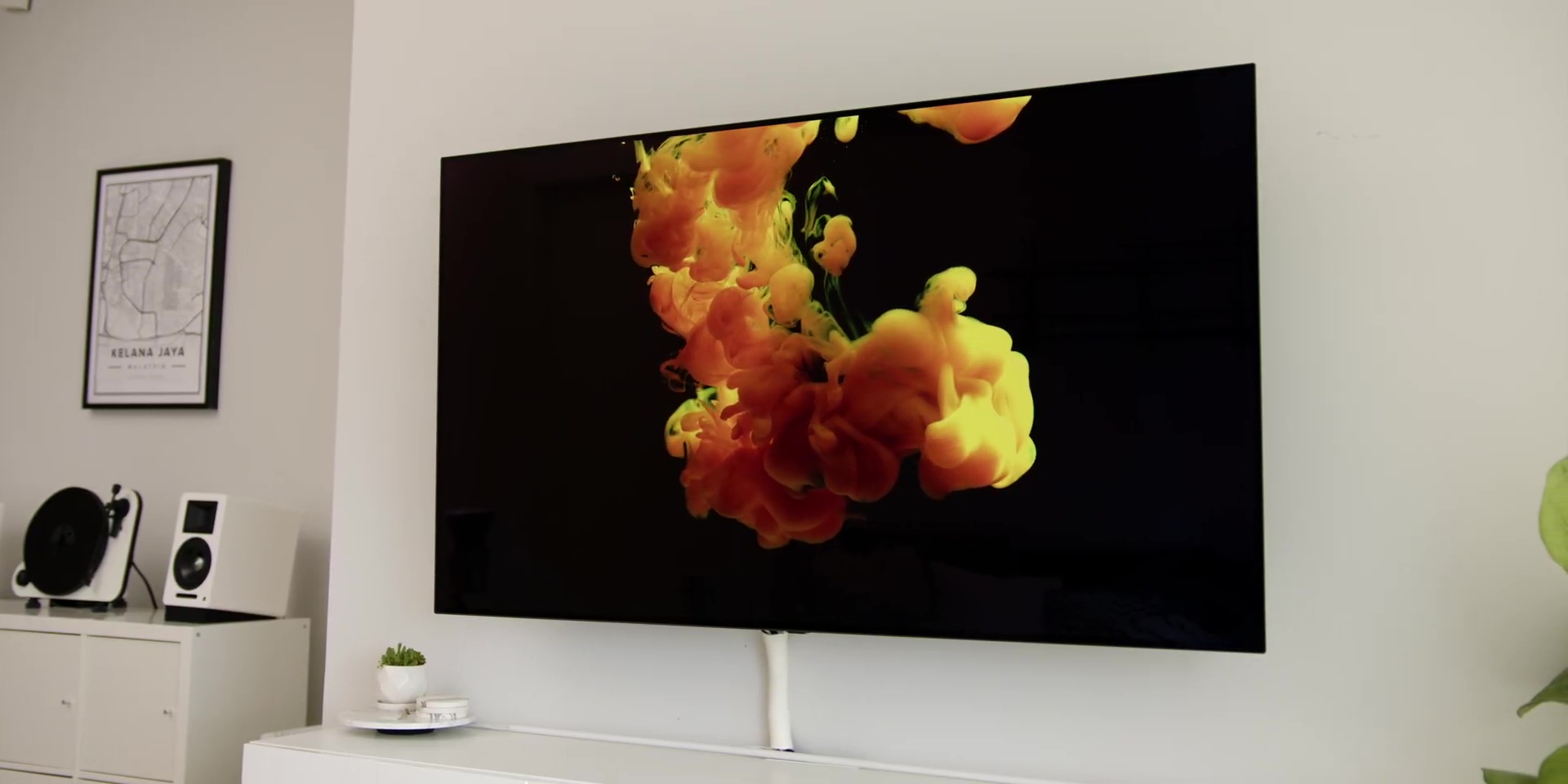
This TV is indeed the ultimate all-rounder, packed with a premium OLED technology, where not only it has the perfect black and amazing brightness value, but the overall wide range of color is truly world-class.

If you are interested in getting it, I will leave links below for you to get it. Yes, it may be “higher” on the price range, but you won’t be disappointed with the TV, and if you are looking for a TV that can last for a REALLY long time, THIS is it!
Get the LG C1 65” 4K Smart SELF-LIT OLED TV with AI ThinQ® at the link below:-