Albiriox: The New Android Malware Threatening Crypto and Banking Apps
Cybersecurity researchers have uncovered a sophisticated new Android malware strain dubbed Albiriox. Identified by the Cleafy Threat Intelligence team, this malware is a Remote Access Trojan (RAT) specifically engineered to steal credentials and funds from global banking and cryptocurrency applications.
Operating under a “Malware-as-a-Service” (MaaS) model, Albiriox is currently being rented out to cybercriminals on underground forums, making advanced financial fraud tools accessible to a wider range of attackers.
What is Albiriox?
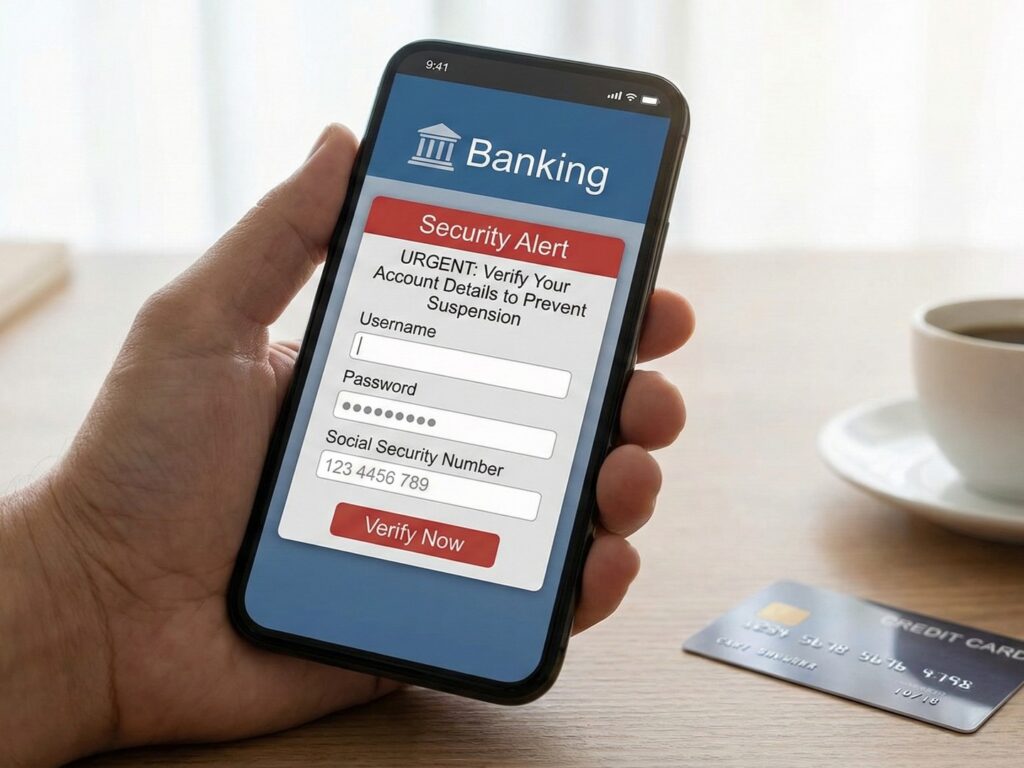
Albiriox is an advanced Android Banking Trojan that focuses on “On-Device Fraud” (ODF). Unlike older malware that might simply steal a password and send it to a server, Albiriox allows attackers to take full remote control of the victim’s device to perform fraudulent transactions as if they were the user.
Evidence suggests the malware was developed by Russian-speaking threat actors. It first appeared in private beta phases in September 2025 before launching publicly for rent at approximately $650 to $720 per month.
Who is at Risk?
The malware contains a hardcoded list of over 400 target applications, including:
- Major traditional banks
- Fintech and payment providers
- Cryptocurrency exchanges and digital wallets
What Can Albiriox Do?
Albiriox employs a terrifying suite of capabilities designed to bypass modern security measures, including 2-Factor Authentication (2FA) and biometric screens.
1. Advanced Remote Control (AcVNC)
The malware uses a technique called AcVNC (Accessibility VNC). It abuses Android’s “Accessibility Services”, features designed to help users with disabilities, to read the screen and click buttons remotely.
- Why this matters: This allows the malware to bypass FLAG_SECURE, a widespread security setting in banking apps that prevents screenshots and screen recording. Albiriox can “see” through this protection to steal sensitive data.
2. Overlay Attacks
Albiriox can draw fake windows over legitimate apps to trick users.
- System Update Overlay: A fake “System Update” screen is used to distract the user while the hacker performs transactions in the background.
- Black Screen Overlay: The malware can turn the screen black to hide its activity while it drains funds.
- Credential Harvesting: It can inject fake login forms over crypto wallets to steal seed phrases and passwords.
3. Evasion and Persistence
The malware is highly evasive. It uses “dropper” apps (decoys) to infect devices. For example, early campaigns used a fake version of the “Penny Market” app distributed via SMS phishing. Once installed, it hides itself and uses encryption (Golden Crypt) to avoid detection by antivirus software.
Prevention: How to Stay Safe
Because Albiriox relies on social engineering and specific Android permissions, users can block it by following strict cyber hygiene practices.
1. Never Download Apps via SMS Links
Albiriox is primarily distributed through “smishing” (SMS phishing). Attackers send text messages claiming you have won a prize or need to update an app, directing you to a fake website.
- Action: Always download apps directly from the official Google Play Store.
2. Be Wary of “Accessibility Services” Requests
This is the malware’s “master key.” If a simple app (like a calculator, flashlight, or shopping app) asks for Accessibility Services permissions, deny it immediately.
- Action: Review your phone settings (Settings > Accessibility) and ensure no unknown apps have access.
3. Watch for “Install Unknown Apps” Prompts
The dropper app needs permission to install the actual malware payload.
- Action: If an app asks you to allow “Install from unknown sources” or “Install unknown apps,” deny it. This is a major red flag.
4. Use Mobile Security
While Albiriox tries to evade detection, reputable mobile antivirus solutions often update their definitions to catch these threats.
- Action: Keep Google Play Protect enabled and consider running a secondary scanner from a trusted security vendor.
Albiriox represents a significant leap in mobile financial threats, capable of bypassing standard security flags to perform transactions on your behalf. Vigilance regarding app permissions and download sources is your best defence.
For more news like this, stay tuned to us at Adam Lobo TV.