Have you always dreamed of owning a Mac but thought: “Hey, it’s too expensive!”…?
Well, this is the new M2 Mac Mini
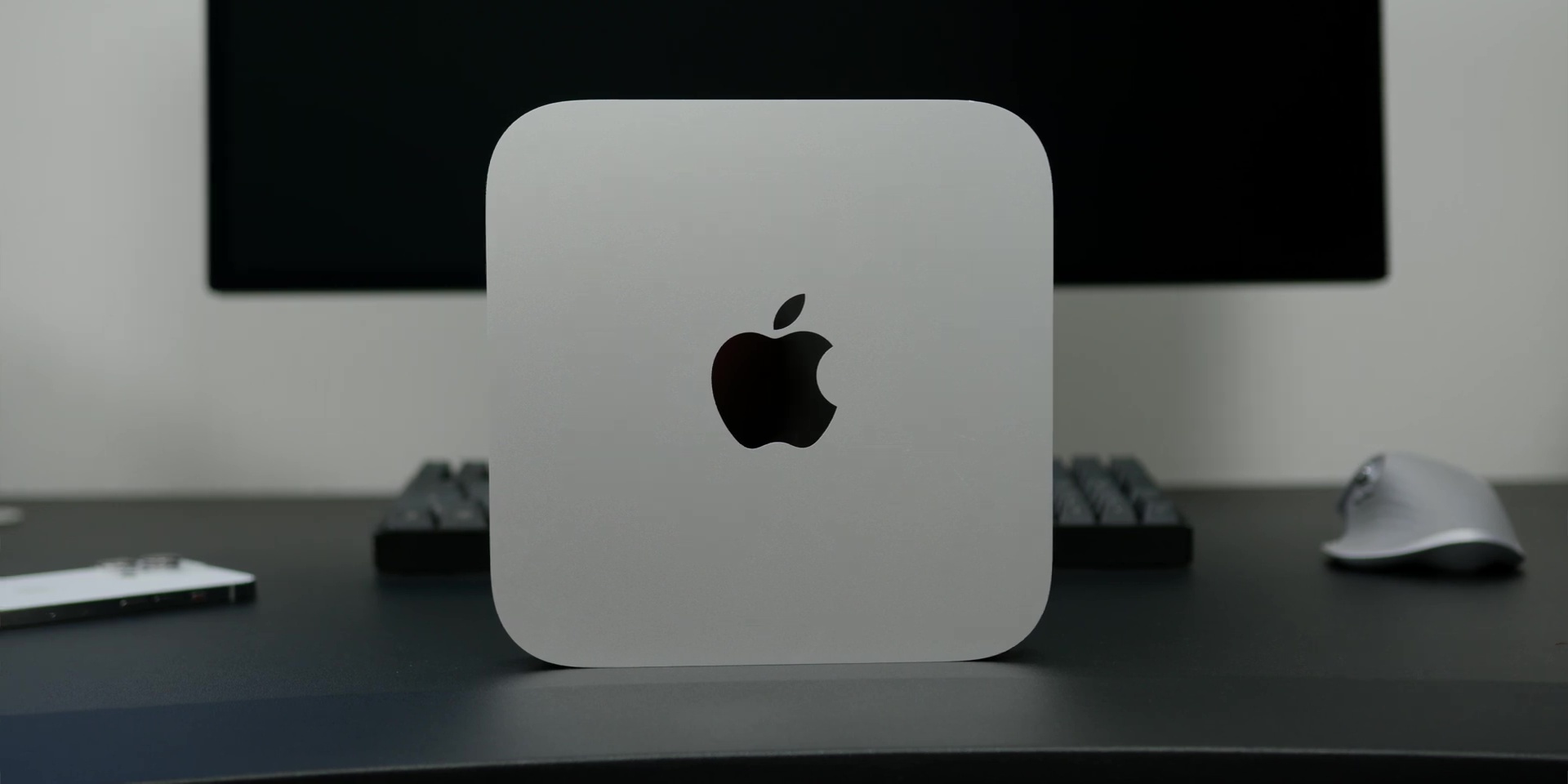
and it will change EVERYTHING for you as it is CHEAPER than its previous version, with a significant drop in price from RM2,999 to only RM2,499, and if you’re a student, you can get it for as low as RM2,079!
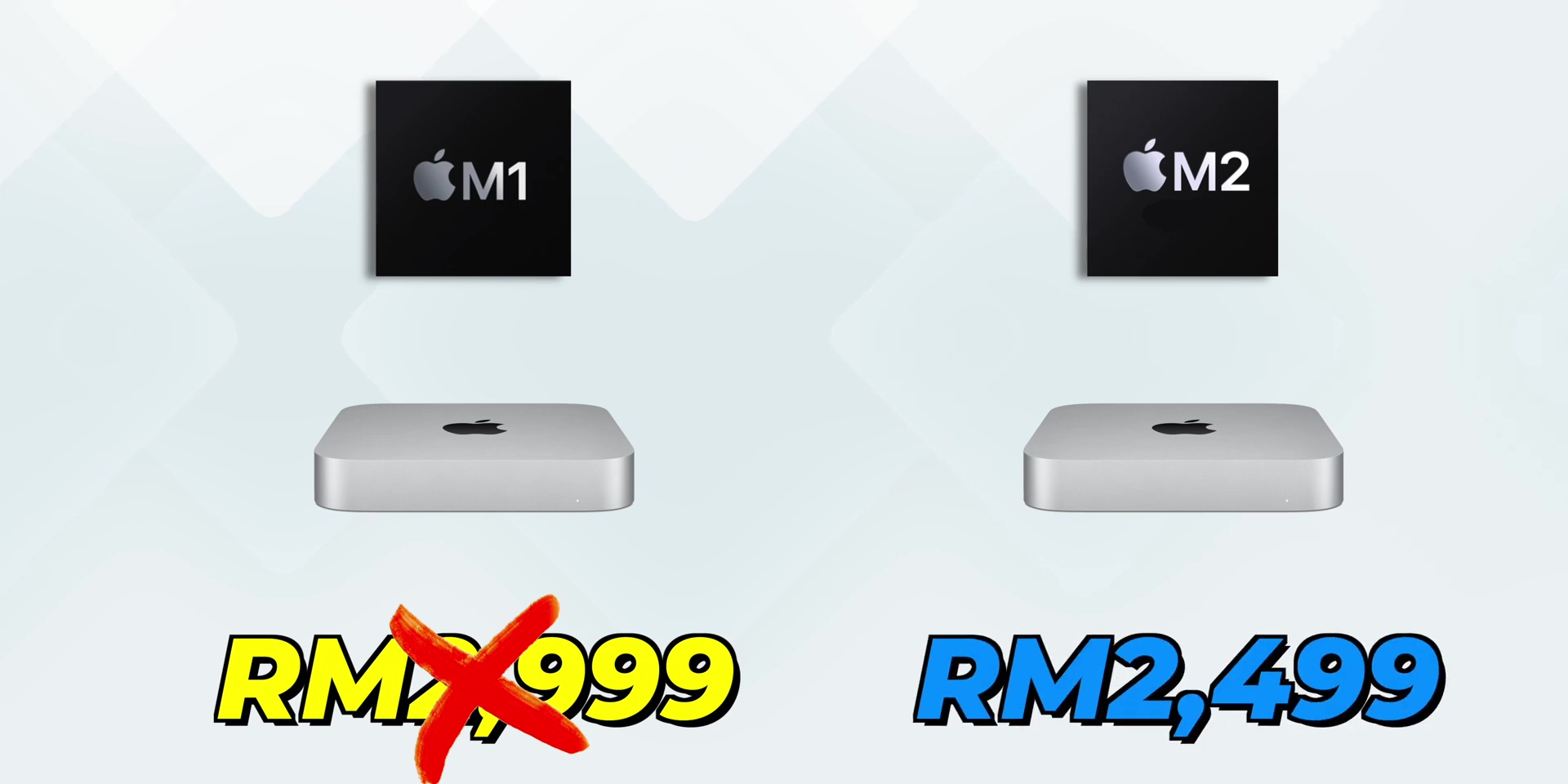
But it’s not just the price that’s got me excited because this new M2 Mac Mini has incredible updates!
So in this article, I will tell you why the M2 Mac Mini is worth your attention, and if you are wondering which specs you should go with, well, allow me to help you with that.
Unboxing
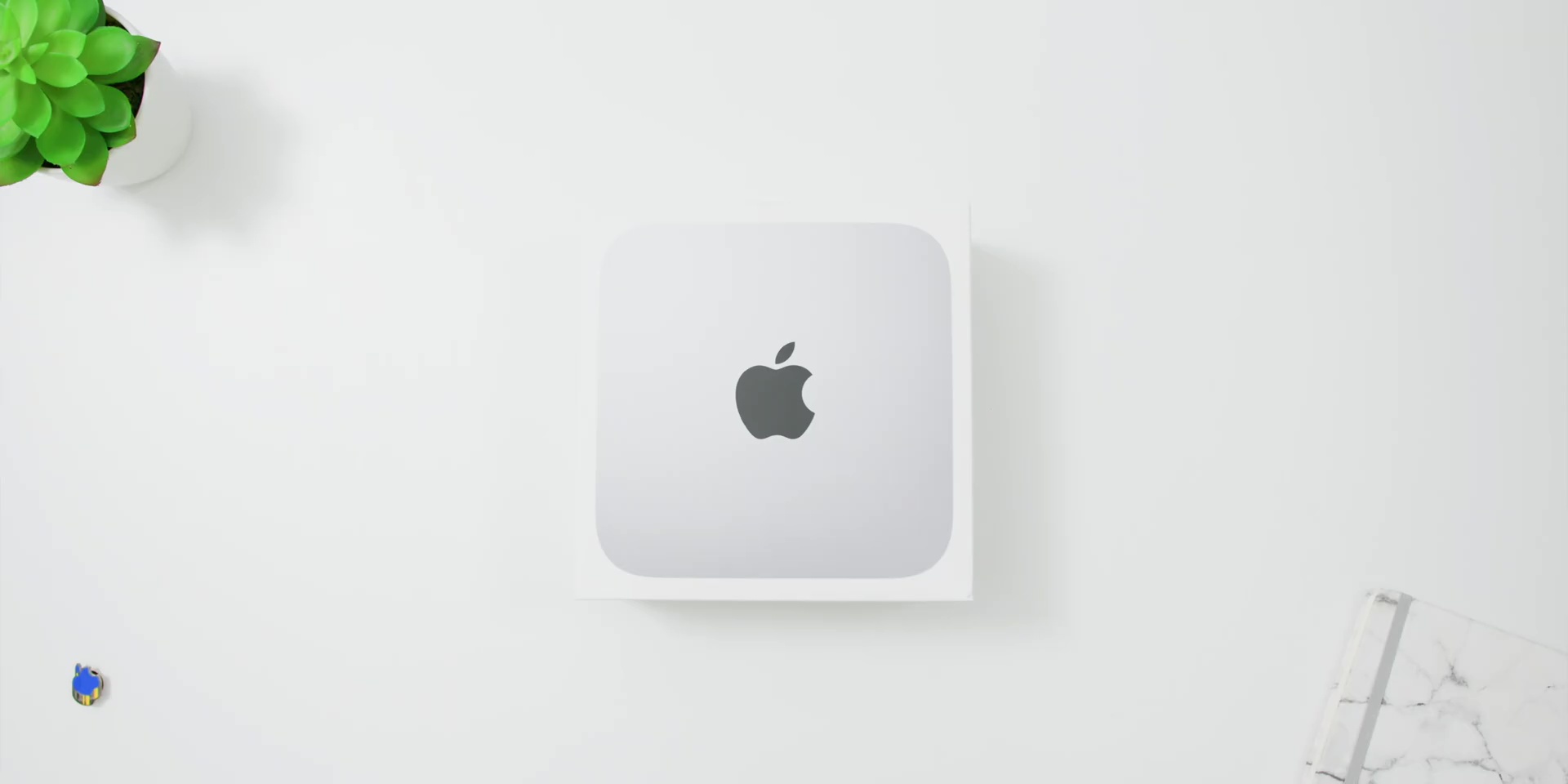
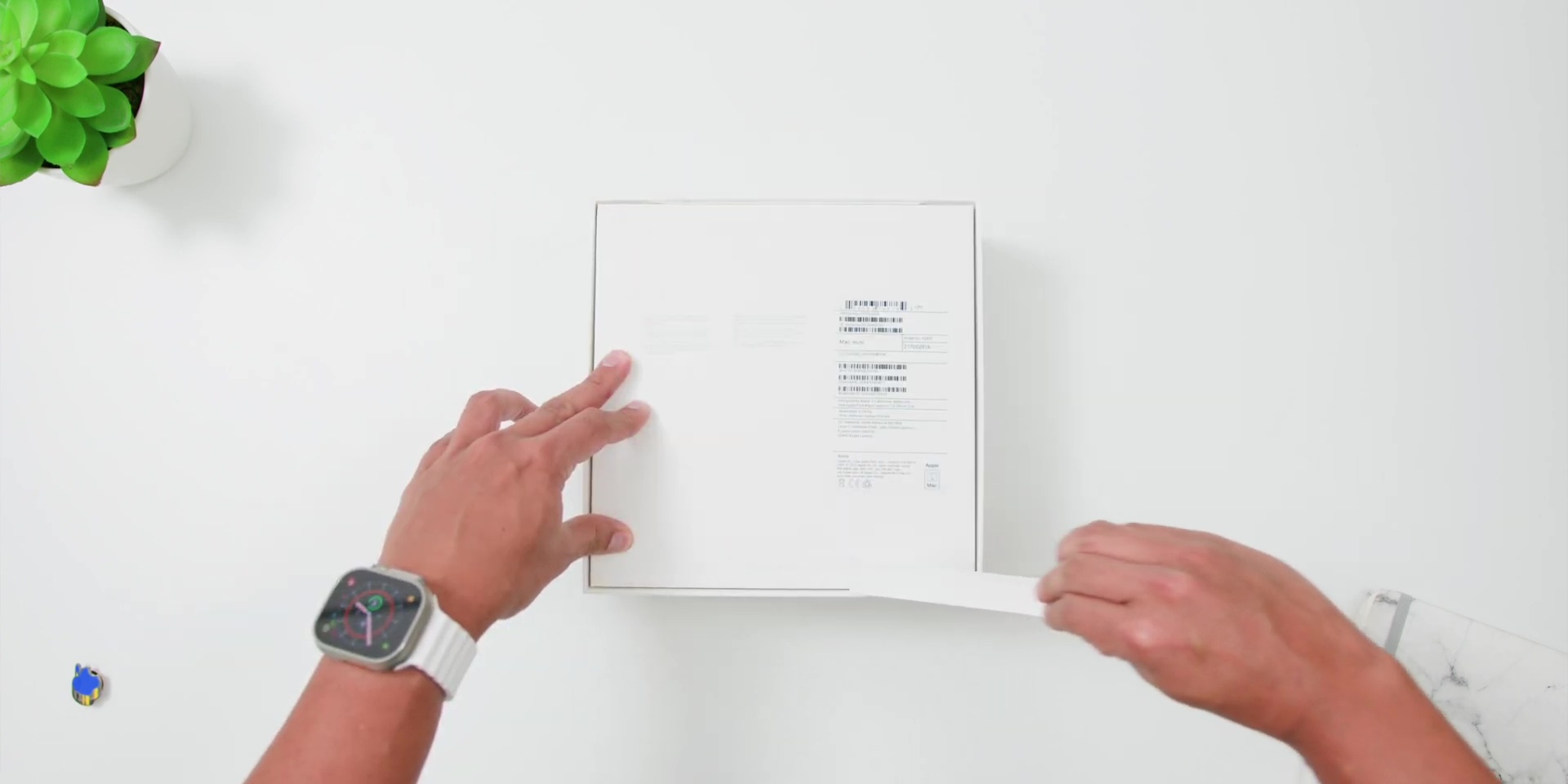
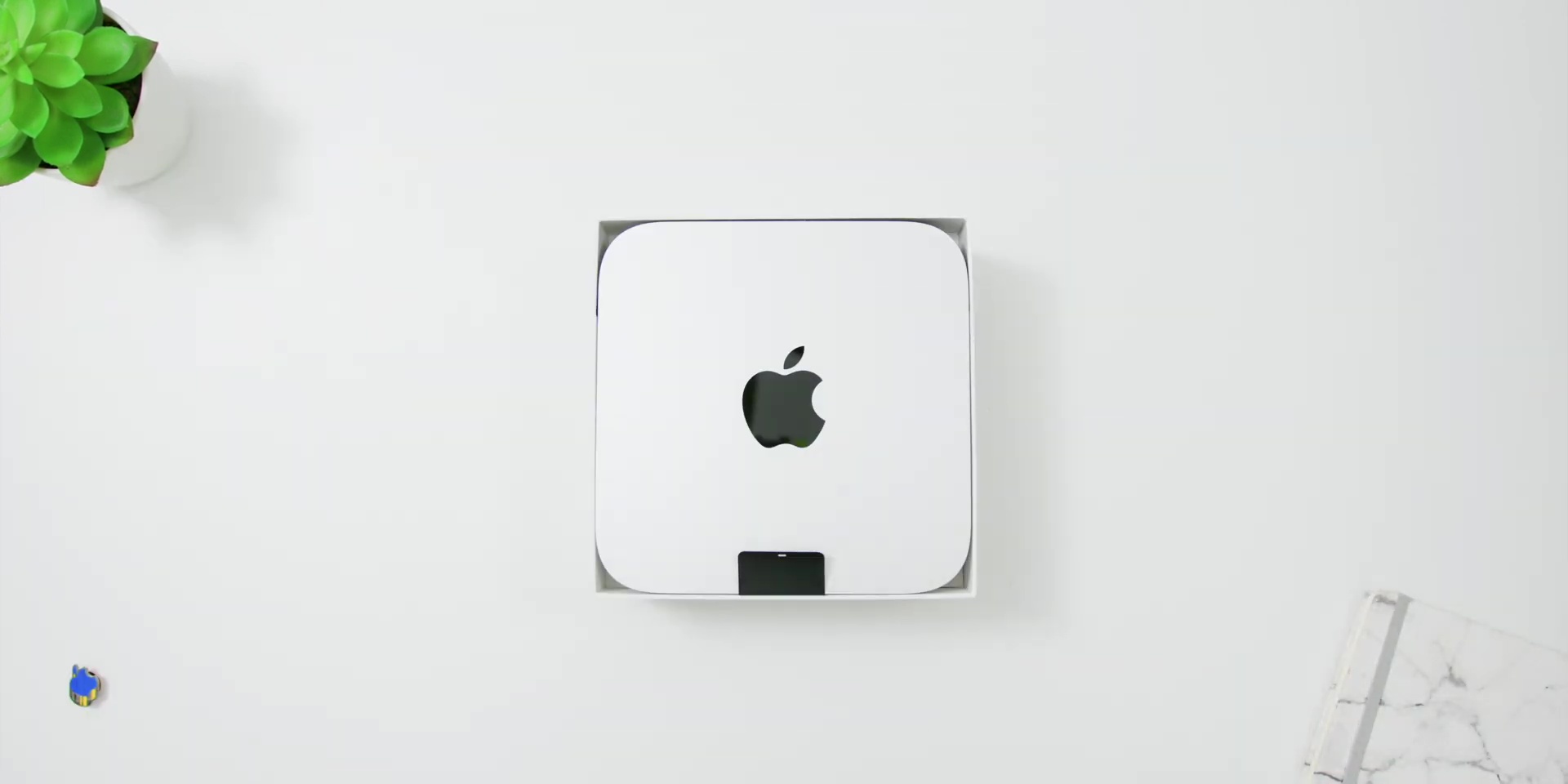
Starting with the unboxing process, as usual, the box comes in white, with the visuals of the Mac Mini in front. Then at the back, there are the specs listing according to the variant that you choose, and the two sticker tabs to proceed with the unboxing.
Opening the box, you will immediately see the Mac Mini inside, underneath there is the User Manual and a Silver Apple Sticker. Then, finally the power cord.
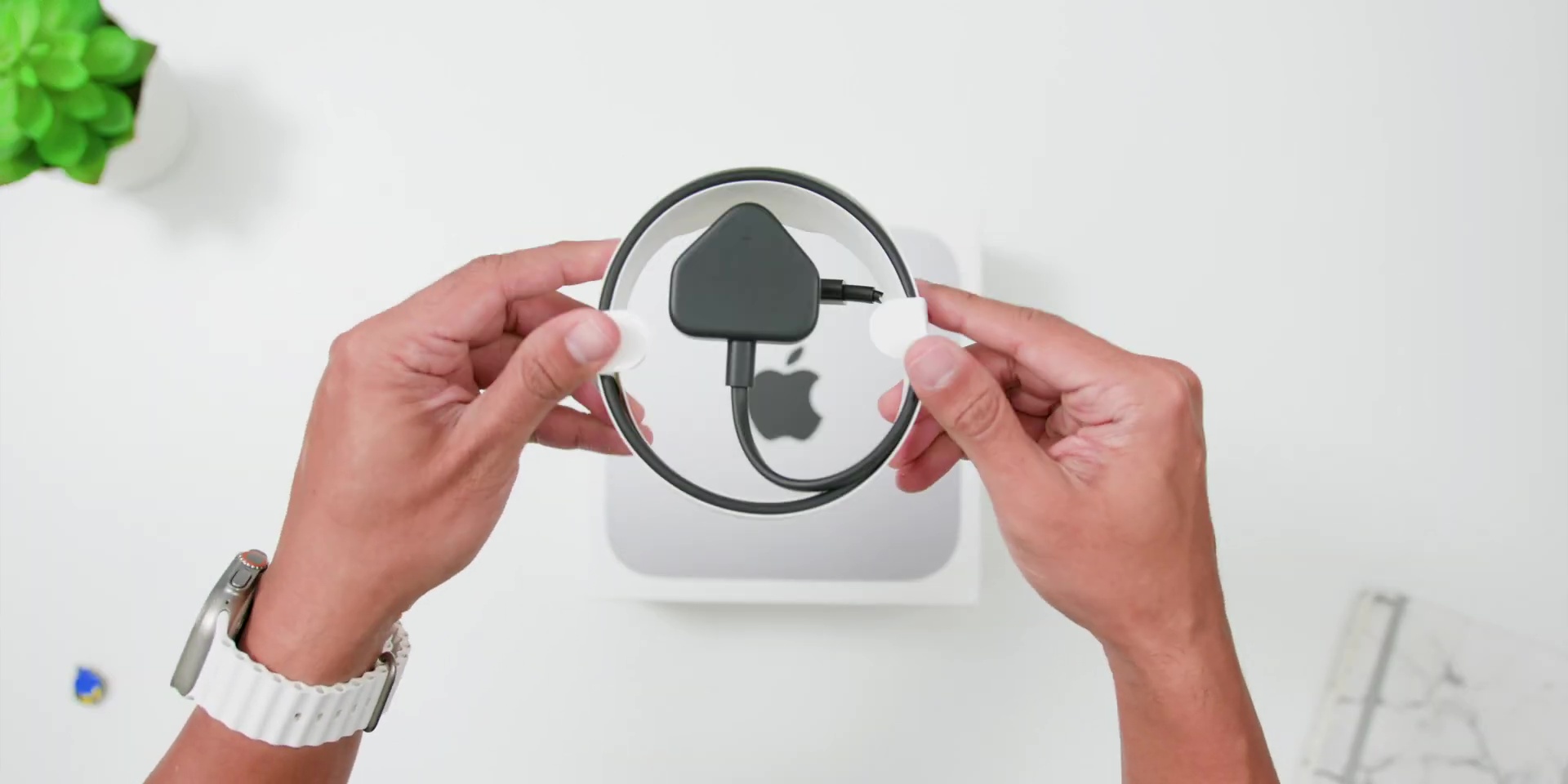
And since the variant that I have is the upgraded M2 Pro version, there are two more Thunderbolt 4 ports, and I will get into the ports a little later.
Design
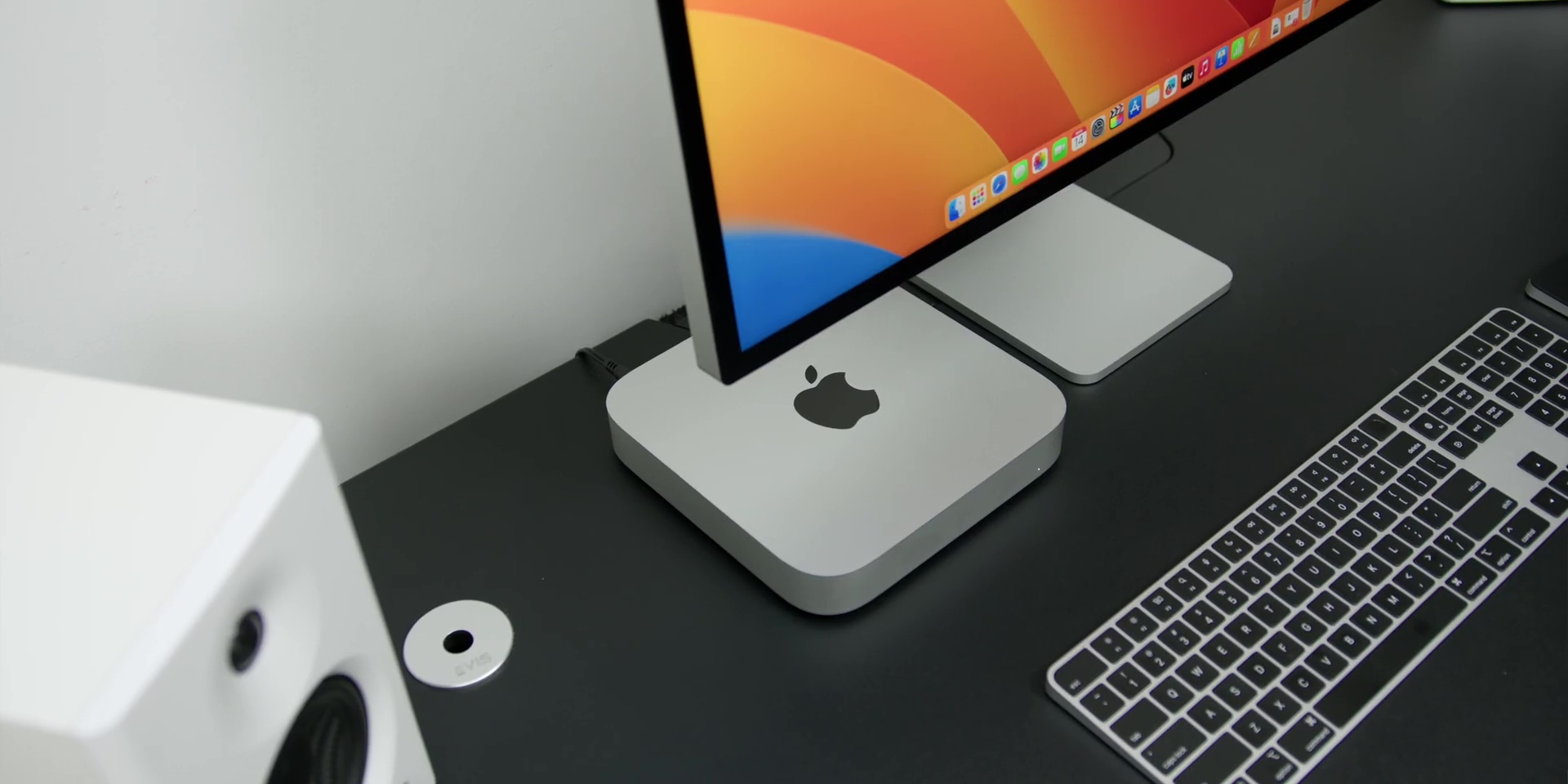
Now, let’s talk about the design, and yes, I know you might be thinking: “Why didn’t Apple change the design?” Well, let’s be real; they had to cut costs somewhere. And I don’t know about you, but I’d rather save my money rather than have a brand-new design just for the sake of having one.
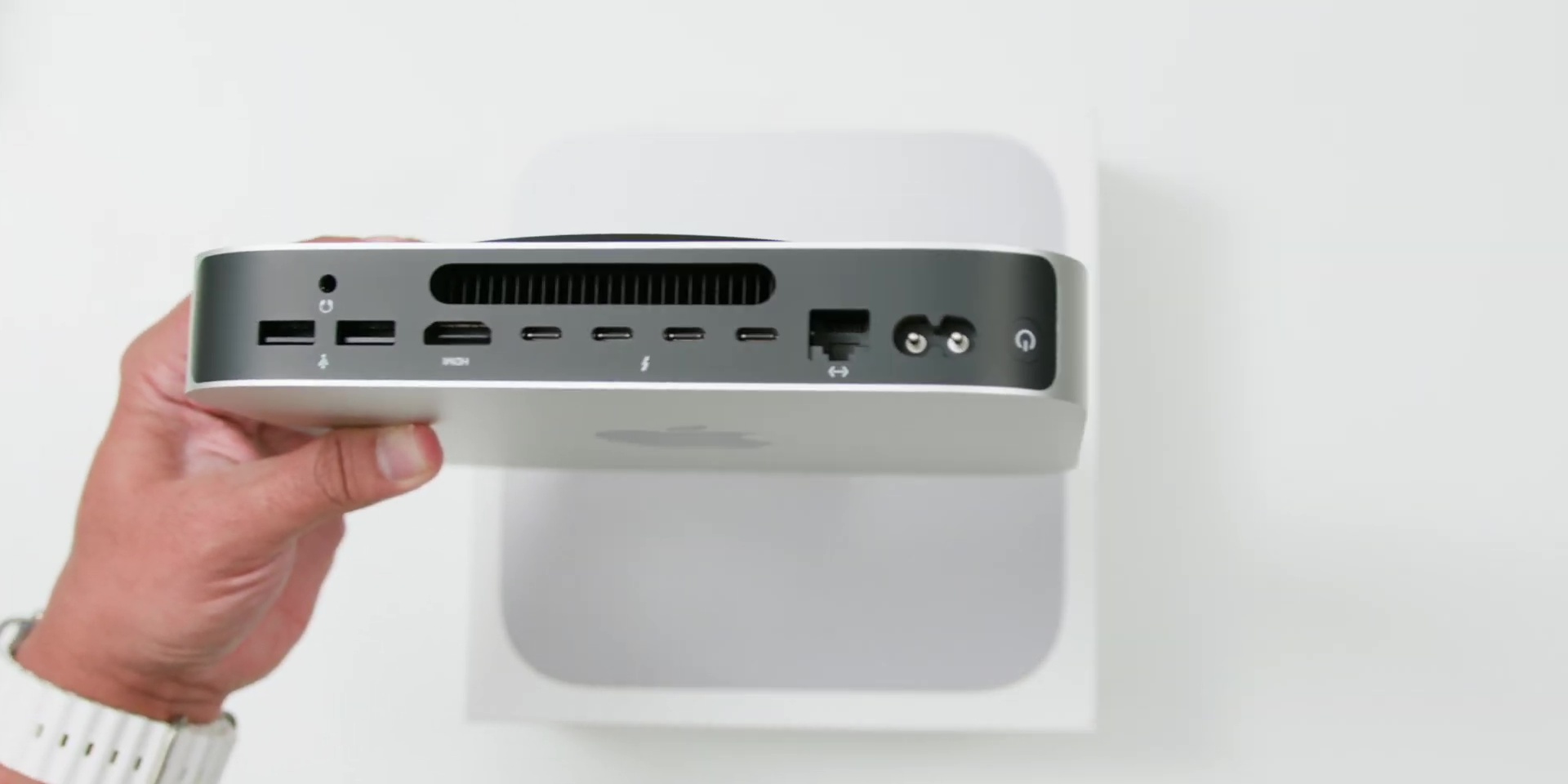
Keeping everything nice and minimal, all of the IOs are at the back, and you’ll find the power button, the power input, and also an Ethernet port that you can configure to a 10 Gigabit port, but that will set you back with an extra RM400. But hey, if you don’t need it, don’t break the bank for it because it has fast internet speed that you need for this new M2 Mac Mini as it comes with a Wi-Fi 6E modem.
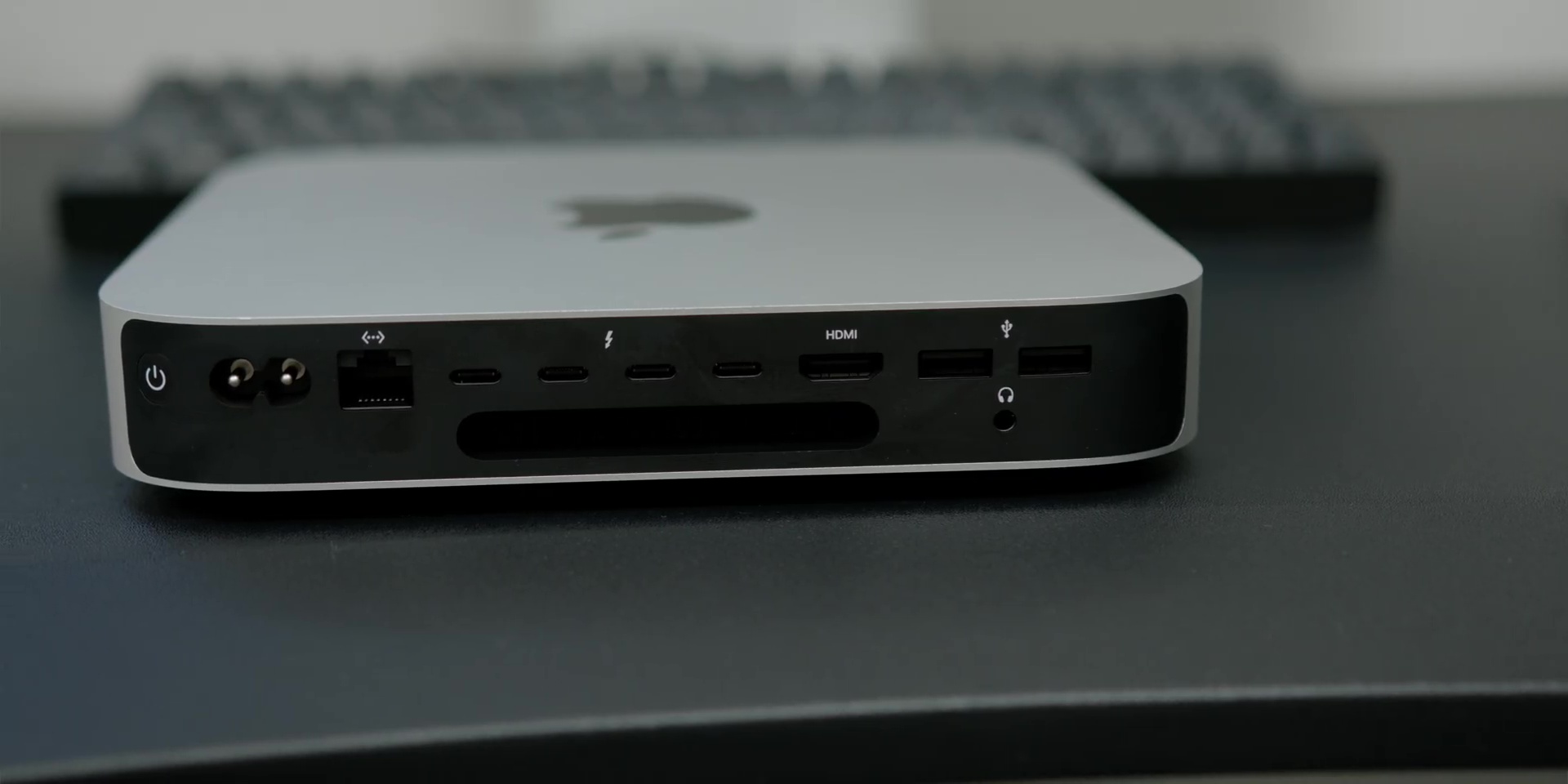
As seen in my M2 Pro version, it comes with not one, not two, not three, but FOUR Thunderbolt 4 ports, and the best part is that while the non-pro M2 version reduces the total number to two ports, but it still has Thunderbolt 4 ports, so kudos to Apple for giving that Thunderbolt 4 port instead of giving a lower speed port for the non-pro version.
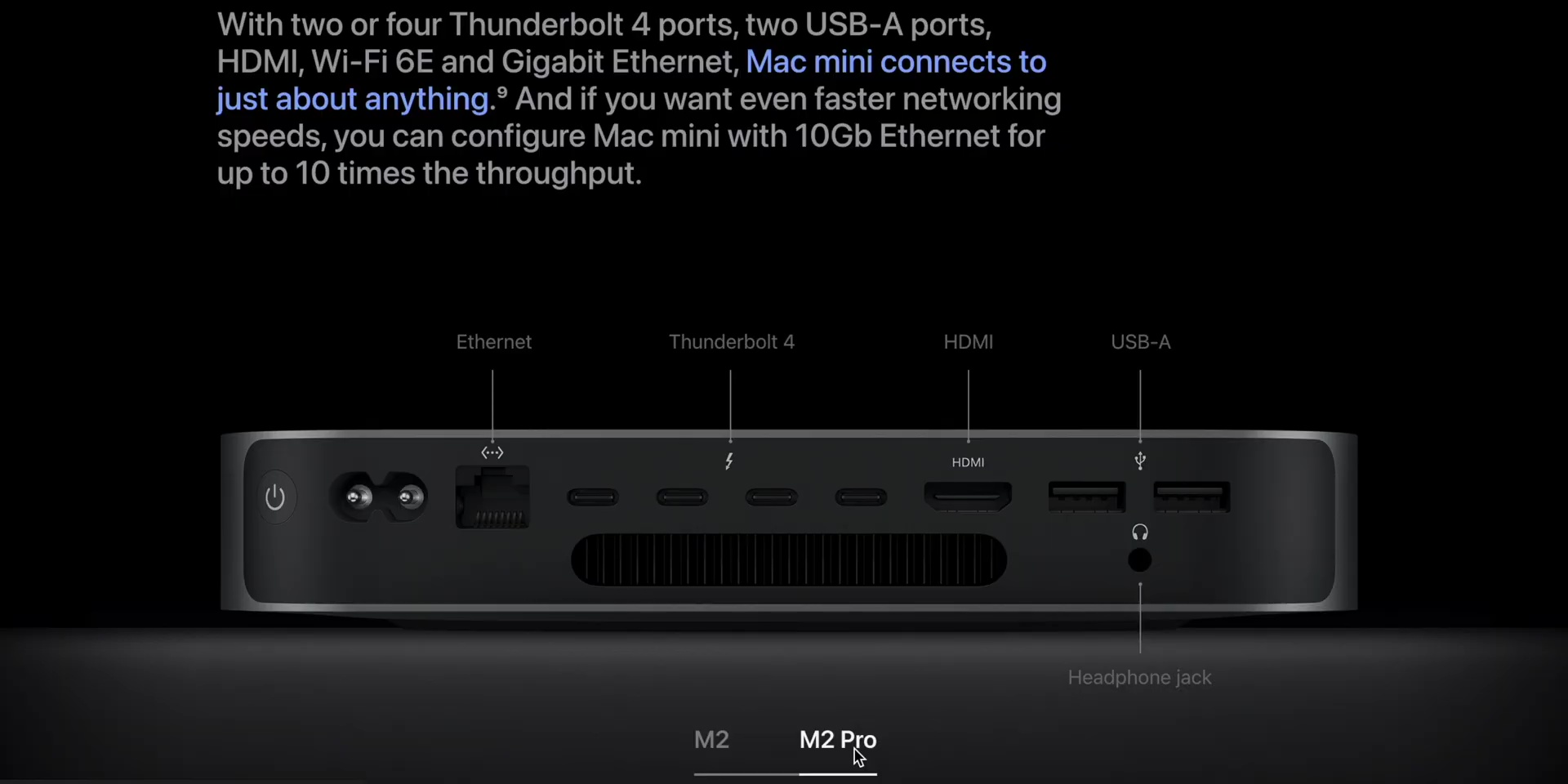
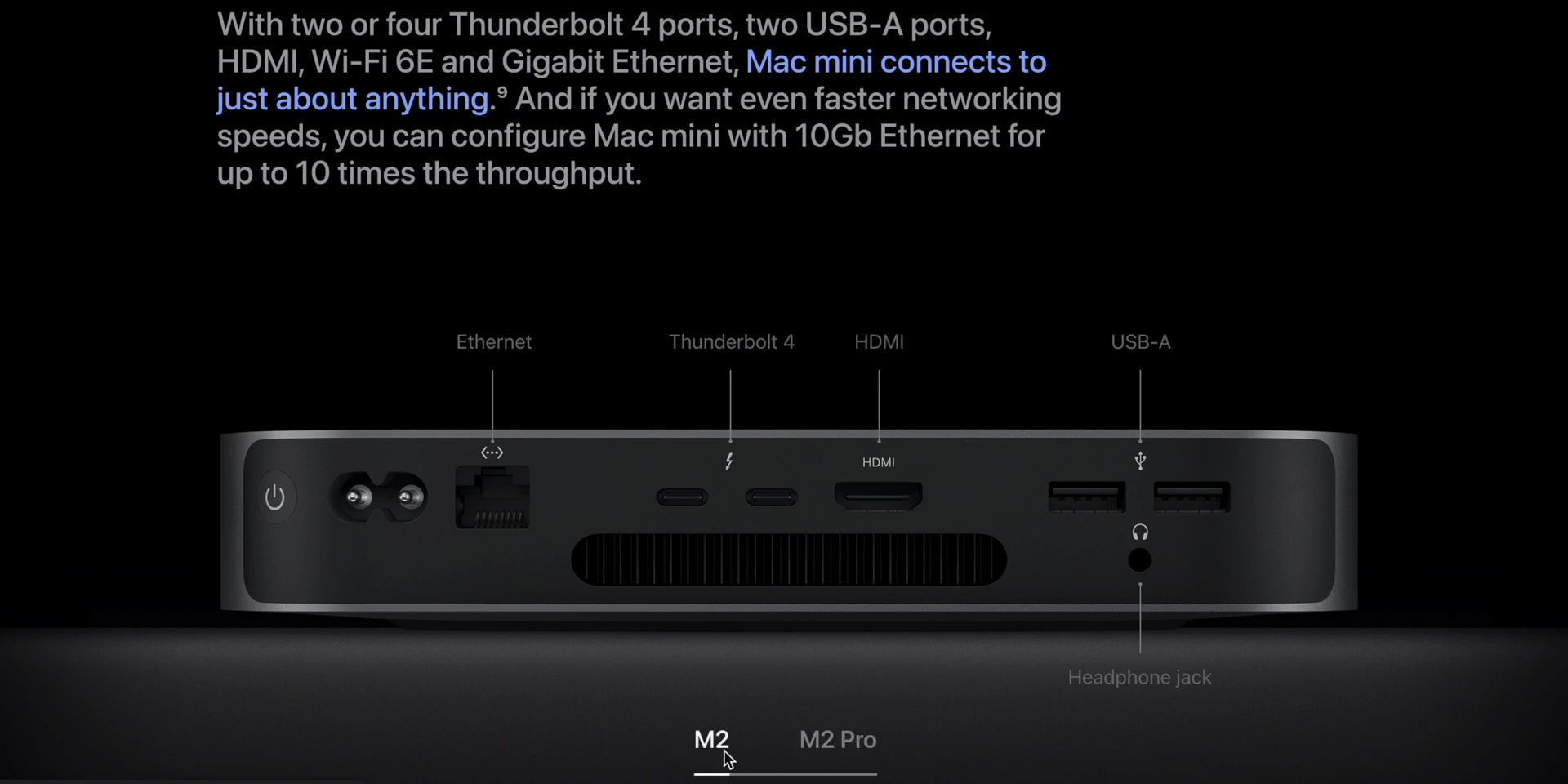
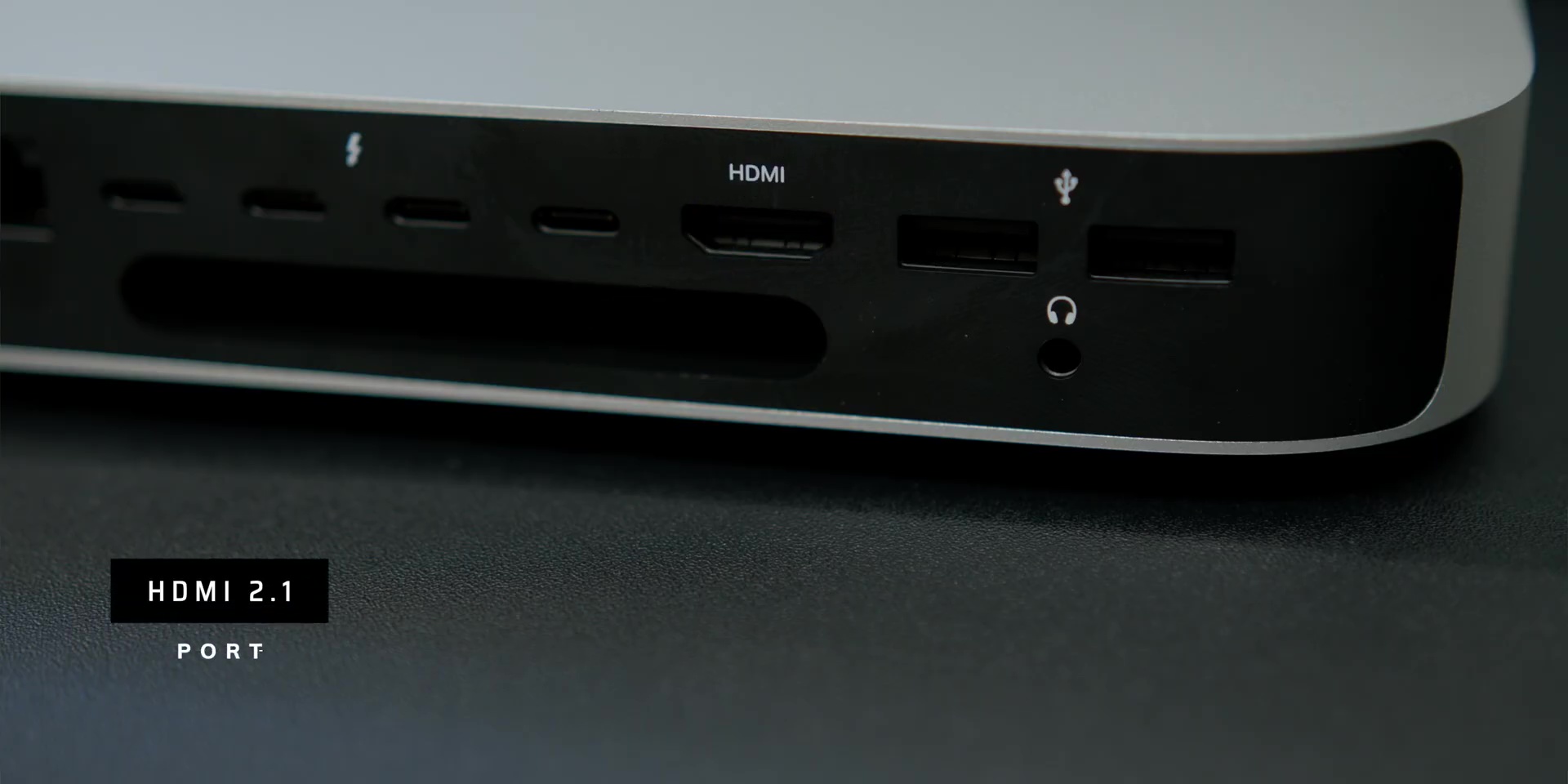
Then the HDMI port is an upgraded version 2.1, plus there are two USB-A ports and a high-impedance headphone jack.
And, of course, one of the major advantages of the Mac Mini’s desktop experience is the cooling system because unlike laptops that are often limited by their thin and compact design, the Mac Mini has ample amount of space for a large fan and efficient airflow, which means it can handle heavier workloads without any issues at all.
Display Options
Next, let’s dive into the exciting world of the M2 Mac Mini’s monitor setup capabilities! This little machine is a powerhouse when it comes to handling multiple displays, and you have plenty of options to suit your needs. You can have a setup so powerful, it can make you feel like a boss or a supervillain!
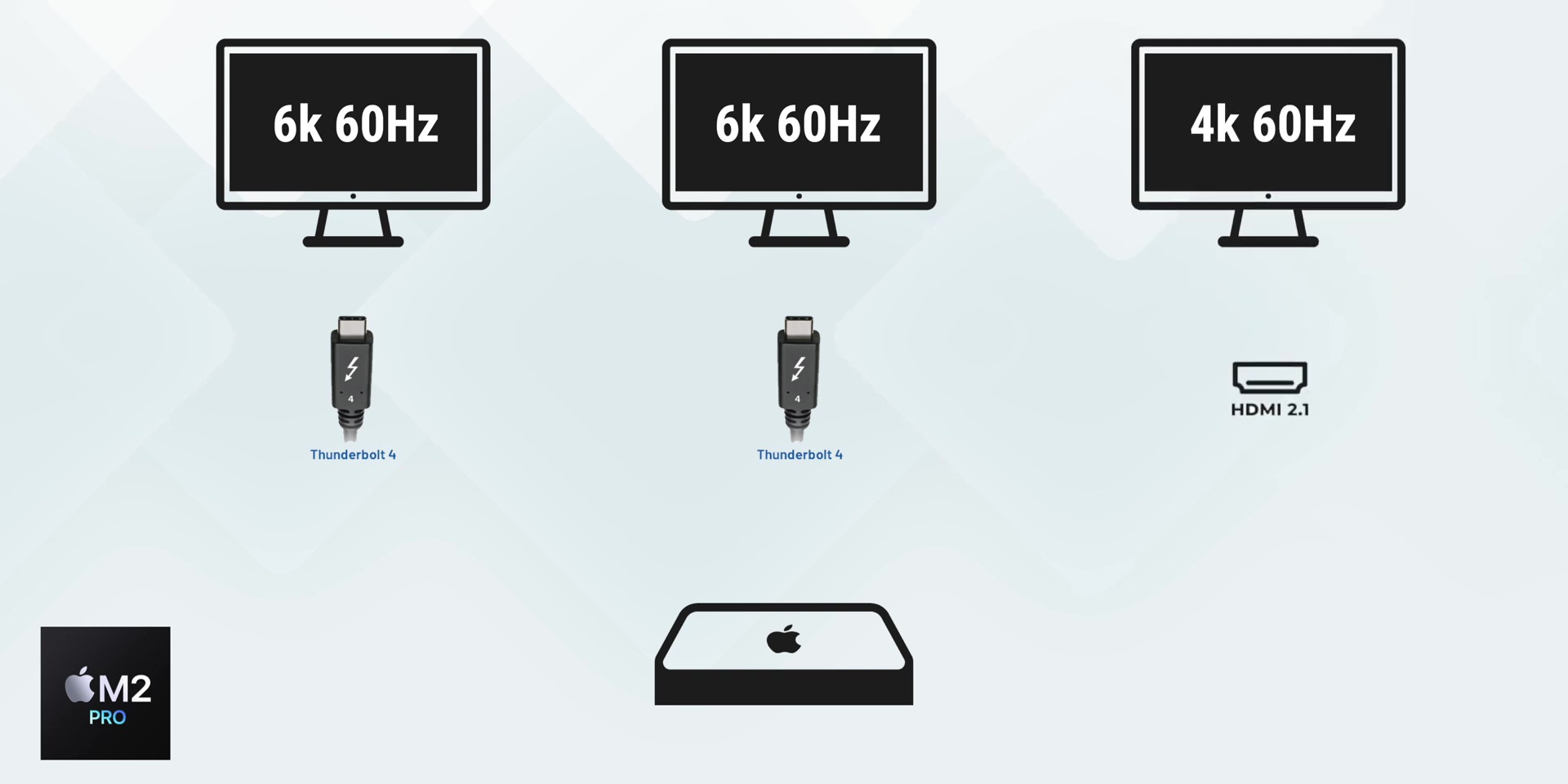
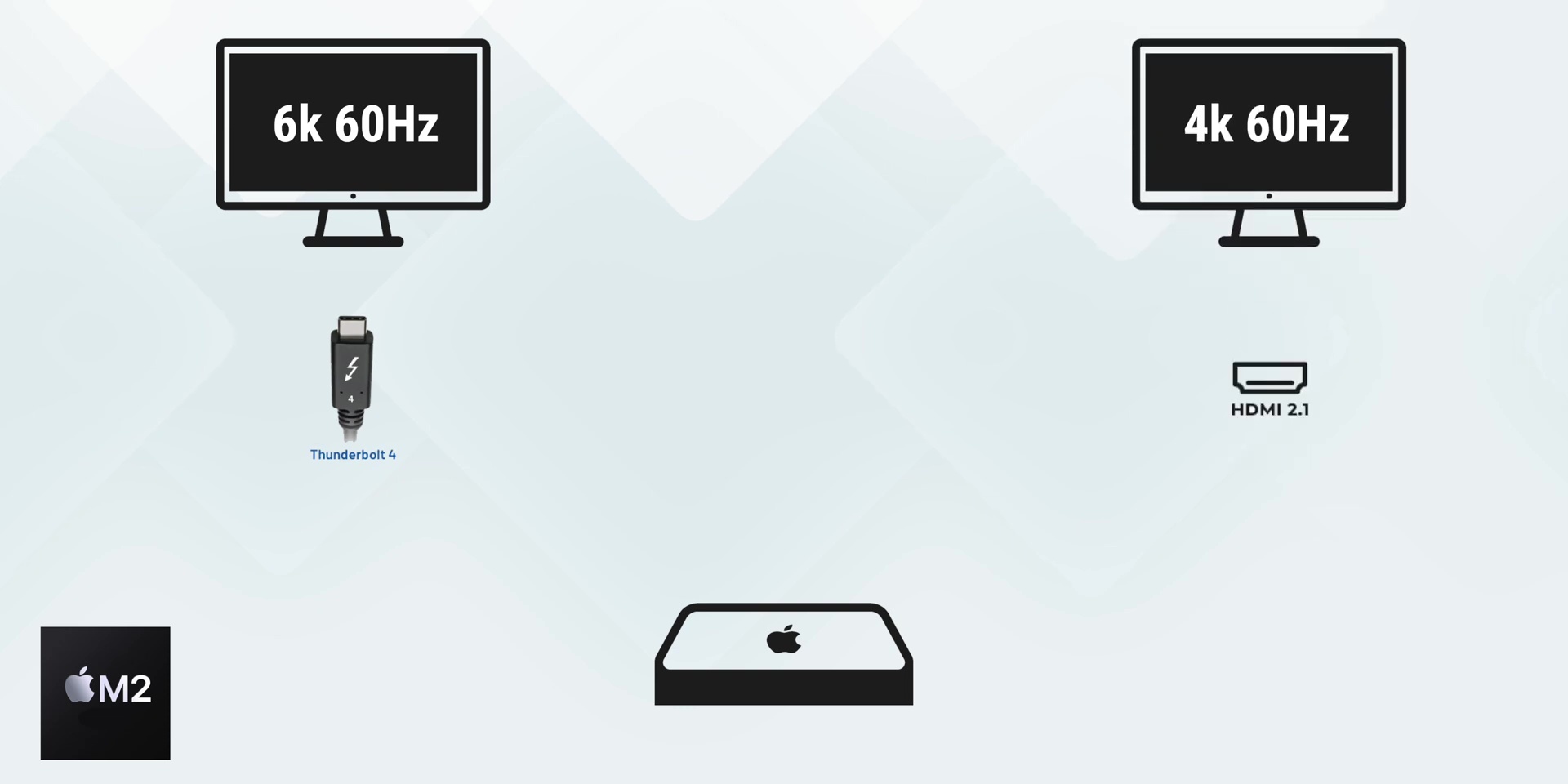
First up, on the M2 Pro version, you can have up to a three-display setup, where you can connect two monitors via the Thunderbolt 4 port with up to 6K 60Hz resolution and another through the HDMI port that supports up to 4K 60Hz.
So this would be like having your own command center right on your desk!
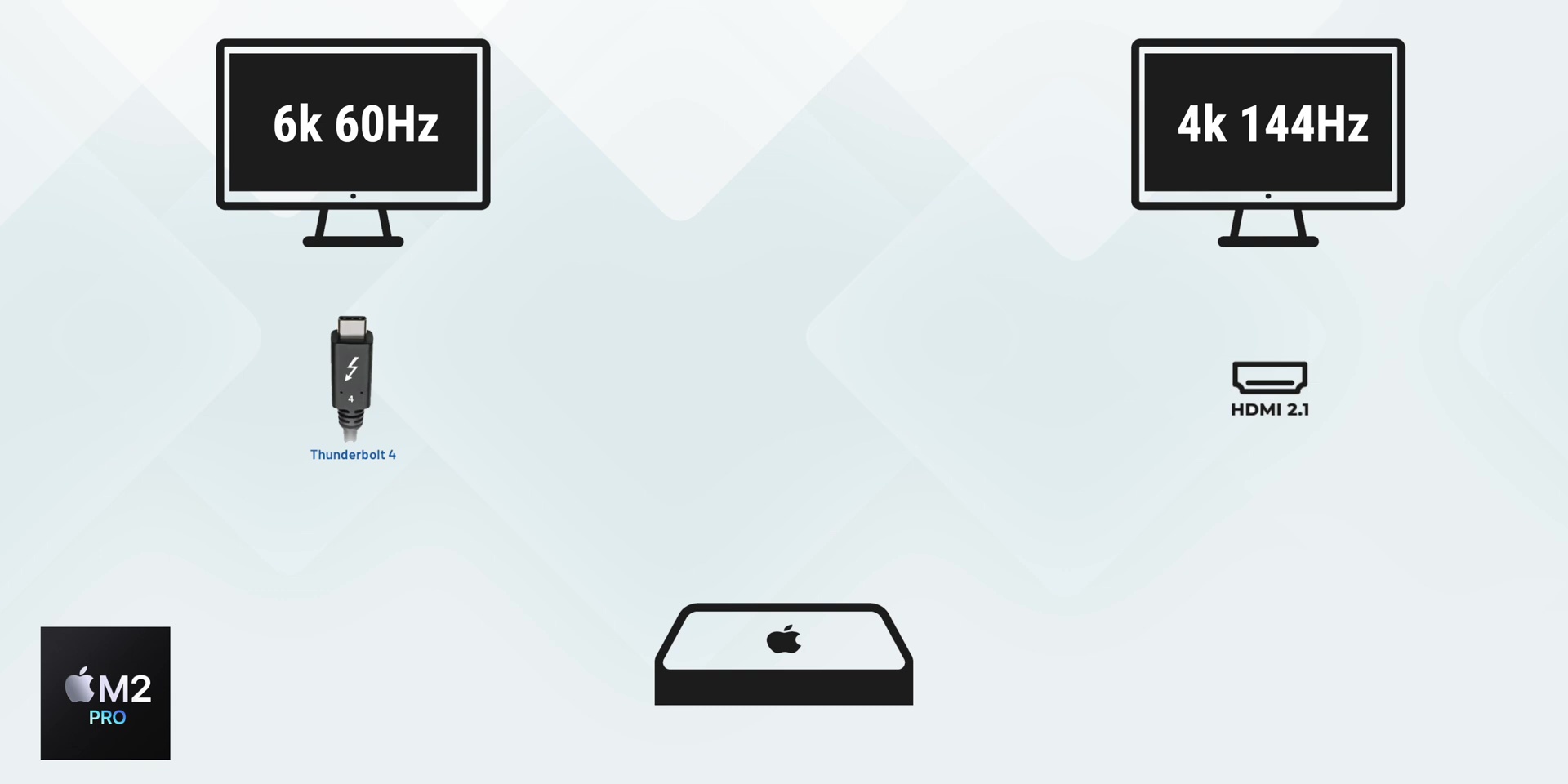
Then the second setup for the M2 Pro is maybe if you’re more of a dual-display kind of person, where you can have a gorgeous 6K 60Hz monitor for your main display over Thunderbolt and pair it with a 4K resolution 144Hz monitor for that buttery-smooth experience over HDMI.
Then the M2 version’s dual display setup can support one display up to 6K 60Hz display over Thunderbolt, then the other display is up to 5K 60Hz over Thunderbolt…
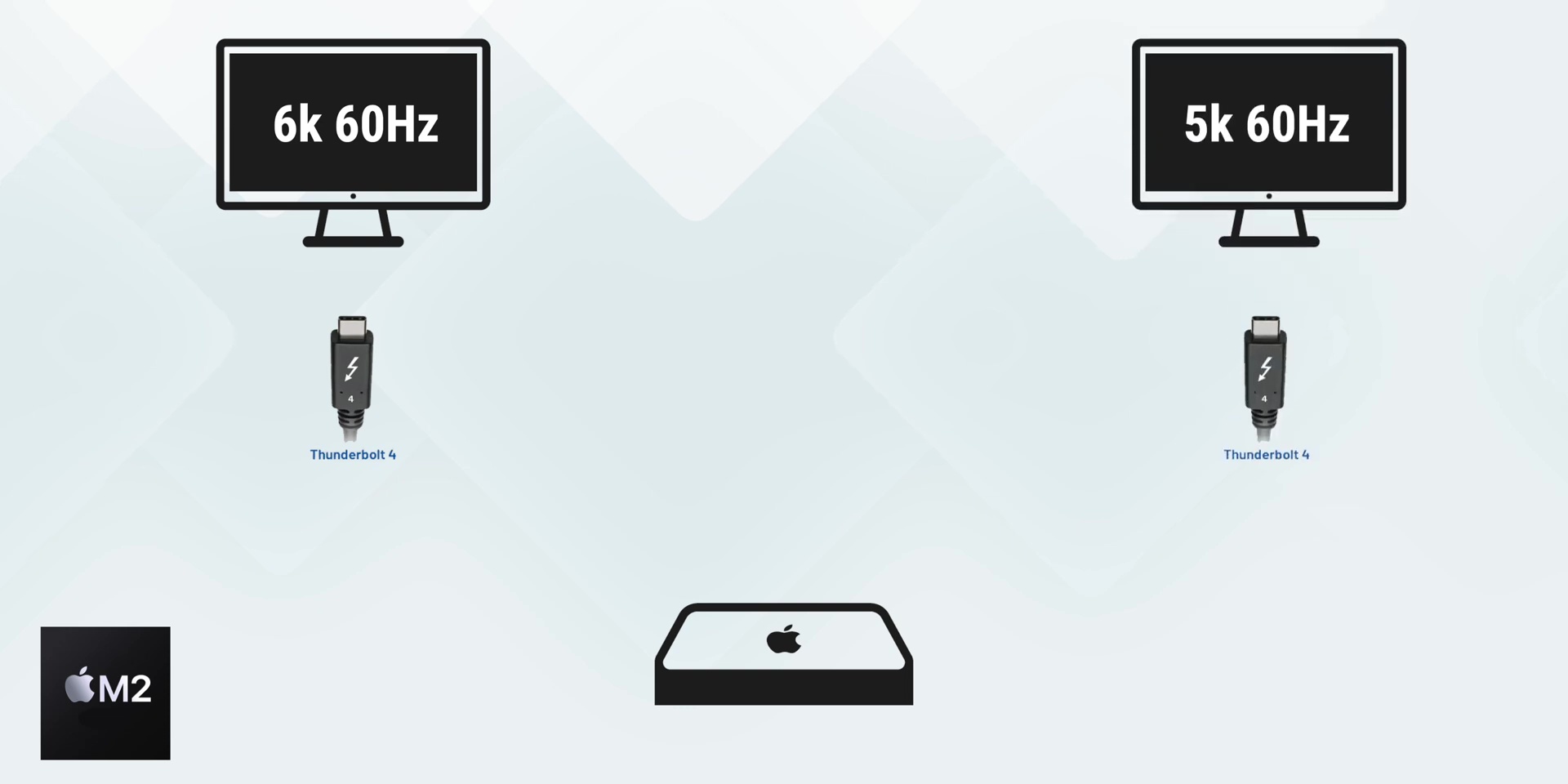
…or a 4K 60Hz monitor through HDMI.
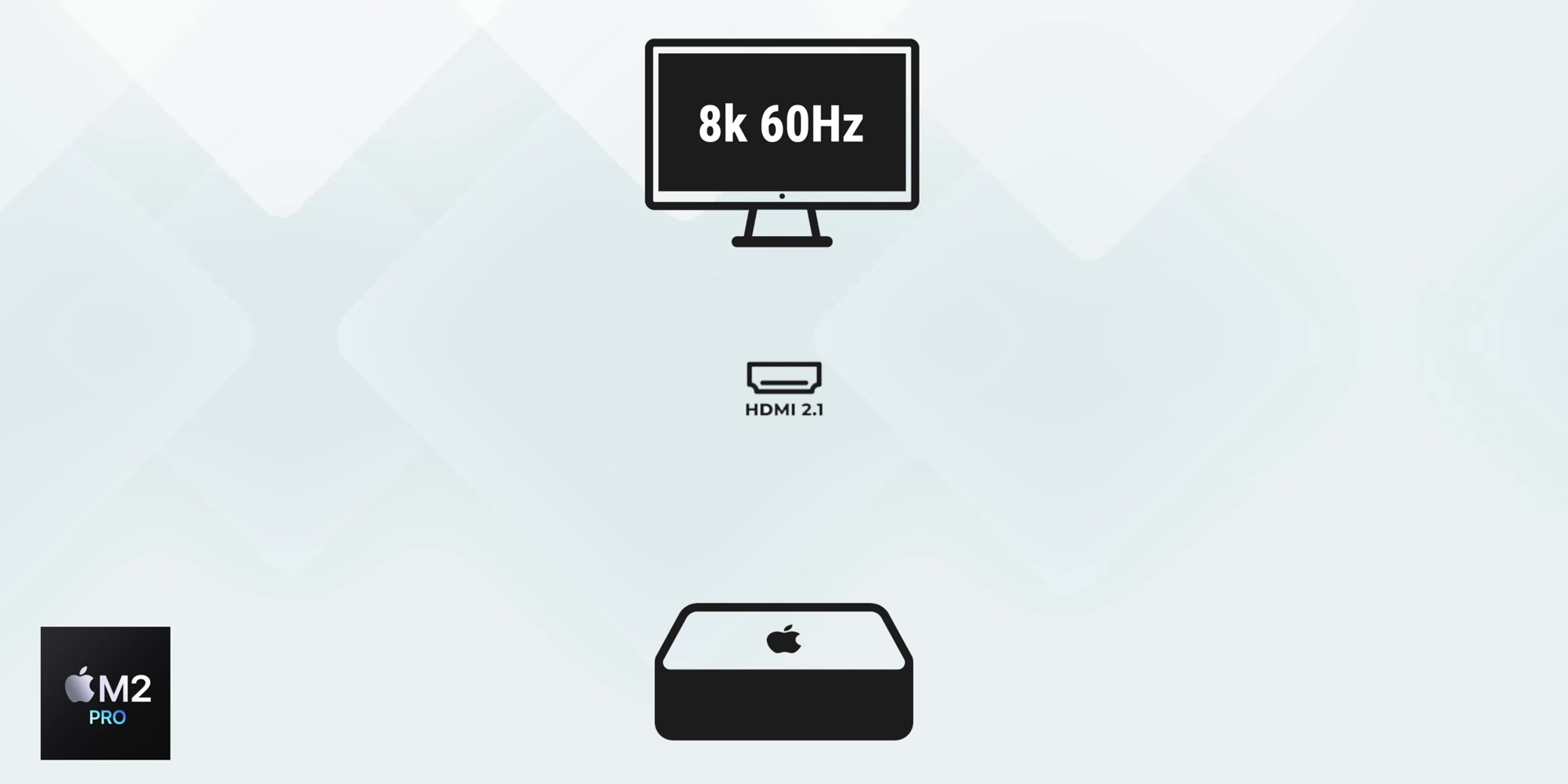
And the third setup is if you’re all about the minimalist life, for the M2 Pro, you can stick to a single monitor setup via HDMI, either with an 8K up to 60Hz monitor…
…or a 4K monitor with a whopping 240Hz refresh rate!
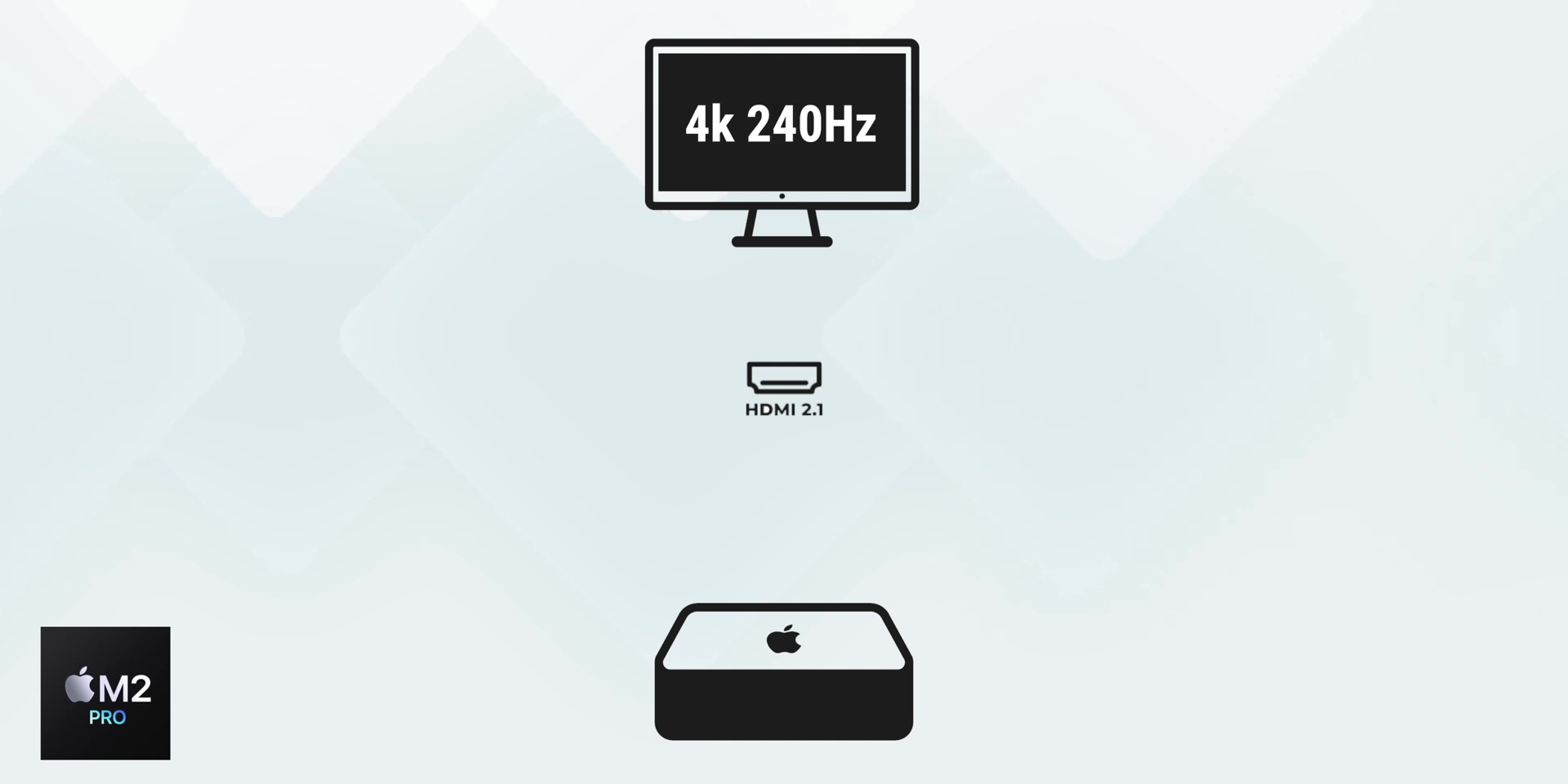
That for me, is a crazy amount of refresh rate when it comes to the support on the Mac Mini!
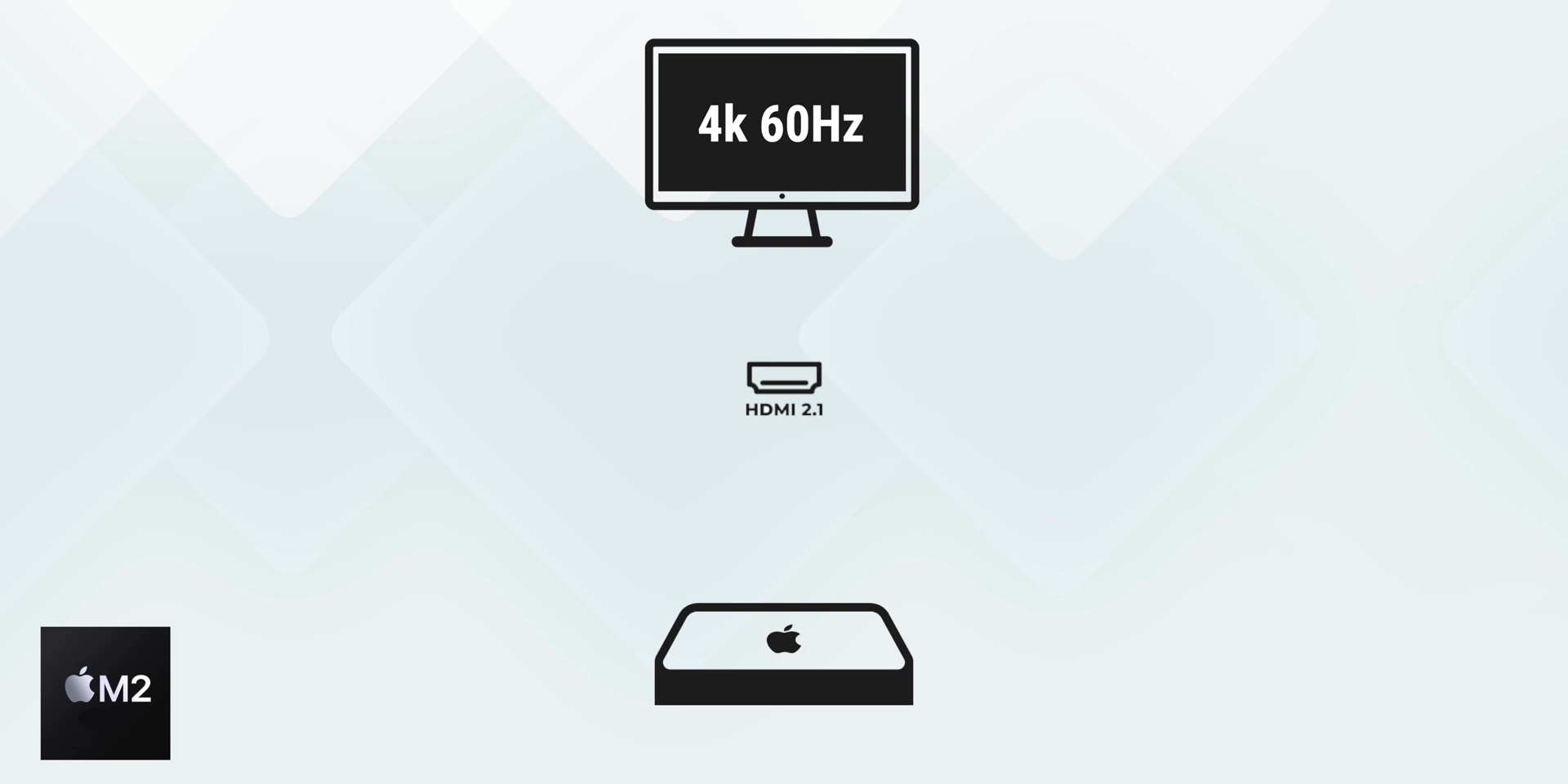
And for the M2 version, through the HDMI, it can support up to 4K resolution at 60Hz if you want to free up the Thunderbolt 4 ports.
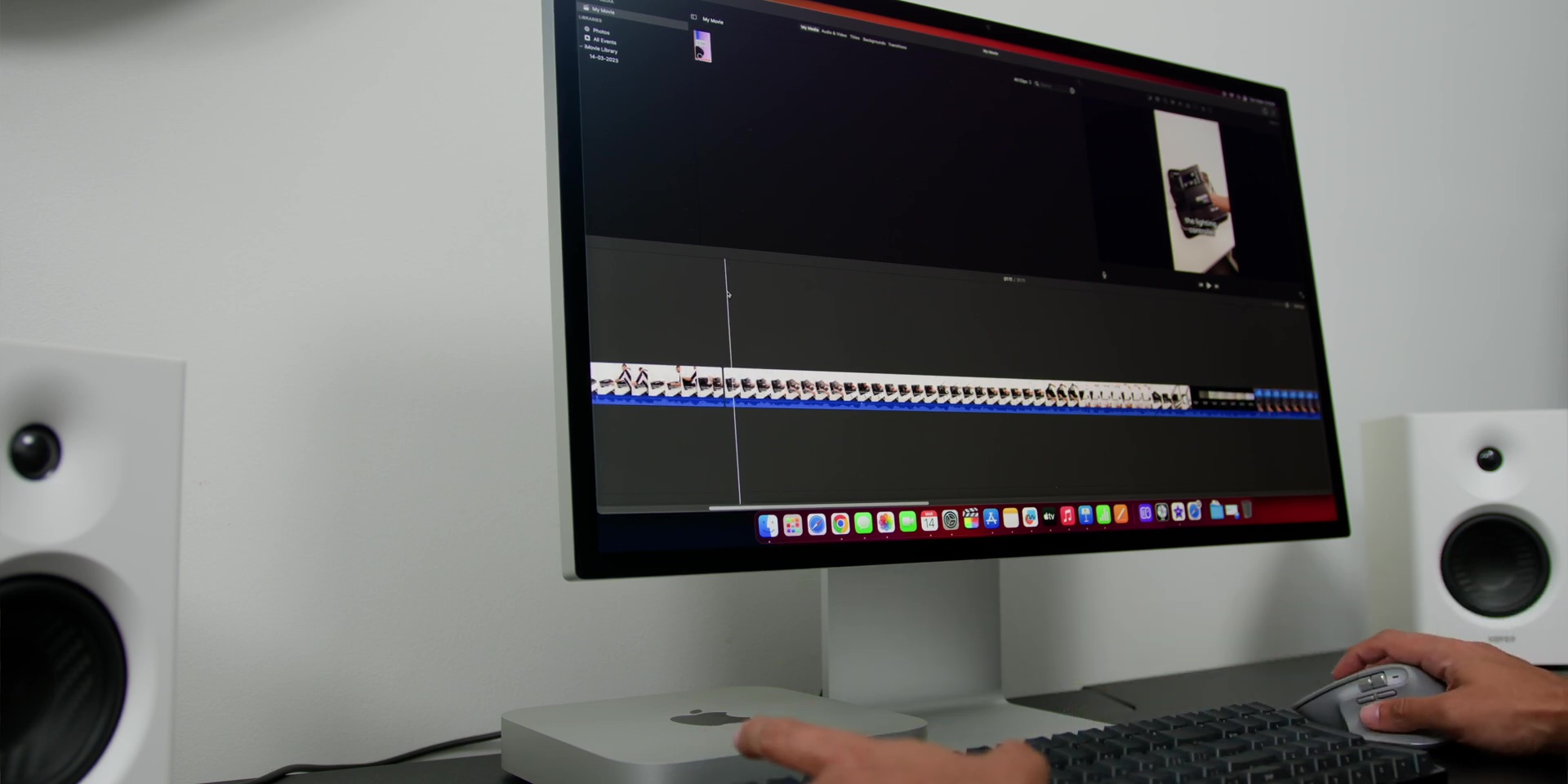
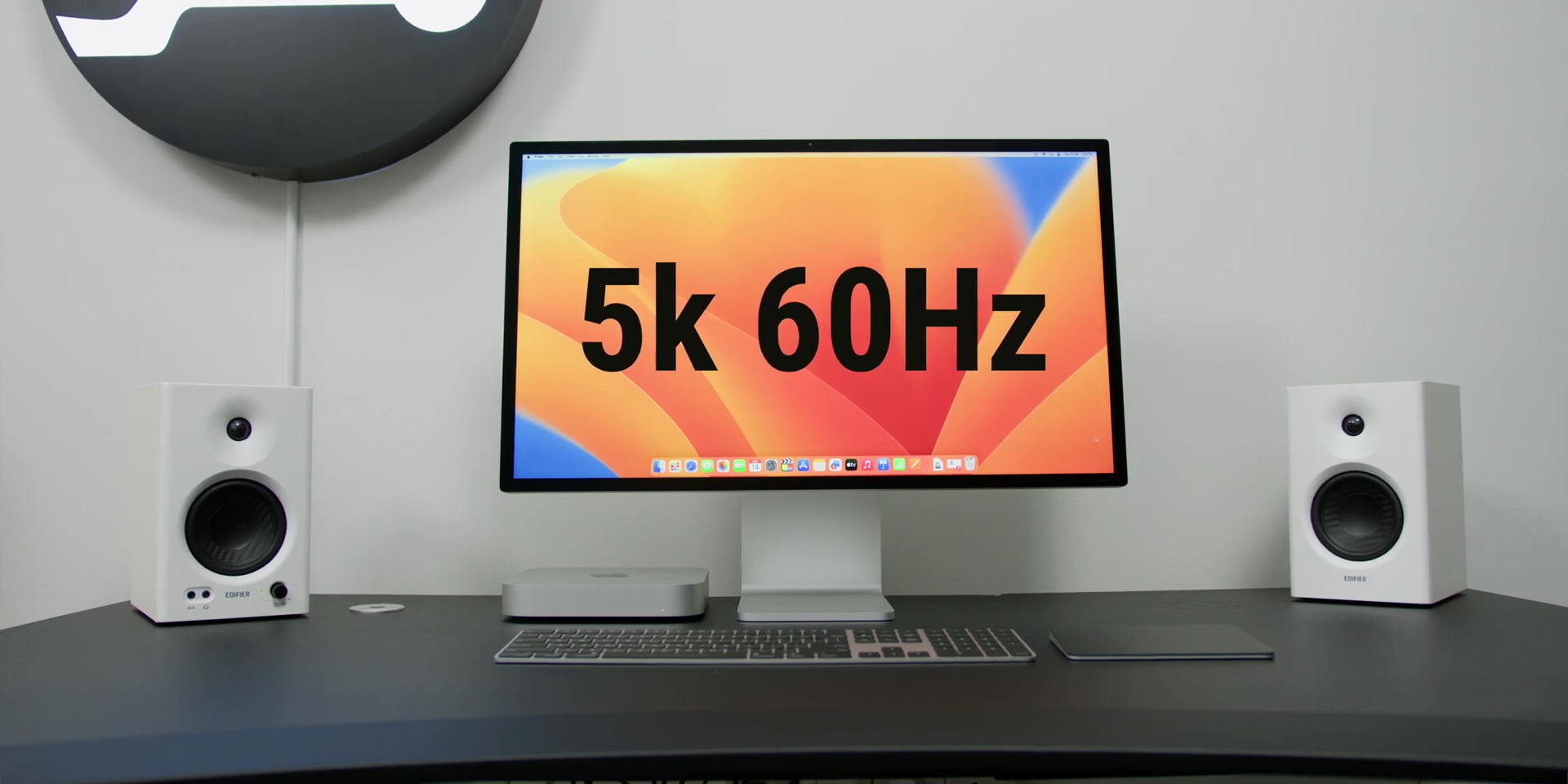
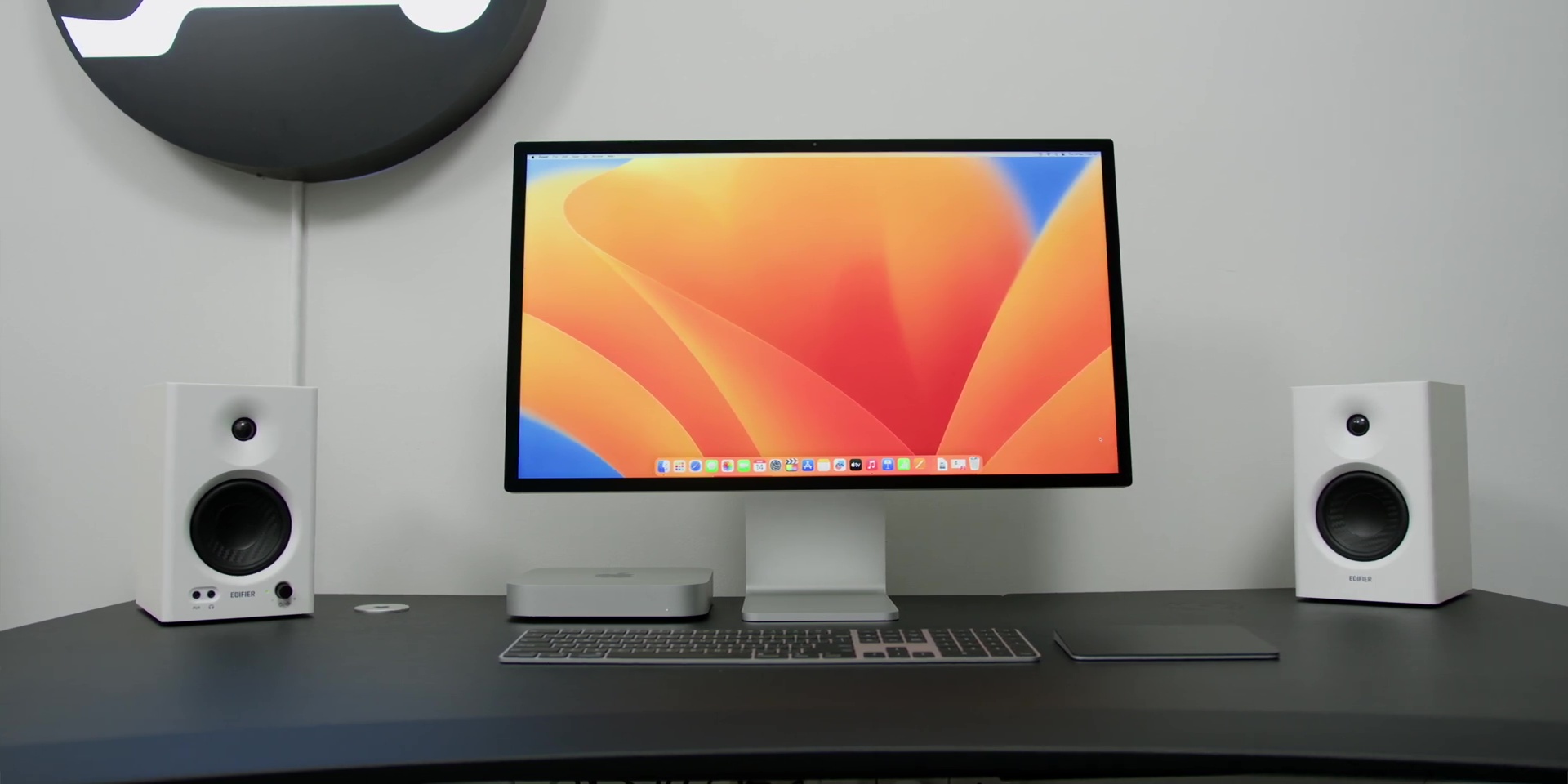
As for me, I’ve set up my M2 Pro Mac Mini with my trusty Apple Studio Display for that sleek and minimal look that I love since it fits perfectly with my overall desk setup.
Peripherals
Since the Mac Mini obviously does not come with a built-in display, keyboard, or trackpad, you can choose the peripherals that work best for you.
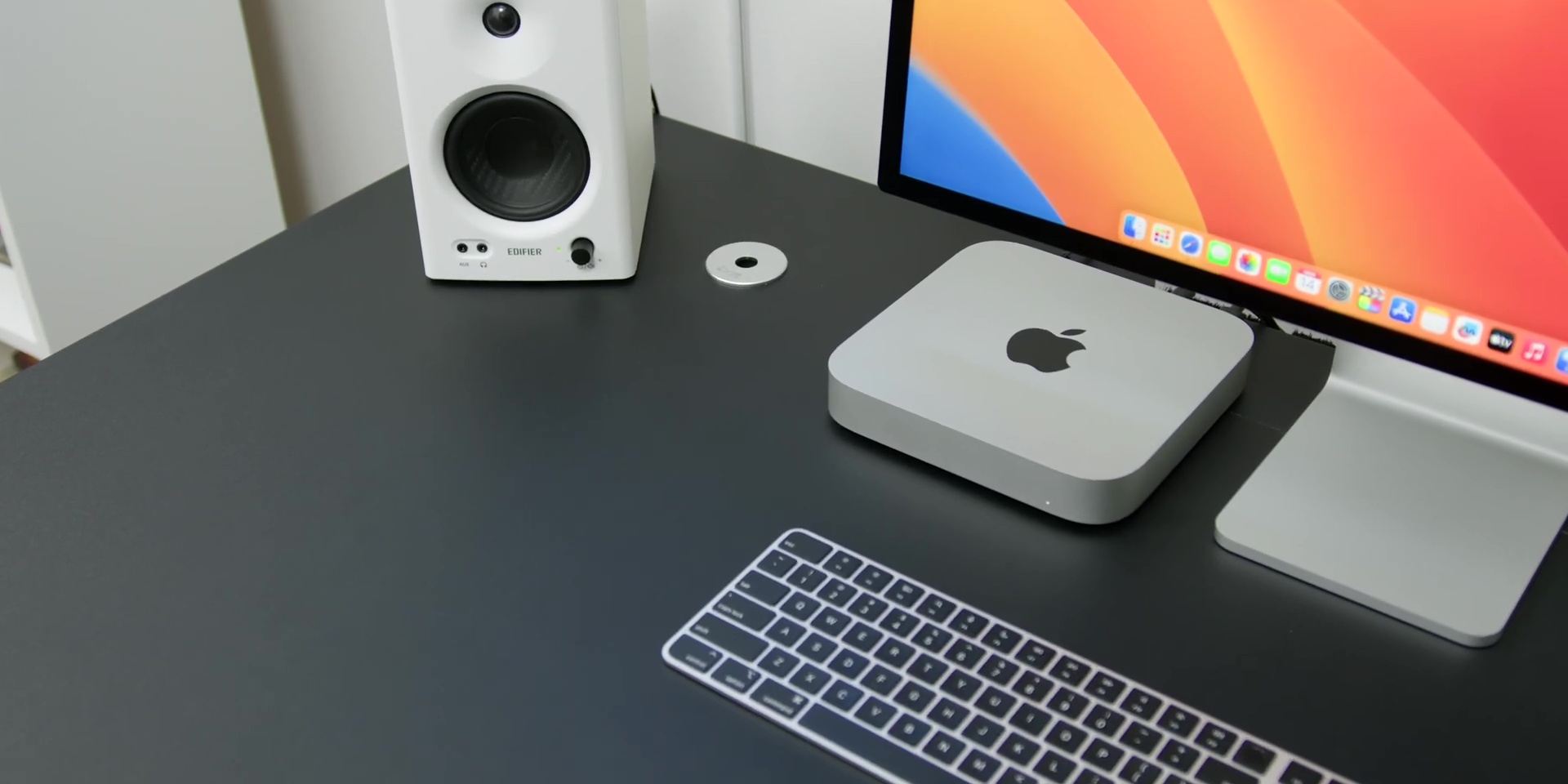
So whether or not you want to go with Apple’s own peripherals or mix it with something more unique, the choice is totally up to you. It’s all about finding the perfect balance of functionality and style that suits your needs and of course, your personal taste and workflow as well.
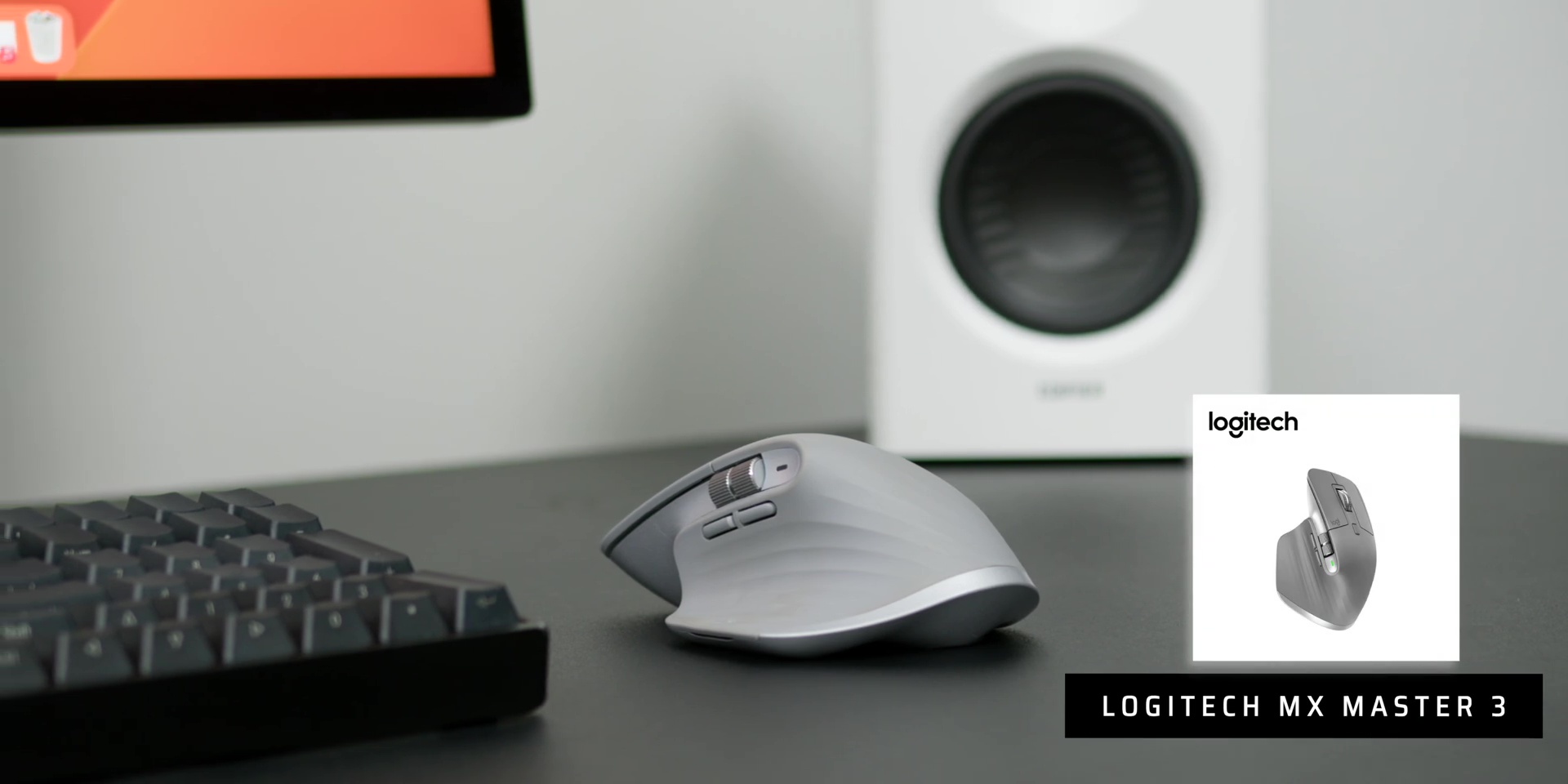
Personally, for me, I’ve opted to use the Logitech MX Master 3 mouse in Mid Grey as it’s super comfortable to use and has great functionality for my Final Cut Pro workflow and timeline. Plus, it does look very sleek on my black-colored desk.
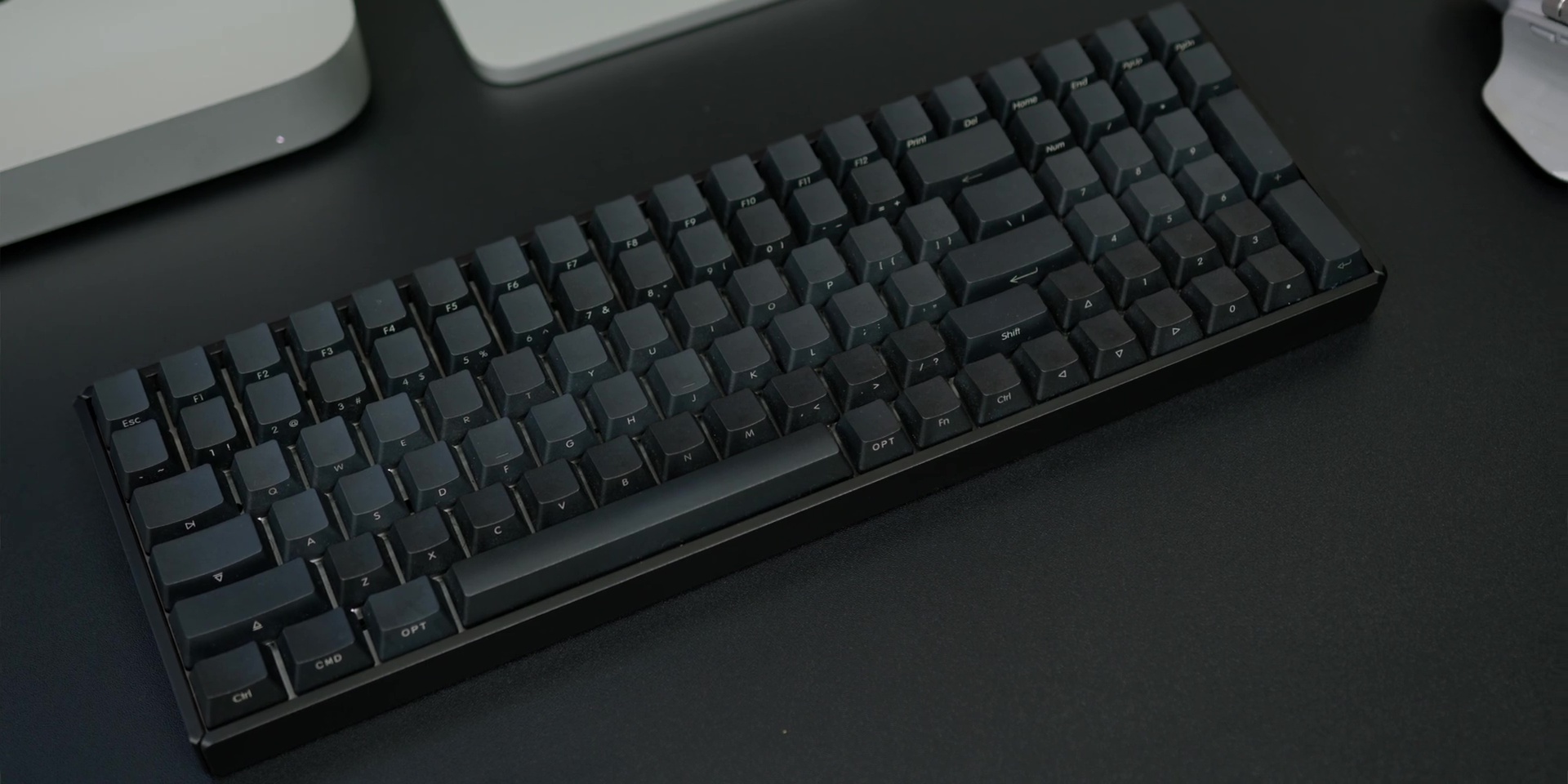
Then as for my keyboard of choice, I went with the IQUNIX F96-Knight Wireless Mechanical Keyboard. And NO, I am NOT a Batman fan, I just got it because it looks cool…
Non-Pro vs Pro
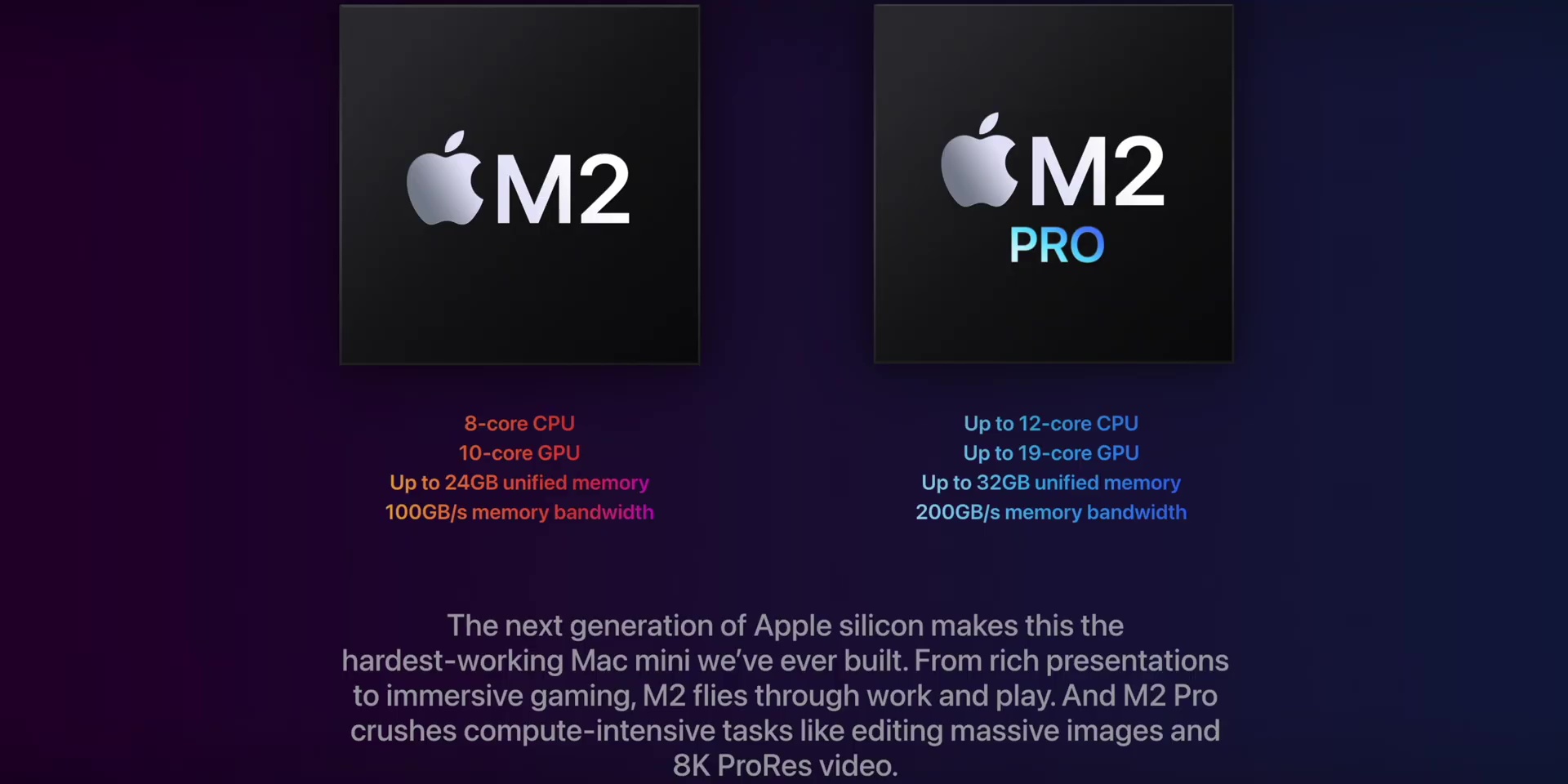
Alright, next, allow me to help you to choose which you should go for – the M2 variant or the M2 Pro variant?
M2 (non-Pro)
The regular M2 chip has an 8-core CPU and a 10-core GPU, and it can be upgraded from 8GB to 24GB of unified memory and from 256GB up to 2TB of SSD storage.
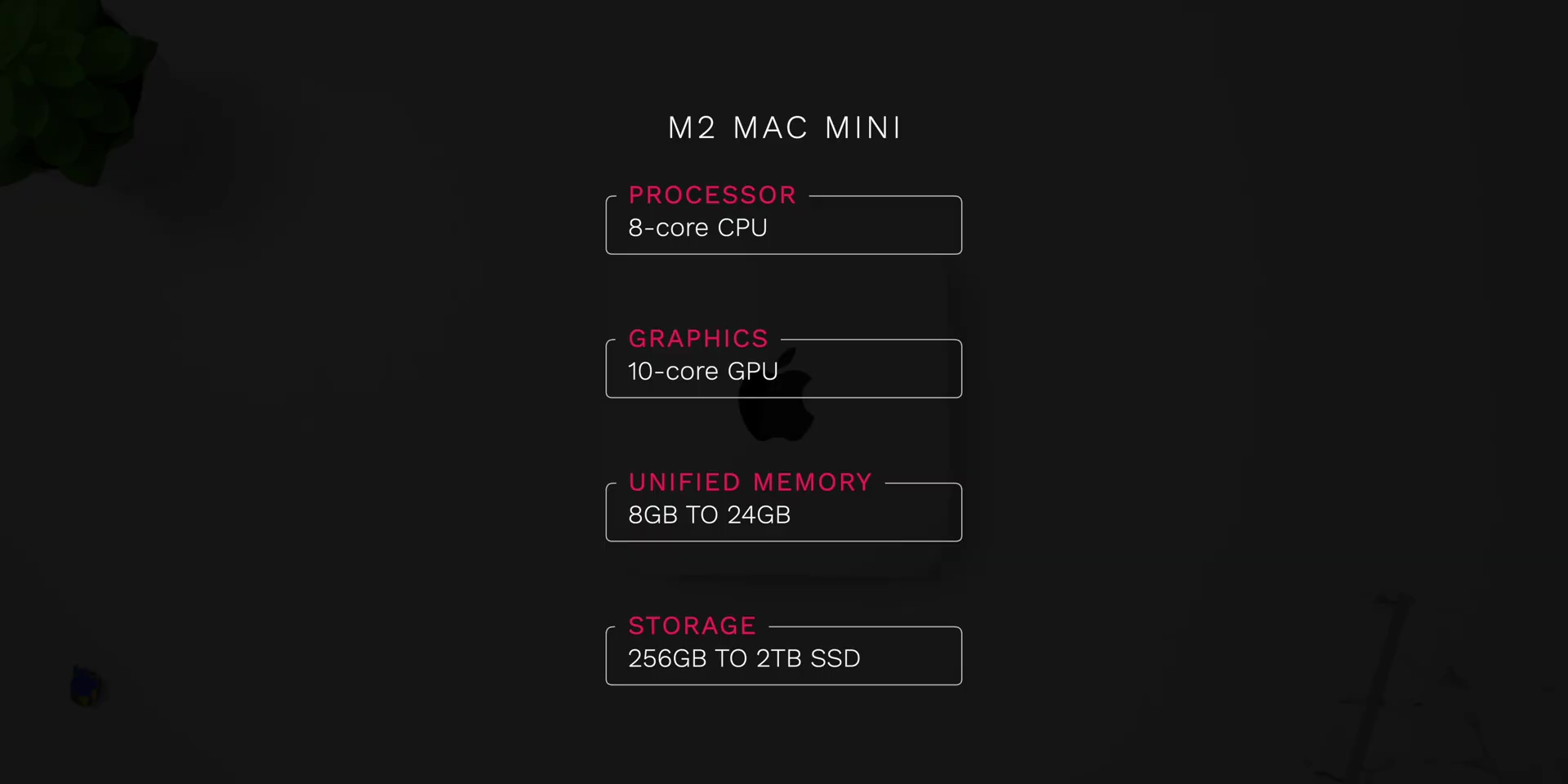
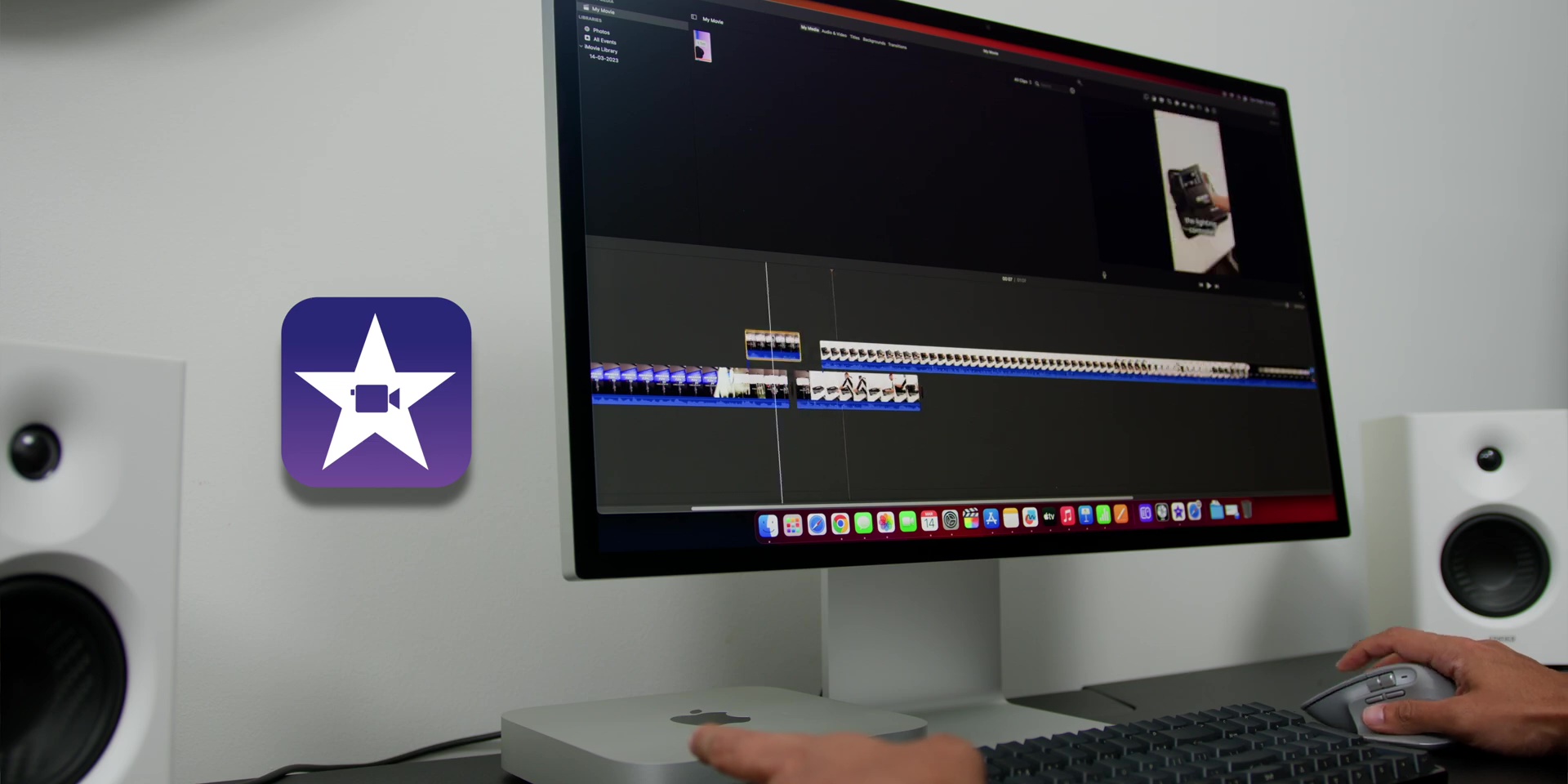
Now, if you max that specs out, it will cost you about RM7,299! But that is NOT what you should do because based on my tests and research, you can pretty much do everything with the base RM2,499 model especially if you’re doing everyday practical stuff like Spreadsheets, Keynote presentation decks, less intensive photo editing, and even up to 4K ProRes video editing on free apps like iMovie. Fun Fact! iMovie was my very first app that I used for my video editing needs 13 years ago when I was doing some behind-the-scenes video editing for my band.
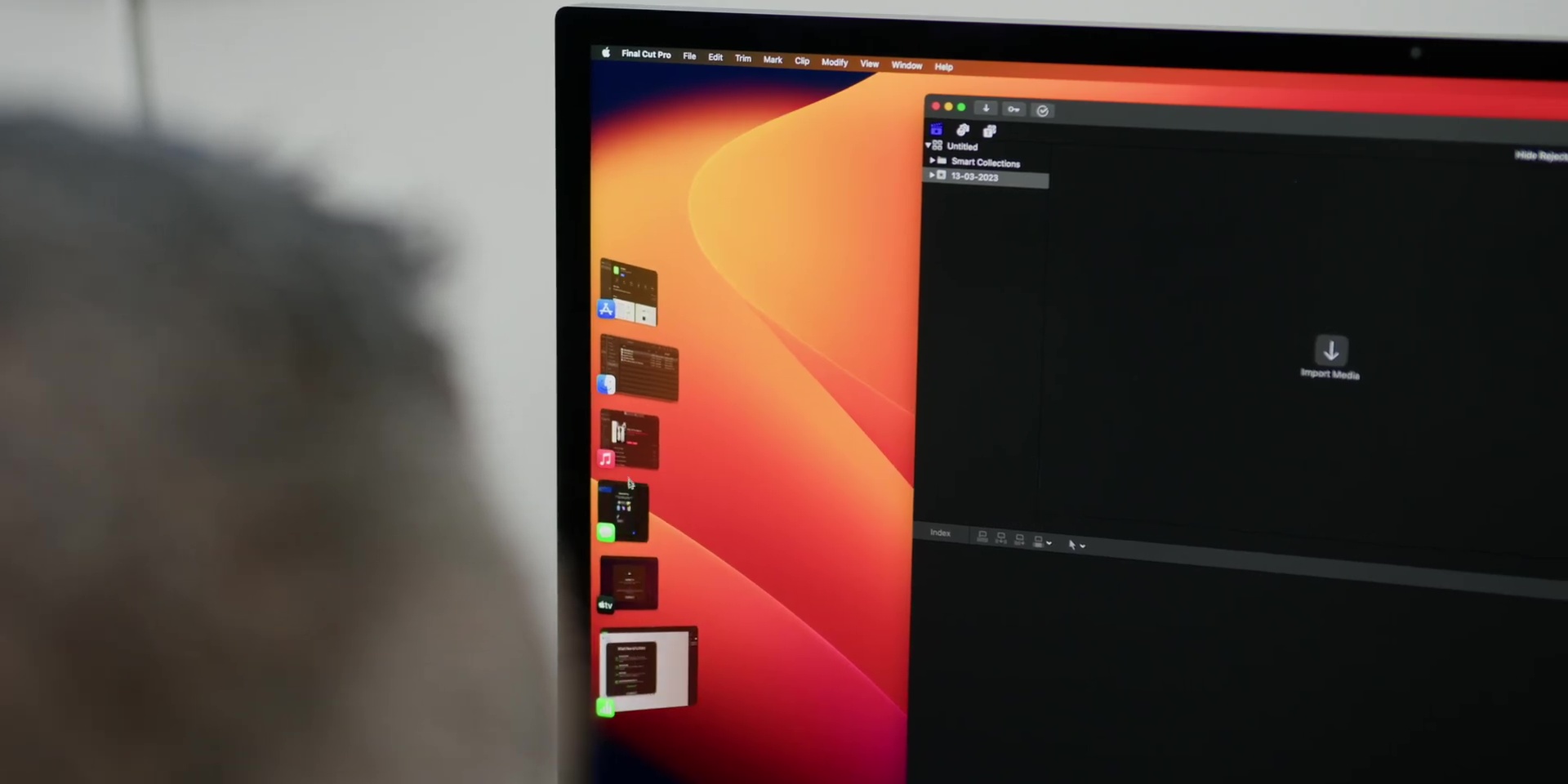
So yes, the baseline configuration would be perfect for people who have never tried a Mac before and want to dip their feet into the world of macOS, a platform that I have been using for 21 years.
And with new features like Stage Manager, it will really make your productivity level even better, especially with a combination of collaboration apps like FreeForm that will fully elevate your daily experience.
Recommended Configuration
So, are you ready to learn about the configuration “sweet spot” of the M2 Mac Mini? Well, this configuration hits the perfect balance between performance and price; and trust me, it is where you should consider being.
https://www.apple.com/my/shop/buy-mac/mac-mini
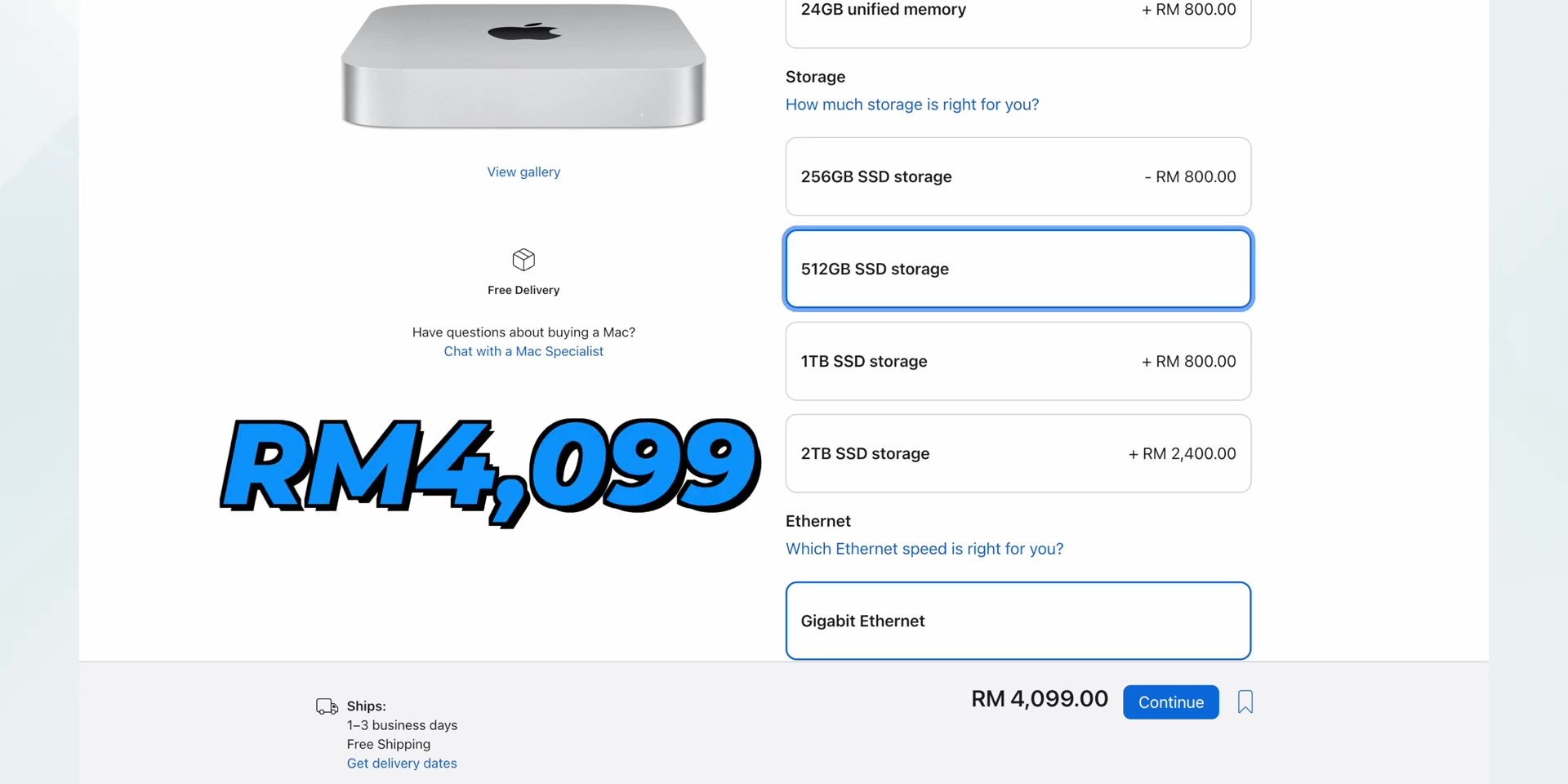
So, for those of you who want to take your performance up a notch, I recommend upgrading your RAM to 16GB and your storage to 512GB. The overall write and read speed on this 512GB is better than the base 256GB of storage since the latter has a single NAND chip, while the 512GB option has two NAND chips. And don’t worry, if you really need more storage, you can always get some external SSD options to expand on that.
And this “sweet spot” configuration will cost you about RM4,099, which is totally worth it.
And with this setup, you can use the Mac Mini as a very capable live streaming device through online selling platforms like Shopee and Lazada, with software like OBS. And you can even start using apps like Final Cut Pro X or even Logic Pro, which has a great student bundle price online as well.
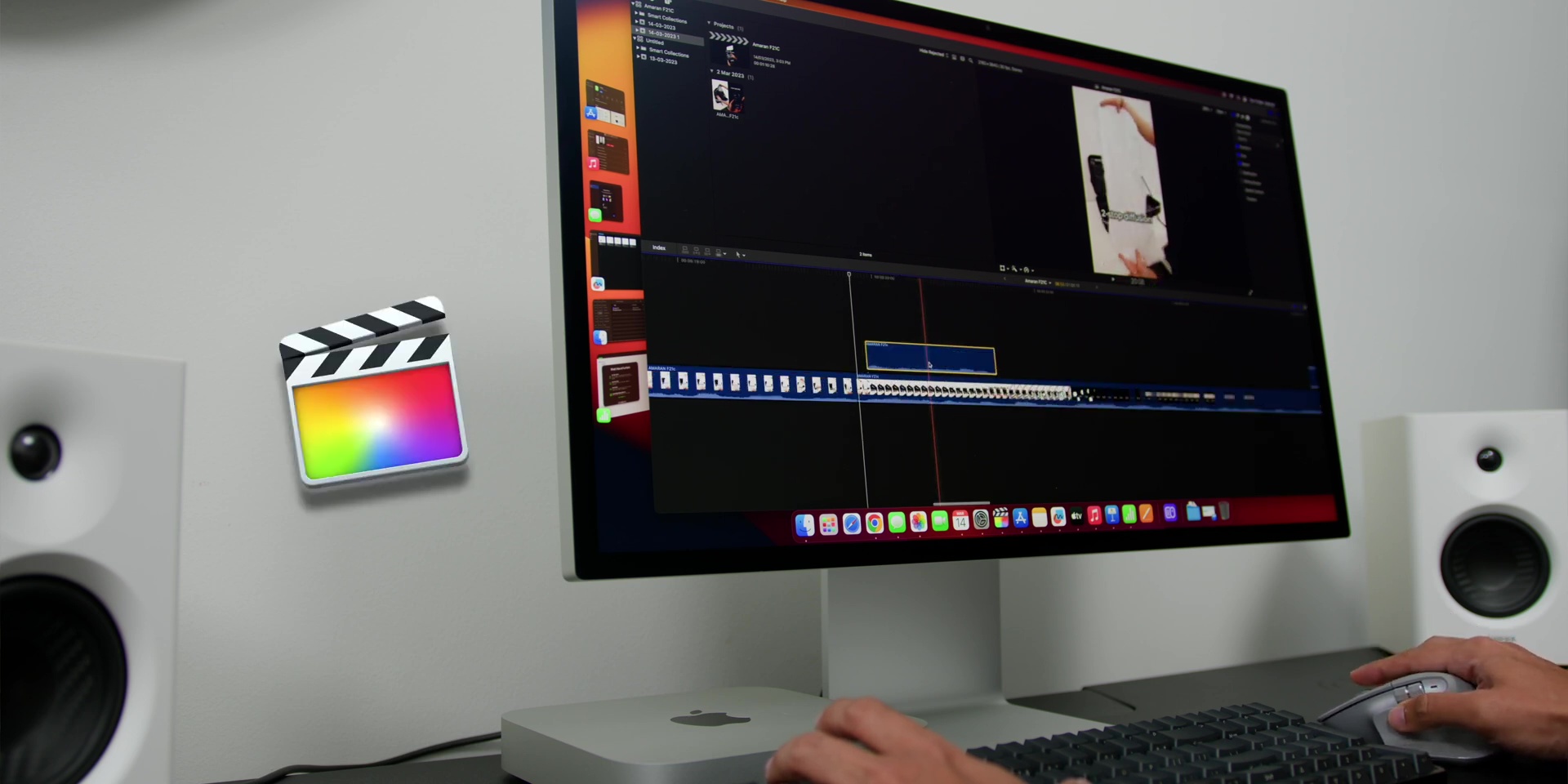
And of course, this could be used for very intensive photo editing work. And also for you Excel wizards out there, who love to tabulate up to 200,000 lines of data to add everything up.
M2 Pro
Alright, so if you are looking to get the “big gun” – the M2 Pro, this powerful chip has more demanding CPU and GPU needs, with multiple streams of 4K and 8K footage, making it a perfect device for all you video editors or even content creators out there.
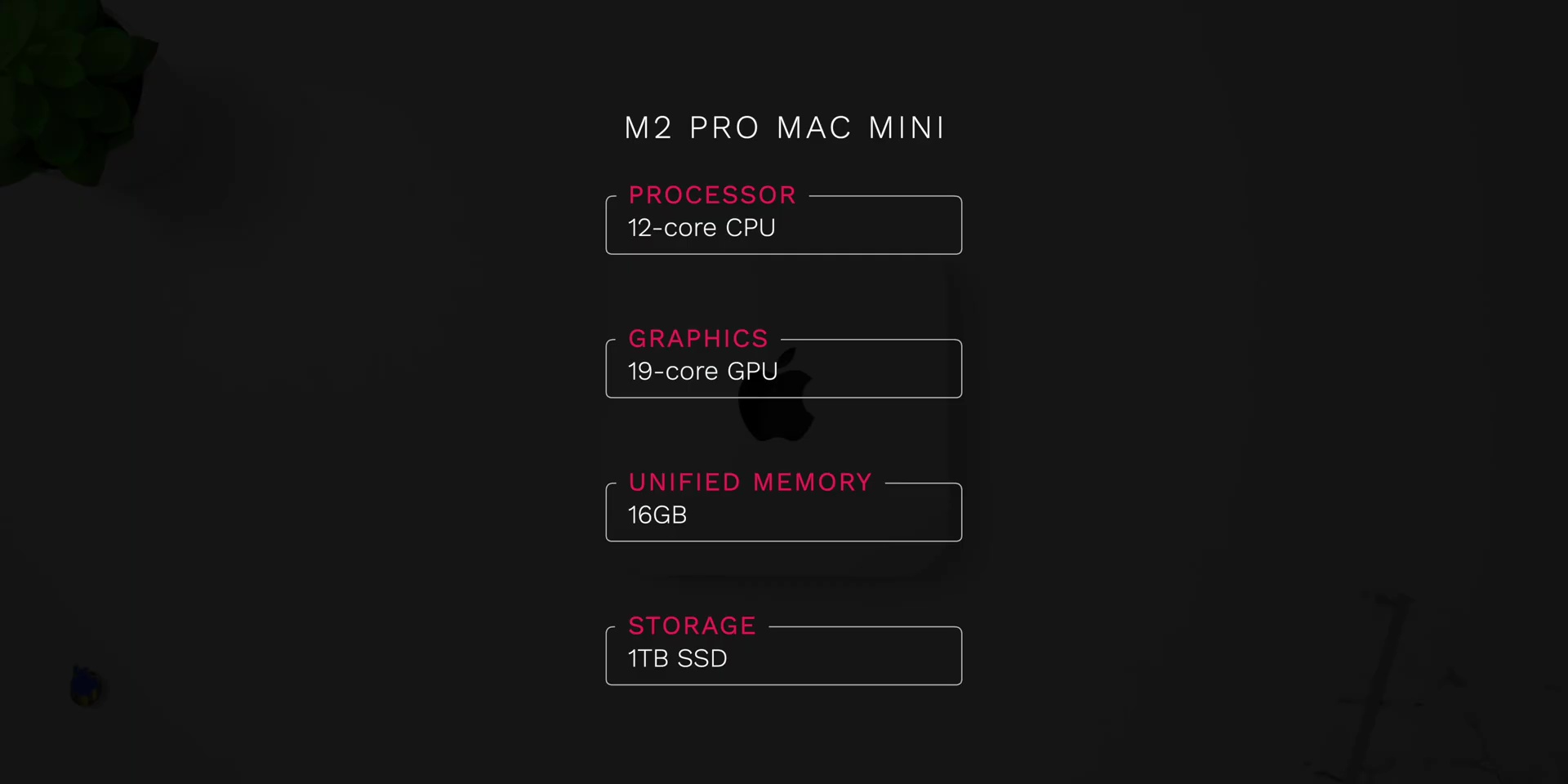
My personal M2 Pro powerful configuration comes with a very reasonable price of RM7,599, which beats any other desktop-style computer for its price, size, and of course performance.
Conclusion
So, that’s the conclusion – the M2 Mac Mini is definitely the Mac that you could get if you want a small, yet mighty computer – like Ant-Man!
And if you’re upgrading from the M1 Mac Mini, you will notice a little difference; but if you are upgrading from the Intel version, it’s like upgrading to a supercar! And the reason why I made this review is to help you choose the best configuration for your needs, so you can enjoy a computer that will last for many years.
Stay tuned for my full video review on the M2 Pro version – as it’s gonna be a really wild ride! But if you’re looking for something even more powerful and portable at the same time, my M2 Max MacBook Pro review is also coming soon!