Let’s be honest. Every year there’s that comment:
“Same phone, different year.”
“Same design.”
“Same camera.”
“Same everything.”
And Samsung knows this. So, the Samsung Galaxy S26 Series is a phone that doesn’t just answer you, it acts for you, it remembers for you. And it might even start doing things before you even finish your sentence.
Because most phones today are smart. But the S26 series is trying to be human smart with Agentic AI.
So in this article, I’m going to break down what’s new, what’s exclusive, and whether this is actually a big leap forward.
3 Levels of AI
Before that, let’s break down the 3 levels of AI.
Level 1 is what we all usually use or the LLM style AI where you ask it something, it answers and that’s it. Like a robot that tells you that your floor is dirty but doesn’t actually clean it for you.
Then Level 2 is AI Agents and this is where the phone can actually execute tasks where you can say “vacuum and mop the floor” and it does it. But the problem is that you have to always repeat yourself every single time. It doesn’t learn or it doesn’t even adapt. It’s like having an intern, a hardworking intern, but you must micromanage everything.
So then Level 3 is where Samsung says the S26 series is, which is Agentic AI because this one learns your patterns, understands your contacts and acts proactively.
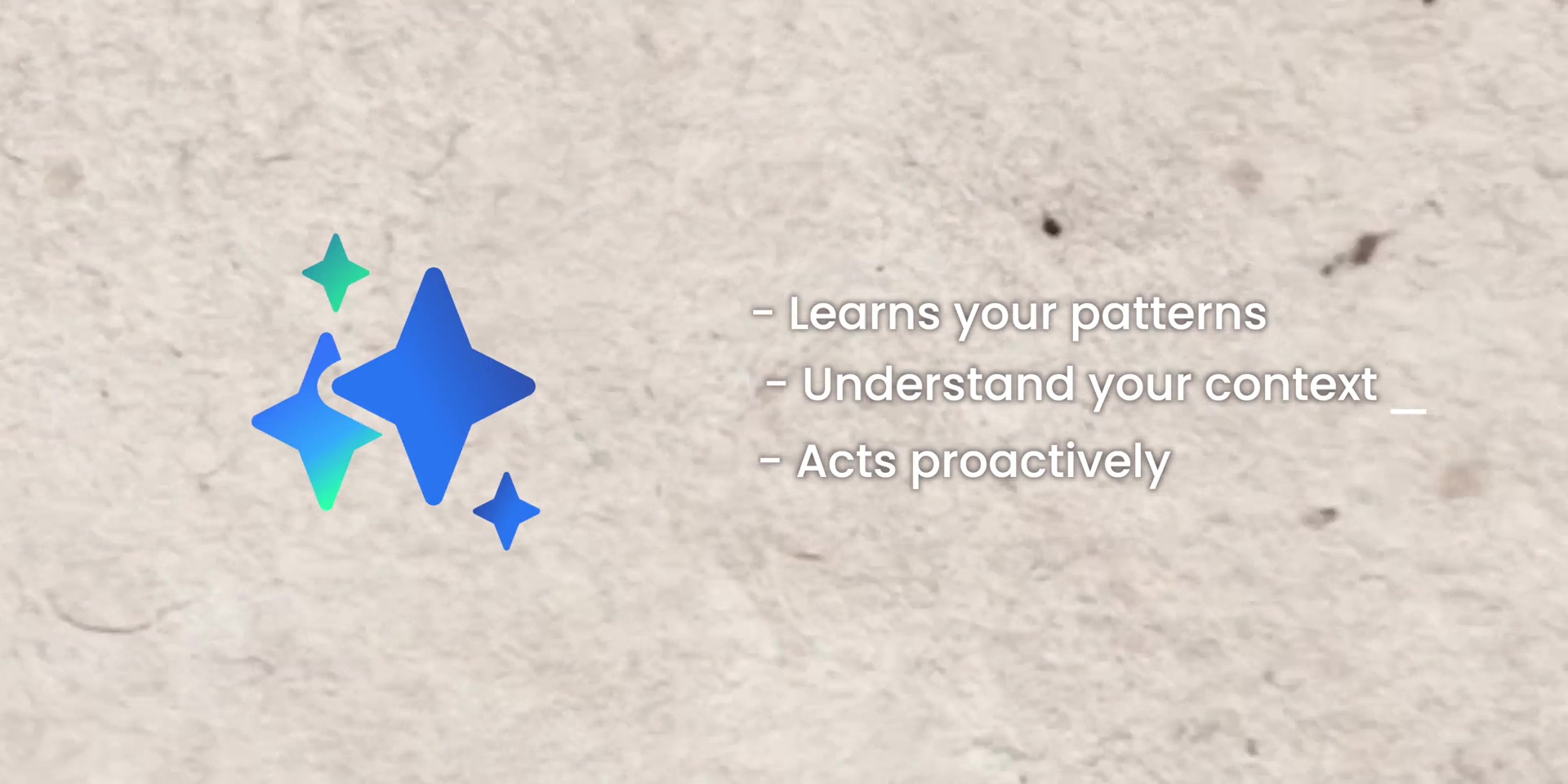
So instead of waiting for instructions, it anticipates. For example, automated app actions where previously we said, “Book me a ride to a potluck tonight,” your phone will ask you five follow-up questions, right? Like:
Where?
When?
Which app?
Confirm?
Sure or not?
And then “Ok bro..”
Now, the S26 pulls from your calendar, figures out where the event is, checks the timing, and books it automatically. So that is less typing, less explaining, and more done. So that is a new idea for the new S26 series.

So let’s talk about what’s new from a software’s perspective. Don’t worry there are some hardware improvements too which I’ll talk about soon. But let’s continue this software topic and talk about what’s new.
What’s New – Software
Circle to Search 3.0
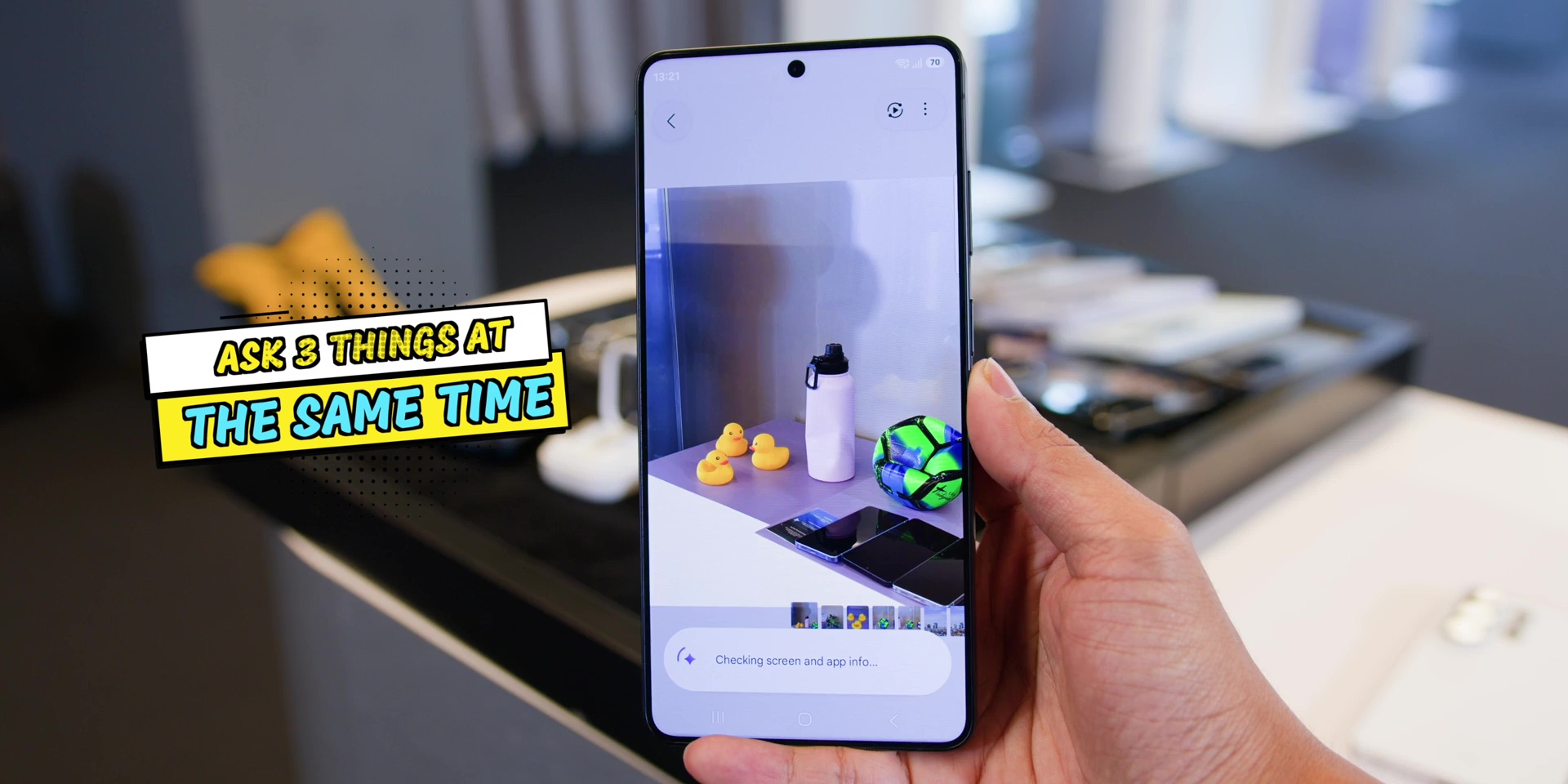
First, Circle to Search is now at version 3.0. As the name suggests previously you had to circle something on the screen, right?
Now, you just have to press and hold the side button and ask:
“What’s that building?”
“Break down her outfit.”
“What food is that?”
Personal Suggestions
Then we move into Personal Suggestions. And this is where it gets slightly creepy but smart.
Let’s say you ask: “Suggest a restaurant for dinner.” The old AI would ask you hundreds of questions, right?
But the new S26 looks at what you have been searching for recently. So maybe you search for the best Roti Canai in PJ or maybe you were looking for a pet friendly cafe, or maybe you have a meetup later.
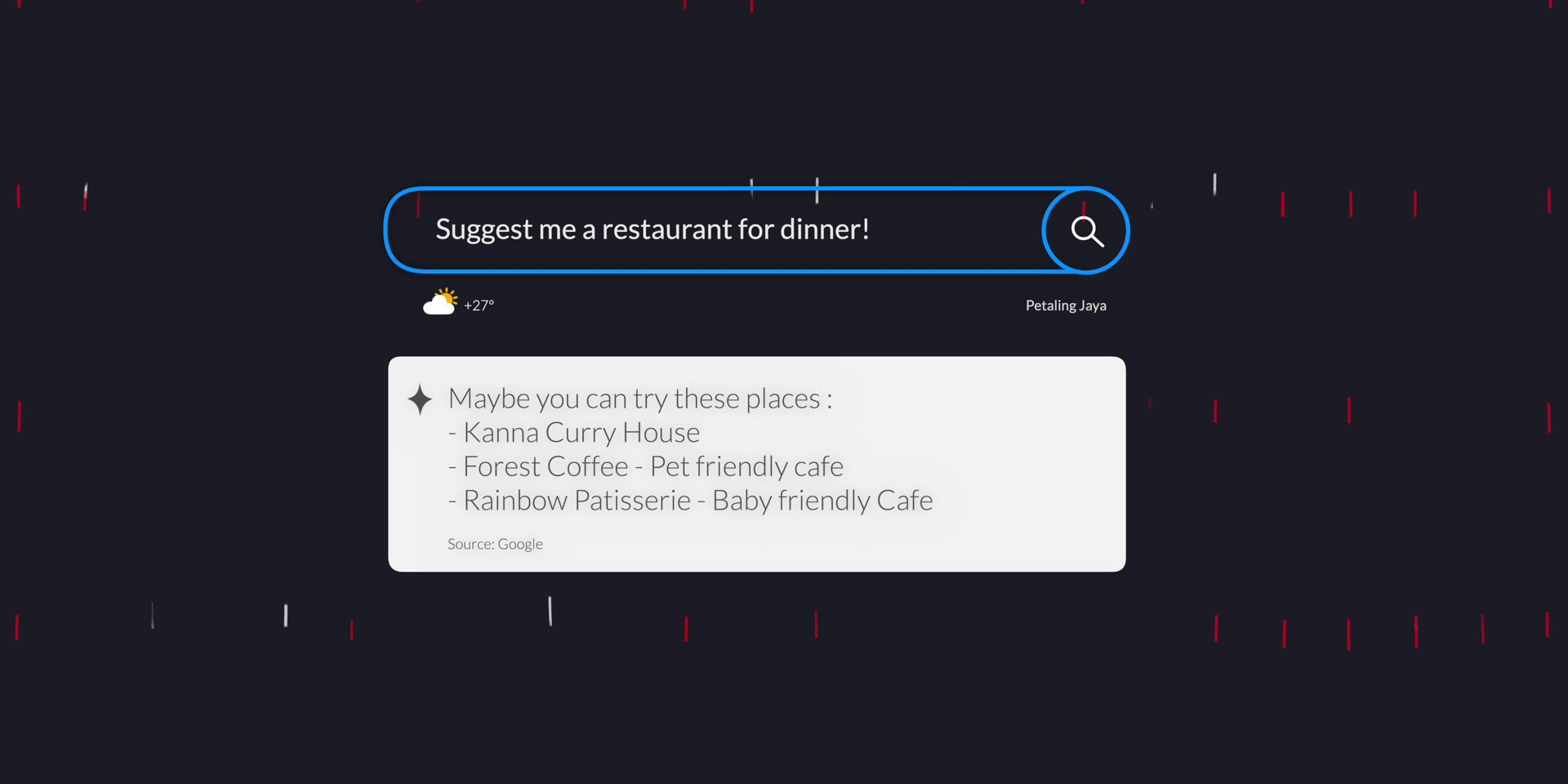
Then it actually gives you suggestions that actually match your life. Not a generic answer, a very contextual one. And that is really powerful, but it’s also slightly invasive if you think about that.
Semantic Search
Next is Semantic Search. This is something that needs a long-term context. So, I didn’t get to test this out yet.
You can ask something like “Where is my next pickleball game?” or “What time was my booking again?” So, it will search your calendar, your messages confirmation or even your notification. So, it searches for meaning, not just keywords.

Now Nudge
Then there’s this Samsung exclusive feature called Now Nudge. For example, if you’re texting someone and they say “Lunch next week?” and then you say “Tuesday?”, the phone will check the calendar in the background and suggest that I’m free on Wednesday at lunchtime instead.
Even though you said that you wanted it to be on Tuesday, it will proactively help you to avoid any double booking because it does search your calendar.
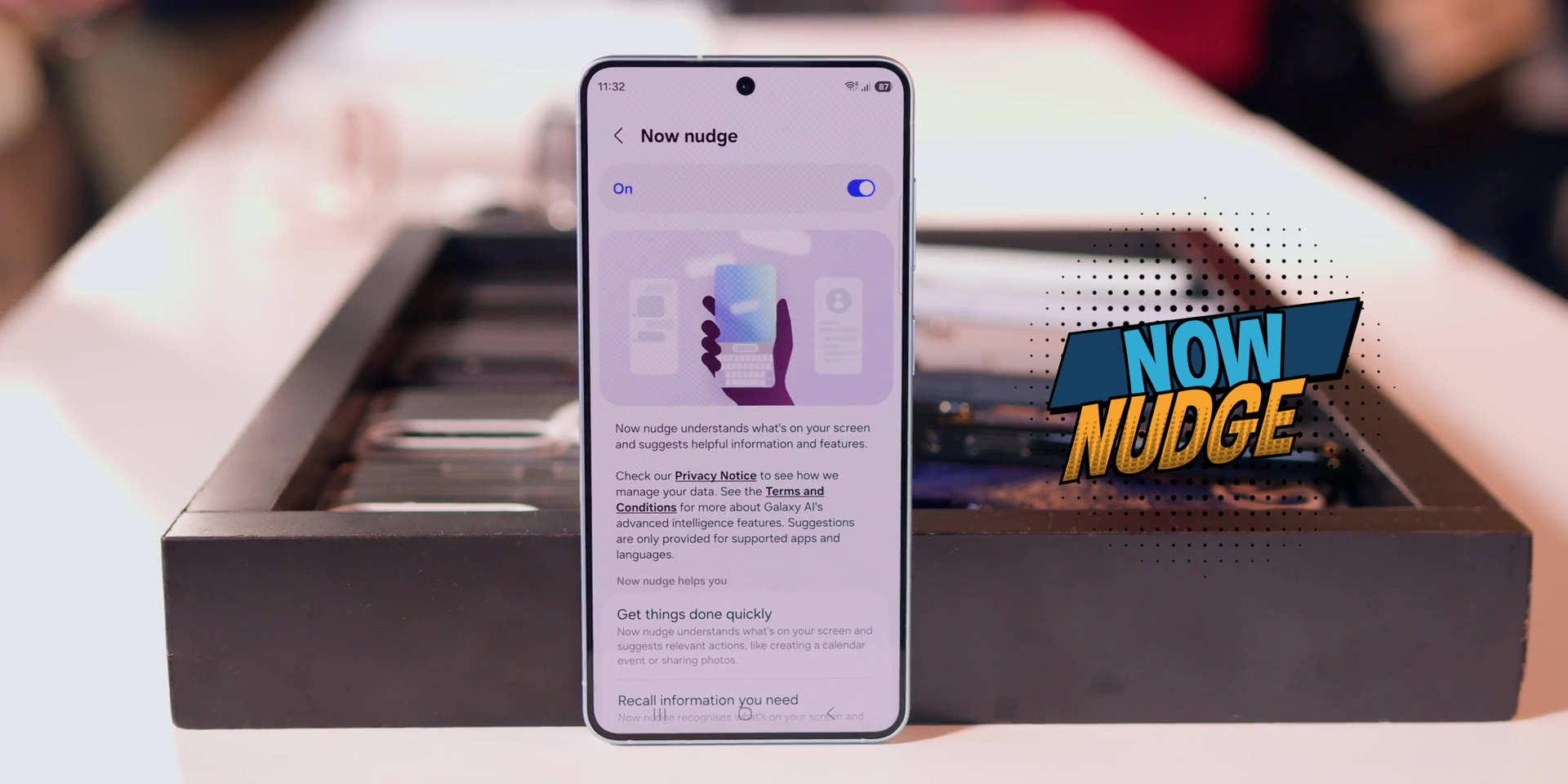
This feature seems like it’s a very small feature, but it’s the kind of thing that saves you from real embarrassment.
Instant Call Recap
Then another interesting one is called the Instant Call Recap, which I also didn’t get to test out yet, where if someone calls you, your phone can actually show you what your last conversation was all about. So you don’t answer things like, “What were we talking about again”?
But here’s an important fact because this requires permission. So it’s not automatically turned on where you can also turn it off.
In real life, this is really insanely useful, especially if you’re the type of person who forgets things 5 minutes later.
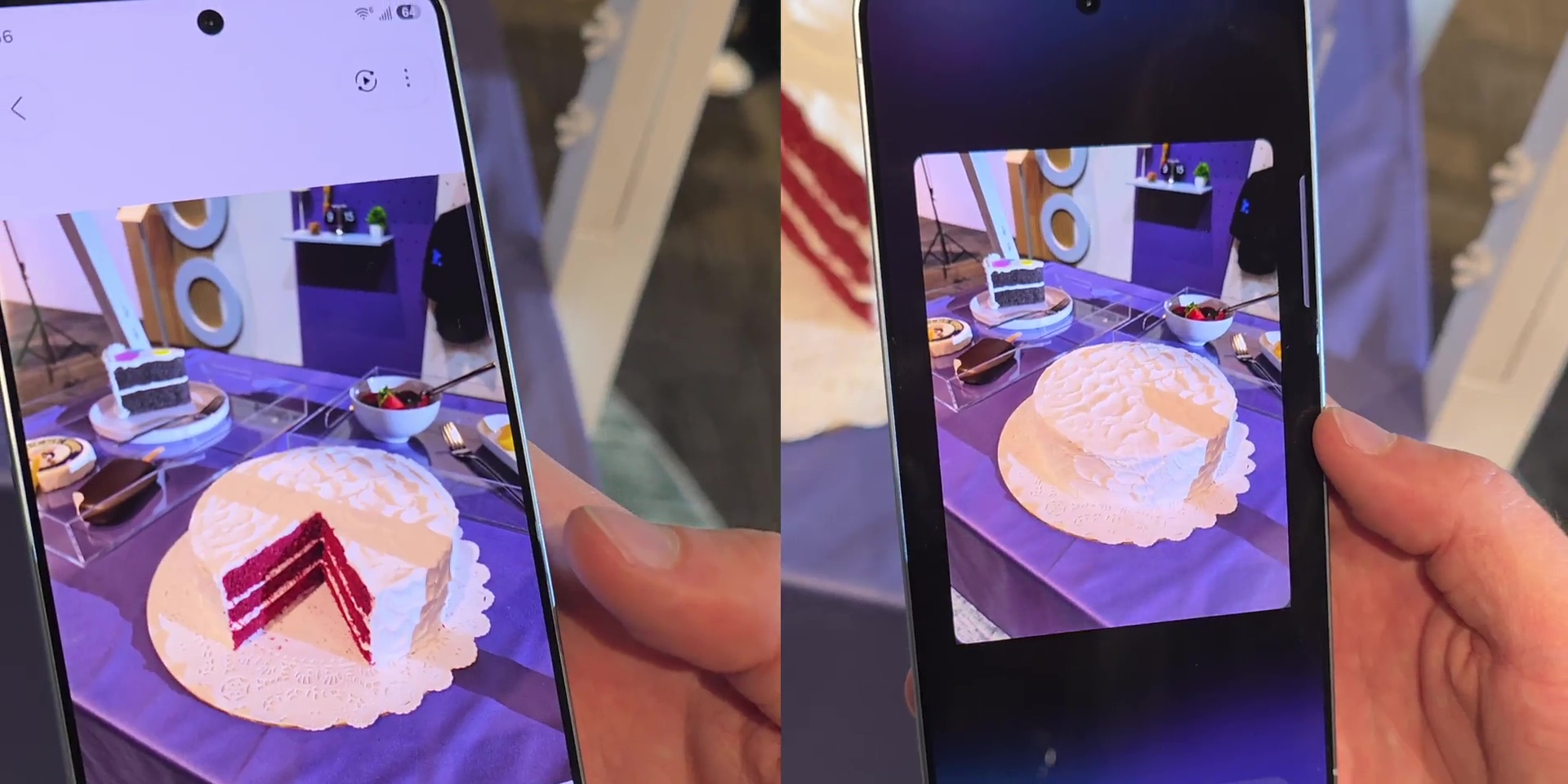
Creative Studio
Then there is the Creative Studio. For example, if you take a picture of an eaten cake, you can actually get a full cake or do other typical edits like removing or adding subject. All done using your voice instead of going through every single step.
Bixby
Next, let’s talk about Bixby. Yes, Bixby, the forgotten sibling in the AI family.
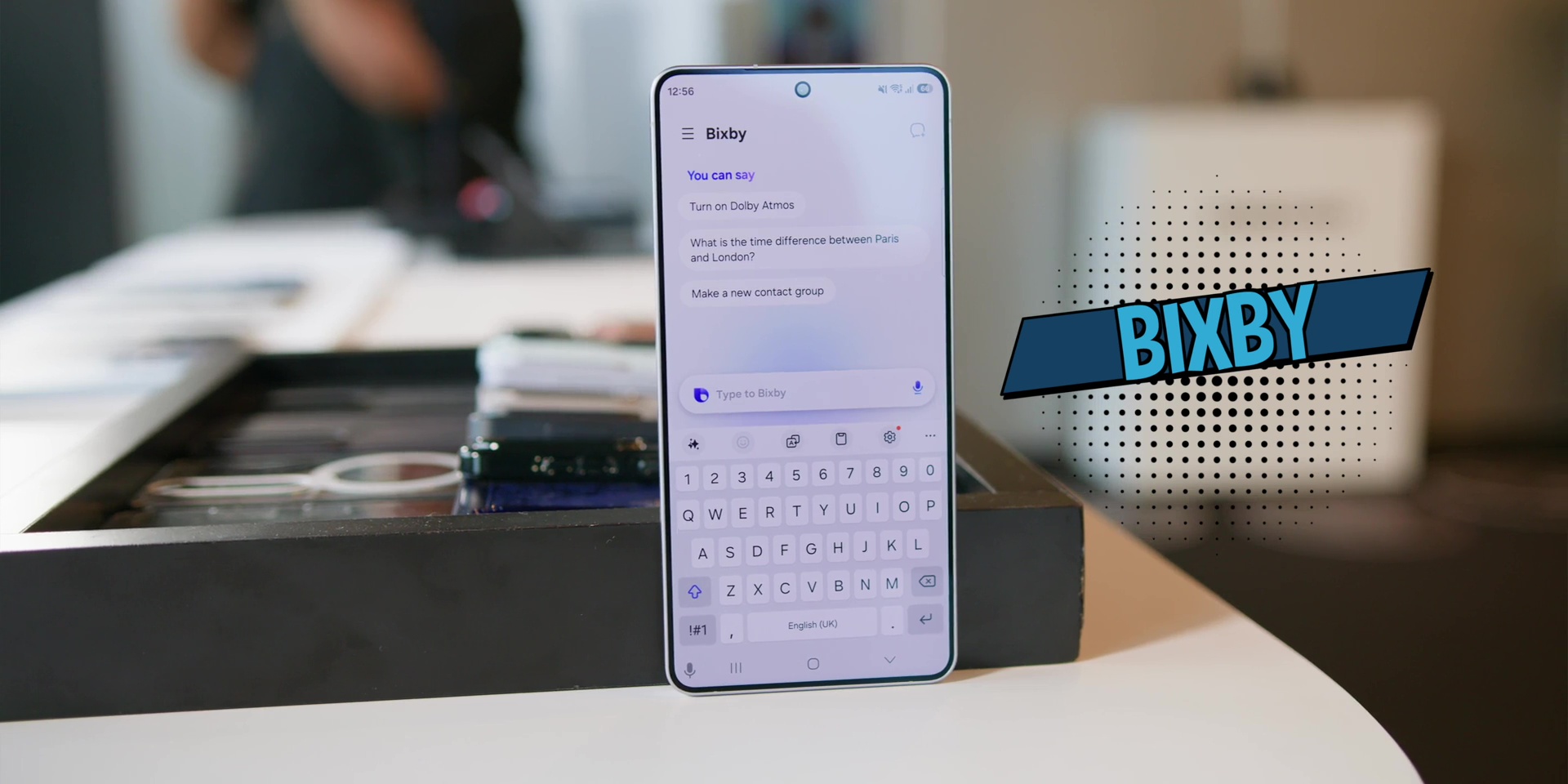
This time around, it’s being used mainly for phone functions. So, instead of digging through the settings, you can just say, “Brighten up my screen.” and it brightens up the settings immediately or the screen brightness immediately. Which is simple, practical and honestly great for parents or even grandparents who kind of struggle with menus on your phone.
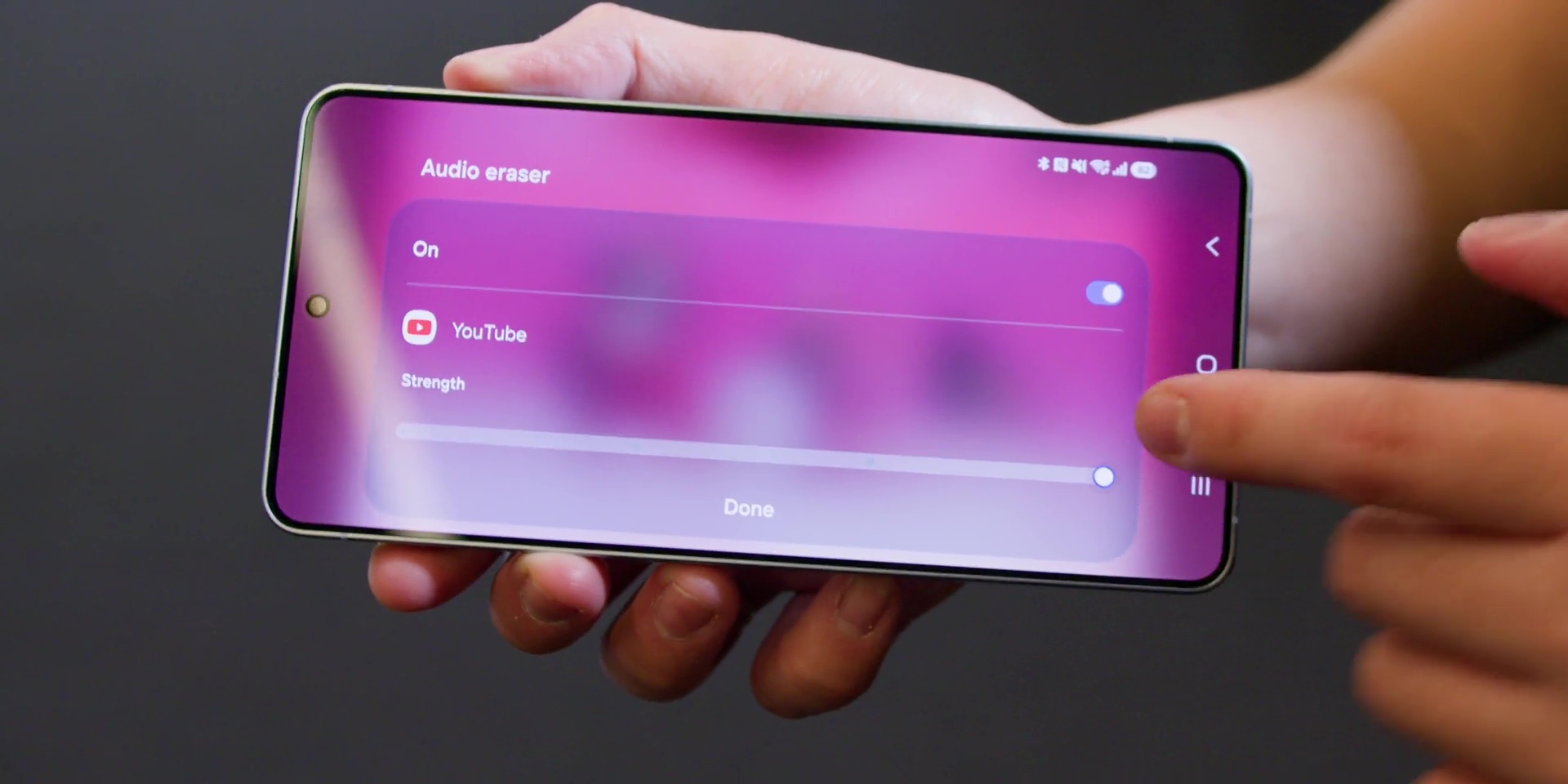
Improved Audio Eraser
Audio Eraser has also been improved to reduce background noise making your voice clearer.
It also supports 3rd party apps like YouTube, Netflix, Instagram and more.
So imagine if you’re watching a YouTube video and then there’s some background noise like what’s happening next door. You can actually control the noise instead.
Privacy Concerns With Samsung Knox
But all of this also means that Samsung has also addressed privacy concerns because you can choose whether your personal context is processed since most of the personal identifiers are on device and you can control what’s enabled.
So yes, the pitch is very clear – smarter phone, but still your choice.
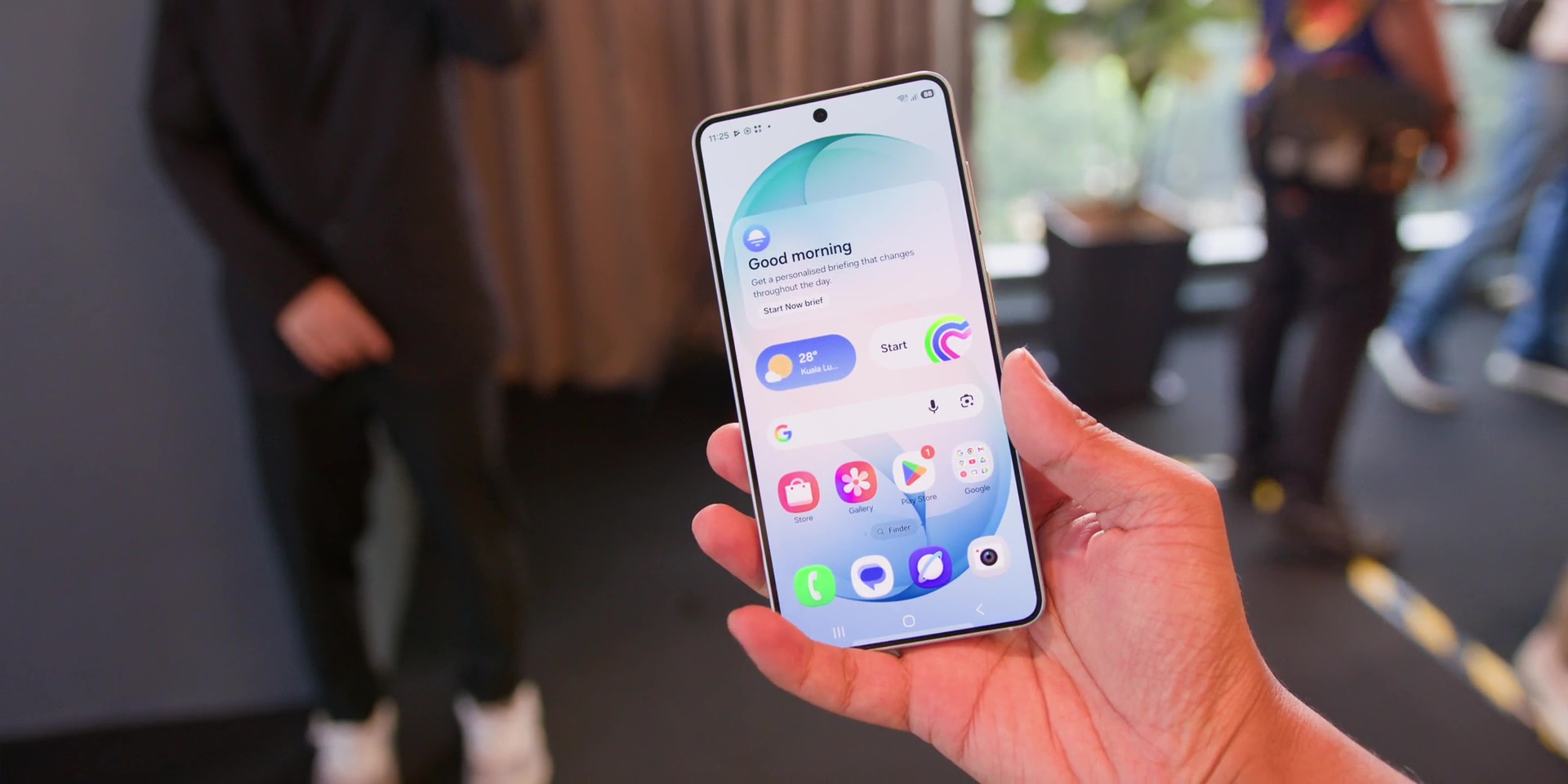
What’s New – Hardware
But all of this matters more if there’s some kind of hardware improvements right?
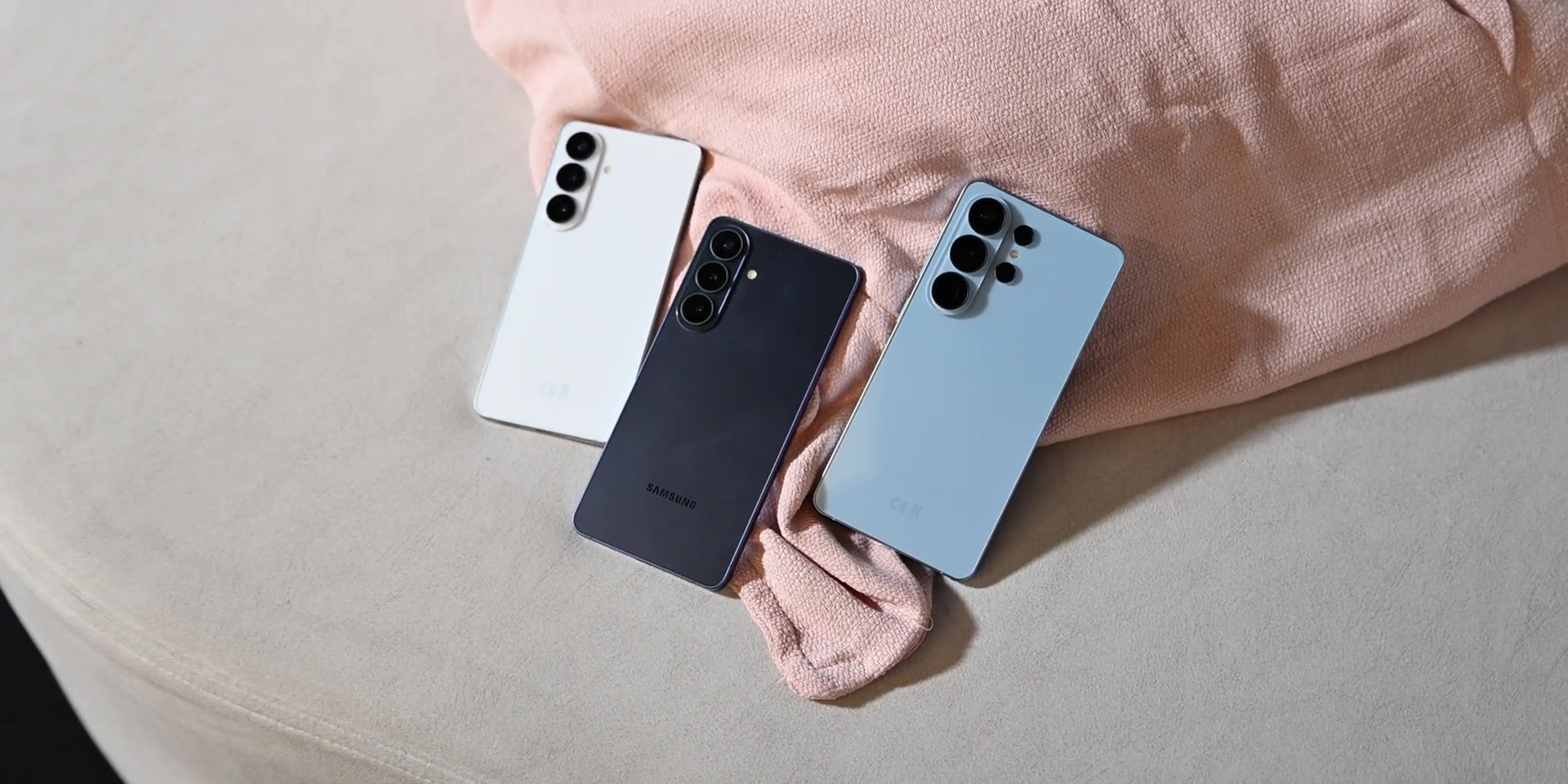
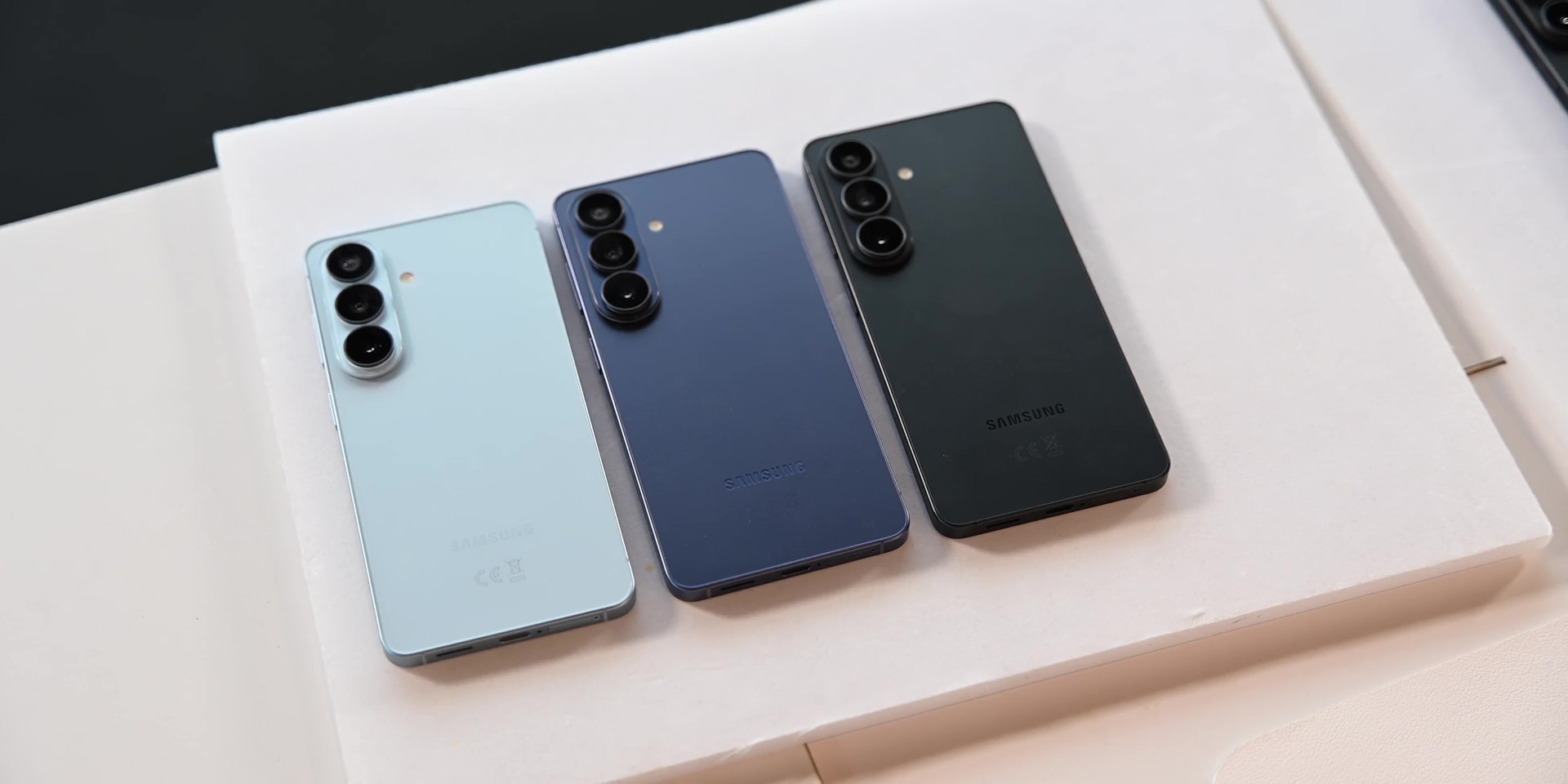
Firstly, this year is not about the dramatic redesign. So at the back there is a slight difference in the camera bump area.
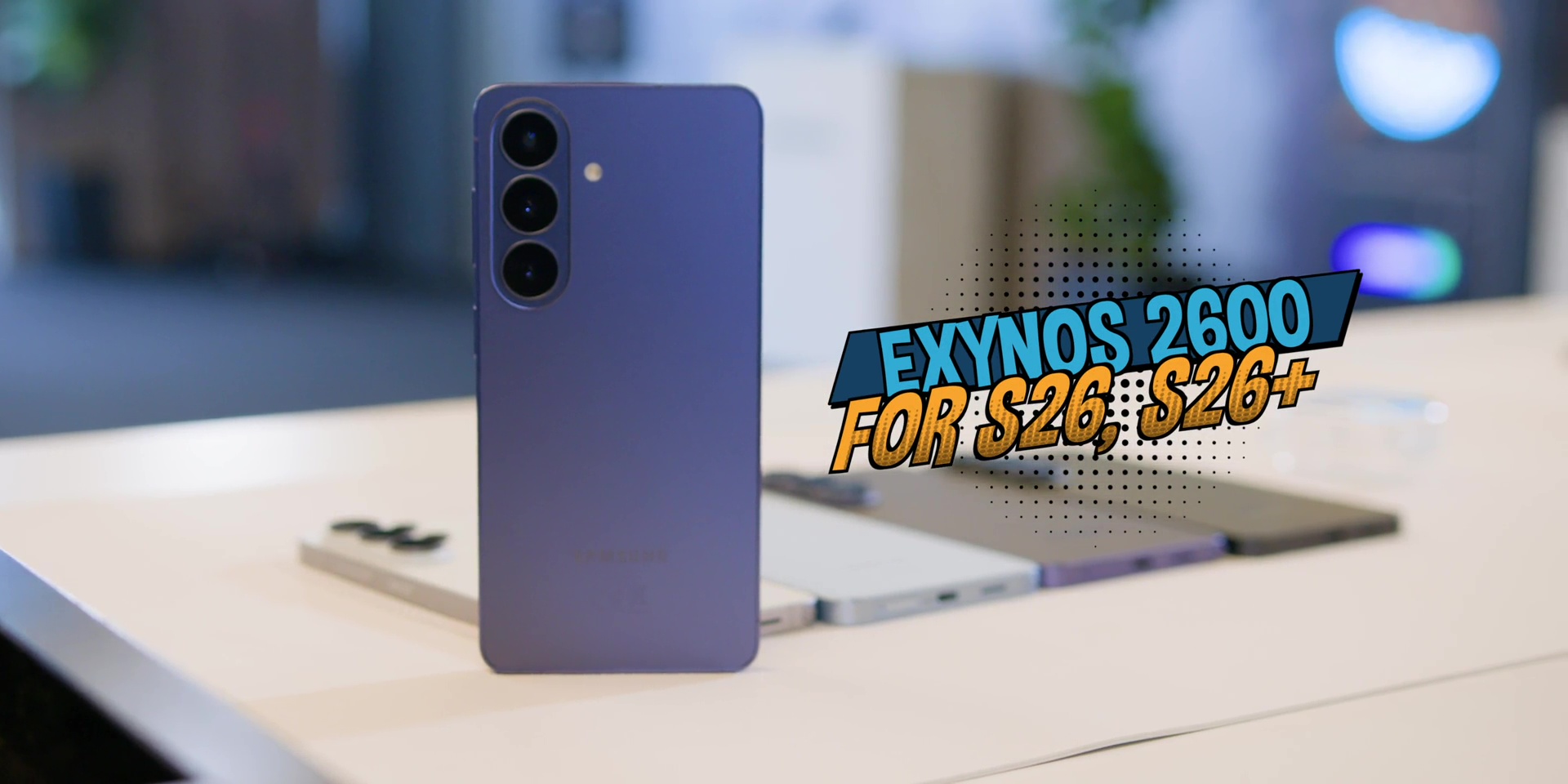
As for the chipset, the S26 Ultra is using the new Snapdragon 8 Elite Gen 5 For Galaxy built on a 3nm process. And the base model and the Plus model is using the Exynos 2600 chipset, which is interestingly a 2nm process. So, I’m eager to test this out daily.
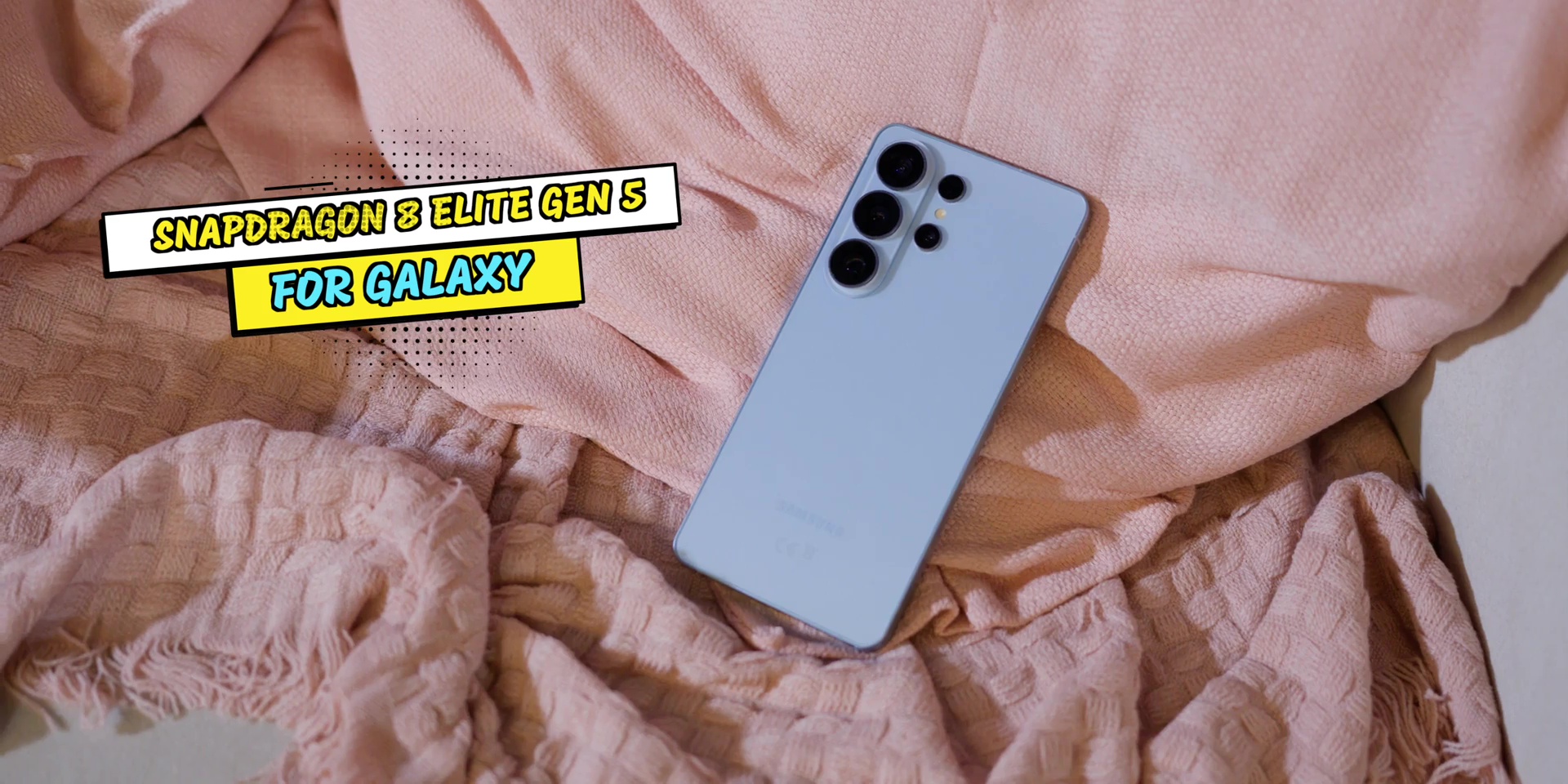
Then on the S26 Ultra specifically, the biggest hardware improvement is the camera system. The main 200MP now is also brighter, where it is now at f/1.4 aperture compared to f/1.7 aperture for the main lens.
And the telephoto lens improved to an f/2.9 aperture compared to f/3.4 aperture last year, which basically means better low light performance.
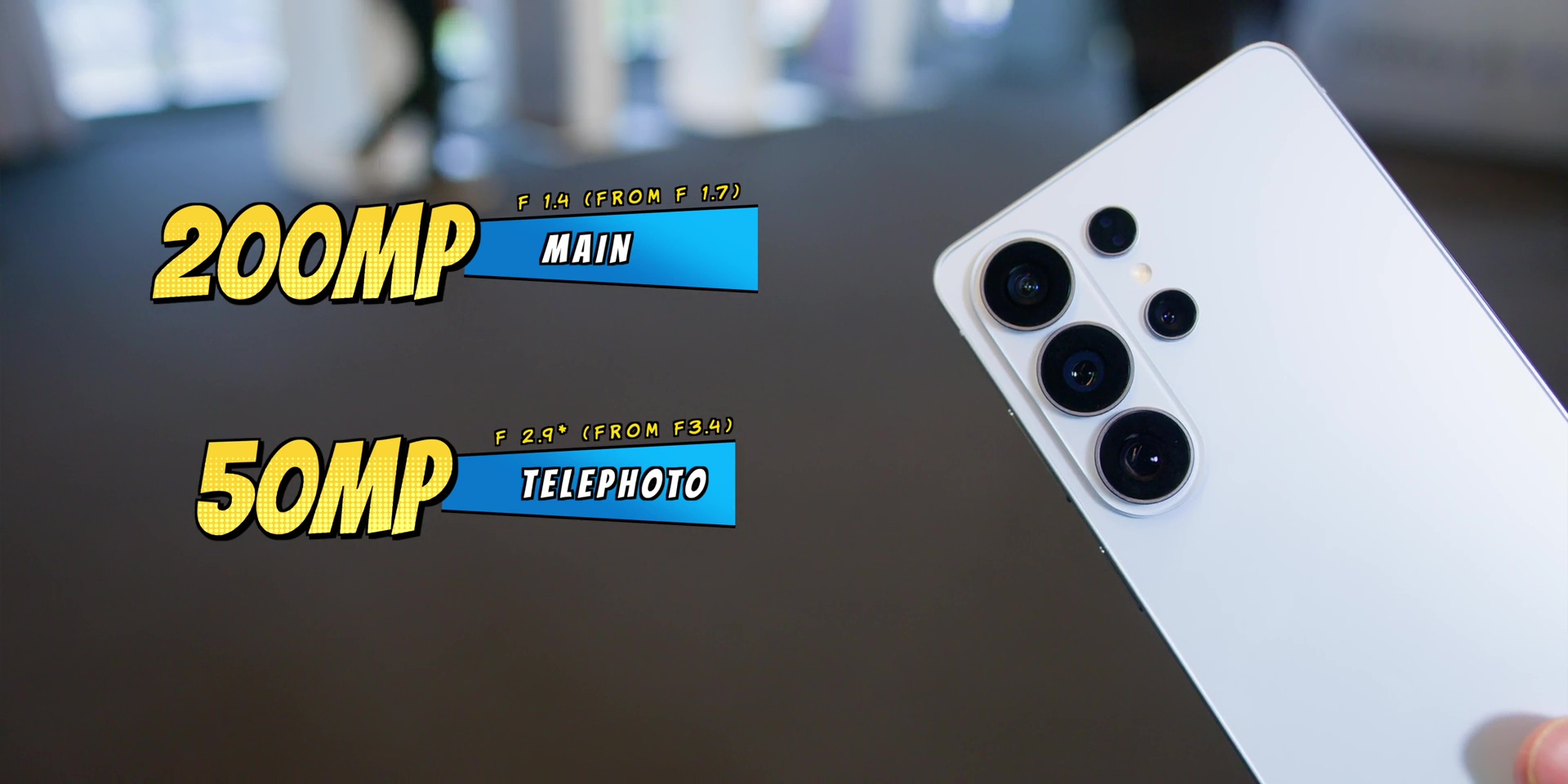
So, as usual, stay tuned for my in-depth review to test all of these camera features coming soon.
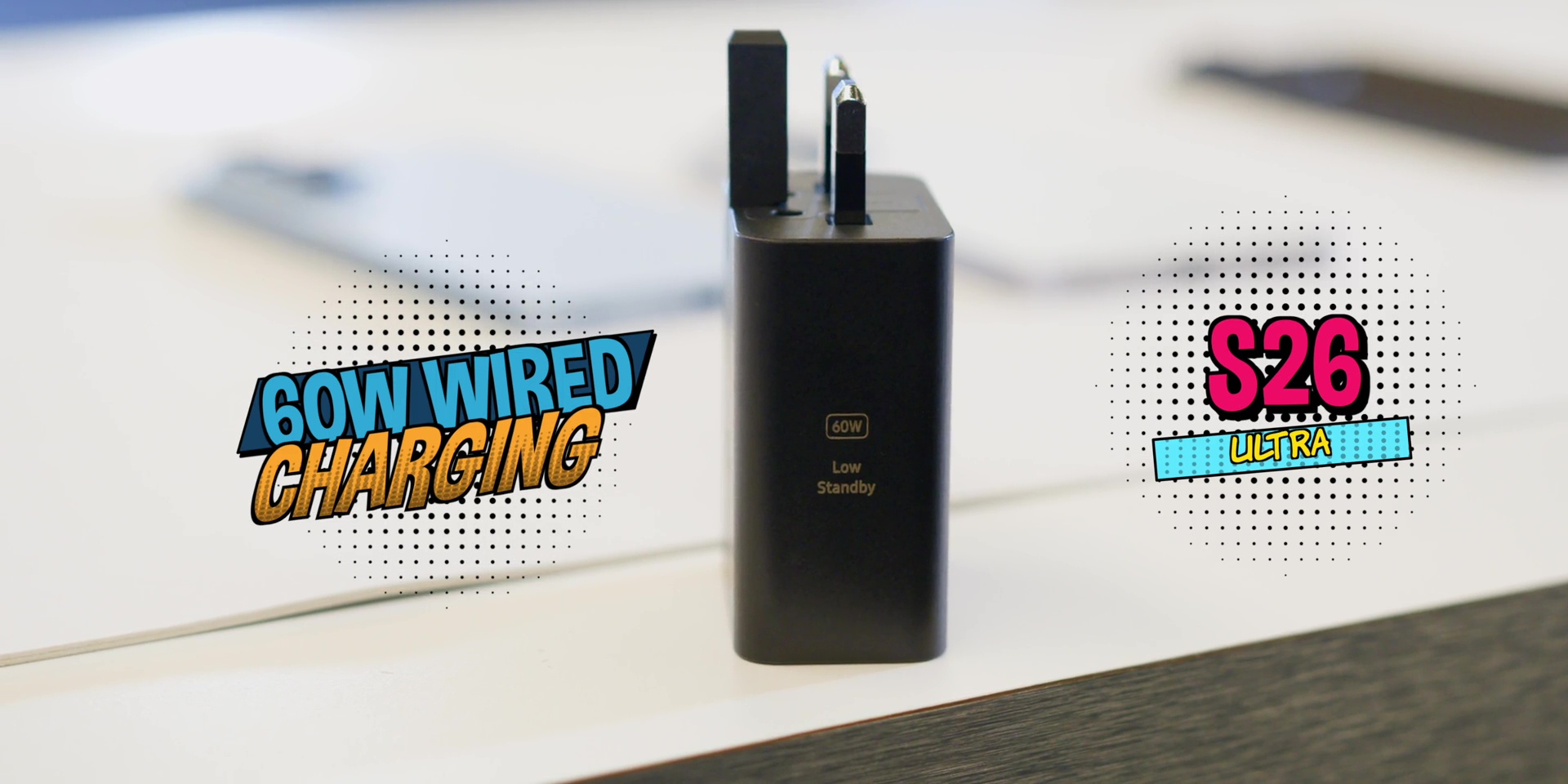
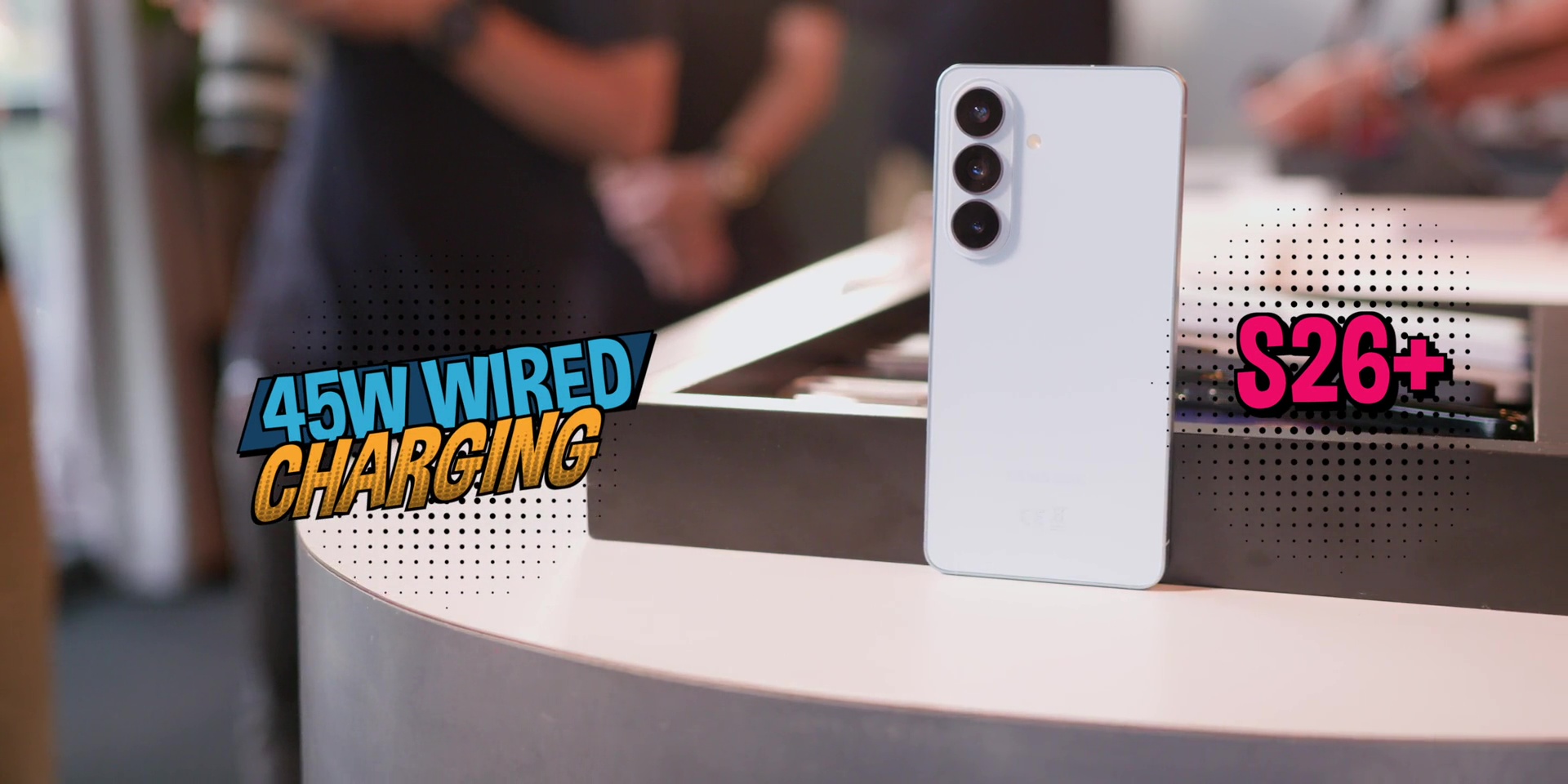
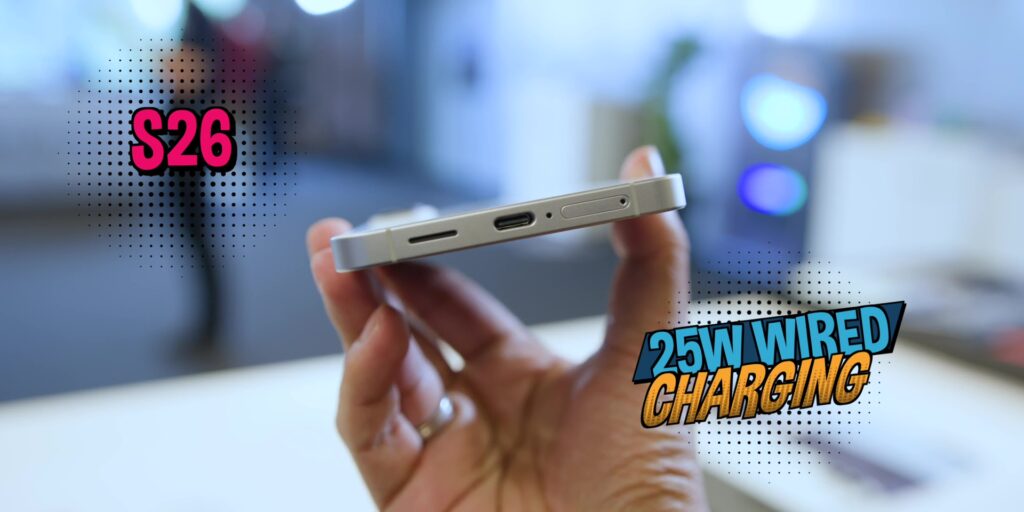
Then, charging has also seen an upgrade on the Ultra. Now, it’s supporting 60W of wired charging and 25W of fast wireless charging. The Plus model has 45W of wired charging still. The base model still has 25W of wired charging.
Then, as for the fast wireless charging, the base model is just 15W and the Plus model has 20W.
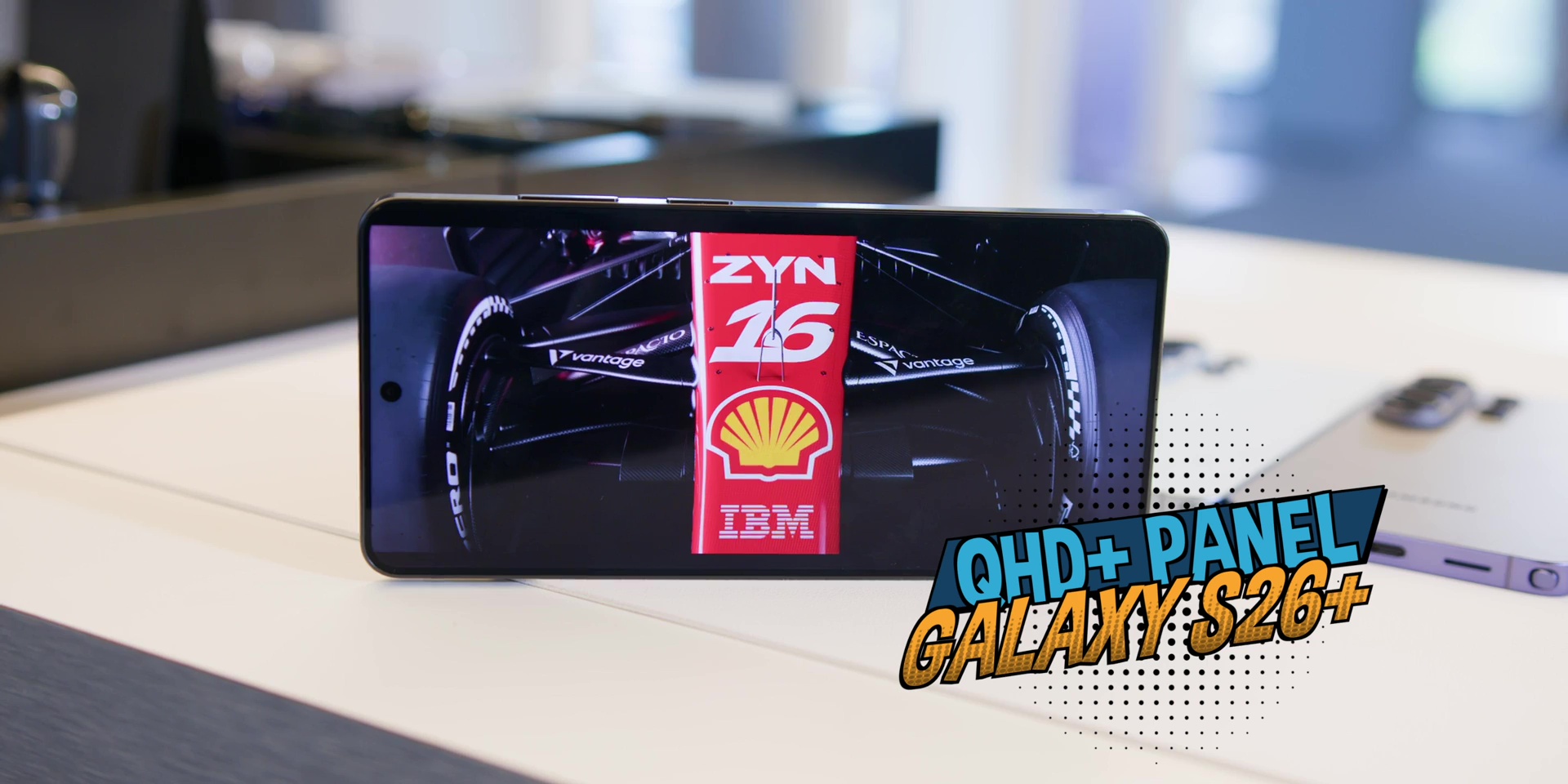
Speaking of the Galaxy S26+, the biggest improvement here is the display because it now gets a QHD+ resolution panel, bringing it closer to the Ultra when it comes to the sharpness.
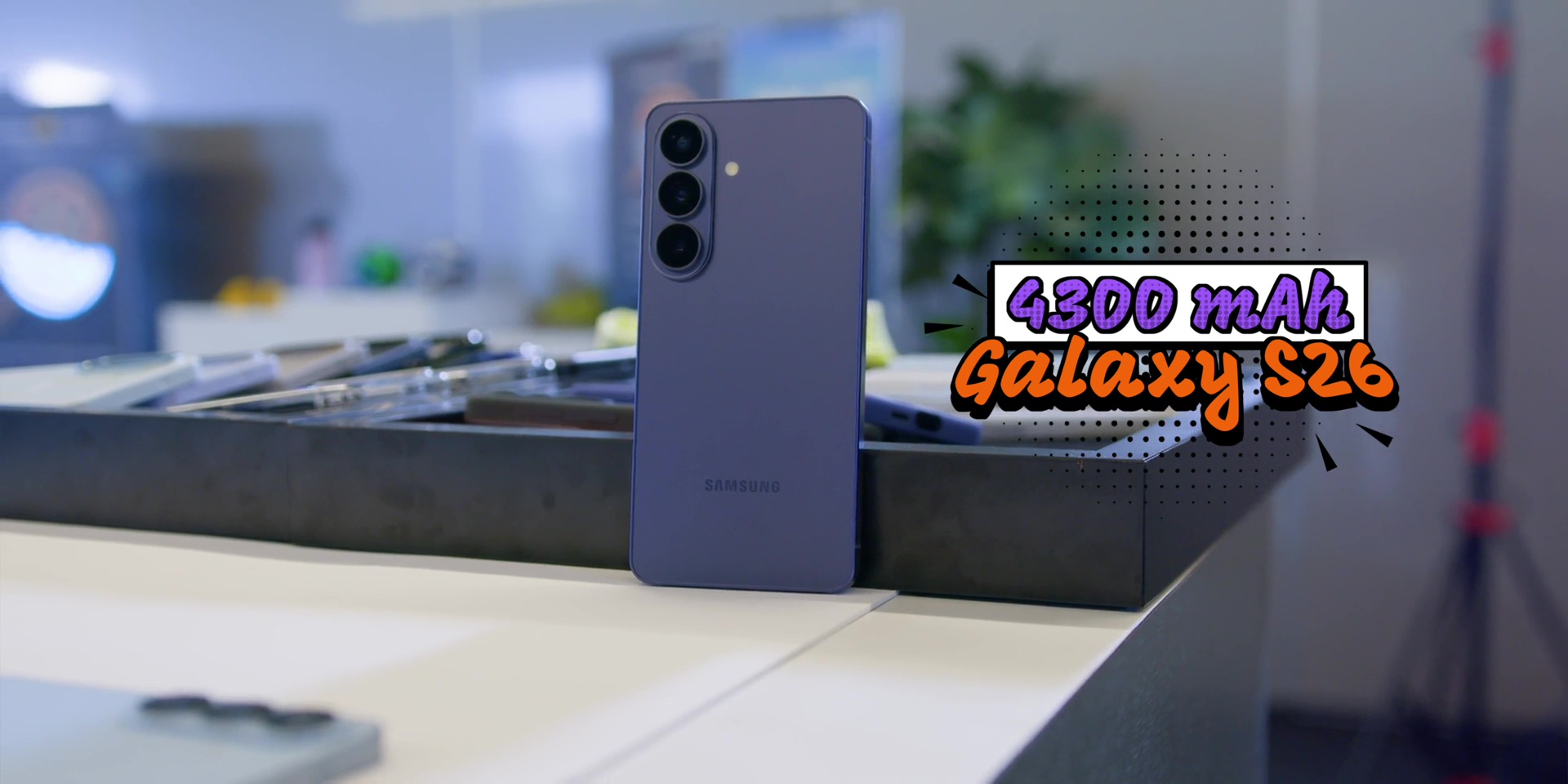
Then, as for the base S26, the battery increases to 4300mAh, up from 4000 mAh.
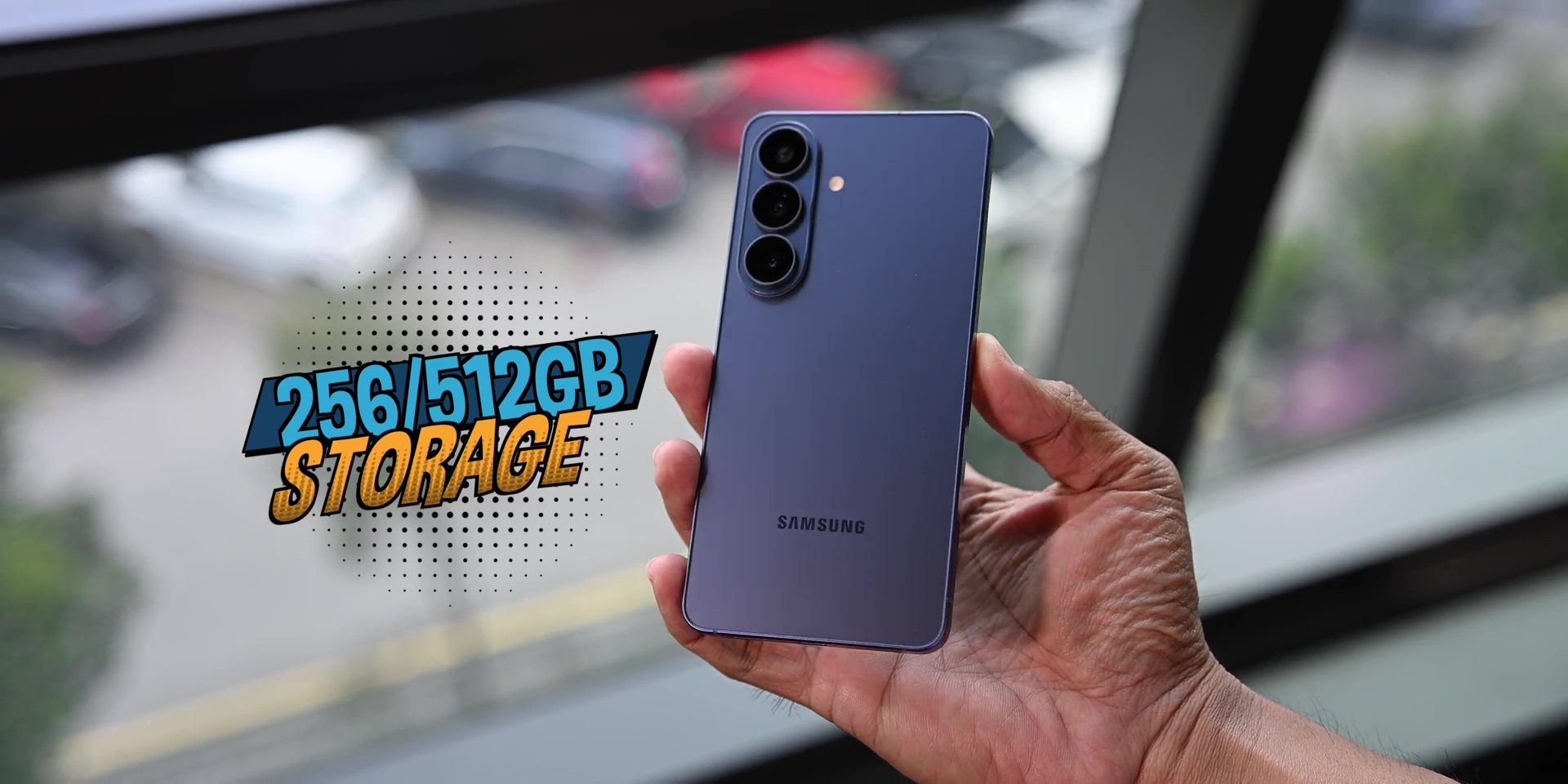
It also starts at 256GB of storage, which removes the lower storage entry and makes the base model feel more futureproof right out of the box.
Privacy Display
Then there’s also the Privacy Display feature, a hardware feature only available for the Ultra where it blocks side viewing angle so other people beside you can’t see your screen clearly.
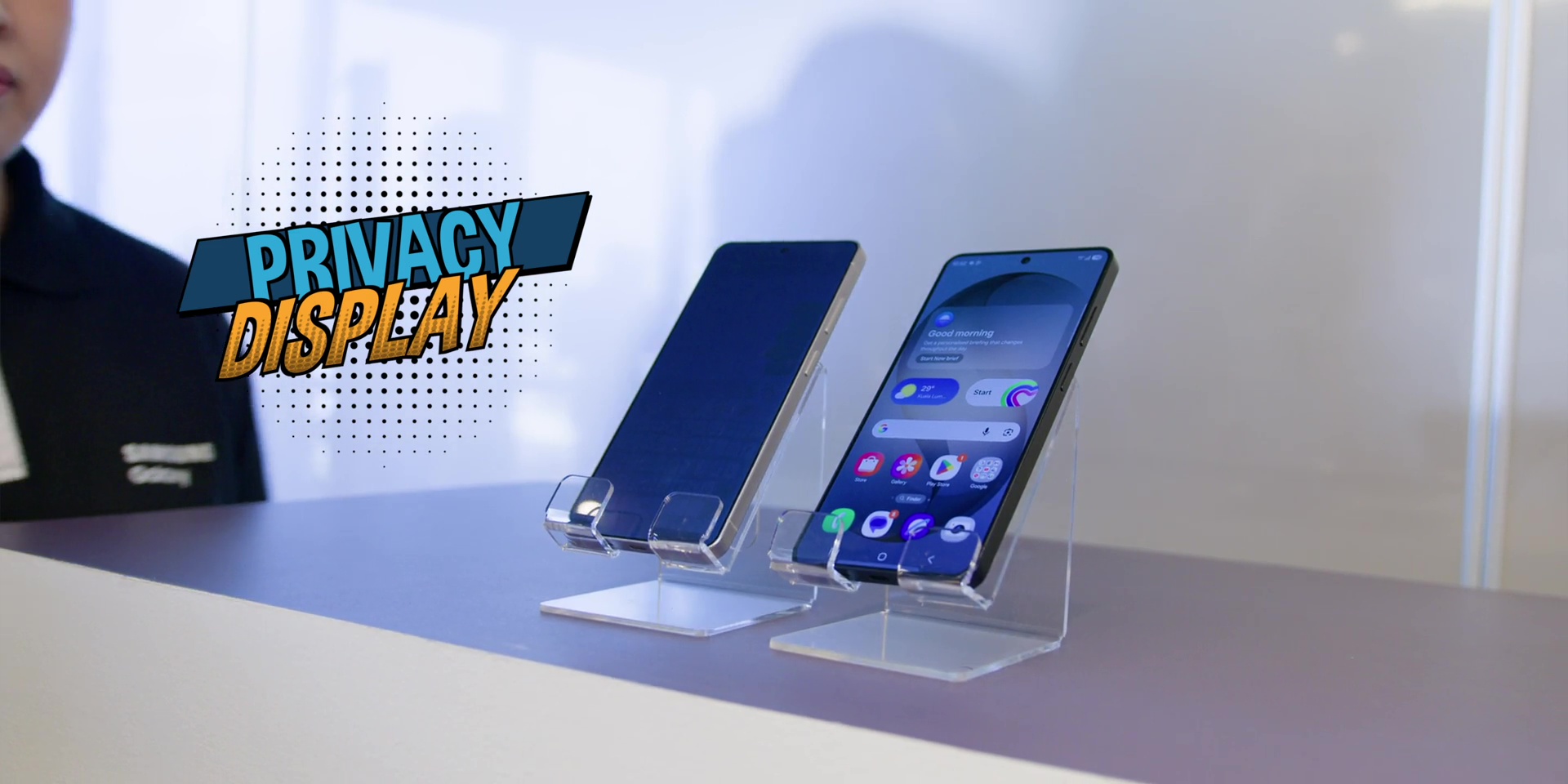
You can toggle this to turn on and off in the Control Center menu accordingly which is very unique and helpful and you can also tune it based on which exact apps that you want it to be.
So hardware wise this isn’t a radical redesign year. It’s a proper refinement and that’s the real hardware story this year.
Conclusion – Samsung Galaxy S26 Series
So after this first look and my first impressions here’s my honest take.
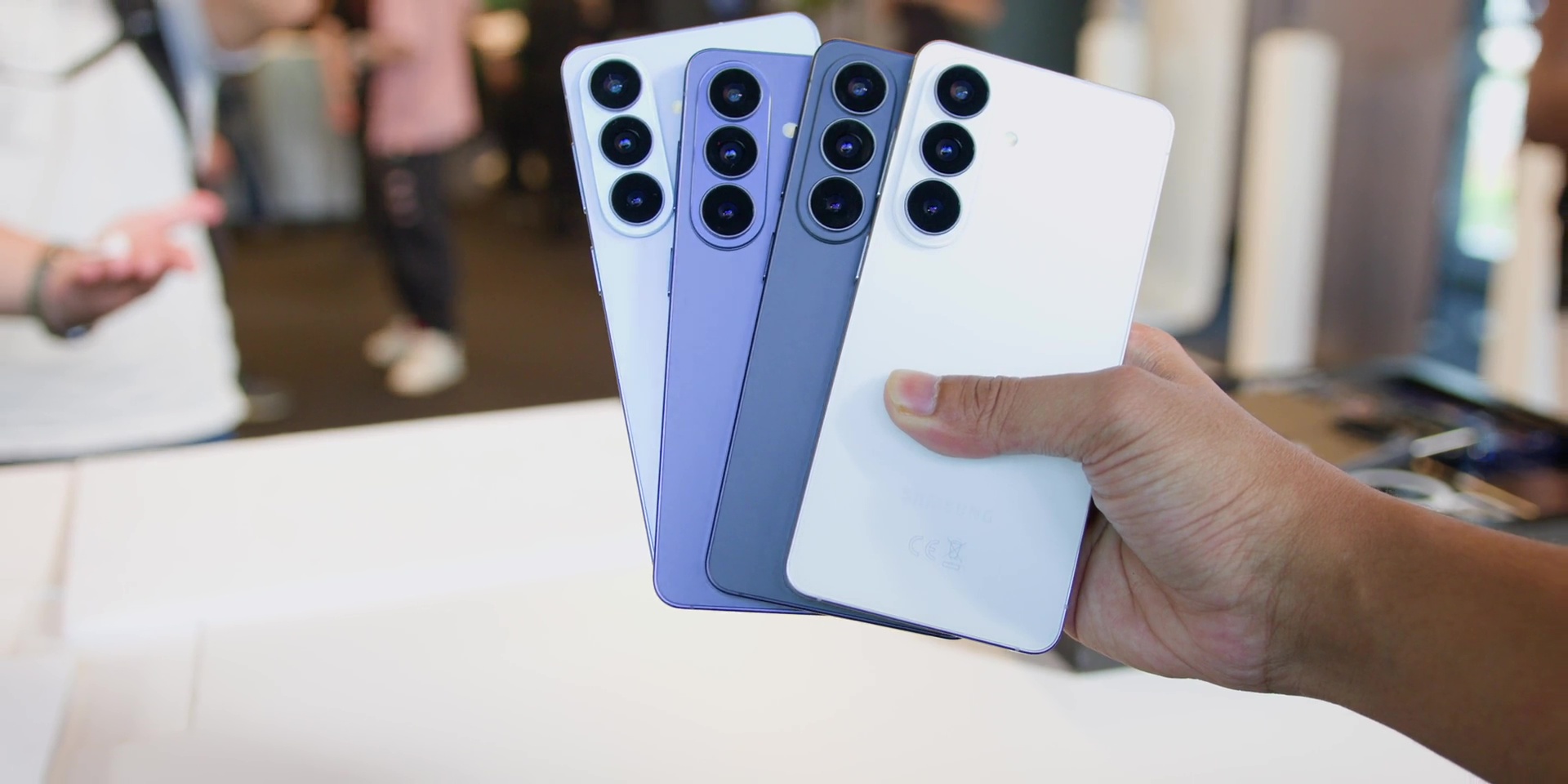
Samsung isn’t trying to convince you that the S26 is different because of the specs. They’re trying to tell you that it is different because of its intelligence.
Because the real upgrade this year isn’t the hardware, it’s the behavior.
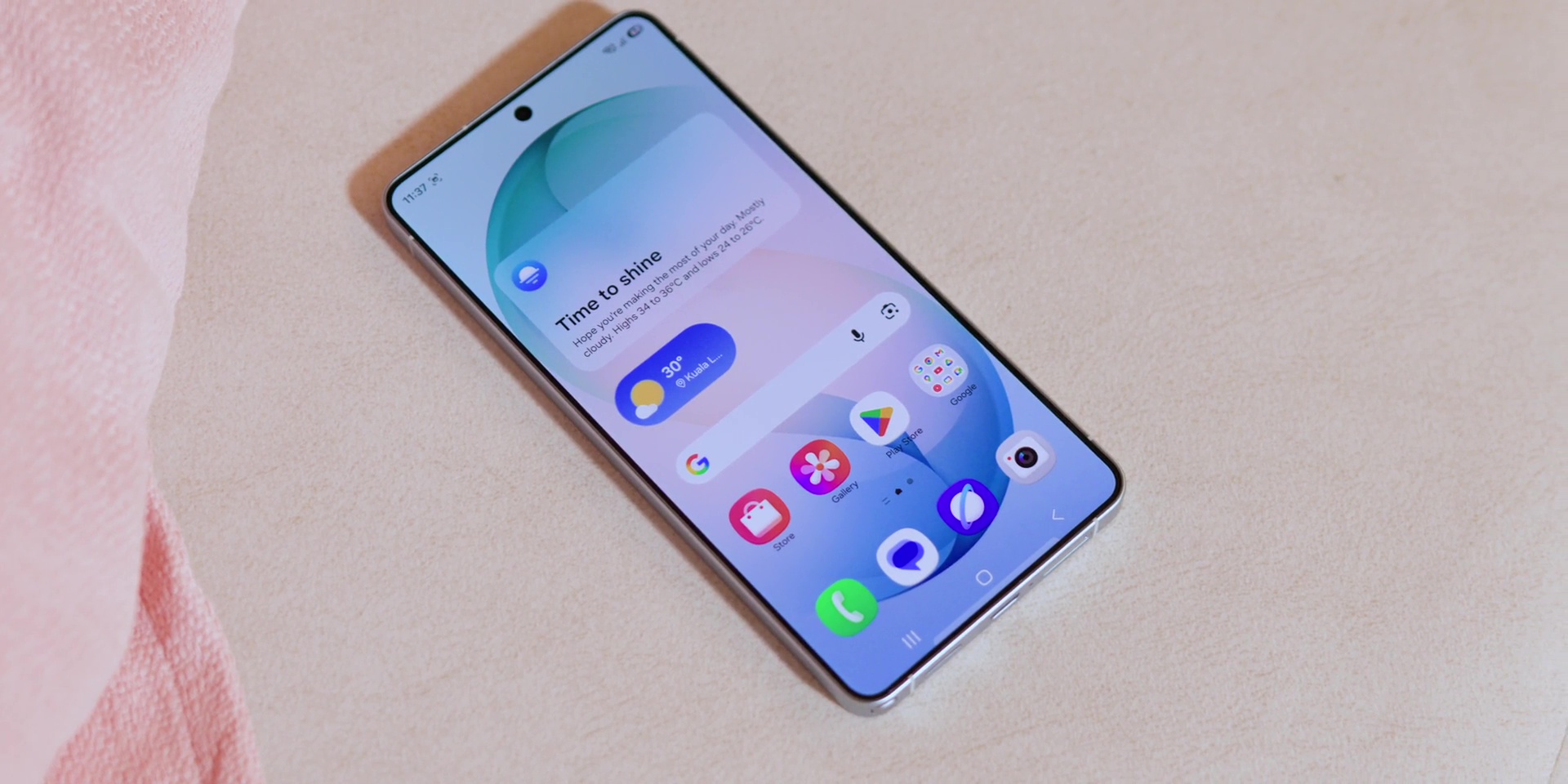
So, the question is, will Agentic AI feel like a real step forward, or will it be just another feature that we might forget if it even exists?
Stay tuned for my in-depth review of the S26 Ultra first, coming really soon!
[Watch the full video on YouTube here]
🛒 PRICING INFOGALAXY S26 SERIES:
Galaxy S26 Ultra
👉 1TB – RM7,999
👉 512GB – RM6,799Galaxy S26+
👉 512GB – RM6,199Galaxy S26
👉 512GB – RM5,199(Available in Cobalt Violet, White, Black, and Sky Blue)
Promo:
- Double storage and Samsung Rewards Points Booster worth up to RM1,200
- Instant rebate of RM700 with selected bank cards
- Save up to RM4,000 with Galaxy Forever
- 0% interest installment plan of up to 36 months at participating banks
—————————
GALAXY BUDS4 SERIES:
👉 Galaxy Buds4 Pro – RM999
👉 Galaxy Buds4 – RM699Promo:
Get 10% off on the Galaxy Buds4 series when you purchase selected Galaxy S and Z Series models
Related: