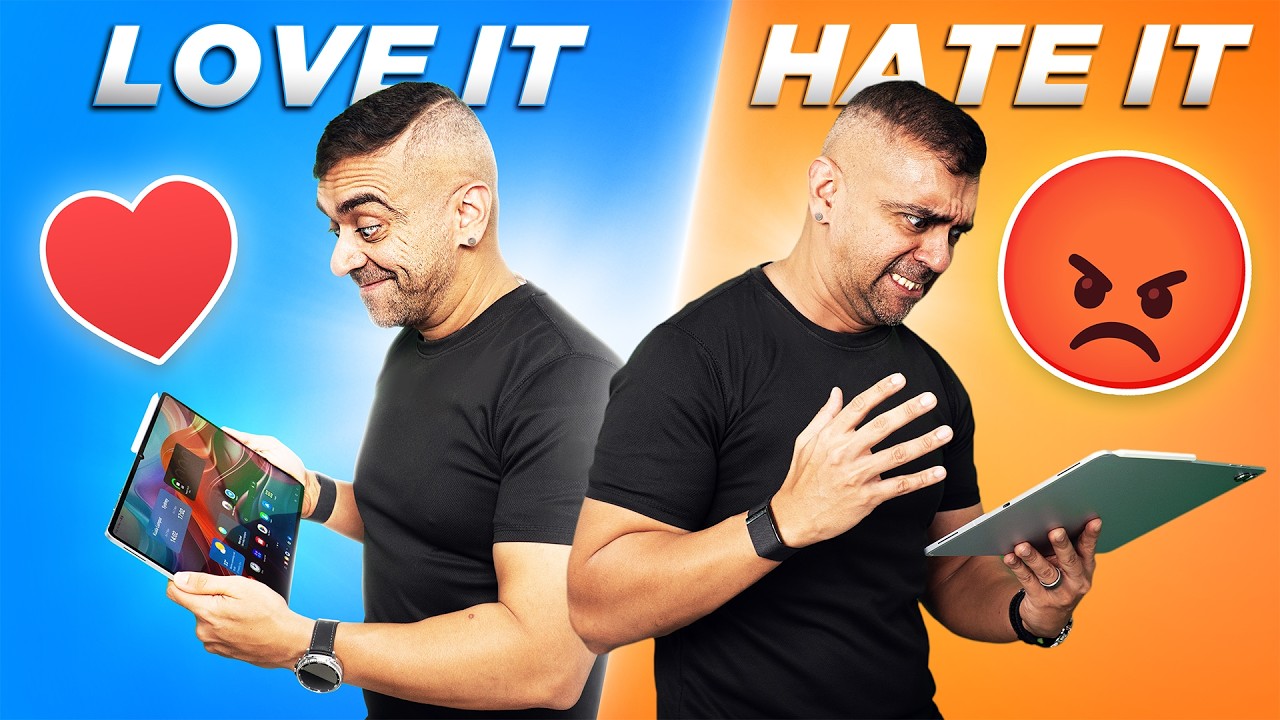
What if I told you that Samsung’s biggest and most powerful tablet might actually be too good for its own good? Because after using this Galaxy Tab S11 Ultra for 2 weeks, writing scripts, sketching, watching Netflix, and editing photos, I’ve got 5 things that I really loved and 5 things that got me scratching my head.
✅ The Display is Just Stunning
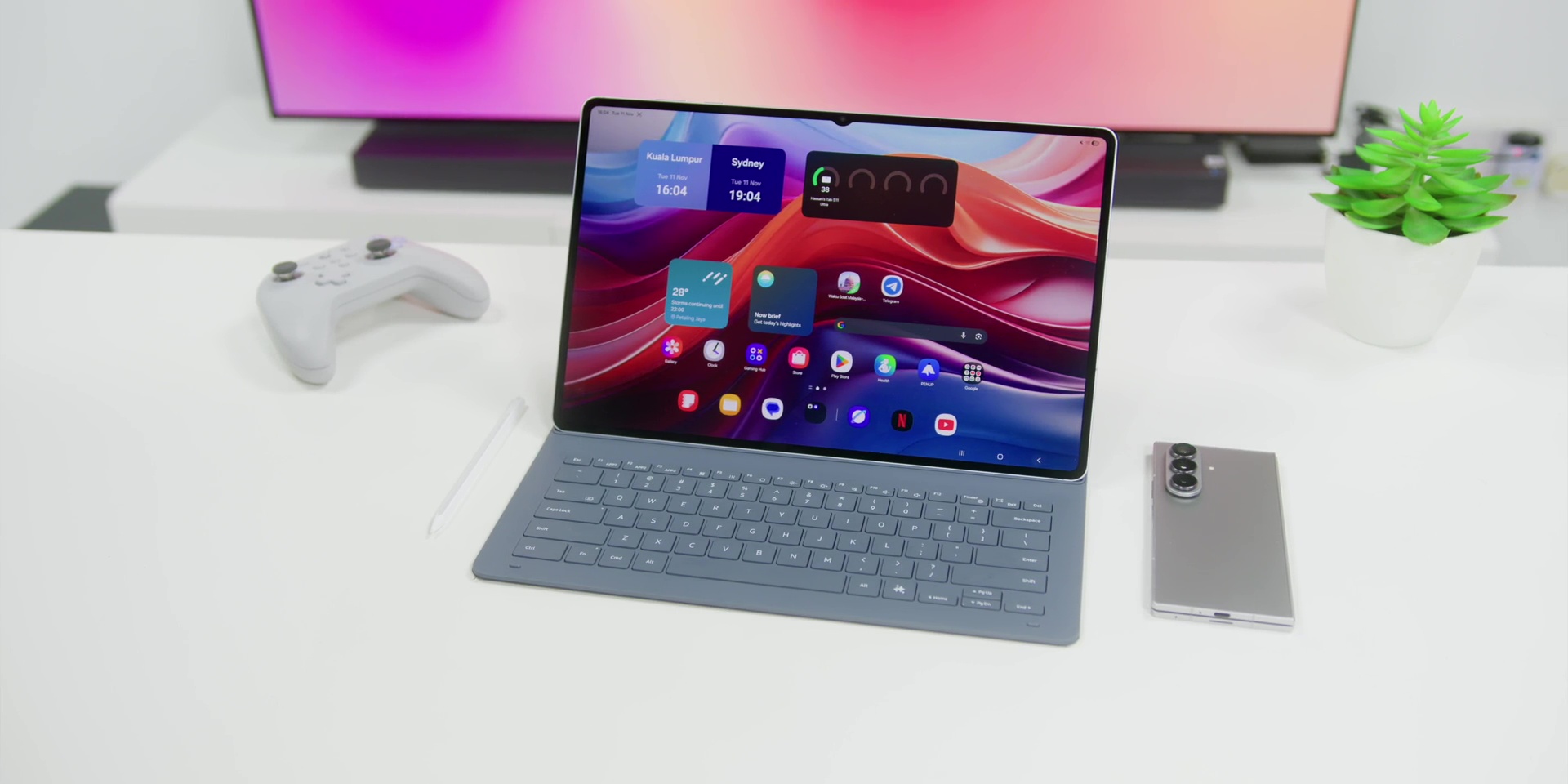
All right, let’s start with the display. Samsung makes some of the best screens in the world, and the Tab S11 Ultra just reinforces that reputation.
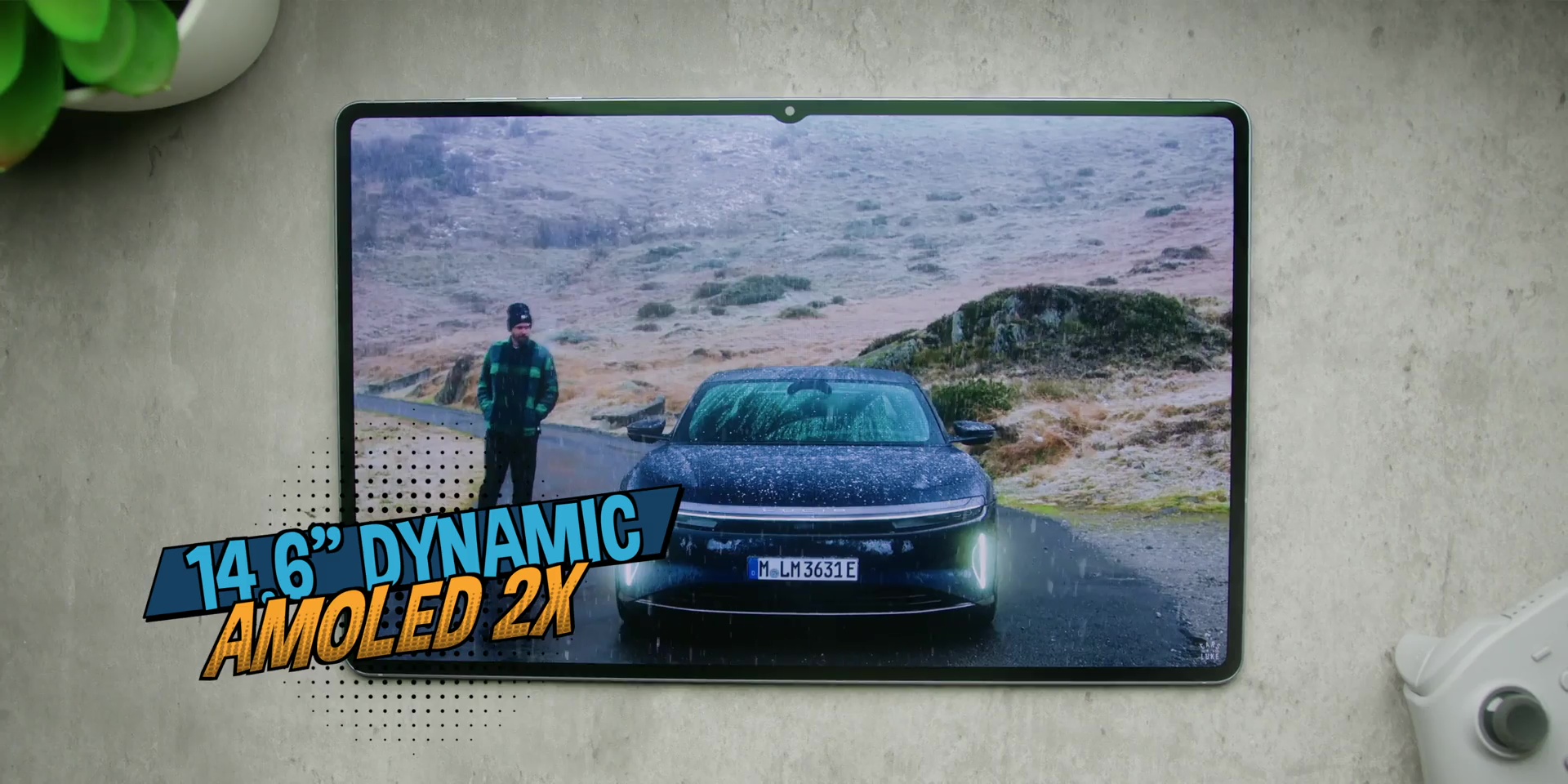
It has a massive 14.6-inch Dynamic AMOLED 2X panel and the colors here are totally jaw-dropping. Everything looks super vibrant and the blacks are pitch dark and the HDR content played over here pops like crazy, whether or not you’re watching Netflix, gaming, or editing photos. It’s a kind of a display that makes you go wow every single time you turn it on.
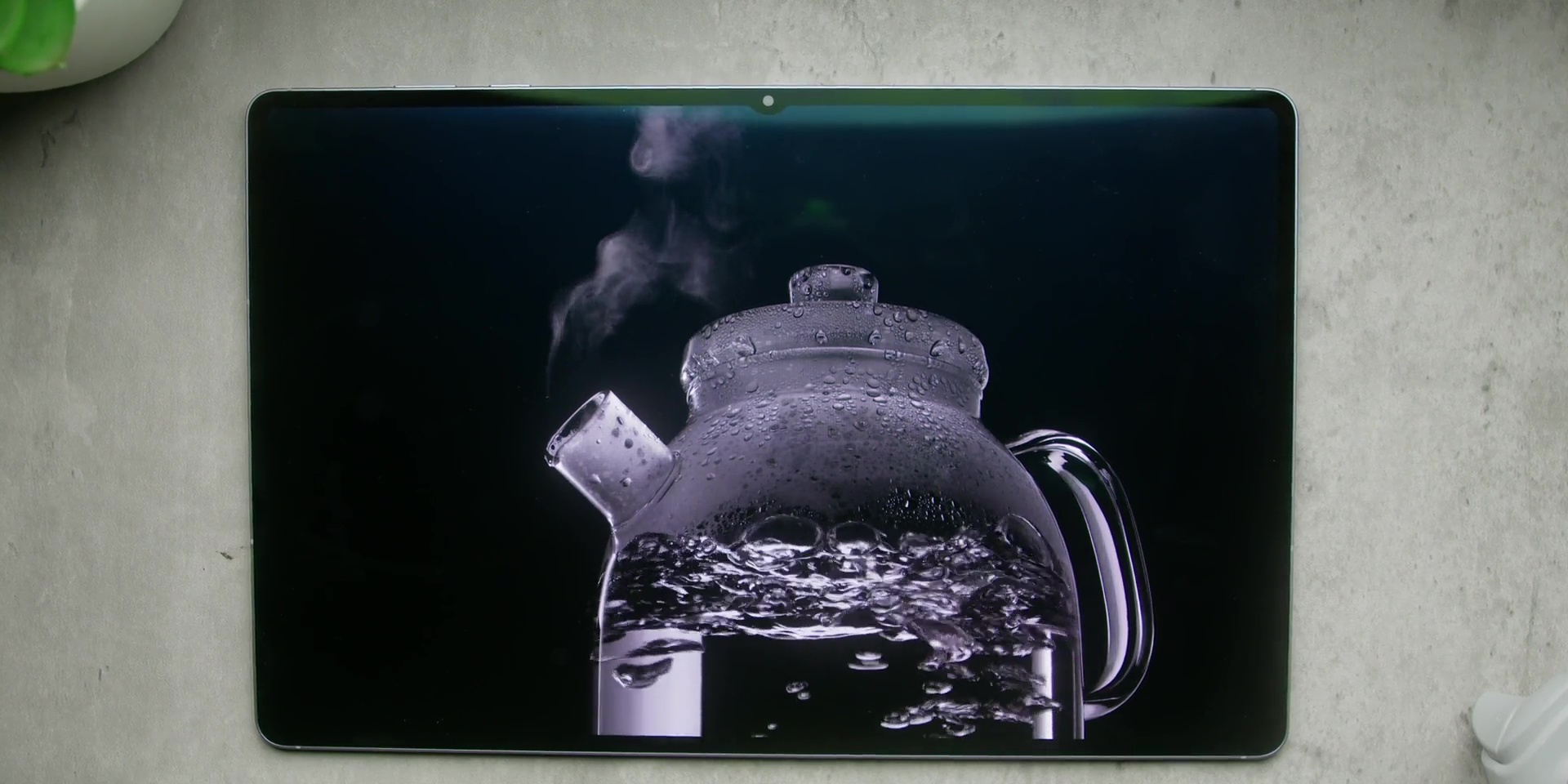
Scrolling feels buttery smooth and the refresh rate keeps things very snappy. And even under bright sunlight or even here in the studio, it also holds up surprisingly well, almost like a portable OLED TV, which happens to also be a productivity machine.
❌ It’s Unwieldy
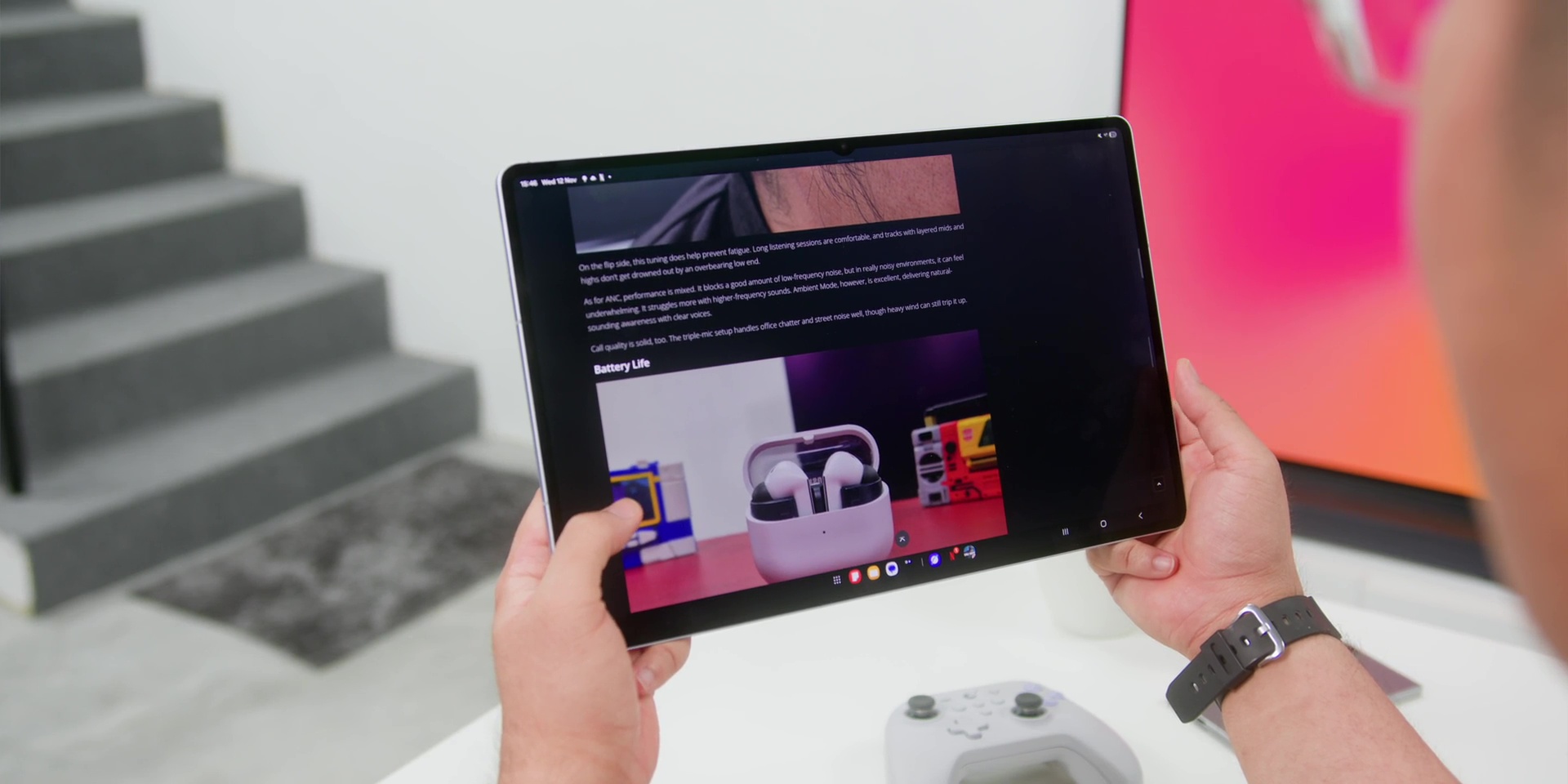
But the thing is that an amazing display also comes with a cost. Well, if I were to sum up the S11 Ultra in one word, it would be this: unwieldy, or difficult to handle, because it is big. Like, really BIG. Sure, it’s thin and sleek, but when you’re holding it, you can really feel that size.
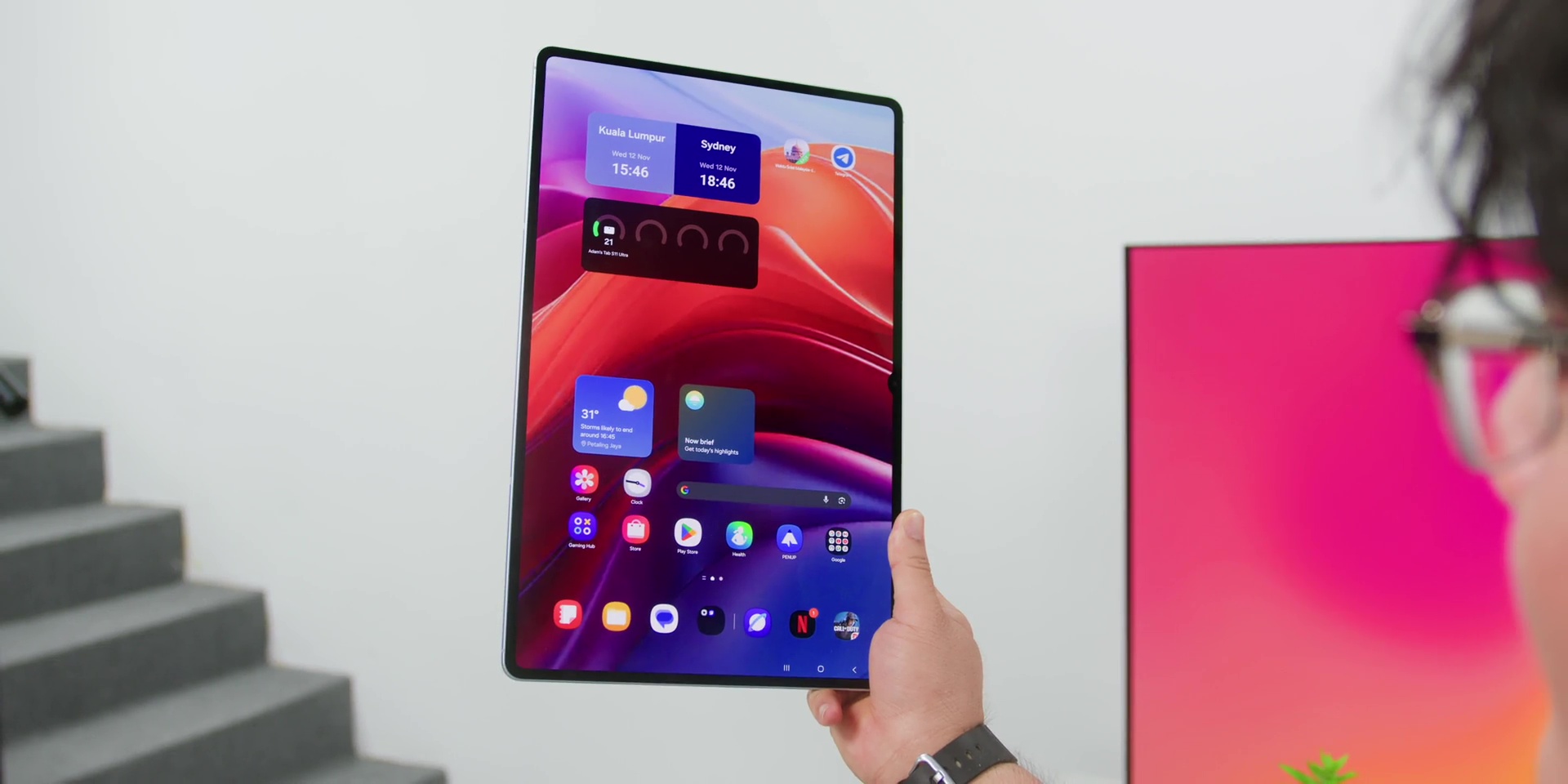
If you try holding this in one-handed, forget about it. Even two-handed, after a few minutes, your wrist just starts to feel it. It’s a tablet that looks incredible on a desk or a stand, but not one that you can comfortably use on the couch or even on your bed. Because while you’re lying on bed with this thing, there’s a 90% chance that it’s going to fall on your face. It might be funny the very first time, but do it enough times and you will feel like you got hit by a frisbee made of glass and aluminum.
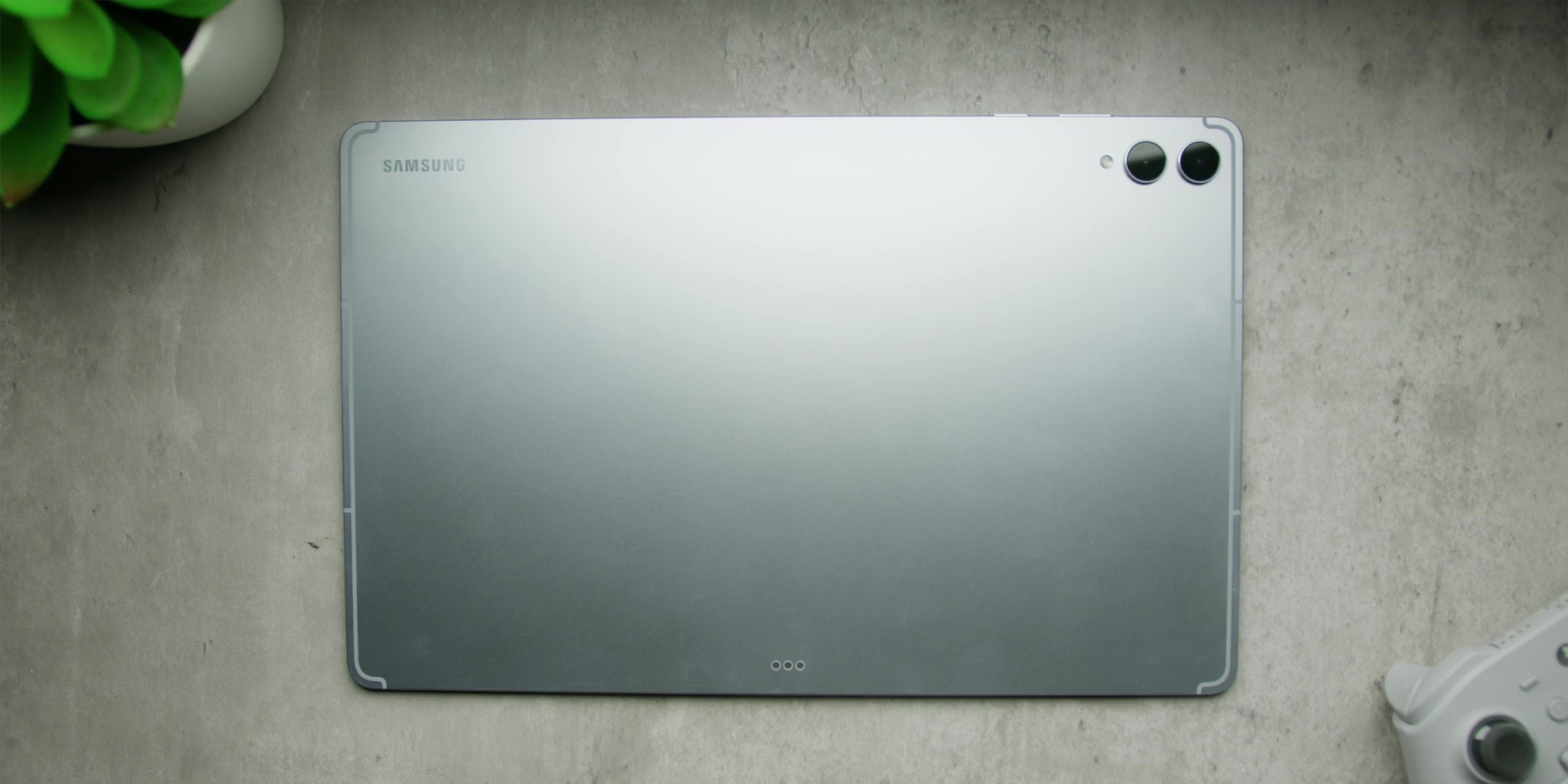
On top of that, also when you’re on the move, the Tab S11 Ultra can be a bit of a hassle because it doesn’t fit easily into smaller bags. But it is really amazing when it comes to desk setups or even creative studios, but for travel or coffee shop work, it is a little bulky.
So, yes, the massive screen is both the best and the worst part of this tablet.
✅ The Performance is Excellent
But this has the MediaTek Dimensity 9400+ chip. As with many recent MediaTek chips, the performance of this chip absolutely flies with 12GB of RAM and Samsung’s overall great software optimization.
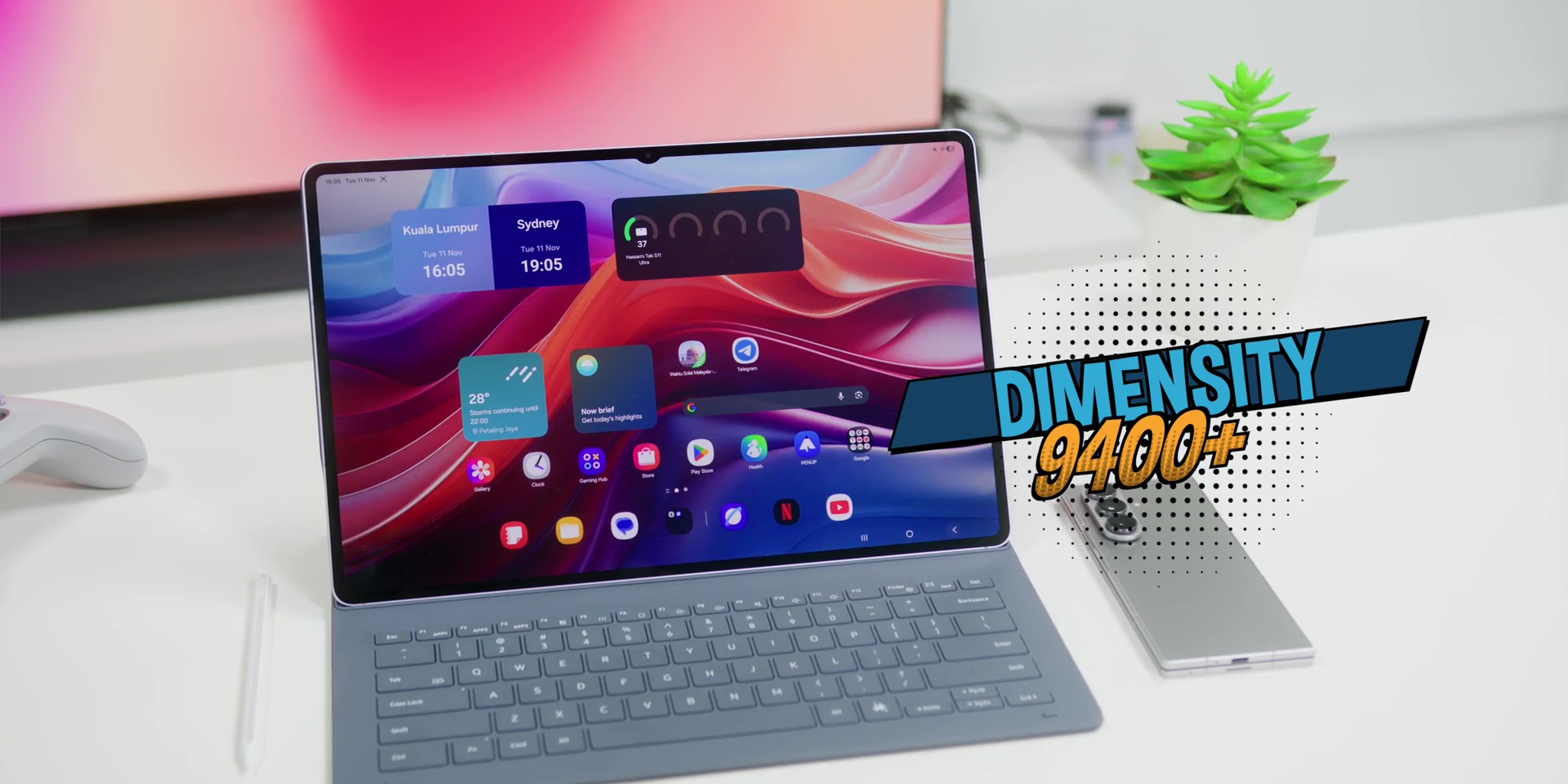
Apps open instantly and multitasking is totally effortless. Even heavier workloads like video editing or gaming run very smoothly. I also had multiple tabs open like Chrome, Notes, YouTube, Canva, and a few others. And this tablet handled it very well without any hiccup.
Gaming on a tablet is something that I never thought I would do or find myself doing, let alone enjoying, especially with something as monstrous as this. A bit of COD Mobile here and a bit of Persona 5 The Phantom X there. And suddenly, 3 hours have passed by like water.
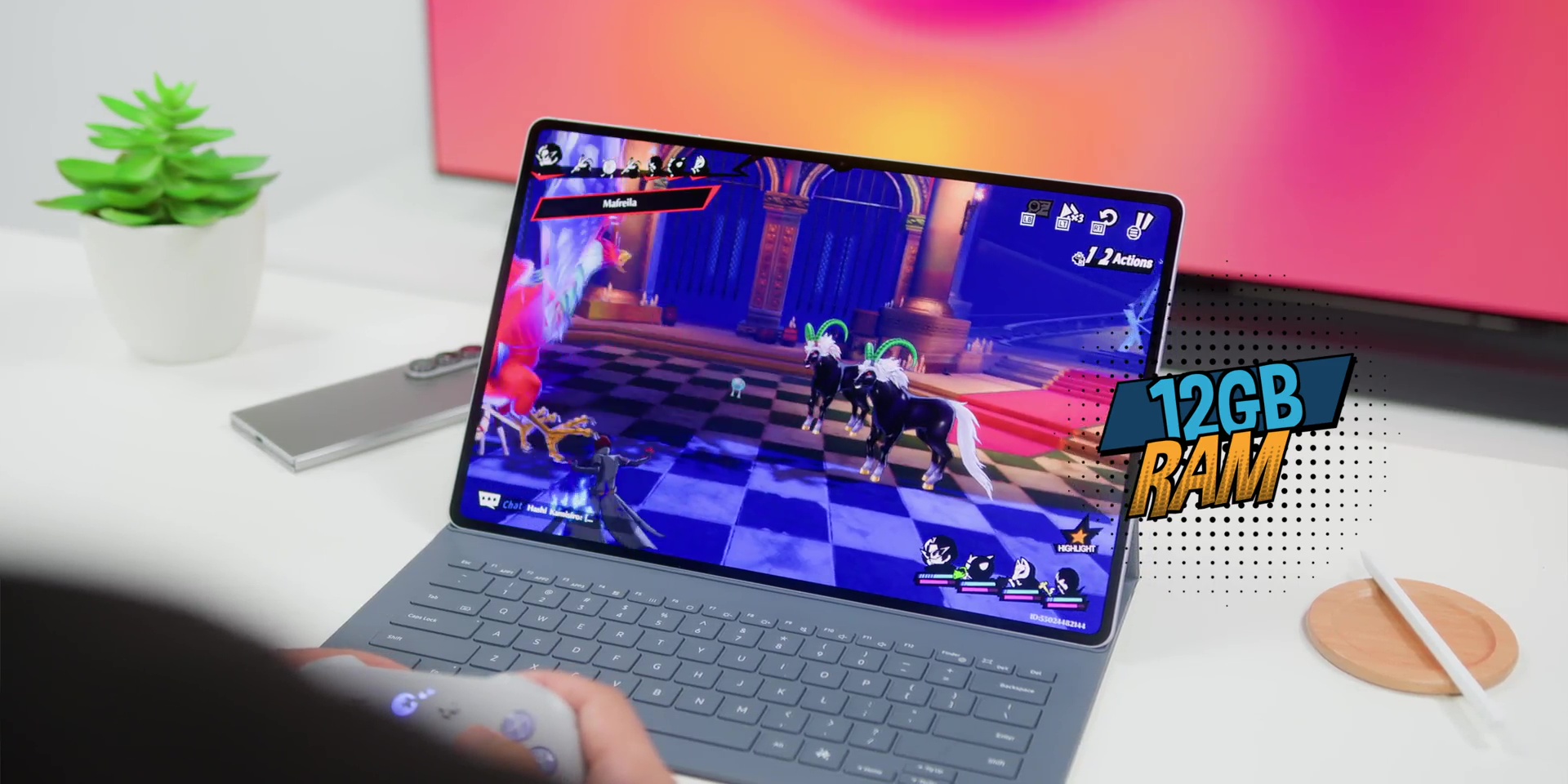
And the tablet’s battery life is also really very good because it easily lasts a full day even with all the gaming and everything that I mentioned earlier. And keep in mind that that is with the screen brightness all the way up most of the time. So yeah, for a tablet running MediaTek silicon, it was really good.
❌ The S Pen Magnet is Way Too Weak
But let’s talk about this, the S Pen. Because while I love that Samsung still includes this, there’s one major issue, and that is the magnets of the tablet, which are seriously very weak.
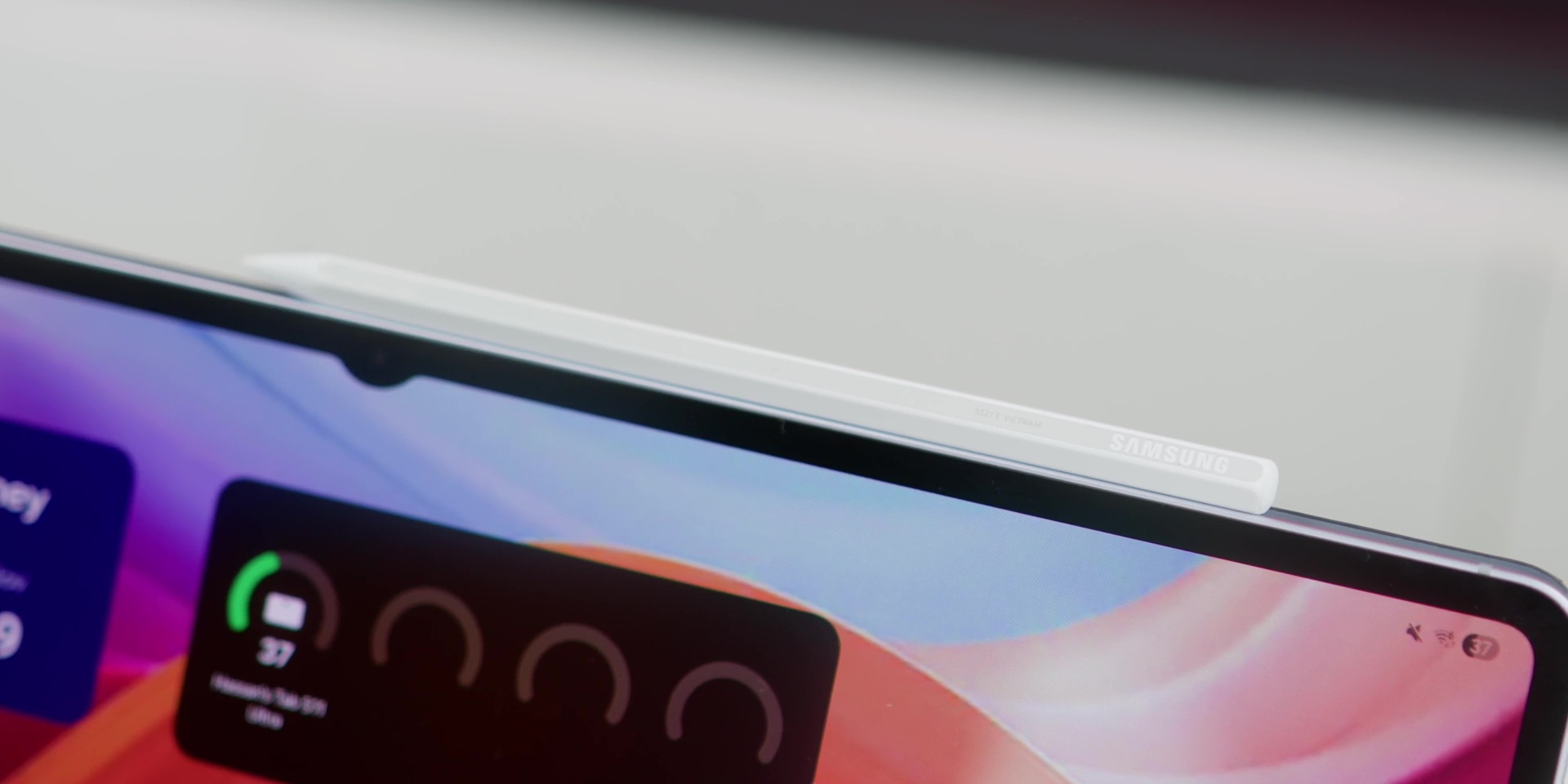
It is supposed to attach magnetically, but half the time it barely hangs on. And I had it pop off from the tablet even when I gently moved it.
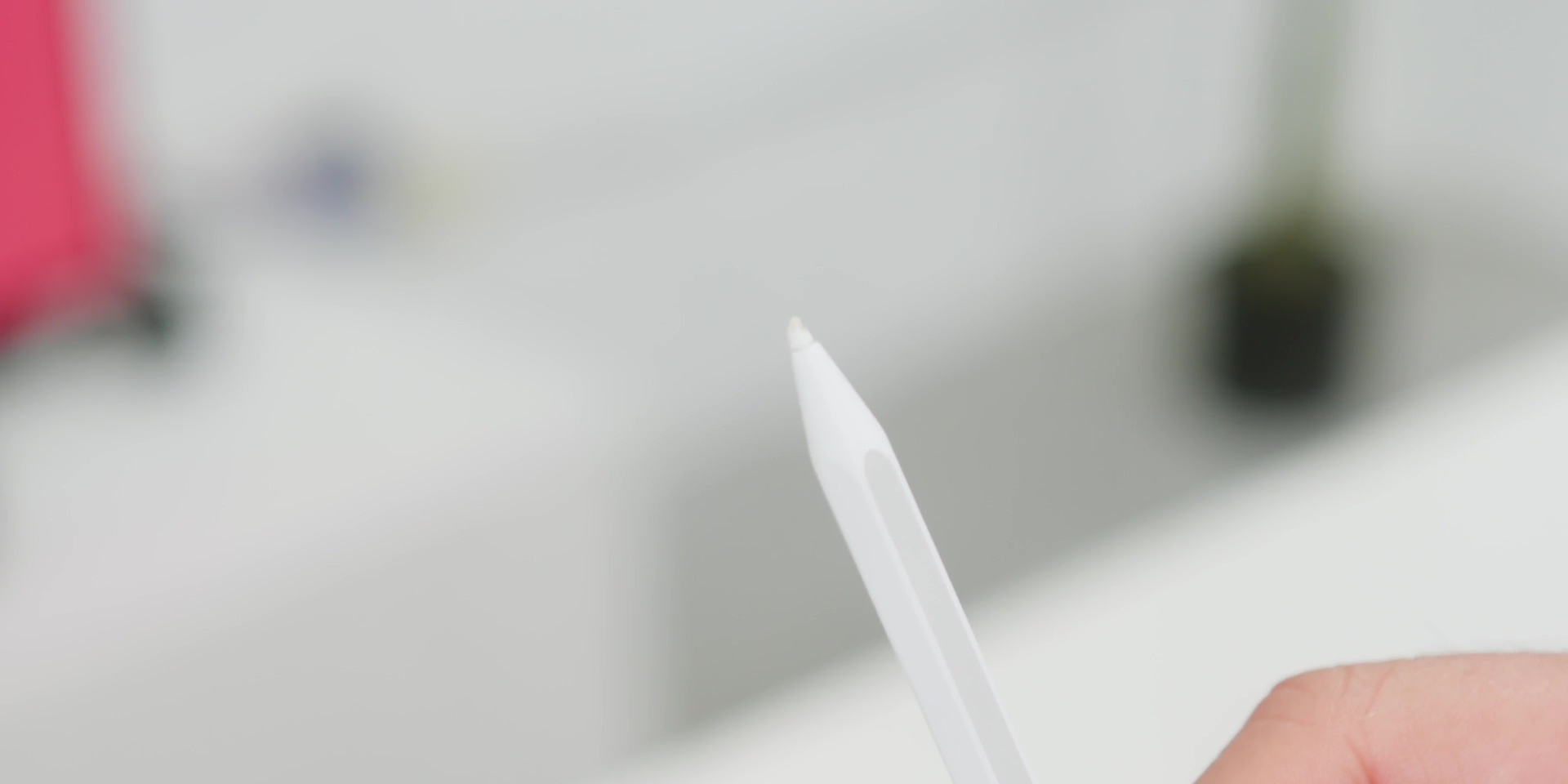
But there was one unfortunate thing which happened when it fell off completely while I was carrying it to another room and the pen tip actually got damaged. Yep. Because this is like a tech version of dropping your ice cream cone right after buying it. It is relatively a minor thing, but when you rely on a pen to work, it becomes a real pain.
✅ The Redesigned S Pen Feels Great
But magnets aside, I got to say that I really love the design of this S Pen. It is slightly thicker and has a matte texture and it feels more like a proper pencil or a pen. The ergonomics is so much better, especially if you’re sketching or writing very long sketches.
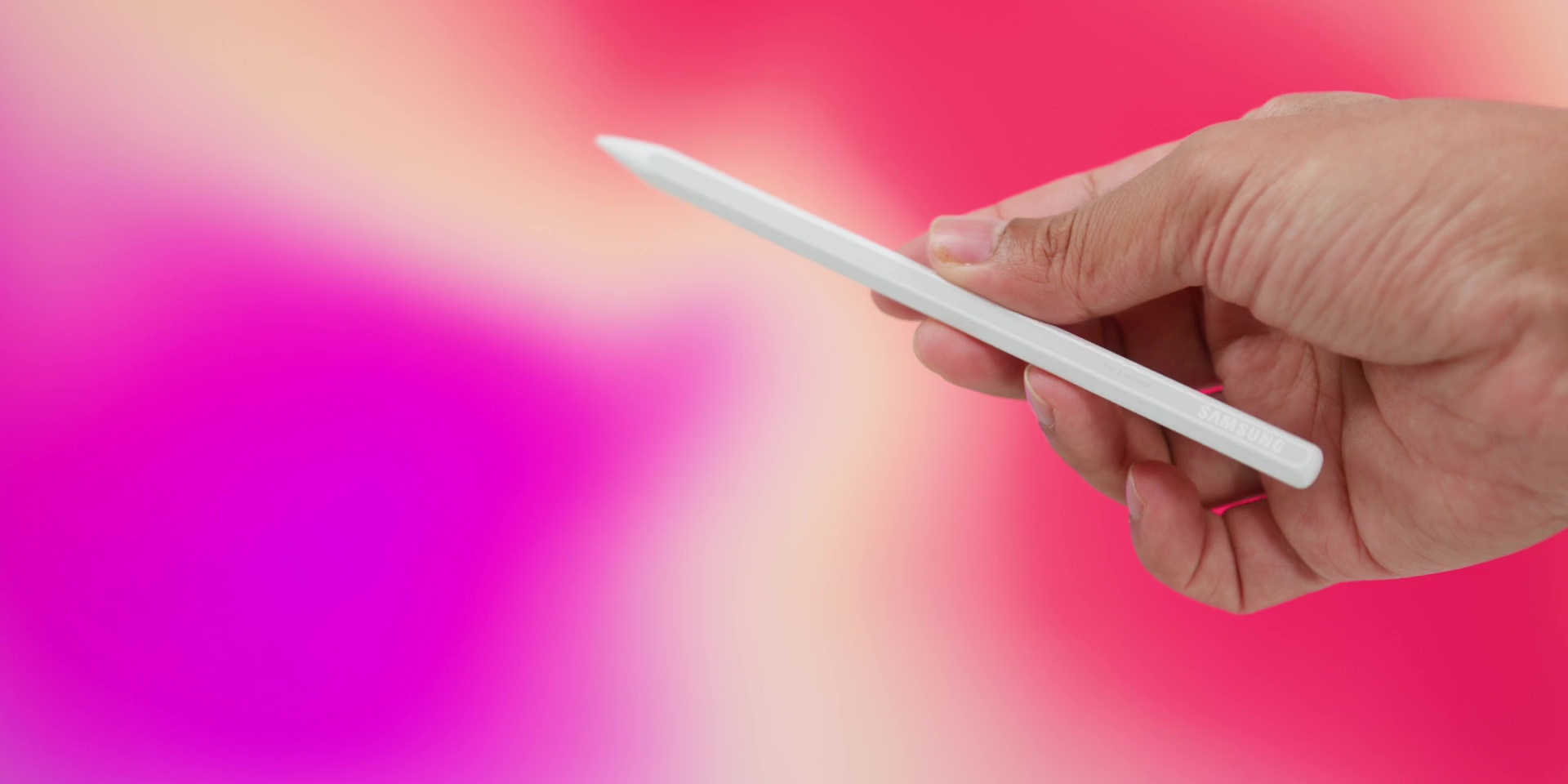
Latency is basically non-existent. And what’s interesting is that considering that this S Pen does not have a Bluetooth feature anymore, Palm Rejection is also solid. And if you like sketching or handwriting notes, it is one of the best stylus experiences all around.
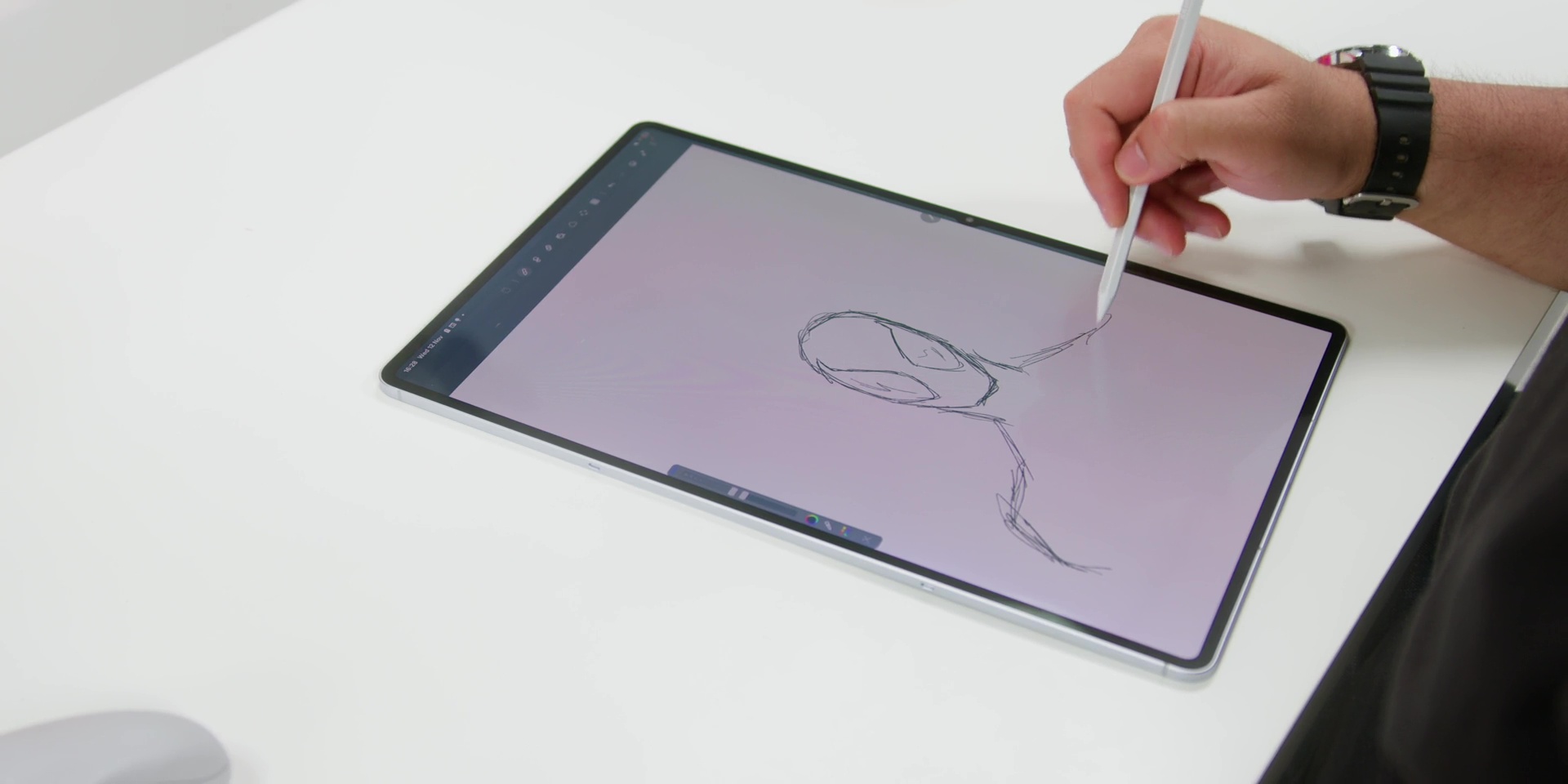
Fun fact, Samsung has also fine-tuned the pen nib material this year, which is why it feels smoother when gliding on the screen. Less plastic on a glass and more paperlike. Then the pressure sensitivity also feels natural and overall the pen experience is among one of the best on any tablets out there.
So yes, while the magnets could use an upgrade, the pen itself or the S Pen itself is really top-notch.
❌ The Keyboard Experience is Just Okay
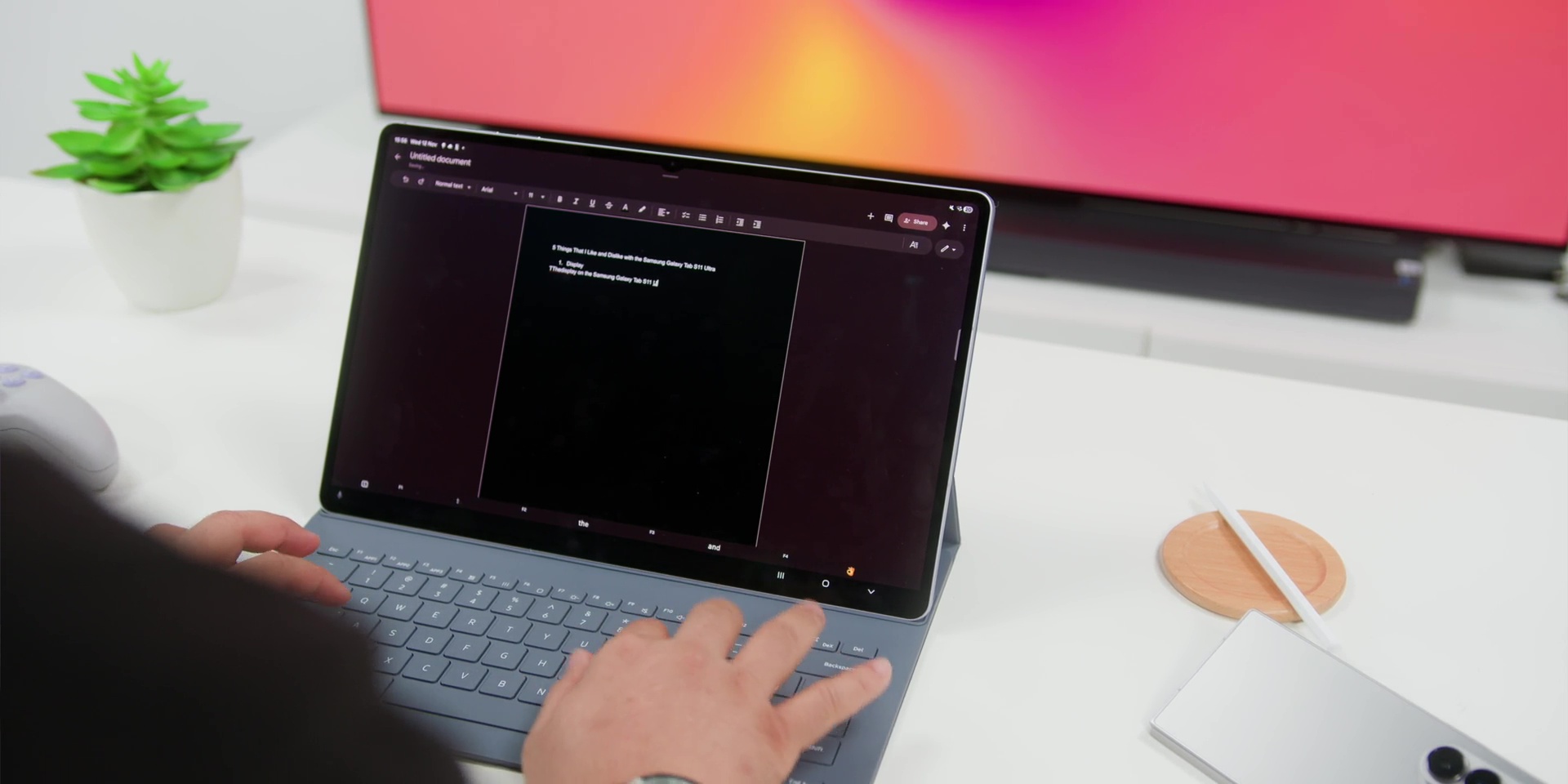
But the Book Cover Keyboard, while it actually comes bundled inside the tablet over here, and while that is a great value and the typing experience on this was great, the keys, though, have a very deep travel. So sometimes I did find myself pressing harder and only then I got consistent feedback.
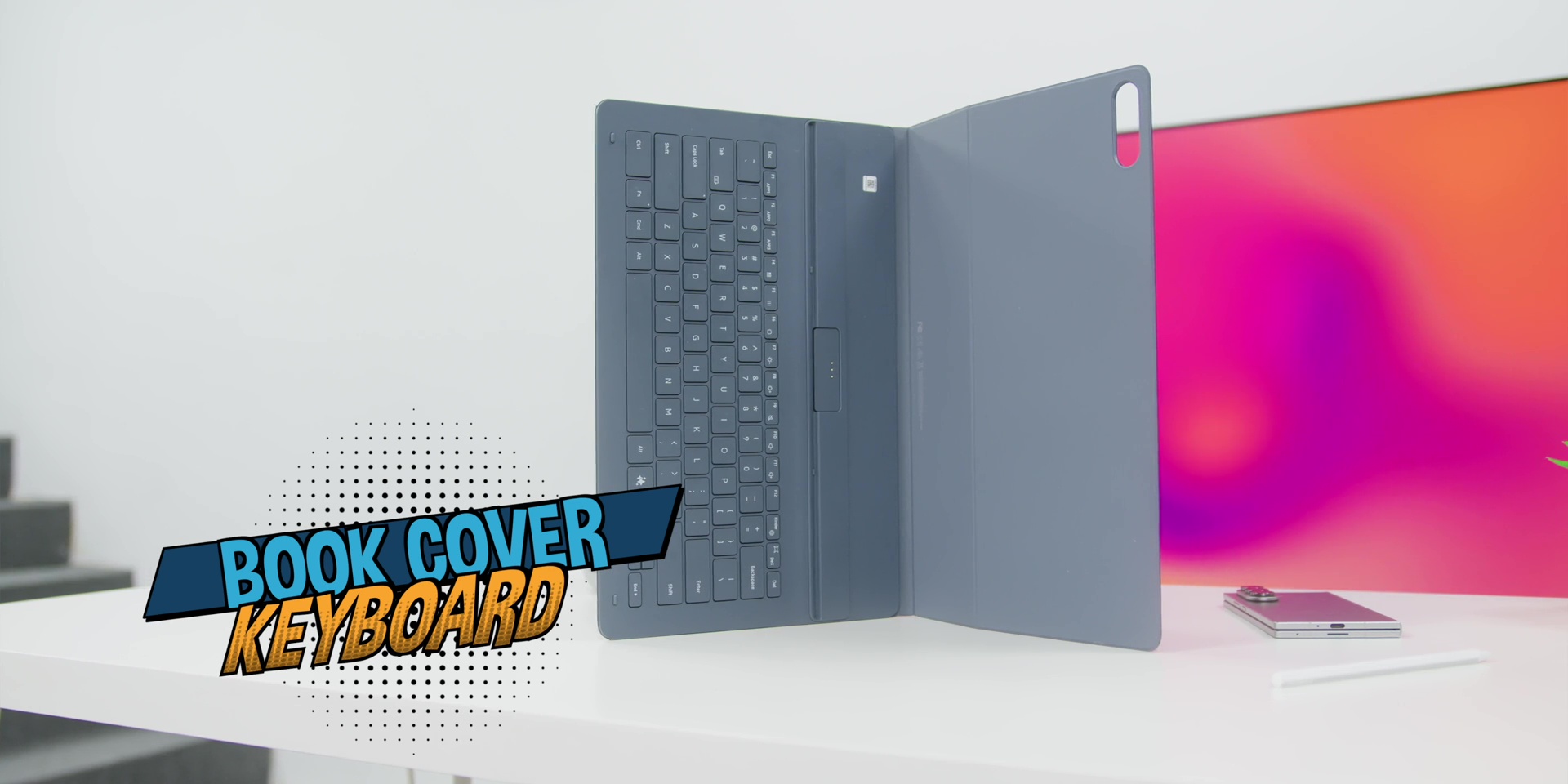
It is totally usable for emails or quick work sessions. But for longer writings like writing full video scripts, it can get tiring really fast. But while that’s something that you can get used to, I just wish that it also included a trackpad like the previous Tab S10 Ultra that we reviewed here in this channel before.
✅ Samsung’s Ecosystem and DeX Mode
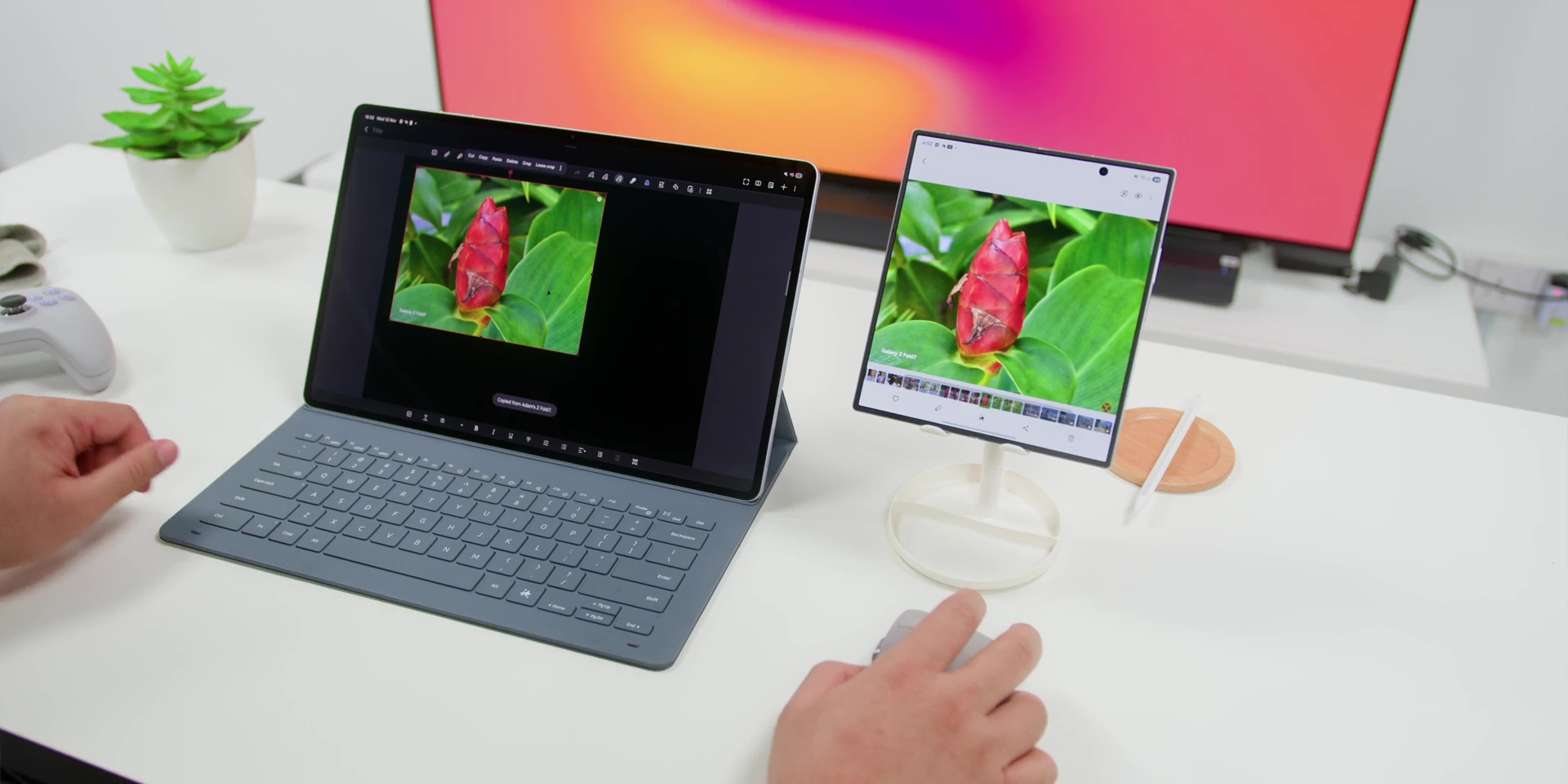
But if there’s one thing that Samsung really nails is the ecosystem because the Tab S11 Ultra connects beautifully with a Galaxy phone, watches, and earbuds. You can copy text from your phone and paste it right into the tablet, drag and drop files between devices, or even use your phone as a camera when in DeX mode.
Speaking of DeX, it is one of the tablet’s best and completely underrated features because you can plug the tablet into a monitor or just use it standalone and it gives you a full desktop style interface and it comes complete with resizable windows and a taskbar as well.
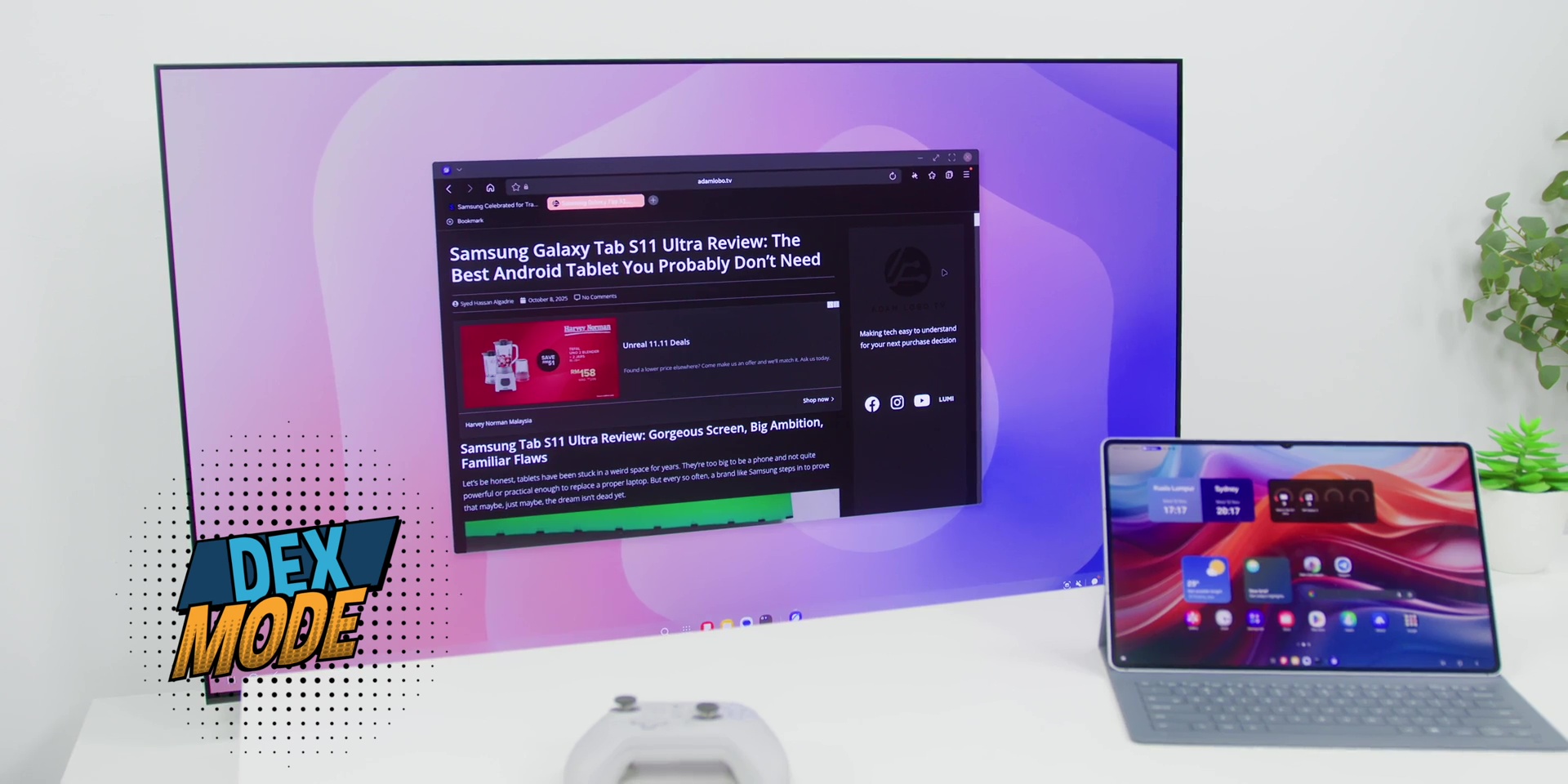
So, it’s basically Samsung’s version of a laptop OS and it is very useful and it makes it great for light to medium productivity as it’s more capable of replacing a laptop, especially when paired with the keyboard and also the S Pen as well.
❌ Still Not a True Laptop Replacement
However, as much as I just love what DeX can do, the reality is that it’s still not a total laptop replacement. Even with Samsung’s optimization, you will probably or eventually hit some limits. And this comes in a form of file management, software compatibility, or even multitasking flexibility.
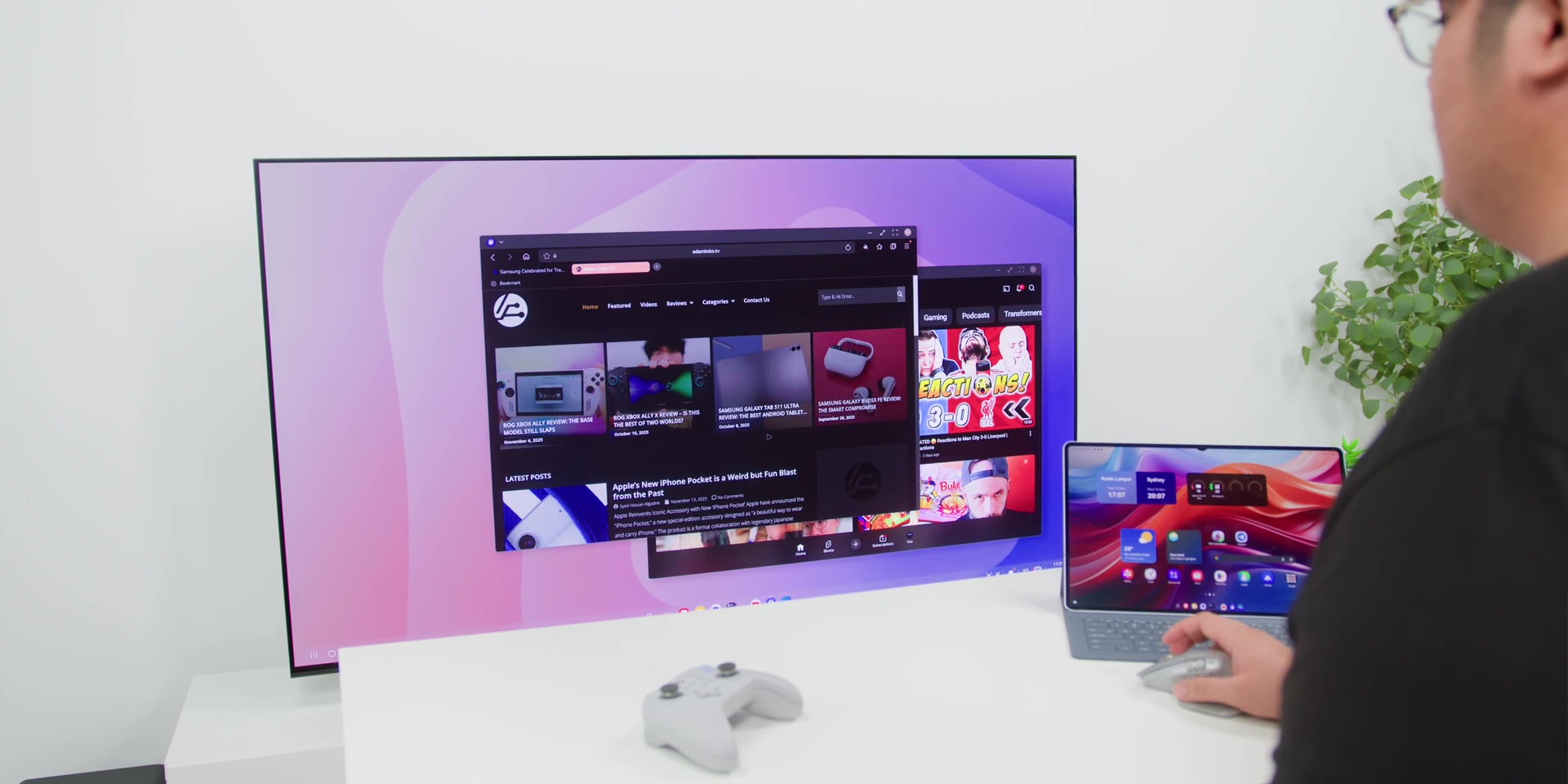
Some desktop apps just don’t run natively on Android. And certain aspects of it feel clunky. For example, pictures on Canva sometimes become a little small. The Telegram app sometimes gets stuck in DeX mode. And even YouTube sometimes opens a new window when watching a video instead of loading it in the app, where I need to occasionally close and open the app again.
So, yes, the Tab S11 Ultra gives you a really close desktop experience, but if you’re a heavy laptop user, you still find yourself going back to a proper PC or a laptop for serious work. So, hopefully a software update could fix this.
✅ Samsung’s Al Is Quietly Brilliant
But the tablet comes with tons of useful AI features. You’ve got Gemini Live, which is basically your personal AI assistant that understands context. You can also ask it to summarize your notes, explain something on screen, and even help with research as well.
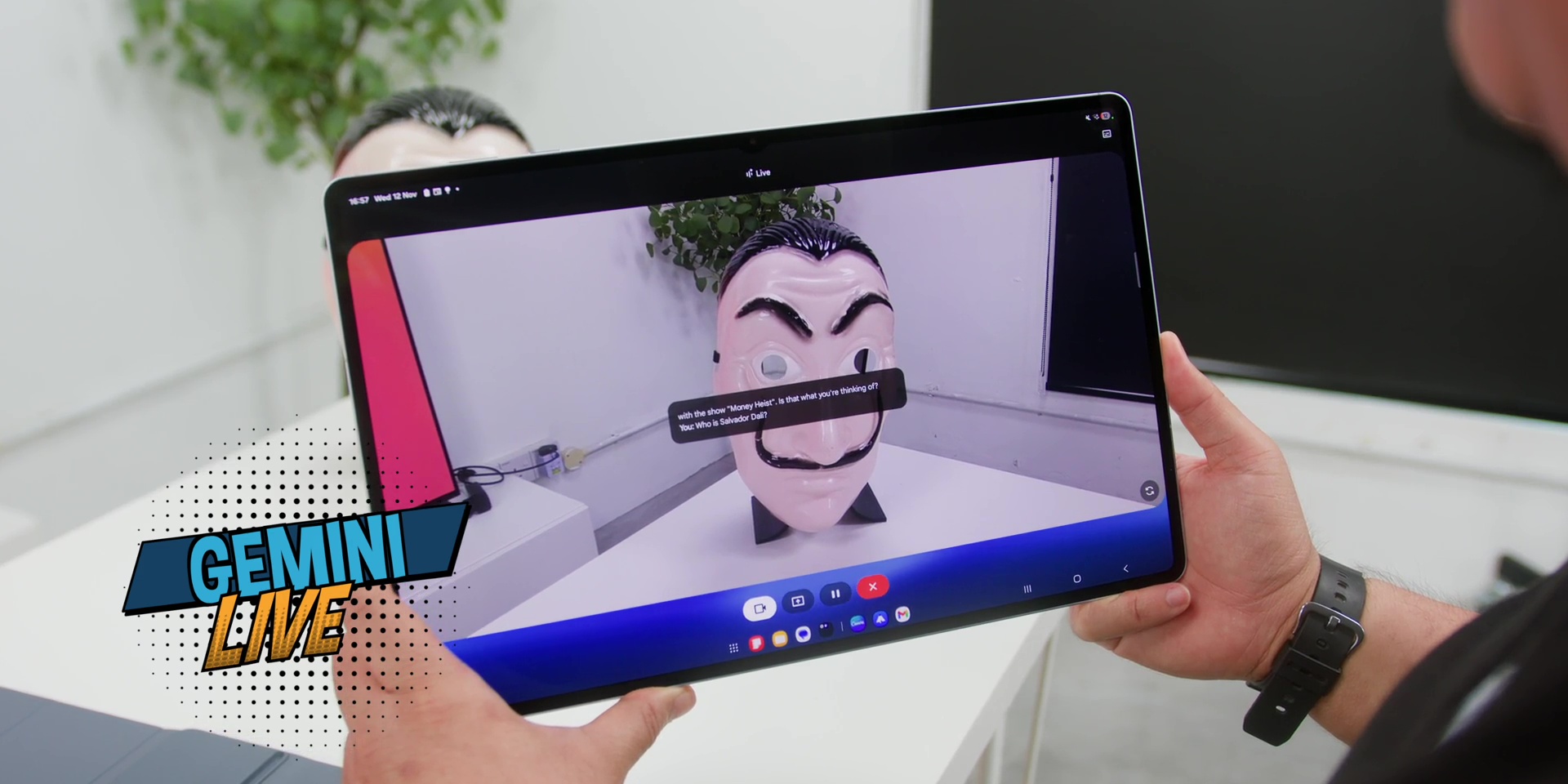
And it does all without needing to jump between apps. It feels like having a smart co-pilot on your tablet. Not that Co-pilot, by the way, because that is totally a different company.
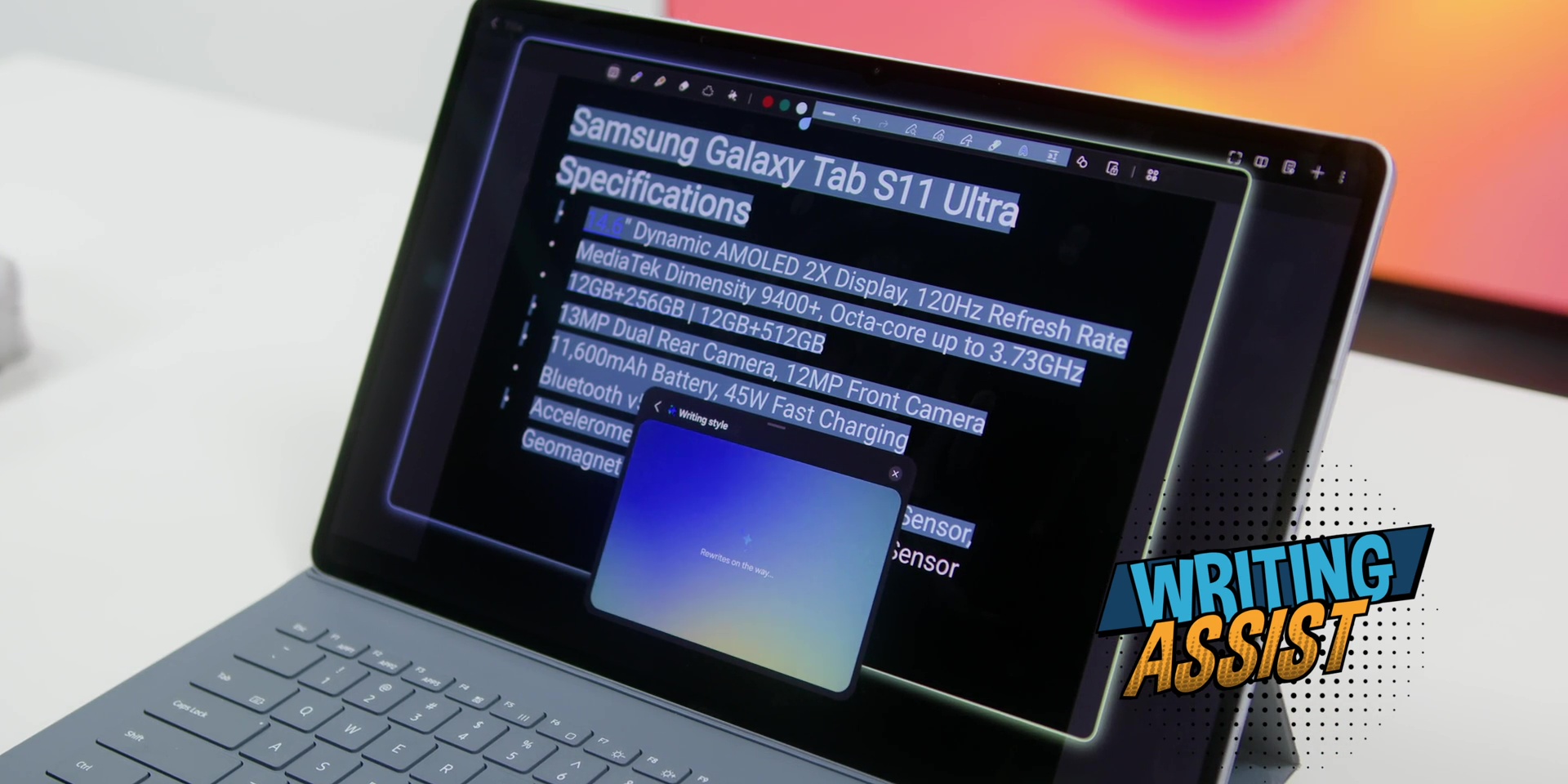
Then there’s also the amazing Writing Assist which helps you clean your writing, fix a tone, and even rephrase sentences depending on what you’re working on, whether or not it’s an email report or even a social media caption. It is very useful, especially if you’re someone who types a lot on the go.
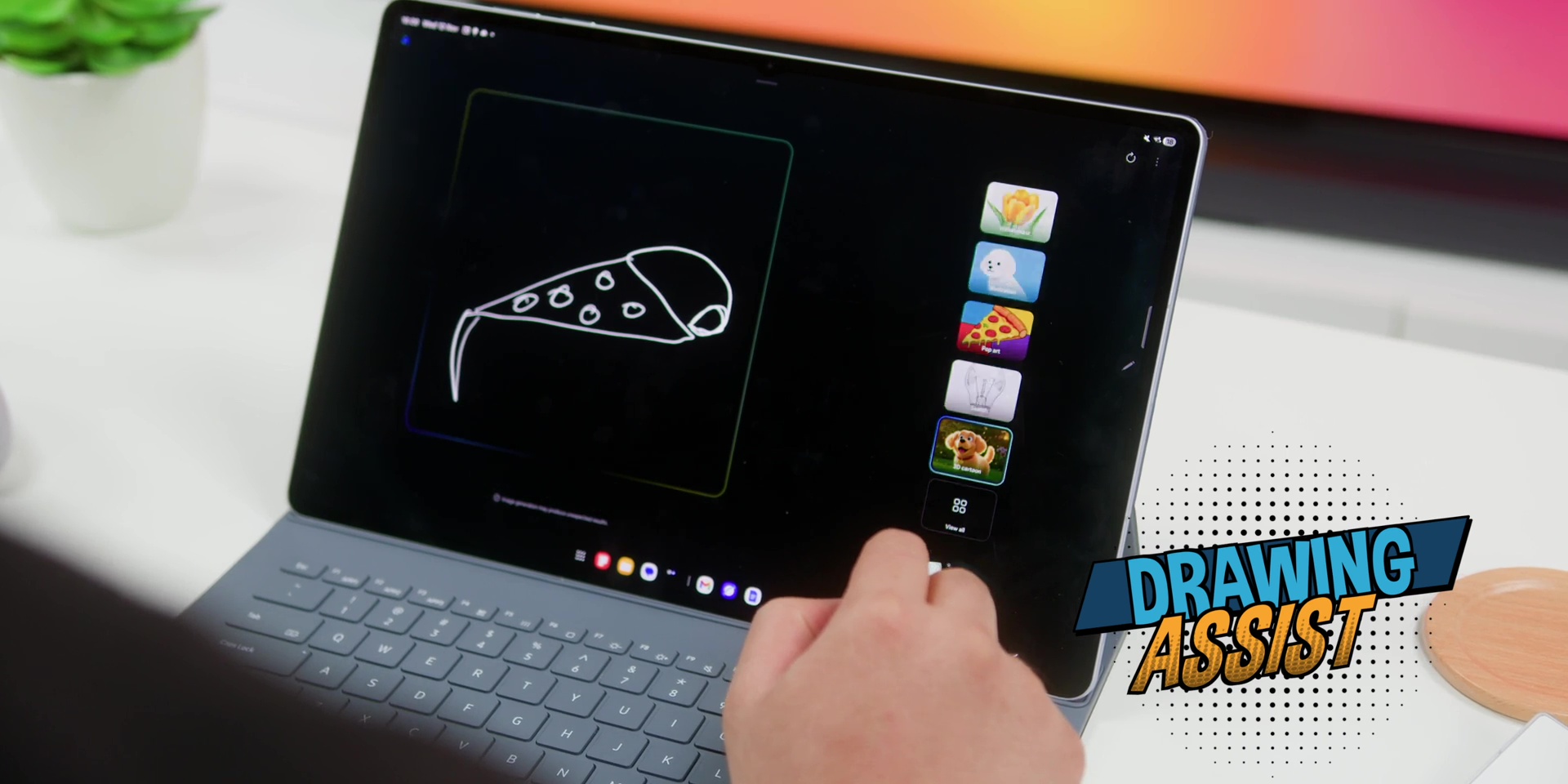
And as for artists and designers, Drawing Assist is a big lifesaver because it does recognize your rough sketches and automatically refines them. Gives you straight lines, perfect circles, and even proper proportions. Then suddenly even my terrible doodles start looking like a halfway professional sketch. So it’s like where AI just took one look at my stick figures and said, “Don’t worry, bro. I got you.”
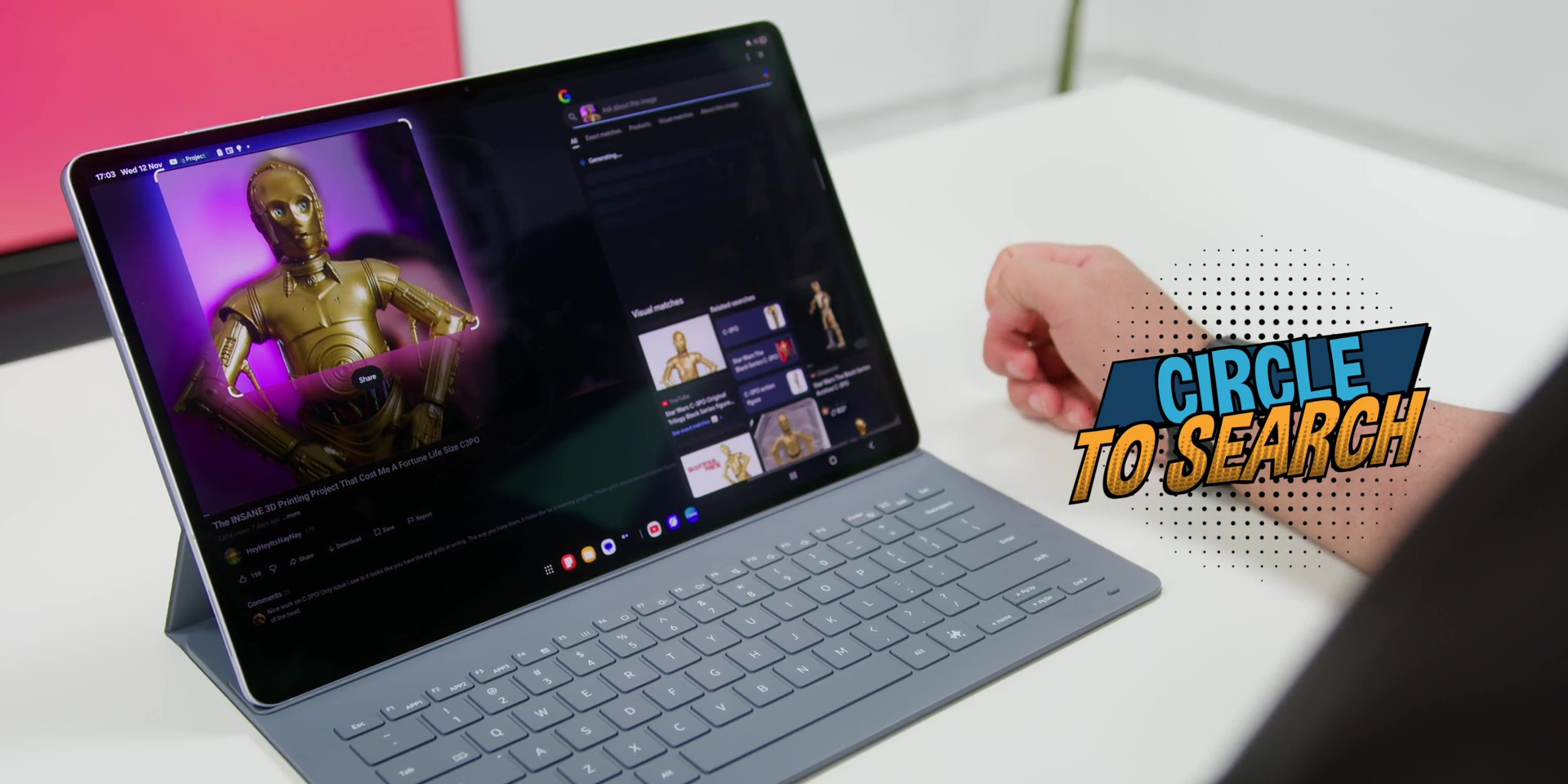
Then of course there’s a very famous Circle To Search feature, which is one of the features that once you start using it you just can’t live without it. Just circle anything on your screen, whether or not it’s a text, image, or a product, Google instantly shows all of the relevant info to whatever that you’re searching for. It is super helpful, especially when you’re researching, shopping, or even learning something new.
And of course, AI handwriting-to-text and note summarization makes the S Pen even more powerful where you can take messy notes and within seconds, Samsung’s AI cleans it up and gives you a neat, readable summary.
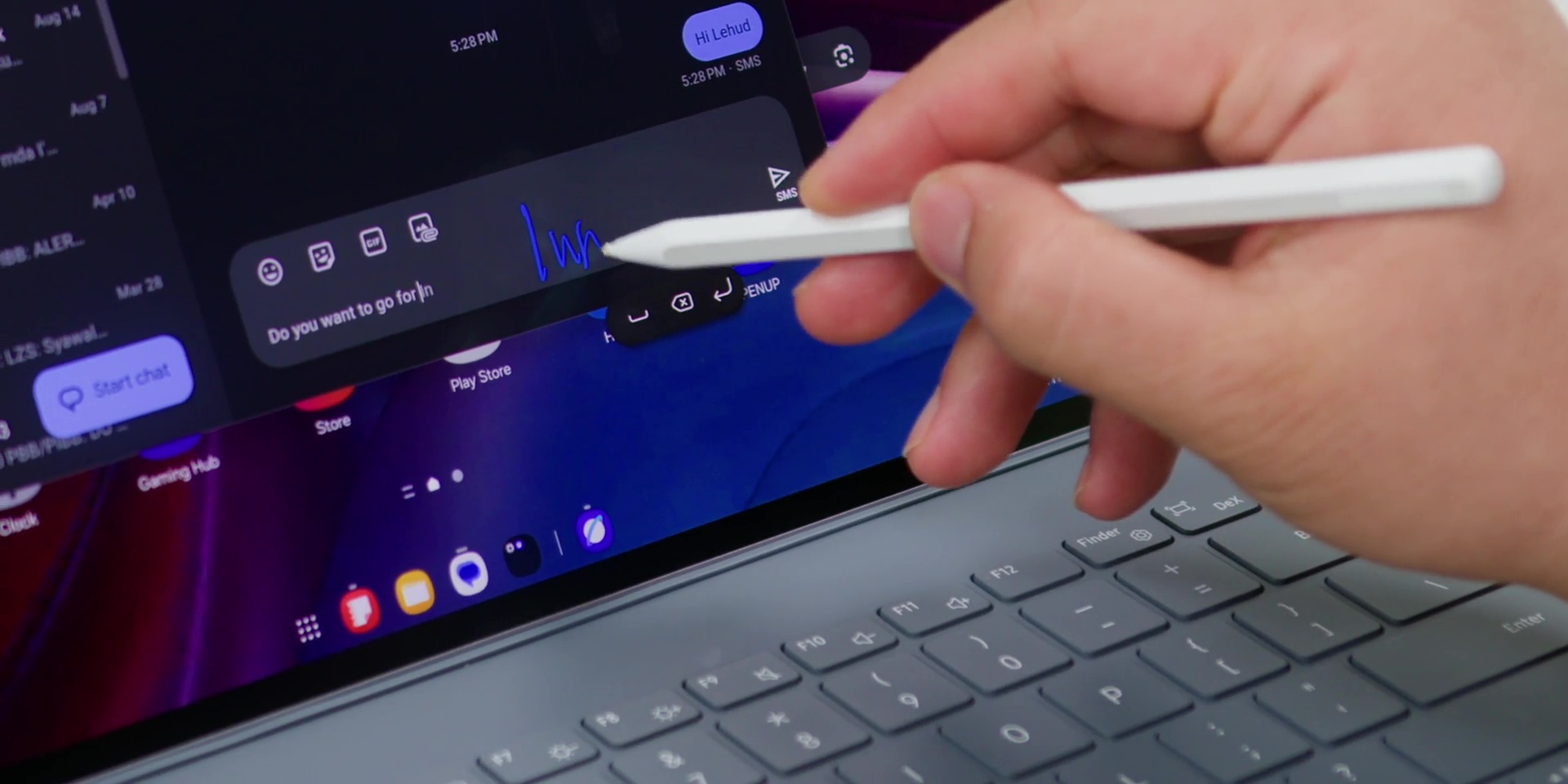
But what I love the most is that Samsung doesn’t shove all the AI in your face. It is just there waiting for you to make things easier. No flashy animation, no overhype. It’s very practical, subtle, and also genuinely helpful. So, while everyone is shouting about AI this, AI that, Samsung actually made it very useful.
❌ The Price Is a Little High
But the Galaxy Tab S11 Ultra in Malaysia is not very cheap. It starts from RM5,499 or about USD1,300 onwards, and you probably need to spend more depending on the configuration.
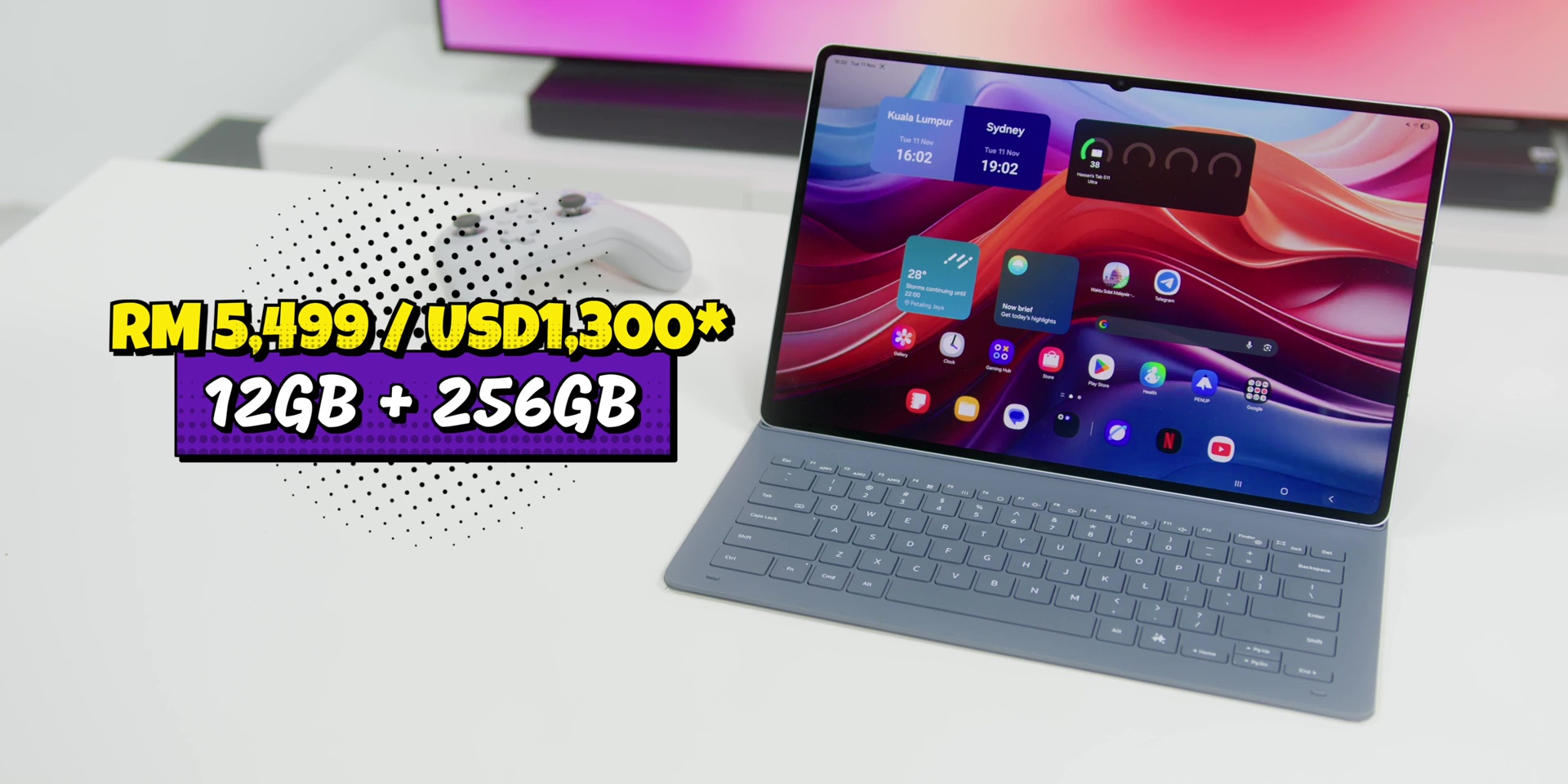
And yes, Samsung does bundle the Book Cover Keyboard and the S Pen this time, which was really nice, but it’s still a lot of money for something that is technically not a laptop, which you could easily get a laptop around the same price with desktop level performance, proper multitasking, full app support, and of course, additional ports compared to a tablet.
But if you’re a digital artist or someone who loves the S Pen workflow, you will get your money’s worth. But for everyone else who’s paying for laptop money to get a device that still runs Android, that ecosystem isn’t as flexible as a full desktop OS. And even with Samsung DeX, it still doesn’t fully replace a real PC experience. It’s like driving a Ferrari engine, but you can only drive it around your neighborhood.
Conclusion
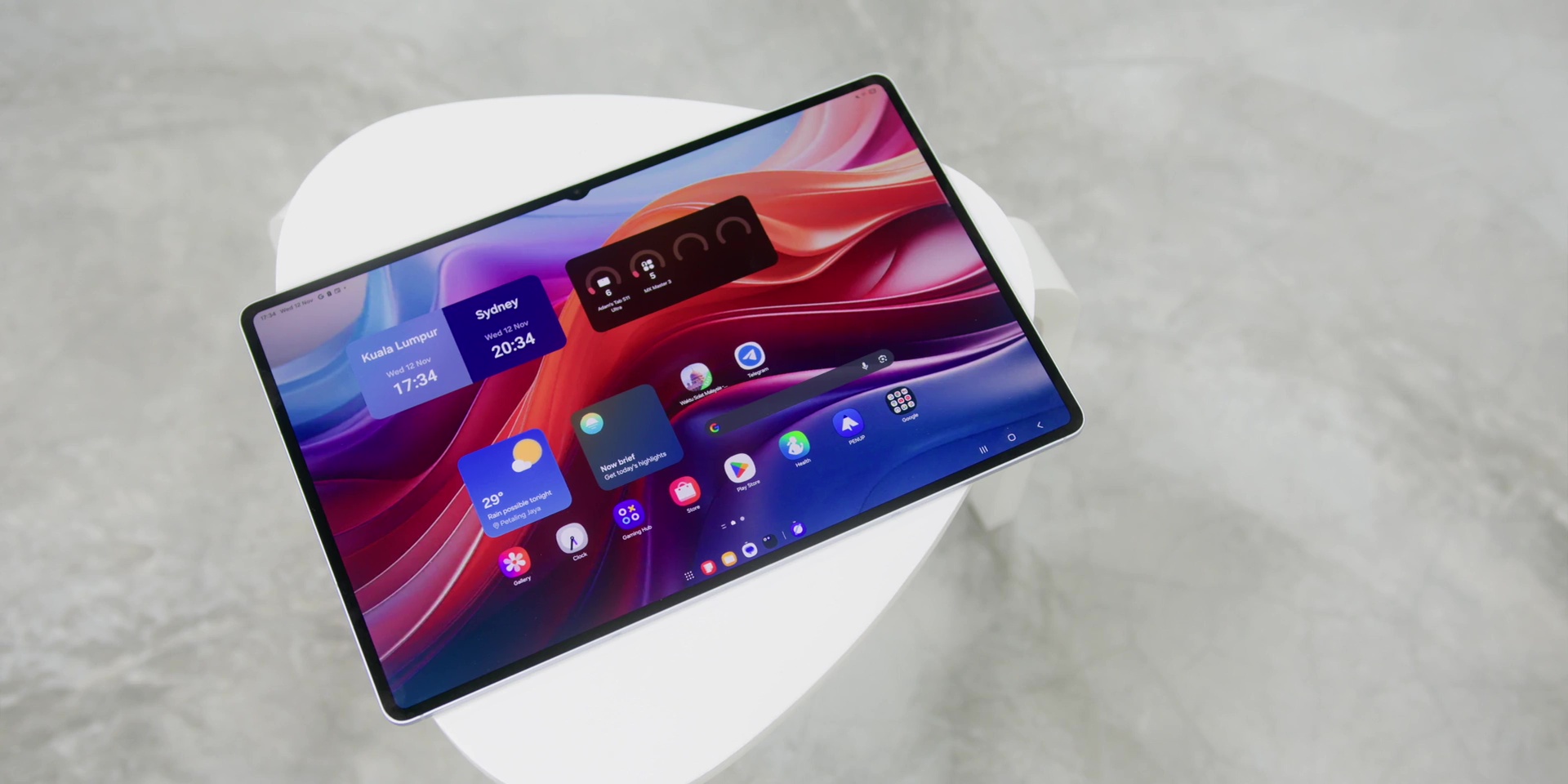
So, in conclusion, the Galaxy Tab S11 Ultra is one of the best tablets ever made. It’s powerful, beautifully built, and packed with features, but it’s also at the same time huge, heavy, and sometimes just too much.
Either way, Samsung is clearly setting the bar high on what an Android tablet can be, but at the same time, maybe something that Android tablets shouldn’t be.
[Watch the full video on YouTube here]
Related:
- Samsung Galaxy Tab S11 Ultra Review: The Best Android Tablet You Probably Don’t Need
- I Replaced My Laptop With THIS Tablet For A Week!
- Samsung Galaxy Tab S9: Entertainment & Productivity in ONE! ✨ Review After 2 Weeks