TL;DR / At a Glance: What is the native Google Gemini app for Mac? Released in April 2026, the native Google Gemini app for Mac is a dedicated desktop application built specifically for macOS. Unlike the web version, the native app offers deep system integration, including a dedicated keyboard shortcut (Command + G), drag-and-drop support for files, and the ability to process on-screen content. It is optimised for Apple Silicon (M1, M2, M3, M4, and M5) and allows users to interact with Gemini Advanced, manage Google Workspace tasks (Docs, Gmail), and generate code directly from the desktop.
The AI Desktop War Heats Up
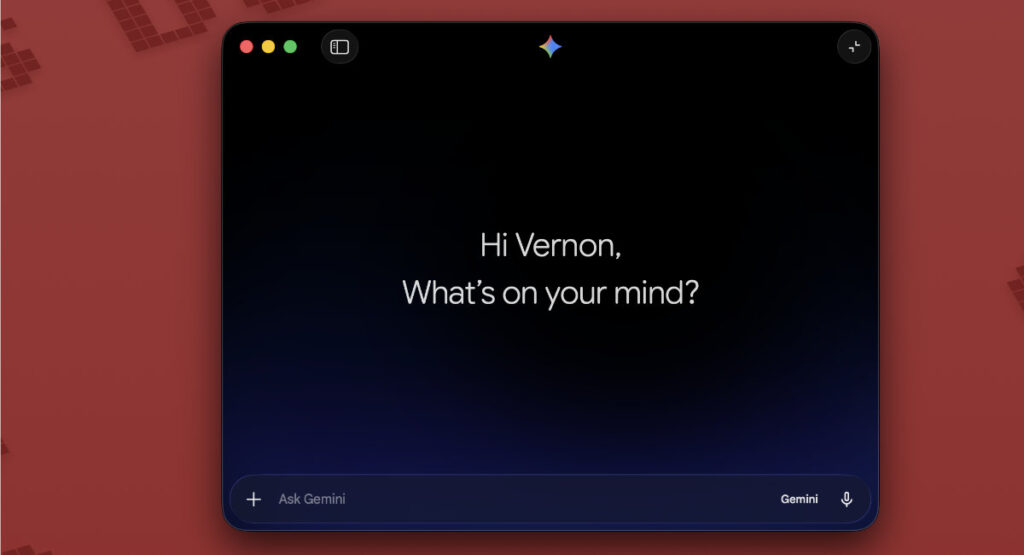
As of April 15, 2026, Google has officially released the native Gemini app for macOS. While we’ve been using Gemini through Chrome or the web for over a year, this 100% native Swift application brings the “Personal Intelligence” experience directly into your system’s workflow. It’s no longer just a tab in your browser; it’s a system-level assistant.
Key Features: Speed and Integration
The standout feature is the Global Shortcut. Just like Spotlight or ChatGPT, you can now bring up Gemini from anywhere on your Mac using Option + Space.
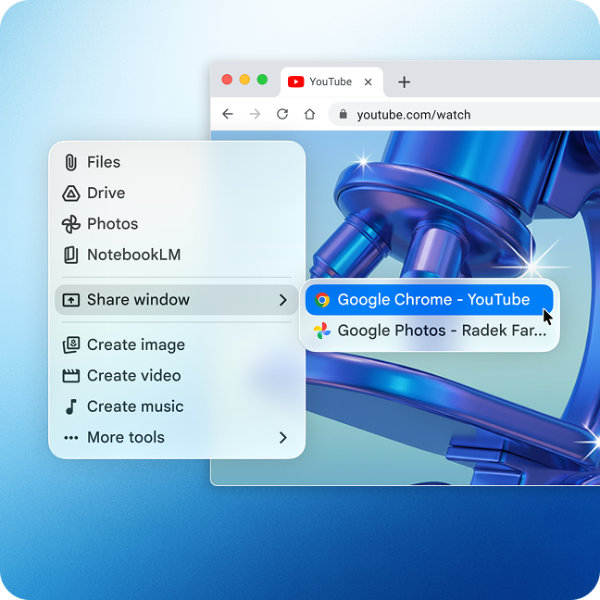
- Screen Sharing (Contextual Help): You can now share any active window or local file with Gemini. If you’re looking at a complex chart or a long PDF, just hit the shortcut and ask, “What are the three biggest takeaways here?”
- Native Speed: Built using Swift, the app is incredibly responsive compared to the web wrapper. It’s designed for macOS 15 and later.
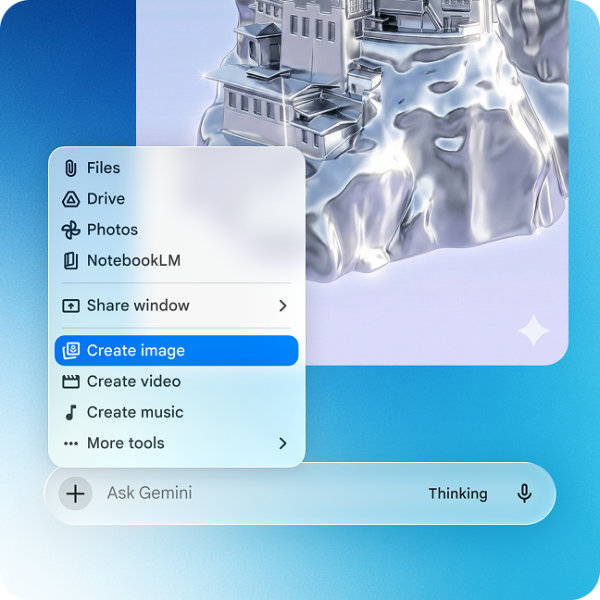
- Multimedia Powerhouse: The app integrates Google’s latest creative engines—Nano Banana for sharp image generation and Veo 3.1 for high-quality video creation.
The “Buy Smart” (or “Subscribe Smart”) Factor
The app is free to download, but the 2026 tiers have become more defined:
- Free: Generous usage of Gemini 3 Flash (the new lightning-fast default).
- AI Pro ($19.99/mo): Unlocks higher limits for the Gemini 3 Pro model, advanced coding, and “Thinking” mode for complex reasoning.
- AI Ultra ($249.99/mo): For enterprise and high-level developers needing the absolute ceiling of Google’s AI power.
Gemini vs ChatGPT Mac App Comparison
| Feature | Google Gemini Mac App | ChatGPT Mac App |
| Native Shortcut | Option + Space | Option + Space |
| Workspace Integration | Native (Docs, Drive, Gmail) | Via Extensions/Third-party |
| On-Screen Analysis | Yes (Real-time) | Yes (Screenshot-based) |
| Optimized For | Apple Silicon & Intel | Apple Silicon (M-series only) |
| File Limit | 2GB per upload (Advanced) | 512MB per upload |
Watch First, Build Smart: The Ecosystem Edge
The real winner here is the Google App Integration. If you live in Gmail, Docs, and Drive, this desktop app connects those dots more securely than any third-party tool. With the new Personal Intelligence beta, Gemini can now summarise your last three meetings or find that specific invoice in your inbox without you ever leaving your desktop environment.
VIA Google Blog