TL;DR / At A Glance
In this vivo X300 Ultra long term review, the flagship proves to be the best overall smartphone for power users and creators despite its heavy footprint.
Key long-term highlights include an exceptional 6.82-inch 2K ZEISS Master Color Display, a highly efficient 6,600 mAh BlueVolt battery delivering up to 7 hours of heavy screen-on time, and absolute zero thermal throttling thanks to a dedicated V1+ imaging chip and a massive 5,800mm² vapor chamber. Combined with 7 years of security support and the versatile ZEISS Telephoto Extender kit, it remains unmatched in hardware capabilities.
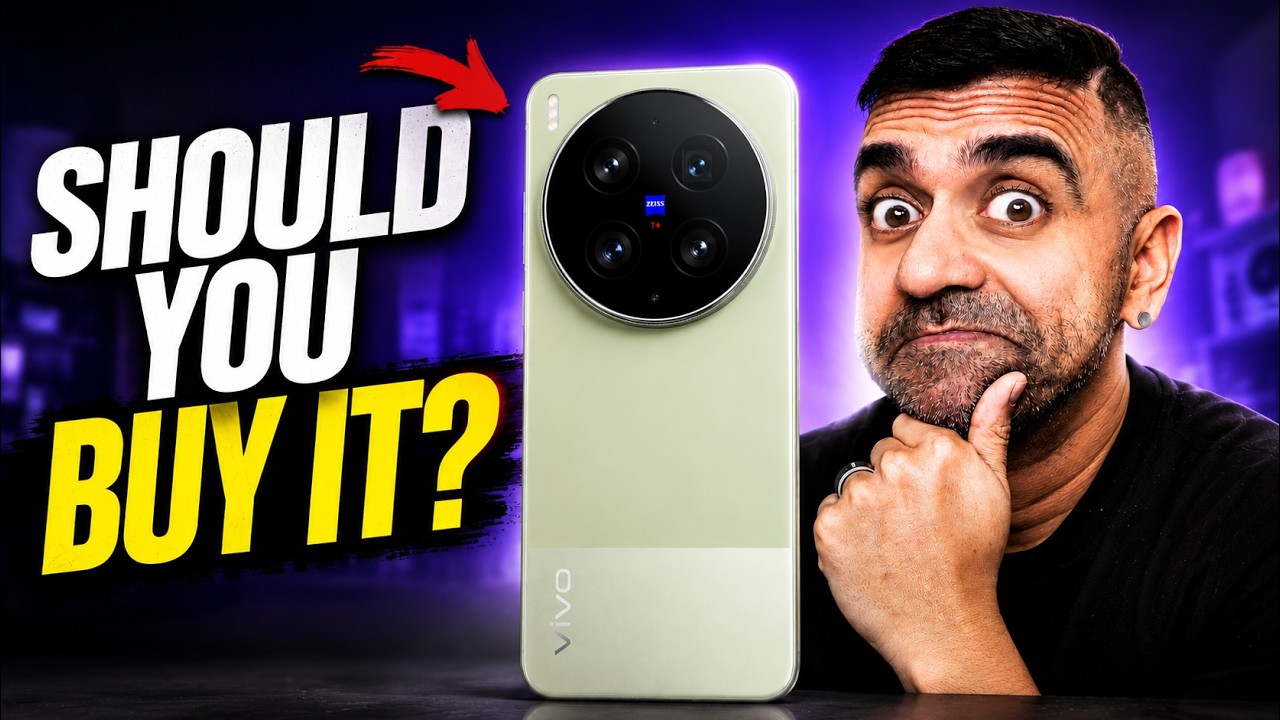
Two months. That’s exactly how long the vivo X300 Ultra has been my main phone. Some things I did expect, but some things surprise me.
So, today I’m not going to dive in deep into the camera features because I’ve already done that review here. We’ll talk about the spec sheet because today is about everything else. What it is actually like to live with the vivo X300 Ultra for 2 months. So, watch first and buy smart.
Display
Let me start with something that nobody really talks about enough, which is the phone’s display. As usual, I have been using flagship smartphones for years, and this screen is really underrated now.
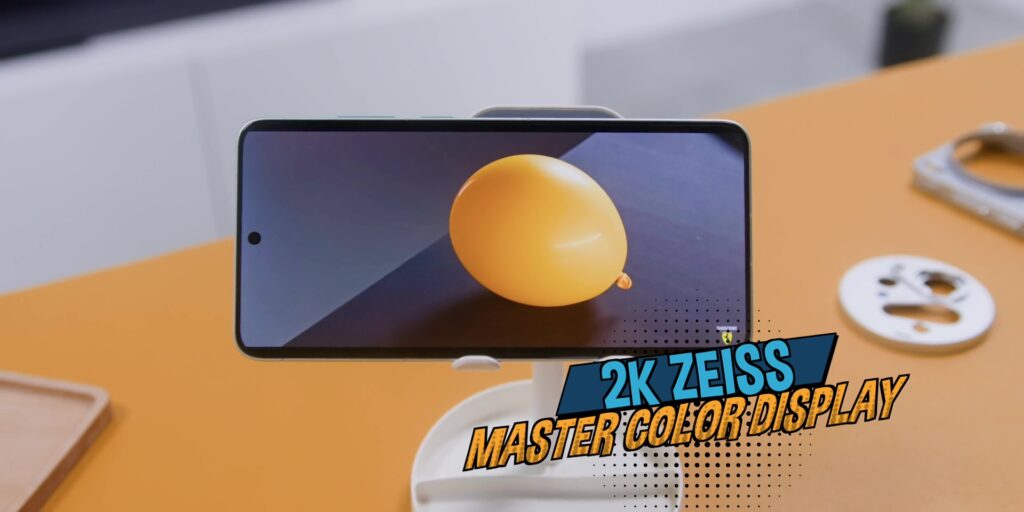
Every single time I pick this phone up, there’s a moment like, damn, this is a very good screen, bro. And vivo calls this the 2K ZEISS Master Color Display. And honestly, I don’t care what it is called because it is that damn good.
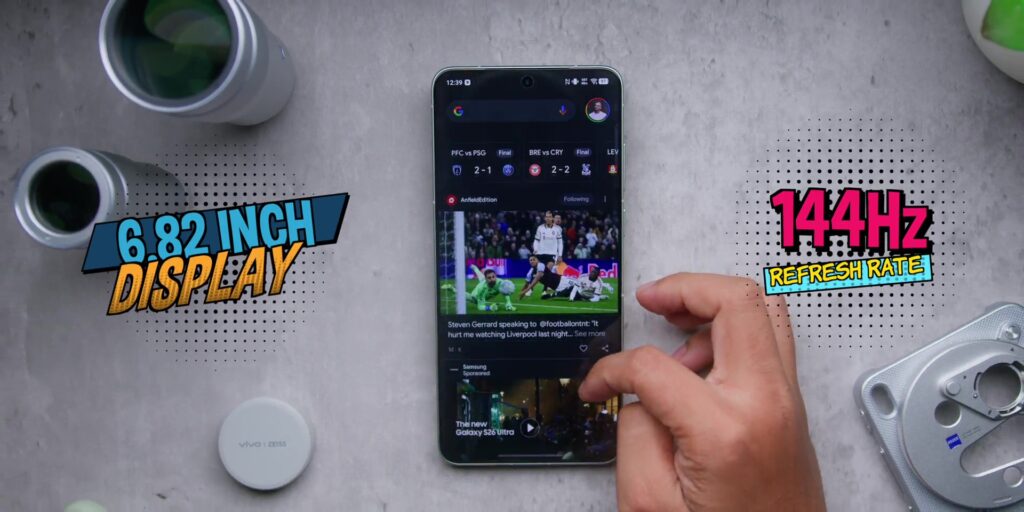
And is also impressive both on paper and in real life as well with a 6.82-inch 144Hz refresh rate and 4,500 nits of peak brightness. So whether you’re in a bright environment or using this outdoors, it is still very clear and still sharp. But when you go indoors or even in a darker environment, the overall automatic brightness adjustment drops all the way down to 1 nits minimum. So at night, it is also very gentle on your eyes.
The screen also supports Dolby Vision, HDR10+, and Netflix HDR too. So if you stream a lot of videos, this is the kind of screen that makes your content actually look the way that is meant to look. So yeah, 2 months in, you will definitely love the screen.
Design
The design has really grown on me ever since I have been using it over the past 2 months. The phone comes in two colors:
Volcano Black, which has a signature red ring around the camera module. So from afar, you’ll know that you’re actually using a vivo flagship.
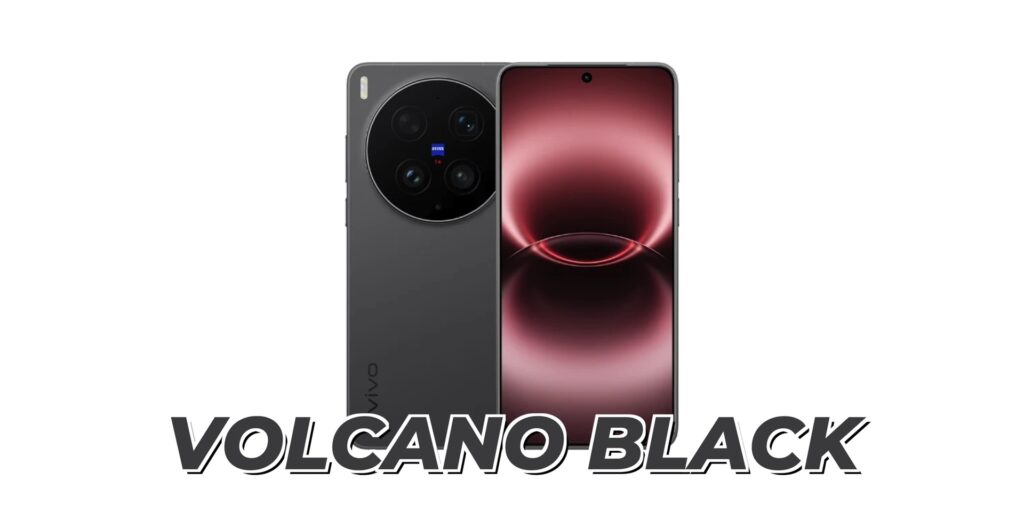
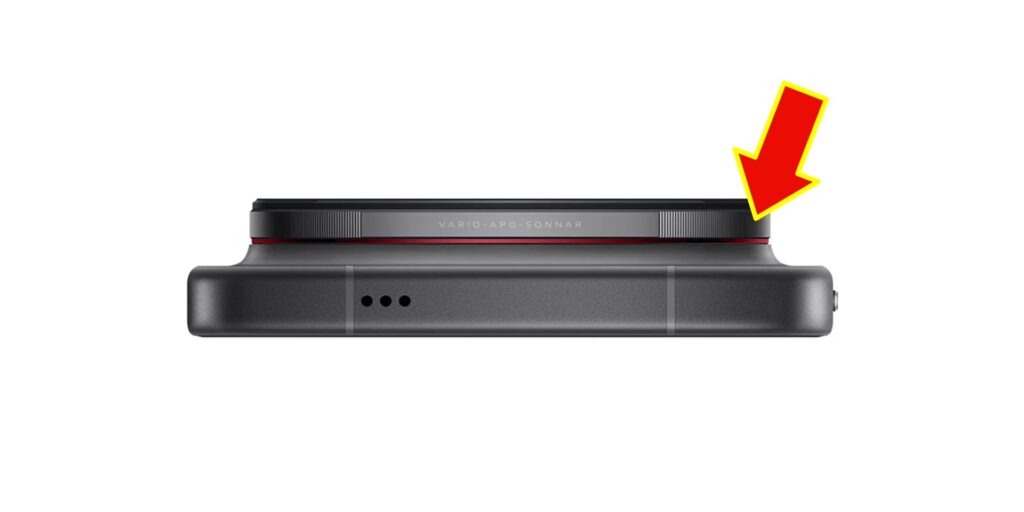
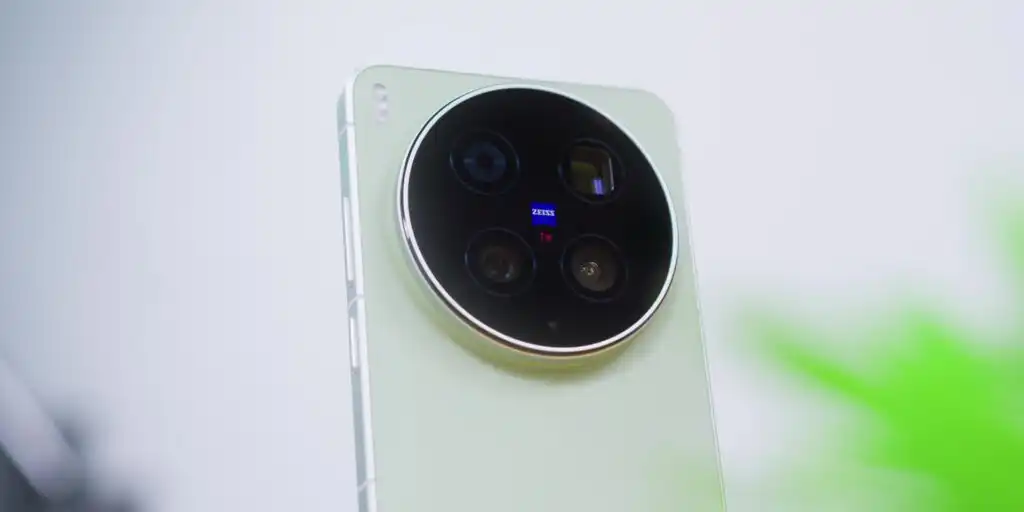
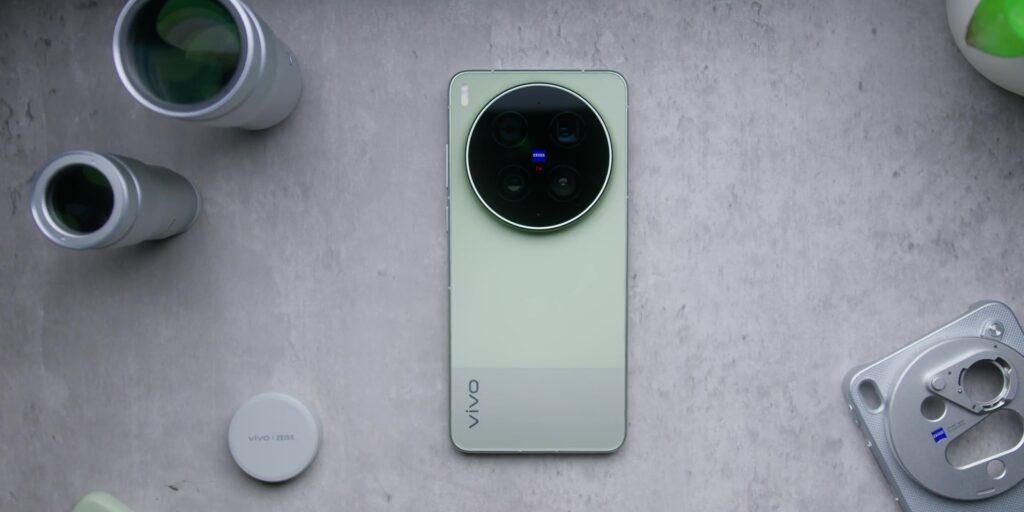
And then there’s this, the Steppe Green, which has a classic split design on the back with a two-tone green divided cleanly across the body. This seems a bit more understated, but still very premium when you hold the phone.
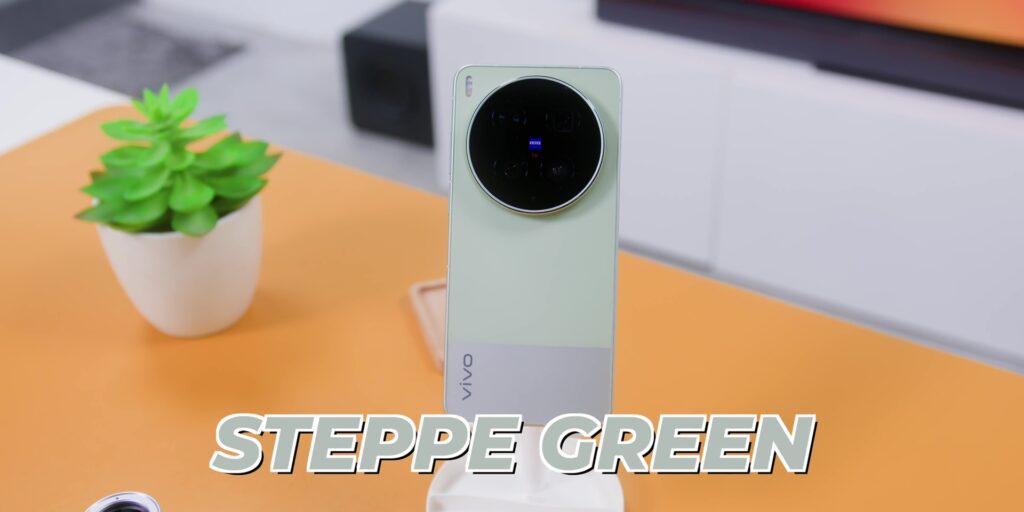
But let me be real with you. This is a big phone and it can be heavy for some. But here’s the thing. After 2 months, your hands will definitely adapt and it becomes familiar.
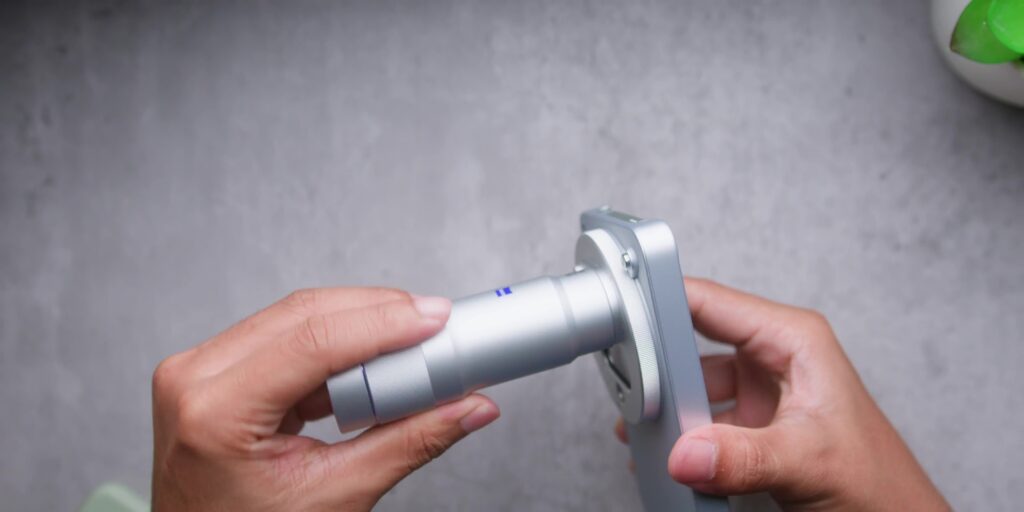
To add a little weight to it, I’ve actually been using the phone more with this silver phone case to adapt the telephoto extender more easily over here. And yes, I have the entire set with me. And more about that whole entire set later.
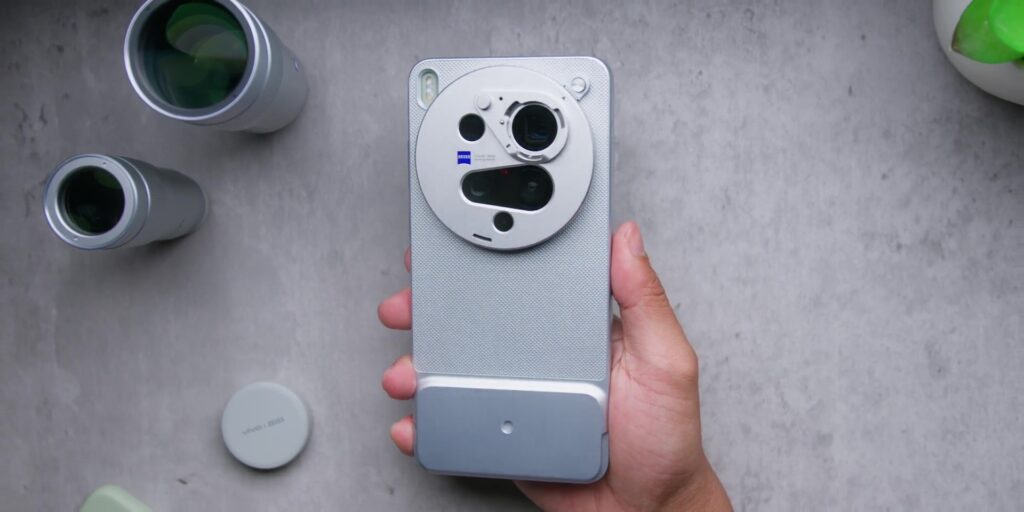
And also worth mentioning is the fact that it also gives you the peace of mind of having both IP68 and IP69 ratings which means that not only that this phone is water resistant but is also built tough as well.
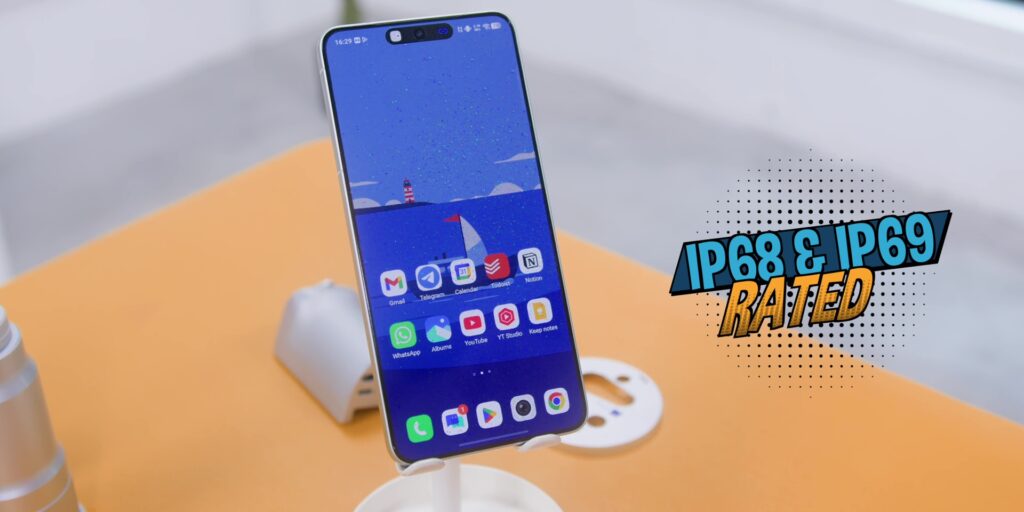
And because of that 2 months later it still looks exactly the same as it did on day number one except for some minor scratches on the screen protector over here which means that the screen protector has also held up for 2 months in.
Battery
Let me talk about something that has changed because this is how I feel about using the phone daily when it comes to the battery life. The X300 Ultra has a 6,600 mAh BlueVolt battery. And what makes this interesting is that vivo uses what they call the Semi-Solid-State Battery 2.0. Translation? That means that it actually charges more efficiently and also handles heat better, too.
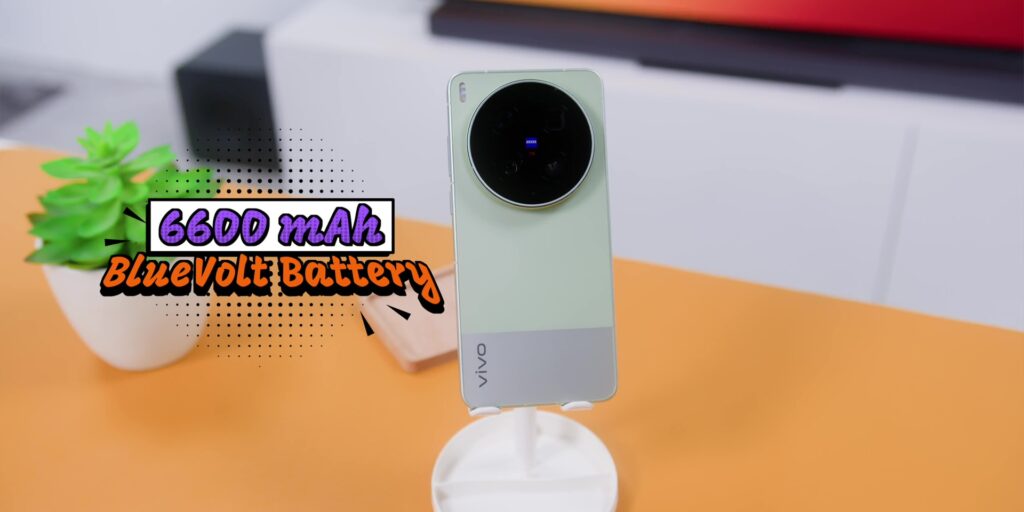
I’ll be honest, before I even started reviewing this phone longterm, I assumed that the battery life would be, you know, fine. You know, the kind of battery that you expect from a powerful flagship, which is not mindblowingly good.
But guess what? My initial suspicion was wrong because the amount of screen-on time that I got on Day #1 on average was about 2 hours and 45 minutes.
And Day #2 was about 3 hours and 22 minutes and the Day #3 was about 54 minutes with 19% battery life. So that is roughly about 7 hours of screen-on time of heavy use. And keep in mind that that is me using the phone very heavily every single day.
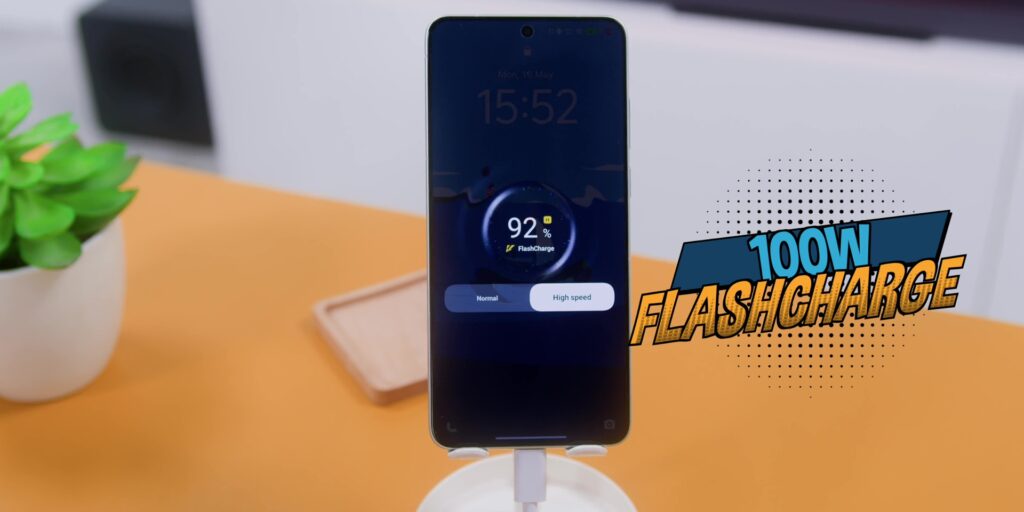
And if you need to do a quick top up, it also supports 100W of FlashCharge where the charger comes inside of the box, especially here in Malaysia and about 23 minutes or so. It will get you back to more than half the battery life.
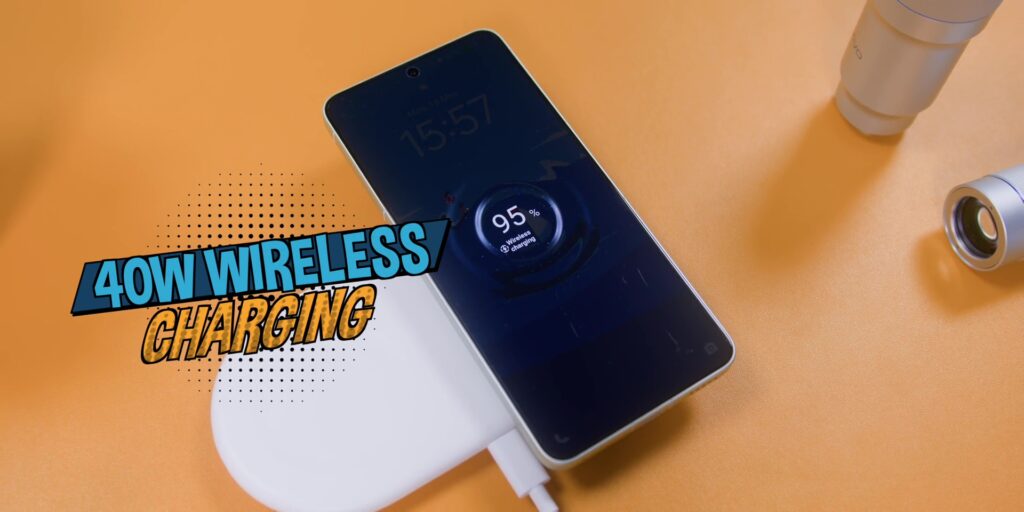
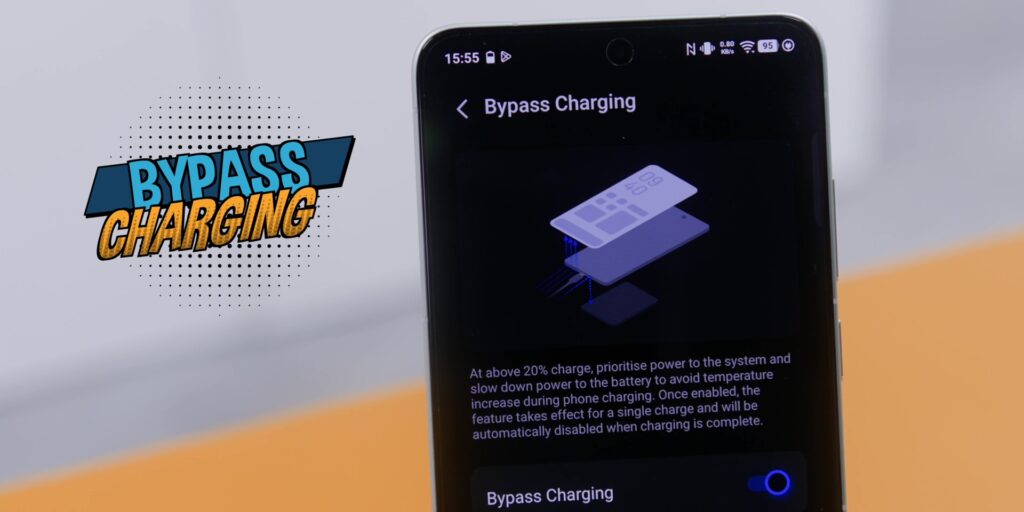
But if you love wireless charging like me, there’s also 40W of wireless charging and even reverse wireless charging too. Or if you game a lot, there’s also bypass charging where you can turn it on and off in the settings if you want to as well.
Performance
But there’s one part that the internet has been very loud about which is thermal throttling. So let’s talk about that because you might have seen the headlines about the heat issues on several websites and my honest two months opinion is that I had no issues at all. I’m not a light user. I shoot a lot. I use the camera hard and I’ve also really pushed the phone to its maximum.
Just as a recap, this is running the Snapdragon 8 Elite Gen 5, the fastest 3nm chip which Qualcomm makes right now.
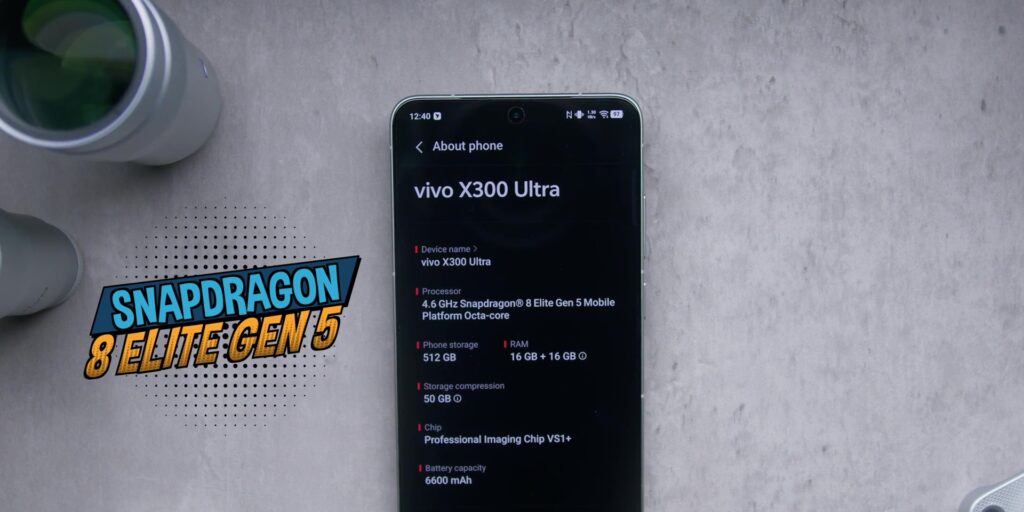
And on top of that, vivo has also added their very own Pro Imaging Chip which is called a VS1+. Now that is a dedicated chip that works alongside the Snapdragon chipset which is specifically for imaging where it processes the RAW data faster, handles things like noise reduction, sharpness and also overall dynamic range where this chip works separately from the main chip.
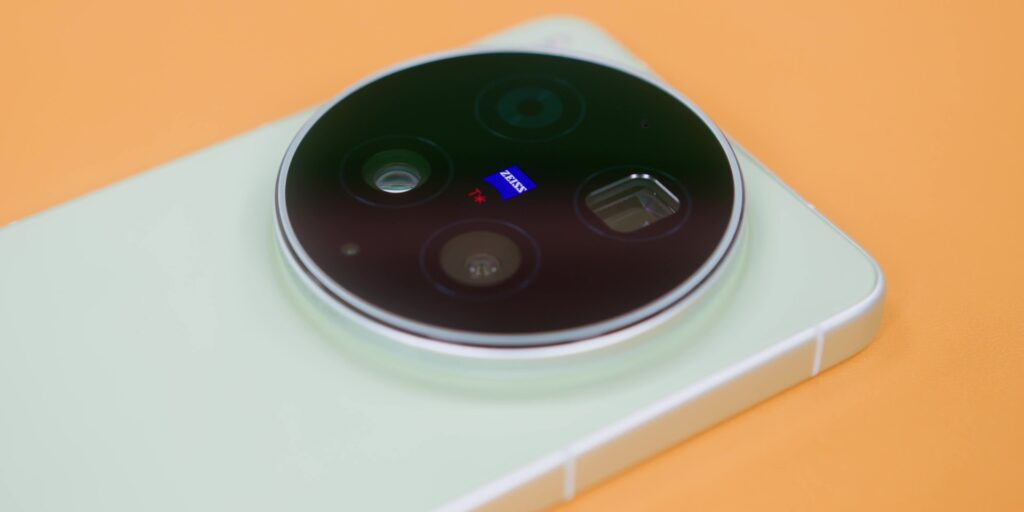
So, the processor is actually not doing a lot of duty because when it comes to taking photos, they are sharing the workload. And with the combination of the dedicated imaging chip and the 5,800mm2 vapor chamber inside of the phone is surely the main reason why I did not have any thermal issues when I was using the phone every single day because the vapor chamber is a huge cooling surface and yes, it does its job.
Software
Being a fan of One UI and Nothing OS, my usage of the OriginOS 6 has surely grown on me. Firstly is something that I’ve often mentioned in my previous vivo phone reviews, which is the Origin Island on top.
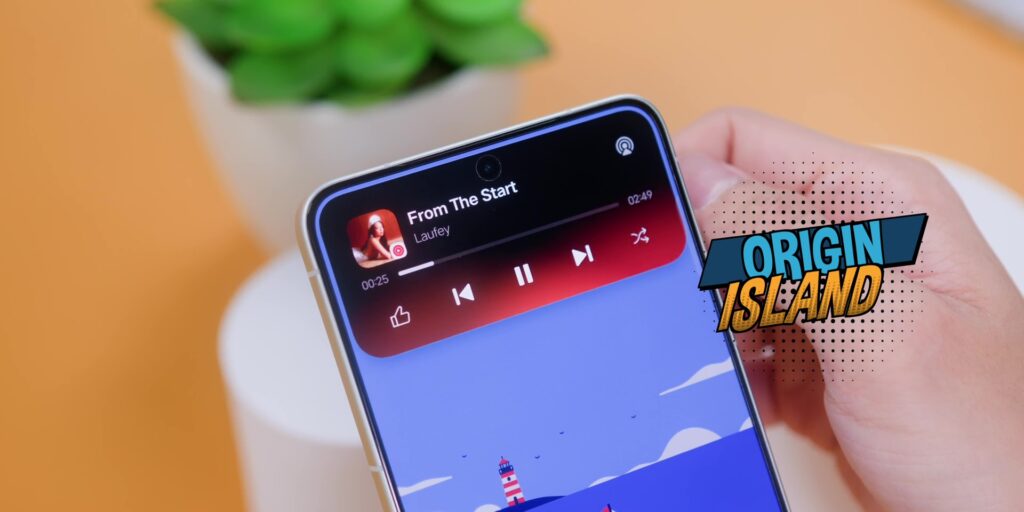
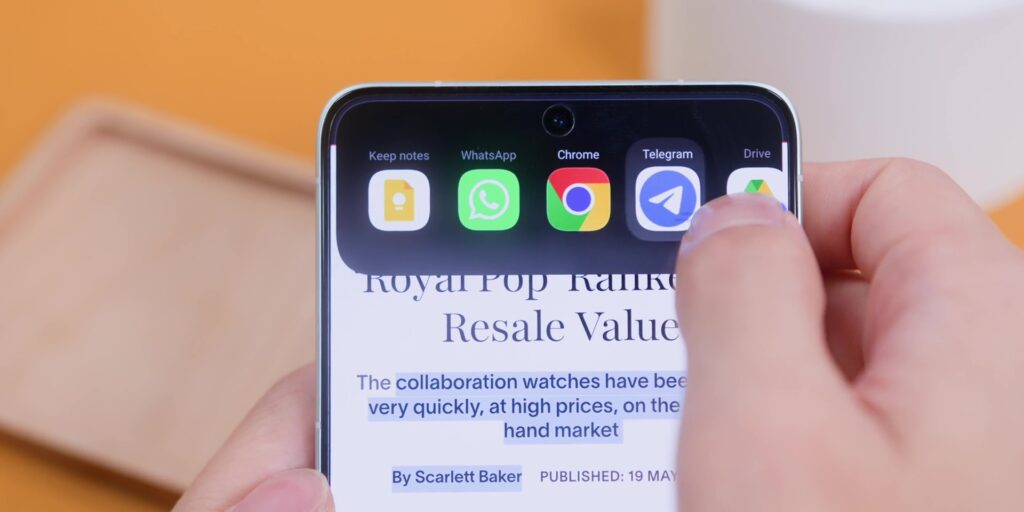
It is the best Android iteration of the Dynamic Island and I’ll say that it is even better than Apple’s own version since they allow things like copying and pasting text where you can drag towards the Origin Island and it opens the most appropriate app.
But while there are many other features of the software, the biggest thing that I’ve learned and to really appreciate is the EasyShare. There’s a new feature that works that you can literally just shake your phone near another device and it creates a group instantly. And yes, it also works with the iPhone too. But keep in mind that you’ll need to install the EasyShare app on your iPhone or any other branded phone and it works like a charm.
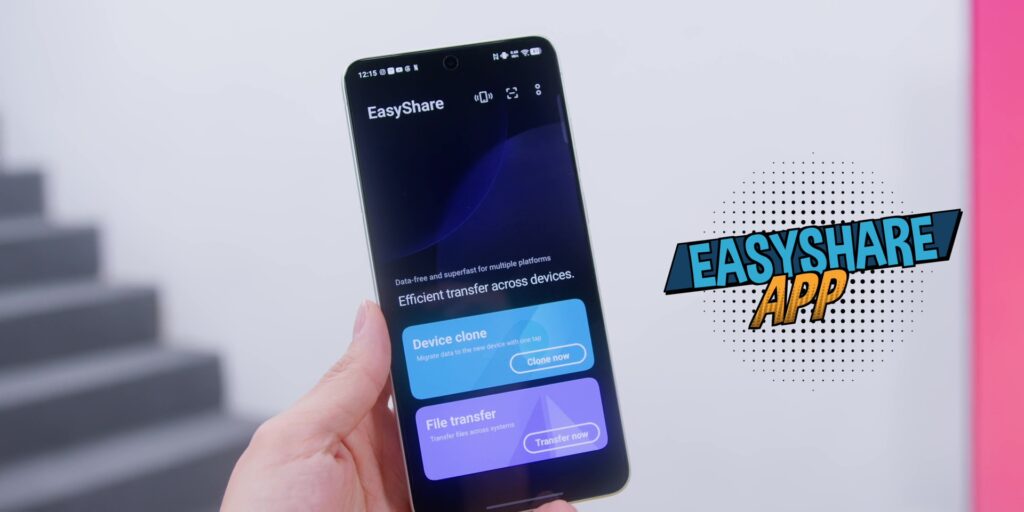
So you can just create a group and send images, videos, and files to each other at the same time. And this is the kind of feature that you didn’t think that you needed until you have it.
Another thing that is also worth mentioning is the fact there was a recent software update that also brought network improvements and further camera improvements on top of what is already the best camera system on a smartphone.
So, if someone tells you that this phone has not aged well since the launch, point them to the update history because vivo has been actively improving on the software.
But there’s one more thing on the software that I really appreciated because if you are a Mac user, vivo actually has a cross ecosystem through this app called vivo Office Kit where you can get it installed on your Mac, enter your vivo account info and match it with your phone.
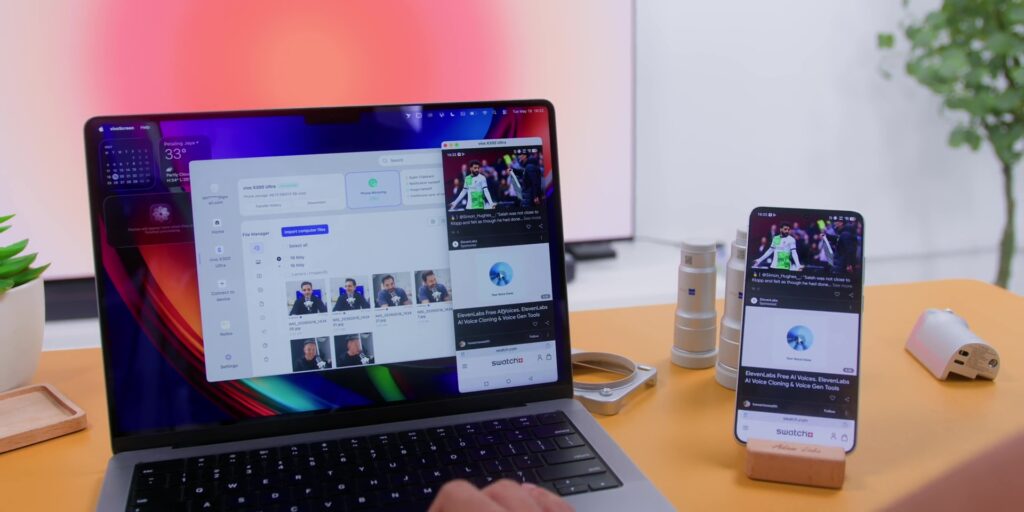
Then you need to scan a QR code for the very first time and you can move files from this phone to your Mac wirelessly and it’s super fast and is very seamless as well.
From a software update perspective, there are 5 major OS updates and 7 years of security patches. So, this is a long-term commitment from vivo. For context, that is very close to matching Samsung’s 7 years of OS update, but matching the 7 years of security updates on a Galaxy S26 Ultra smartphone, which was very great to know.
ZEISS Telephoto Extender
But there’s one thing that I recently acquired several weeks ago, which is the ZEISS Telephoto Extender.
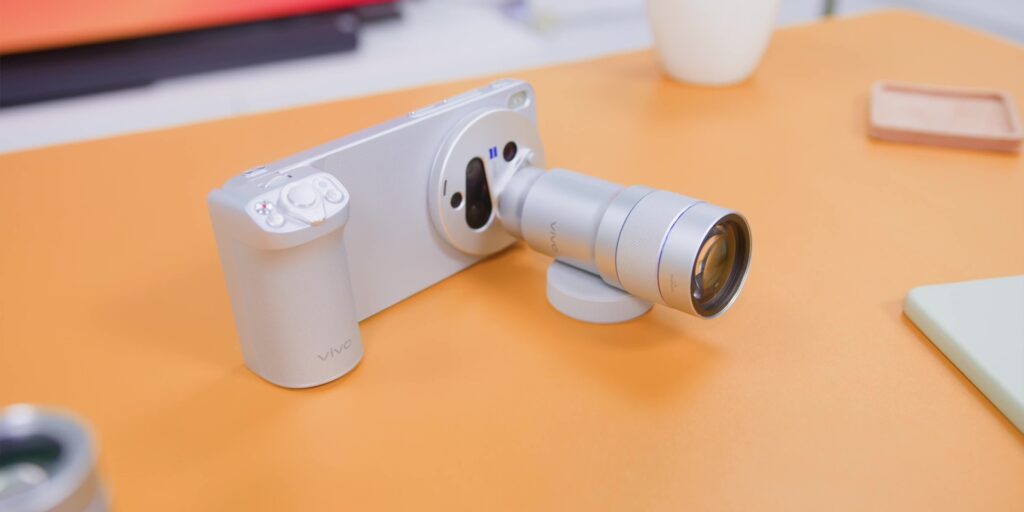
So before I started using the phone longterm, I thought that the extender would be nice to have something that I just hold it out on a planned shoot and then I leave it at home or at the studio the rest of the time. And nope, I was wrong, because I carry it everywhere.
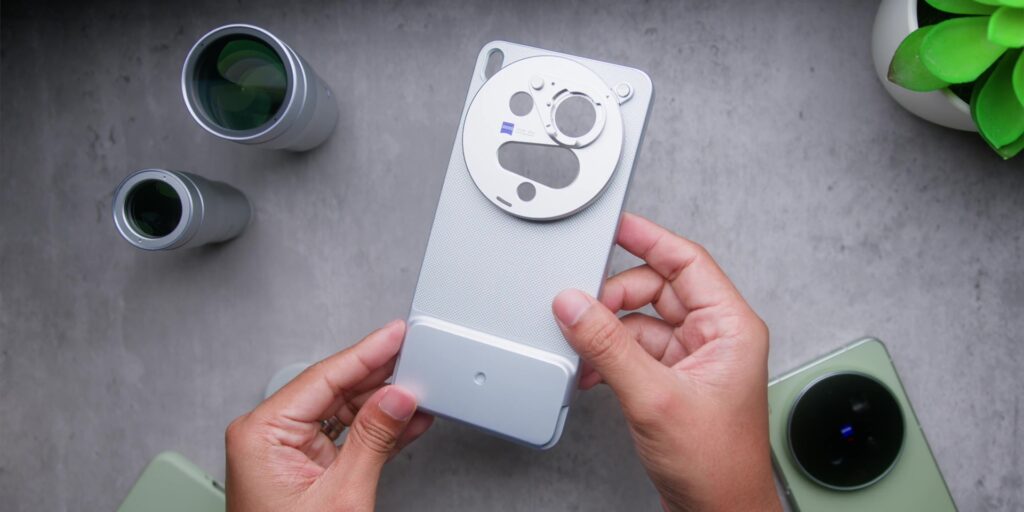
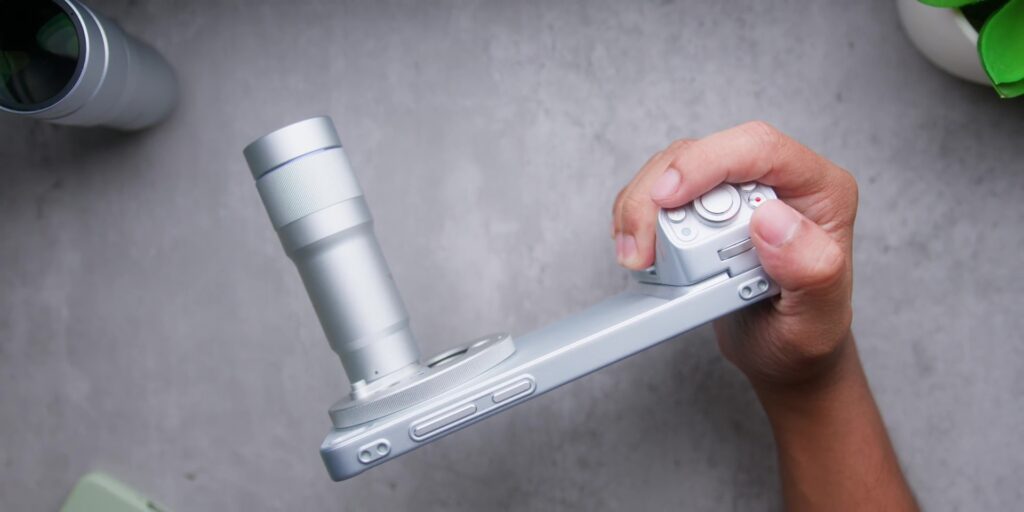
The case that comes with the kit is always on me as I mentioned earlier, but just for context, what you get inside of the kit is two lenses:
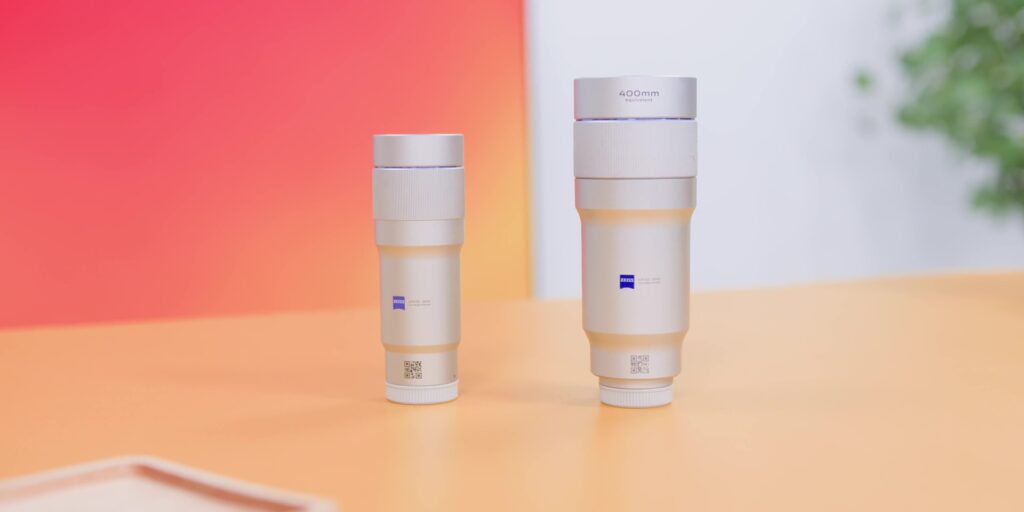
- The 200mm Equivalent Gen 2, which is 96mm long and weighs about 153 grams. So, it is light enough to carry without even thinking about it.
- And then there’s the 400mm Equivalent Gen 2 Ultra, which is 116mm long and 248 grams. So, it is slightly heavier, but what you get in return is insane.
On top of that, you also get:
- a grip,
- two mount rings,
- a filter adapter ring,
- a lens adapter ring,
- a phone strap with three quick release hooks,
- a tripod collar ring that fits both the lenses, and;
- four lens caps.
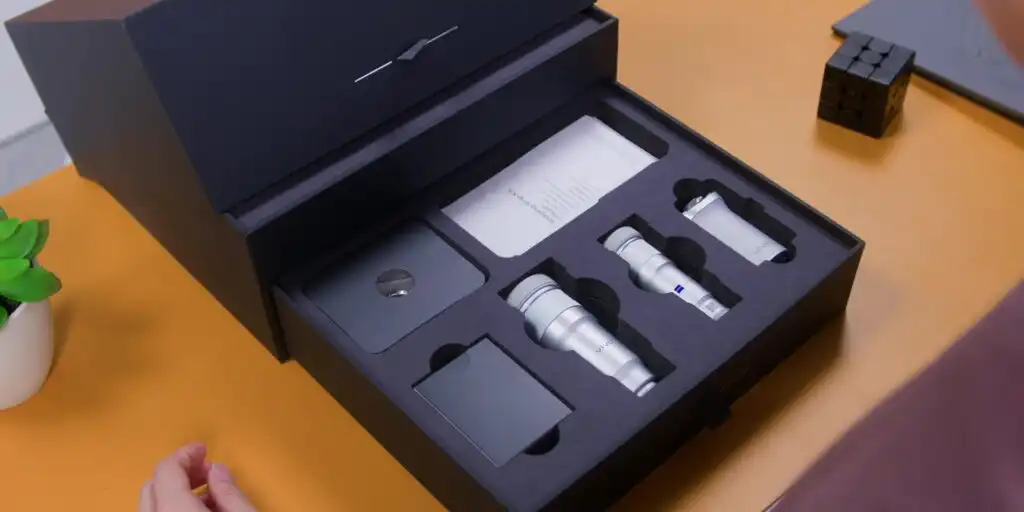
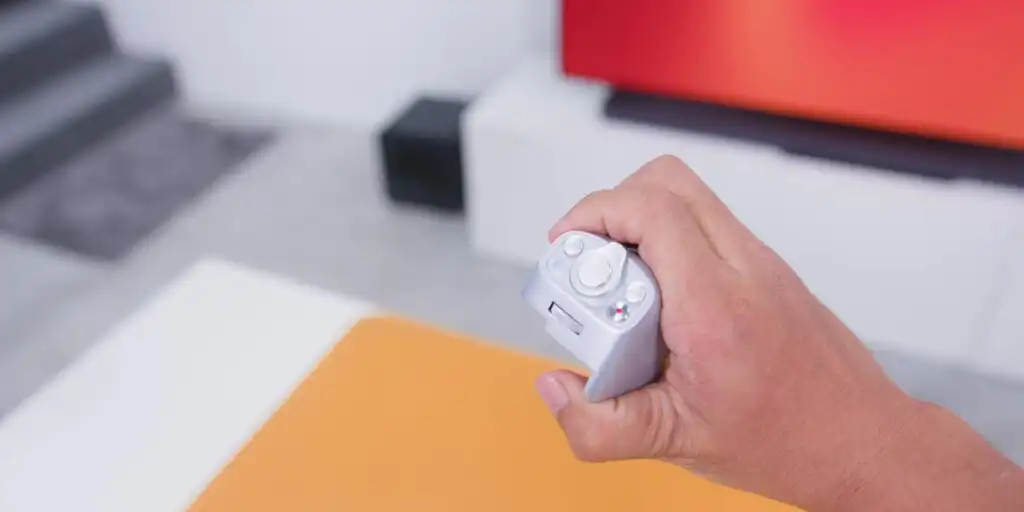
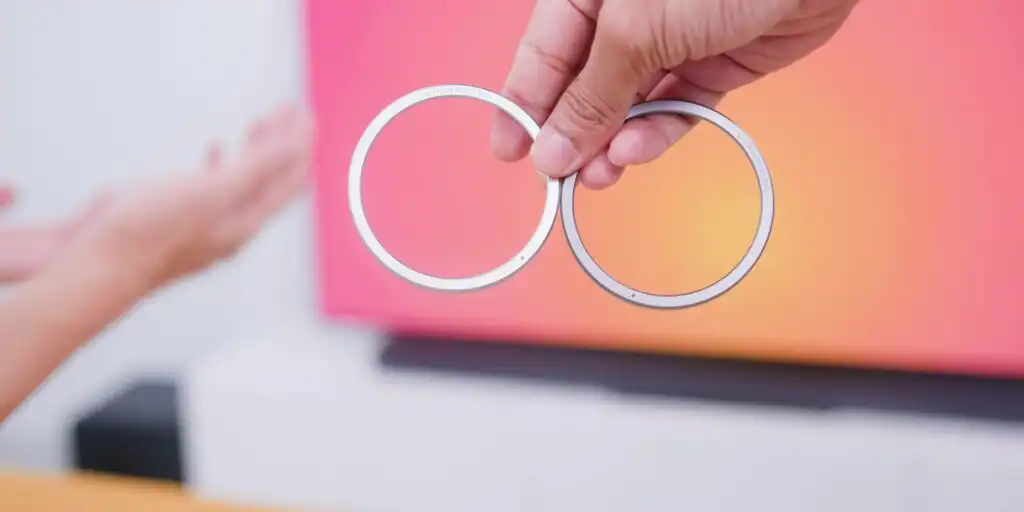
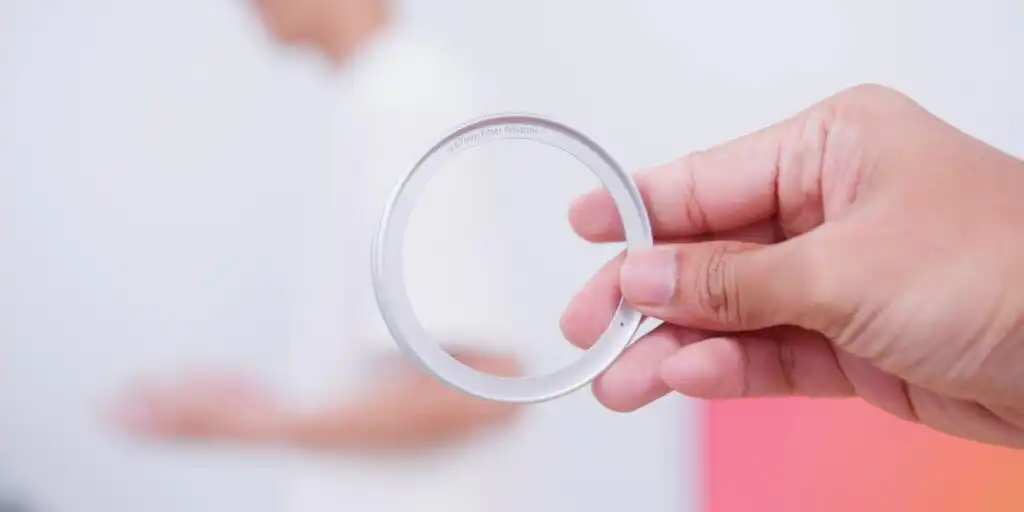
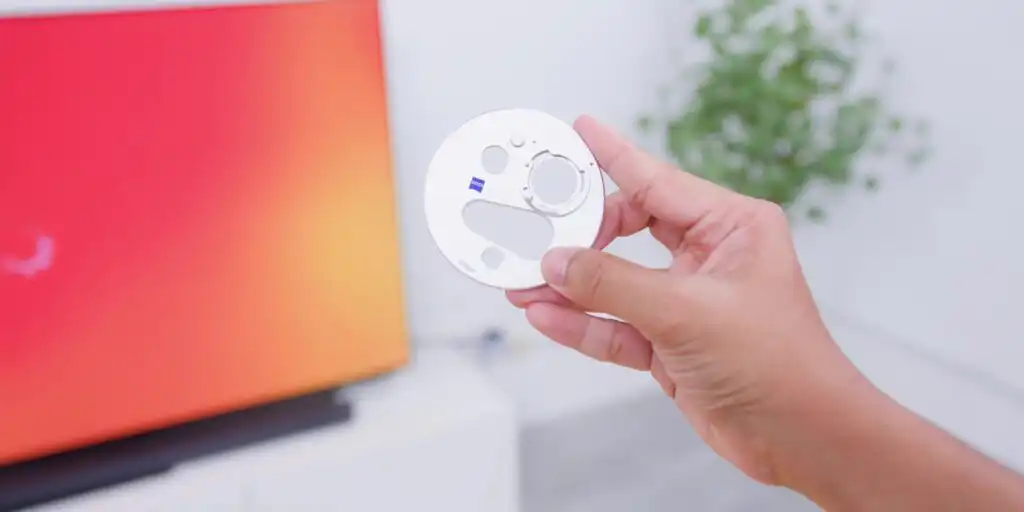
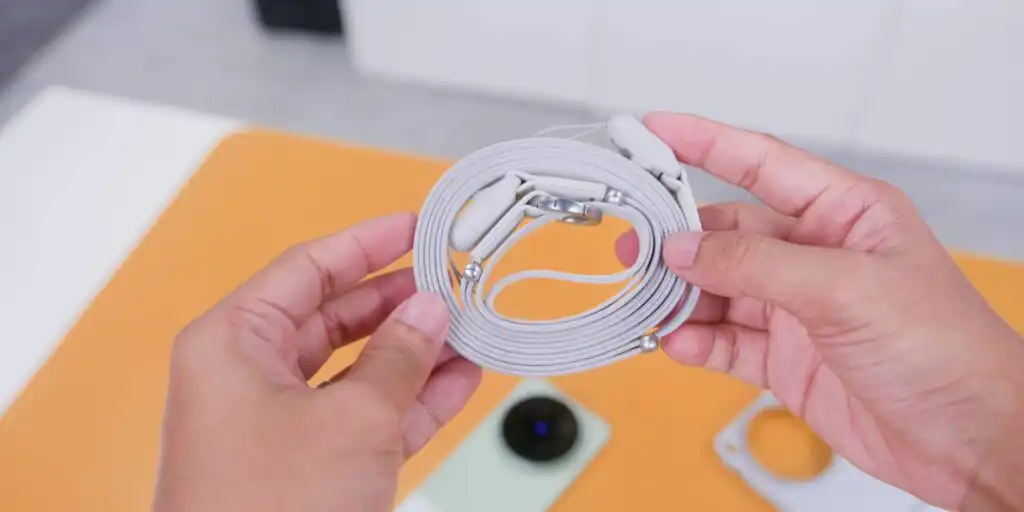
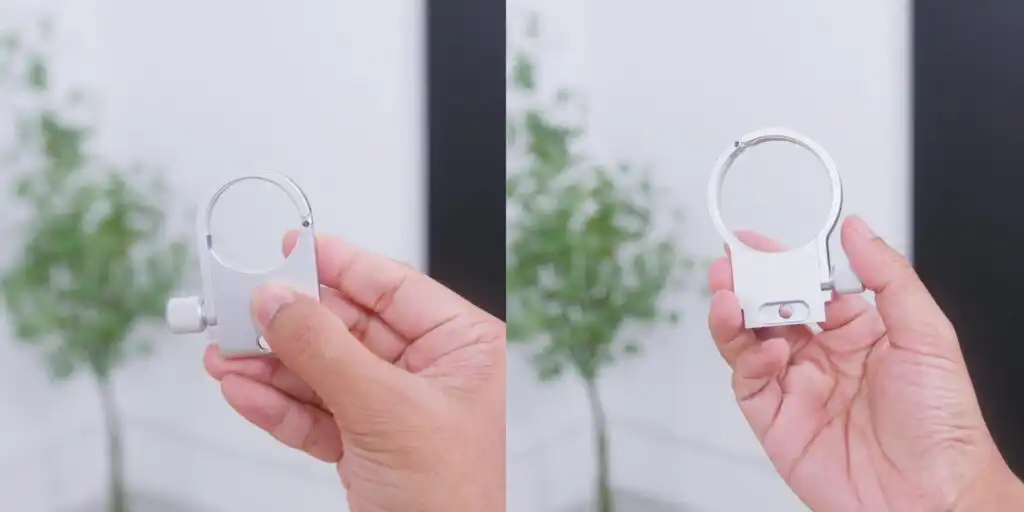
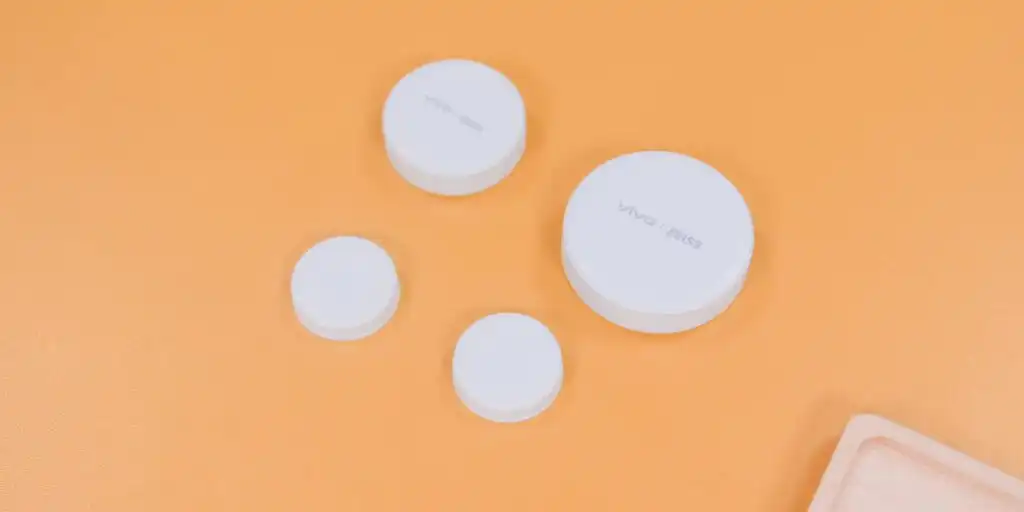
So, it’s not just a lens that you slap on. It’s a proper overall kit.
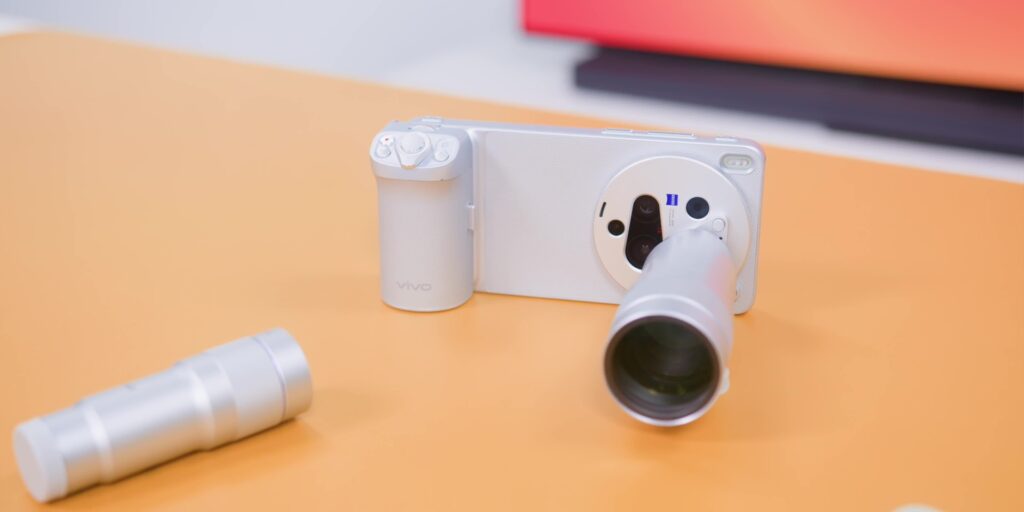
This does make your whole setup seem a bit heavier than a typical smartphone. And yes, I would be lying if I didn’t say that it was heavy, but it’s a small compromise because what you get in return is the best optics on any smartphone right now.
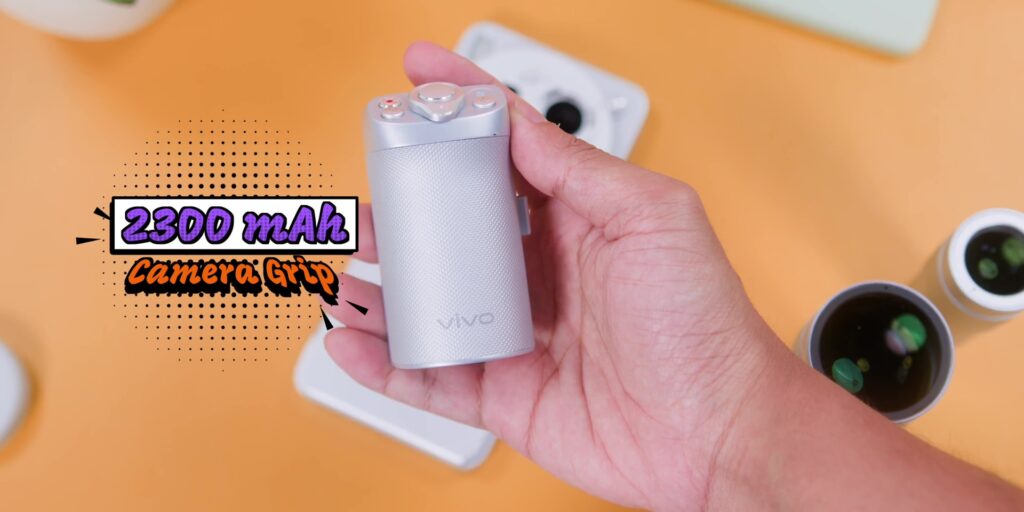
Speaking of the grip, it also has a 2,300 mAh of battery built in. So, it’s not draining your phone’s battery either. It is actually giving you additional battery life on top of that technically.
But, there’s one thing for you to remember when you’re using this because you need to select the right lens in the camera app. It does auto detect it, but it’s good to double check to choose the right lens that you use every single time.
Verdict
So, in conclusion, 2 months in, what is the final verdict?
Well, the vivo X300 Ultra is still the best smartphone that you can buy right now. If you really want amazing cameras without compromising on software or using this phone daily, especially if you want hardware that no other smartphone can match.
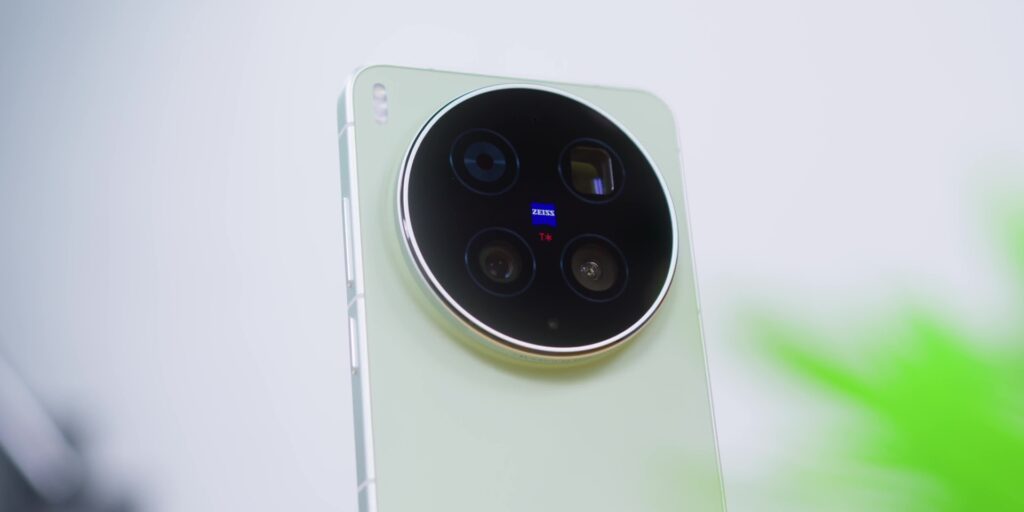
And of course, if you’re willing to carry a little extra weight for the extender or the optics that can really change what exactly that you create.
So yes, the vivo X300 Ultra 2 months in is still the answer.
.
[Watch the full review video on YouTube]
Frequently Asked Questions (FAQ)
How does the battery life on the vivo X300 Ultra hold up after 2 months of heavy use?
The vivo X300 Ultra features a massive 6,600 mAh BlueVolt semi-solid-state battery that easily handles heavy daily usage. On average, it delivers roughly 7 hours of screen-on time under strenuous conditions. A quick top-up with the bundled 100W FlashCharge power brick gets the battery back to over 50% in approximately 23 minutes. It also supports 40W wireless charging, reverse wireless charging, and handy bypass charging for mobile gaming.
Does the vivo X300 Ultra suffer from overheating or thermal throttling issues?
No. Despite initial internet headlines regarding potential thermal issues with the flagship Snapdragon 8 Elite processor, heavy real-world testing over two months revealed zero thermal throttling. This sustained performance is achieved because the main processor shares its workload with a separate, dedicated VS1+ Pro Imaging Chip to handle heavy camera processing alongside a large 5,800mm² vapor chamber cooling system.
Is the ZEISS Telephoto Extender kit too heavy for daily use?
The total setup is noticeably heavier than a typical smartphone, but it serves as a highly functional mobile photography kit rather than a standard accessory. The kit includes a light 200mm equivalent lens (153g) and a heavier 400mm equivalent Ultra lens (248g), alongside a camera grip equipped with a built-in 2,300 mAh battery so it won’t drain your phone. For creators wanting the best optics on a phone, the minor weight penalty is a worthy trade-off.
How well does vivo’s OriginOS 6 software work for Mac and iPhone users?
Software integration has evolved significantly. The Origin Island feature serves as a highly functional Android alternative to Apple’s Dynamic Island, allowing users to drag and paste text directly into compatible apps. For file sharing, the EasyShare app lets you instantly transfer files to an iPhone by shaking the device nearby, while the vivo Office Kit desktop app offers fast, seamless wireless file transfers directly to a Mac.
Related: