Tl;DR / At a Glance
The most significant Android 17 Beta 3 features include “Platform Stability” for developers and a revamped Desktop Mode. Key updates feature Interactive Bubbles for windowed multitasking, a Single App screen recorder that hides notifications, and enhanced privacy for physical keyboards. This beta is considered stable enough for daily use on primary devices.
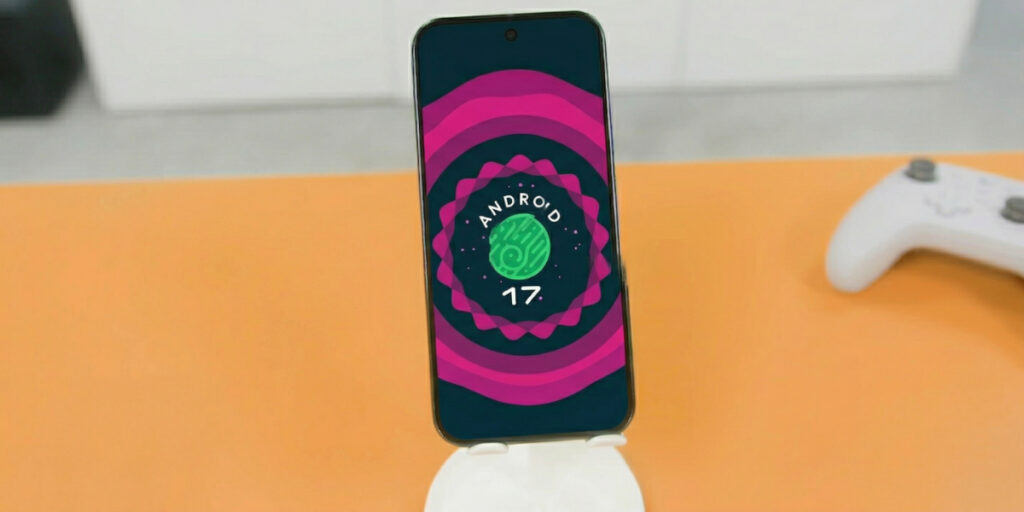
Google just dropped Android 17 Beta 3, and for the first time in the operating system’s history, the “Beta” tag feels like a mere formality. We have reached the critical Platform Stability milestone, meaning the SDK and NDK APIs are locked, and the system behaviours are finalised for the upcoming stable release in June 2026.
While every Android update promises “increased performance,” the Android 17 Beta 3 features represent a fundamental shift in how we perceive mobile computing. This isn’t just a phone OS anymore; it is a portable desktop environment that finally challenges the likes of Samsung DeX and iPadOS.
The Heart of the Update: Desktop Mode 2.0
The centerpiece of this guide is the overhauled Android 17 Desktop Mode. For years, Google’s desktop implementation was hidden behind developer settings, a clunky afterthought that felt more like a proof-of-concept than a product (is that even a surprise?). Beta 3 changes that by making Desktop Mode a front-and-center feature for foldables, tablets, and phones connected to external monitors.
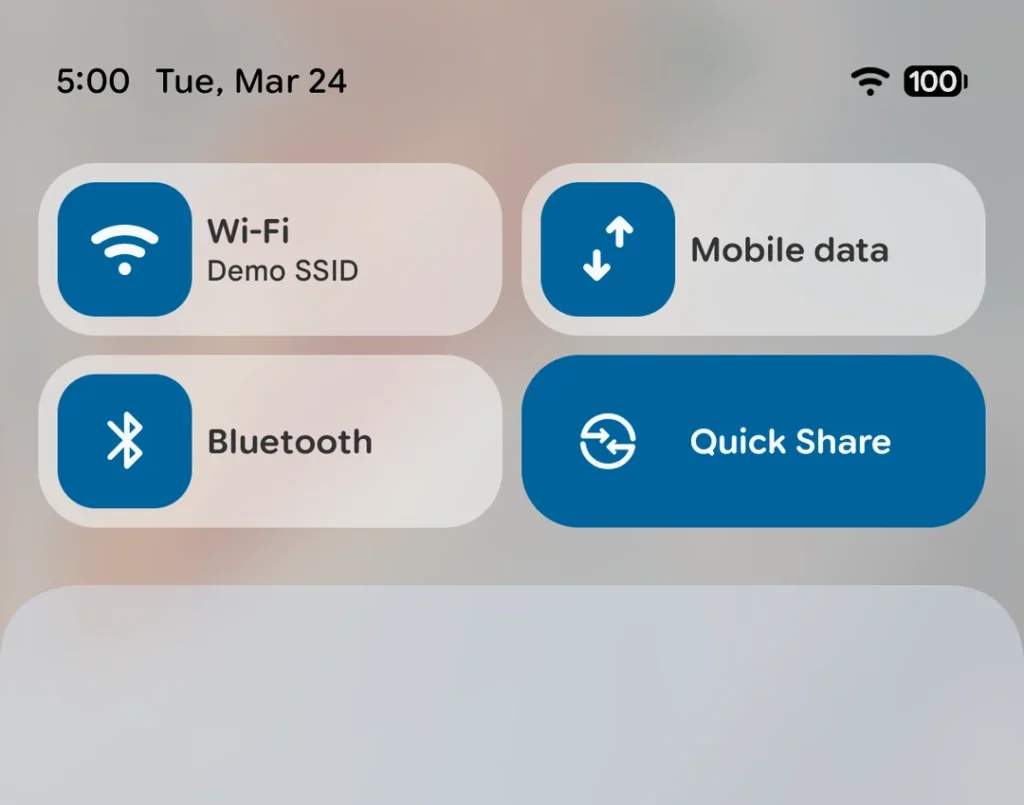
When you connect a supported device (like the Pixel 10 Pro or Pixel 10 Pro Fold) to an external display via USB-C to HDMI, you are no longer greeted by a simple screen mirror. Instead, you enter a fully-fledged windowing environment.
Key Desktop Windowing Improvements:
- Free-form Windowing: Apps now launch in resizable, movable windows by default. You can snap windows to the sides for a 50/50 split or overlap them just as you would on Windows or macOS.
- Desktop Interactive Picture-in-Picture (iPiP): This is a game-changer for pros. iPiP allows apps to request a “pinned” windowing layer that stays on top of all other windows and remains fully interactive. Imagine having your Zoom call controls pinned in a tiny, interactive corner while you have a full-screen spreadsheet and a Chrome browser open behind it.
- The Global Taskbar: On larger screens, a new persistent taskbar houses your most-used apps and a dedicated “Bubble Bar” for managing background tasks.
Interactive Bubbles: Multitasking Perfected
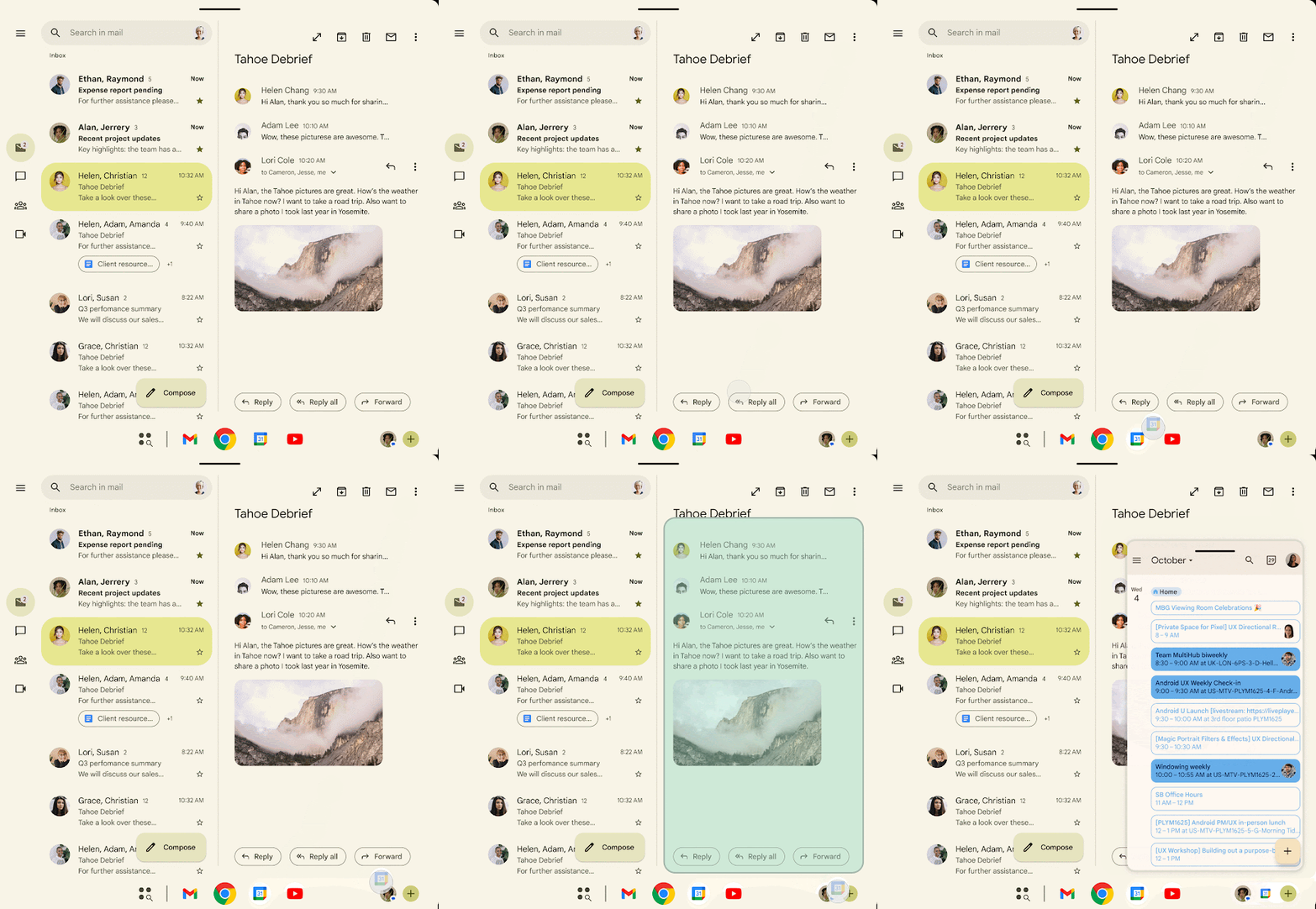
The most widely discussed of the Android 17 Beta 3 features is the expansion of Interactive Bubbles. Originally a tool for messaging apps, Bubbles have evolved into a platform-wide windowing framework.
By long-pressing any app icon on the launcher or taskbar, you can select the “Bubble” option. The app then shrinks into a floating window that stays on top of your workspace. On foldables and tablets, these bubbles anchor to a specific bar in the taskbar, allowing you to move between active “floating” apps without losing your place in your primary app. It makes the transition between “Phone Mode” and “Work Mode” feel seamless.
A Creator’s Dream: The Redesigned Screen Recorder
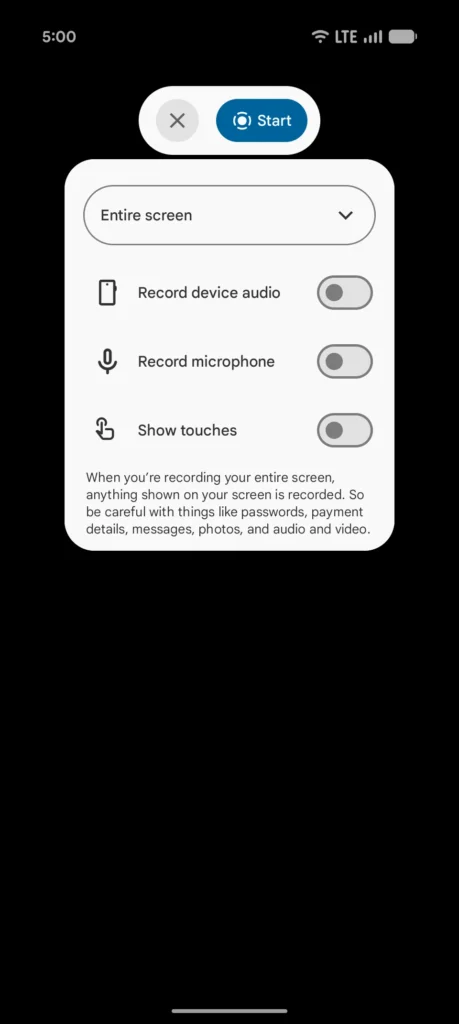
Content creators have been asking for a professional-grade screen capture tool for years, and Beta 3 finally delivers. The new pill-shaped floating toolbar provides immediate access to recording controls.
The real magic, however, is the Single App Capture mode. When enabled, Android records only the specific app window you’ve selected. If a private WhatsApp notification or a low-battery alert pops up during your recording, the system automatically excludes those UI elements from the final video file. This removes the need for tedious “blurring” in post-production and ensures your tutorials look clean and professional every time.
Security and Privacy at the Café
As more users utilise Desktop Mode at cafés and public workspaces, Google has doubled down on peripheral security. A new Physical Keyboard Privacy toggle has been introduced. When you are using a Bluetooth or USB-C hardware keyboard, this feature immediately hides password characters as they are typed—preventing “shoulder surfers” or high-definition security cameras from capturing your credentials.
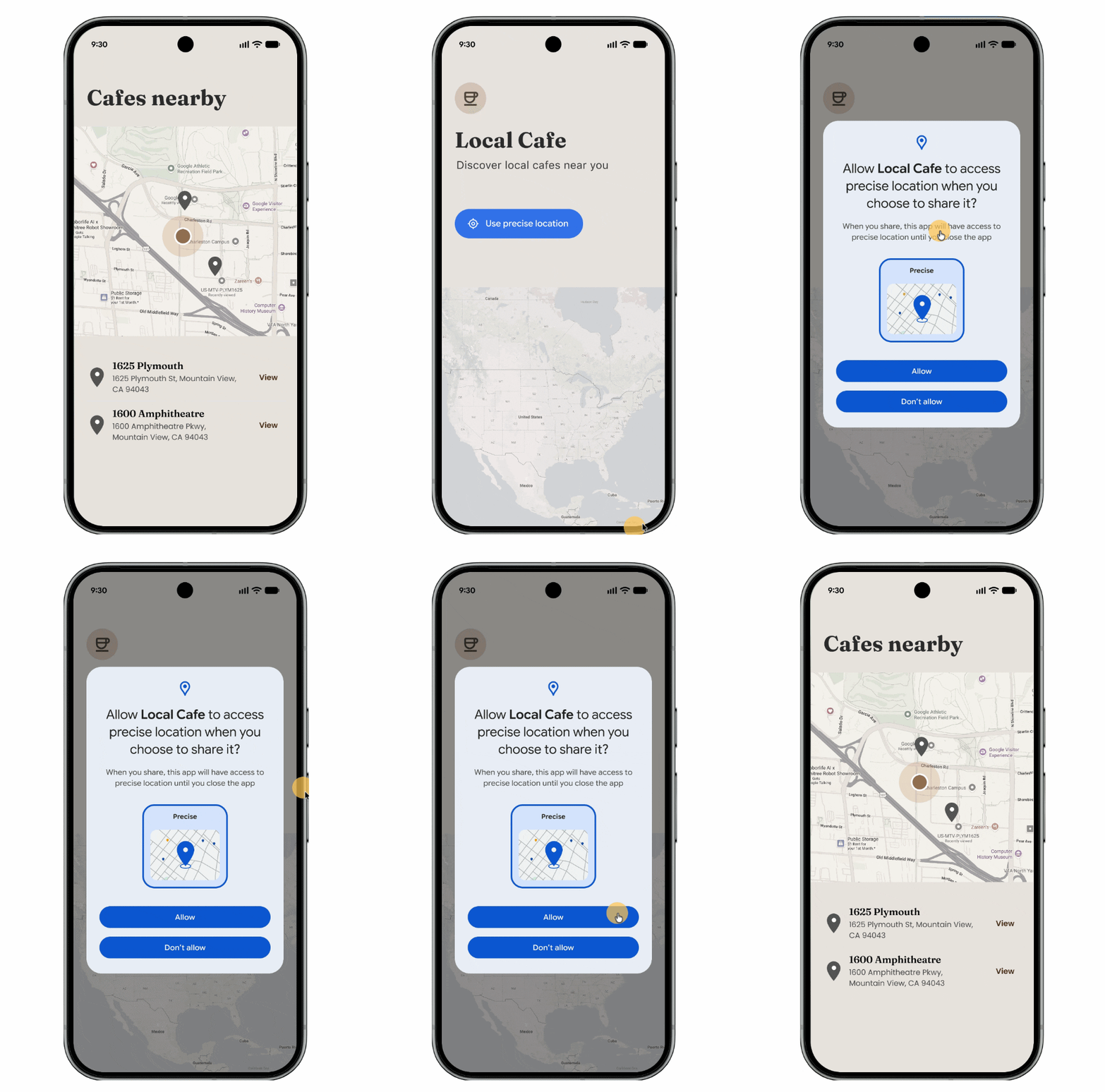
Furthermore, Beta 3 includes a System-Provided Location Button. Instead of a broad permission dialog, apps can now embed a secure, system-rendered button. Tapping it grants the app precise location access for that current session only, preventing apps from tracking you once the task is finished.
The Hardware Reality: Is Your Device Ready?
While Android 17 Beta 3 is available for the Pixel 6 series and newer, the full Desktop Mode experience shines best on the Pixel 10 Pro and the Pixel 10 Pro Fold. Thanks to the Tensor G5’s improved NPU and the move to TSMC’s 3nm process, these devices can handle multiple high-resolution windows on an external 4K monitor without the thermal throttling that plagued previous generations.
However, if you are testing this on older hardware, keep an eye on your thermals. Running a full desktop session plus an external display is a high-intensity task.
Final Verdict: Should You Install It?
With Platform Stability reached, the risk of “bricking” your phone or losing data is significantly lower than in previous betas. If you are a student, a digital nomad, or a creator, the new multitasking features alone make this worth the install.
Android is no longer just “the other” mobile OS. With Beta 3, it has officially become a viable alternative to your laptop.
Read the full release notes here.