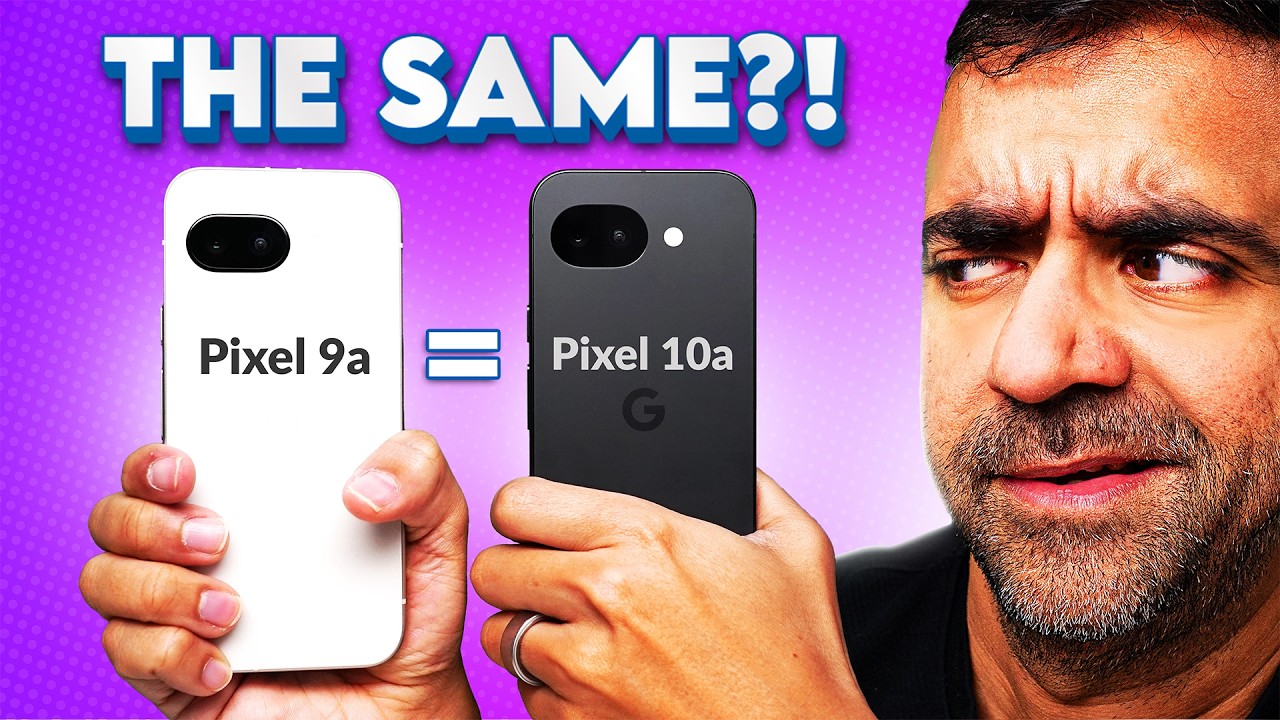
Every year a new Pixel A-series drops and every year you see that one comment. “Bro, it’s literally the same phone!” And honestly, sometimes they are right.
But here’s the thing that most people miss. It’s never really about the specs. It’s about whether the upgrade actually changes how you use the phone.
So, is Google recycling last year’s homework with the Pixel 10a? Well, by the end of this article, you’ll know exactly who should upgrade and who should save their money. So, watch first and buy smart.
PERFORMANCE: SAME CHIP, BUT DOES IT MATTER?
First, let’s start with the performance. And yes, both the Pixel 9a and the Pixel 10a use the exact same chip. The Google Tensor G4 with 8GB of RAM.
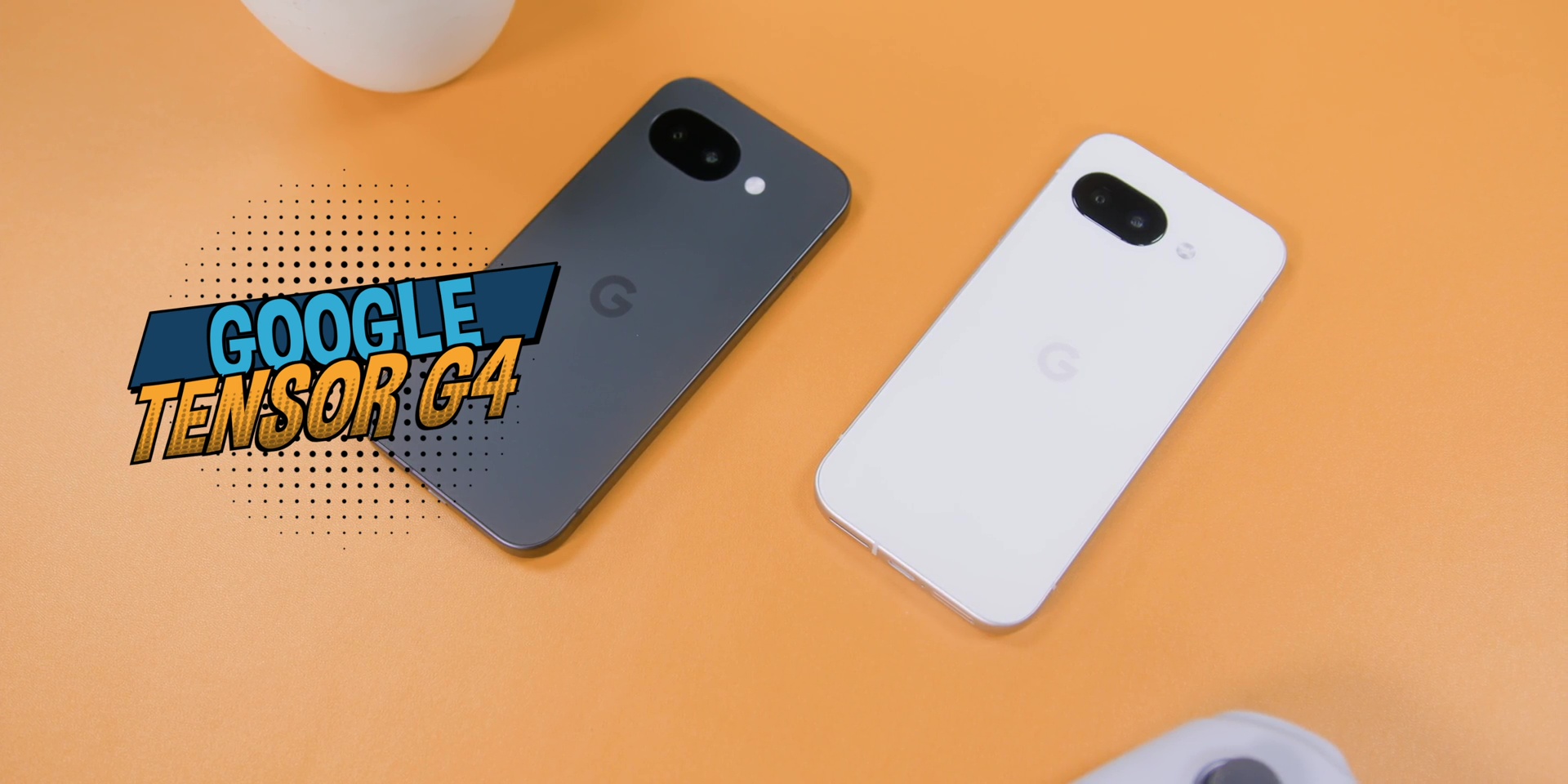
So, if you’re sitting there hoping for a Tensor G5 chipset, well, not this year because you can think of the Tensor G4 like a very reliable Mazda car where it gets you where you need to go, which is smooth, consistent, and no drama, but it’s not going to win you any drag races.
If you’re already on the Pixel 9a, performance will feel identical. Zero difference. So you can save your money over here. But if you’re coming from something older like the 7a or the 8a, this or this will be a very solid jump.
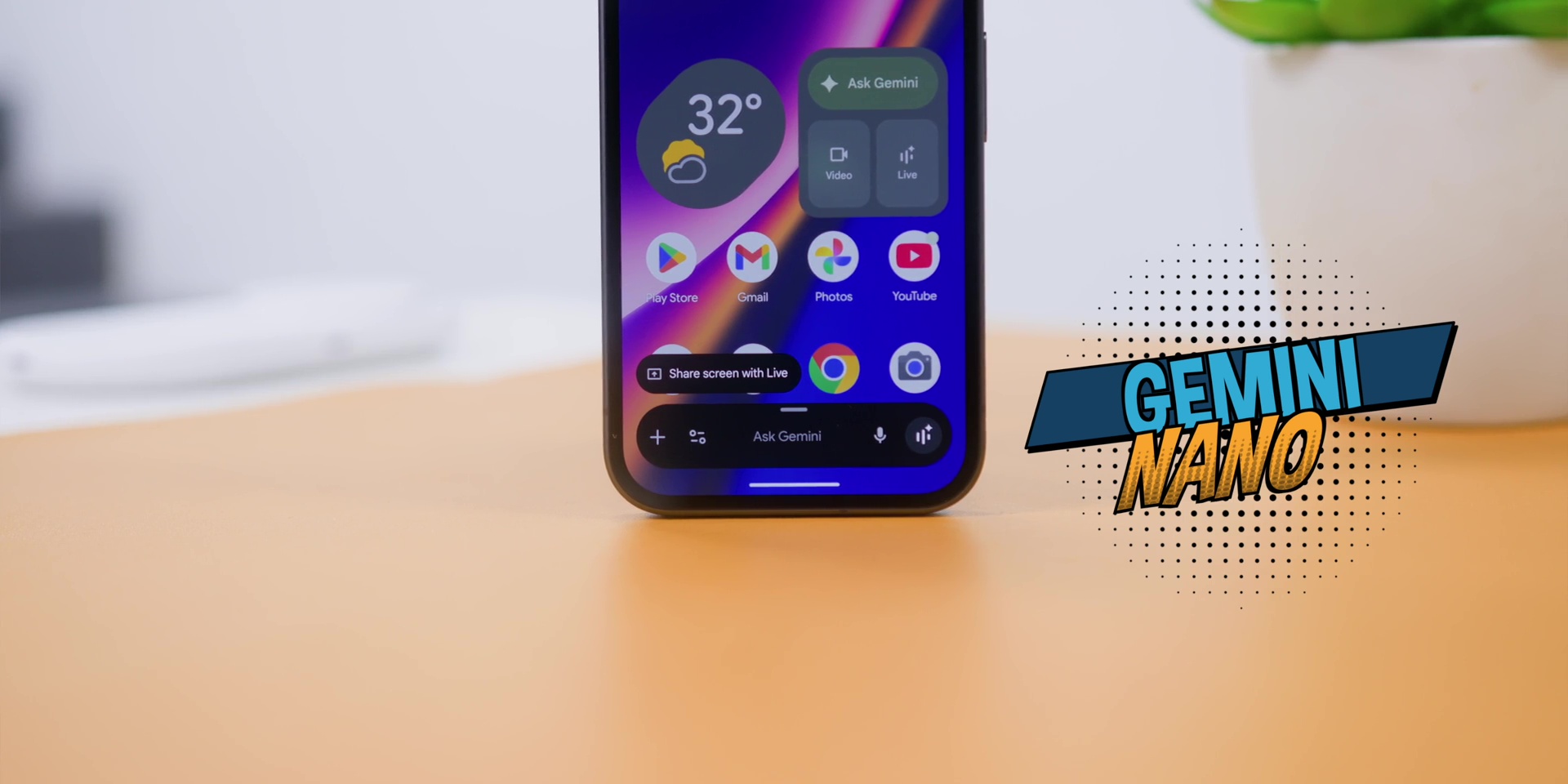
Both phones do support Gemini Nano. Translation? It means that it has the AI features which are all fully baked in on both. All of which means that the performance is not the reason for you to upgrade, but it’s also not a reason for you to worry.
CAMERAS
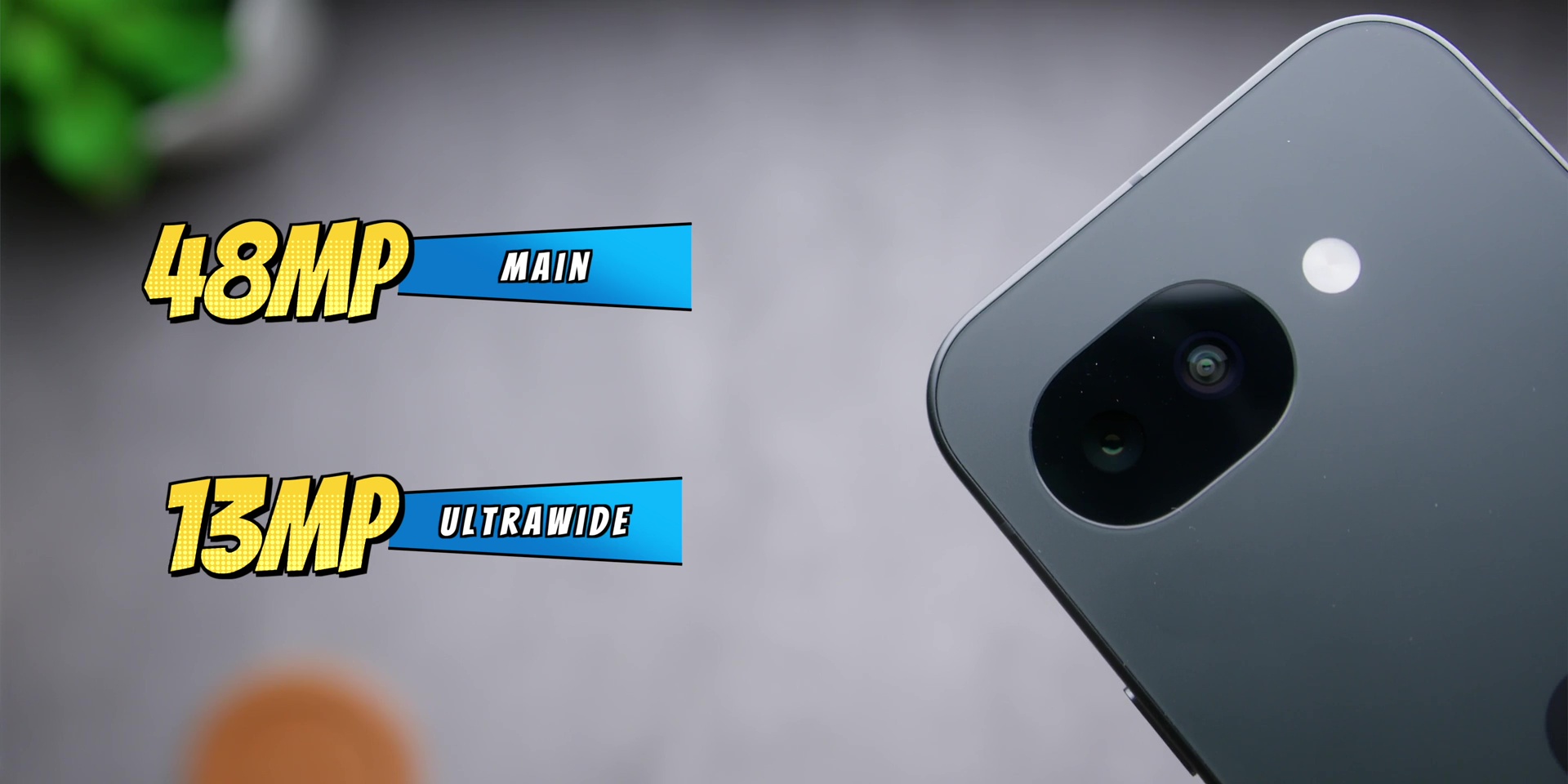
But everything mentioned earlier only makes sense if the camera tells a different story, right? So let’s talk about that. Both phones use a 48MP main camera and the same 13MP ultrawide camera.
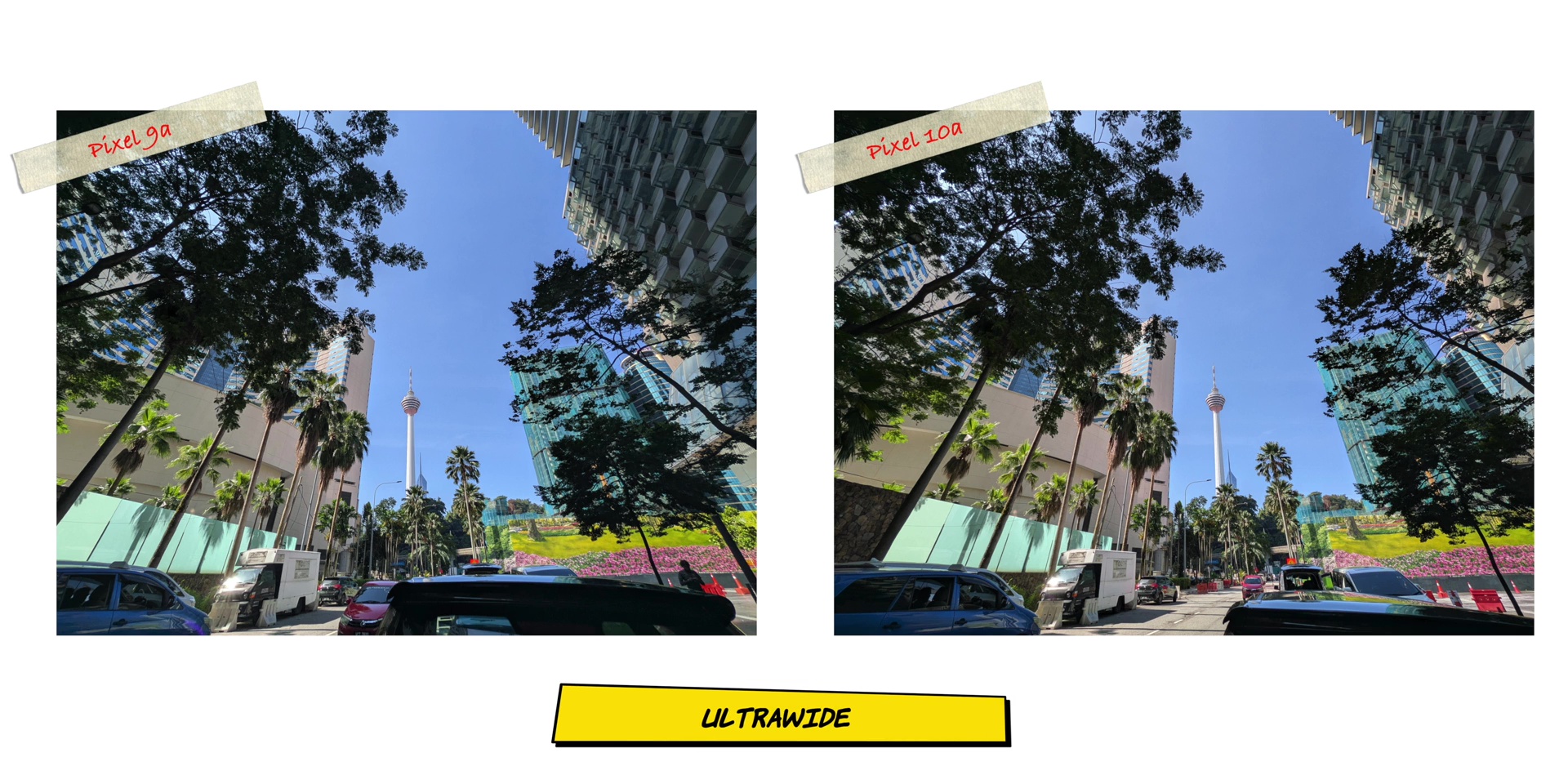
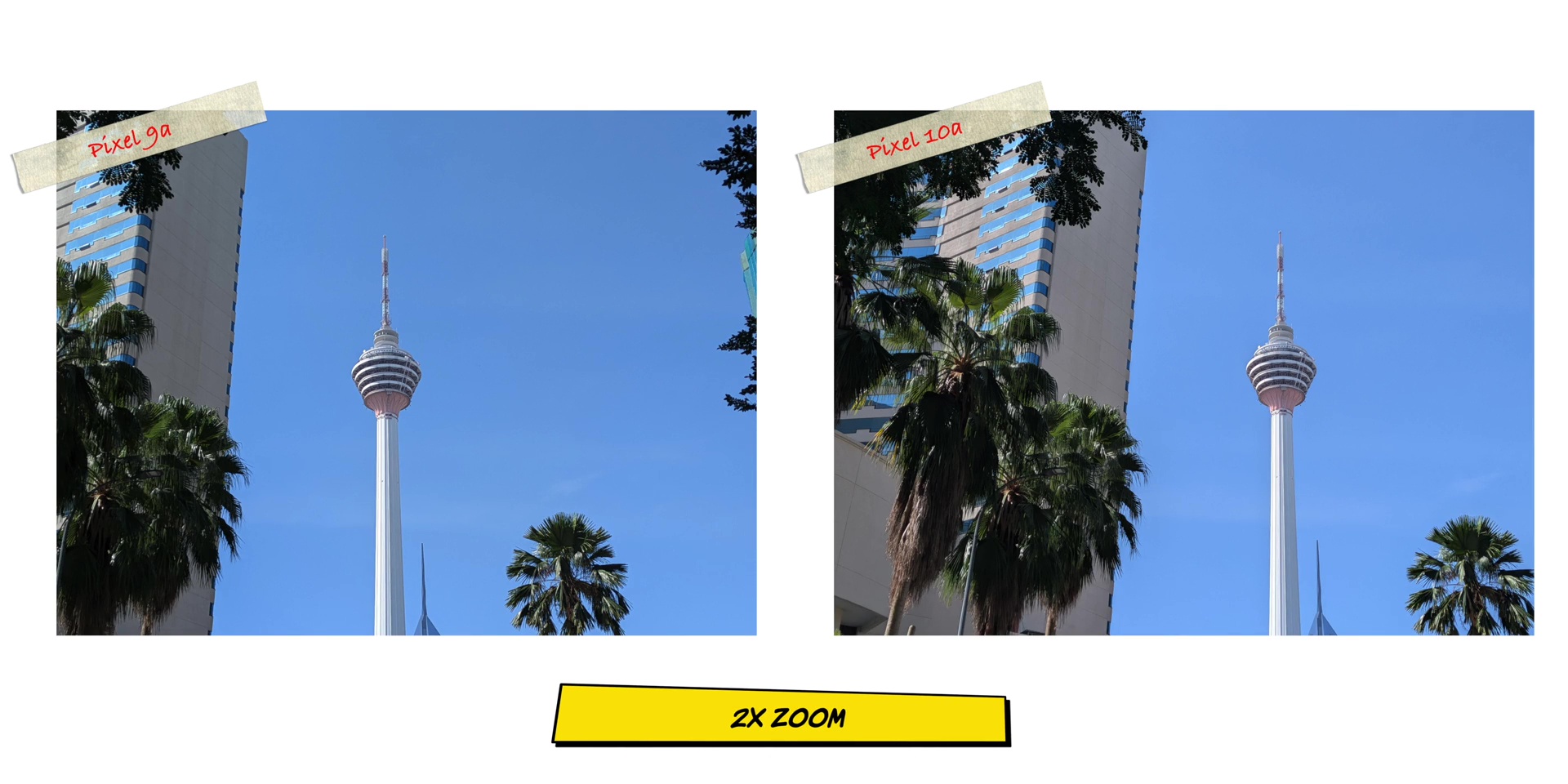
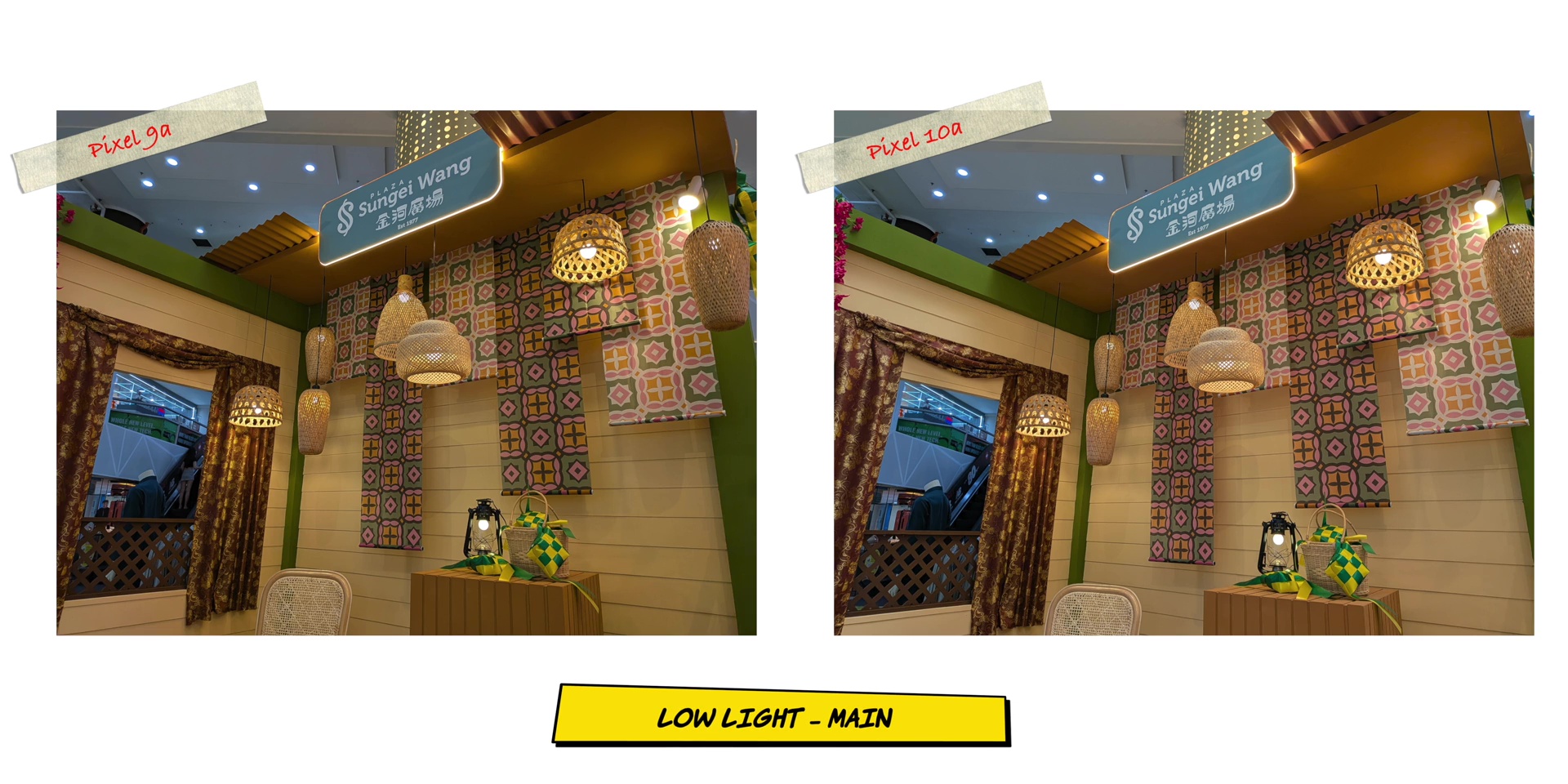
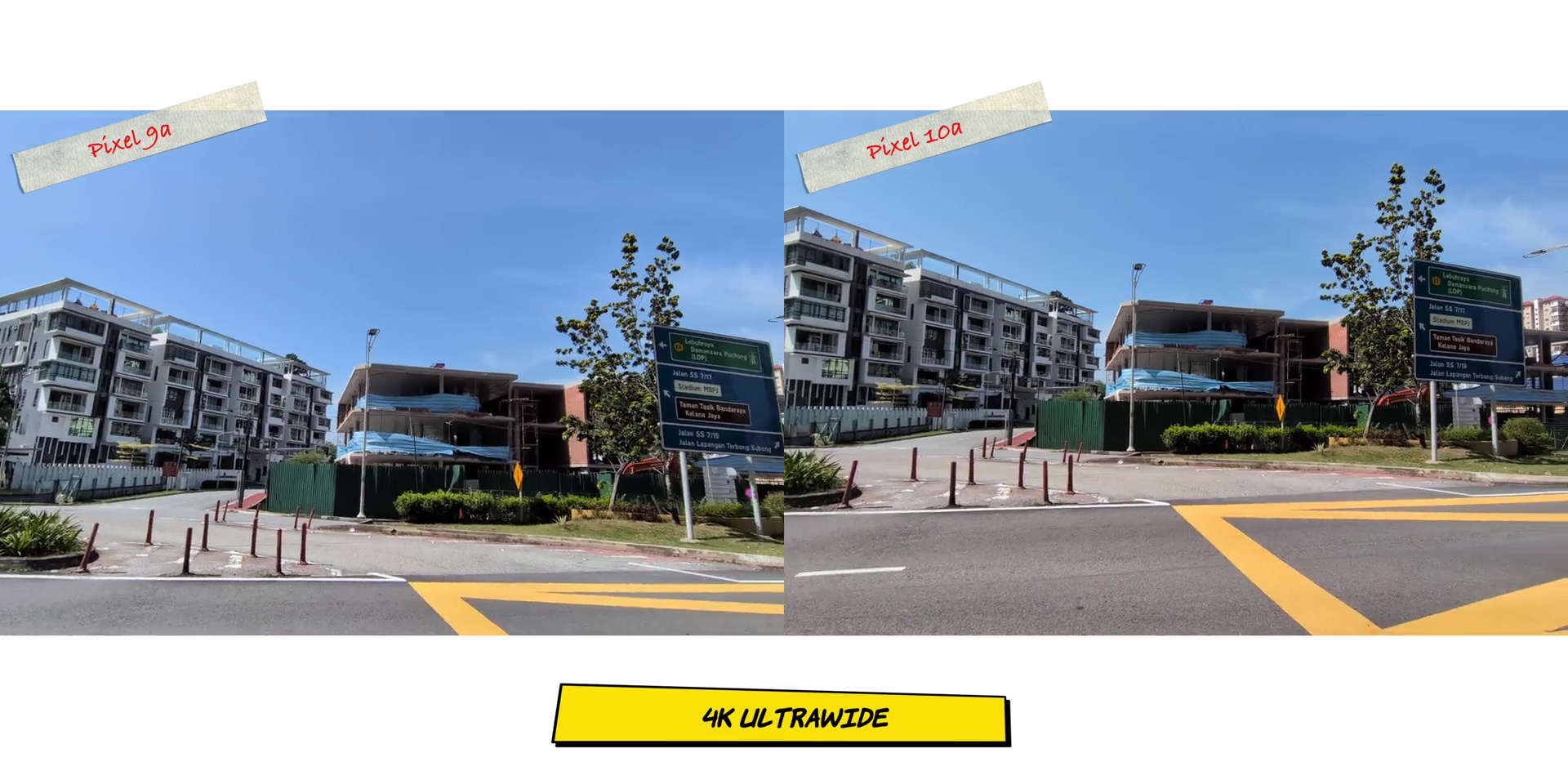
So, on paper, it is identical. But how is it in real life? Well, you guessed it. It does look the same whether or not it’s the ultrawide, the main, and even the 2x look exactly the same. Even the color balance for an indoor low light situation. The balance was really good, but yes, looks identical on both.



The portrait selfie is not as good as the flagship 10 series, specifically on the edge detection, but it’s great for this particular price segment.


Video quality is also the same from the ultrawide lenses, the main lenses and the 2x zoom mode as well. And the stabilization was equal but good on all of the lenses. So, it is a good phone for vlogging. Speaking of vlogging, the front camera’s quality and the stabilization was good.

And then there’s this weird 1.4x zoom mode right to your face where the quality is good, but for the life of me, please do not use this on a regular selfie mode. Probably when you put it on a tripod it is fine because it is too close for comfort literally.

But here’s where the Pixel 10a quietly pulls ahead on one area because you can think of the camera hardware as the oven. Both ovens are the same size, but the Pixel 10a has one recipe built in which is some of the software features which are not on the Pixel 9a.
SOFTWARES
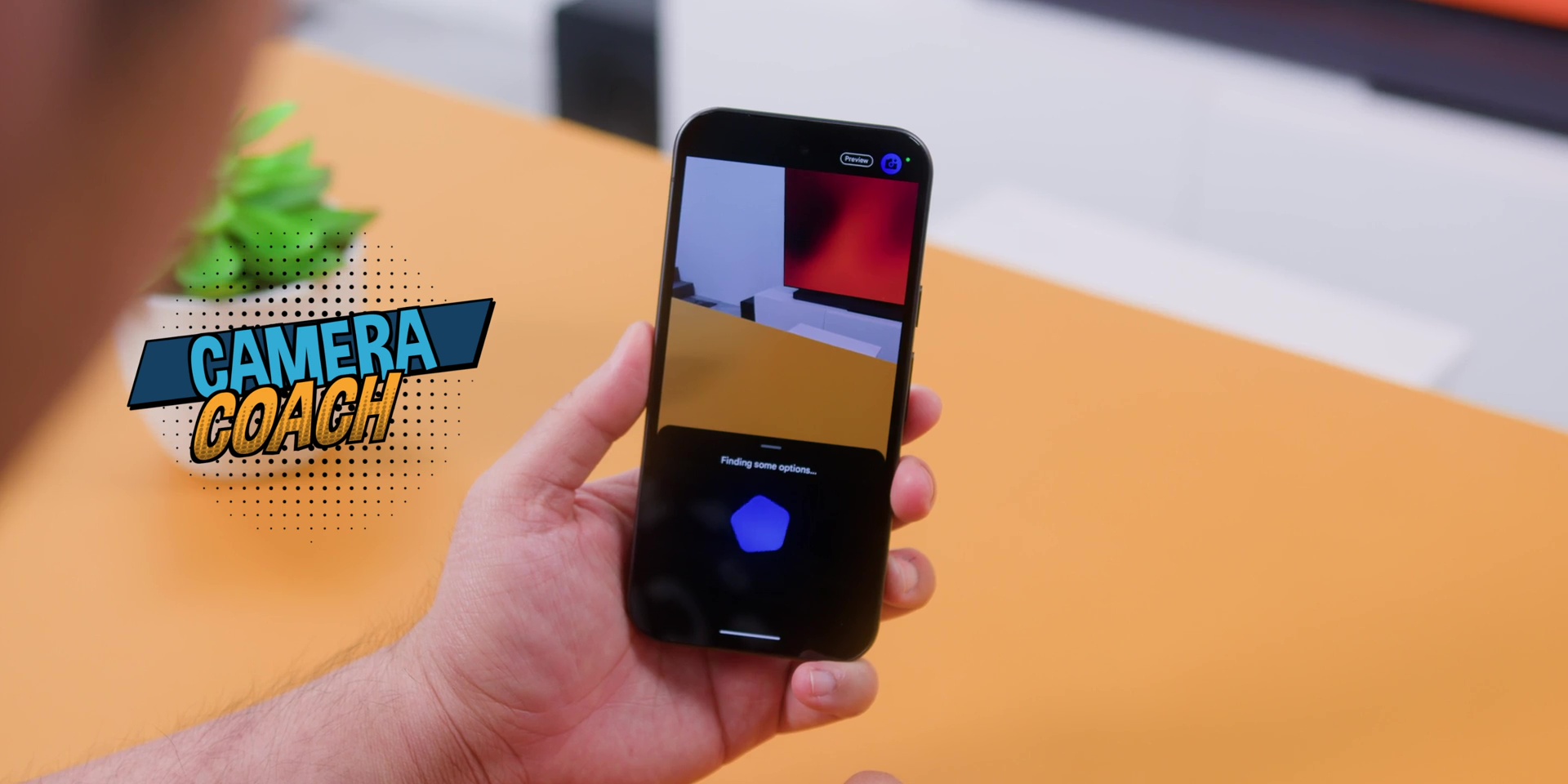
Firstly, you have the Camera Coach which teaches you how to frame your shots in real-time, like having a photographer or a pro photographer standing next to you going, “Hey, tilt a bit.”
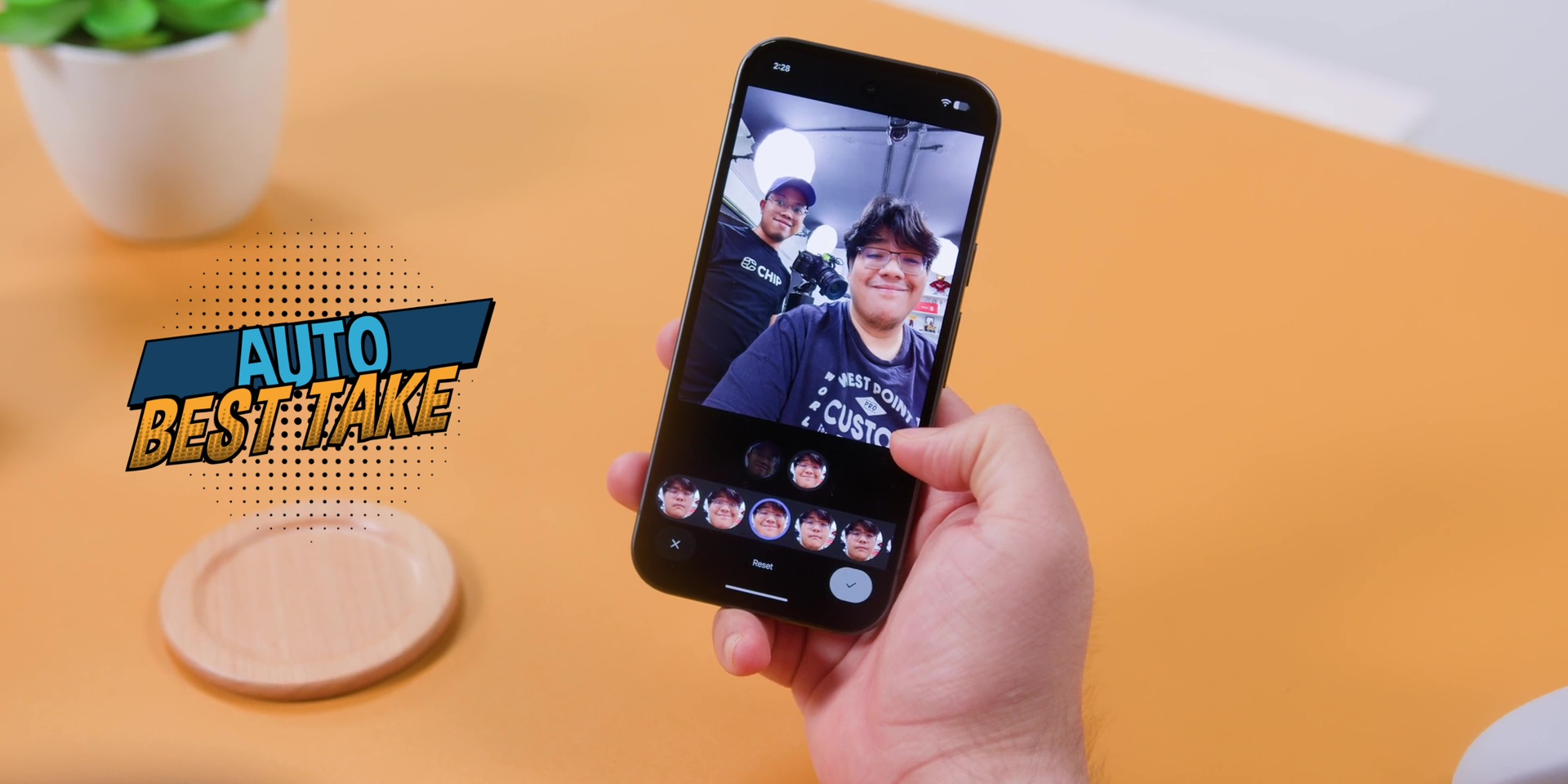
Then there’s the Auto Best Take which merges group photos so everyone looks good. So no more that person who likes to blink exactly when you take the photo.
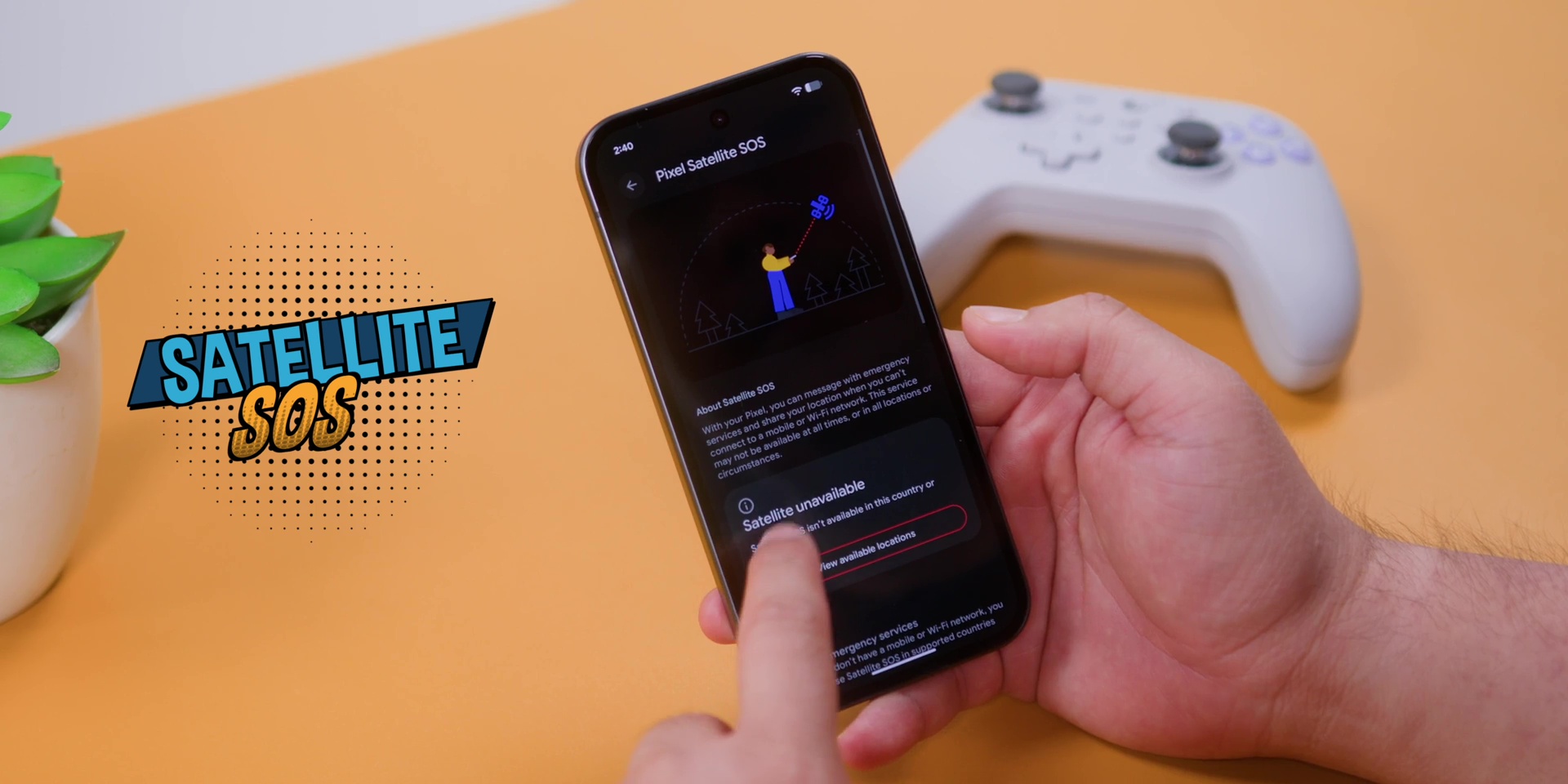
And depending on the country that you are from, there’s also this Satellite SOS which lets you contact emergency services even with zero signal. This is a cool feature, but if you’re watching this from Malaysia, it doesn’t work here yet. So, yes, you can file that feature under the “nice to have… someday.”
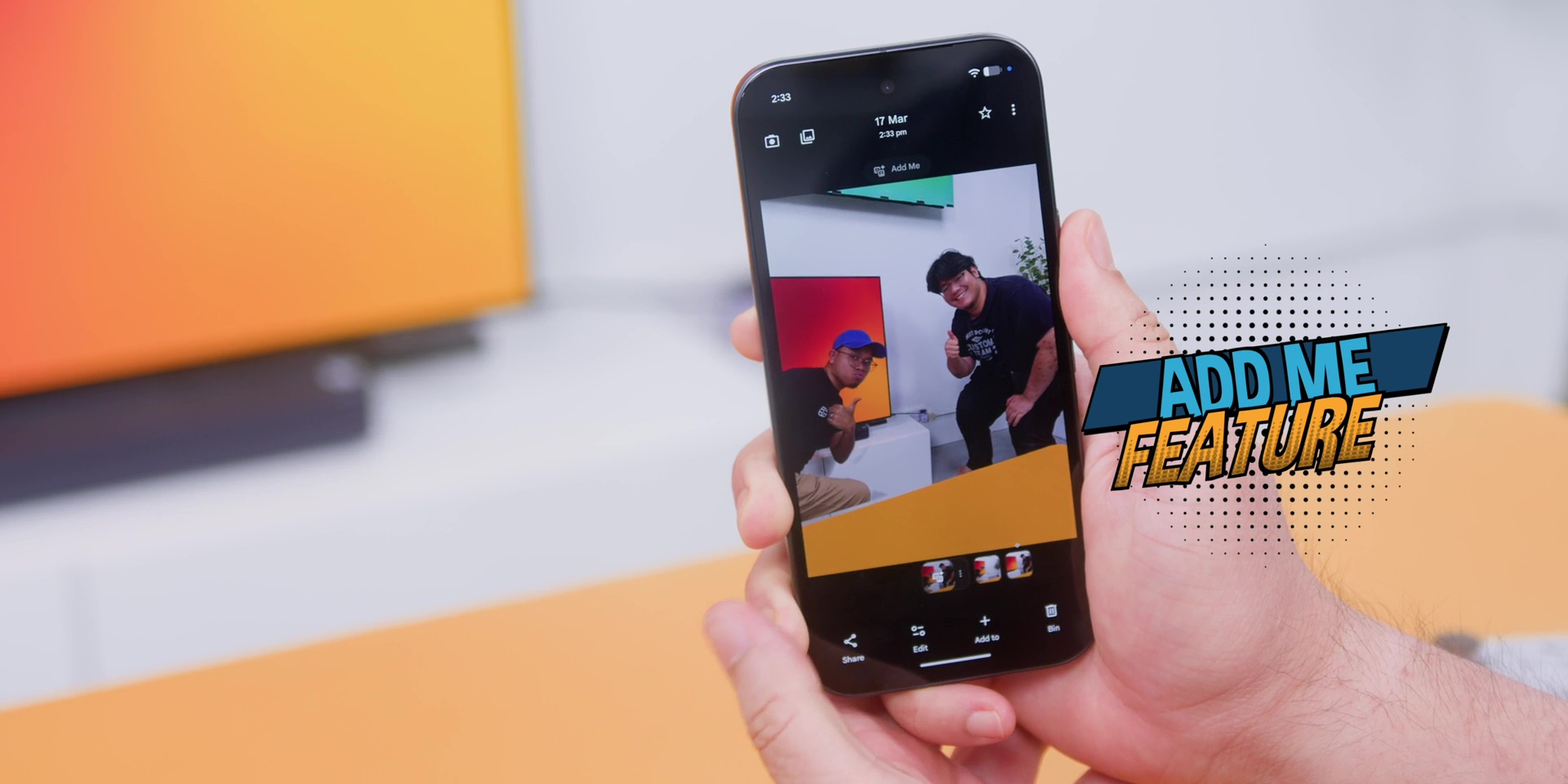
But there’s other software features which are useful that the Pixel 9a also has, which is the Add Me, so the person taking the photo can also be in it.
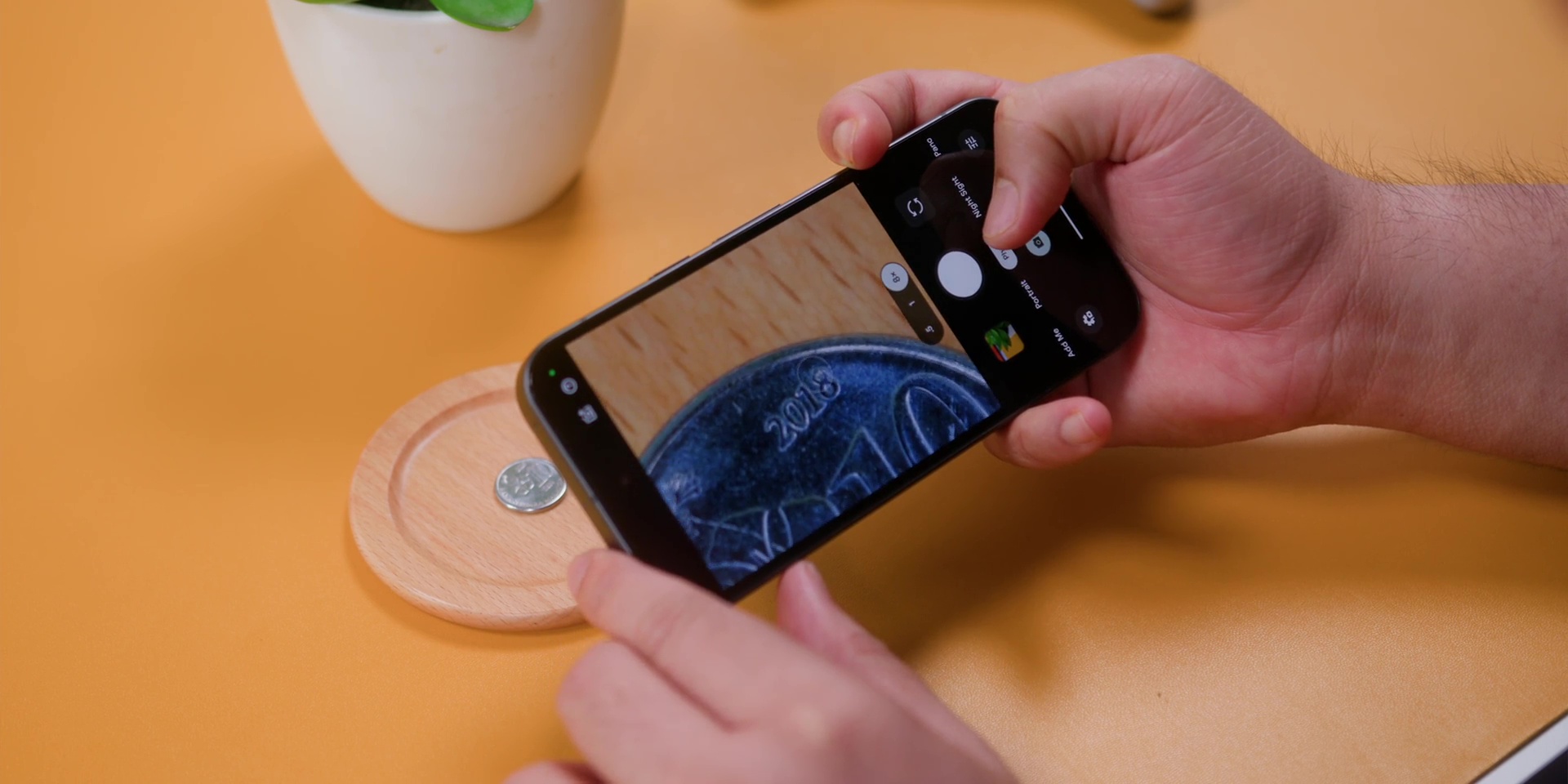
Both phones also have the Macro Focus, but they work differently because while the Pixel 9a could capture solid close-up details, but locking focus was finicky at times, but the Pixel 10a has a more dedicated Macro mode that should be able to nail the shots easily on a macro photography.
So, all of this means that the cameras are more alike than Google wants you to think. But the software, that’s where the 10a quietly earns its keep. And if you know Pixel, software is the camera.
DESIGN
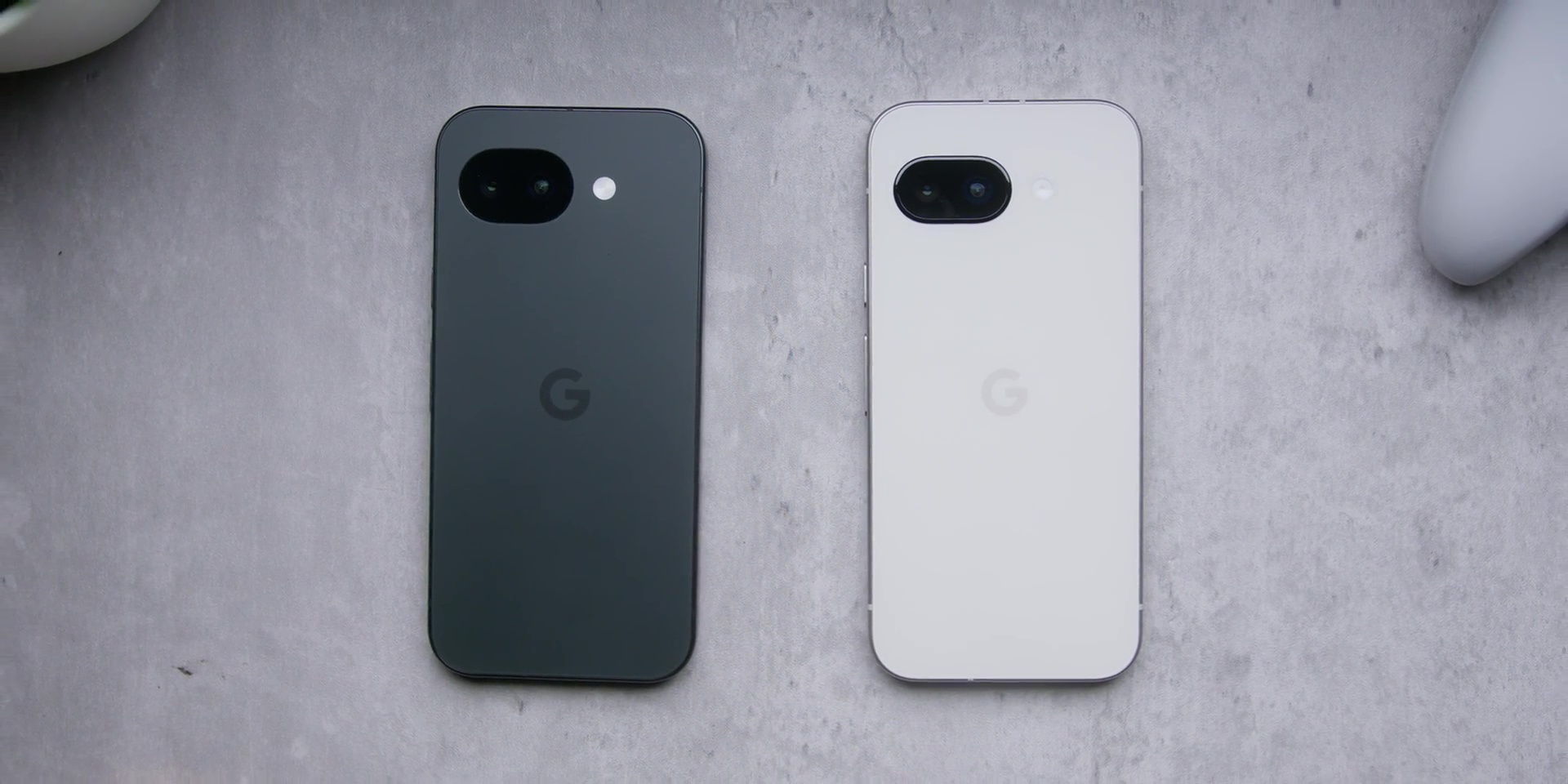
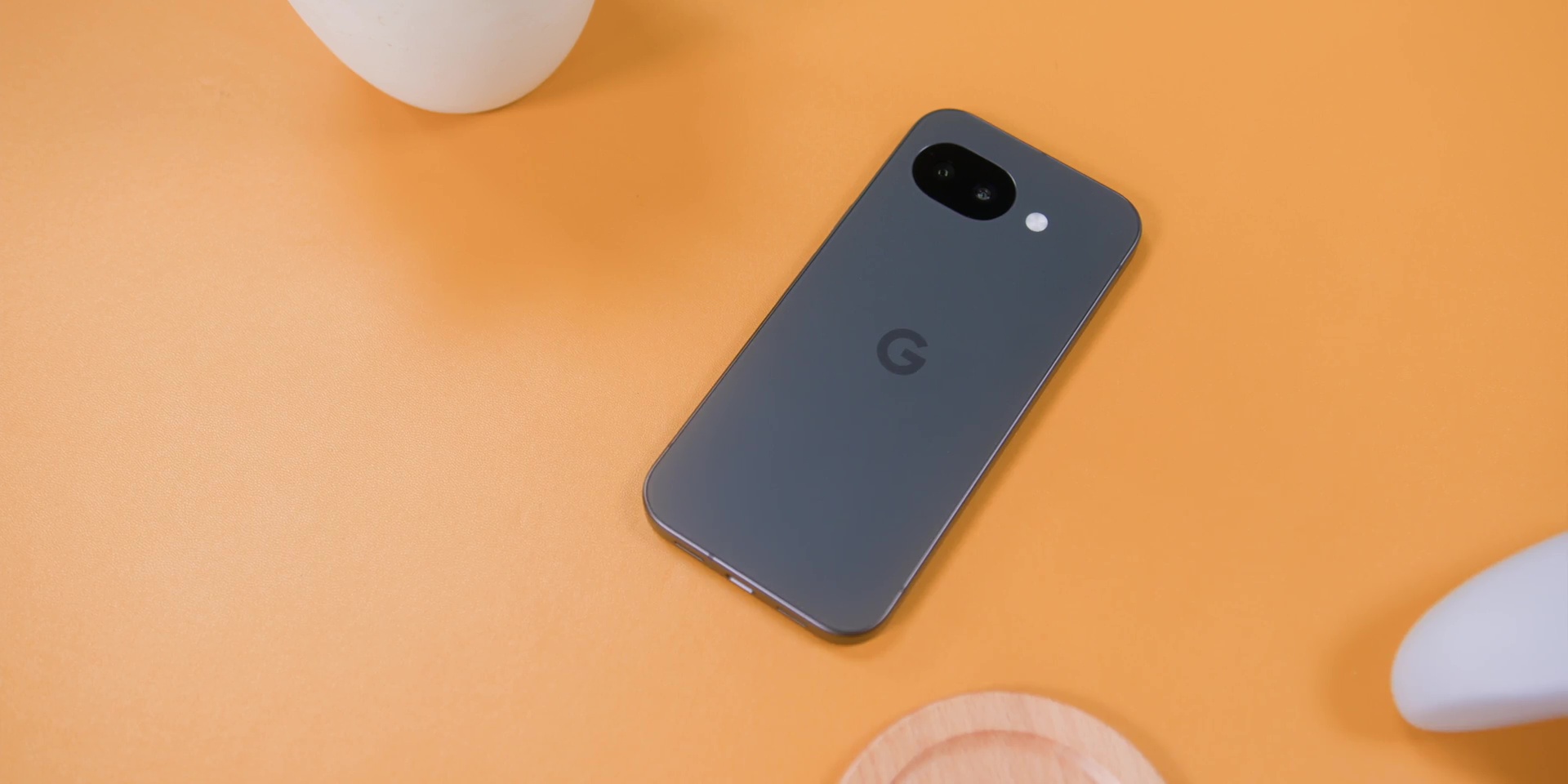
Okay. When it comes to design is where people will actually feel or you would actually feel. The Pixel 10a moves to a completely bumpless design.
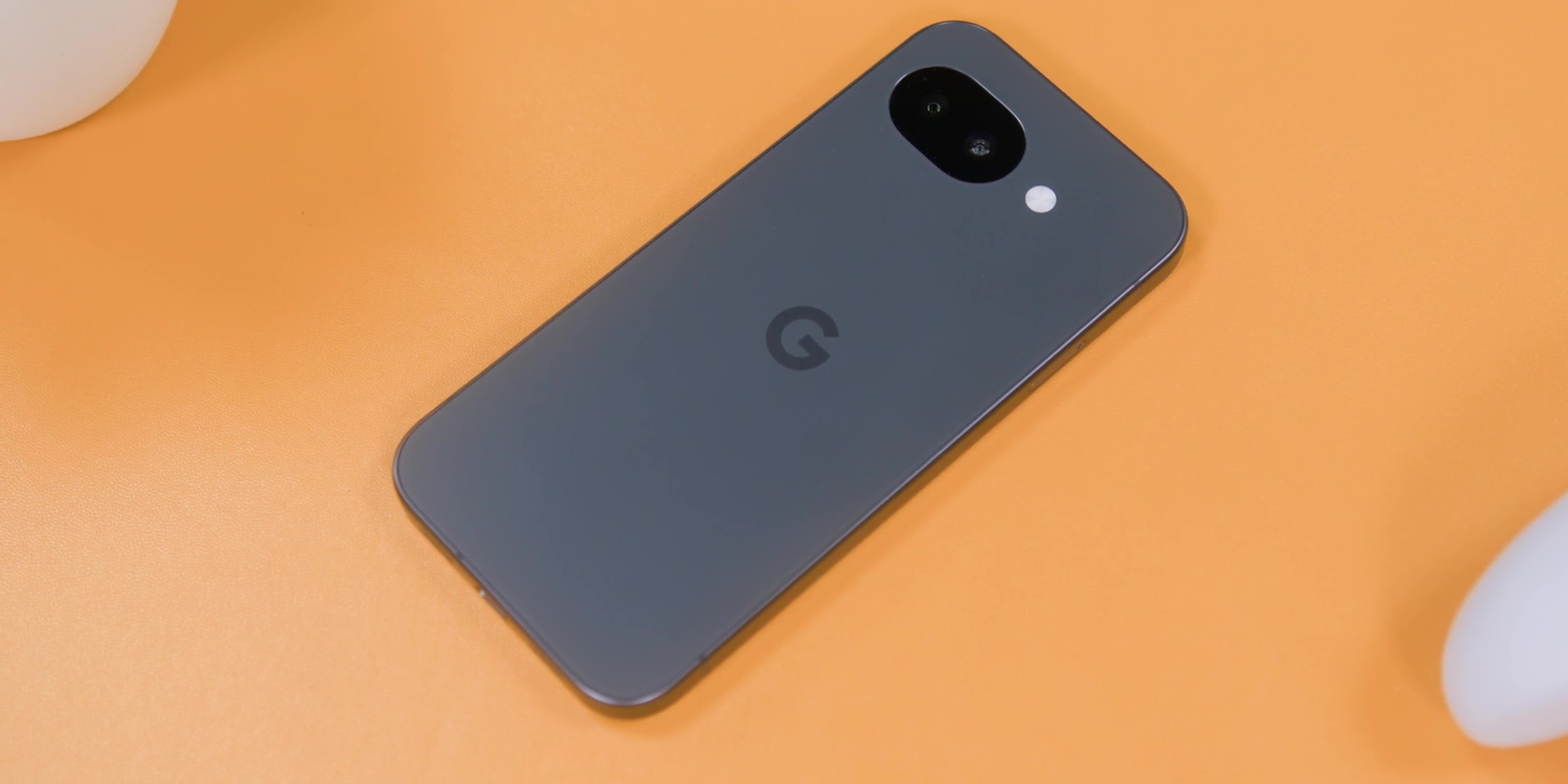
Even though the Pixel 9a has only a slight one, but yes, no more raised camera bar sticking out like a tiny little speed bump. So, it is flatter, cleaner, and more minimal.
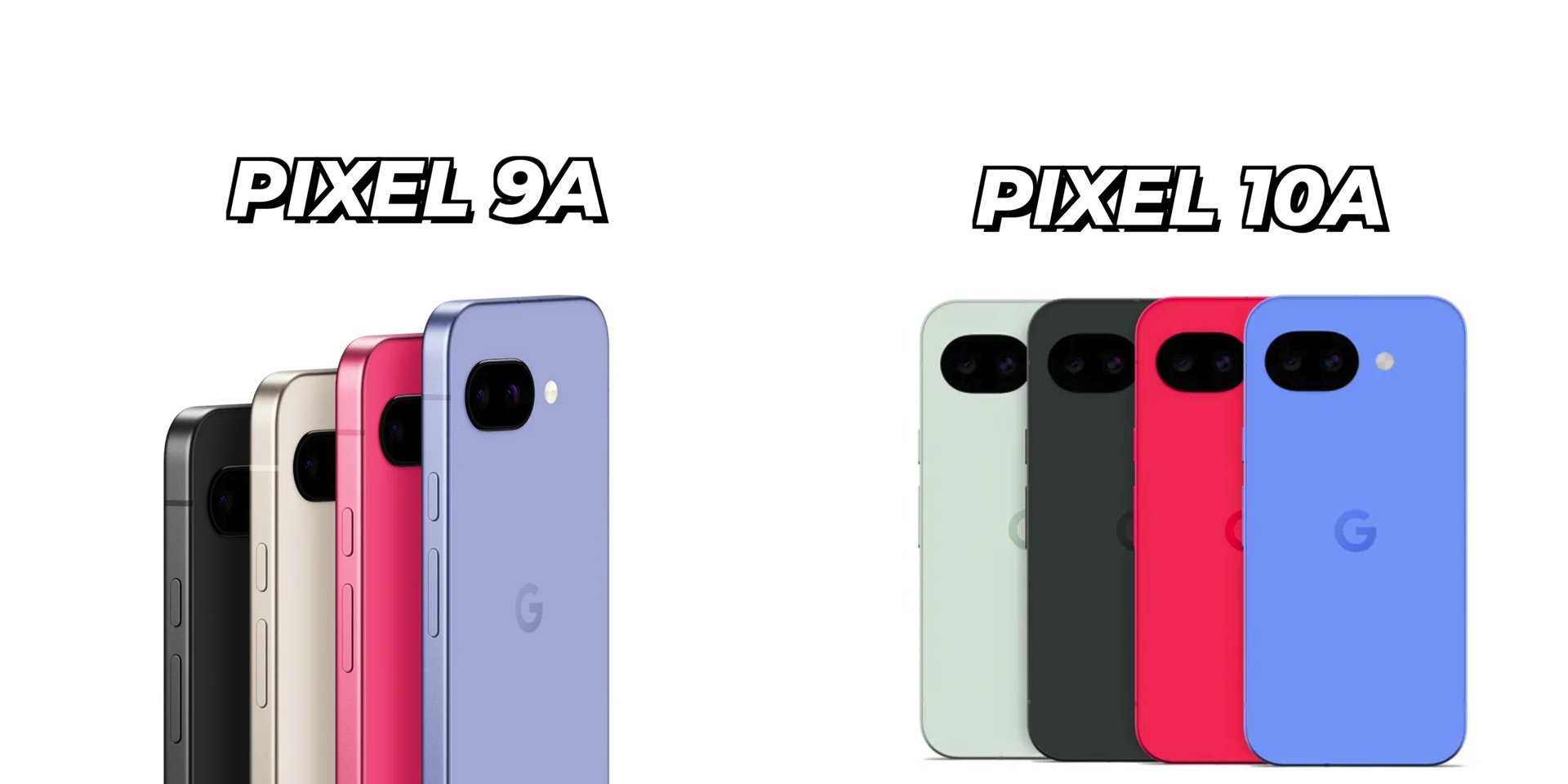
Now, just for the sake of being new, they have also updated the colors like barely. While the Obsidian is the same, this year’s colors are Fog, Berry, and Lavender.



If you look at last year’s colors and this year’s colors, it’s “same-same but different.”
But the glass upgrade is real because the Pixel 10a gets the Corning Gorilla Glass 7i in front compared to the 9a which only had Corning Gorilla Glass 3. Yeah, version 3 in the year 2025.
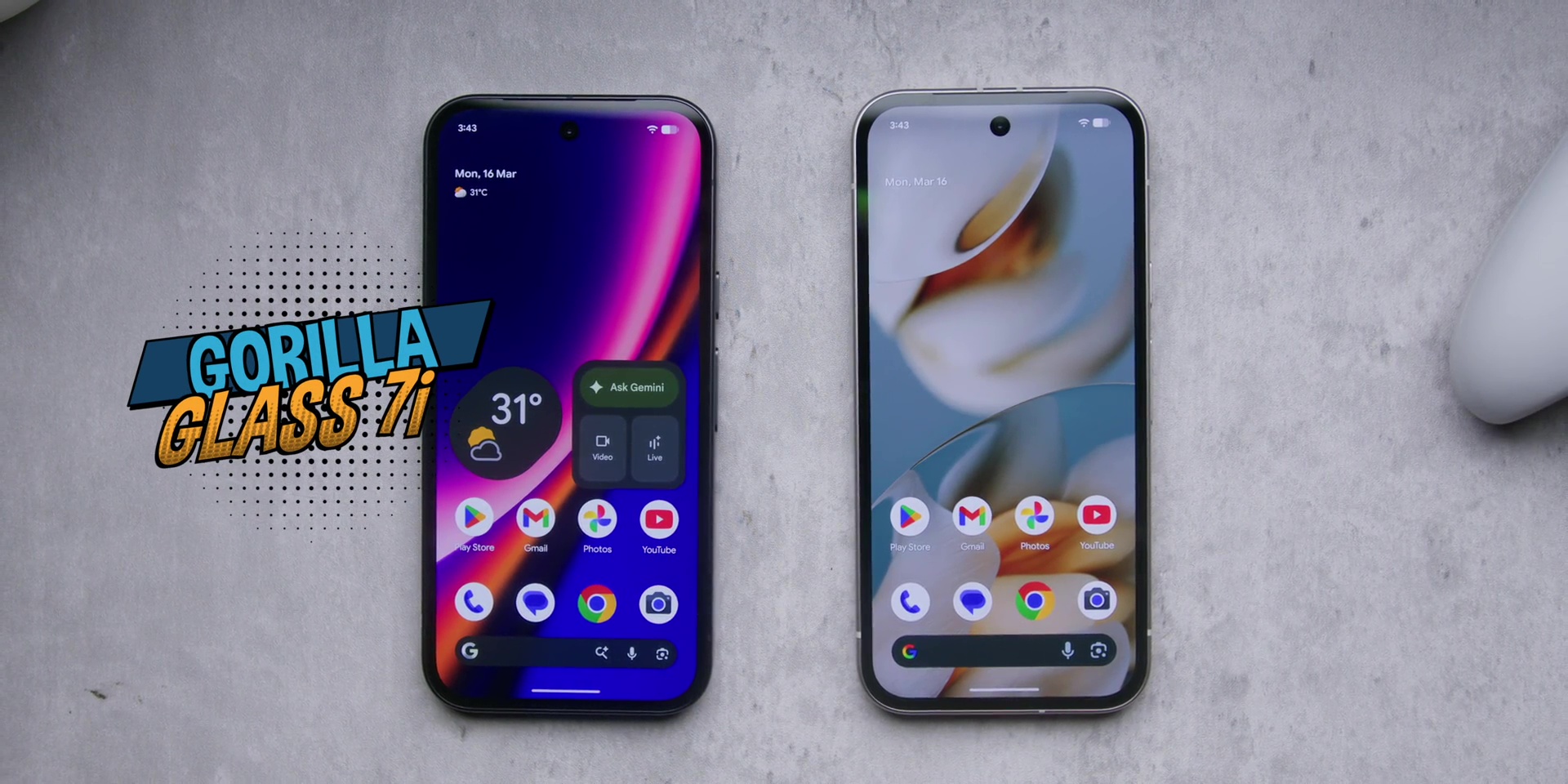
So, you can think of this as upgrading from a regular helmet to a proper SIRIM-certified one. Same head, better protection.
So yes, if you care about how your phone looks and how it feels in your hand, then this is probably a better upgrade between the two.
DISPLAY
Both phones have a 6.3-inch display, same size, but the brightness tells a different story because the Pixel 10a now hits up to 3,000 nits of peak brightness, and that’s the brightest display on any Pixel A series ever.
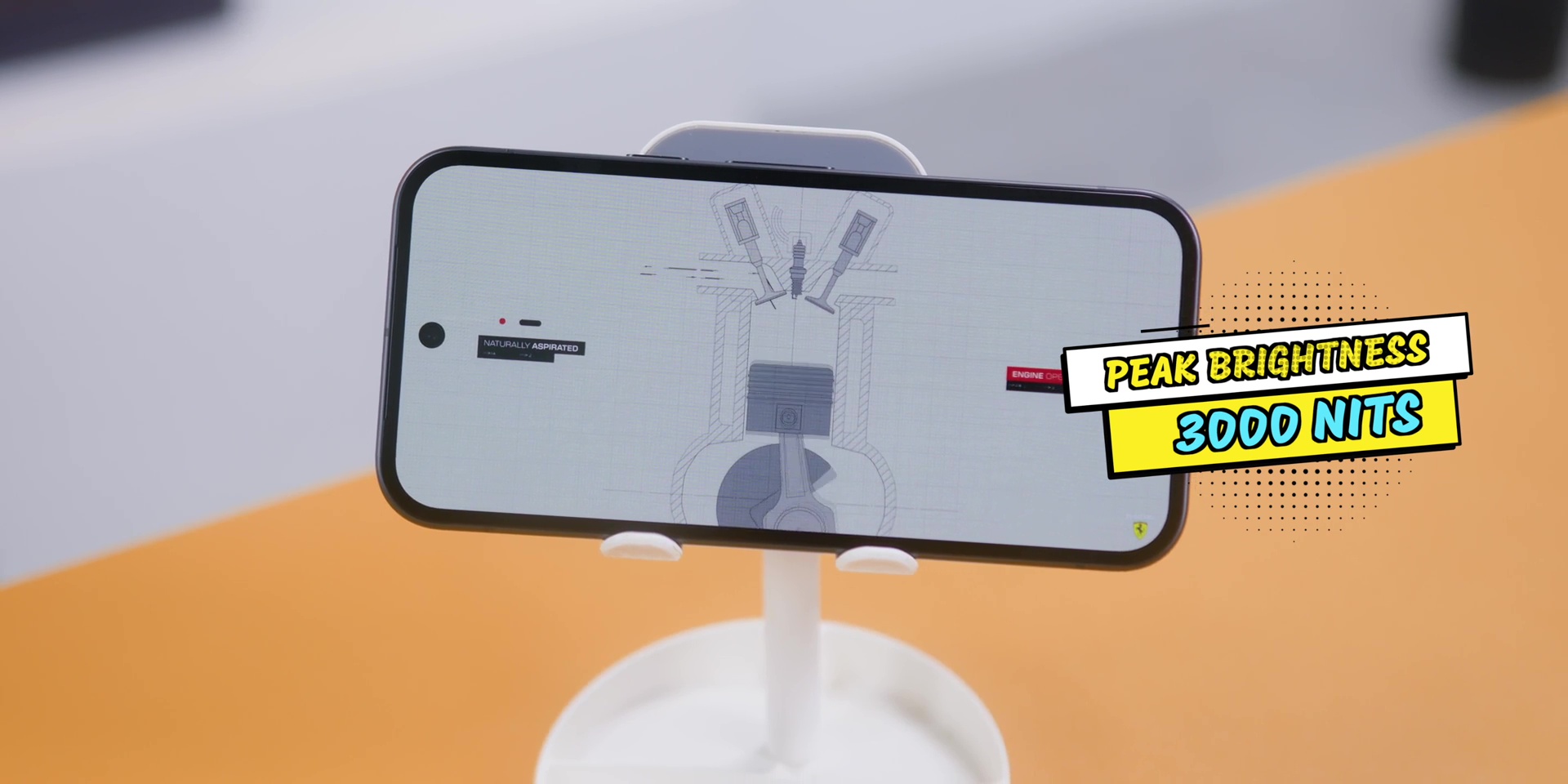
So on the Pixel 9a, if you’re ordering a Grab under Malaysia’s bright sun, you are squinting and praying. But on a 10a, you can actually see your screen.
So yes, this is not a specs flex. It’s a real everyday improvement. And all of this means that the display upgrade is quiet but genuinely practical.
BATTERY
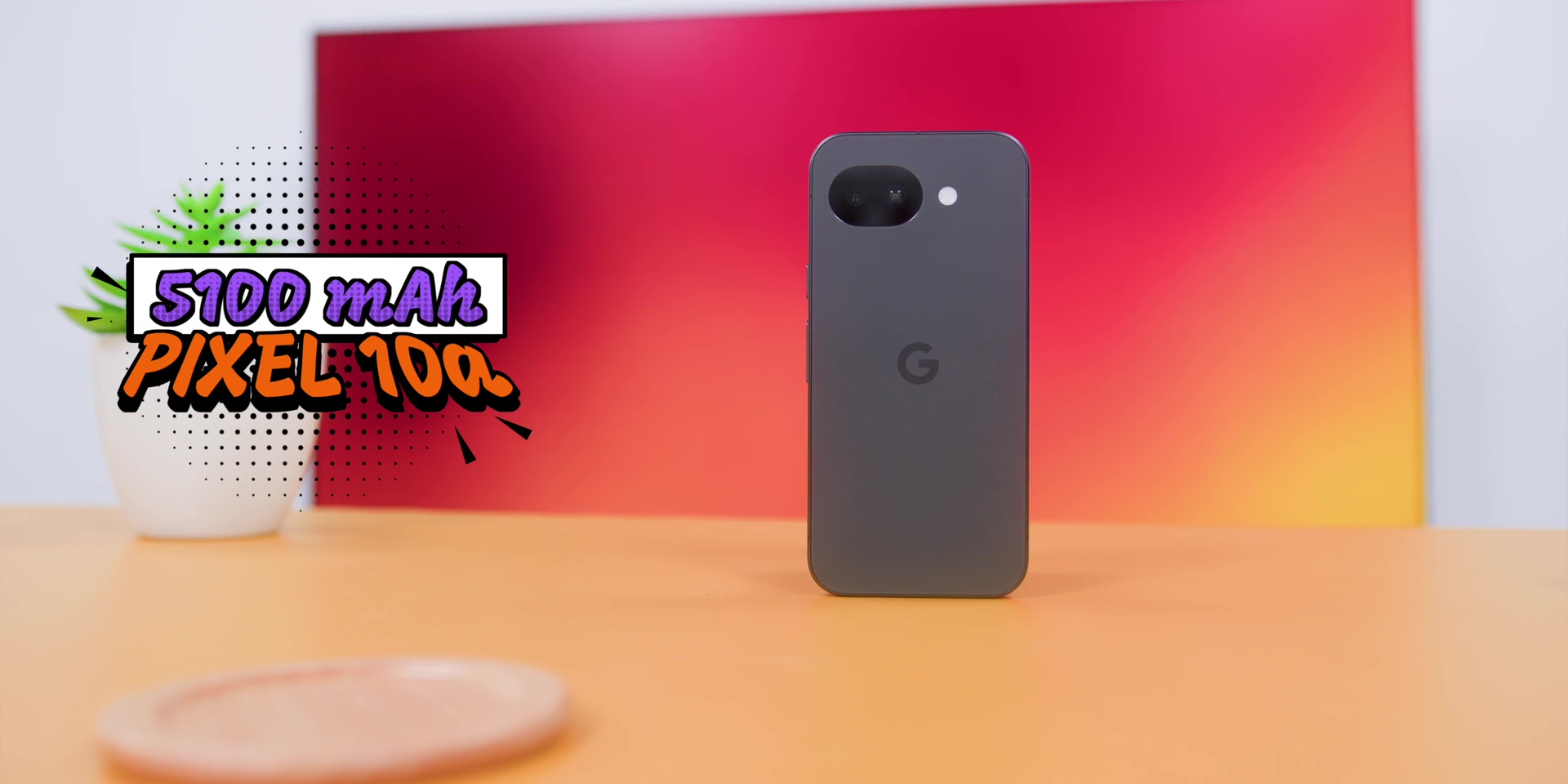
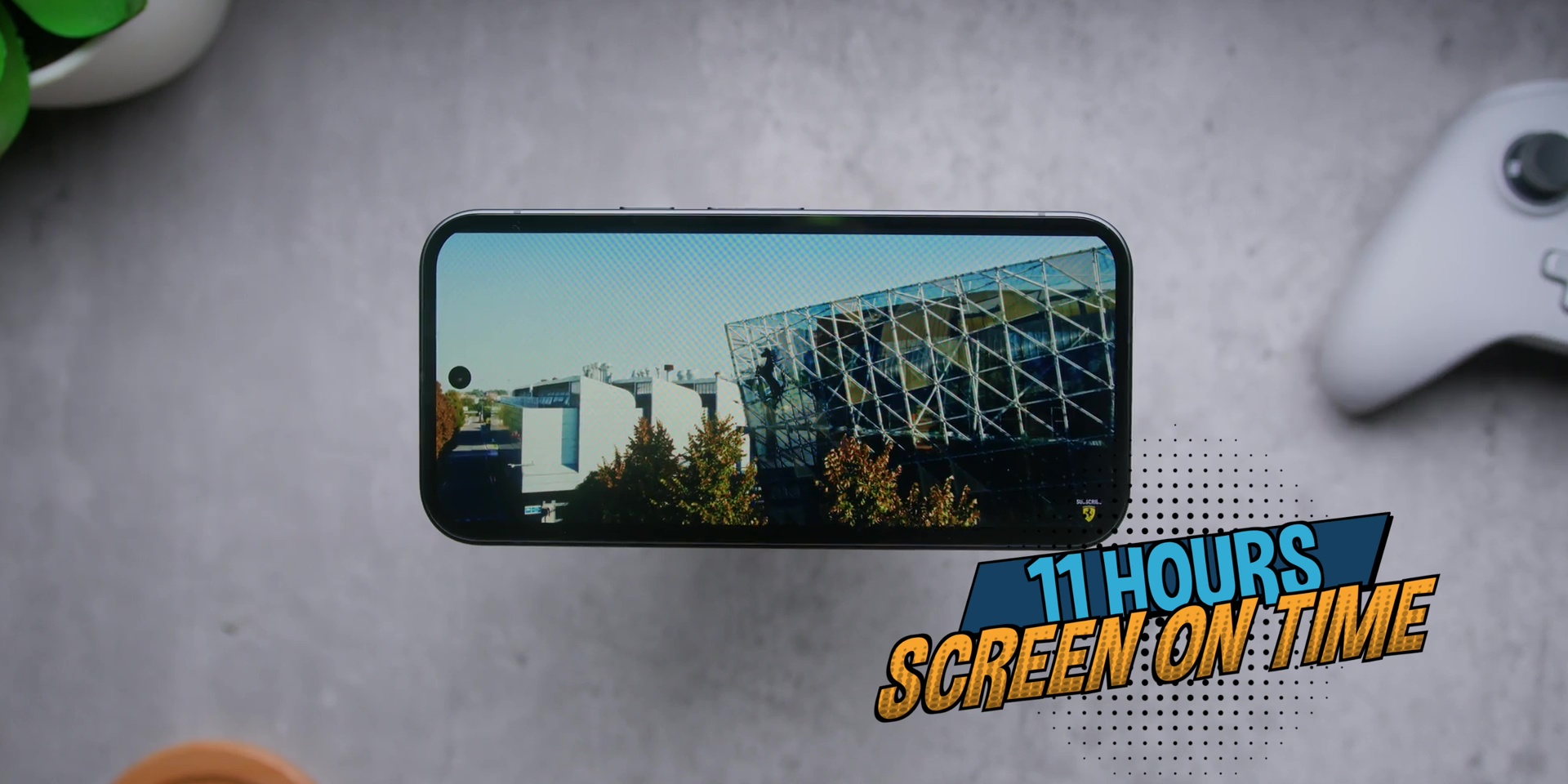
Battery size is still 5,100 mAh on both phones. No change over here. And the screen on time was about the same, which was massively close to 11 hours, just as it was on the Pixel 9a last year.
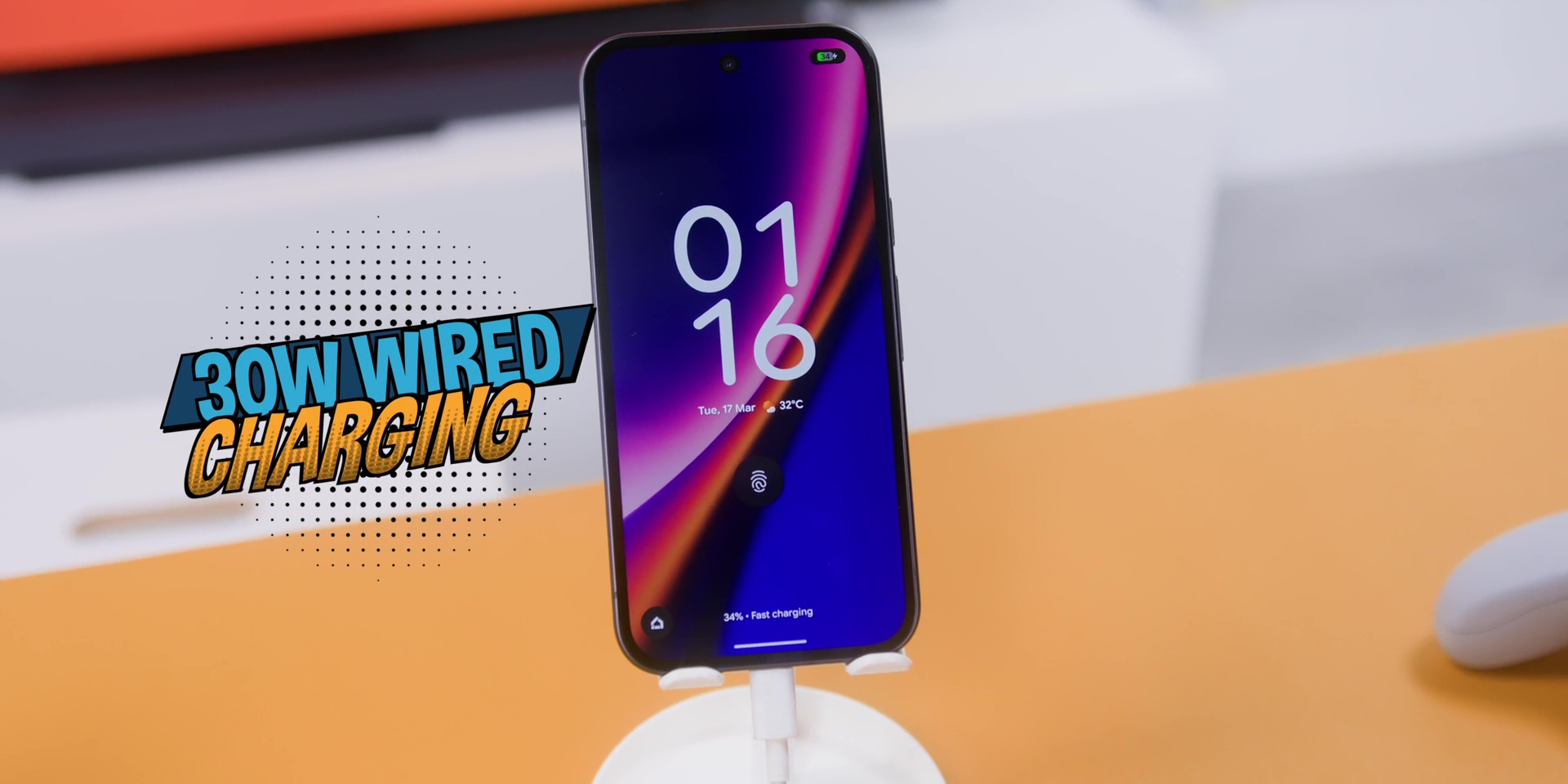
But charging though, now we’re talking because the Pixel 10a now supports 30W of wired charging and 10W of wireless compared to 23W wired charging and a measly 7.5W of wireless charging. Yes, 10W is not hell of a difference, but at least it’s there.
But everything mentioned earlier only makes sense if the phone can survive longterm, right? Which means that the durability and the software support needs to hold up strong.
DURABILITY & SOFTWARE SUPPORT
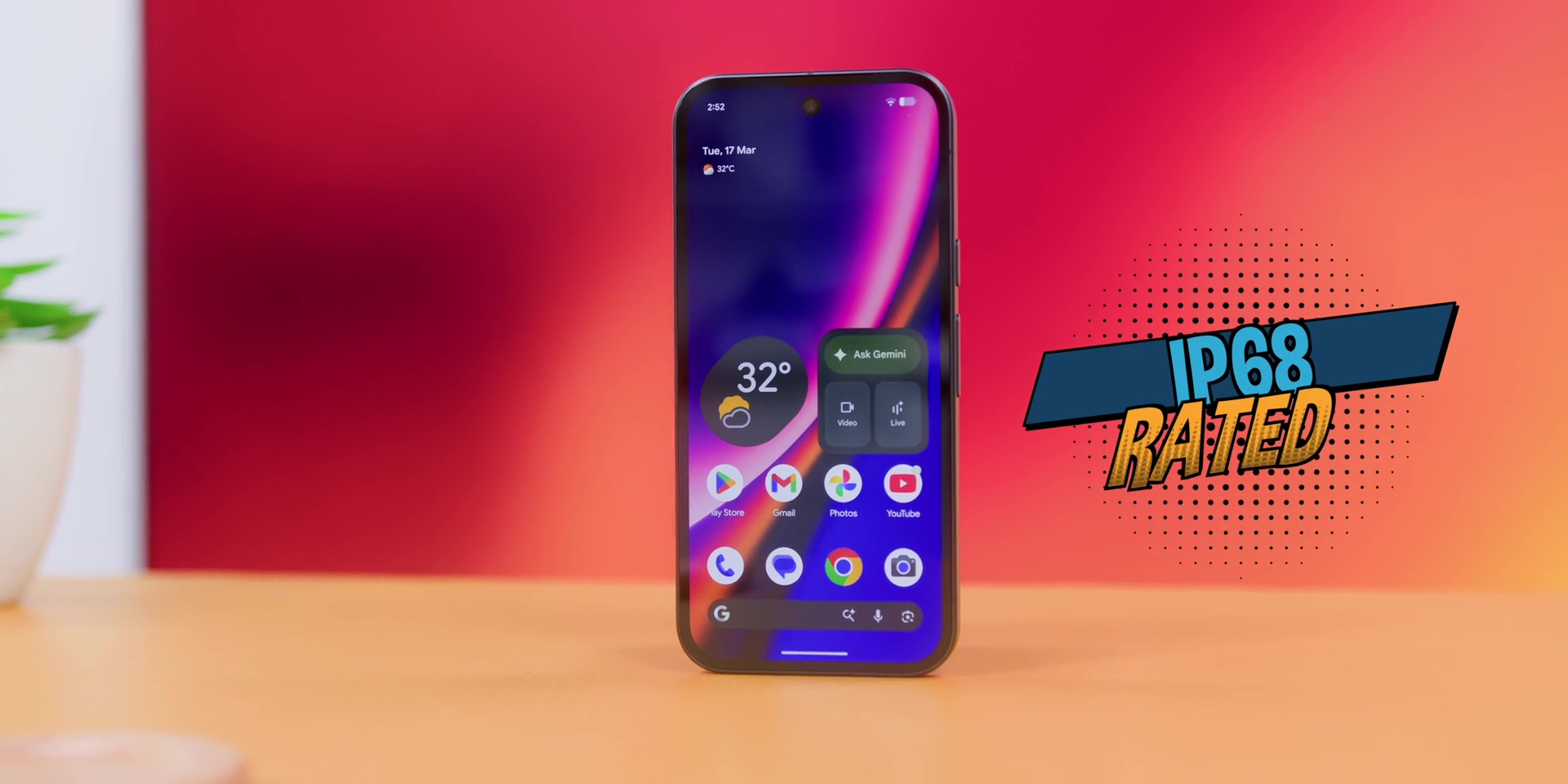
So both phones are IP68 rated. So if you drop it on a puddle of water or spill Teh Tarik (tea) on it, it will survive. Probably don’t try that test though.
And both phones get 7 years of software support, which is a huge thing for a mid-range phone because most phones within this price range only get about 3 and then they get abandoned.
So Google’s basically saying that we’ll still be here for you in the year 2031. So, this means that whichever phone you pick, long-term support is not a concern.
VERDICT
So, in conclusion, let’s be real, and I’ll be totally honest about this. If you already own the Pixel 9a, no, this is not a must upgrade. And I would dare to say that you should not upgrade to this. Period.
But on the other hand, if you’re using the Pixel 7a or older and you want a proper upgrade, then you should get the Pixel 10a.
Especially if you spend a lot of time outdoors and need a screen that you can actually see or if you care how your phone looks and durability matters to you.
And on top of that, if you want long software support without paying flagship price, then probably the other person who should be getting this is the person who has been eyeing the iPhone 17e but cannot live without an ultrawide lens and also wants to stick within the Android system.
[Watch the full video on YouTube here]
Related: