TL;DR / At A Glance:
The Nothing Phone (4a) Pro is a refined mid-range evolution that shifts to a slim 7.95mm aluminum unibody for a more premium feel. It serves as a high-performance alternative to the standard 4a, offering a significantly smoother 144Hz display and a more robust Snapdragon 7 Gen 4 processor. The device prioritises professional-grade mobile photography with a Sony LYT-700C main sensor and a 3.5x periscope telephoto lens, all while running the AI-enhanced Nothing OS 4.1.
Key Specs:
- Display: 6.83-inch AMOLED, 144Hz, 5,000 nits peak brightness.
- Processor: Qualcomm Snapdragon 7 Gen 4.
- Build: Aluminum unibody, 7.95mm thin, IP65 rated.
- Camera: 50MP Sony LYT-700C (Main) + 50MP Periscope (3.5x Optical) + 8MP Ultrawide.
- Battery: 5,080mAh with 50W wired charging.
- Software: Nothing OS 4.1 with AI Essential Space.
- Interface: Advanced Glyph Matrix & Glyph Mirror support.
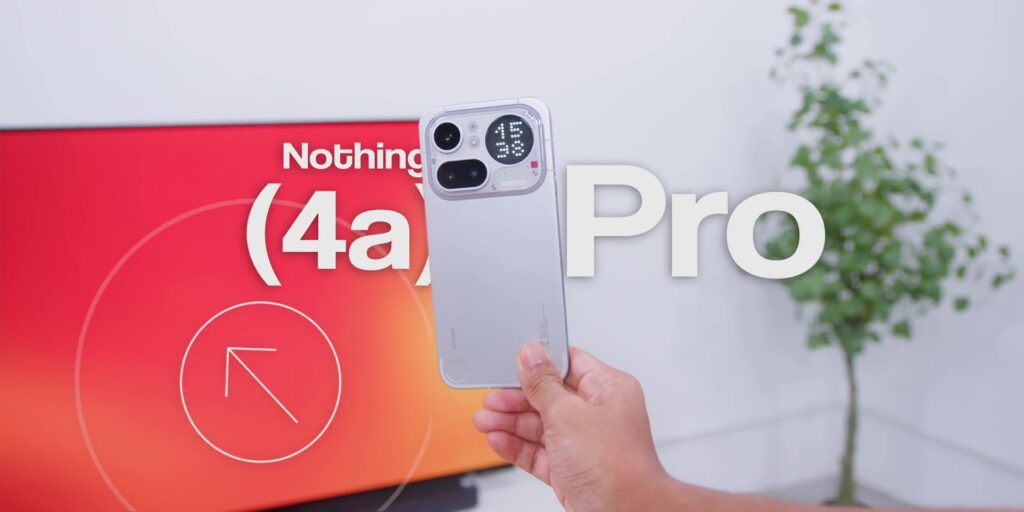
So, Nothing released two phones at the same time – Nothing Phone (4a) and Nothing Phone (4a) Pro. And you’re probably wondering, is the Pro actually worth the extra RM300 or USD 75? Because on paper they look very similar.
But after using the Nothing Phone (4a) Pro for a month, I’ll tell you exactly what you’re paying for and what you’re not getting. So, watch first and buy smart.
DESIGN
Let’s start with how this phone looks and feels because this phone is making a statement, but also creates the most debate.
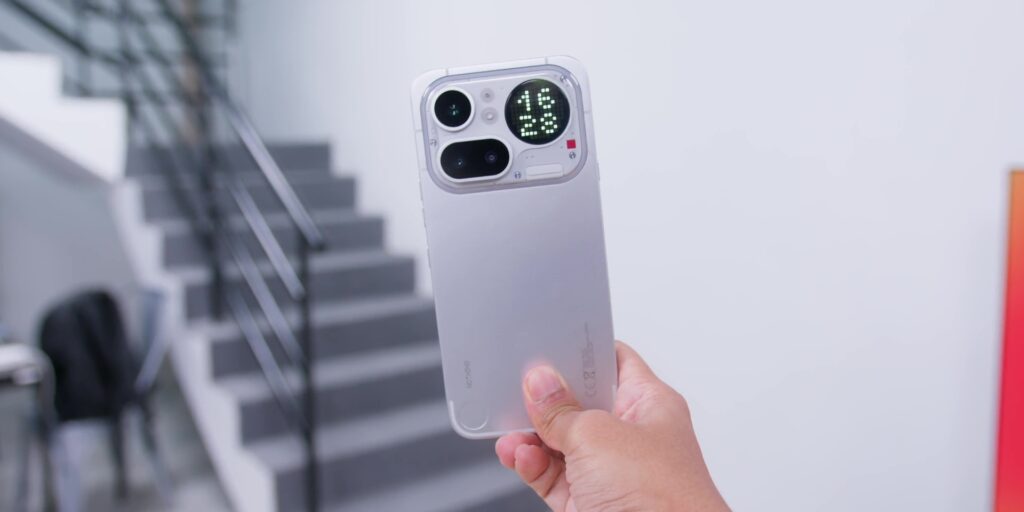
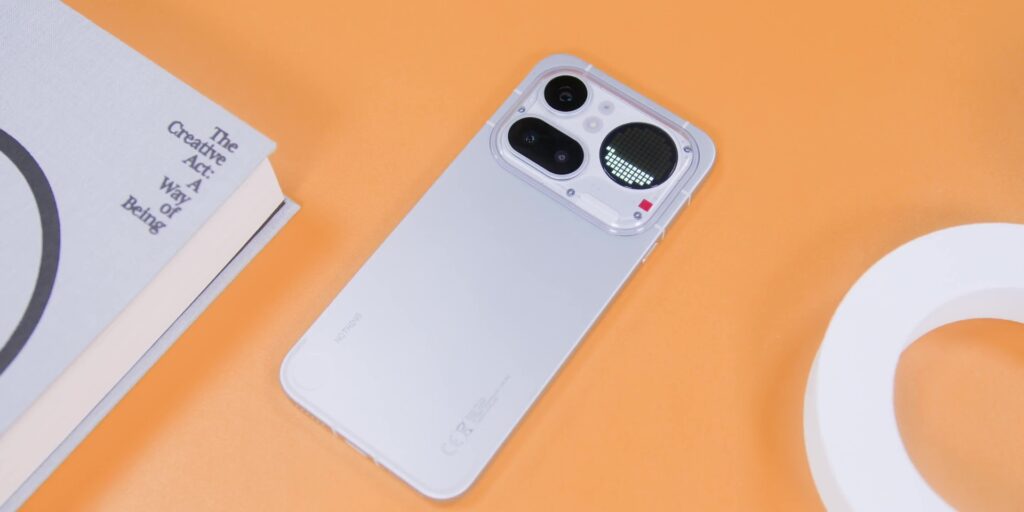
It has a metal unibody and aluminum all around measuring at just 7.95mm thin, making it the slimmest Nothing phone today.
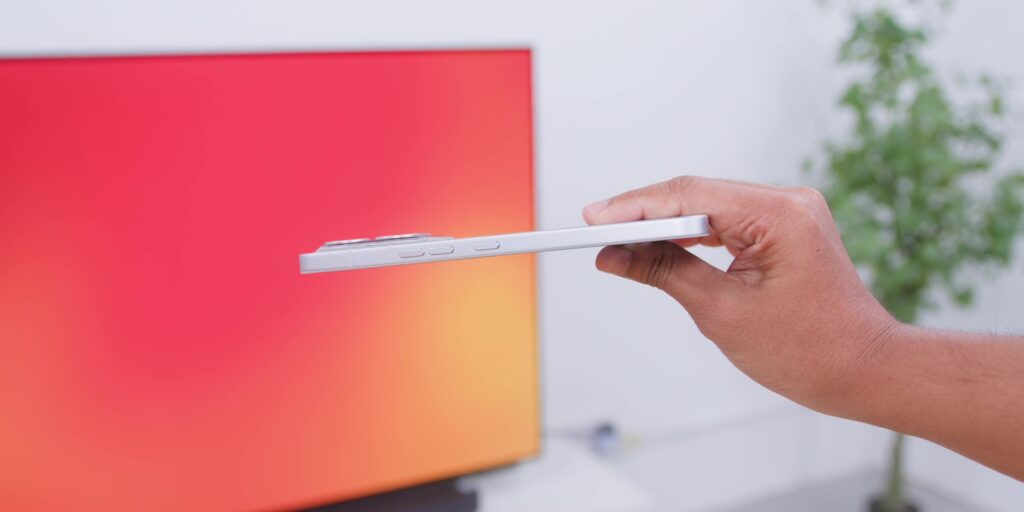
But here’s the thing that threw me off at first because this back metal plate makes it look like you already got a case on. So, basically, Nothing made a phone that already looks like it has a case on, which is a little bit ironic, right?
Because Nothing has built this whole identity around the transparent design language and this Pro totally moves away from that as the transparent portion is only at the top section of the back.
But this new camera plateau (since the iPhone started calling it everybody calls it now) gives your thumb a natural resting ledge when you hold it. So one-handed use was not an issue at all during the entire month.
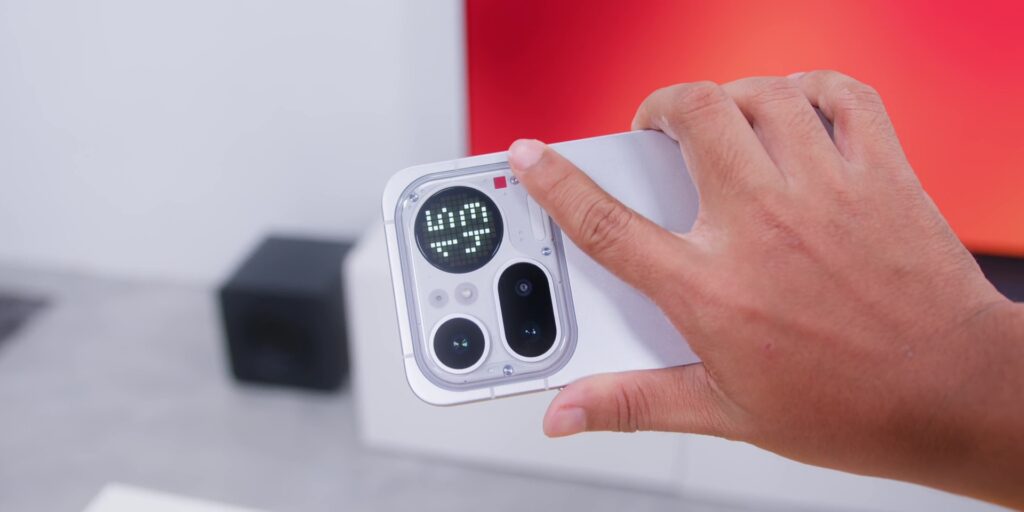
At 210 grams, some people online said that this felt heavy, but honestly, after a month of daily use, it was never an issue for me.
And the red dot over here, the classic recording button, that’s the identity that I’m glad that Nothing kept on this.
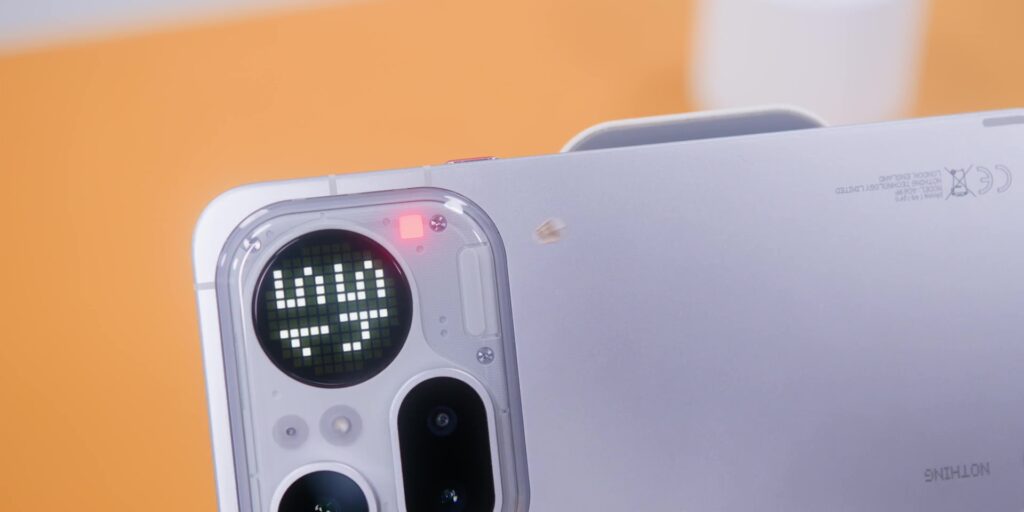
Then, as for the color options, it comes in Black, Silver, and Pink.
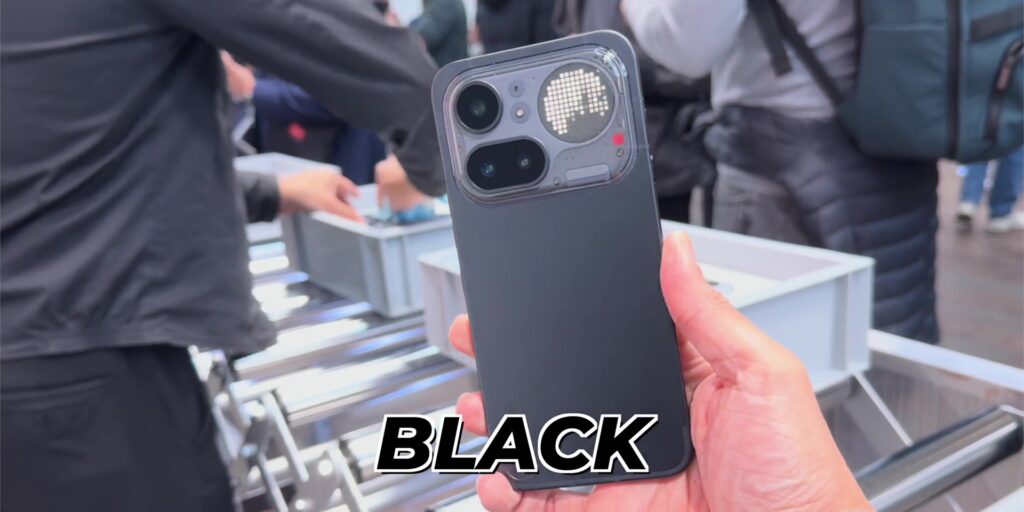
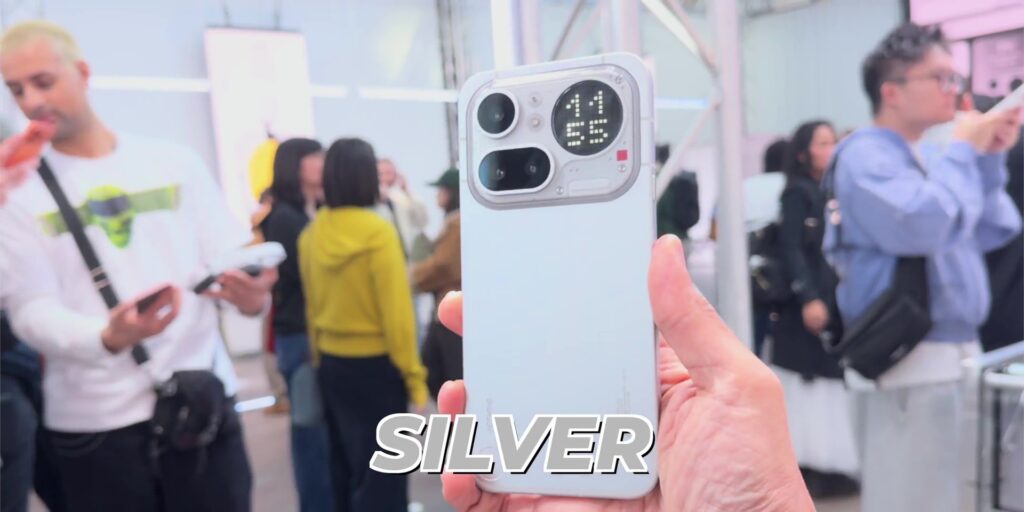
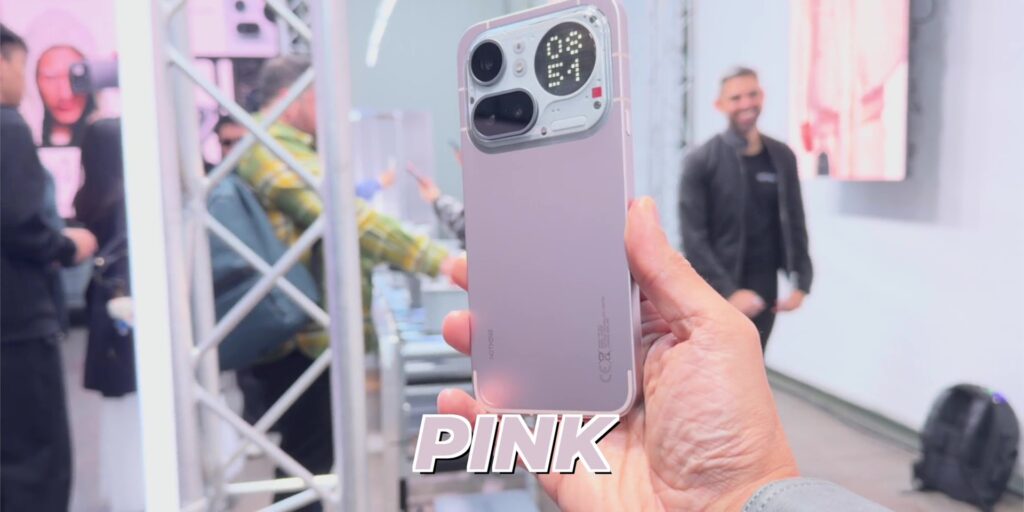
But the pink though, it’s not the punchy pink that you would expect like the Nothing Phone (4a) or even the super saturated “iJustine” pink like the iPhone 16.
This has a more metallic silvery sheen to it where it honestly reminds me of the MacBook Neo in the Blush colorway, more refined and less loud.
But the Black on the other hand looked good at first, but it was a total fingerprint magnet when I got my hands on it in London.
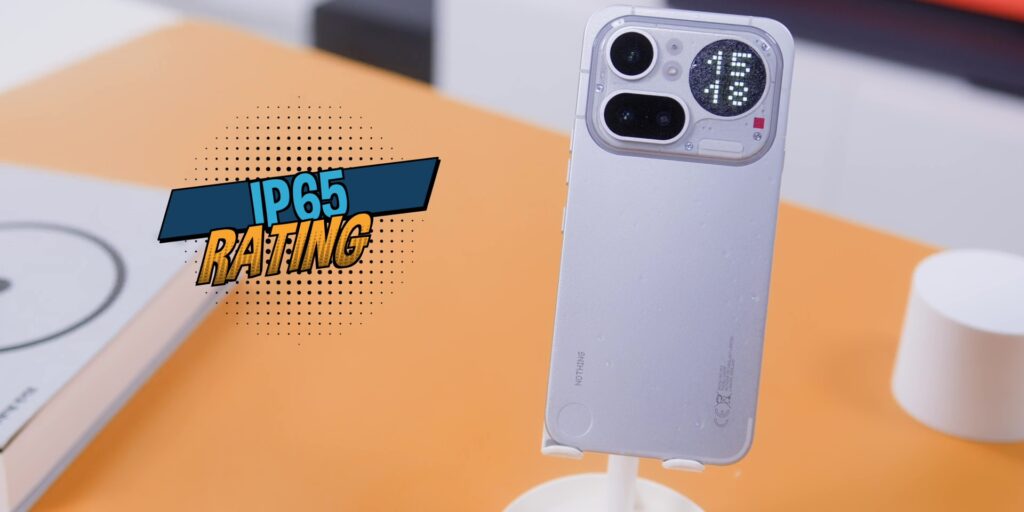
And then there’s also the IP65 rating over here compared to IP64 on the Nothing Phone (4a). So, it is one step better on the water resistance.
DISPLAY
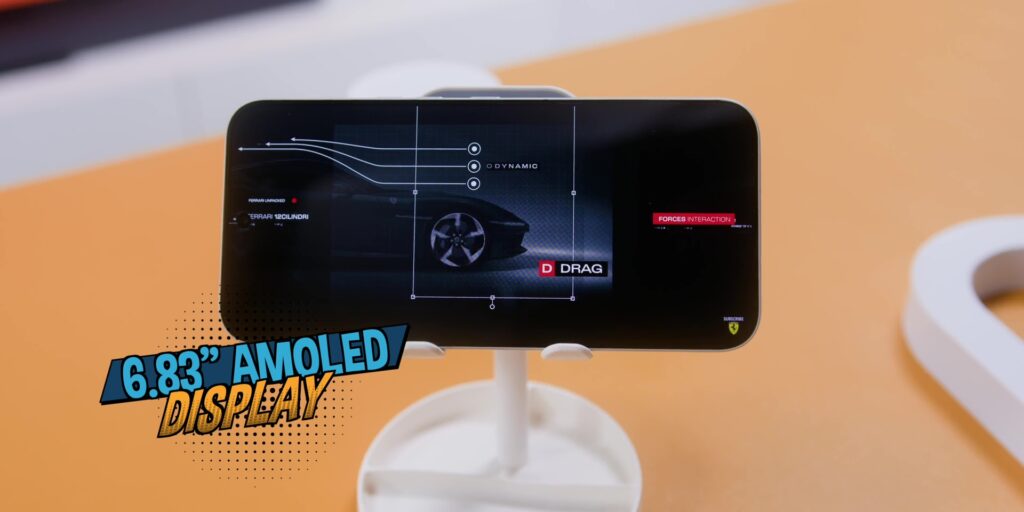
This phone comes with a 6.83-inch AMOLED display, slightly bigger than the Nothing Phone (4a). And the bezels are also noticeably skinnier, too. So, it looks more premium when you put this phone and the 4a side by side.
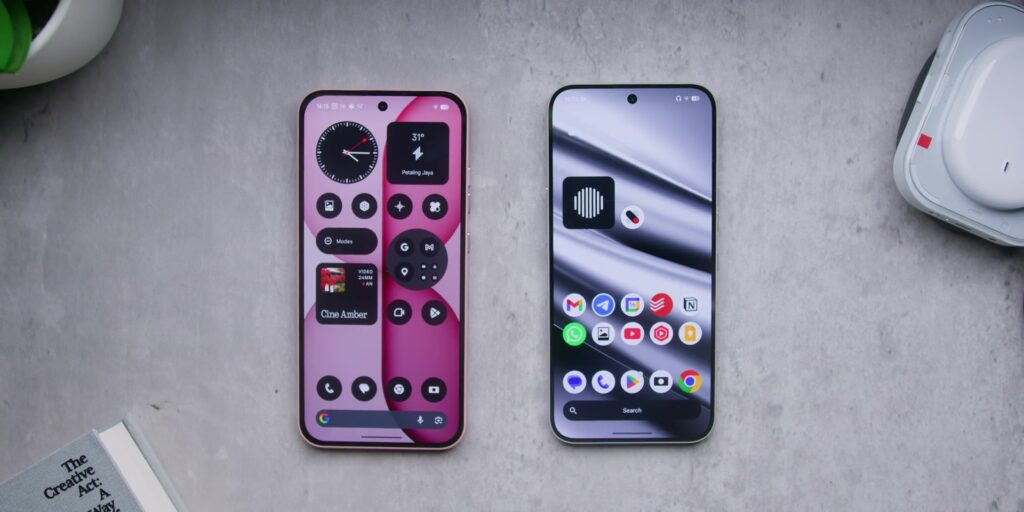
Then the refresh rate goes all the way up to 144Hz compared to 120Hz on the Nothing Phone (4a). And it drops down to 30Hz for battery saving, although not all the way down to 1Hz like the flagship.
But it still had very interesting numbers when it comes to the battery life and more on the battery life of this phone later on.
Peak brightness hits 5,000 nits, one of if not probably the best brightness in terms of the peak brightness on a mid-range phone, especially looking within this price range.
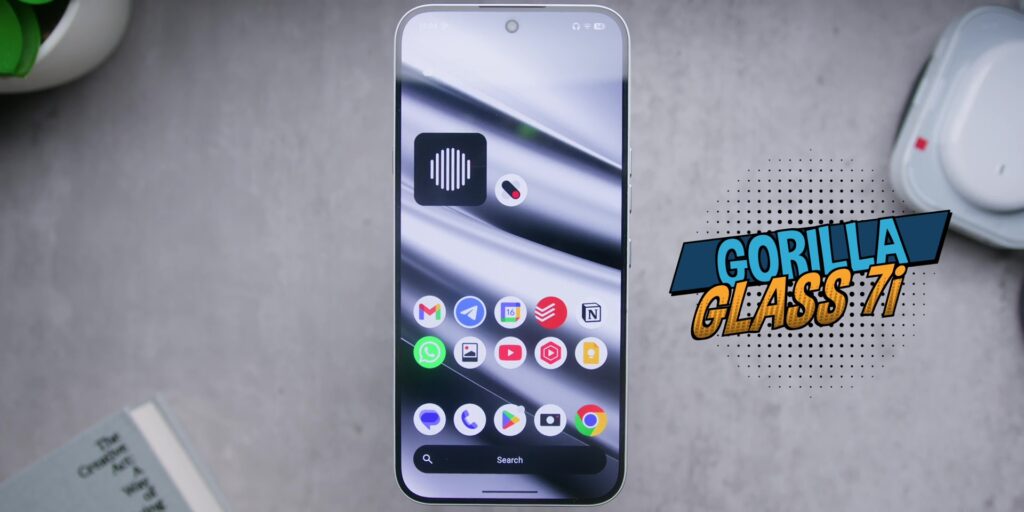
It has the Corning Gorilla Glass 7i protection on top and overall watching videos on this phone was perfect besides using this phone daily looking at the screen of course.
The stereo speakers were the same as the Nothing Phone (4a) where the separation was decent but honestly the volume is not the strongest in this particular segment where the POCO phones of the world still have better loudness. So the speaker on here was functional but not really class-leading.
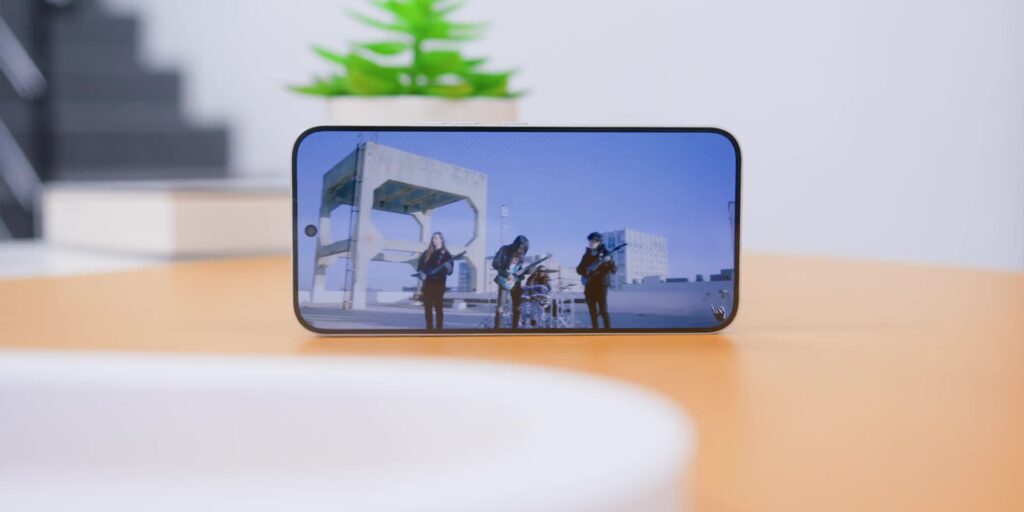
So on paper and in real life, this is a proper difference between the Pro and the non-Pro when it comes to the display. This one looks and feels sharper to use every single day.
PERFORMANCE
So this Pro runs on the Snapdragon 7 Gen 4, a step up from the Snapdragon 7s Gen 4 on the Nothing Phone (4a).
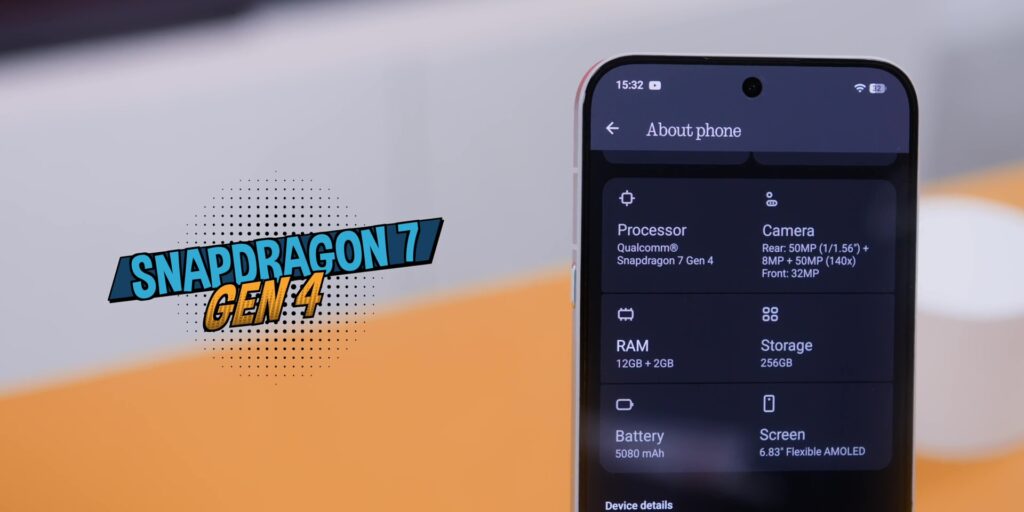
Now, while both chips have the number “7” in the name, but do not let that fool you because the Gen 4 without the “s” means that it is a very meaningful bump on this when it comes to the GPU and the CPU department.
But in day-to-day use, it was very smooth. No complaints at all.
I have barely been gaming on this phone for the past month, but I did do a Genshin Impact test and it held up well at this setting shown over here with no overheating thanks to the vapor chamber doing its job.
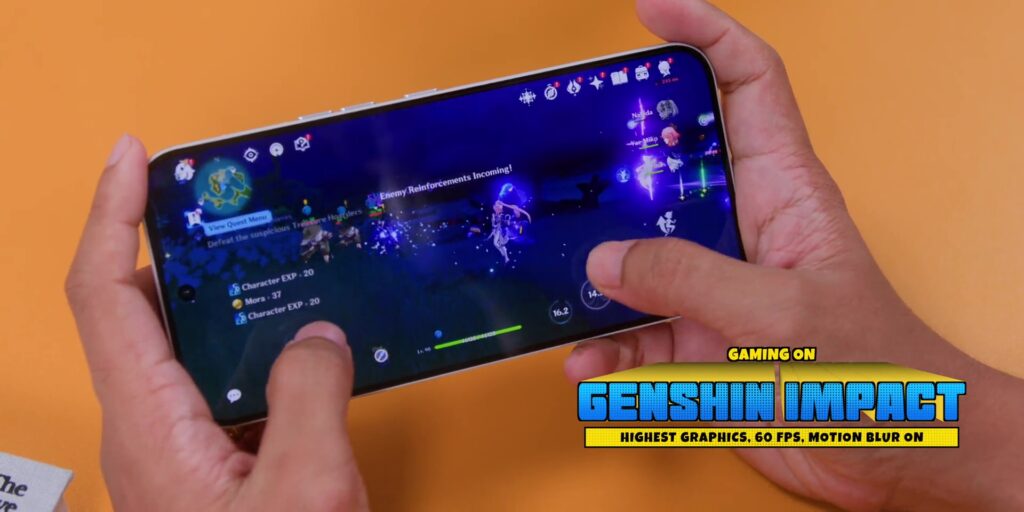
So, for this mid-range market, performance is a definite yes.
SOFTWARE
The software experience here is the Nothing OS 4.1 running on Android 16.
And if you watch my Nothing Phone (4a) review, you’ll know that I went deep into the software features over there.
But in a nutshell, it is clean, it’s fast, and is my second favorite Android skin after Samsung’s One UI, and I’m not ashamed to say that.
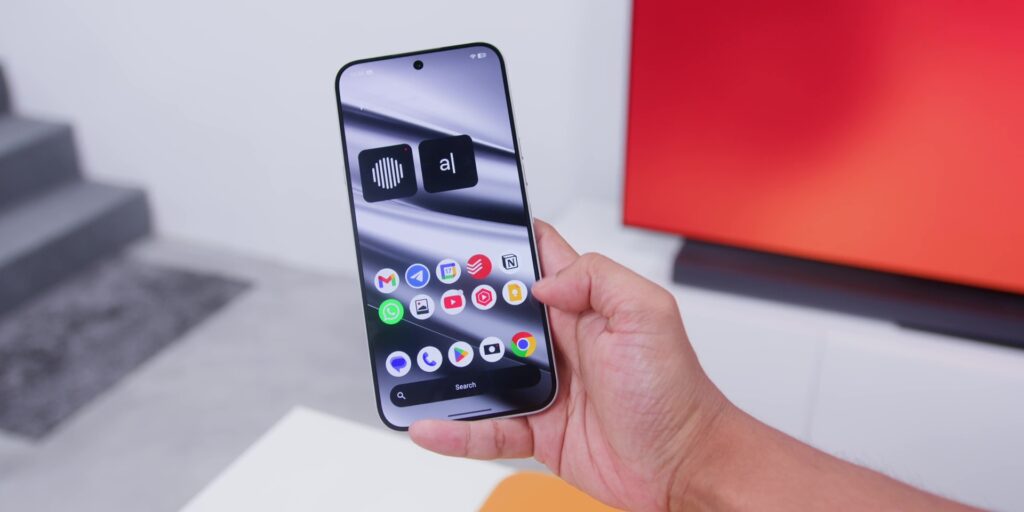
A big one for me using this phone daily is the Essential Key. This particular dedicated button on the side that takes you straight into the Essential Space which is Nothing’s AI hub for capturing ideas, screenshots and voice notes and everything you want to save for later.
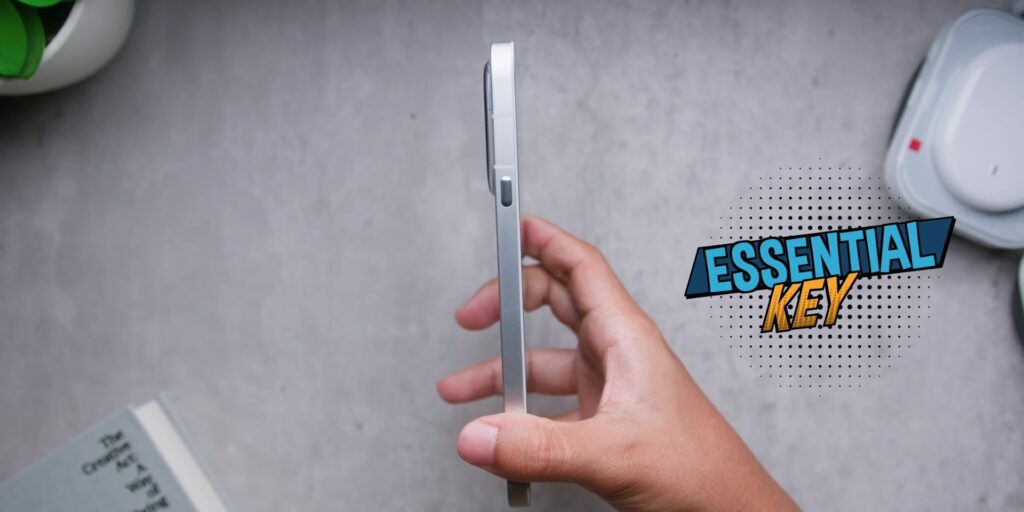
You can press it once to capture the long press to record an audio and double tap to go straight into all of your saved content.
And here’s where it genuinely changed how I use my phone because I’m proud to say that I’m a self-proclaimed screenshot slut because I take screenshots of everything, and the Essential Space actually organizes all of that intelligently.
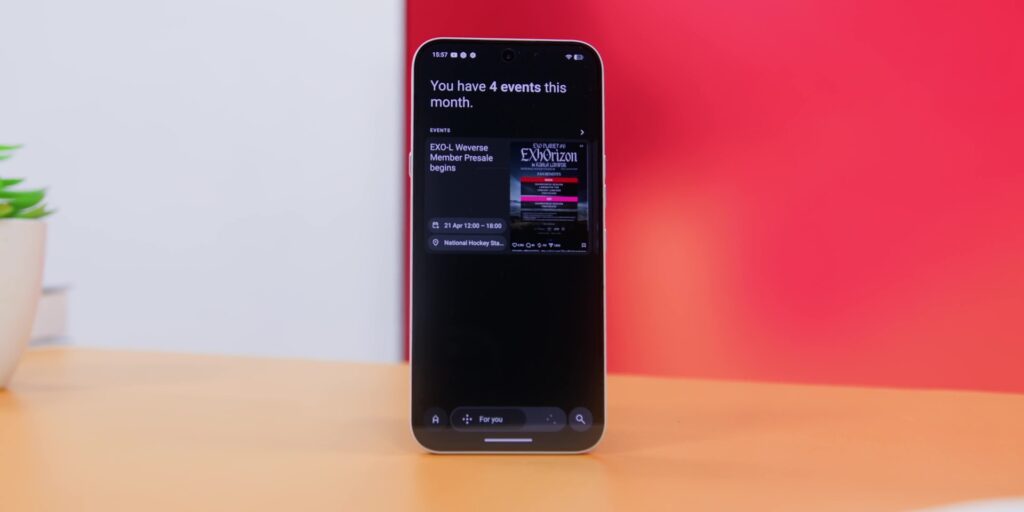
It extracts the key information, generates summaries and even helps you to remember upcoming events from whatever have been saved when no other phones that I’ve used handle screenshots this well.
So yes, my wife organizes the house. The Essential Space over here organizes my screenshots. We are the same now.
And then there’s the Intelligence Toolkit because Nothing has actually gathered all of the AI features all under one dedicated section in the settings and it’s called exactly that.
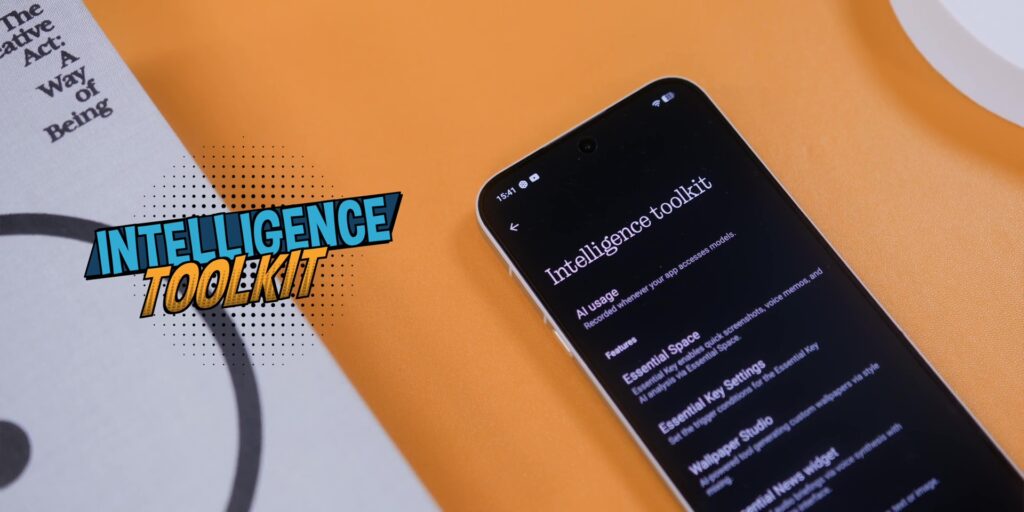
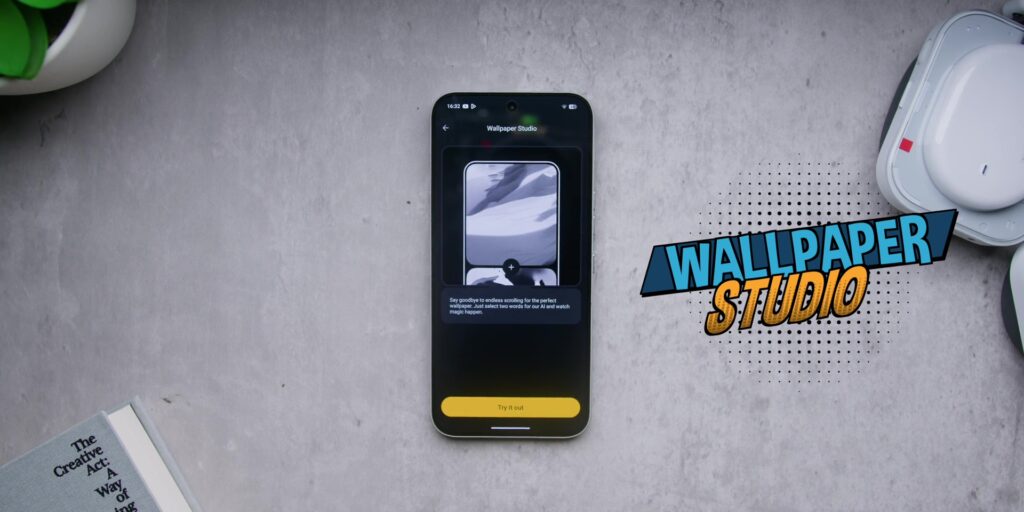
So what is exactly in there? Well, besides the Essential Space and the key settings, there’s the Wallpaper Studio for generating your own AI artwork, which is very cool.
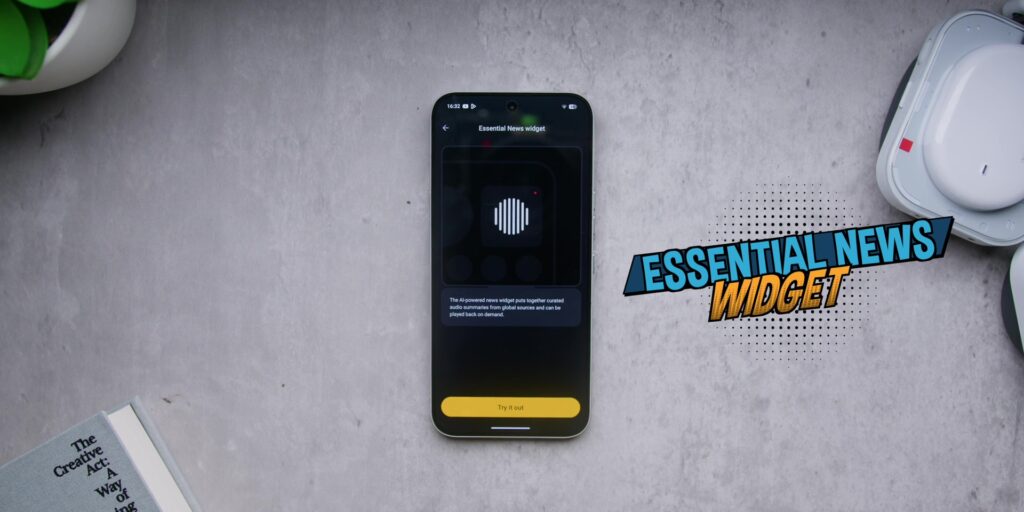
There’s also the Essential News Widget which does automated text to speech for your news with a nice and clean looking waveform style widget on your home screen.
Then there’s also even a dedicated ChatGPT integration baked in with a dedicated widget and interaction as well.
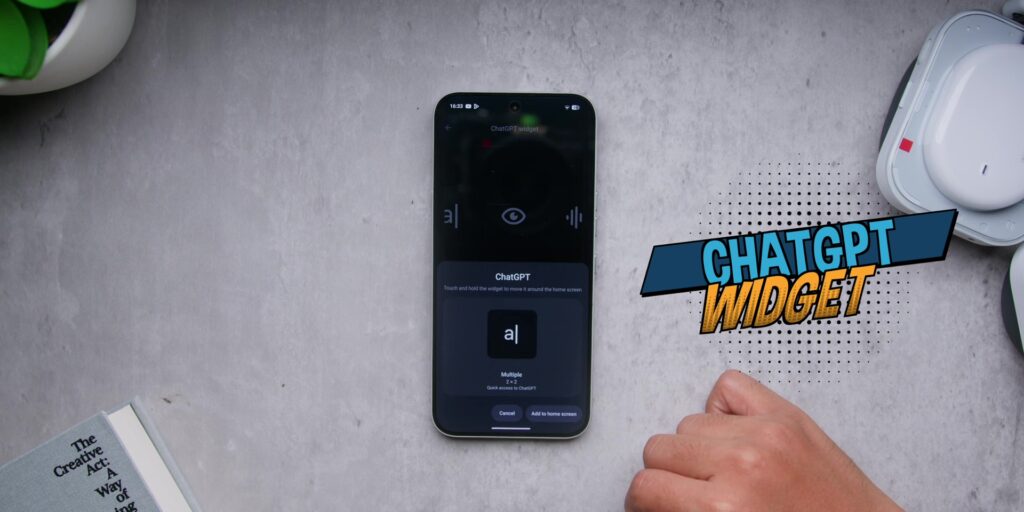
So yes, this is definitely a key difference between what Nothing and other brands offer or are doing with AI right now.
As Nothing confines these tools to spaces where you can choose to engage with and it doesn’t shove all the AI in your face for every single part of the screen because you decide how much you want to use it.
There’s even a dedicated AI usage menu based on day and week and that is definitely genuinely very refreshing.
Then on the software support, you’re getting 3 years of OS updates, which is not the best compared to what Samsung and Google are offering with 7 years, but at least you’re getting 6 years of security patches for this particular price range. I honestly felt that it was totally acceptable.
CAMERA
The camera specs on this Nothing Phone (4a) Pro are similar to the Nothing Phone (4a) on paper:
- a 50MP main sensor,
- a 50MP periscope telephoto with a 3.5x optical zoom, and;
- an 8MP ultrawide.
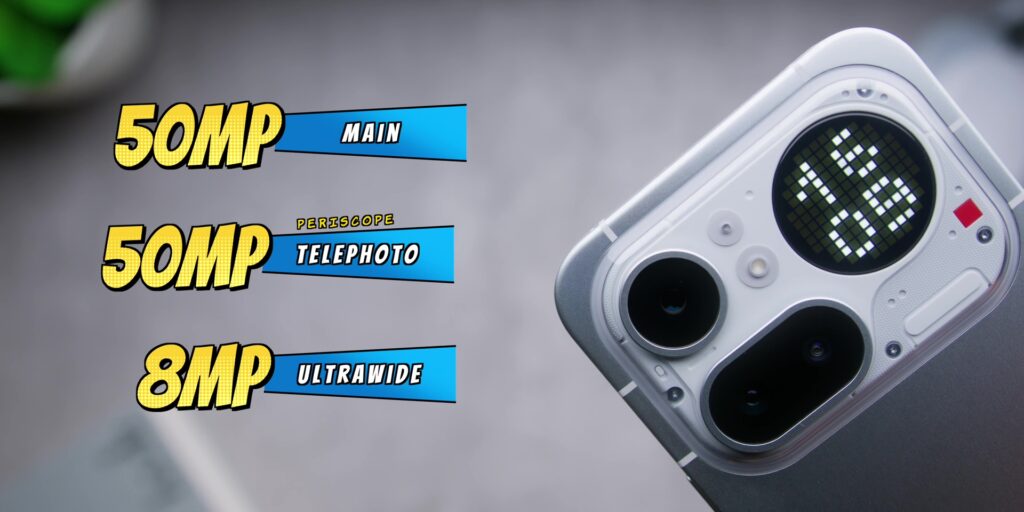
But the main sensor over here is a different sensor which is using a Sony LYT-700C sensor which is overall a better sensor compared to the non-Pro.
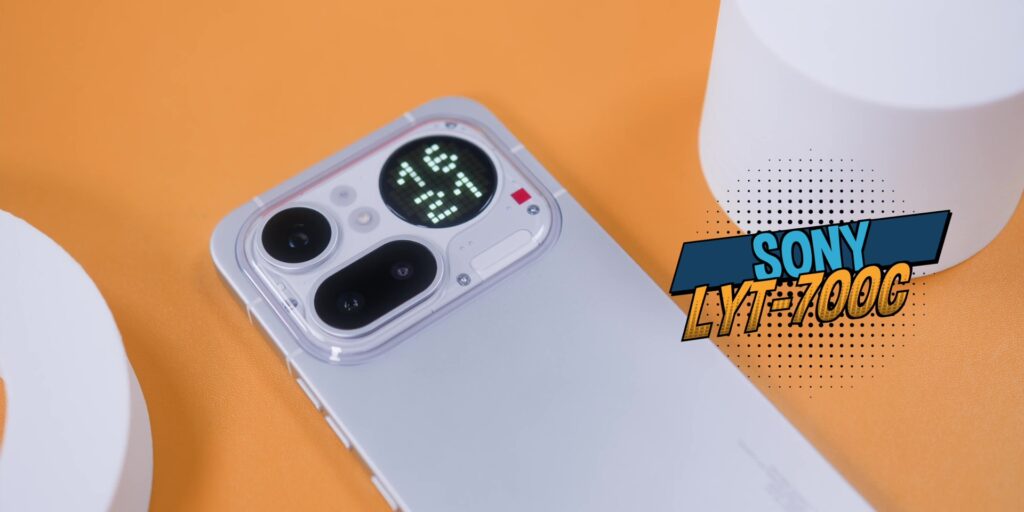
Now I’ve already done an in-depth camera breakdown in my Nothing Phone (4a) review. So here’s a quick version.
First and foremost do not bother with the 70x zoom and even the ridiculous 140x zoom for that matter.


The ultrawide photos at night were not as great as the daytime shots.
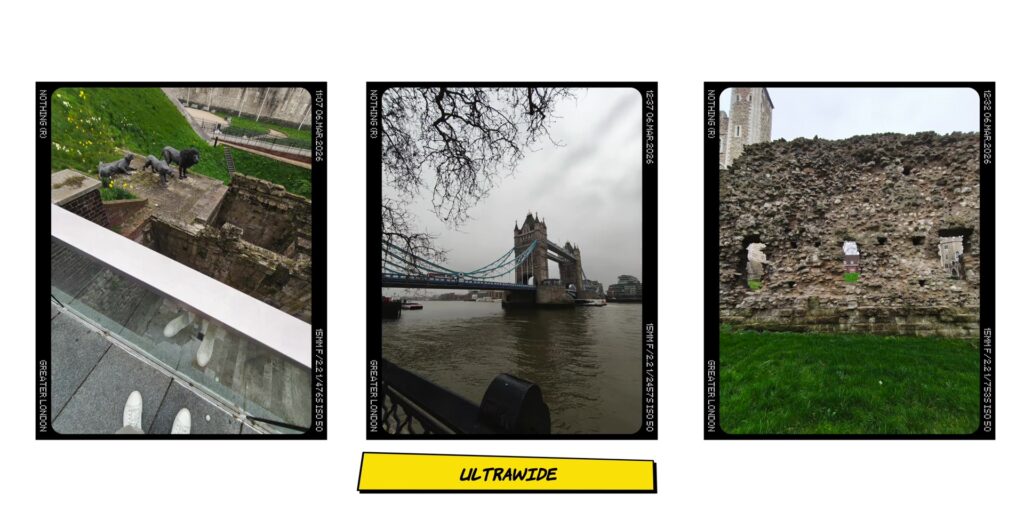
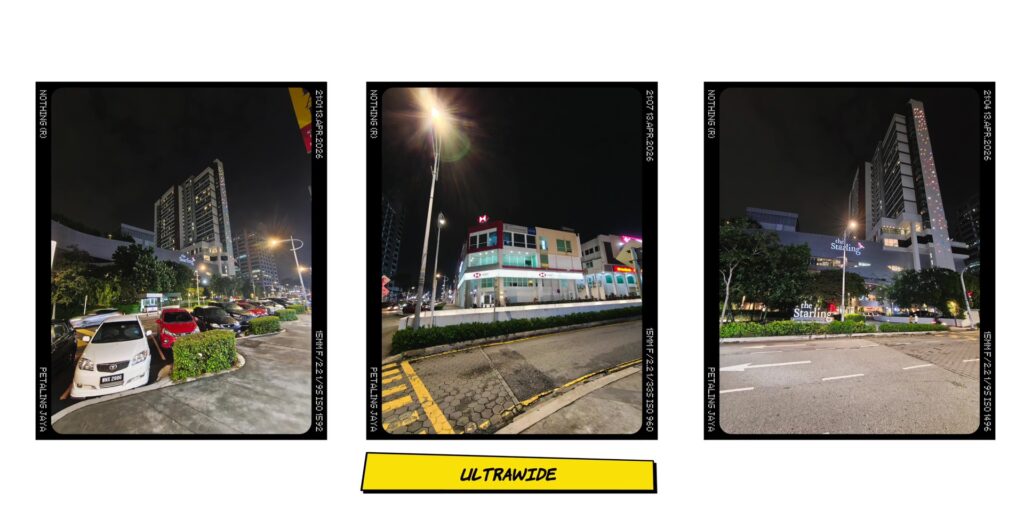
But the main lens is awesome during the day and at night.
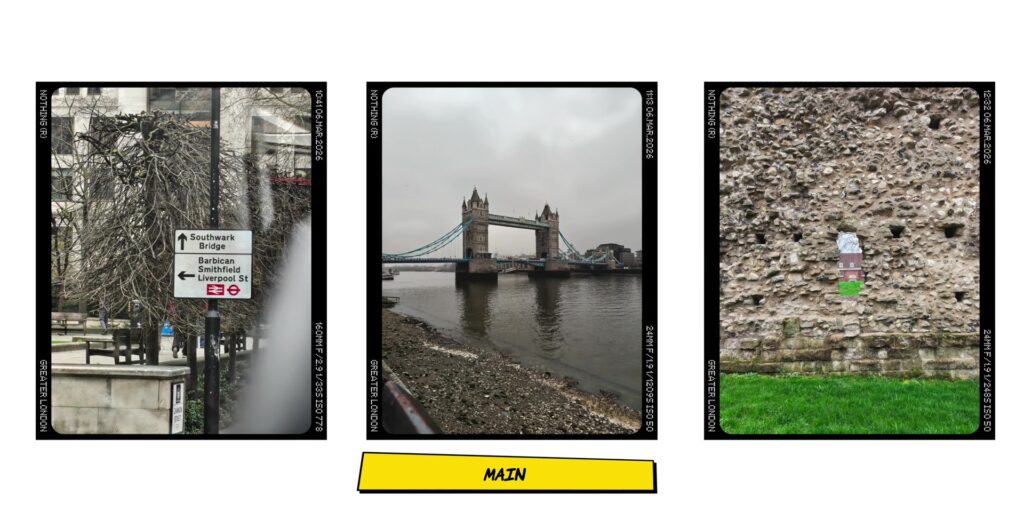
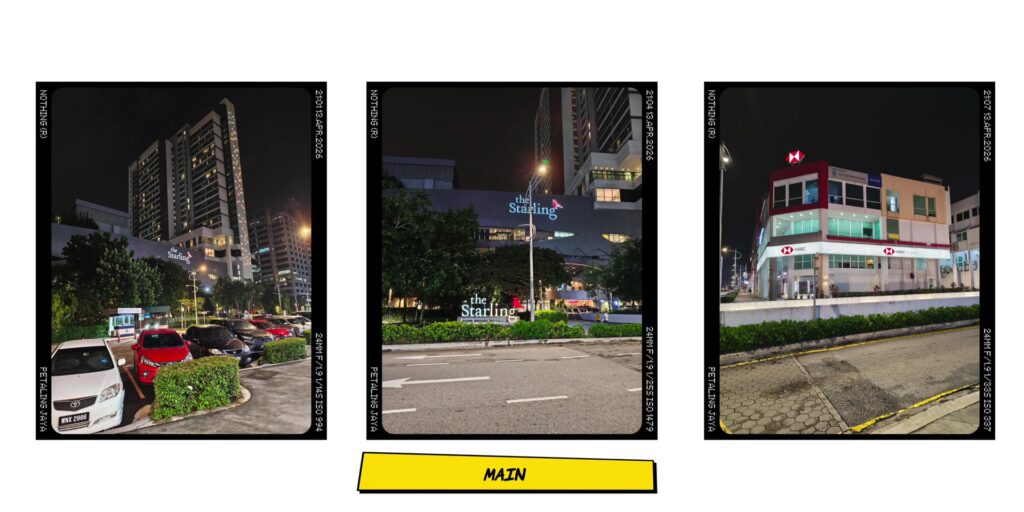
And the portrait mode was also really great, and so was the selfies too.

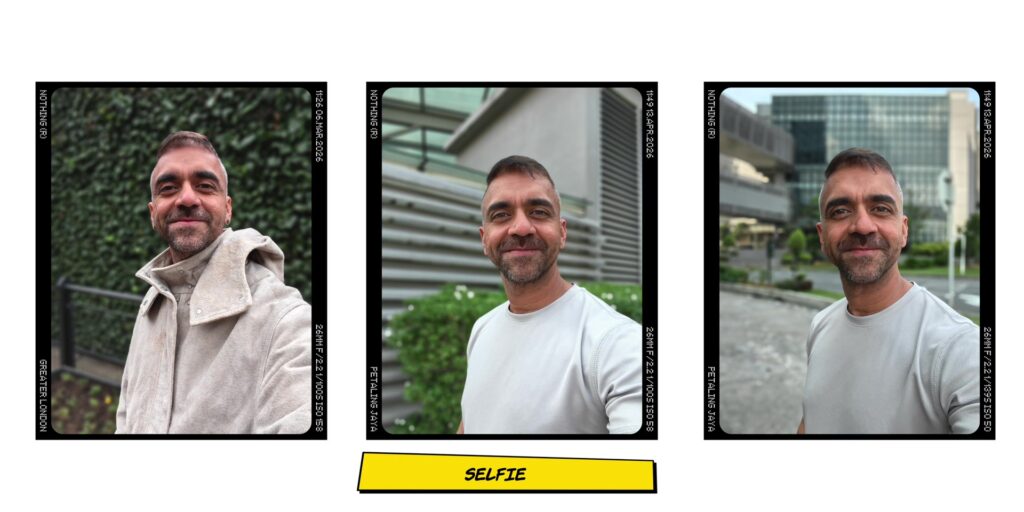
Video Recording
[Sample video footage on my YouTube video]
The 4K rear video recording during the day was also really great.
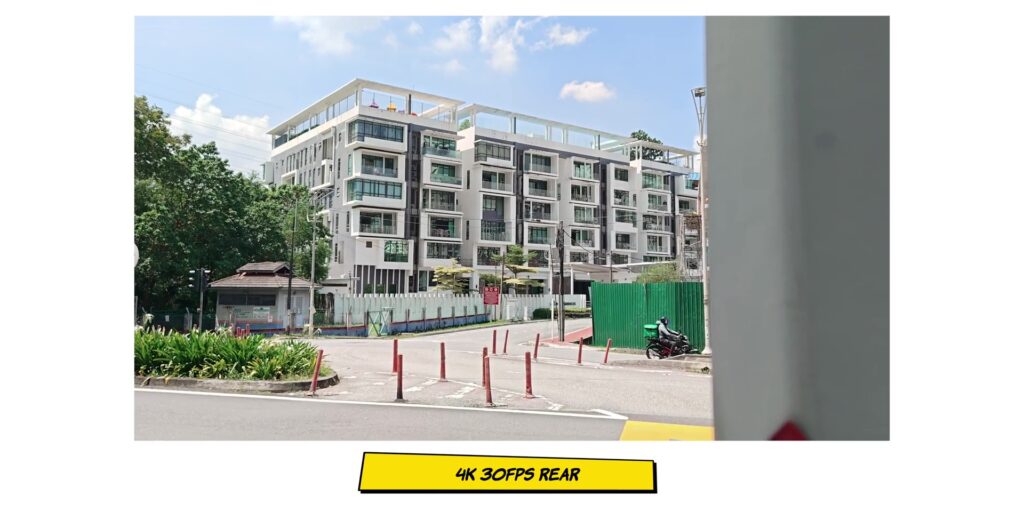
But the ultrawide camera can record only up to 1080p, but do expect some lens flare if you’re taking videos at night, specifically on the ultrawide camera.
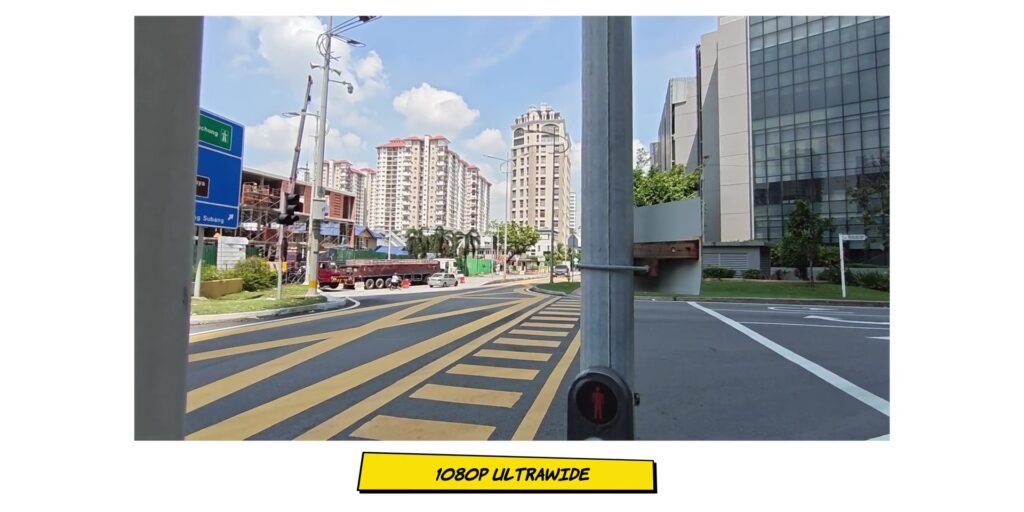
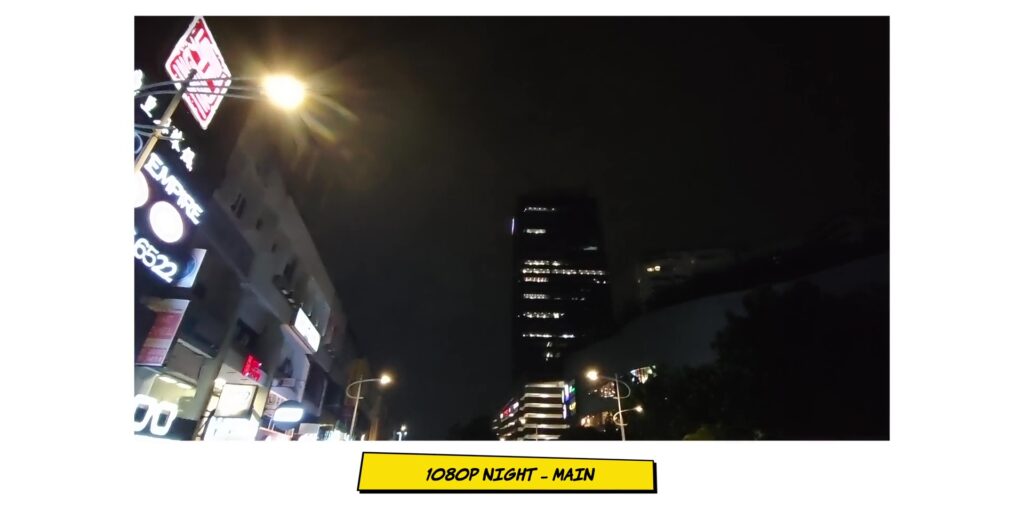
Then the front camera also records up to 1080p, which was decent for what it is.

But here’s what’s different compared to how I use this particular camera phone compared to any other phone I’ve reviewed, because I’ve installed the Fuji LUTs on here, and I’ve been using those LUTs exclusively when I was shooting on this phone, especially when I was in London.
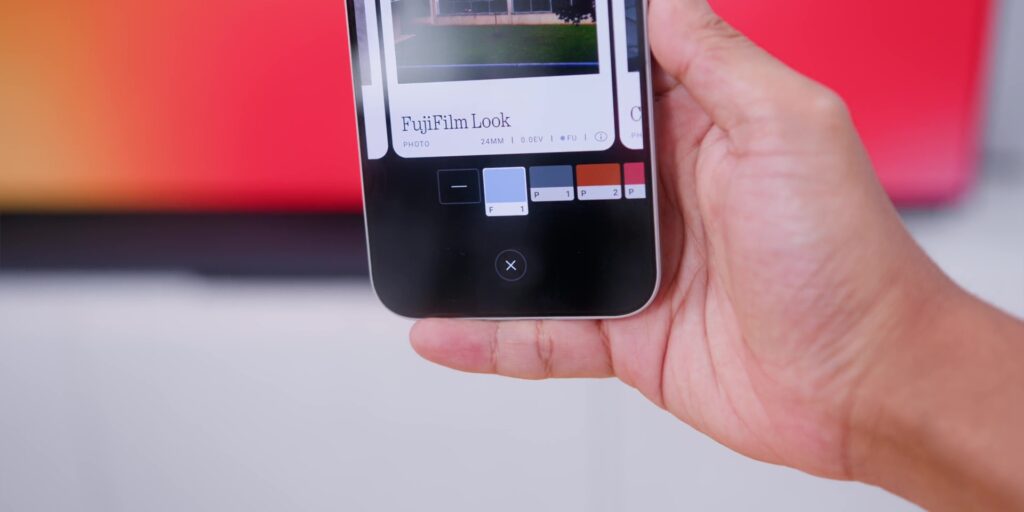



But I dialed the saturation back to -50 to get the best results because it was a little too saturated on the reds. And I’m in love with what comes out of this because it makes me want to take more photos on this phone more than any other phones lately.


So yes, the Sony sensor and Fuji LUTs and me walking around London pretending to be a photographer. That’s my life right now.
But yes, there’s something about the combination of the Sony sensor and the LUTs that makes you feel like you have a camera that you’ll actually enjoy using on your phone, not just a spec that you tick off.
GLYPH
But this phone only means more than every other phone if you use this thing at the back, right? Yeah, let’s talk about the Glyph Matrix.
So on the Nothing Phone (4a) you had the Glyph Bar but over here you get the Glyph Matrix similar to the flagship Nothing Phone 3.
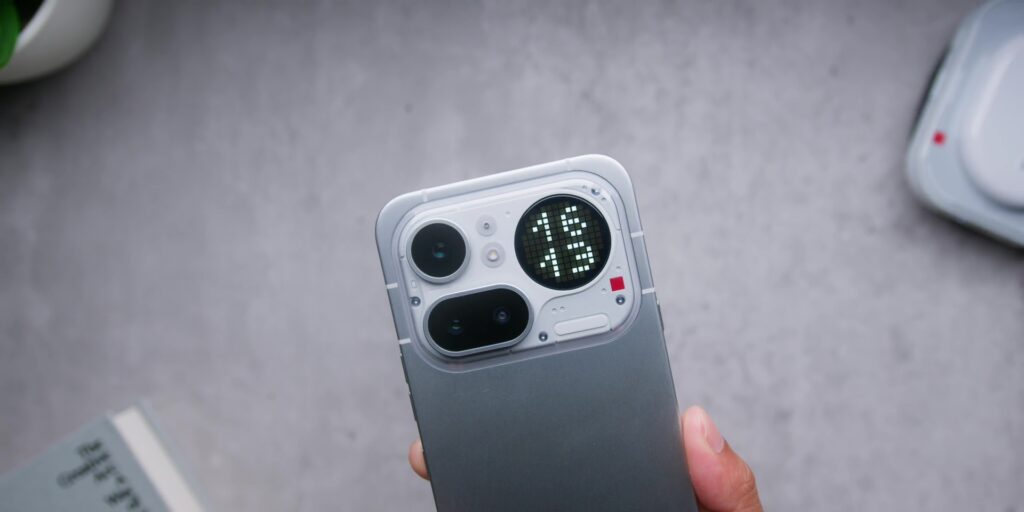
Now, as usual, I have to be honest. I do not use this particular Glyph Matrix and because I’m purely not a face down smartphone user, but yes, I do see an audience for this.
Using this for notifications, timers, camera countdowns, and a volume indicator, and even the Flip to Glyph for muting notification when you put your phone face down.
And Carl Pei has been a little more vocal about his vision of using the Glyph to actually help people use their phone less. Now, whether you believe that works is another conversation.
Then the Glyph Mirror which you can find on the camera app is also here too like the flagship Nothing Phone 3, which is not on the Nothing Phone (4a).
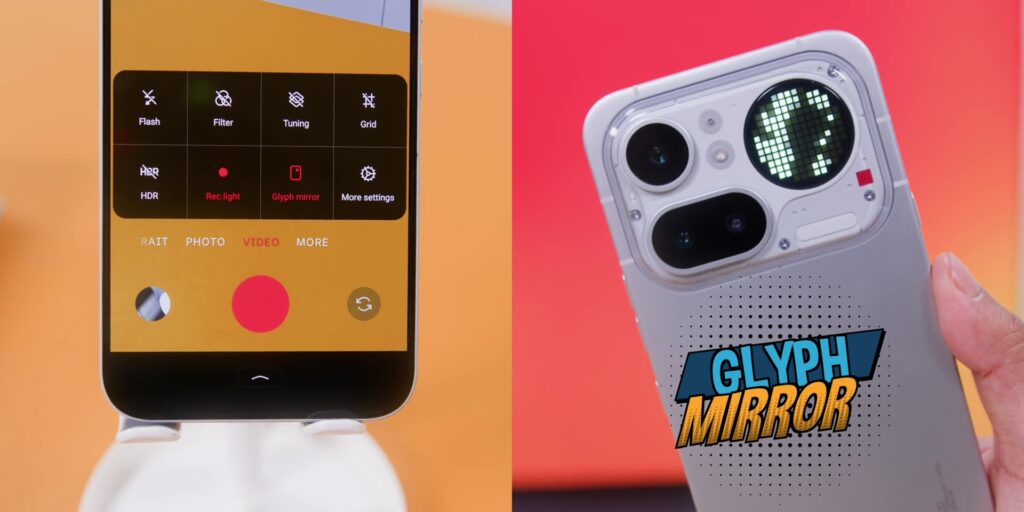
Then there’s also a separate app called Dot Hub where you can download it on the Google Play Store which has dedicated Glyph toys and tools.
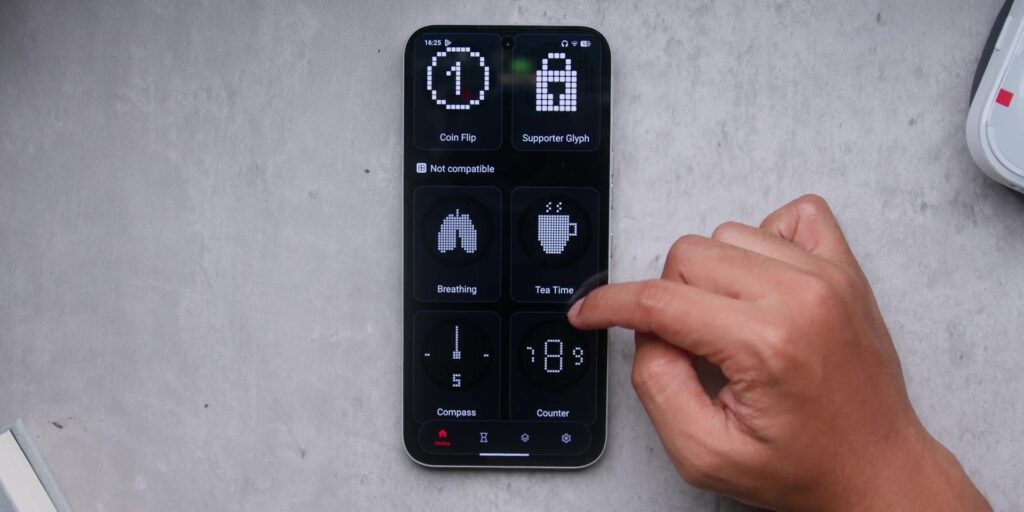
So, the ecosystem around this is actually growing, but yes, the free ones are good, but the good ones you’ll need to pay for a subscription. Yes, welcome to the year 2026.
BATTERY
The battery is a 5,080mAh battery here in Malaysia. So, yes, Malaysia gets the same battery as the global base model. While our friends in India, good job, guys, because you get 5,400mAh of battery.
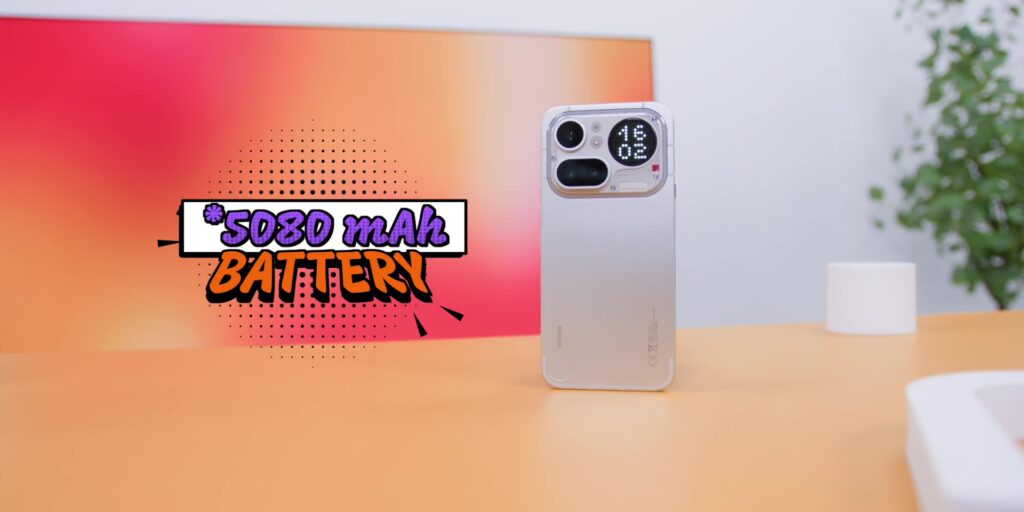
Now, the screen time on my usage hit around 7 hours, which is solid for a phone with 5,080mAh.
There’s also support for 50W of wired charging. Not the fastest in the market, but I will take it.
But here’s where I have to call this out because this is called the Pro, right? But there’s no wireless charging. Nope.
Meanwhile, the iPhone 17e, which Apple literally calls it the budget phone or even the Pixel 10a series, they have wireless charging. But then again, Samsung’s A series does not have wireless charging, right? So, that is the battle over here.
VERDICT
So, who is this Nothing Phone (4a) Pro actually for?
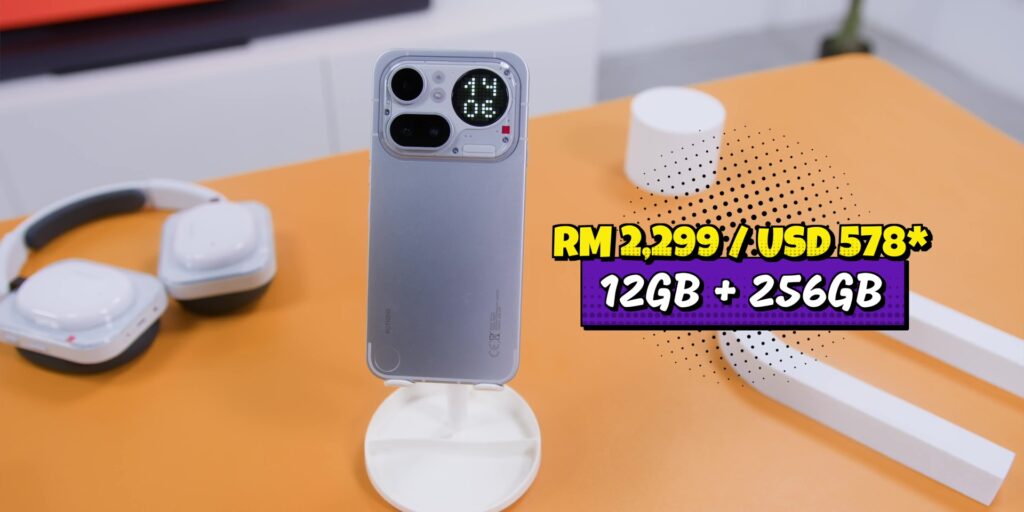
Well, with a price of RM2,299, which is about USD 578 for the 12GB + 256GB variant in Malaysia, you are paying RM300 or USD75 more than the Nothing Phone (4a).
But what you actually get is a faster 144Hz display, a better Sony main sensor, the Glyph Matrix over the Glyph Bar, a Snapdragon 7 Gen 4 over the 7s Gen 4, and a significantly more premium and slimmer metal build.
But if you still feel like you want to save some money, check my review of the Nothing Phone (4a) over here!
.
[Watch the full review video here]
How much does the Nothing Phone (4a) Pro cost in Malaysia?
The Nothing Phone (4a) Pro is priced at RM2,299 for the 12GB RAM and 256GB storage configuration
What are the main differences between the Nothing Phone (4a) and the Pro model?
The Pro model adds a smoother 144Hz display, a more premium aluminum unibody (replacing plastic), a faster Snapdragon 7 Gen 4 processor, and a higher IP65 water resistance rating.
Does the Nothing Phone (4a) Pro support wireless charging?
No, the Nothing Phone (4a) Pro does not have wireless charging. It supports 50W wired charging, which gets you to a full charge in about an hour.
How good is the camera on the Nothing Phone (4a) Pro?
It features a triple setup: a 50MP Sony LYT-700C main sensor, a 50MP periscope telephoto with 3.5x optical zoom (up to 140x digital), and an 8MP ultrawide. The main sensor is a significant upgrade over the standard 4a for low-light photography.
What is the battery life like on the Nothing Phone (4a) Pro?
In Malaysia, the phone comes with a 5,080mAh battery that consistently delivers around 7 hours of screen-on time, making it a reliable all-day performer.
Related: