You know how you spend your hard-earned money on a phone and somehow end up… bored? The same plastic slab, the same launcher, same camera, same everything.
But I was honestly curious about the Nothing Phone (4a) because Nothing has always done things differently.
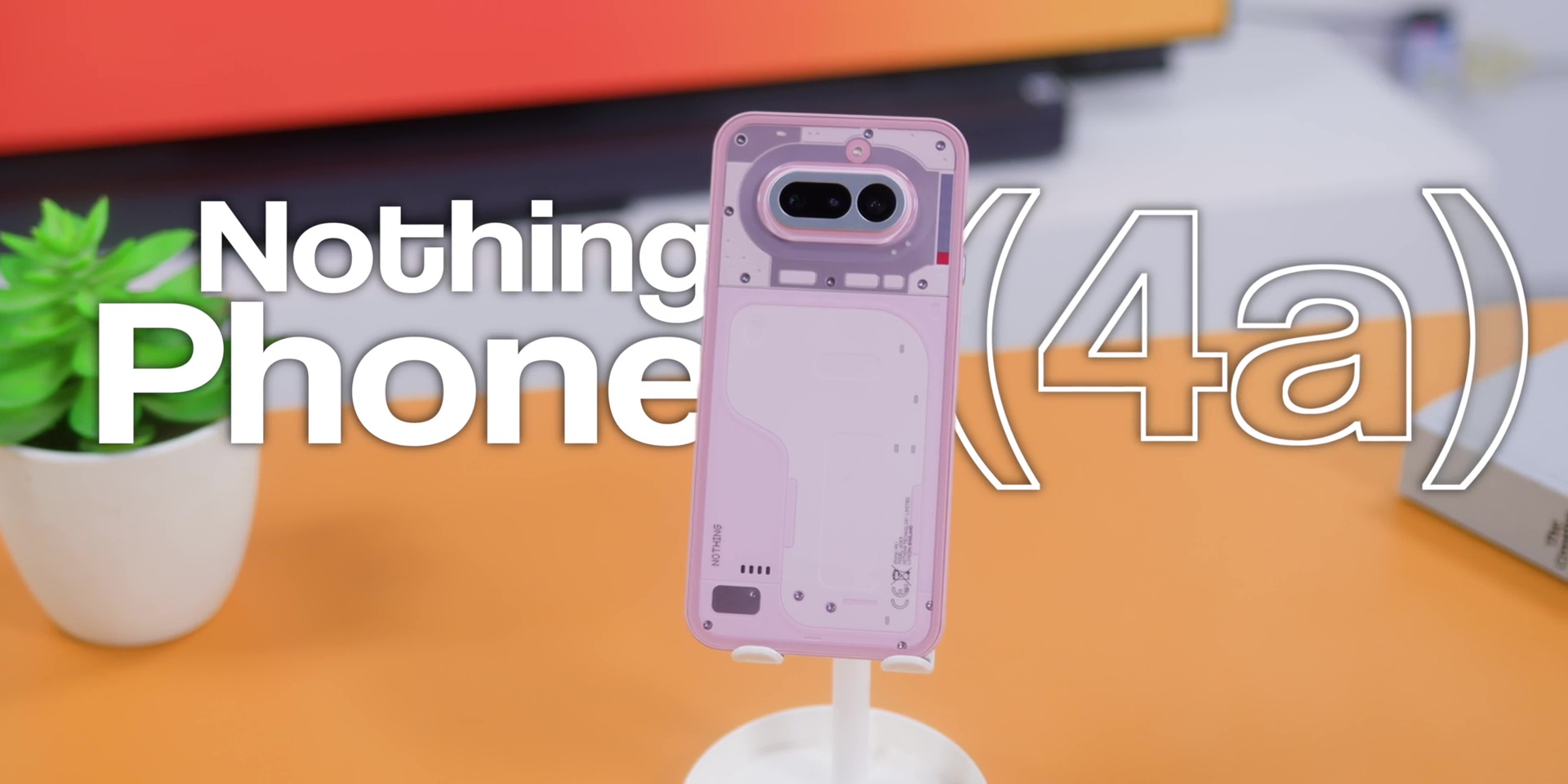
So, is this actually the most interesting mid-range phone that you can buy right now? Well, watch first and buy smart.
Design
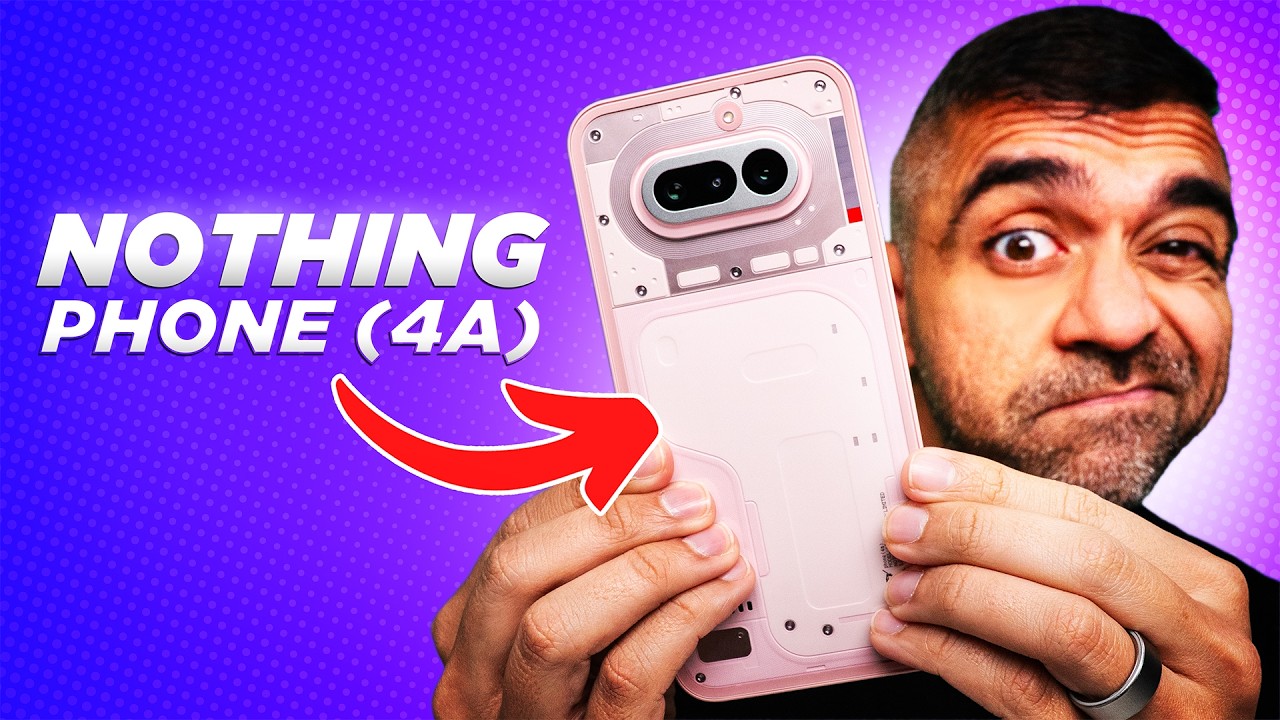
While the phone weighs about 204 grams, it is quite large. The weight distribution actually feels balanced in the hand, so it doesn’t feel like you’re holding a brick.
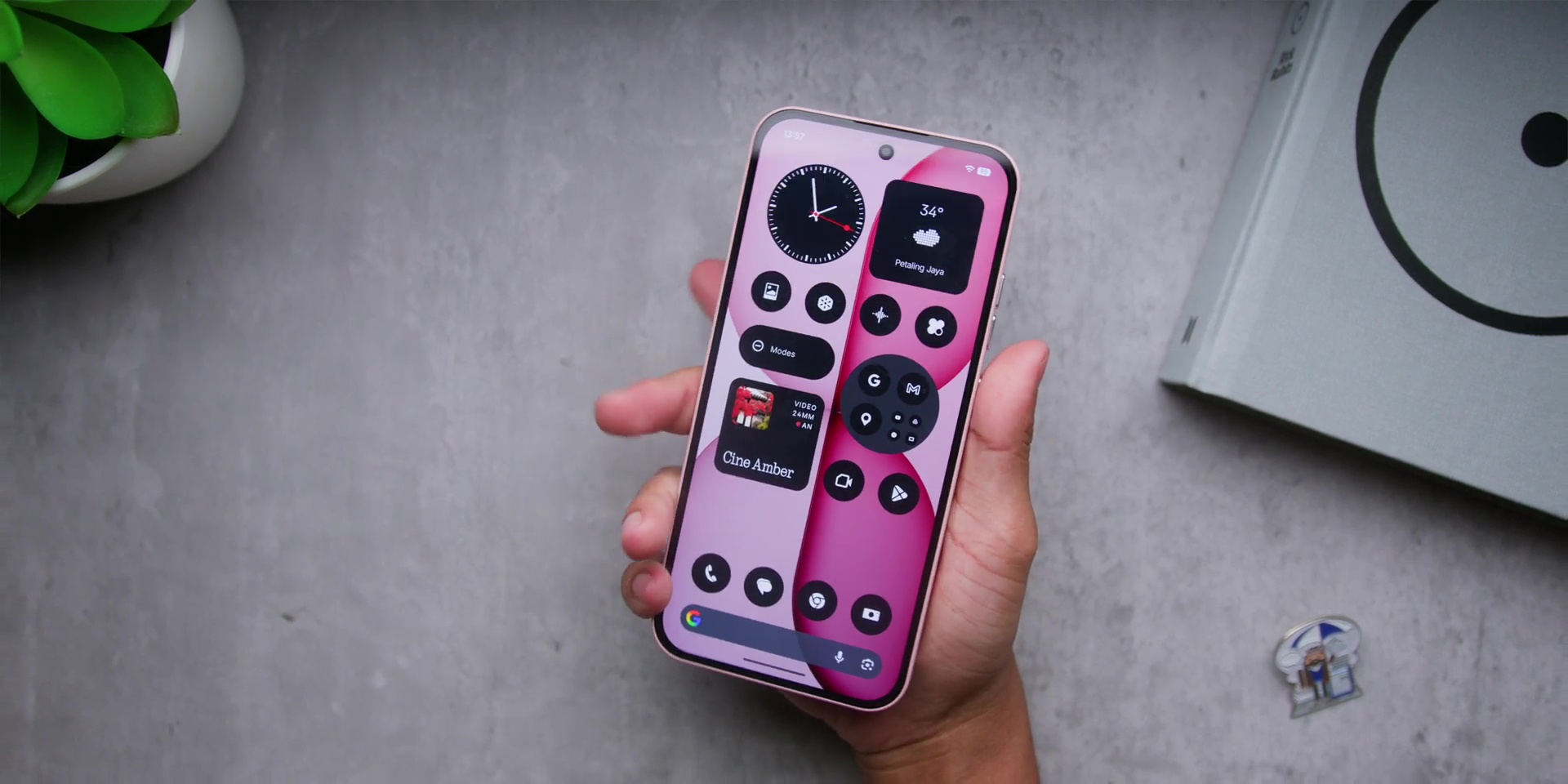
Nothing went with a matte finish on the frame, which I love. And this also means there’s no nasty fingerprints or smudges building on the sides.
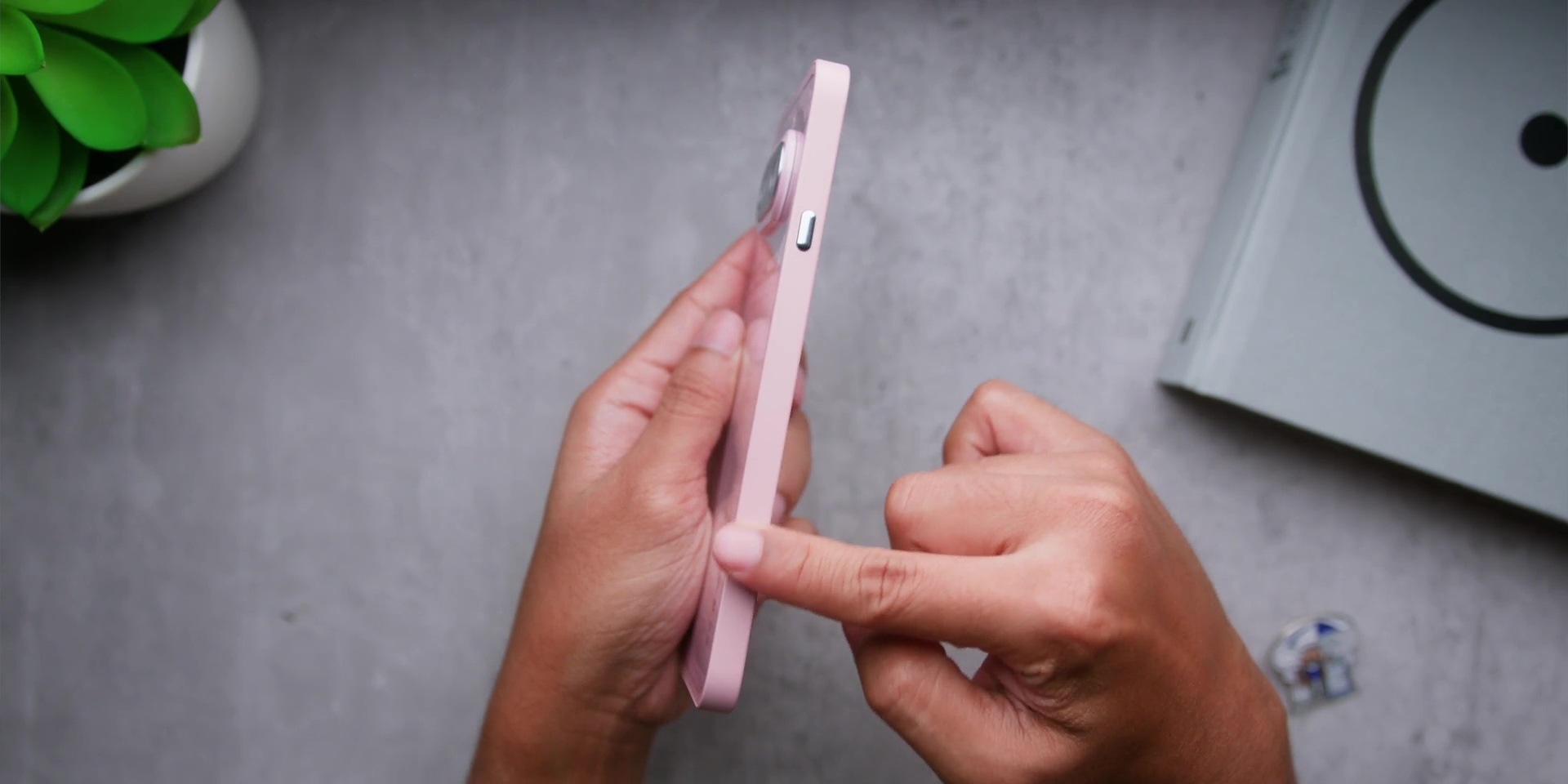
Then the button placement also got an upgrade where the power button and the volume buttons are now on the right hand side, which is exactly where most Android users expect them to be. So, switching from another Android phone to this phone feels immediately familiar.
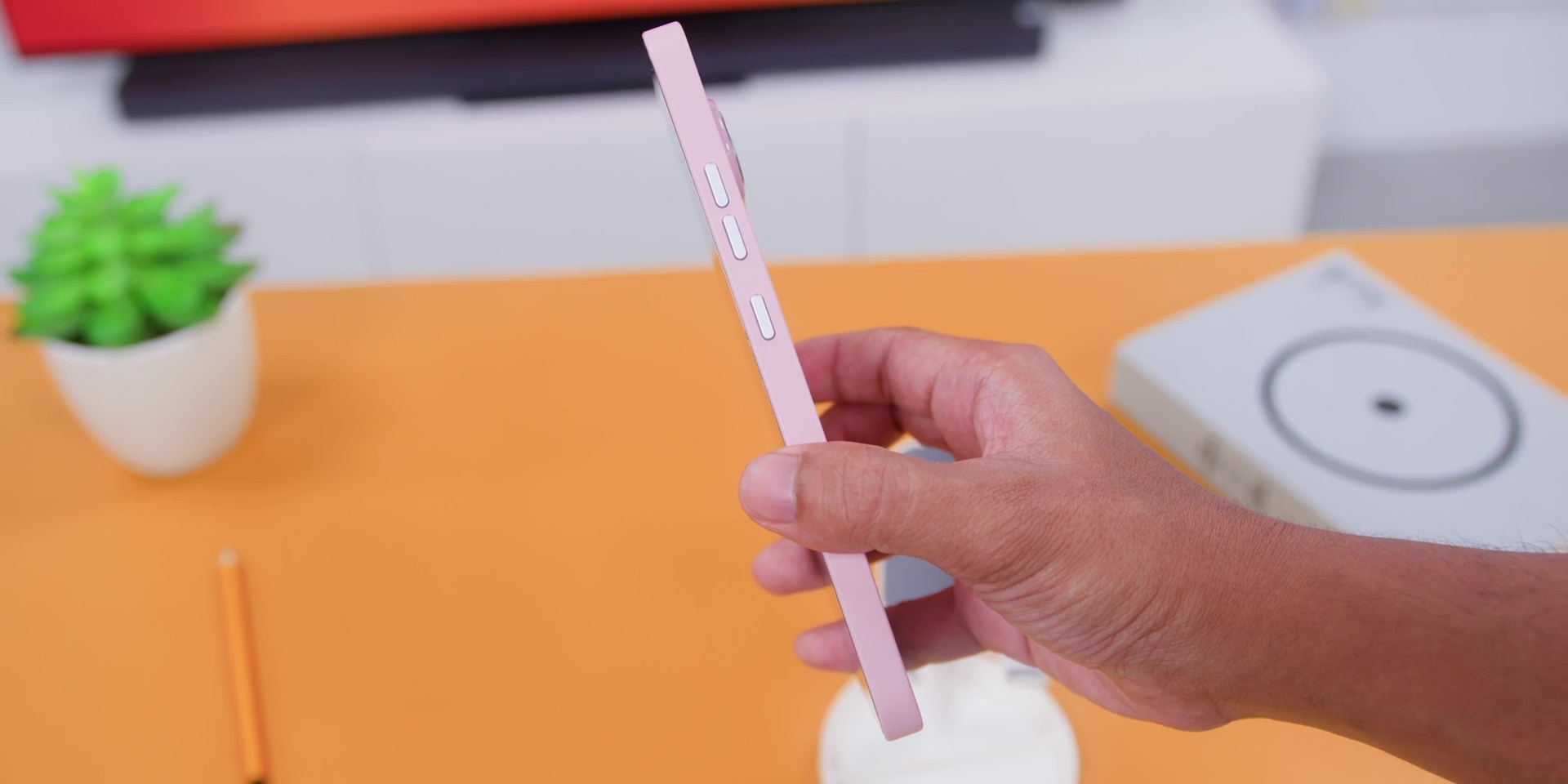
And this also fixed an issue from the Nothing Phone (3a) which I had and a lot of other people had because remember how the Essential Key was positioned and because of that there were times where I accidentally pressed it all the time which was quite annoying.
So I’m glad that now the Essential Key has its own unique area or on the left quite alone but better than the previous generation.
I know that this sounds like a very small detail, but when you use the phone every single day, it changes how intentional and the overall experience feels.
But if there’s one little nitpick that I have is the in-display fingerprint sensor. It sits a little too low, and that means that sometimes you have to stretch your thumb down to reach it. Now, it works totally fine, but it’s not the most ergonomic placement.
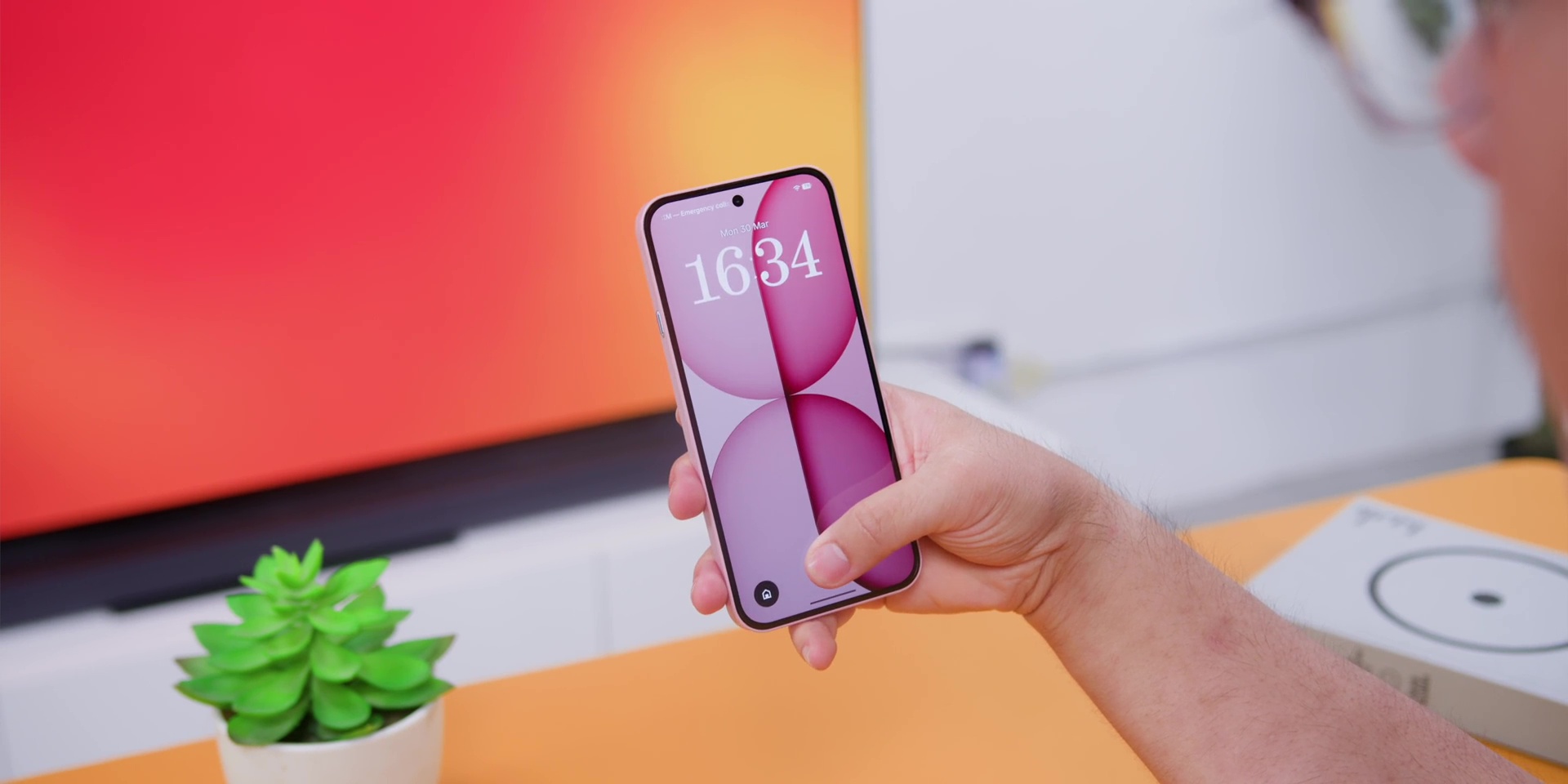
Okay, so I went with the new pink this time around because as much as I always loved a white color smartphone, this was nice and subtle enough that it’s not screaming for attention.
The phone also has an IP64 dust and water resistance with up to submersion of up to 25cm of water for up to 20 minutes. So, if you accidentally drop this phone in a swimming pool, if you have a swimming pool at home, good for you, but if it’s a condo, you know, I know.
Oh, if your girlfriend is pissed at you and throws this into a puddle of water, it can take it.
Glyph Bar
Okay, now let’s talk about the Nothing thing. You know, the Glyph Interface or this time around is called a Glyph Bar.
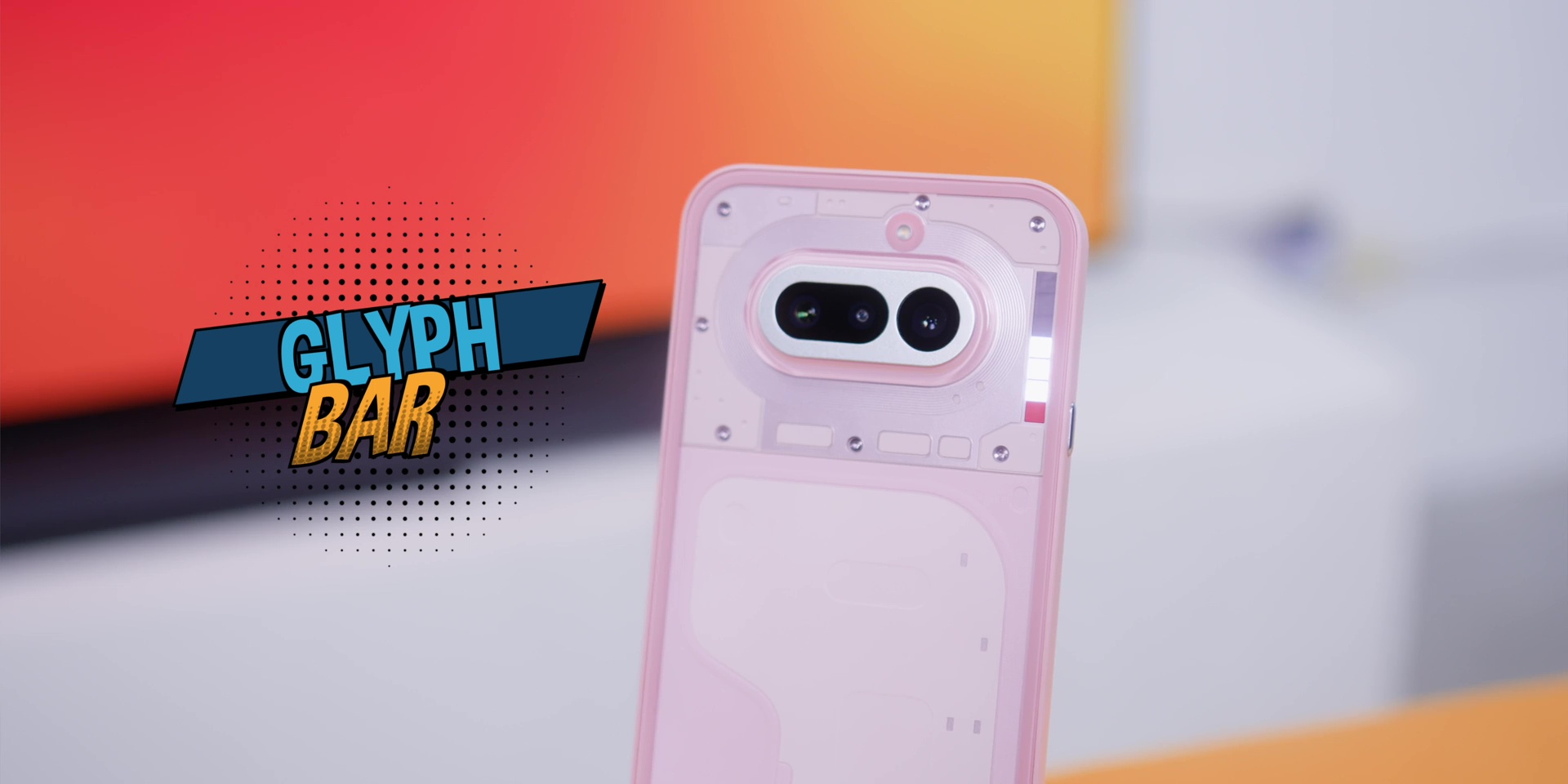
Instead of the older segmented Glyph Lighting from the previous phone, this version used a rectangular bar at the side of the phone made up of 63 mini LEDs which is divided into six individual controllable zones.
This new system is up to 40% brighter than the previous Glyph Lights and it reaches about 3,500 nits. Then Nothing also says that this design prevents any light leakage which was an issue for the previous regular Nothing phones or the flagship Nothing phones. So brightness stays consistent regardless of the angle.
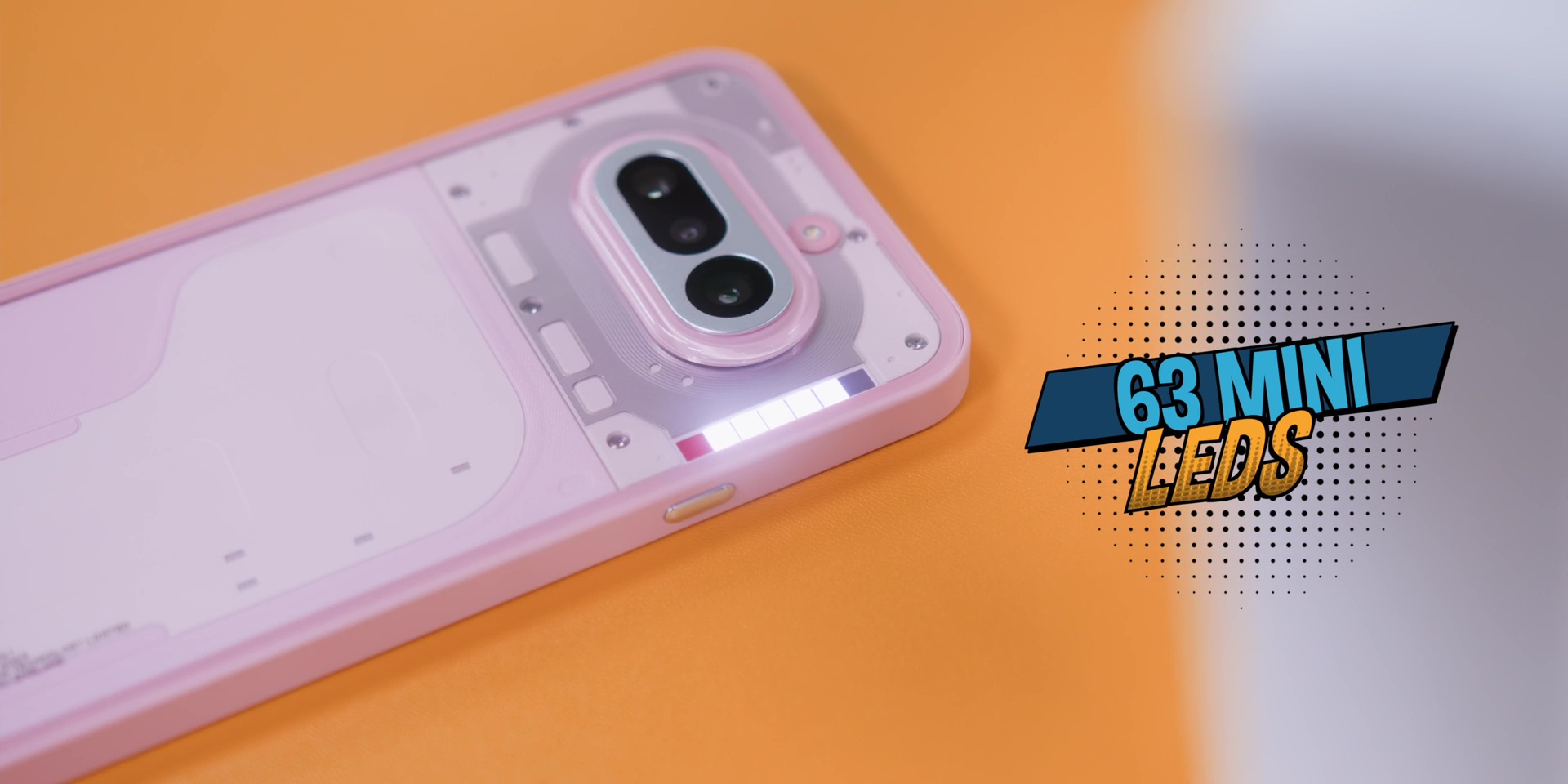
Personally if I really had to choose between the Glyph Interface and this particular Glyph Bar, I still kind of prefer the visual look that the older Glyph system was on the previous Nothing phones. So yeah, those definitely look a bit more cooler to me.
Although I do admit that I hardly use this, but what I do really like about this new Glyph Bar is things like showing live updates from apps like Google Maps and Google Calendar. You can also track the navigation progress without flipping the phone over.
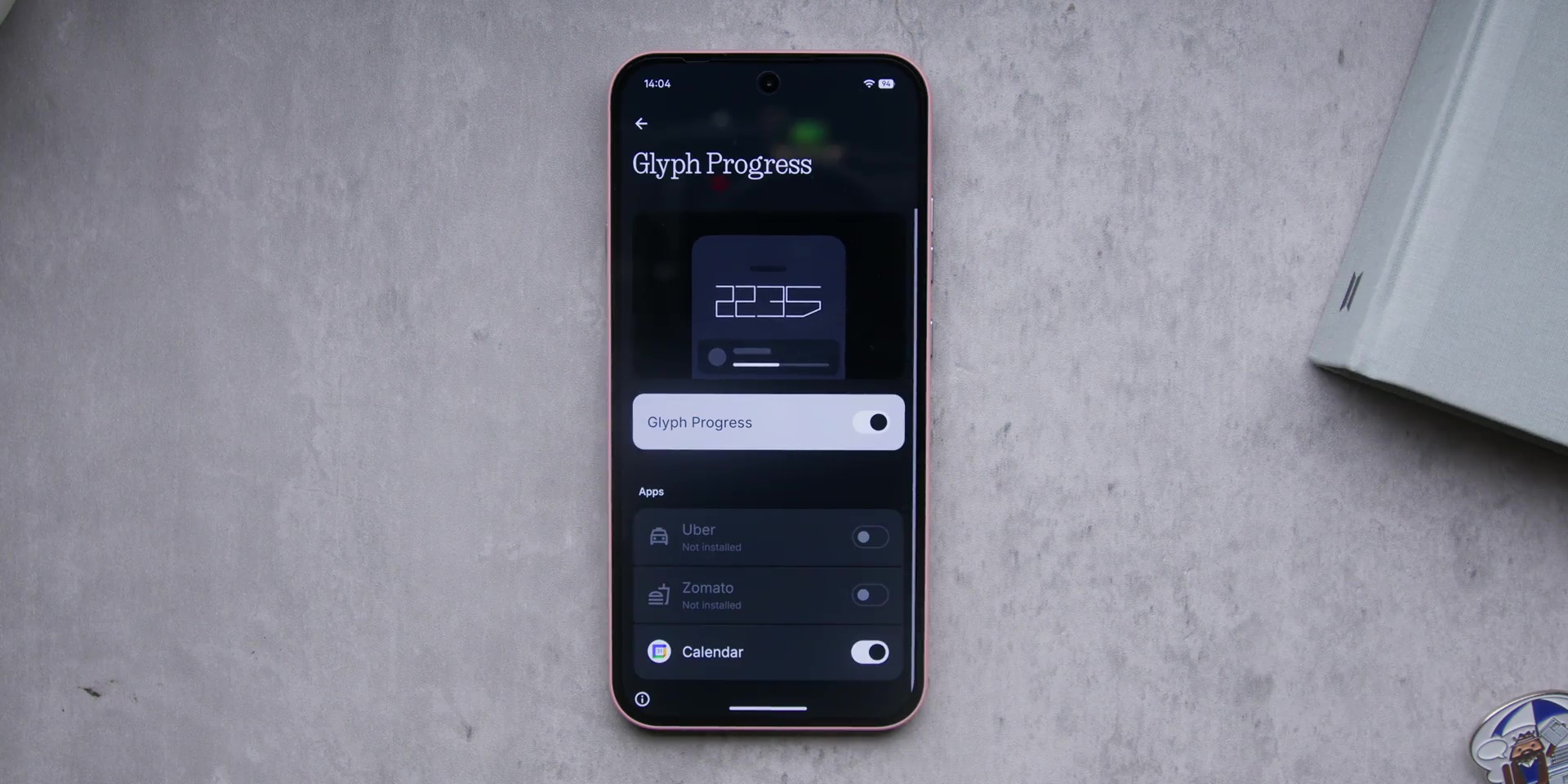
And it can also work as a visual timer and even a volume indicator. But among all, there’s one feature that I really love, which is the recording indicator.
So if you start a recording it will show a red color light over here and if you stop the recording it will totally stop as well. So that was something which I really appreciated. Again it’s a small detail but something that once you start using it you will kind of appreciate this.
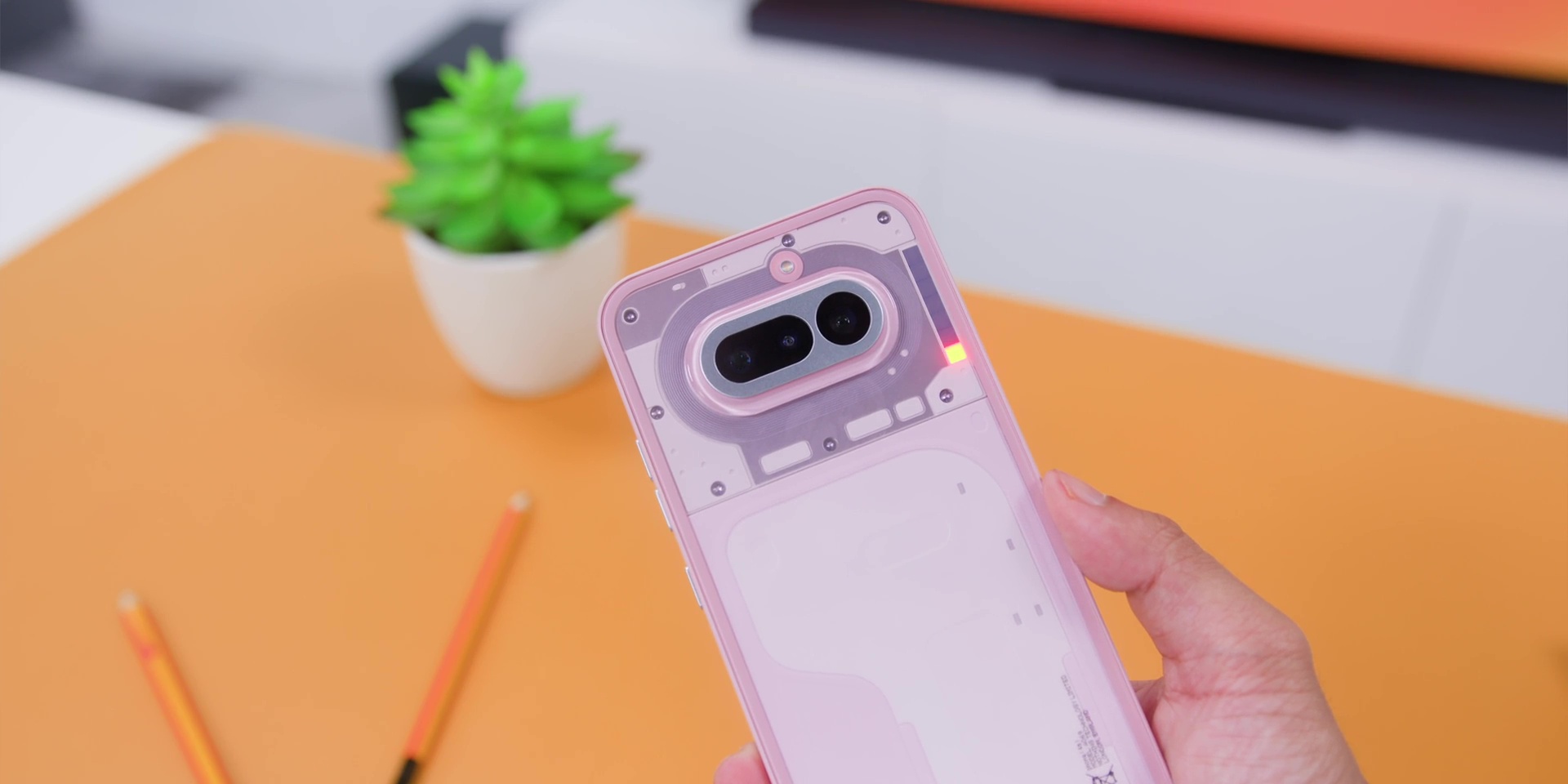
Then you also get the Flip to Glyph which if you place the phone face down it also activates the Glyph notification. Plus it also generates ringtones and notification patterns over here that syncs with the light.
There’s even the NFC indicator and a bedtime schedule to turn this particular lights off, which honestly, thank you, Nothing, because you don’t need some LED disco lights when you’re about to sleep or at 2 a.m.
So, the Glyph Interface or for this case, the Glyph Bar, I would still say that it is a little bit of a gimmick, but this time around is a fun gimmick because with features like this, it’s slowly becoming something that is actually useful.
And that is what makes Nothing phones feel totally different from everything else sitting at this particular price range.
Display
On the front you’re getting a 6.78-inch Flexible AMOLED panel. In case you do not know, the reason why it is known as a flexible panel is because they’re trying to make the whole entire phone or the bezels to be symmetrical with the display.
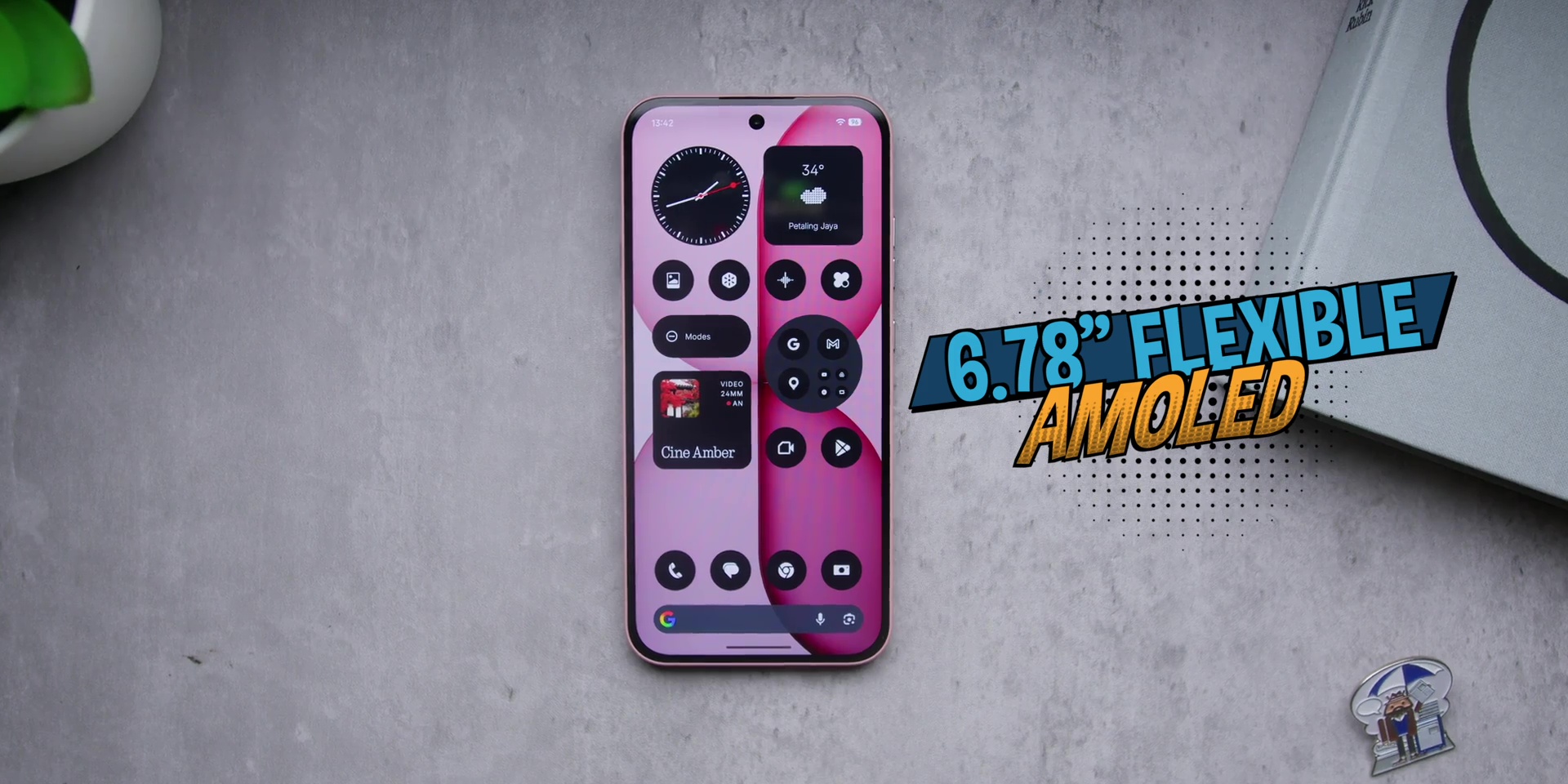
Now it is protected by Corning Gorilla Glass 7i. The resolution is 1224 x 2720 with a PPI value of 440 PPI, so everything does look very sharp and nice.
You also get 10-bit color support. So, you’re looking at an above average screen for a mid-range phone, which is great, but the refresh rate is not as dynamic as the flagship because this goes from 30Hz up to 120Hz instead of going down all the way to 1Hz.
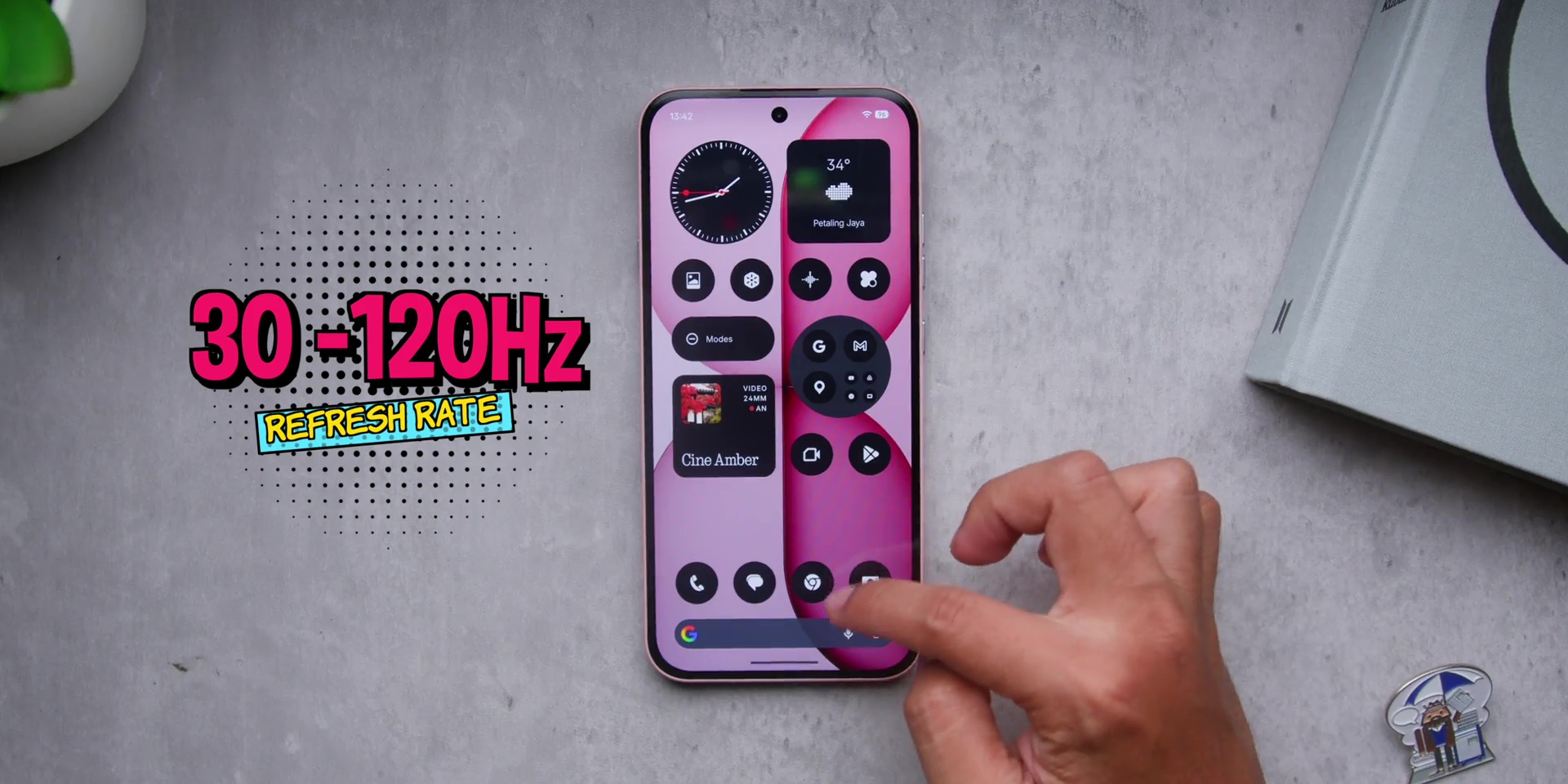
But still, the scrolling feels smooth whenever you need it, and the battery isn’t wasted when you don’t need to use the phone.
Then the touch sampling rate is kept at 480Hz, but jumps to a massive 2,500Hz in gaming mode. So, that is like the screen went from a light jog to a full sprint the moment you open a game.
And a peak brightness can actually hit up to 4,500 nits and 1,600 nits outdoors. So visibly this when it comes to a super bright situation here in the studio or even outdoors, it is very solid.
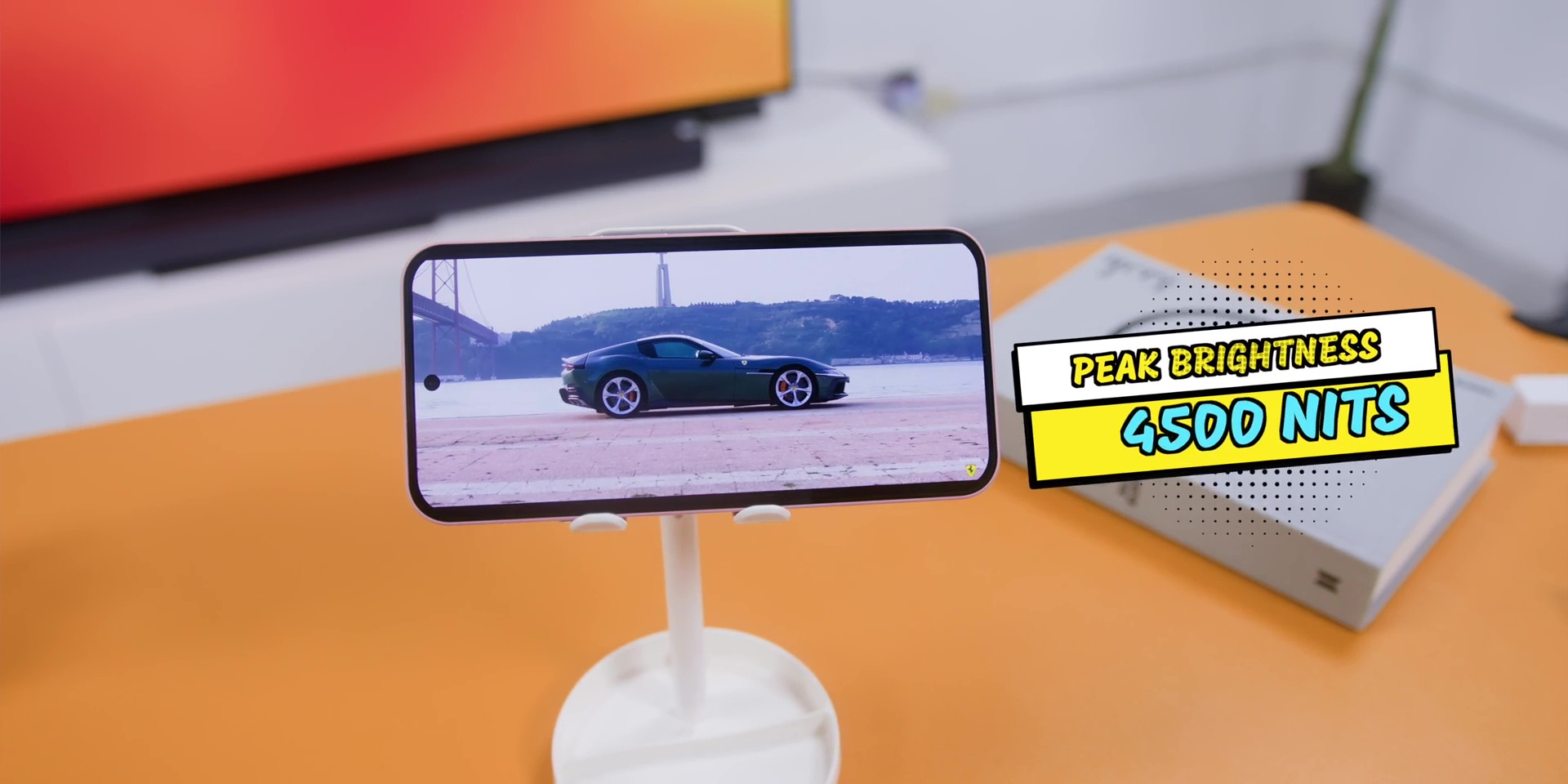
But there was one thing that I was not very happy about is the adaptive brightness or the automatic brightness because it still can be a little aggressive because sometimes the screen dims too fast and it takes a few seconds to readjust. It’s not a deal breaker, but it’s something that I noticed when I was using the phone daily.
Performance
But when it comes to the performance though, there’s the Snapdragon 7s Gen 4 processor paired with 12GB of RAM and 256GB of storage.
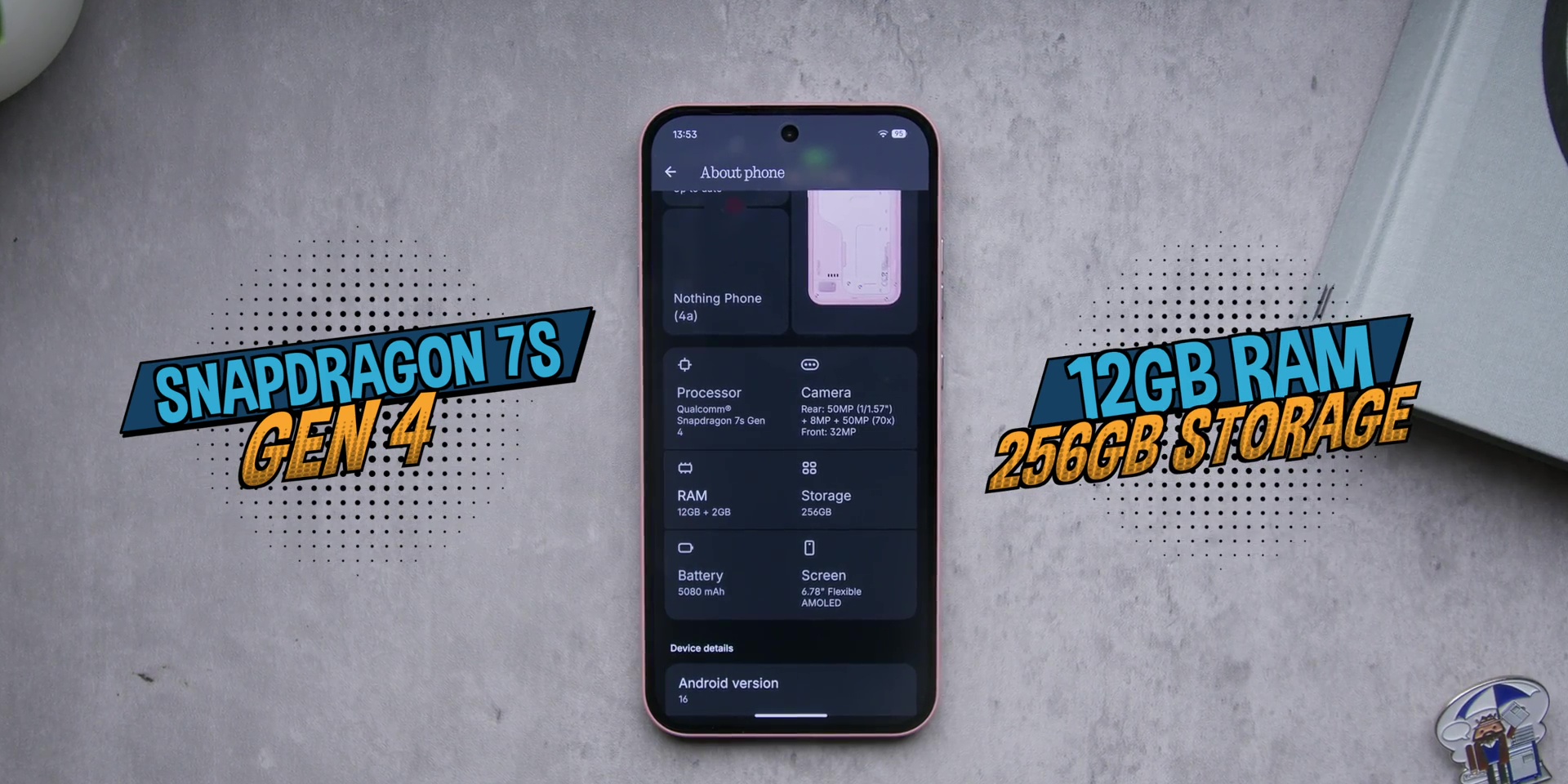
For daily use, everything feels very smooth. App launches very quickly. Multitasking works without any hiccups.
Then the gaming performance was actually better than I expected. I managed to max out the graphics in Call of Duty Mobile and Genshin Impact also ran comfortably well at medium settings.
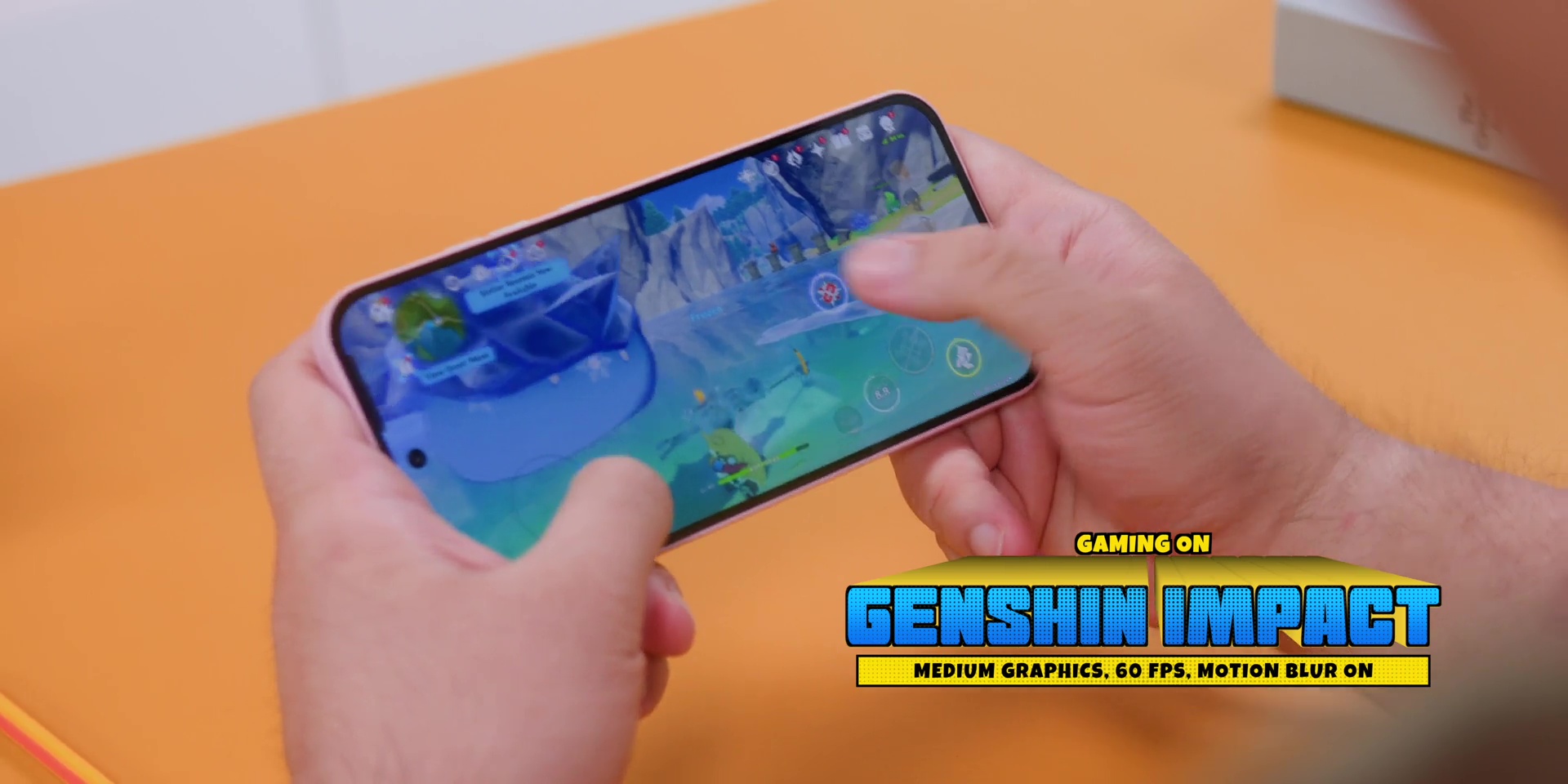
And even during longer gaming sessions, the phone never got hot. I knew that it was not hot when I was in London, but when I came down here in Malaysia or came back home to Malaysia, I didn’t expect it to not overheat at all.
So, yeah, even though this is not a gaming phone per se, but it is great for a casual or even mid-level gaming.
Software & AI
All of this only matters if the software is great, right? Well, if you know Nothing phones, you know that Nothing OS has grown to be so much better over the years.
Out of the box, you’re getting Nothing OS 4.1 based on Android 16. And yet again, this continues to be one of the most cleanest Android experiences with very little bloatware.
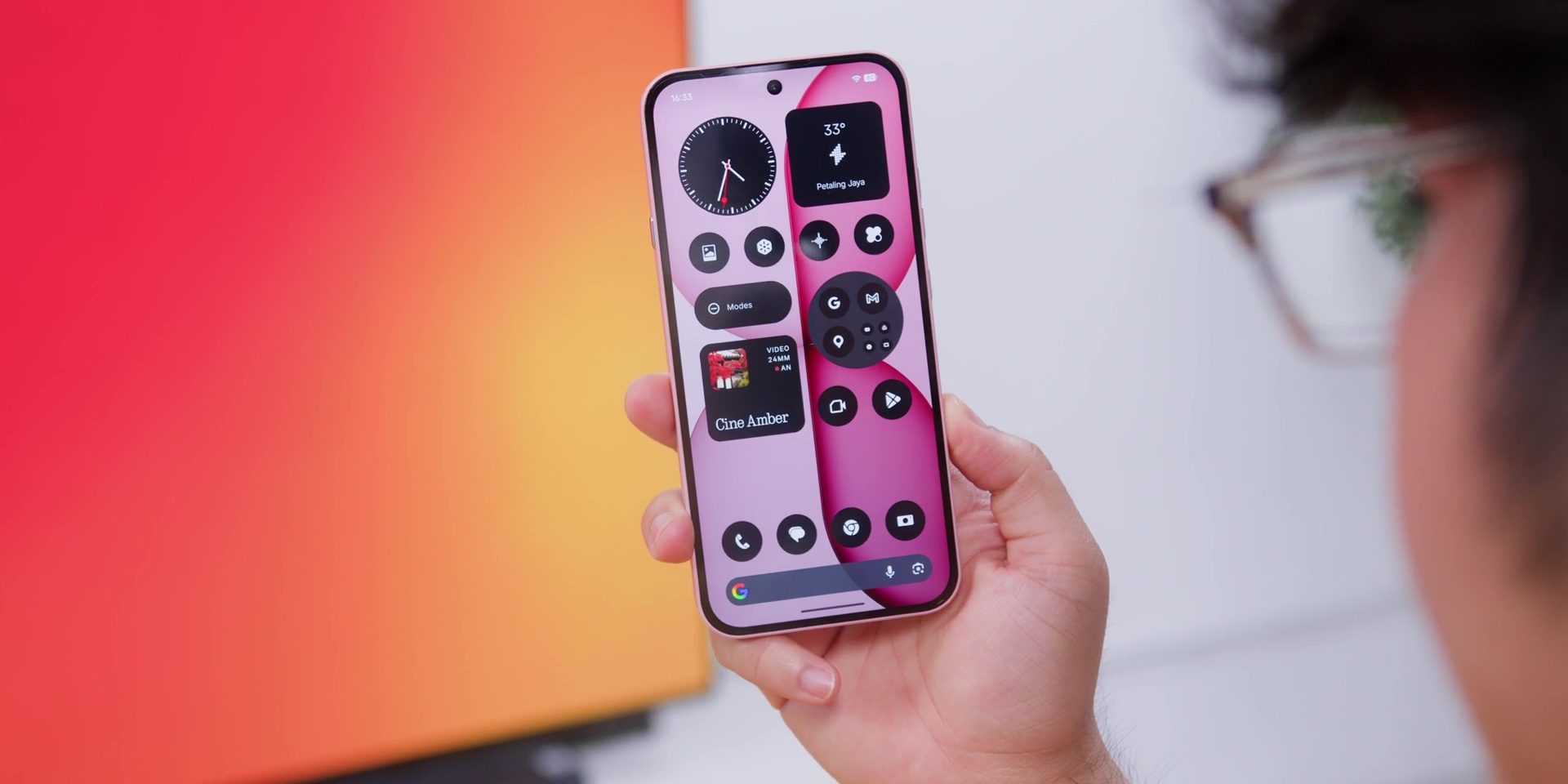
Animations are smooth and the whole entire UI keeps Nothing’s signature dot-matrix design language. So the software and the hardware feels like they were made together which was of course the case when it comes to Nothing.
But a big addition is the new Essential AI Suite. But at the center of it is something called Essential Space where you can think of this as your smart hub where you can store screenshots, photos, voice notes, links and even call recordings.
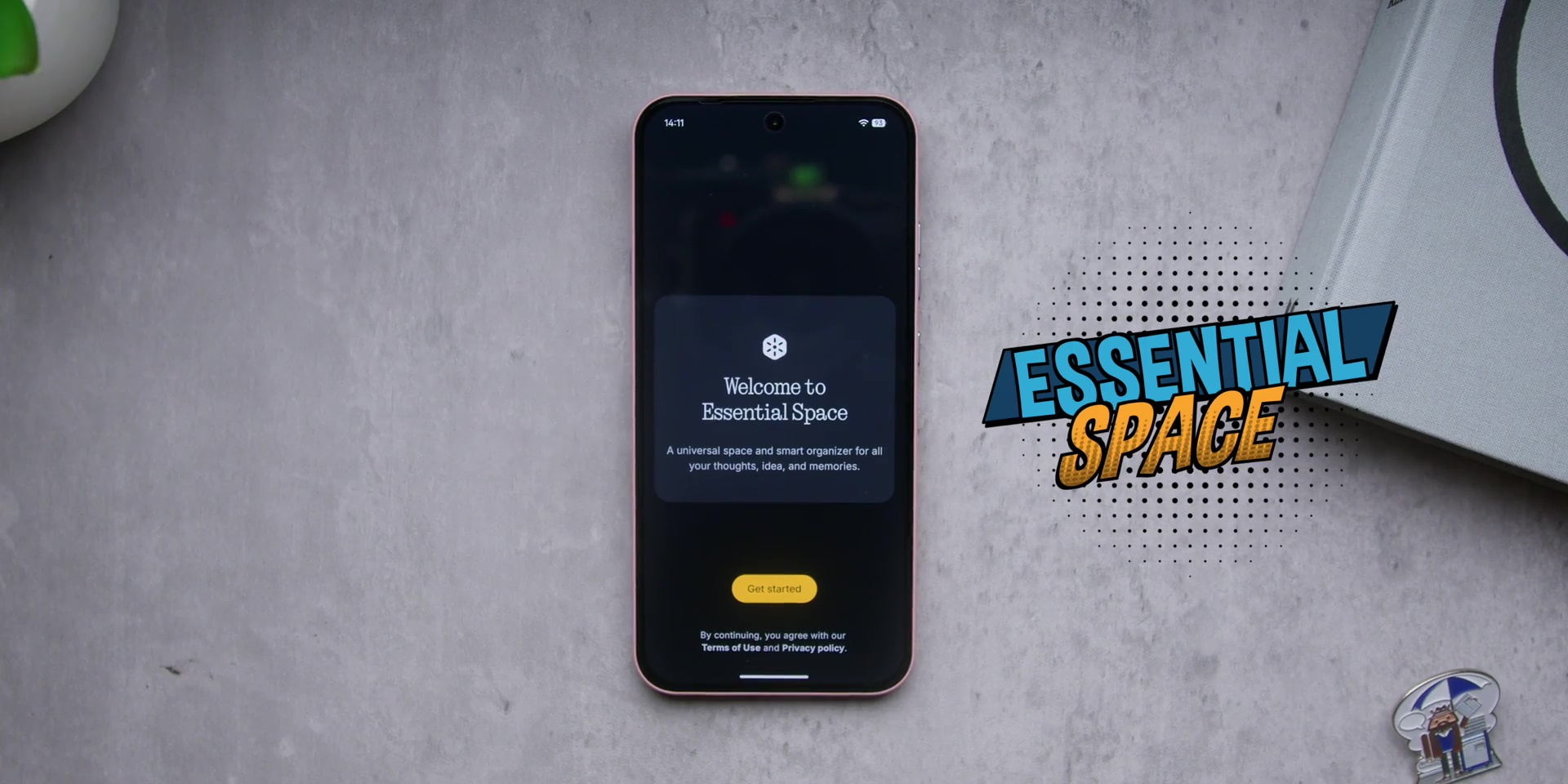
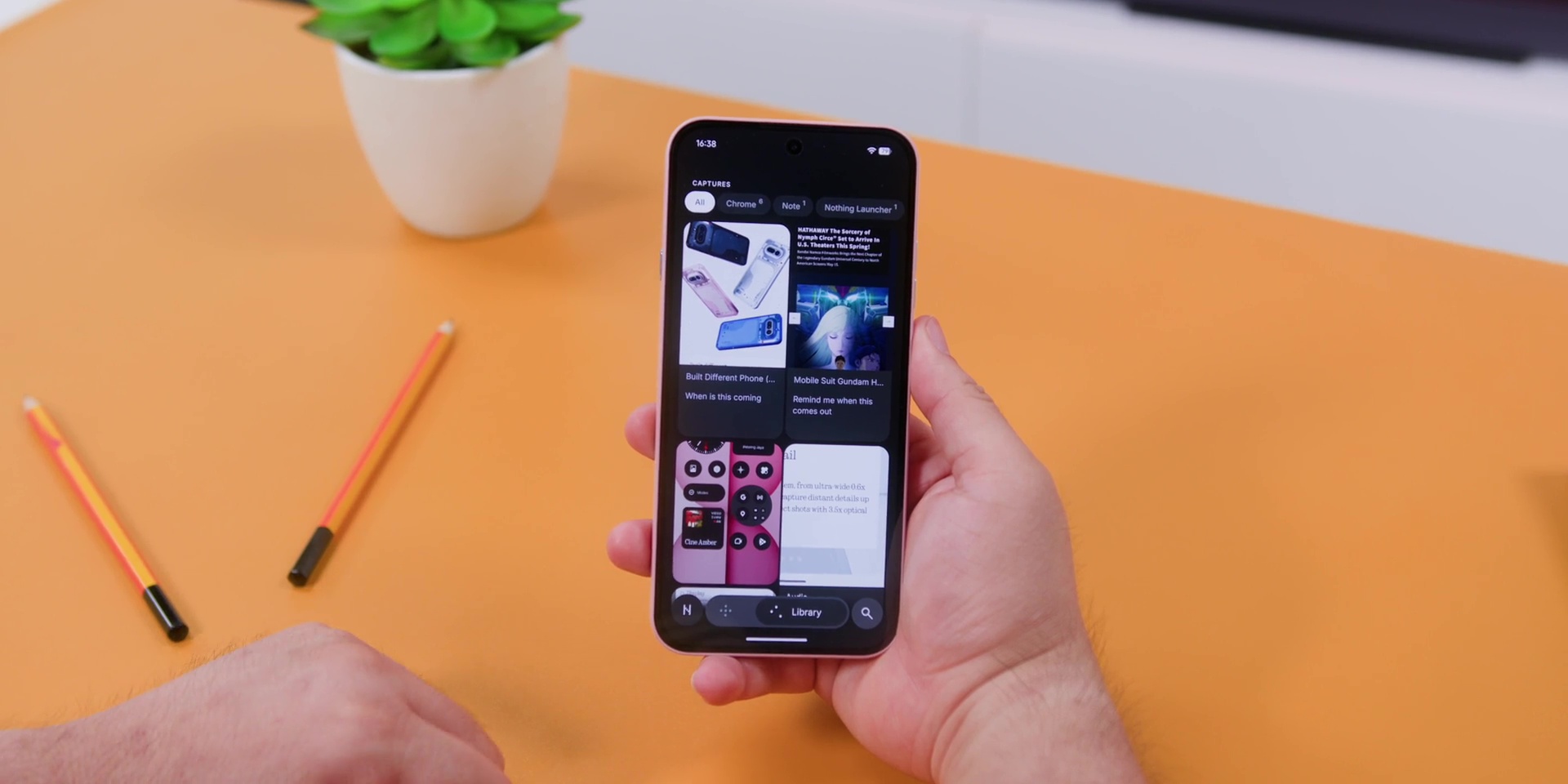
Instead of dumping everything in a single folder, which iPhone tends to do, this phone’s AI actually analyzes what you saved. So, it pulls out the useful details and summarizes the information and organizes everything so it’s easier to find this later.
The engine behind this is called Essential Memory, which is quietly sorting out and understanding everything.
Now, inside Essential Space, there’s also Essential Search where a quick swipe up from the bottom of the screen, you can easily search across the entire phone. Contacts, messages, notes, photos, app, and even quick answers like the weather or sports scores.
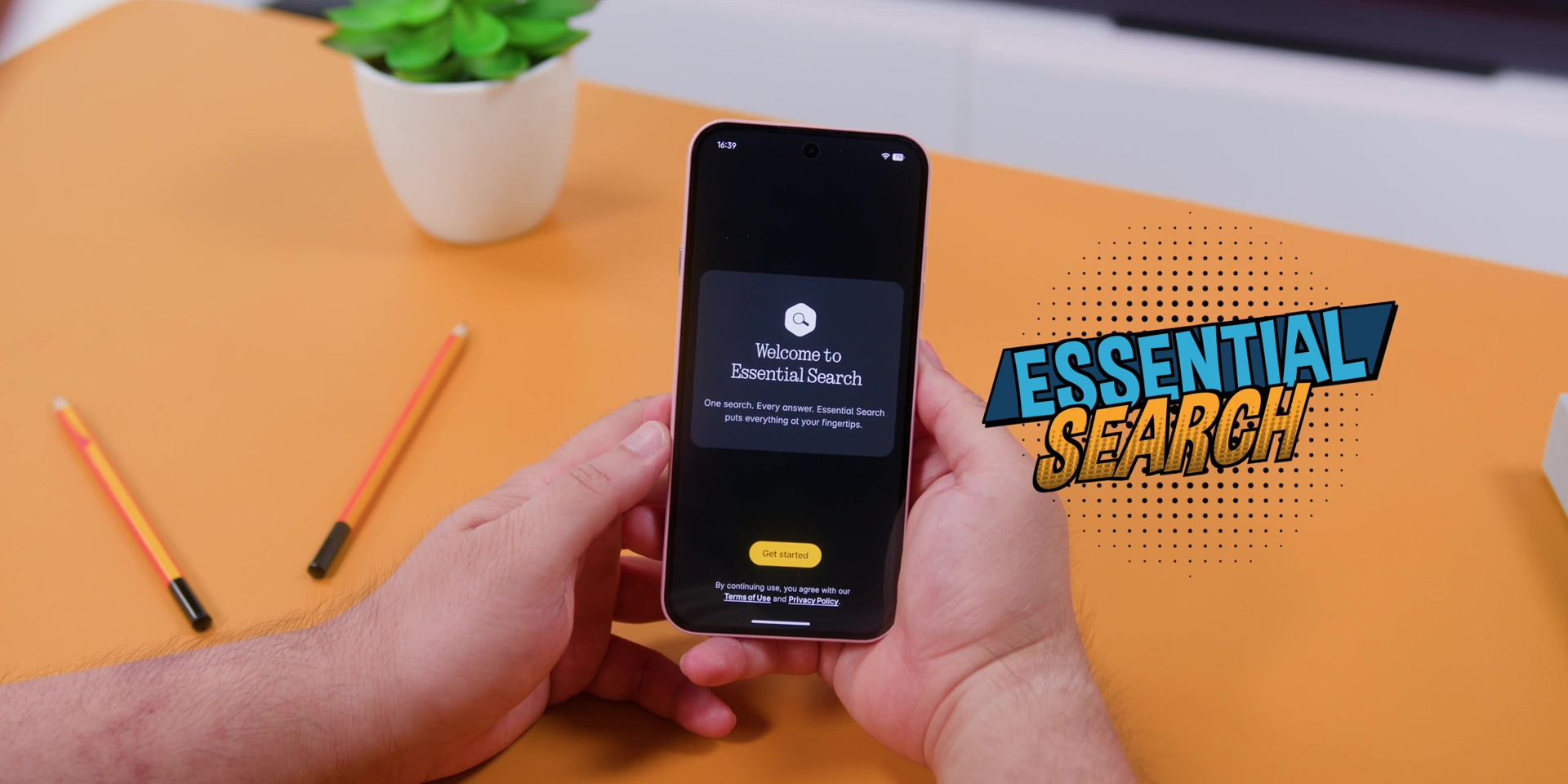
So, instead of jumping between five different apps, you can find one thing where the phone will try to bring that information for you.
And the physical Essential Key at the side of the phone, press it once, you can instantly capture a screenshot together with a voice note as well. And this also goes straight to Essential Space mentioned earlier.
So capture first and let the AI sort it out later. Honestly this is actually a workflow that I can totally get behind with and I really appreciated when I was using this phone daily and I’m sure you will too.
Then there’s also the on-device image generation which is powered by Stable Diffusion 1.5 meaning the phone generates AI images locally without sending everything to the cloud.
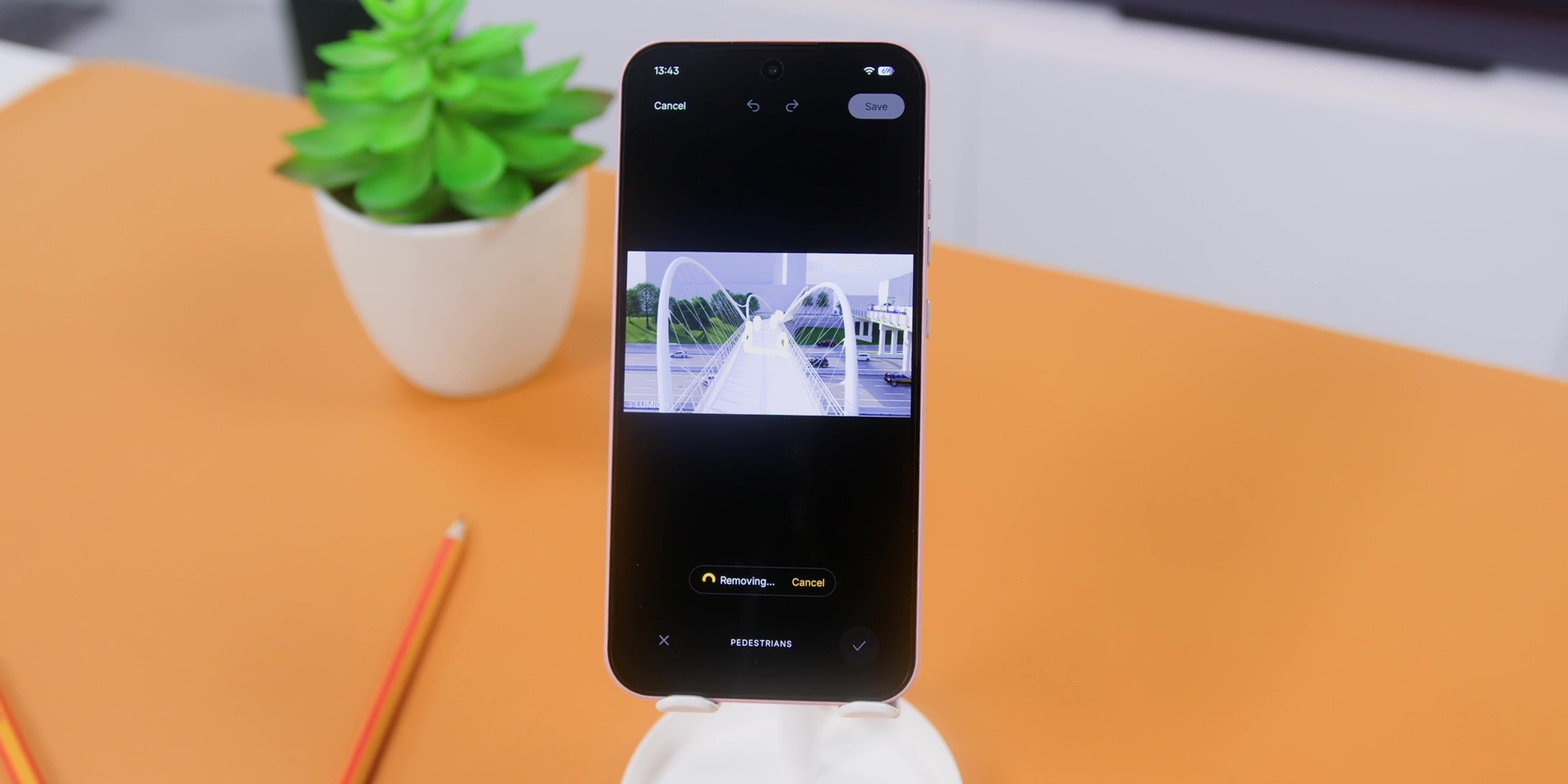
This may sound like a cool party trick, but you know what? This is something that you may not use every day, but a huge credit needs to be given because of the fact that this particular AI works offline.
When it comes to the software support, you’re getting 3 years of Android updates and 6 years of security patches. Now, that is, of course, not the longest, but a solid thing for a mid-range phone.
All of this means that the software experience here isn’t just clean, but it’s also trying to make the phone smarter and handles everyday information very well.
Cameras
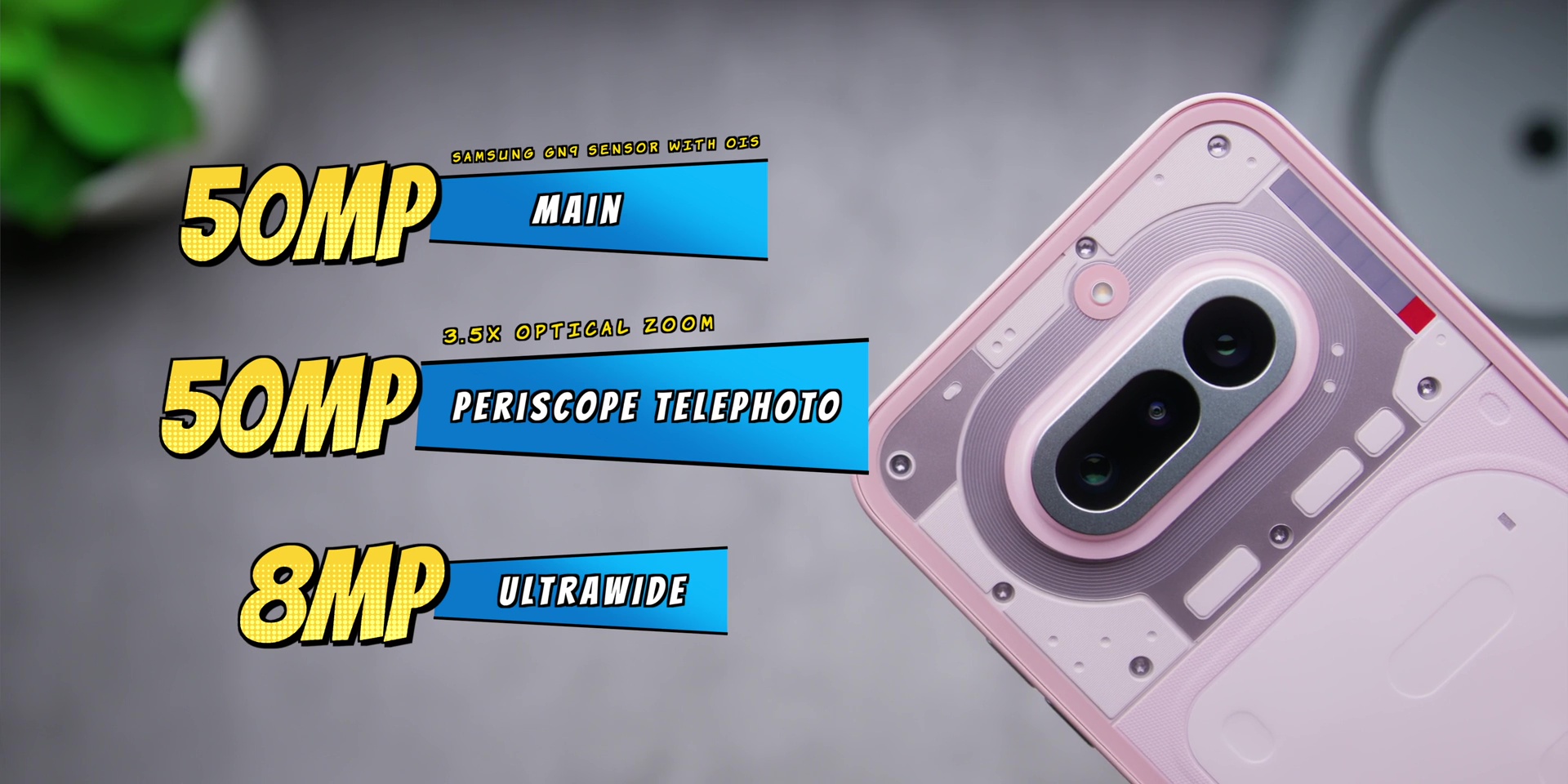
But the camera setup here is actually quite interesting. So the main camera is a 50MP Samsung GN9 sensor with OIS (Optical Image Stabilization) which at this particular price point is indeed great.
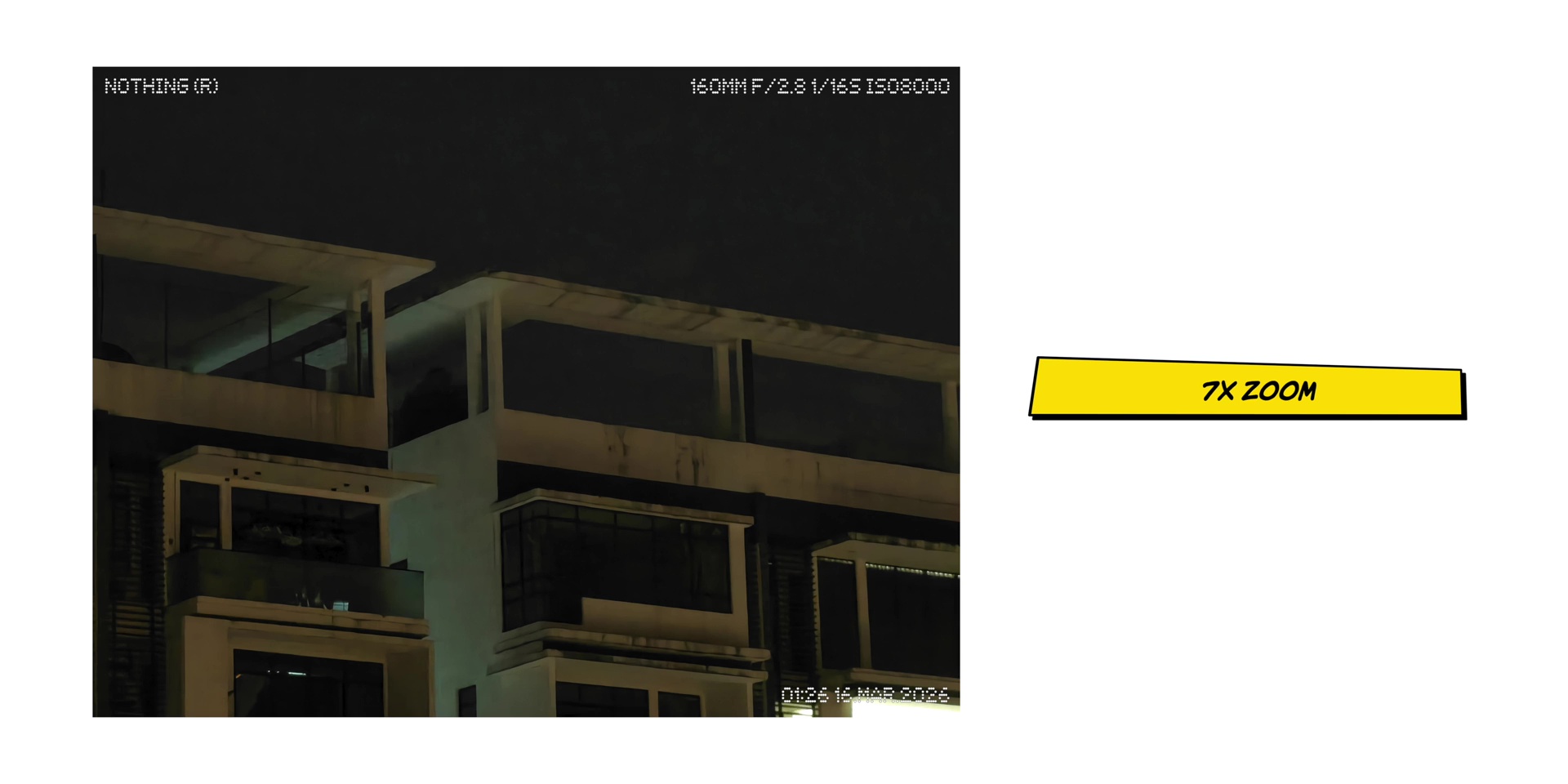
Then there’s also another almost rare thing for a mid-range phone which is a 50MP periscope telephoto camera which gives you up to 3.5x optical zoom but a 7x in-sensor zoom and up to 70x of digital zoom.
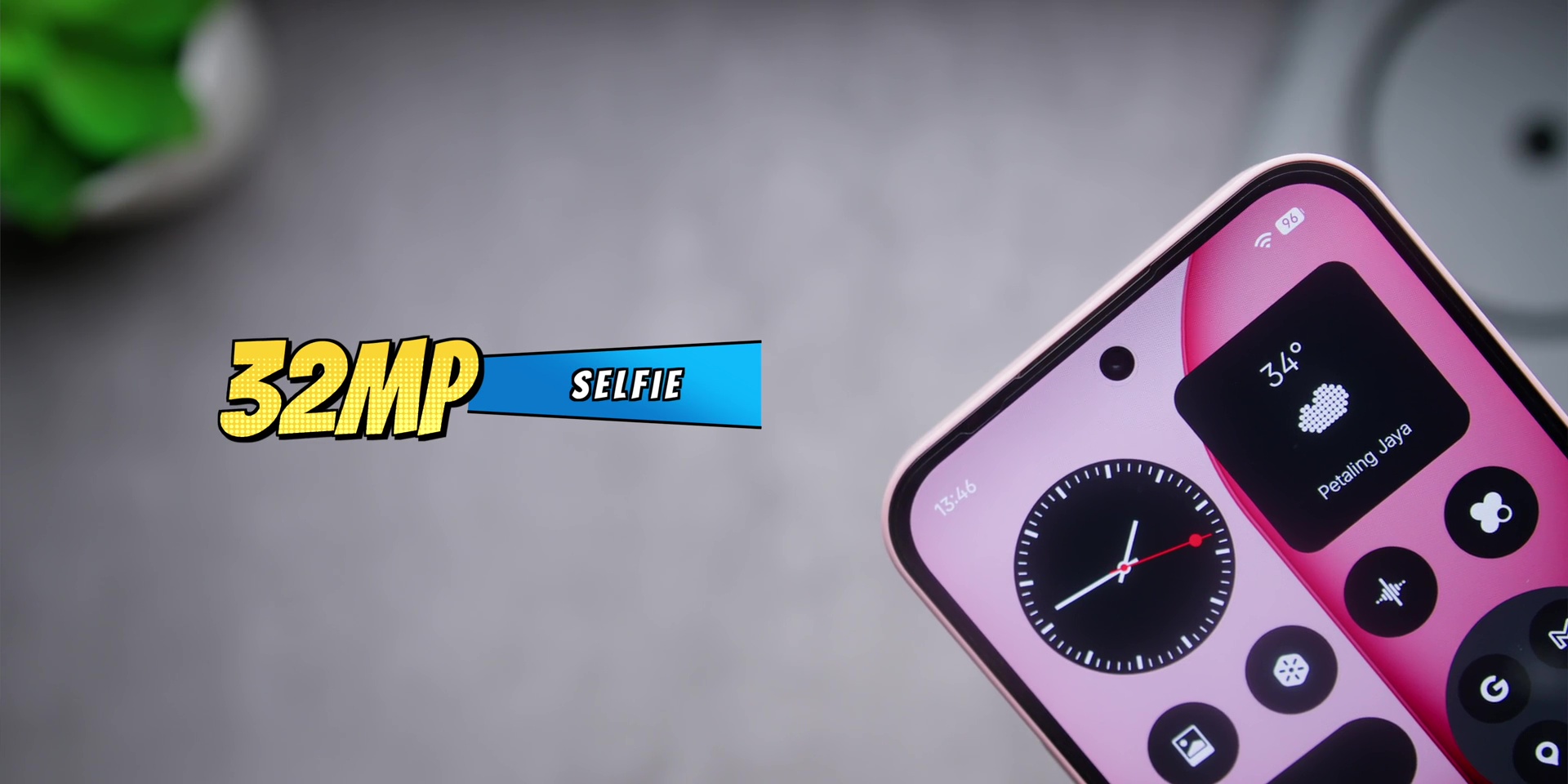
Then the ultrawide camera is an 8MP camera and the selfie camera is a 32MP lens.
Ultrawide
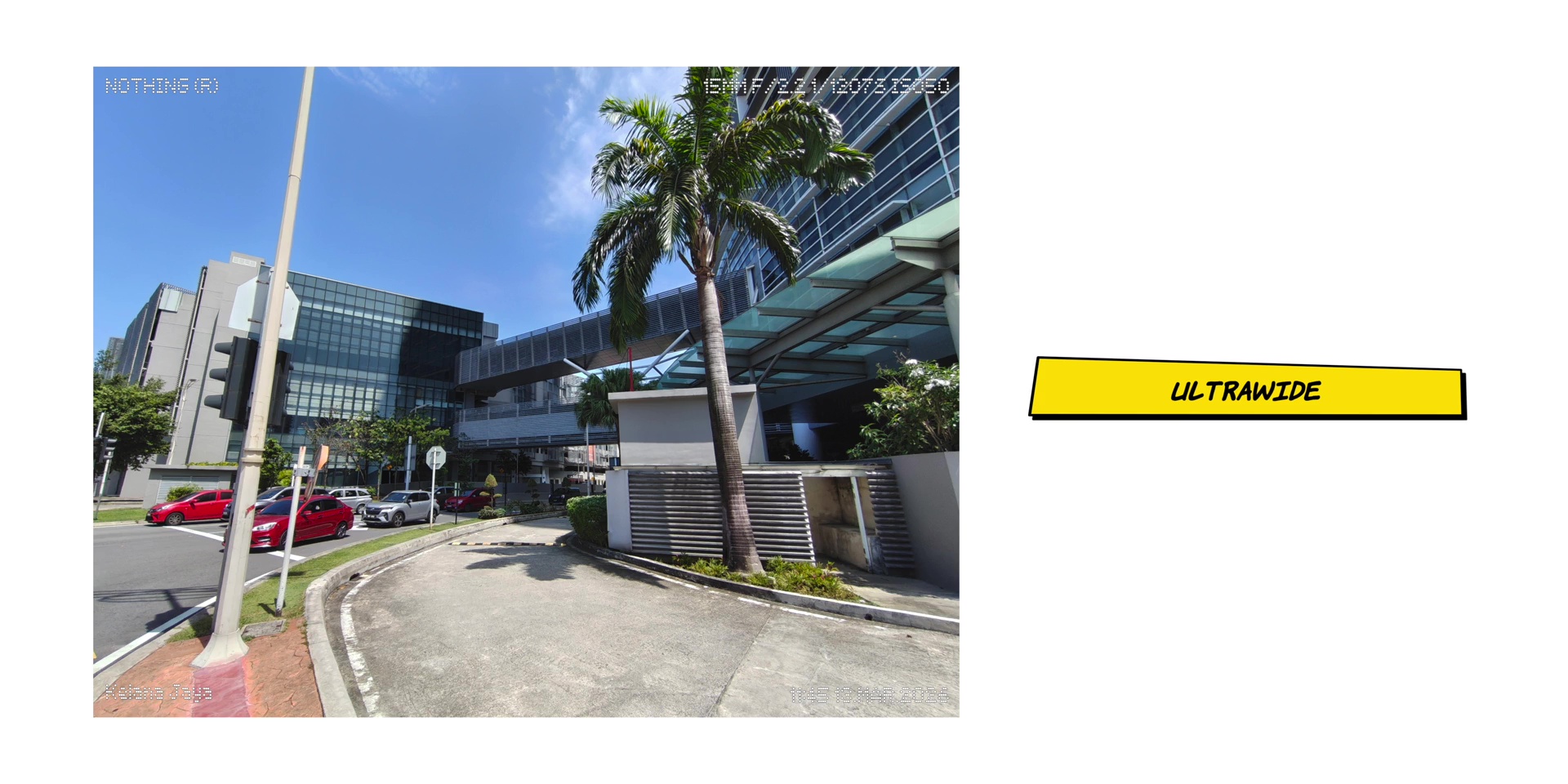
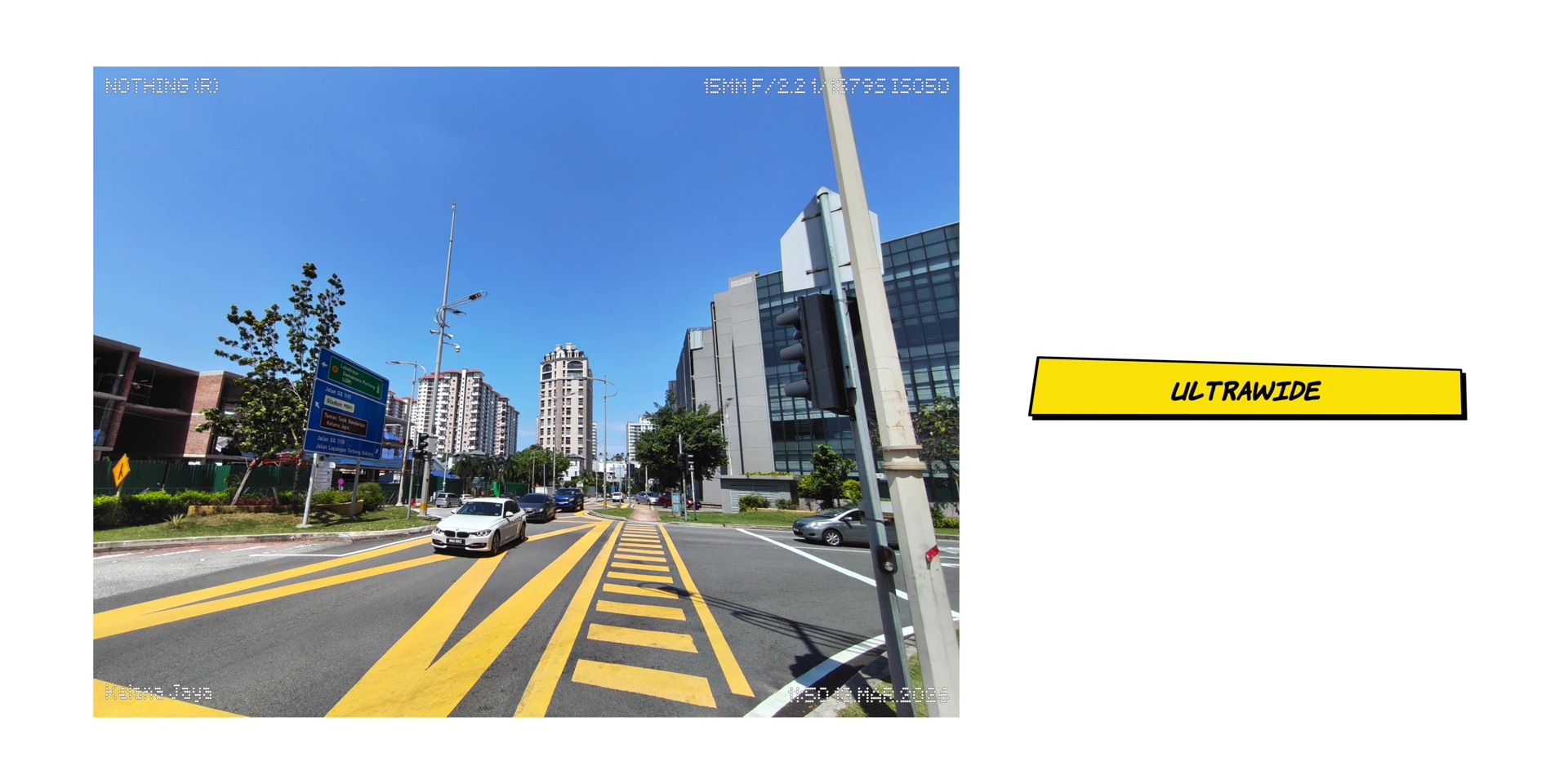
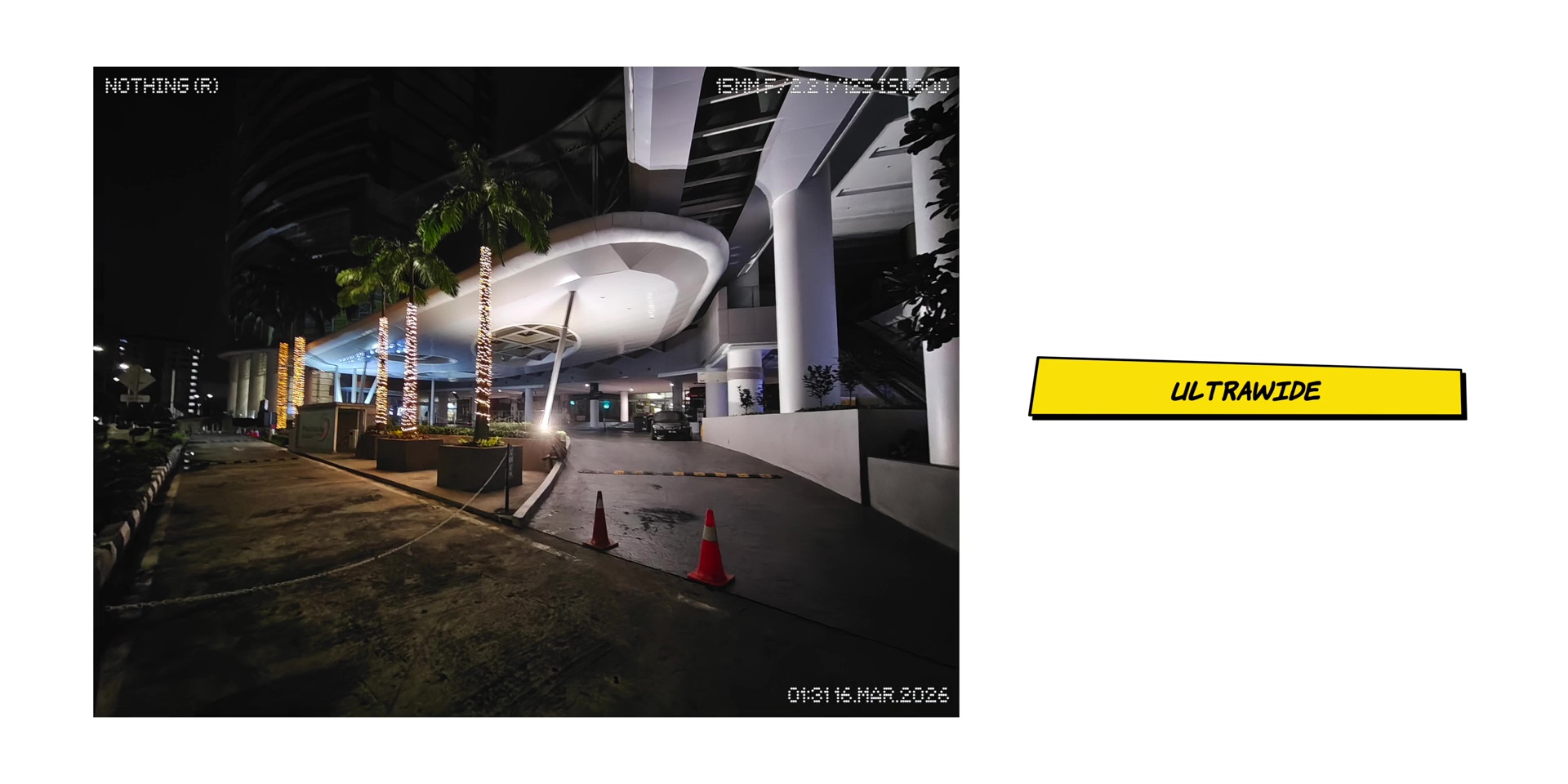
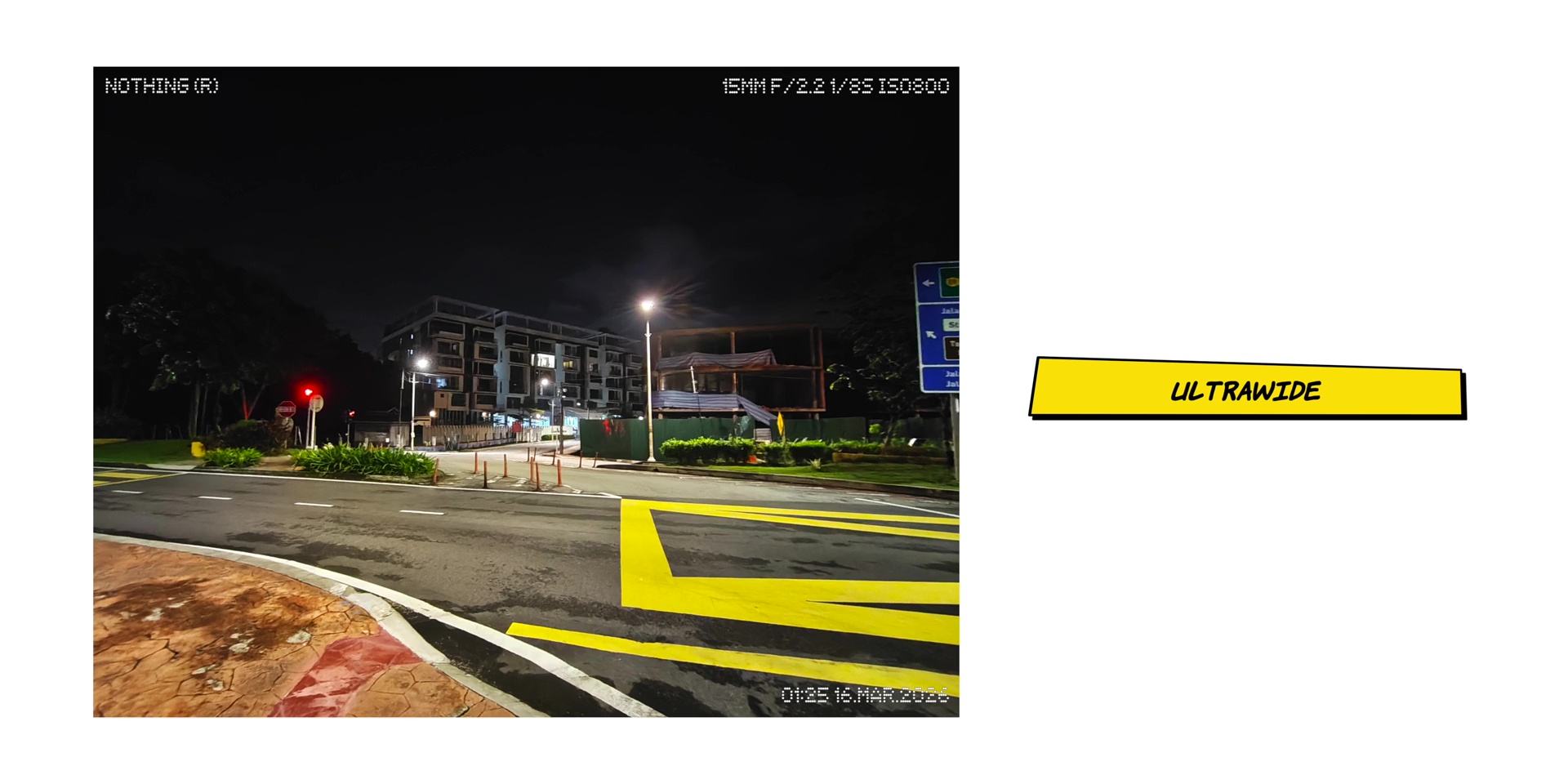
The quality of the ultrawide lenses were good, which is at 15mm. It had great dynamic range with no barrel distortion at the edges during the day but the weak point was at night as the quality was not the best. And you need to make sure to keep your hands very stable when it comes to using the ultrawide lenses at night or you might get a more blurry image.
Main
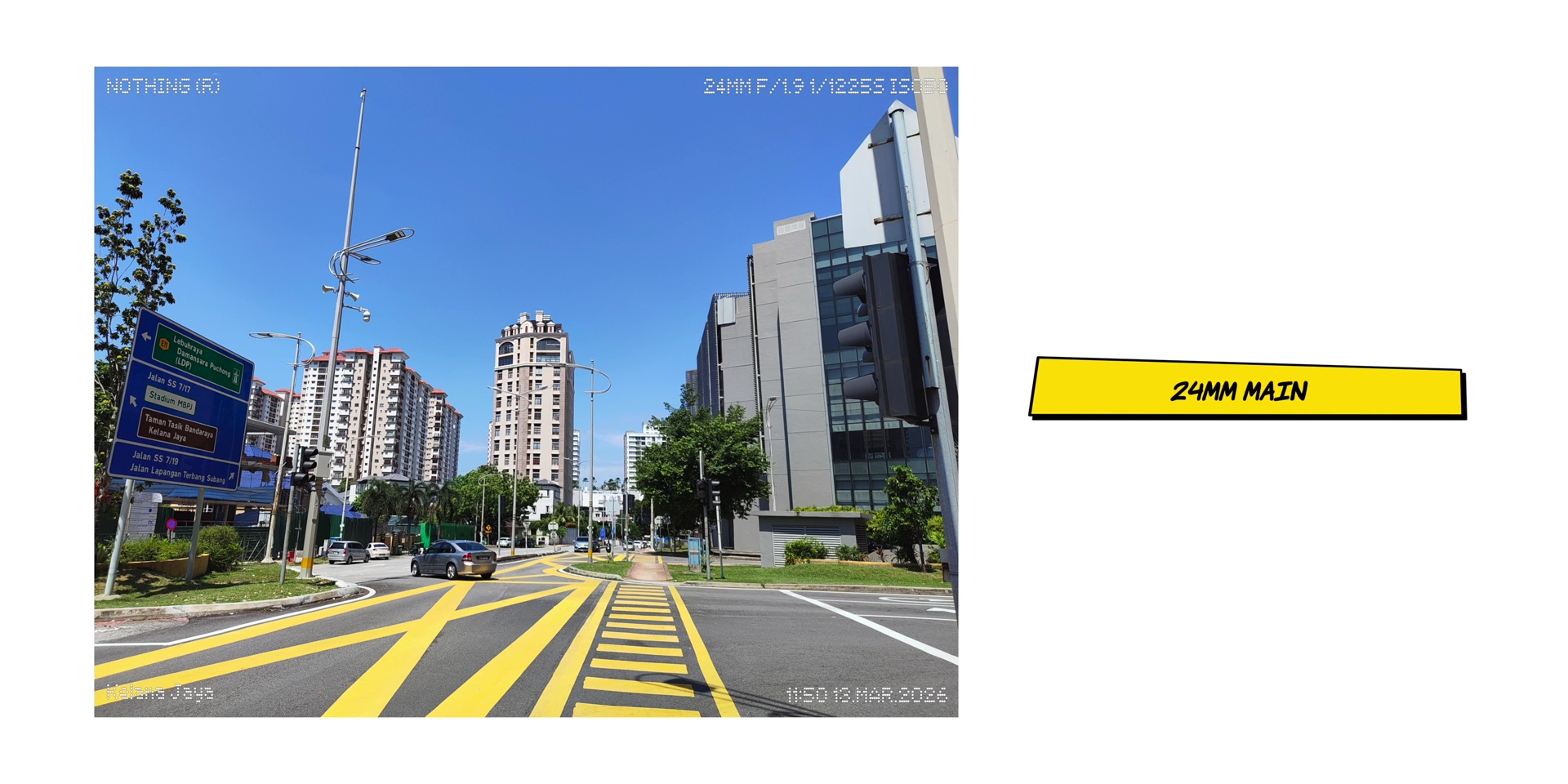
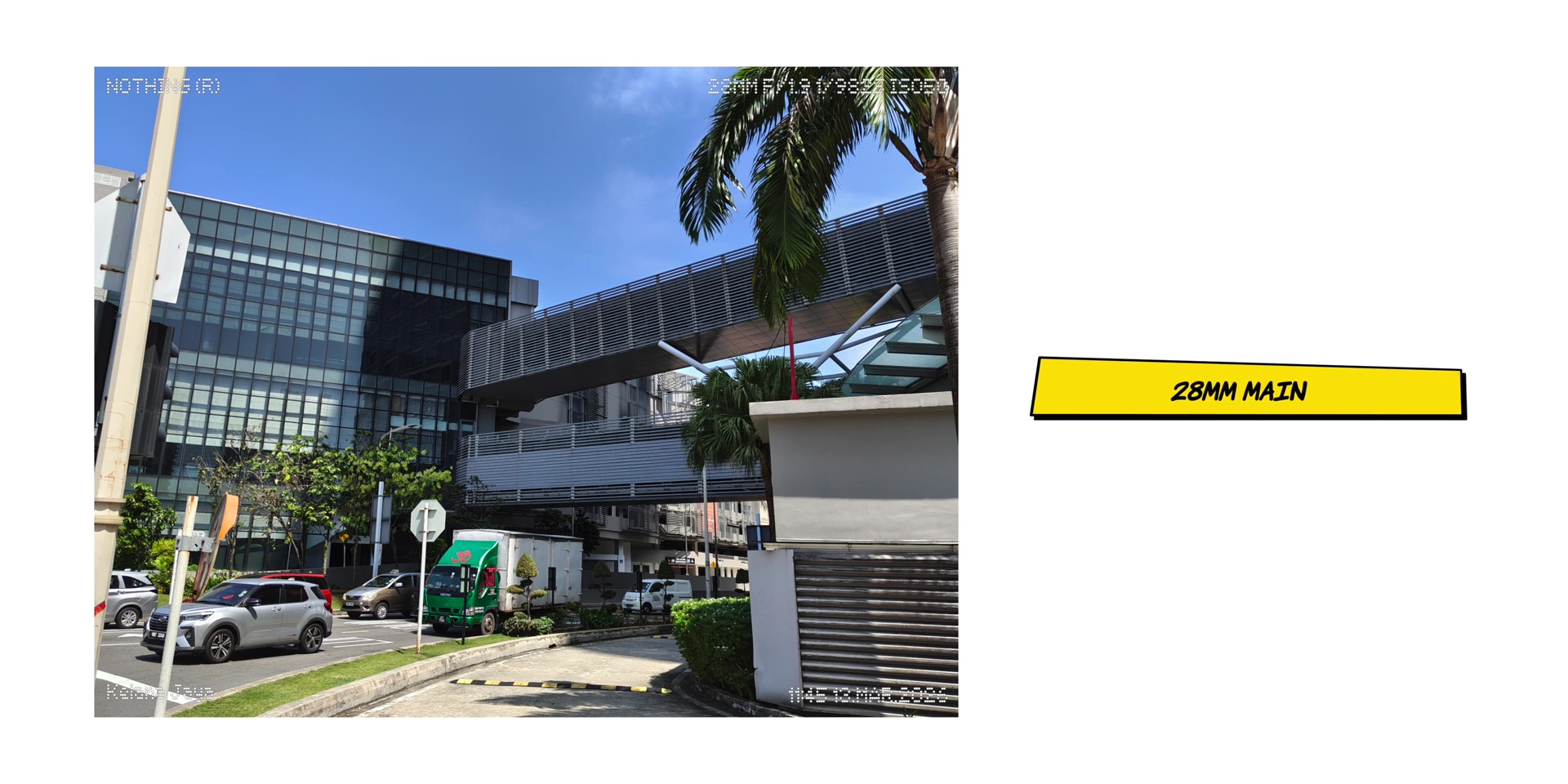
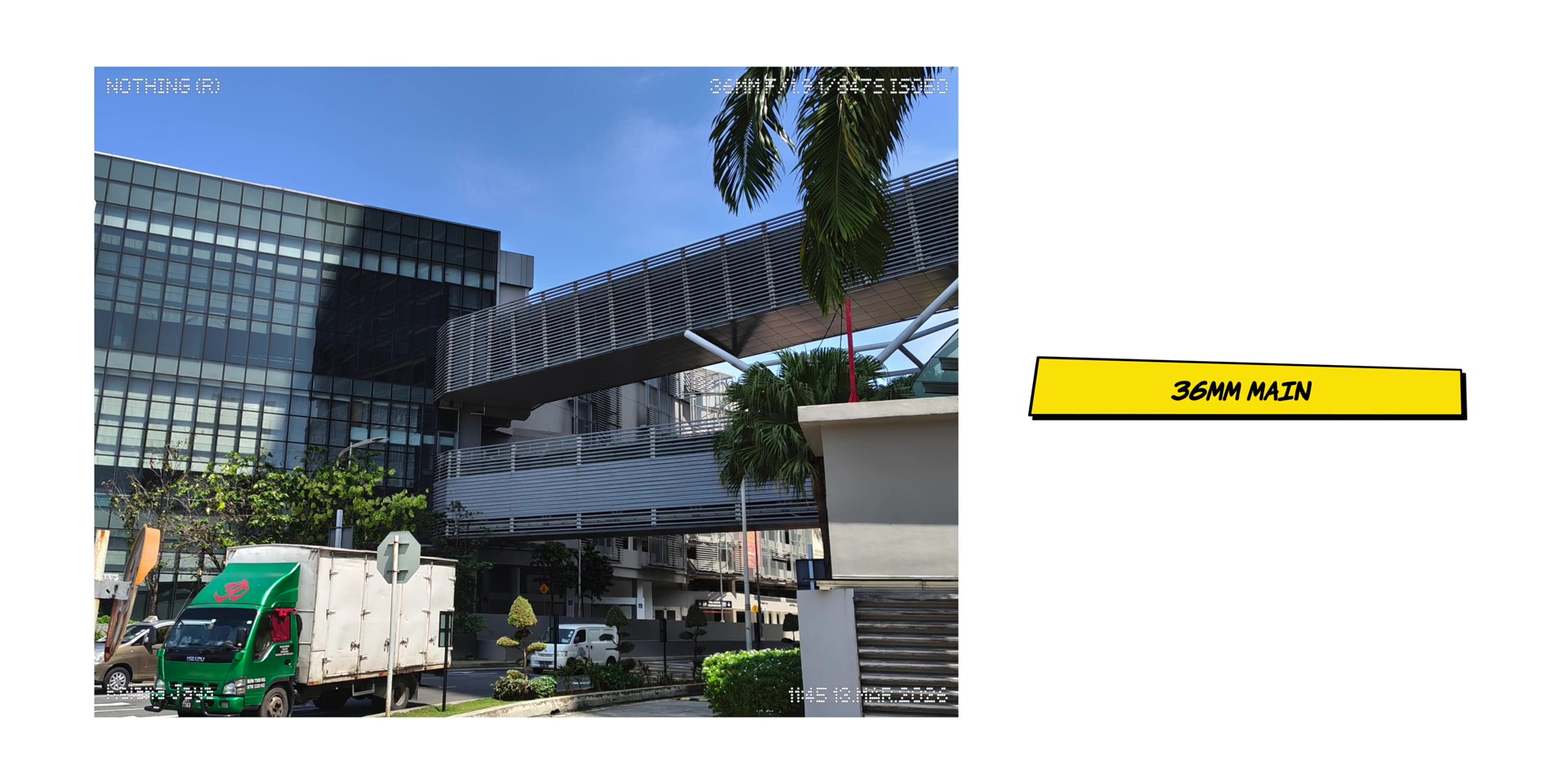
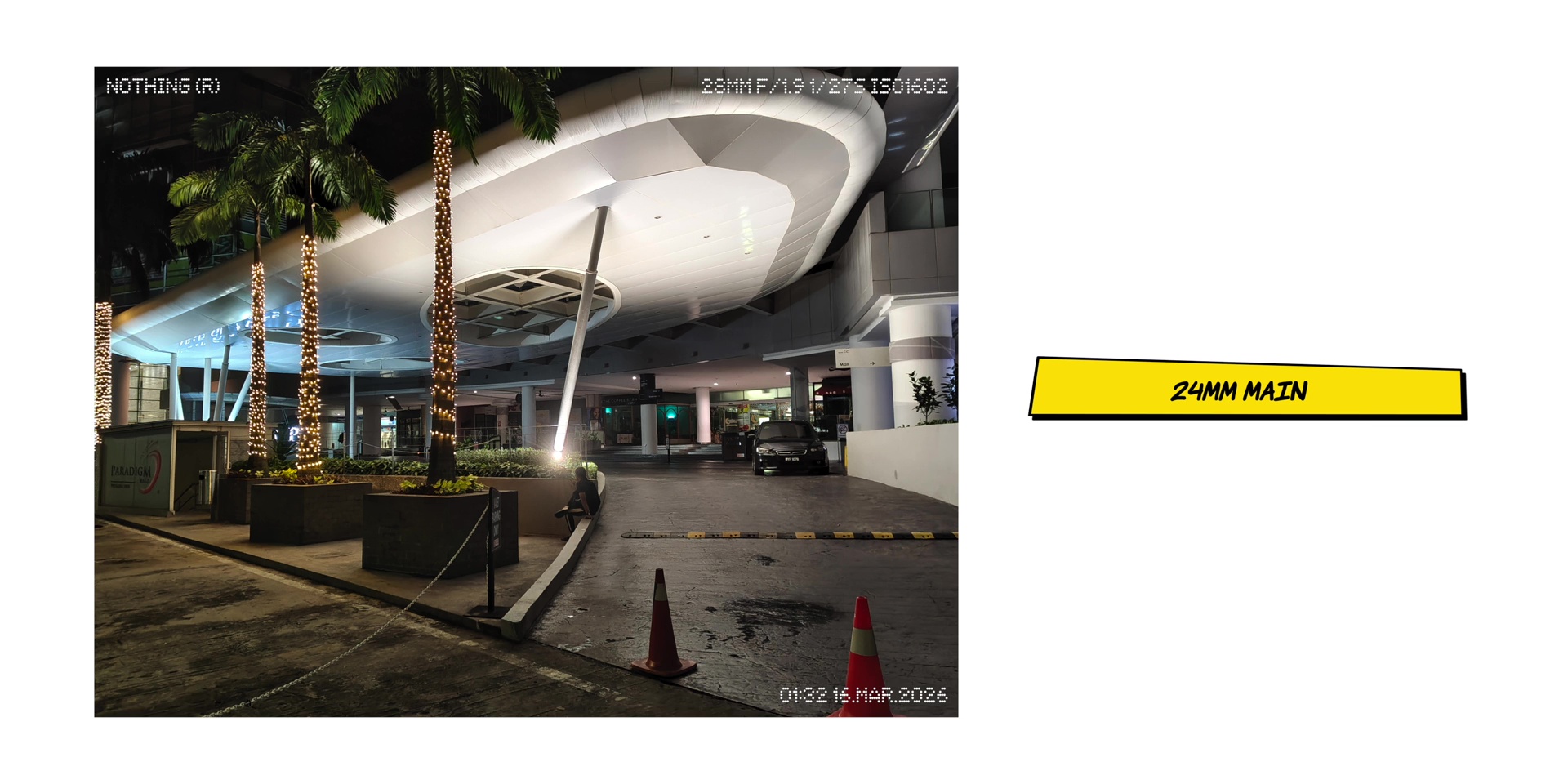
The main lenses shoot at 24mm, 28mm and 36mm focal lengths. During the day as expected it looks super nice and so it was at night too.
Telephoto
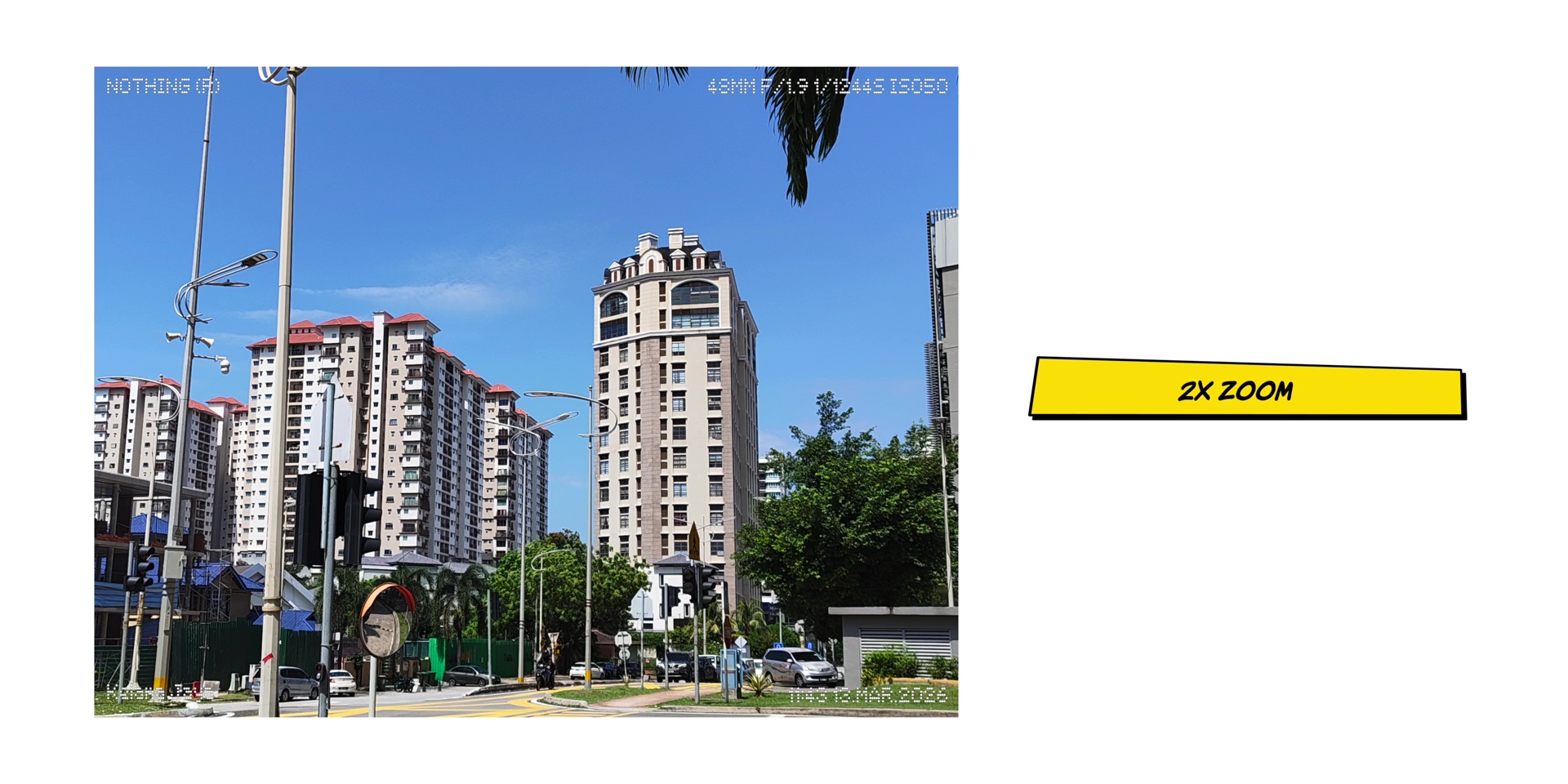
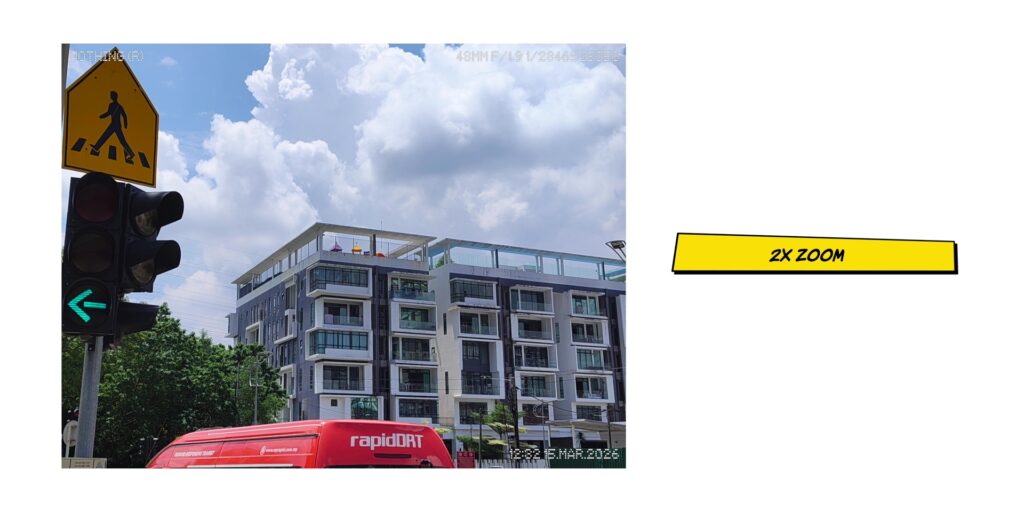
Then the telephoto lenses also performed great during the day and night too specifically for the 48mm or the 2x zoom. So it was for the 80mm or the 3.5x zoom.
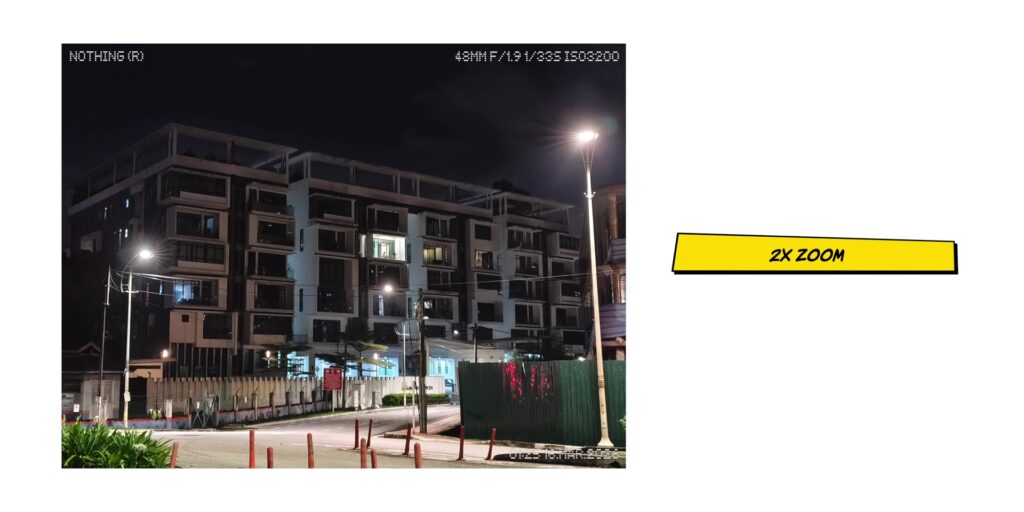
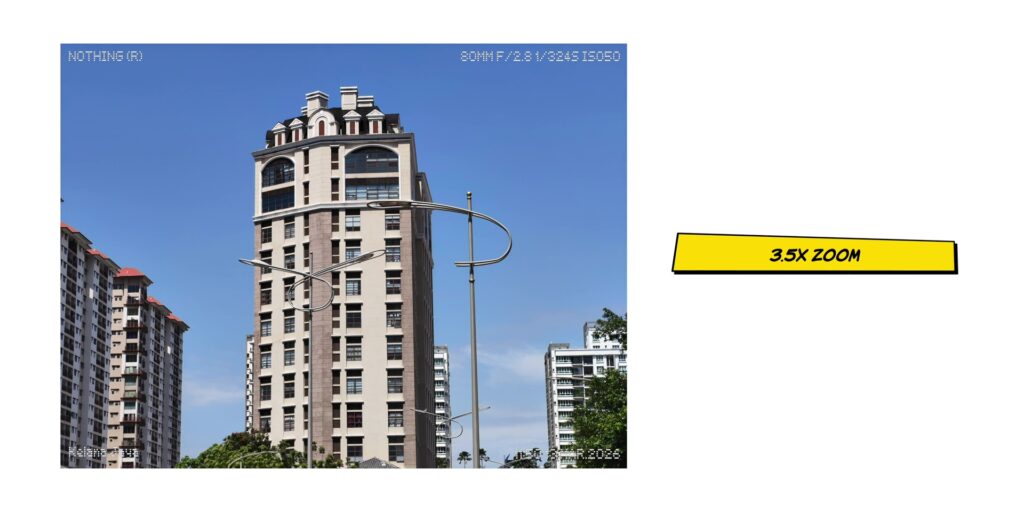
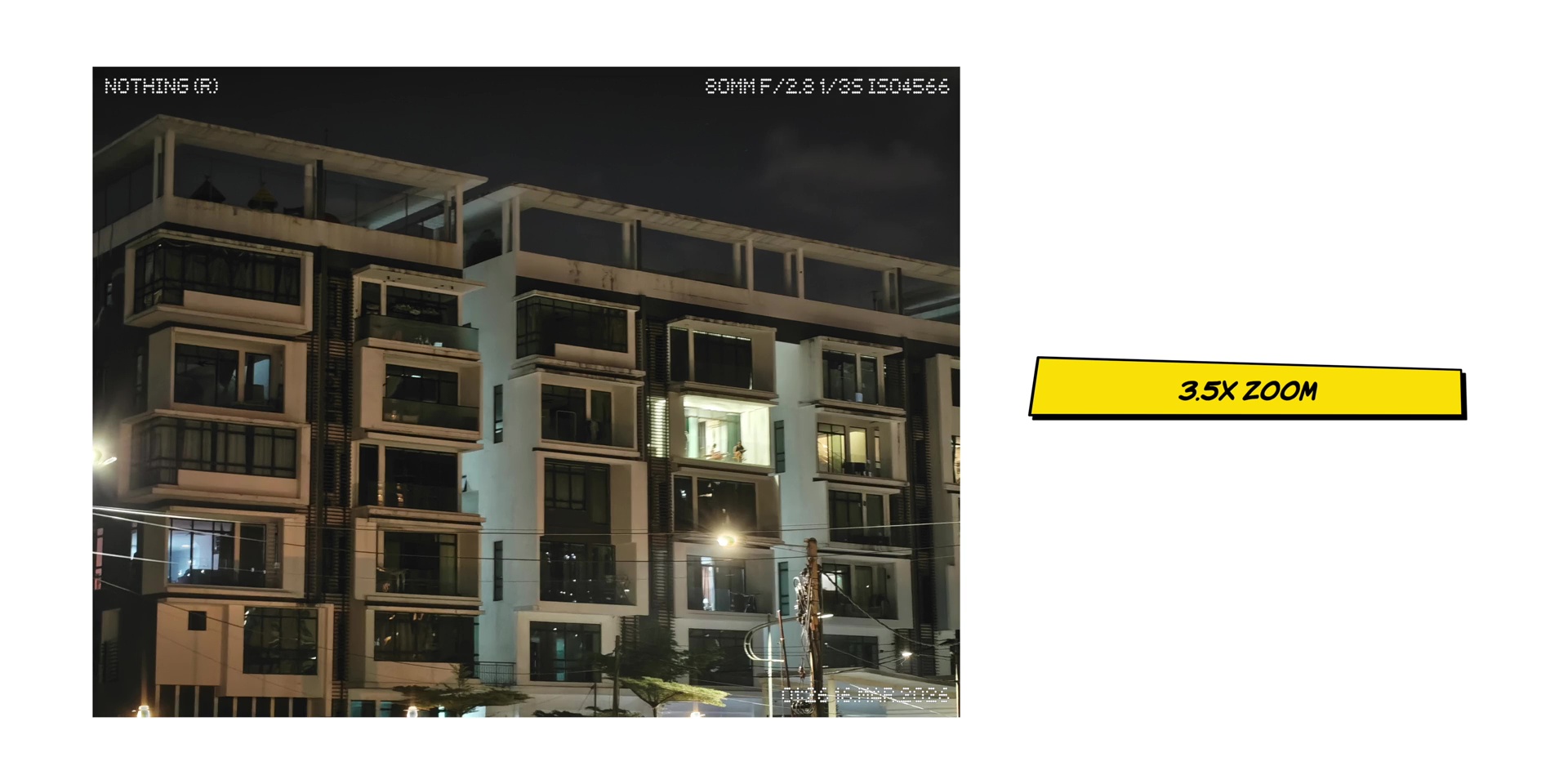
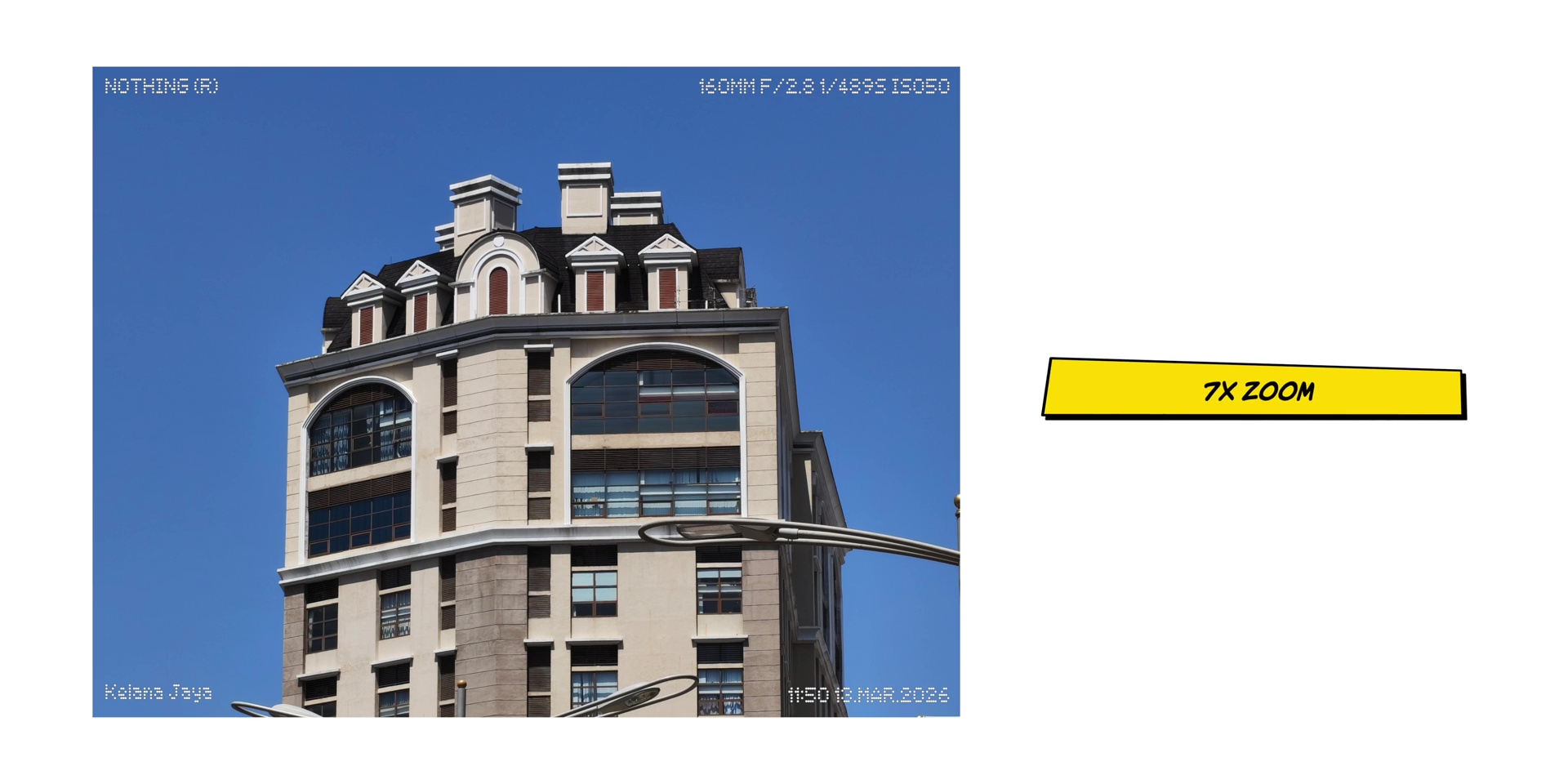
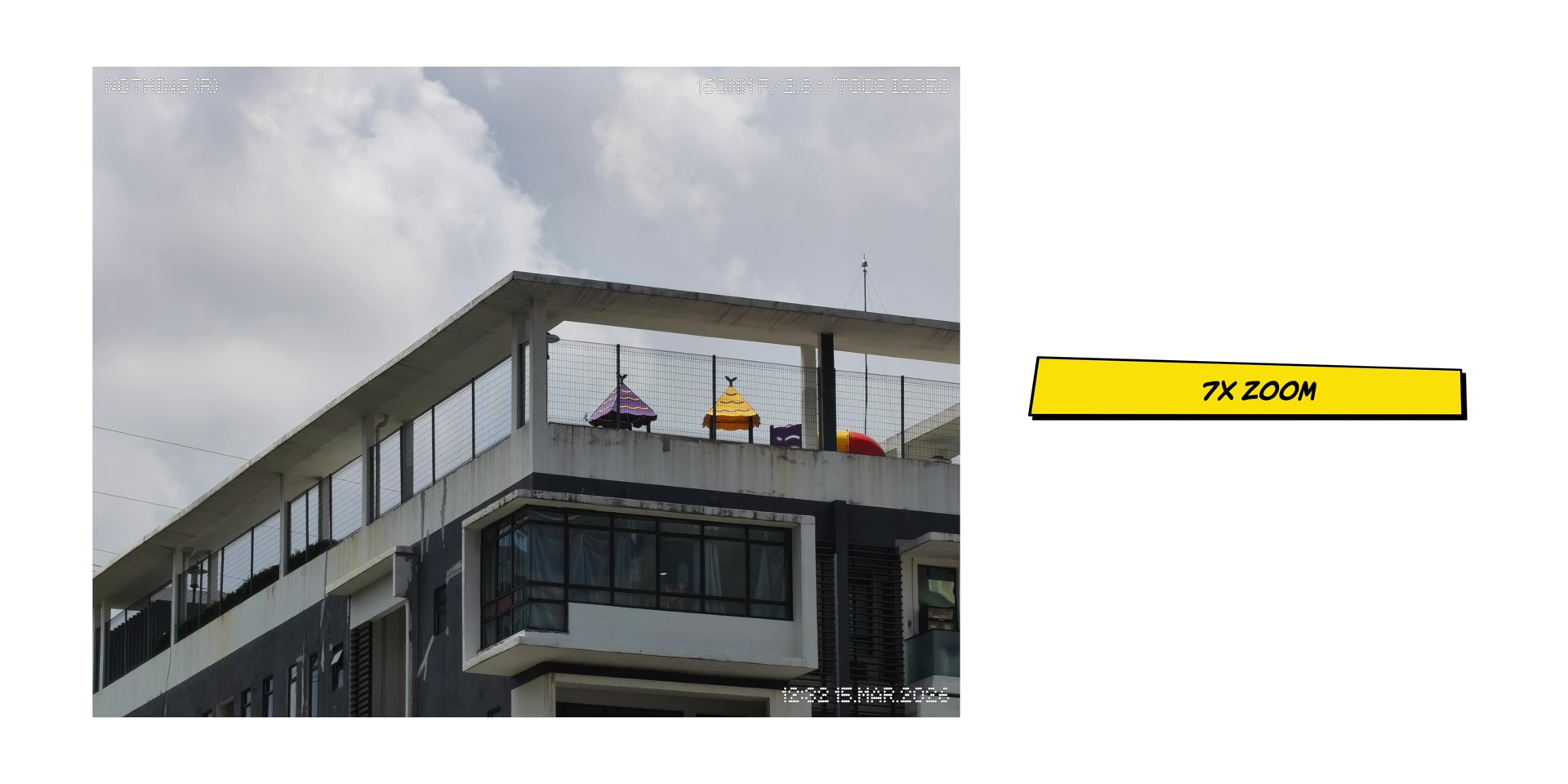
And while the 7x in-sensor zoom was nice during the day but at night the quality is not as good due to the fact that it’s using digital zoom. But for the price I didn’t mind it at all.
Portrait Mode
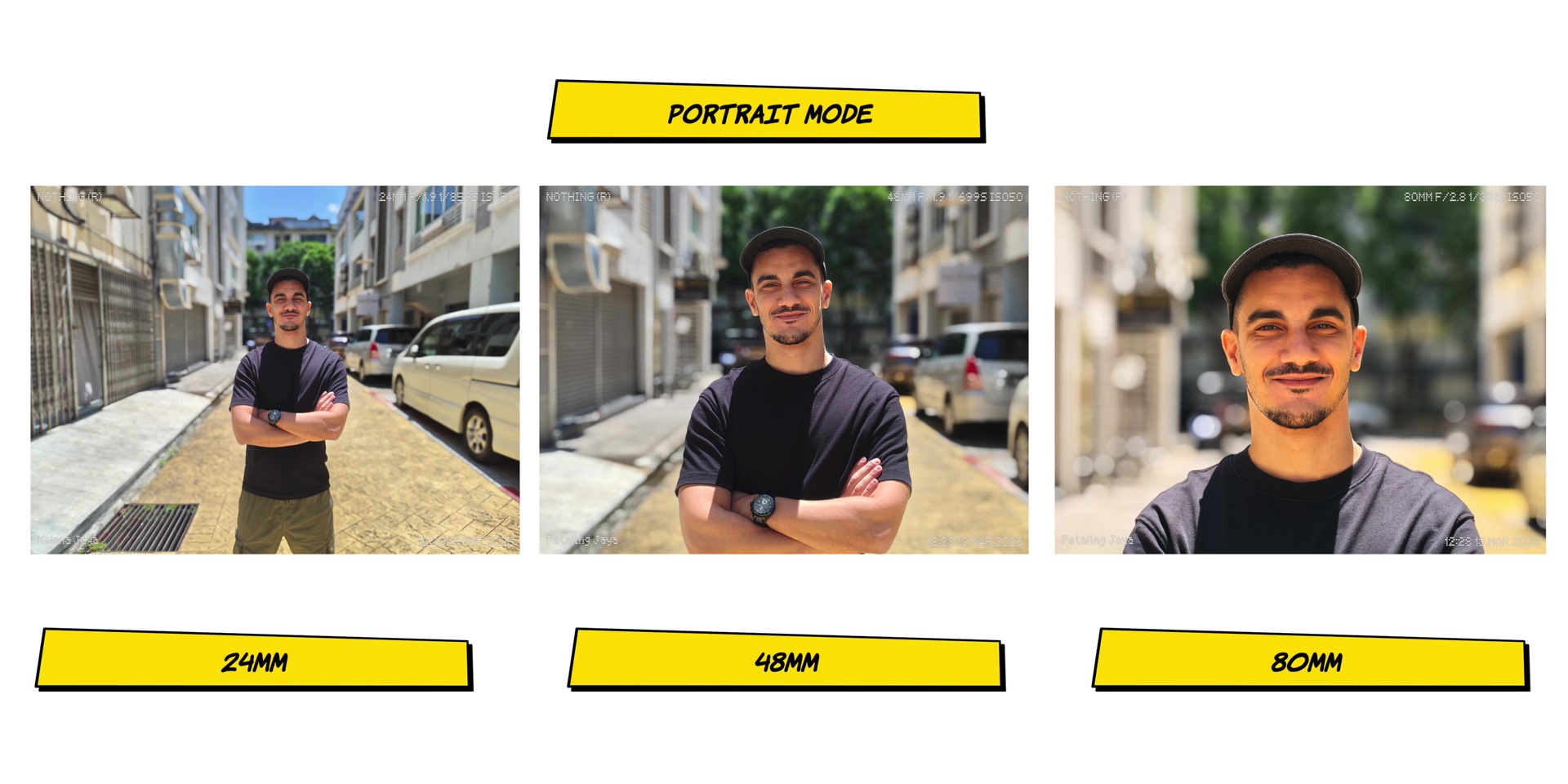
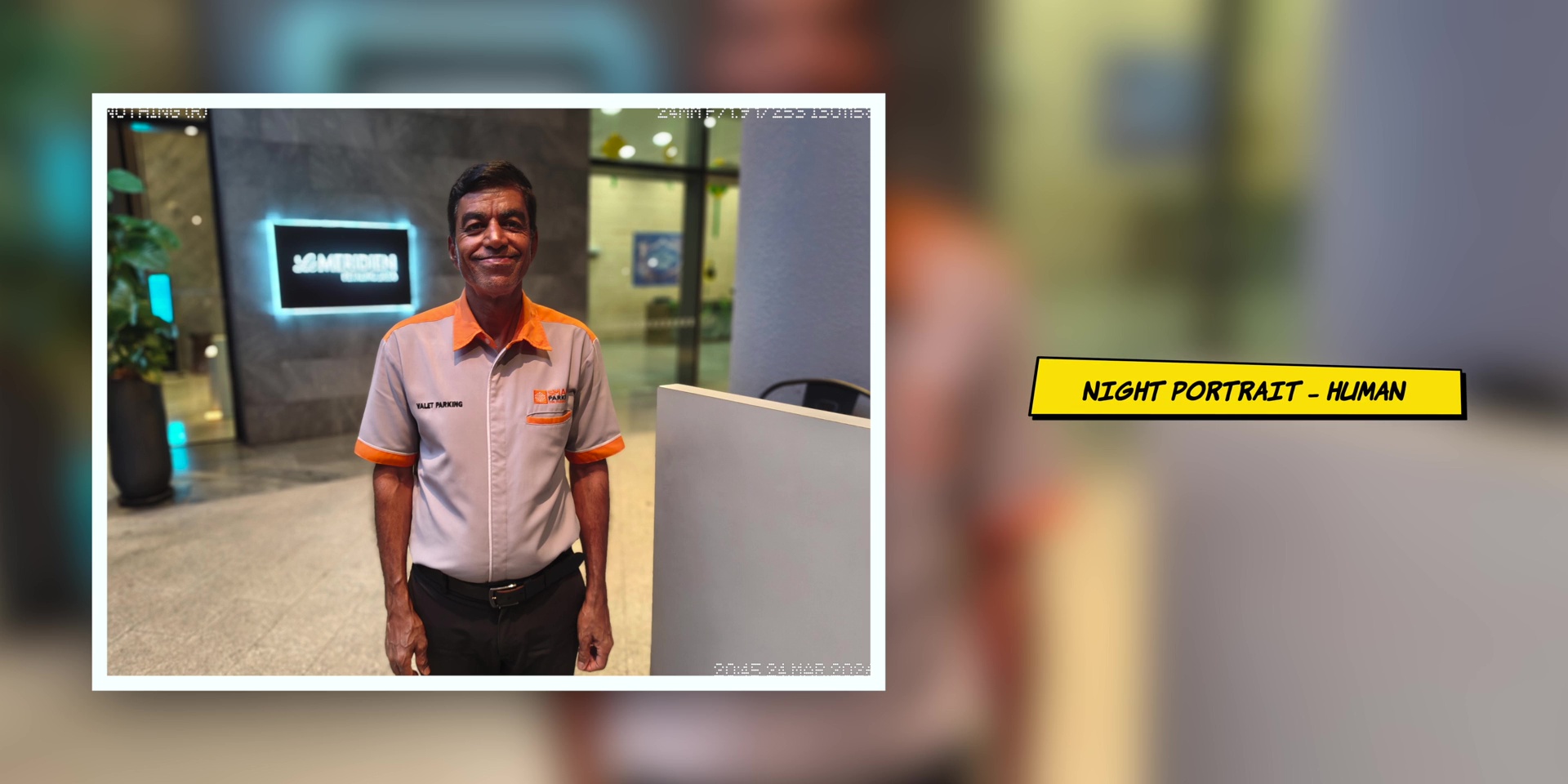
Then the portrait mode had three focal lengths, a 24mm, 48mm and an 80mm lens.
For humans, it turned out really well, but you can expect a color shift on the 80mm as seen on Mo’s face over here.
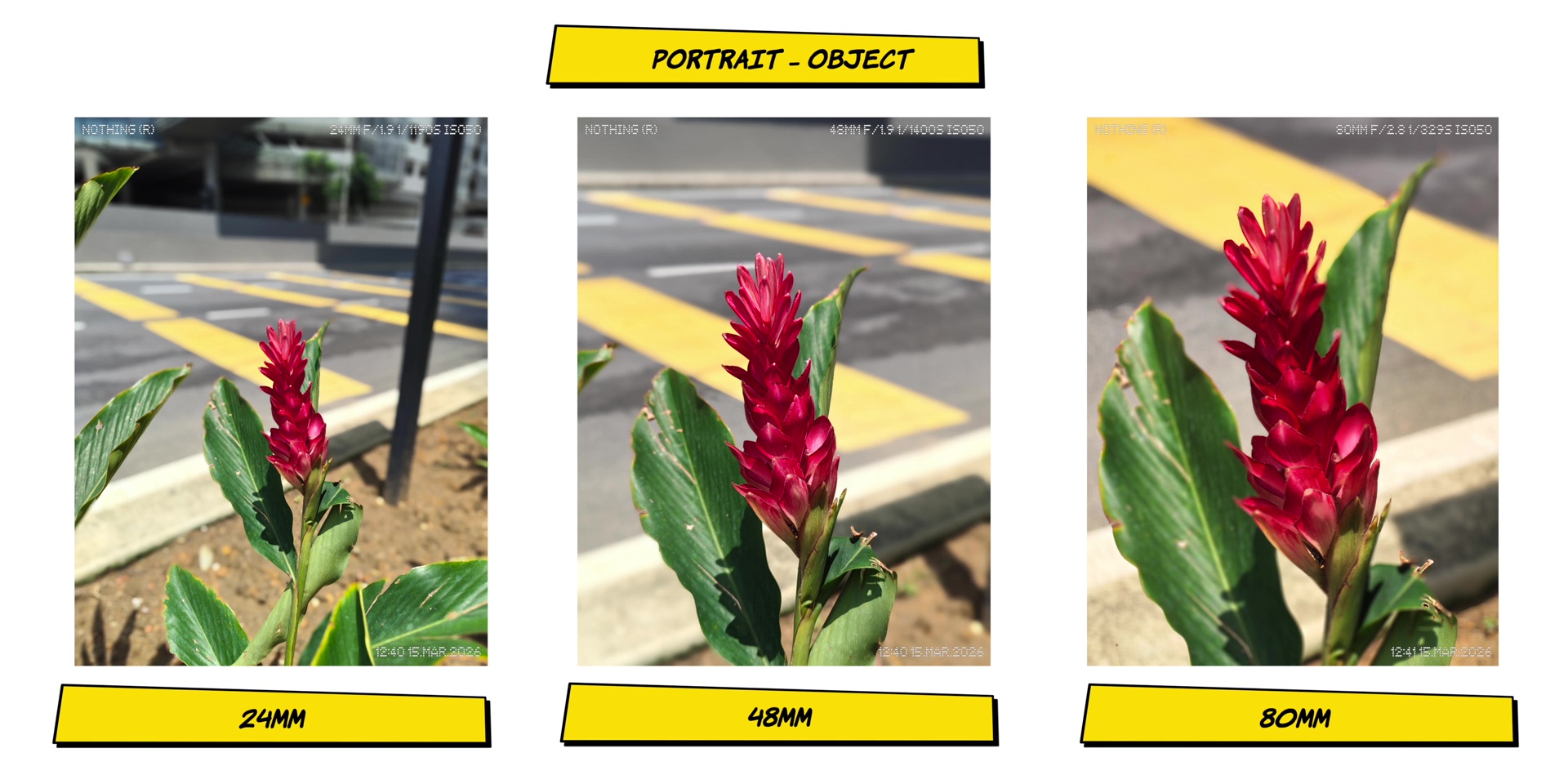
Then as for objects, compared to the 24mm and the 80mm, the 48mm did an easier job at focusing the object. So make sure to double check your focus after taking a photo.
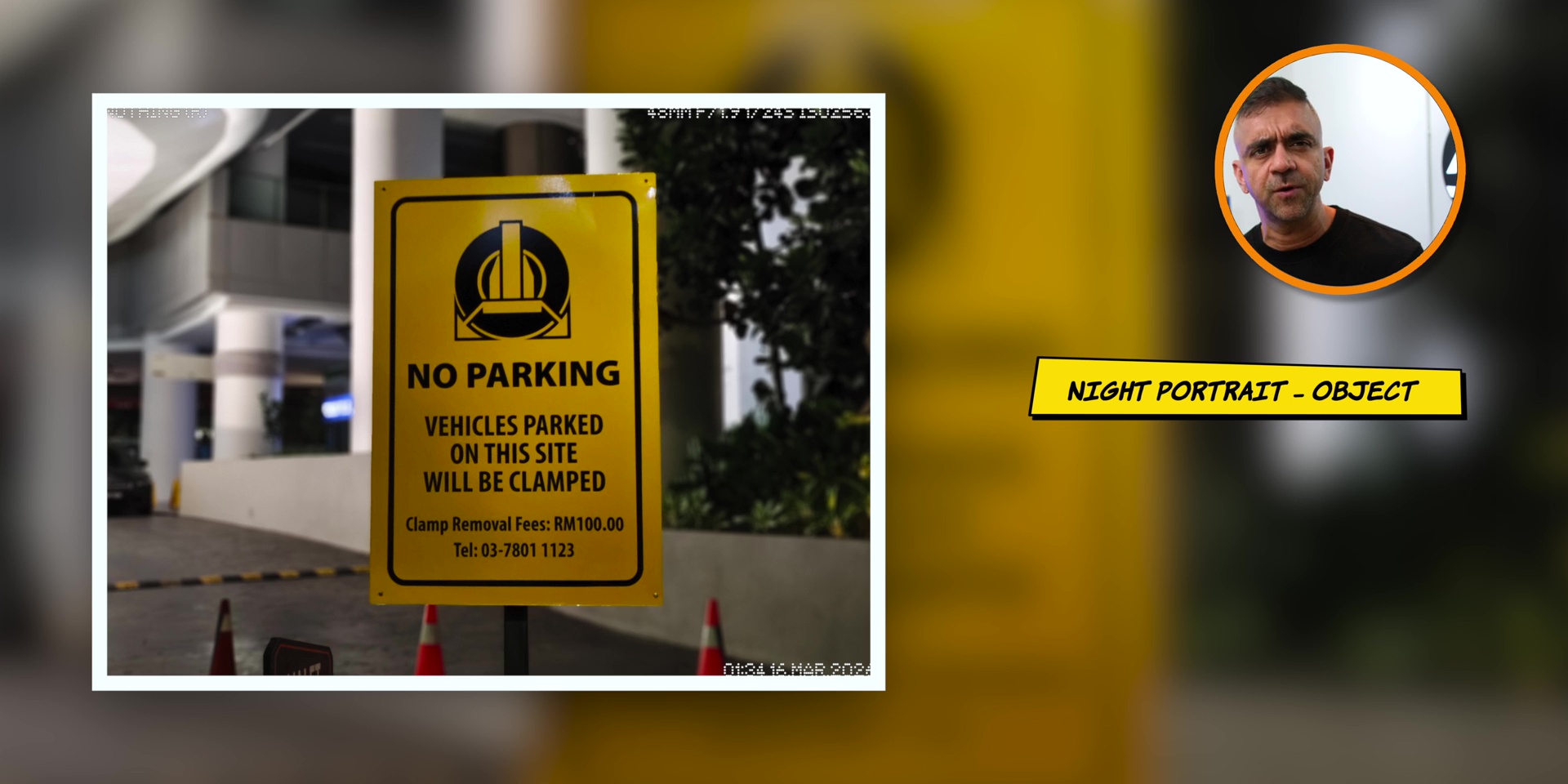
But for an object in portrait mode, which is a more straightforward kind of object or squared object, you will indeed get good results even at night.
And you also get good portrait photos of humans during a night as long as there’s some level of light to the person.

Selfie
Then the results for the selfie photos during the day were great, which was nice to know. Both for the regular and the portrait selfie as well with great edge detection on the portrait mode.
As long as you see some light on your face, similar like how the portrait mode was at night, the nighttime selfie will also be good too.
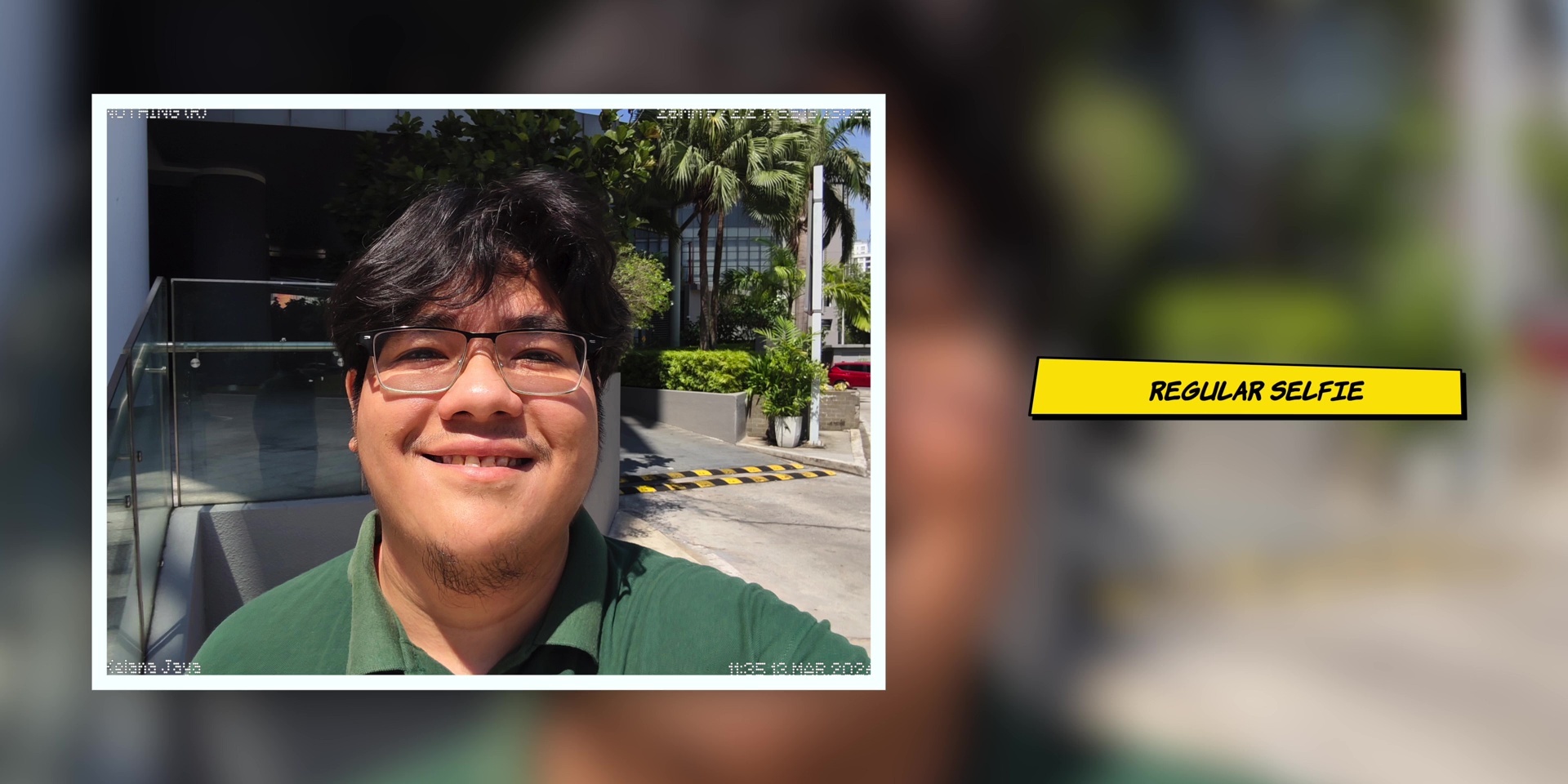
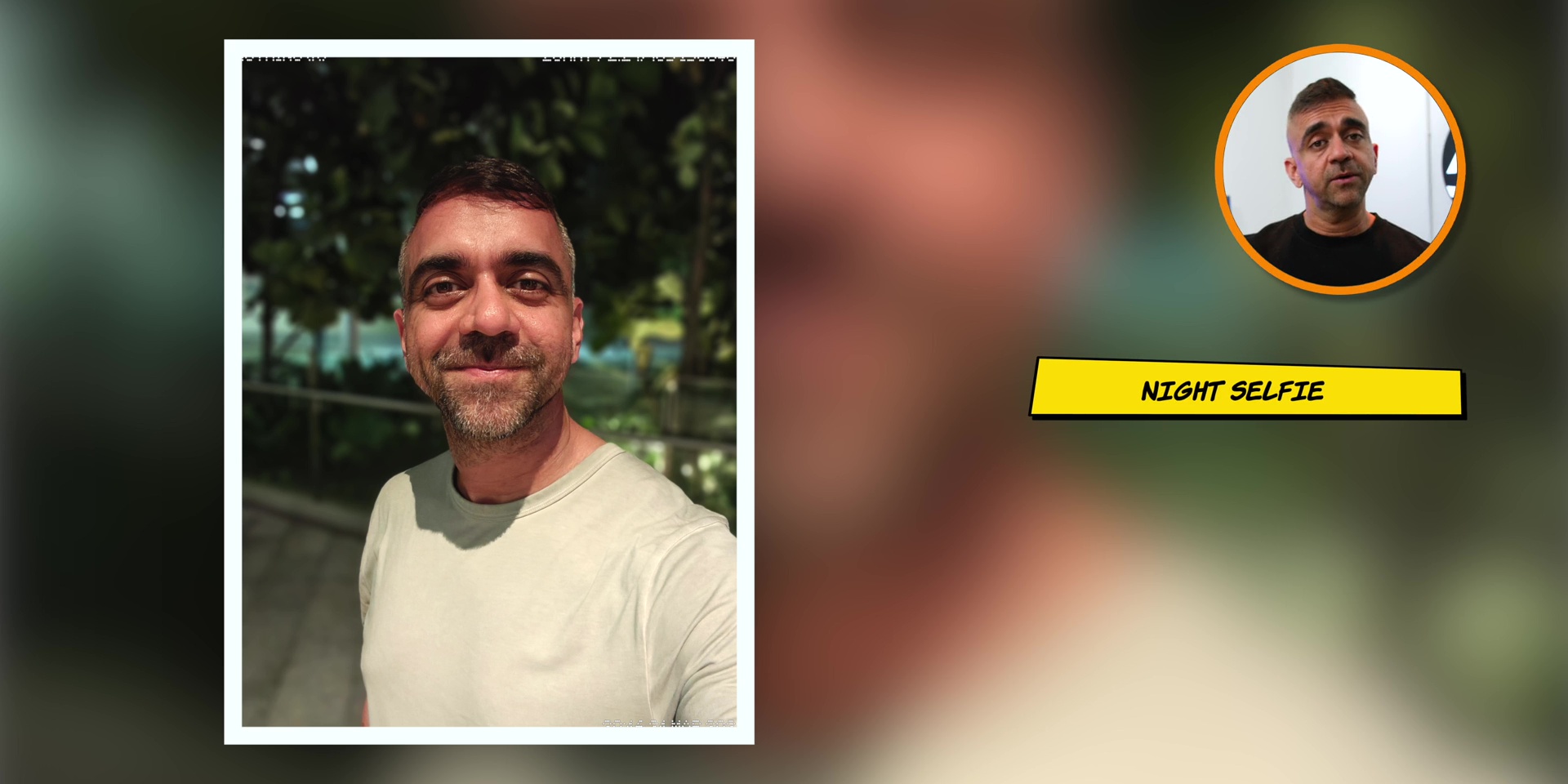
Just so you know that this particular photo sample that you see was taken without adding any of the presets that Nothing offers, which you can find in the camera app when you hit the arrow button at the bottom.
I’m actually experimenting with the Fuji LUTs on the Nothing Phone (4a) Pro. So, do stay tuned for the review of that coming soon.
Video
[Check out the video footage on my YouTube video]
Okay, switching over to the video performance. The rear main cameras record up to 4K 30fps where the quality was good for the 1x and even the 3.5x zoom during the day.
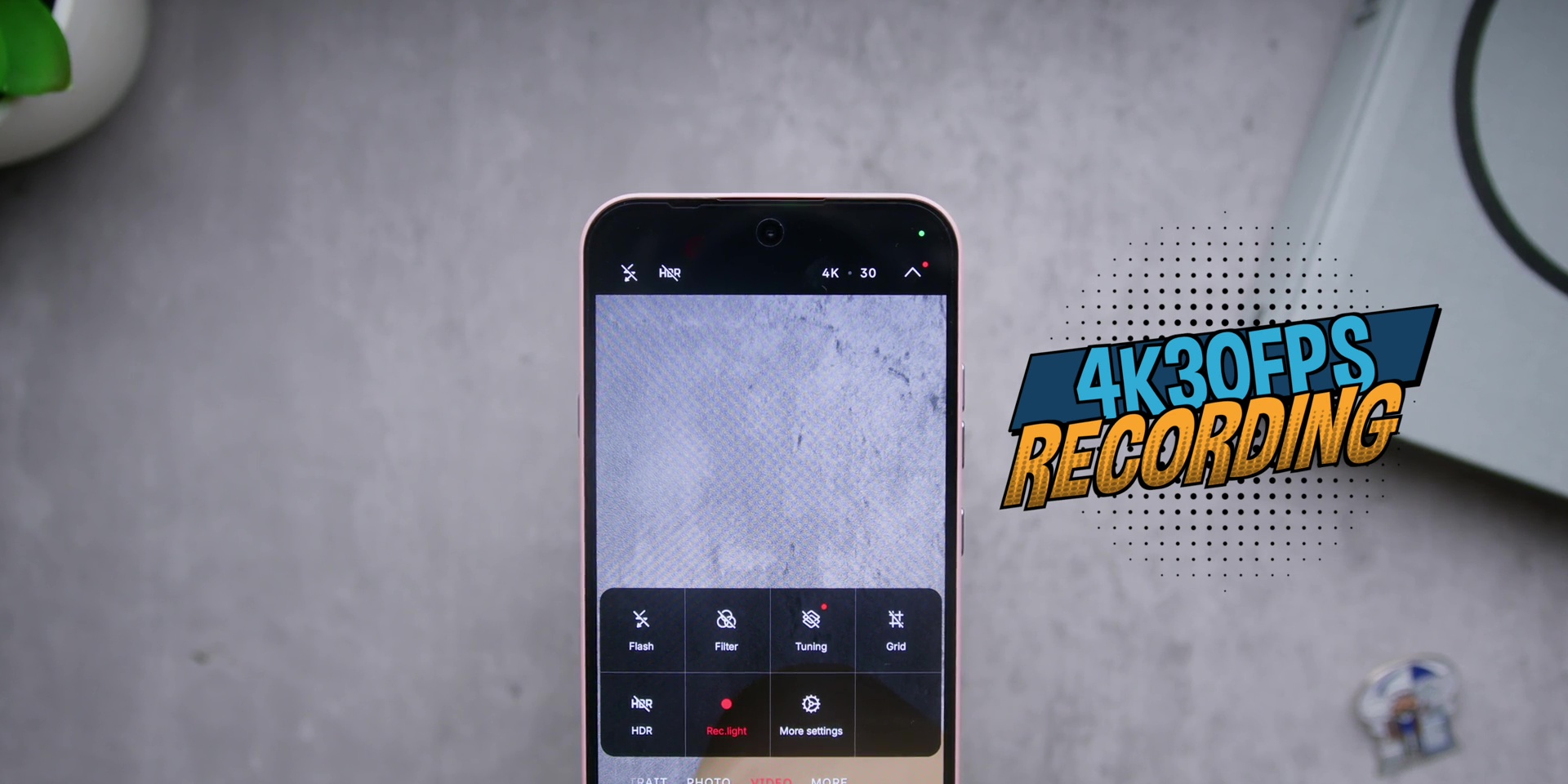
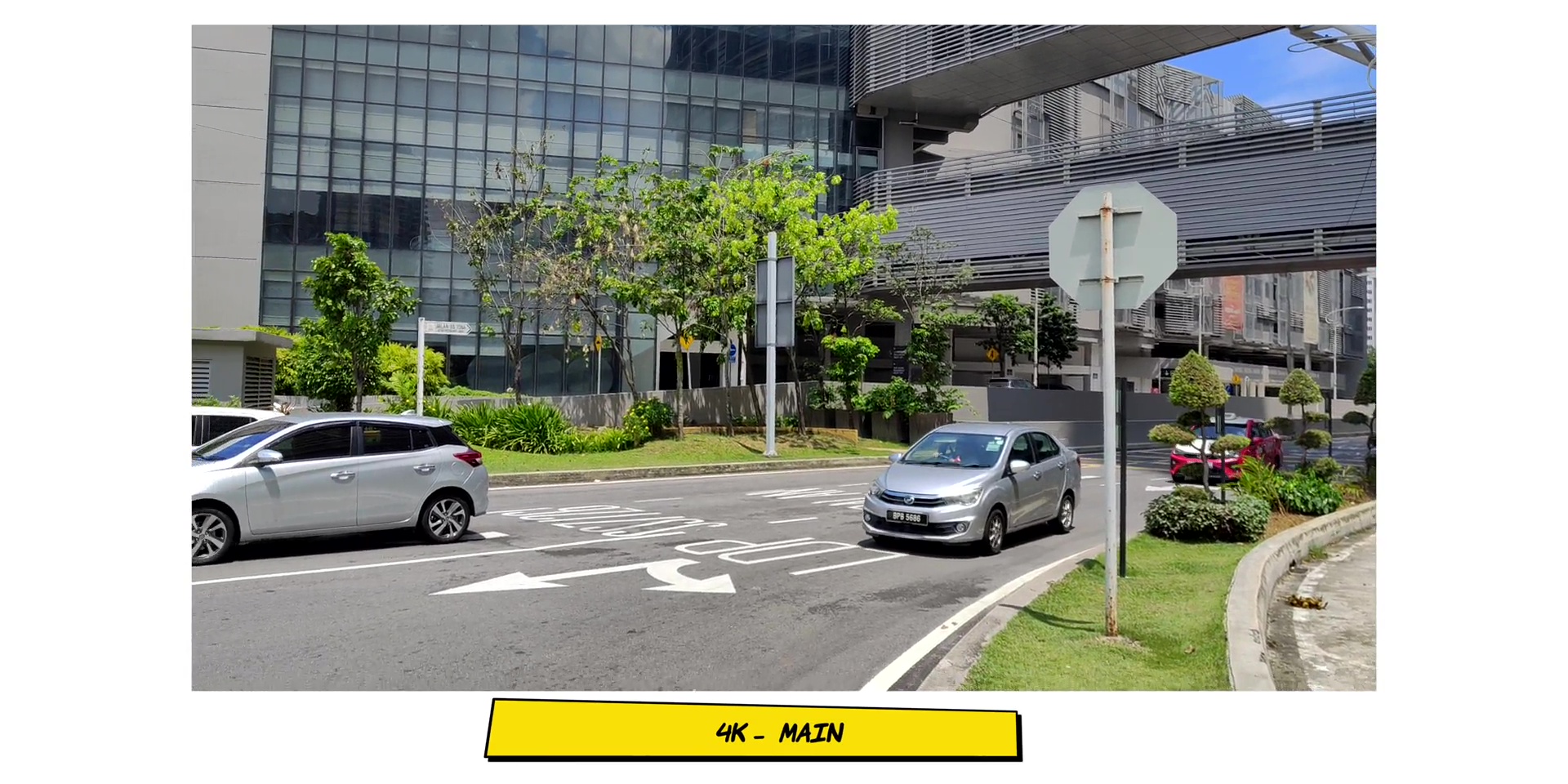
But at night, you can expect some lens flare, very iPhone like, but of course comparing the price, it’s fine. Especially if you’re shooting against lamp posts.
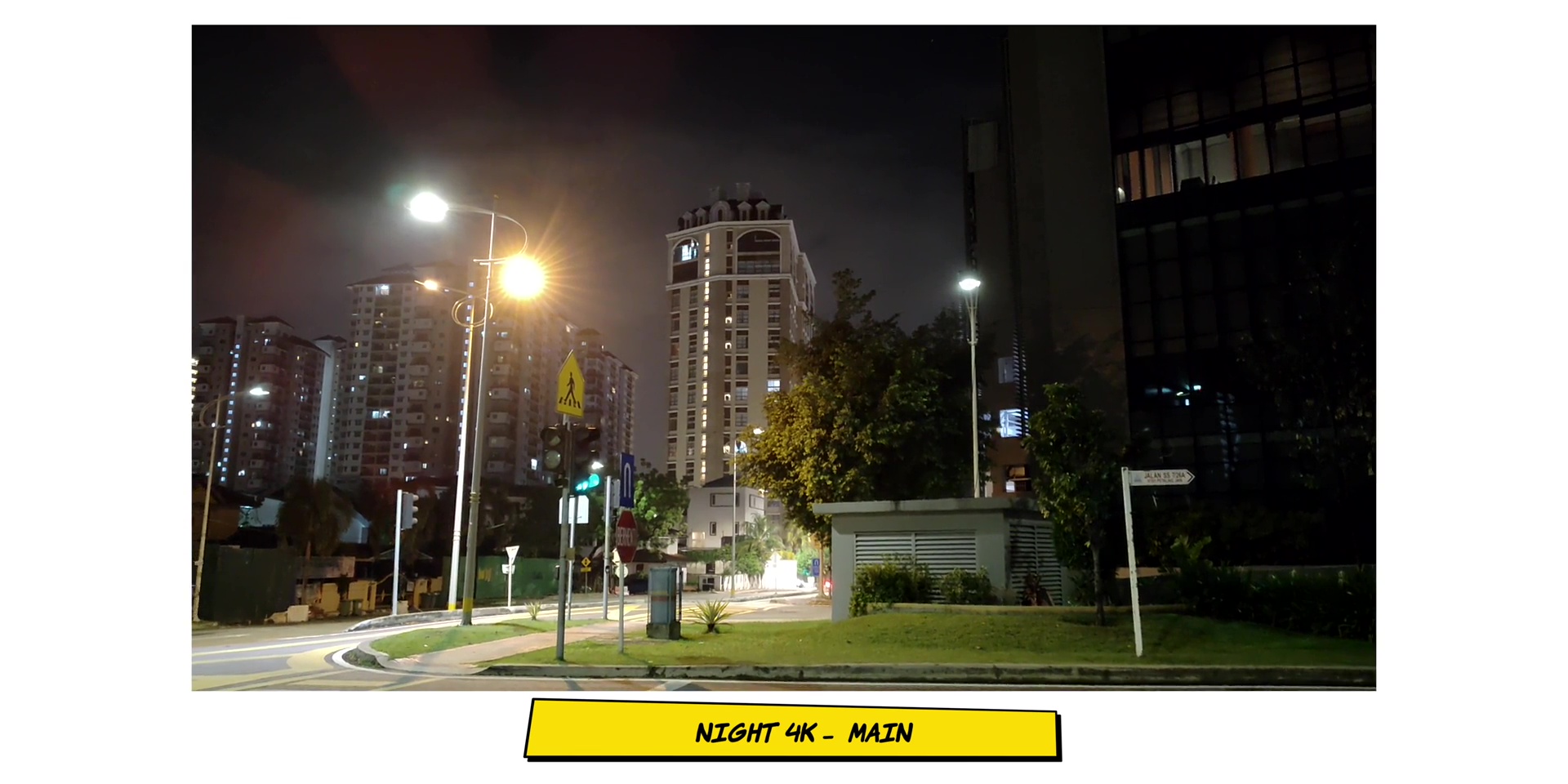
Then the image stabilization was decent during the day, but quite jittery at night.
But what’s annoying is that even in the year 2026, we are still seeing 1080p recording on a phone. And yes, this has it. not only for the ultrawide cameras, but also for the selfie camera as well.
Which means that during the day, the quality and the stabilization was okay, but not so much when it comes to taking videos using the selfie cameras at night.


Battery
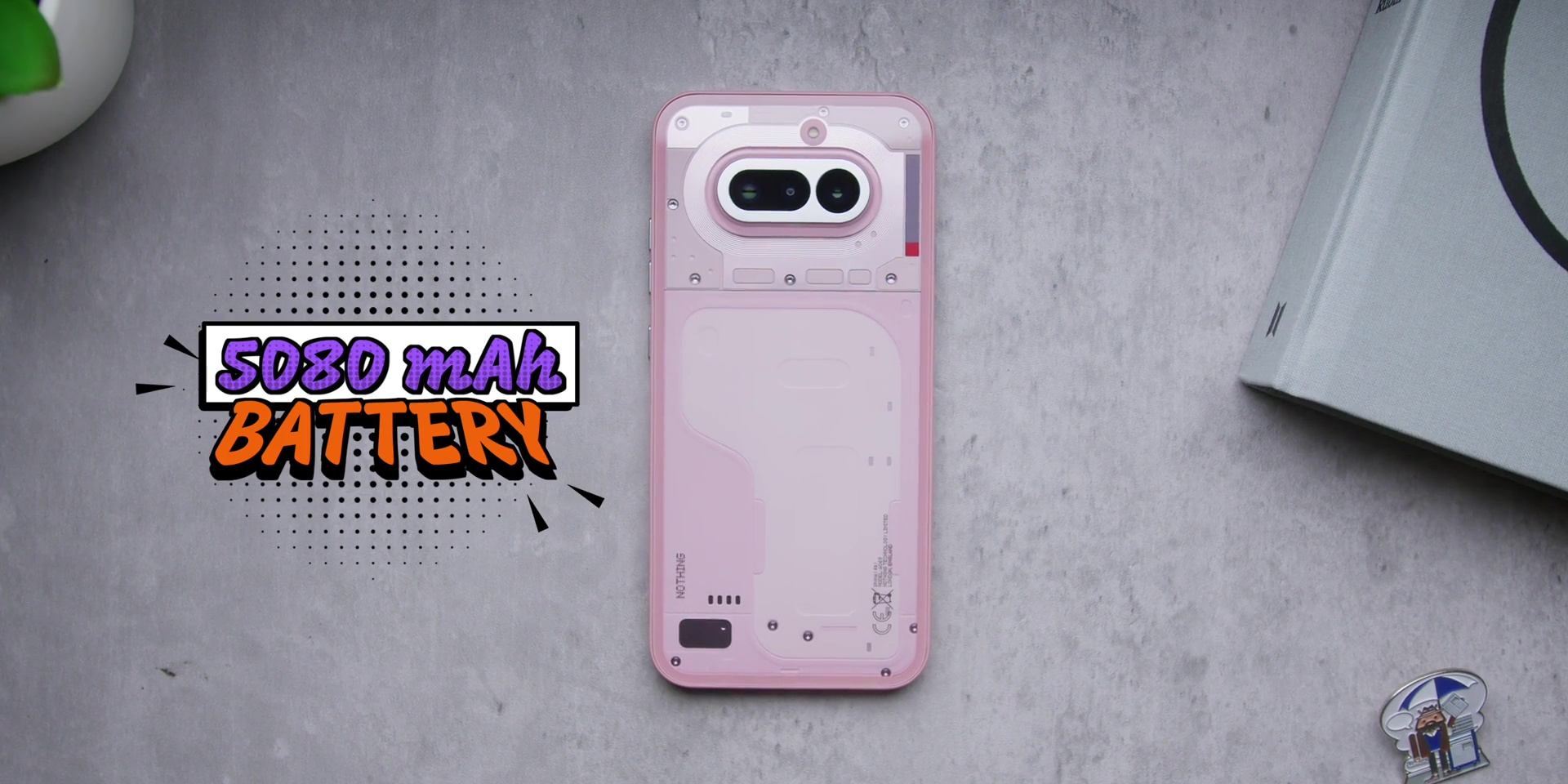
While the battery capacity is at 5,080mAh for us here in Malaysia, but for our friends in India, nice one, guys, because you are getting 5,400mAh of battery. So I am super jealous but very happy for you my Indian friends.
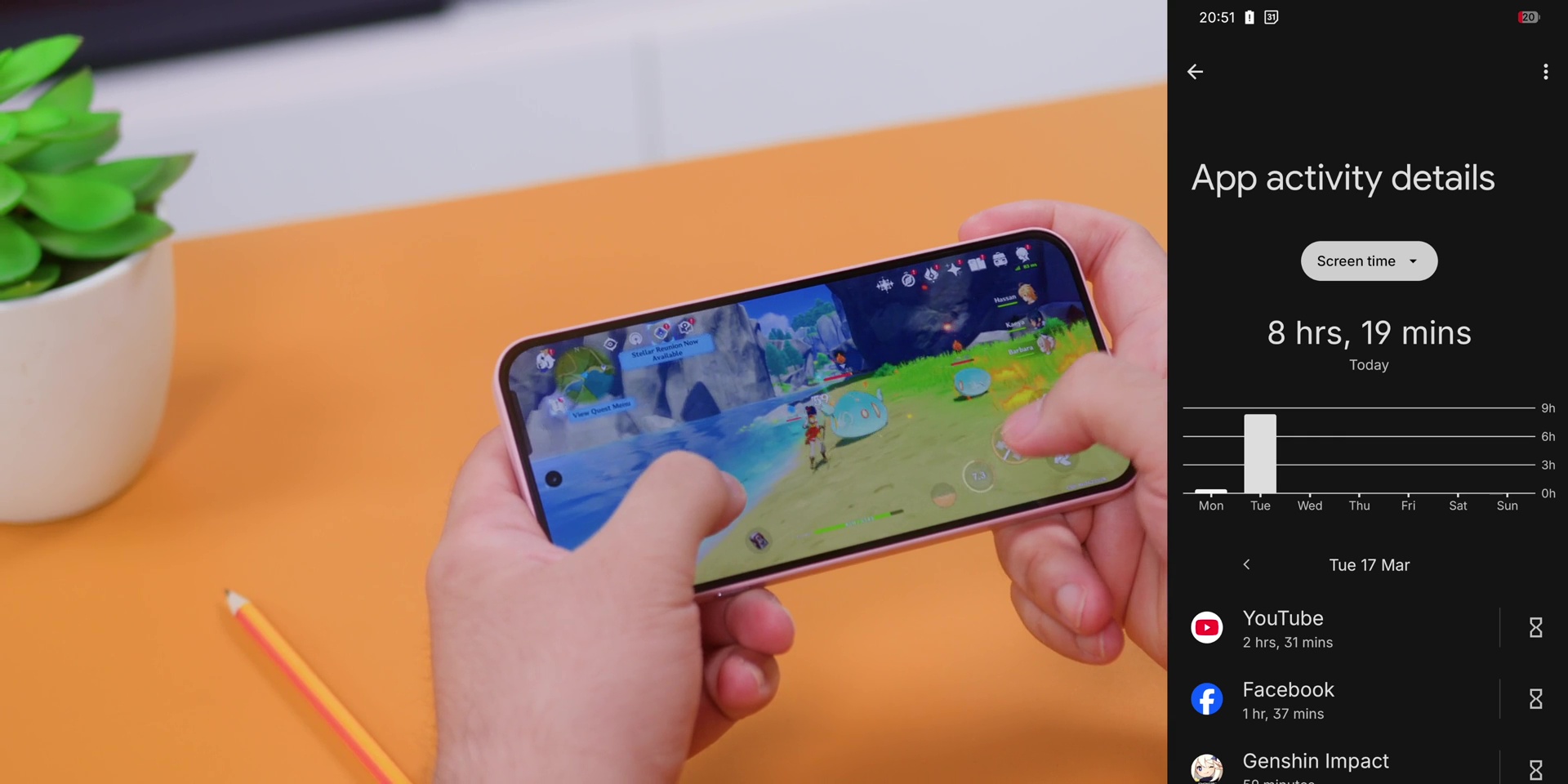
But when it comes to daily usage with this particular version, it easily lasts a full day where I got a total of 8 hours and 19 minutes of screen on time with still 20% battery left which is still really good.
Now, charging is at 50W where Nothing says that you can go from 1% to 100% in about 64 minutes with 50% reaching roughly about 22 minutes. And based on my test, yeah, it was about that.
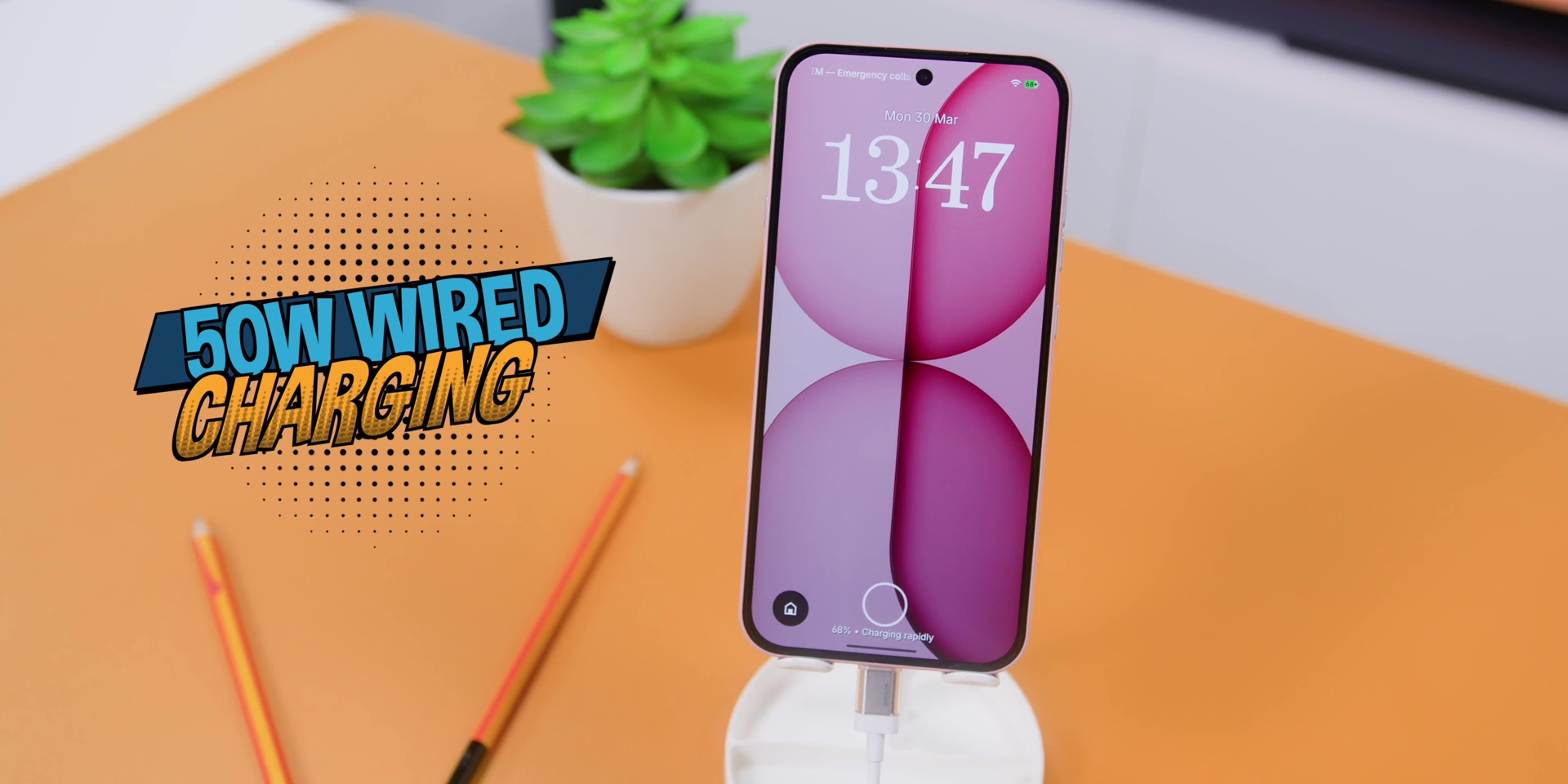
So, that was totally fine by me. And if you’re wondering, no, there’s no wireless charging over here due to the obvious reasons. You know, I know. And of course, because of the price of this particular phone.
Conclusion
So, after spending time with this particular Nothing Phone (4a), here’s where I land.
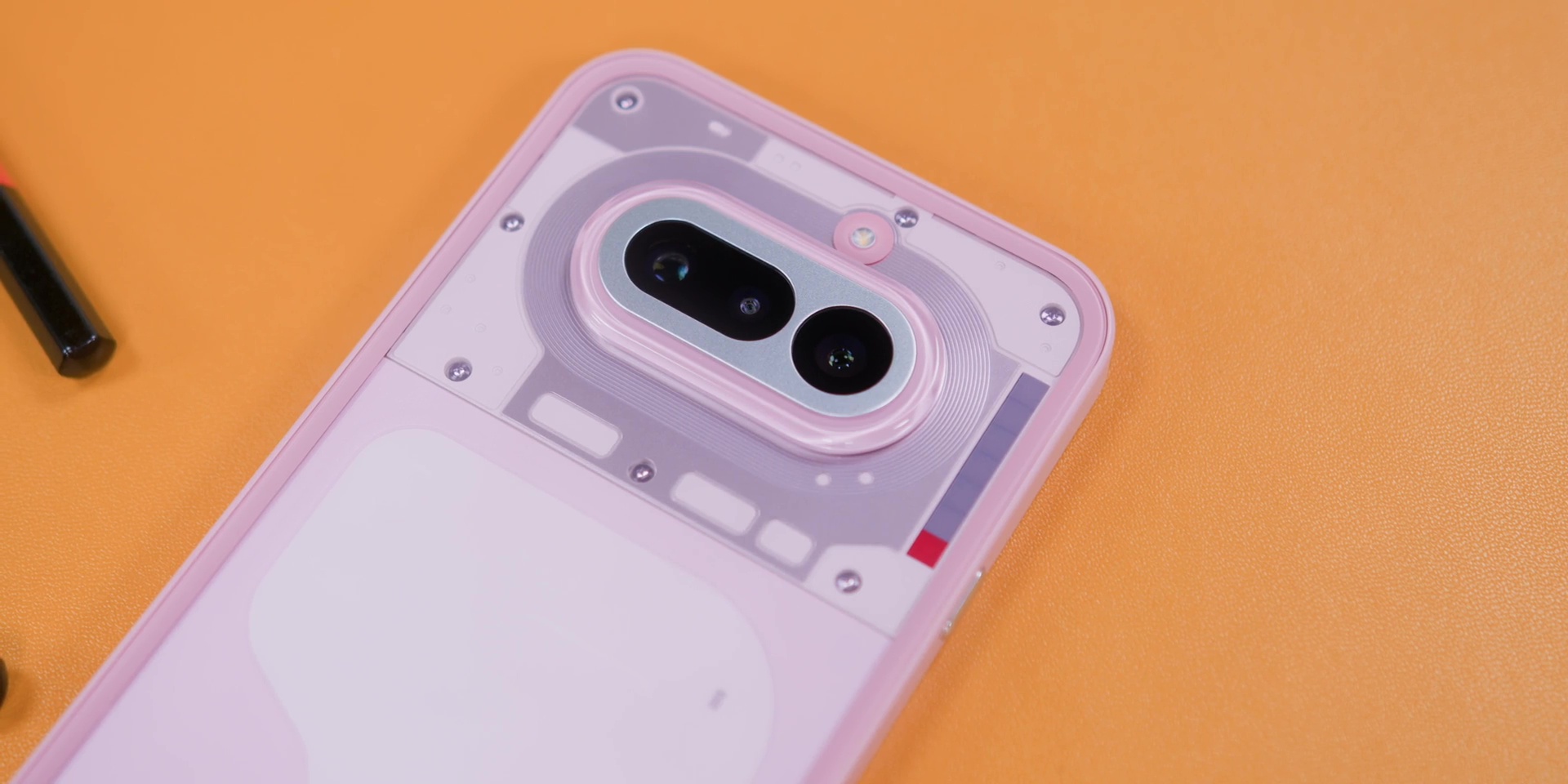
If you’re purely chasing specs on a spreadsheet, this phone isn’t a phone for you because there are more powerful mid-range options at this particular price point.
But if you’re someone who feels like the everyday phone today looks, feels, and just behaves exactly the same, this Nothing Phone (4a) might actually feel very refreshing. The Glyph Bar gives it personality. Nothing OS is still one of the cleanest Android skins I’ve used, and the periscope zoom camera at this particular price is also quite impressive.
So, yes, it is a phone that feels more intentional than most. But everything mentioned earlier only makes sense if the price is right. And here it is.
Because the Nothing Phone (4a) comes with only one variant in Malaysia, which is the 12GB of RAM with 256GB of storage and is priced at RM1,999.
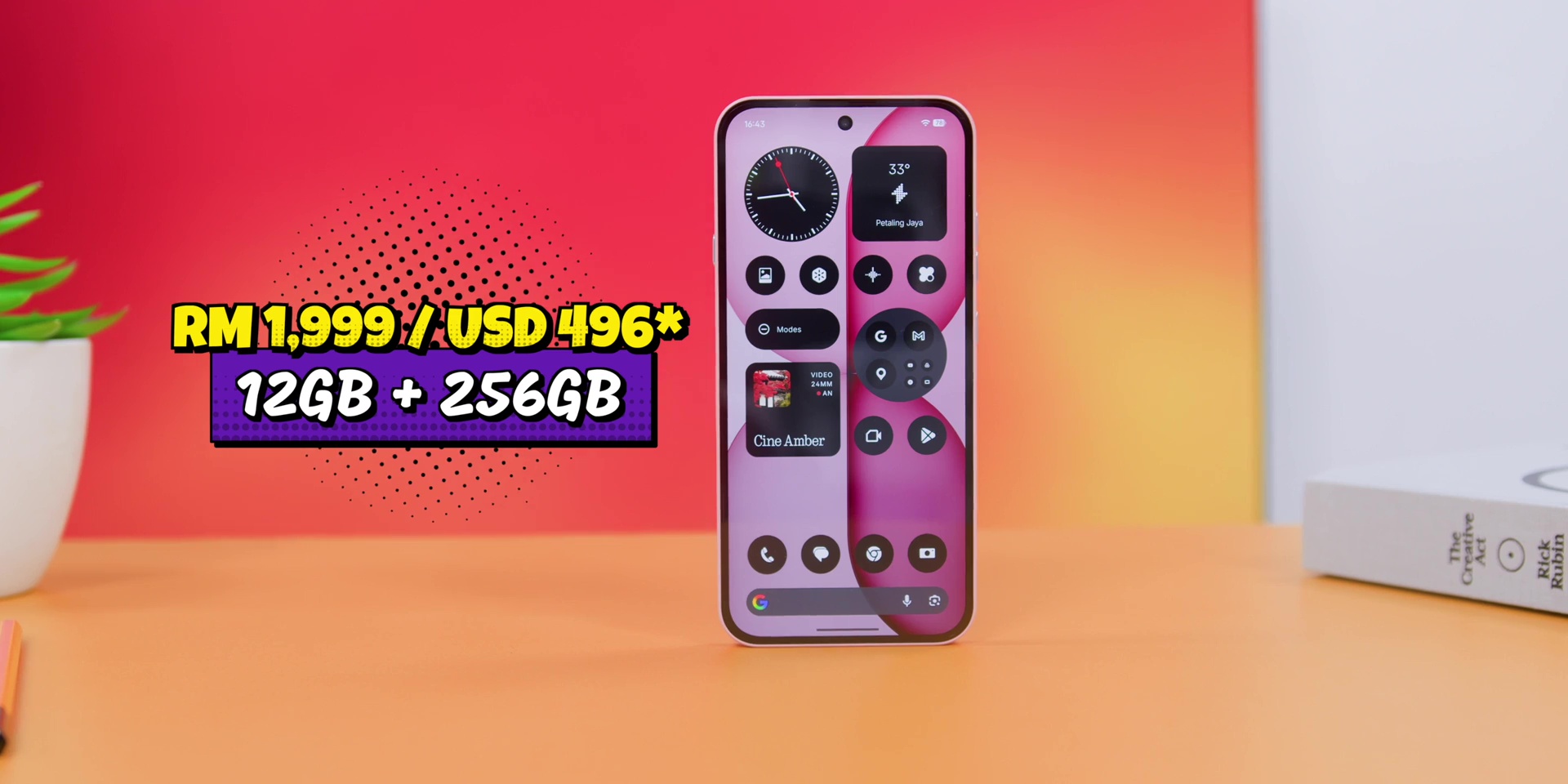
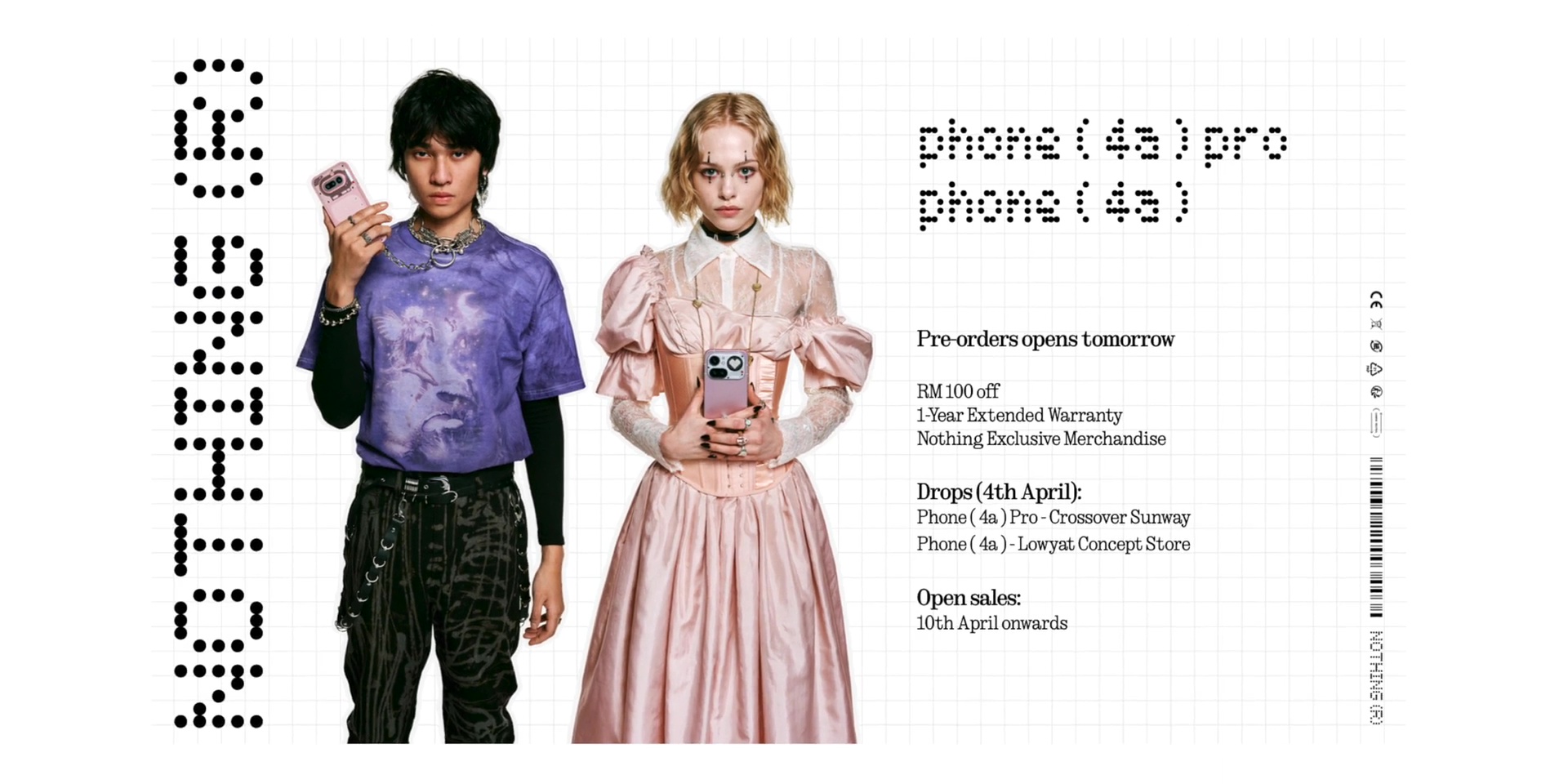
But if you pre-order between the 2nd to the 9th of April, you get RM100 off a one-year extended warranty with some merch as well. And it’s available starting from 1st of April onwards.
[Watch the full review video on YouTube here]
Related: