TL;DR / At a Glance
To fix the Pixel 10 Pro battery drain March update issues, users should clear the Google Play Services cache, disable the Always-on Display (AOD), and toggle off Memory Tagging Extension (MTE) in Developer Options. These steps mitigate the “system_server” CPU loop caused by a conflict between the Tensor G5’s PowerVR GPU drivers and the March 2026 system software.
The Hot March 2026 Security Update
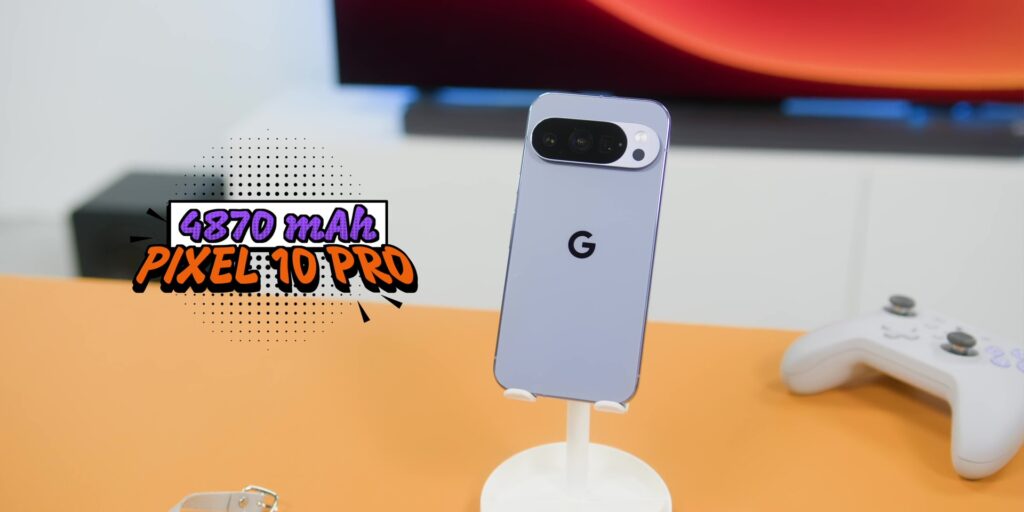
The launch of the Pixel 10 Pro was heralded as a turning point for Google. By finally switching to TSMC’s 3nm fabrication process for the Tensor G5, Google seemingly silenced the critics who had complained about “hand-warmer” phones for years. For the first few months, the narrative held steady: the Pixel 10 Pro was efficient, cool, and powerful.
However, the March 2026 Security Update has shattered that peace. Over the last week, Reddit (r/GooglePixel) and the Google Support forums have been inundated with reports of massive Pixel 10 Pro battery drain. Users who previously enjoyed two days of battery life are now struggling to make it to lunch.
What’s Actually Happening Under the Hood?
The root of the issue appears to be a driver conflict involving the new Imagination PowerVR GPU. In its quest to optimise gaming performance, the March update introduced a bug in the way the GPU interacts with the Android SystemUI. This creates a “system_server” infinite loop that keeps the high-performance cores of the Tensor G5 active even when the phone is idle.
If you’ve noticed your phone getting warm near the navigation bar or the camera bump while sitting on your desk, you are likely a victim of this driver conflict.
Step-by-Step Fixes for the March Update Bug
- Reset Google Play Services: This is the “low-hanging fruit.” Go to Settings > Apps > Google Play Services > Storage and select Clear Cache. Background sync processes are currently getting stuck in a retry loop that drains roughly 5% battery per hour.
- Disable MTE (Memory Tagging Extension): This is a pro-level fix. Go to Settings > System > Developer Options and find Memory Tagging Extension. Toggling this off has shown a 15% improvement in standby battery life for affected users, as it reduces the overhead on the system_server.
- The “77% Charging” Workaround: A weird side-effect of this update is the phone stopping its charge at 77%. To bypass this, disable Adaptive Charging temporarily and perform a hard reboot (Hold Power + Volume Up for 15 seconds).
Google has yet to issue an official “hotfix,” but these community-driven solutions are the best way to save your hardware from premature wear until the April patch arrives.