
TL;DR / At a Glance:
After four months of daily use, the Nothing Phone (4a) Pro remains an exceptional mid-range Android device, highlighted by its durable aluminum unibody build, reliable two-day battery life, and clean Nothing OS experience. Standout long-term features include the practical Essential Space AI feature and the repositioned, highly useful Essential Key. However, potential buyers should note that the display is prone to micro scratches when placed face down, Essential Voice needs further refinement, and the Glyph Matrix remains mostly niche for users who do not place their phone face down.tent
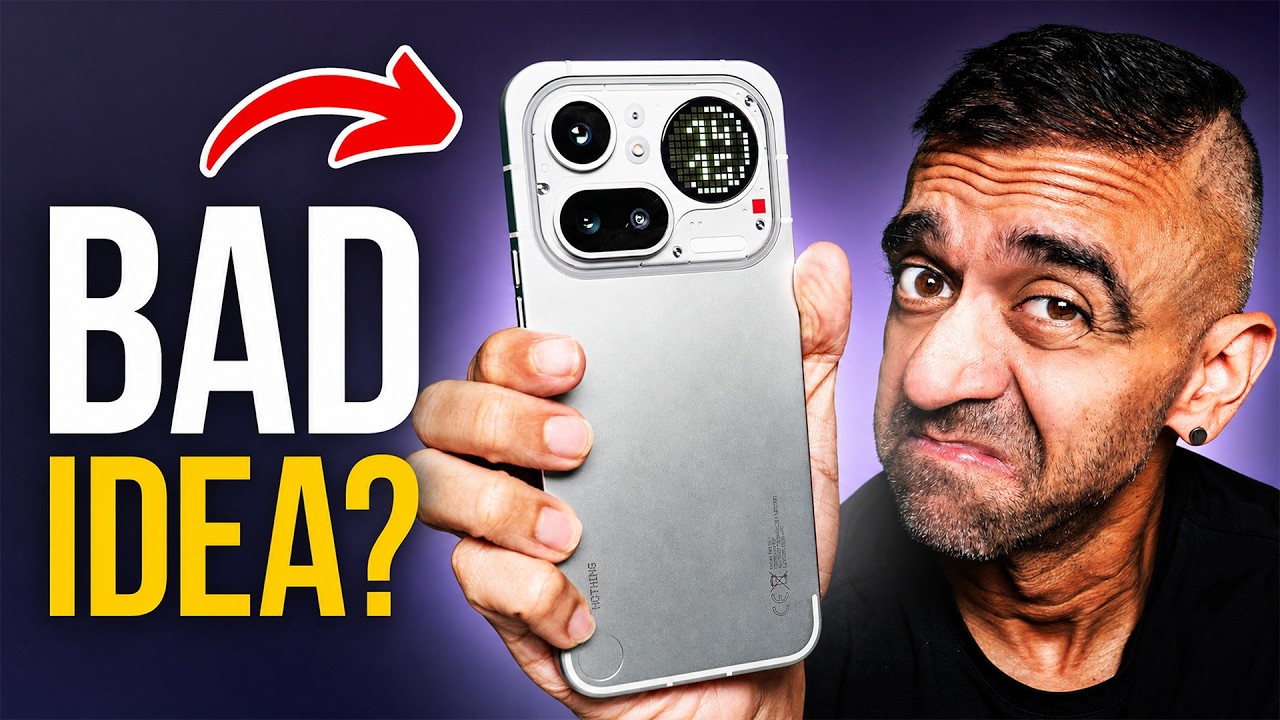
After every Android phone I finish reviewing, this is the one I always end up coming back to. The Nothing Phone (4a) Pro. Not even the flagship Phone 3. This one. And there are many reasons why.
But I’m also not going to pretend this phone is perfect. Some of the decisions Nothing made here are going to have you scratching your head. So why do I keep coming back to it? Let’s dive into the details.
Context
Four months. That is how long the Nothing Phone (4a) Pro has been in my life. And I use the word life loosely because my job puts a new phone in my hands almost every other week. But after every Android phone I finish reviewing and put down, this is the one I pick back up.
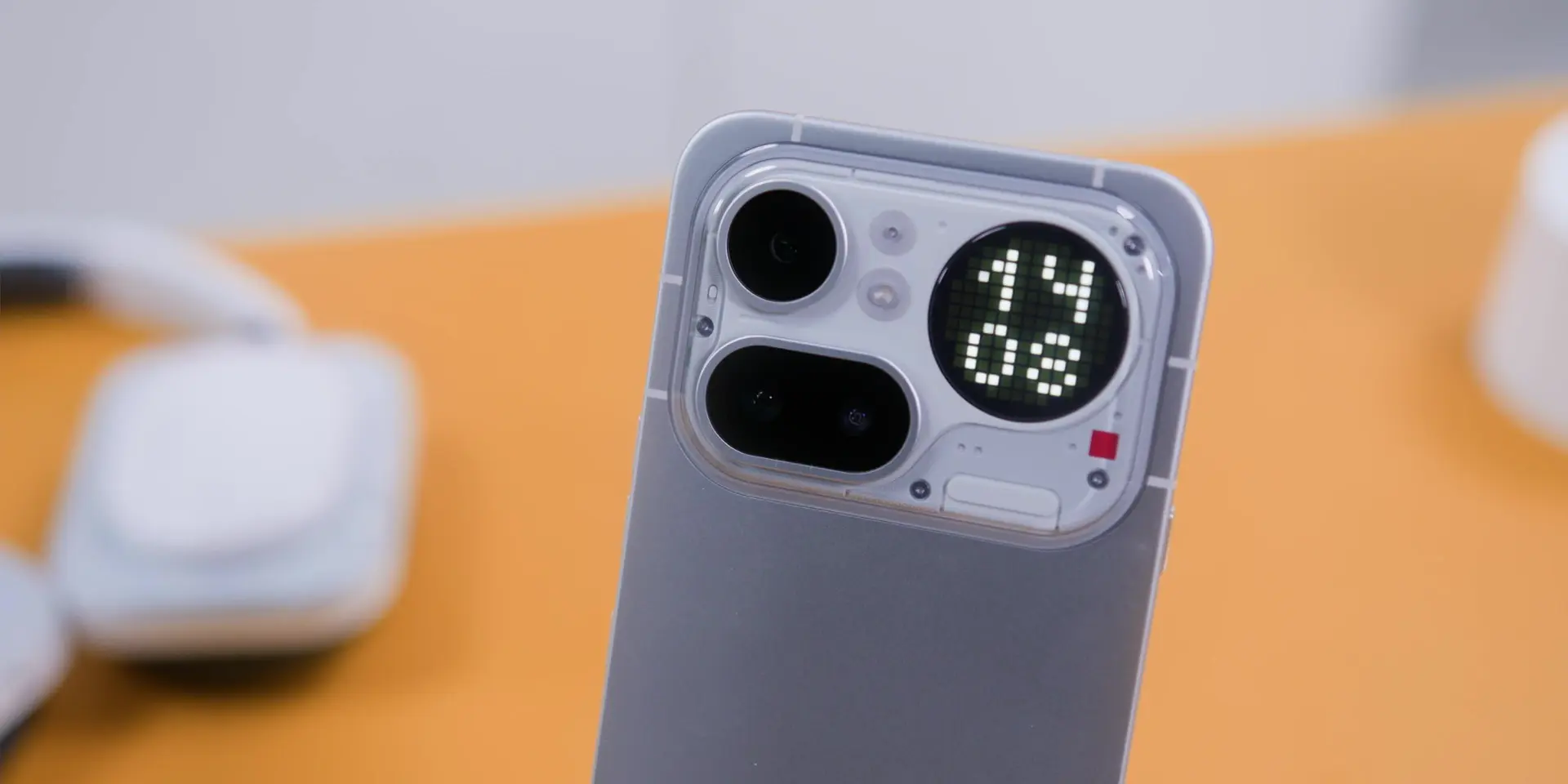
So let me walk you through what four months of real daily use actually looks like. What held up? What changed? And a couple of things that completely changed my mind.
Build
Let’s start with the physical condition. I made an intentional choice to go completely caseless the entire time. Because the cold aluminum unibody is one of the best things about holding this phone, and that feeling disappears the moment you wrap it in a case.
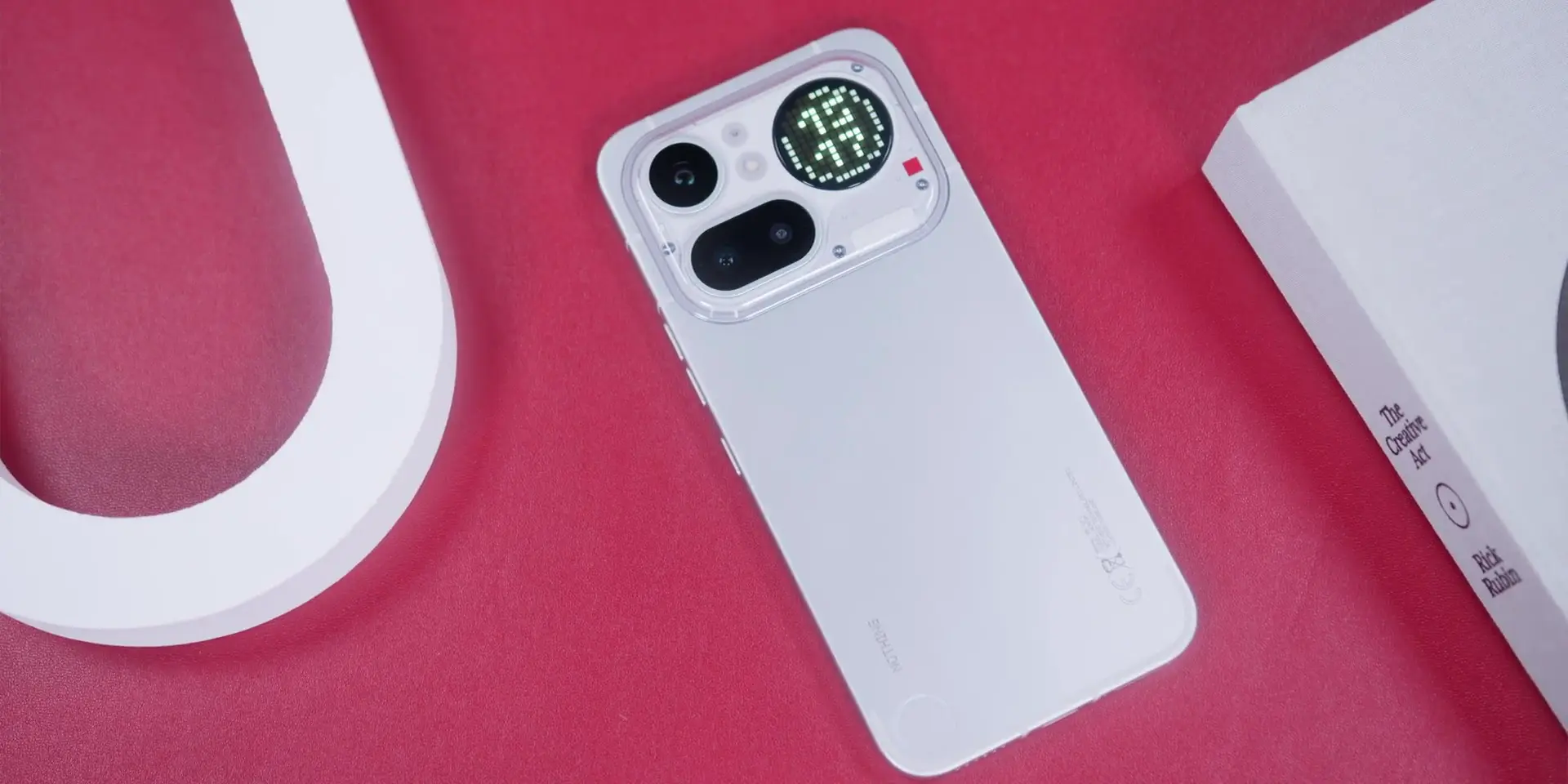
Four months later, no case, and the aluminum body still looks great. There is no visible wear on the frame and no scratches on the back panel. For a phone I have been picking up and putting down every single day, that is more than a pleasant surprise.
But the display, however, is a different story. Micro scratches have started to show up. Not dramatic, but they are there. And I have to call this out because Nothing is actively marketing these phones as devices you should place face down to “enjoy” the glyph lighting from the back. So if that is the experience you are designing for, Nothing? The display protection really needs to match that use case. Because right now it does not.
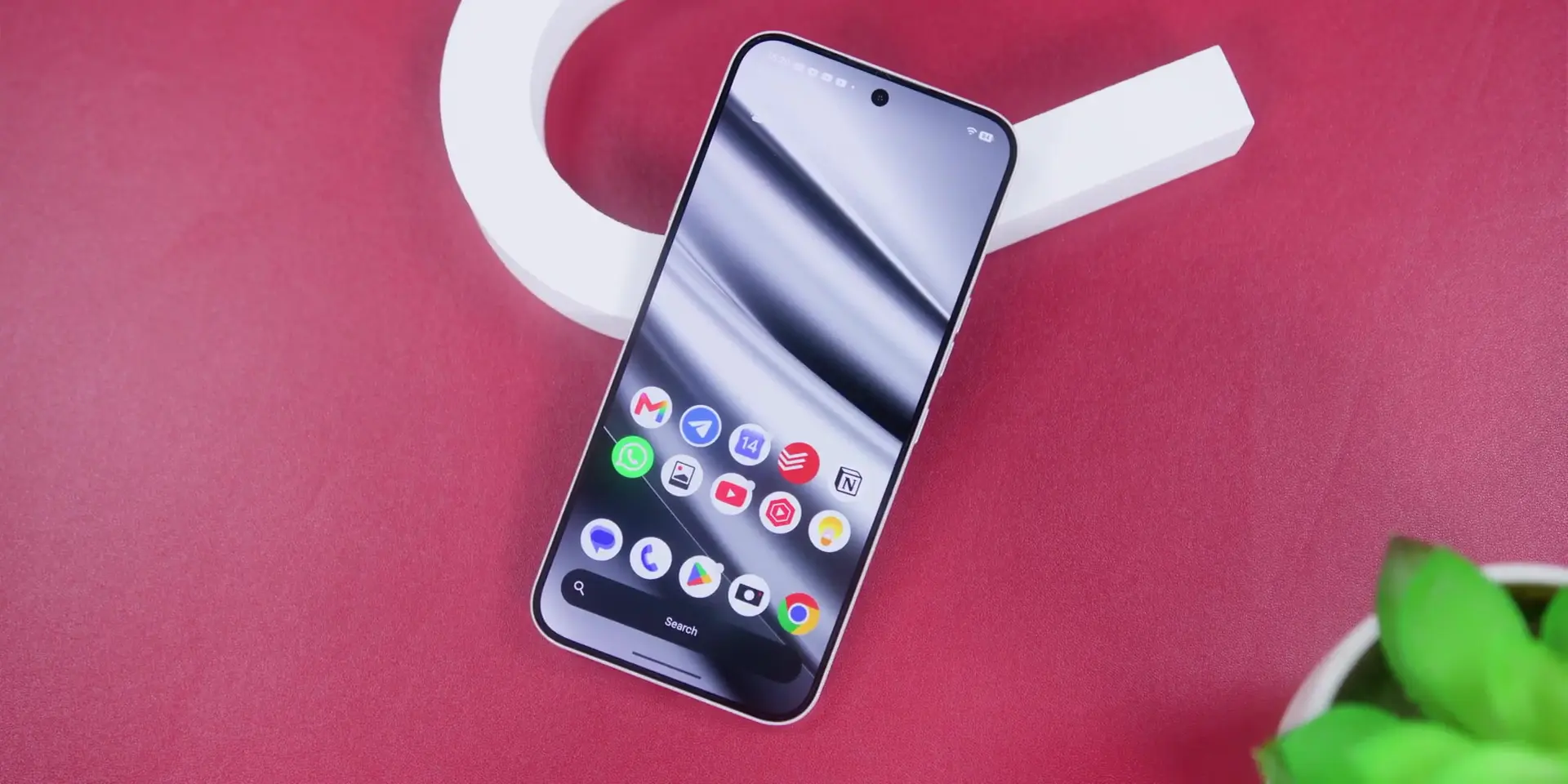
Which brings me to the screen protector. The pre-applied one that came on this phone, I removed it. It was aging badly and looked rough. At a certain point, the protector was making the phone look worse than just going without it. Taking it off made the phone immediately look better. But my screen is now fully exposed, which means those micro scratches are entirely on me from here.
Display
But here are a couple of display-related things worth revisiting from earlier. The fingerprint scanner, which sits a little low on the display and that I complained about when I first started using this phone, four months later? Muscle memory has completely sorted that out. I do not even think about it anymore. If that was a concern going into this phone, it fixes itself faster than you expect.
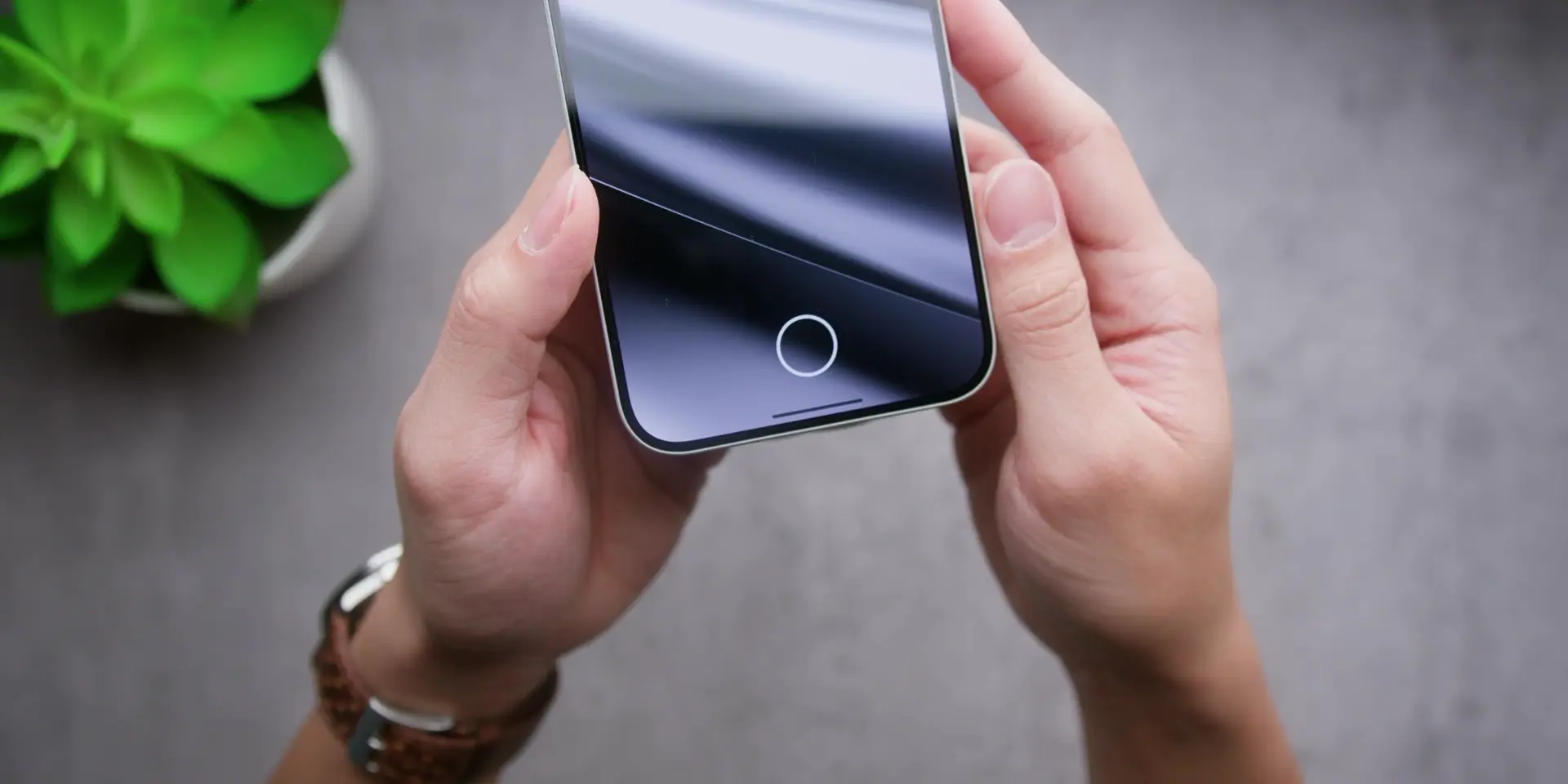
Then the adaptive brightness was something that bothered me early on, where it was too aggressive and dimmed too fast. I am glad to say that it has slightly improved. Not fully fixed, but noticeably better than before. Something in one of the updates addressed it.
Speaking of updates, Nothing pushed through several over these four months. None of them were headline announcements, no dramatic redesigns, and no big feature drops. And honestly, no news was good news. The phone stayed stable throughout. Updates that do not break things are really underrated.
Software
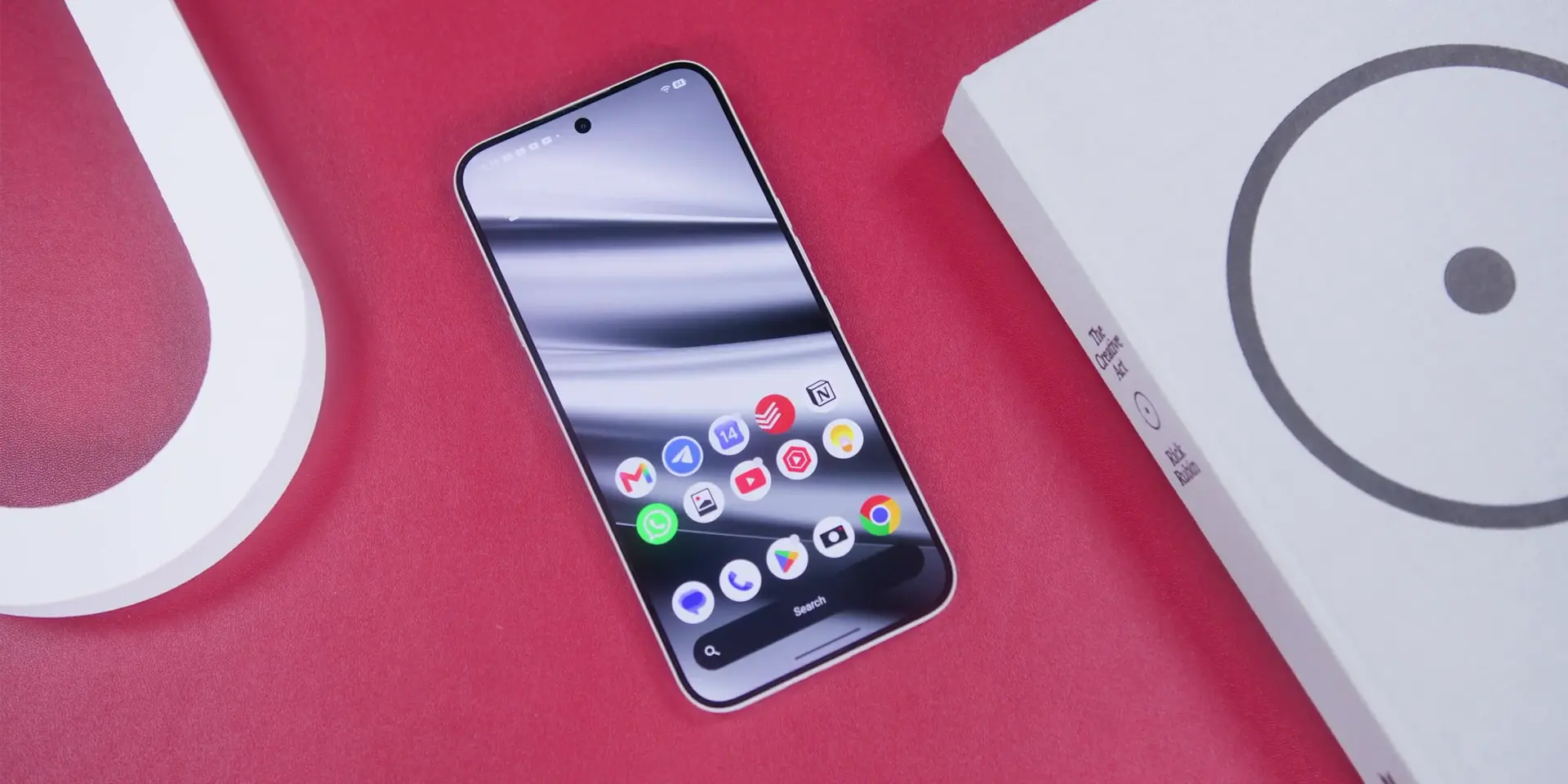
Now the software. And this is one of the biggest reasons I keep coming back to this phone. Nothing OS stays close to stock Android. Clean. Fast. Not cluttered with features you will never use. But what has grown on me significantly over the past four months is Essential Space.
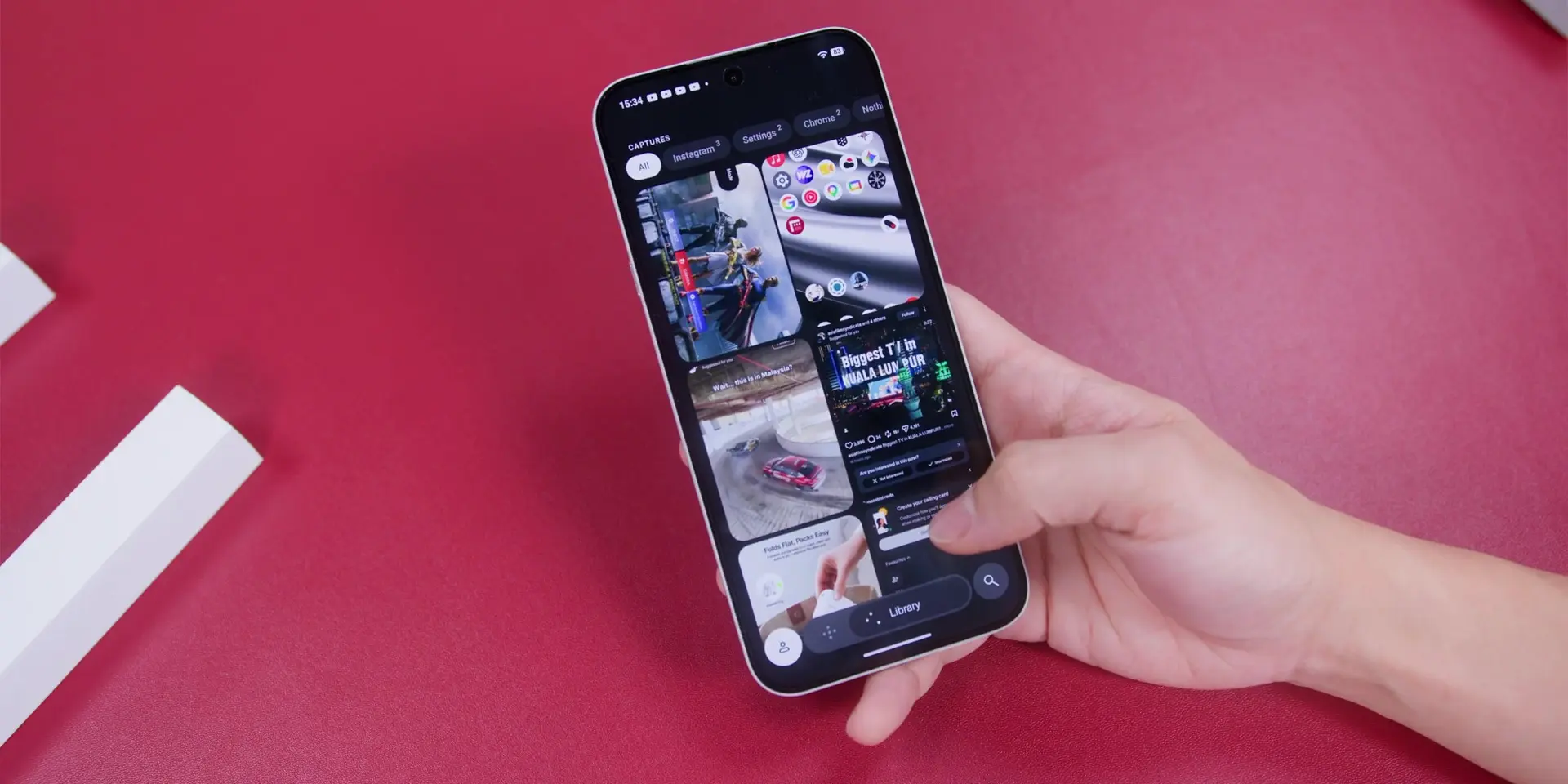
When I first used it, I appreciated the idea. Now I actually rely on it. The more you work with it, the more it earns its place. Capture a screenshot, a voice note, anything on your screen, and the AI pulls out the useful details and organizes everything for you later. That compounds in value the longer you use it. It is one of those features that sounds like a bullet point on a spec sheet until it actually becomes part of how you work.
Performance
As for the phone’s performance four months in, it is still smooth for everyday use. There are no general slowdowns, apps launch cleanly, and multitasking does not stutter.
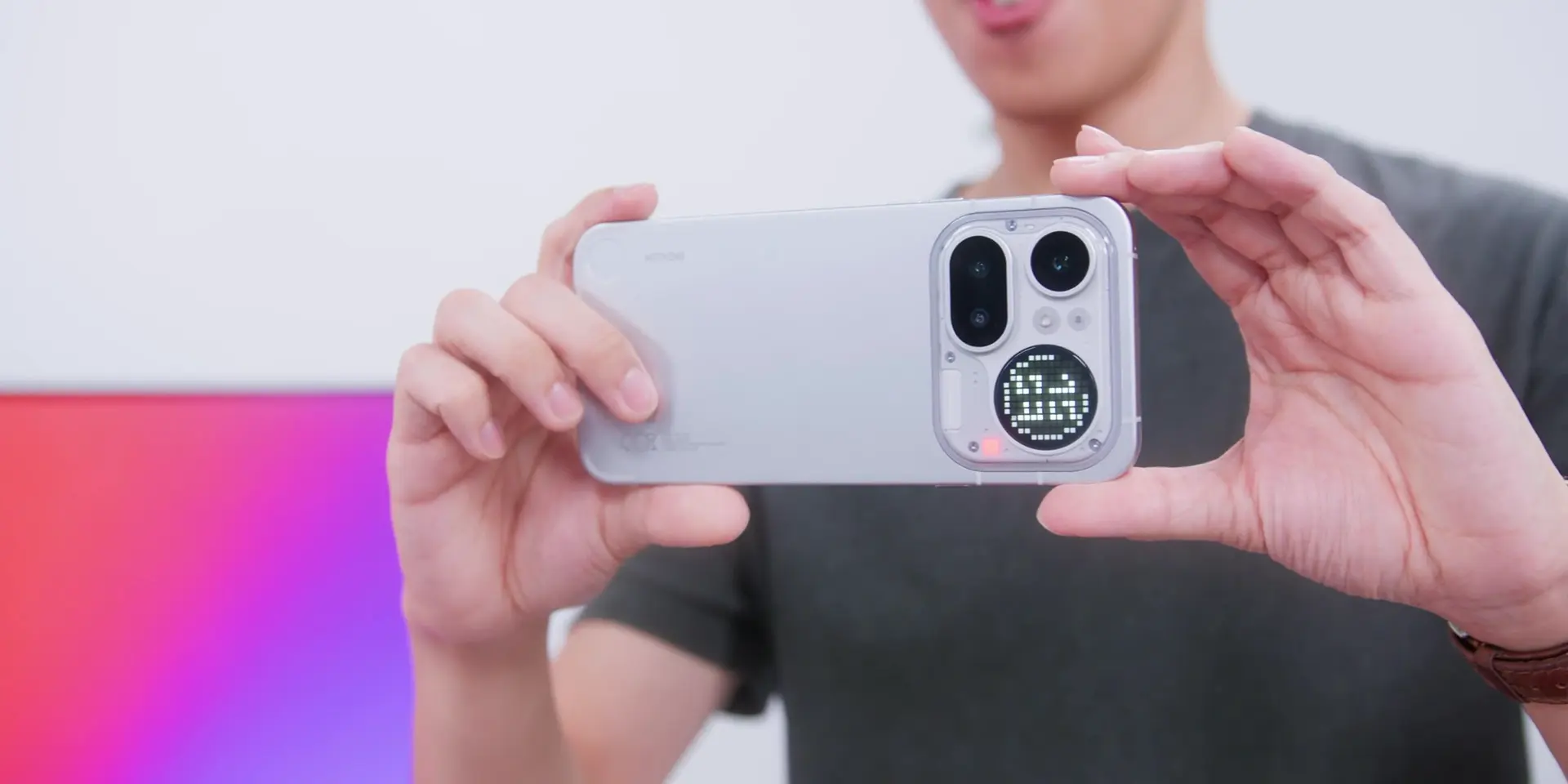
But there is one specific situation worth flagging. After recording video for an extended stretch of time, when I stopped recording, there was a brief delay before the phone felt fully responsive again. It happened a couple of times, and it only comes up after long recording sessions. So for normal daily use, you will not run into this at all.
Cameras
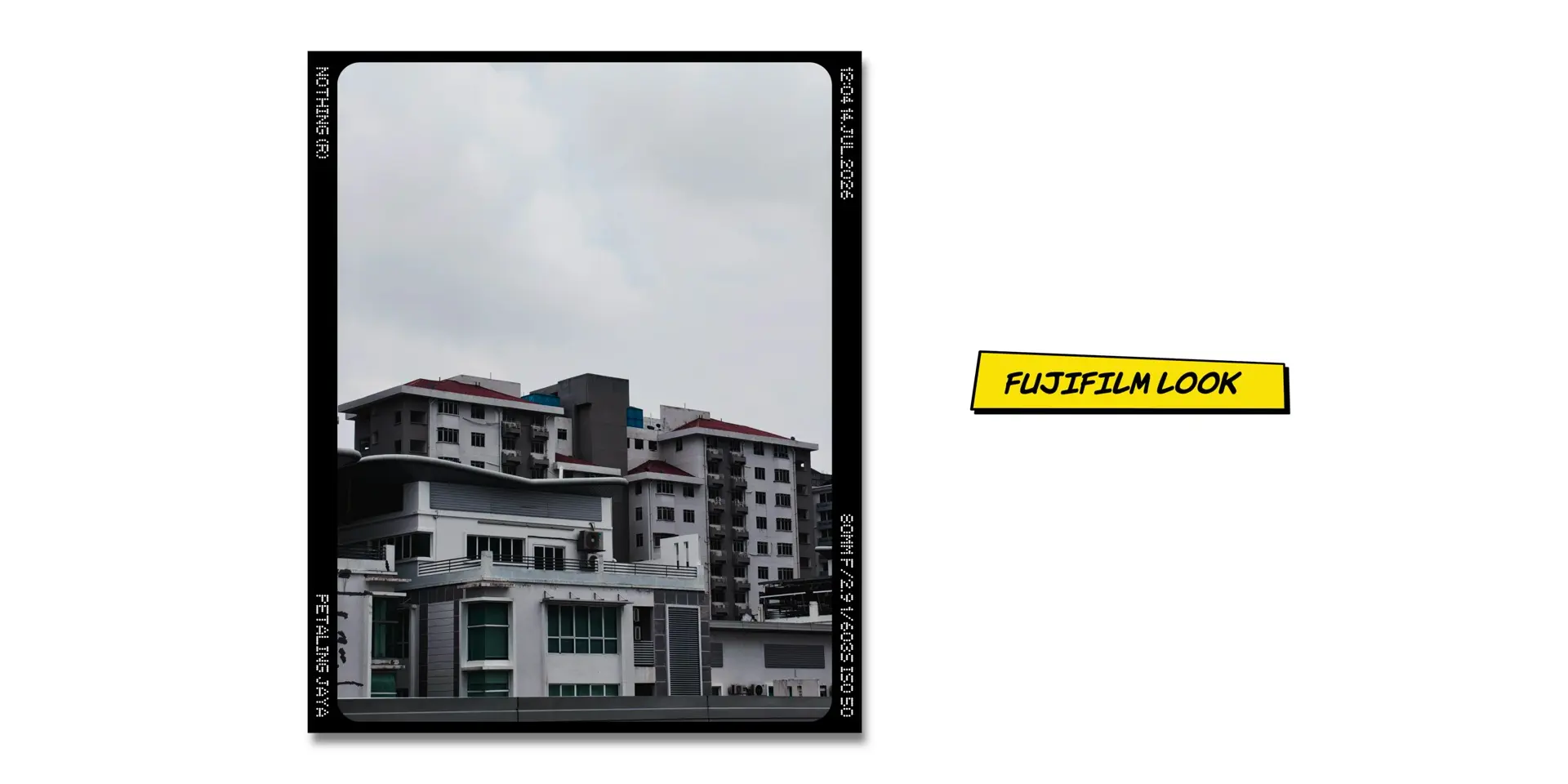
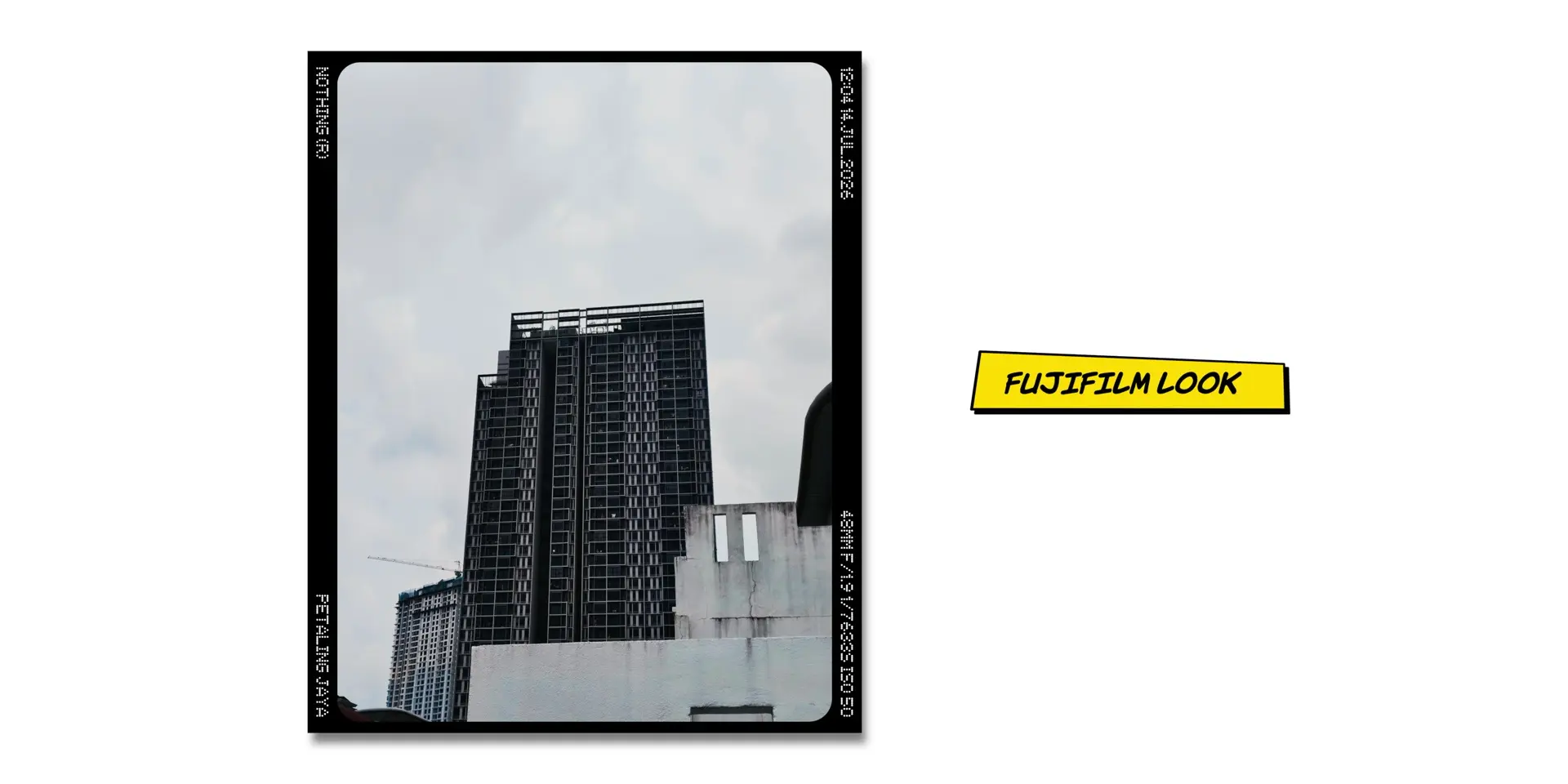
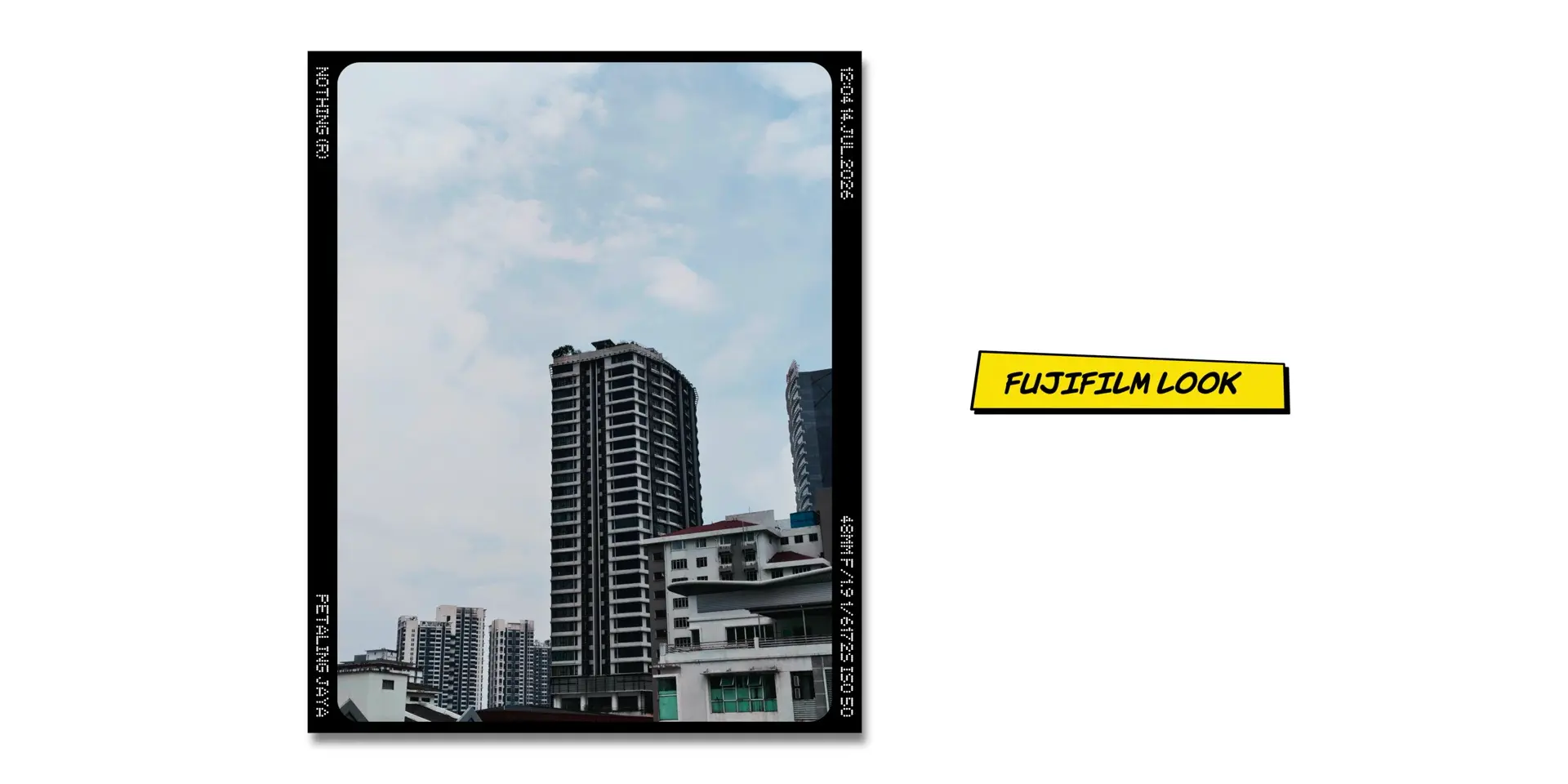
My overall position has not shifted much from four months ago. But the one thing that has made the biggest difference to how I actually enjoy shooting on this phone is the Fuji camera LUT preset. Set it as your default. It is still the best I have gotten out of this phone consistently over four months.
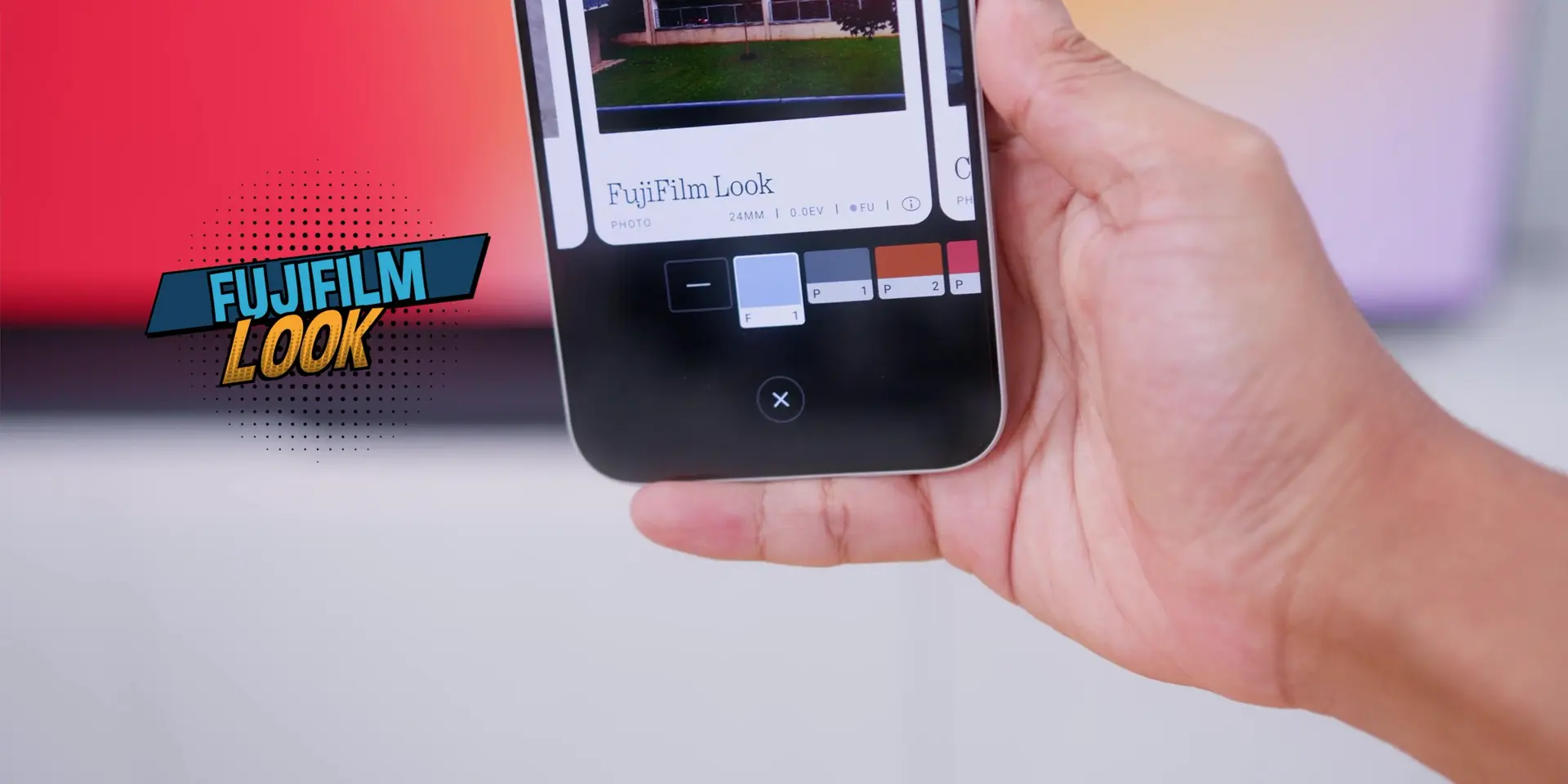
What I also appreciate is that Nothing’s presets look like someone actually thought about them. Other phones pile on color filters and call it a feature, and the photos end up looking worse than the original. Nothing’s presets add something. They are tasteful.
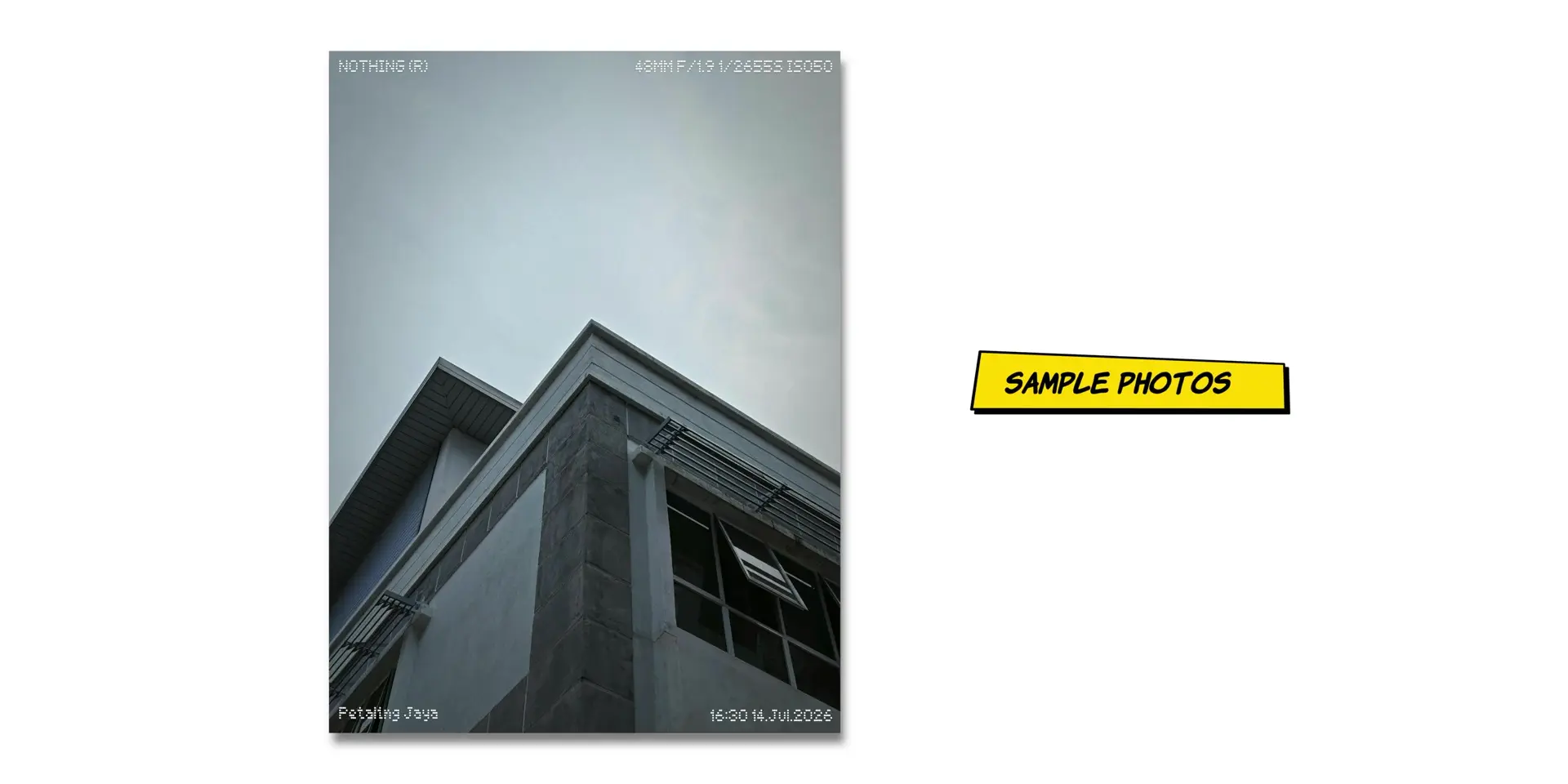
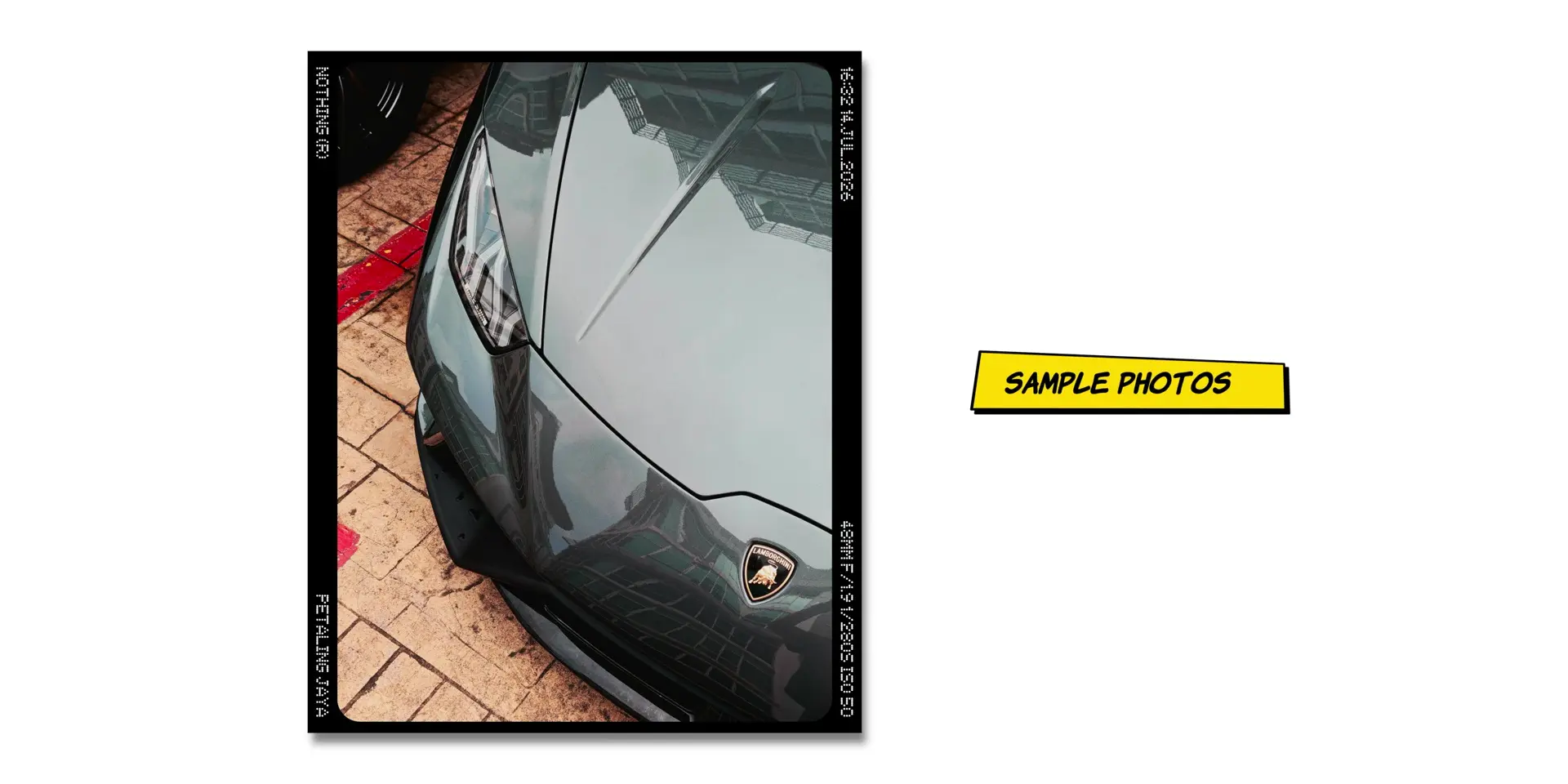

In portrait mode, specifically the 80mm focal length, there was a color shift issue I flagged earlier. After the latest update, there are no issues at all. Every other point mentioned in my 2-month review for the cameras remains the same, where I went in depth on the camera’s performance.
Glyph Matrix
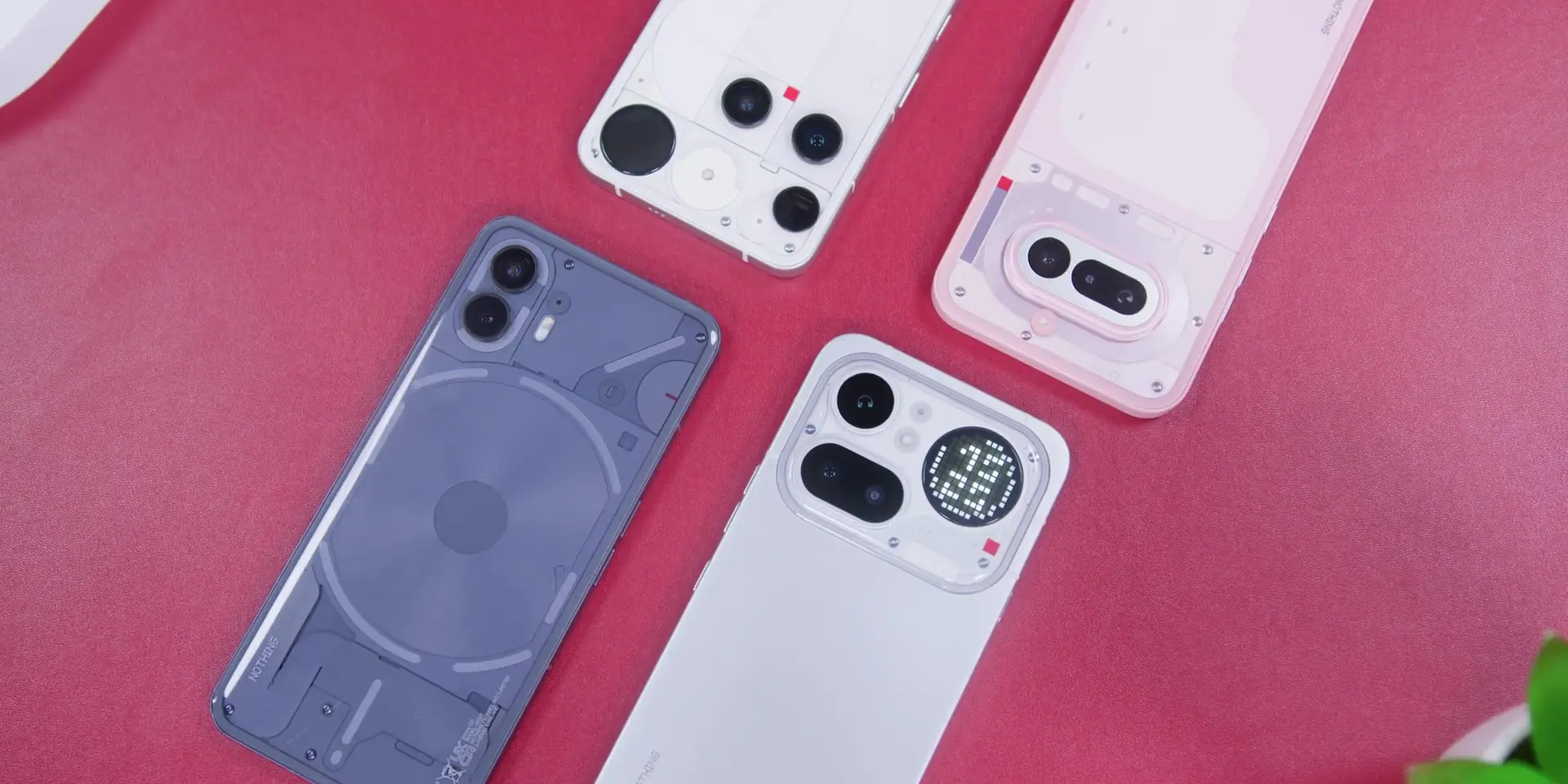
Now, the Glyph Matrix. And I am going to be completely straight with you. I still do not use it. Not because the features are bad. They are not. The recording indicator is a small but considered detail. The volume indicator and timer are thoughtful systems that, for the people who do use their phones face down, are slowly becoming more useful than gimmicky.
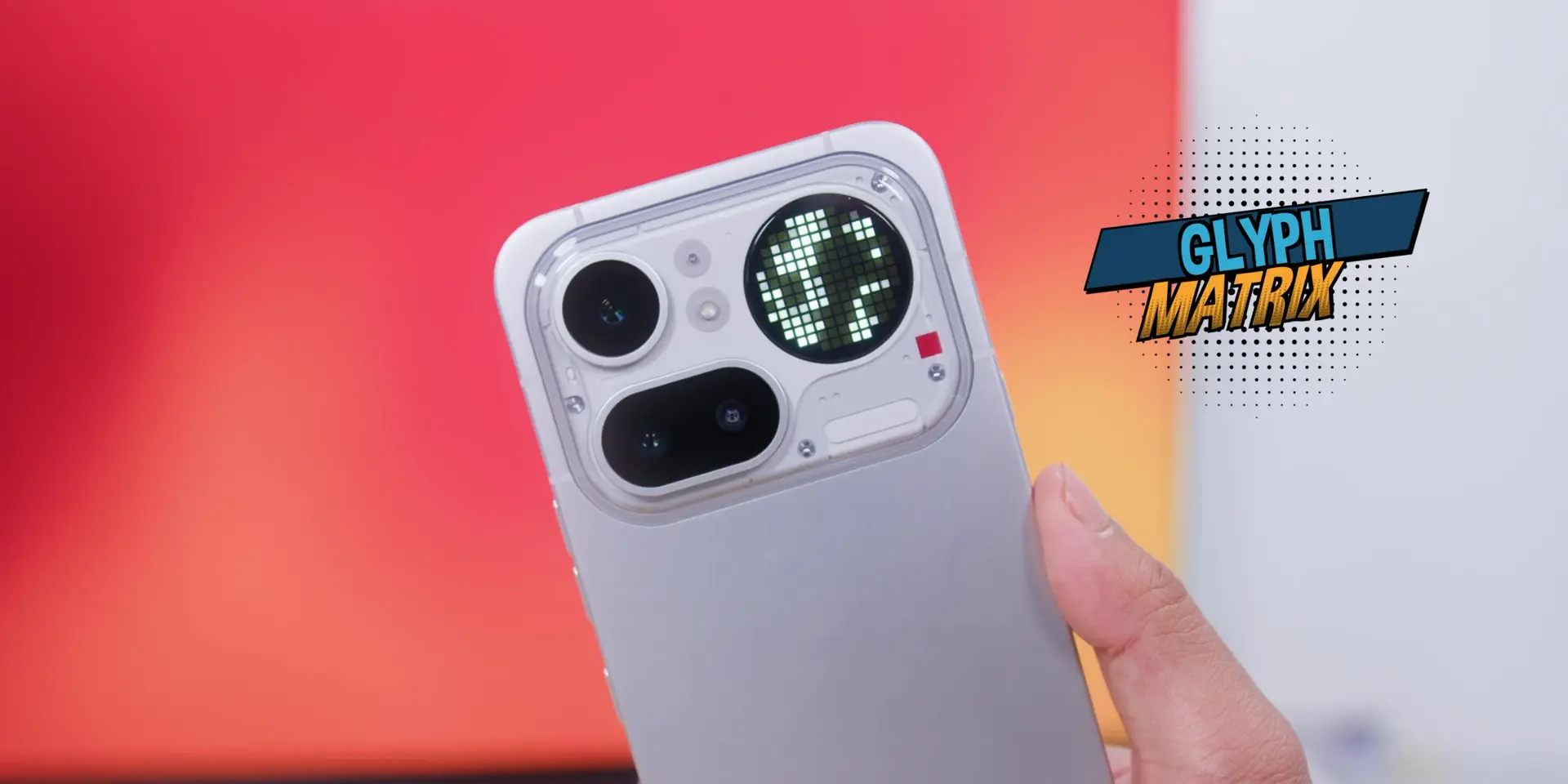
But I am just not a face-down phone person. Four months of trying, and the habit never formed. And there is a bit of irony there. Nothing is pushing the face-down experience as a core part of what makes these phones different. And yet the display scratches we talked about earlier exist because of that same behavior. The protection needs to be there for the people who do embrace it.
Essential Key & Voice
The Essential Key, though, was a completely different story. In my reviews of previous Nothing and CMF phones, I disabled this button. The accidental trigger rate was too high and too annoying. I went into this phone fully expecting to do the same thing. Four months later, the button is on, and I use it.
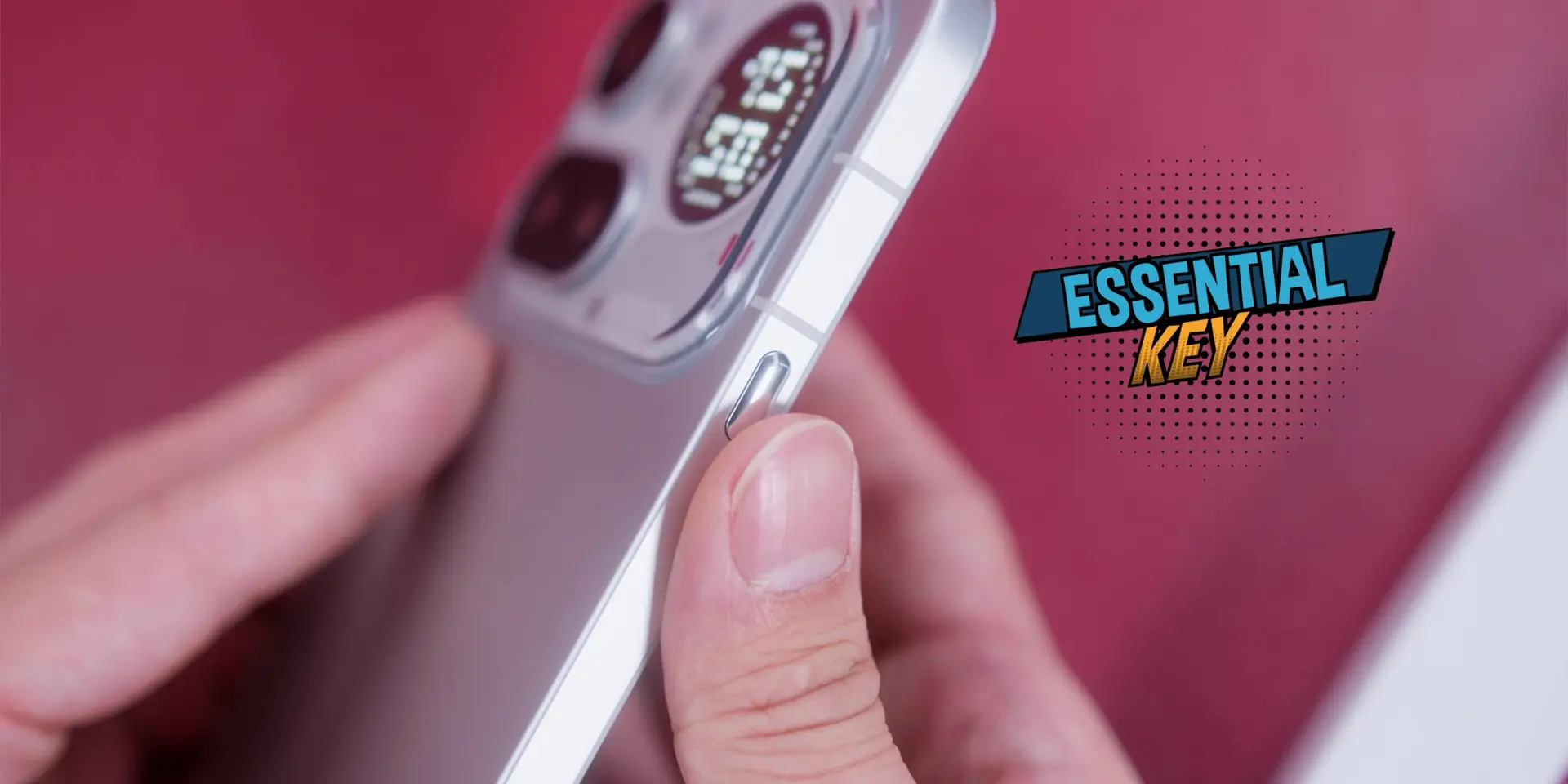
This is because of the new position on the left side. Sitting higher up on the frame removed the exact reason I was turning it off in the first place. No more accidental presses. And because that frustration was gone, I actually gave it a proper chance. I use it more than I ever expected to. That one hardware decision changed everything for me personally.
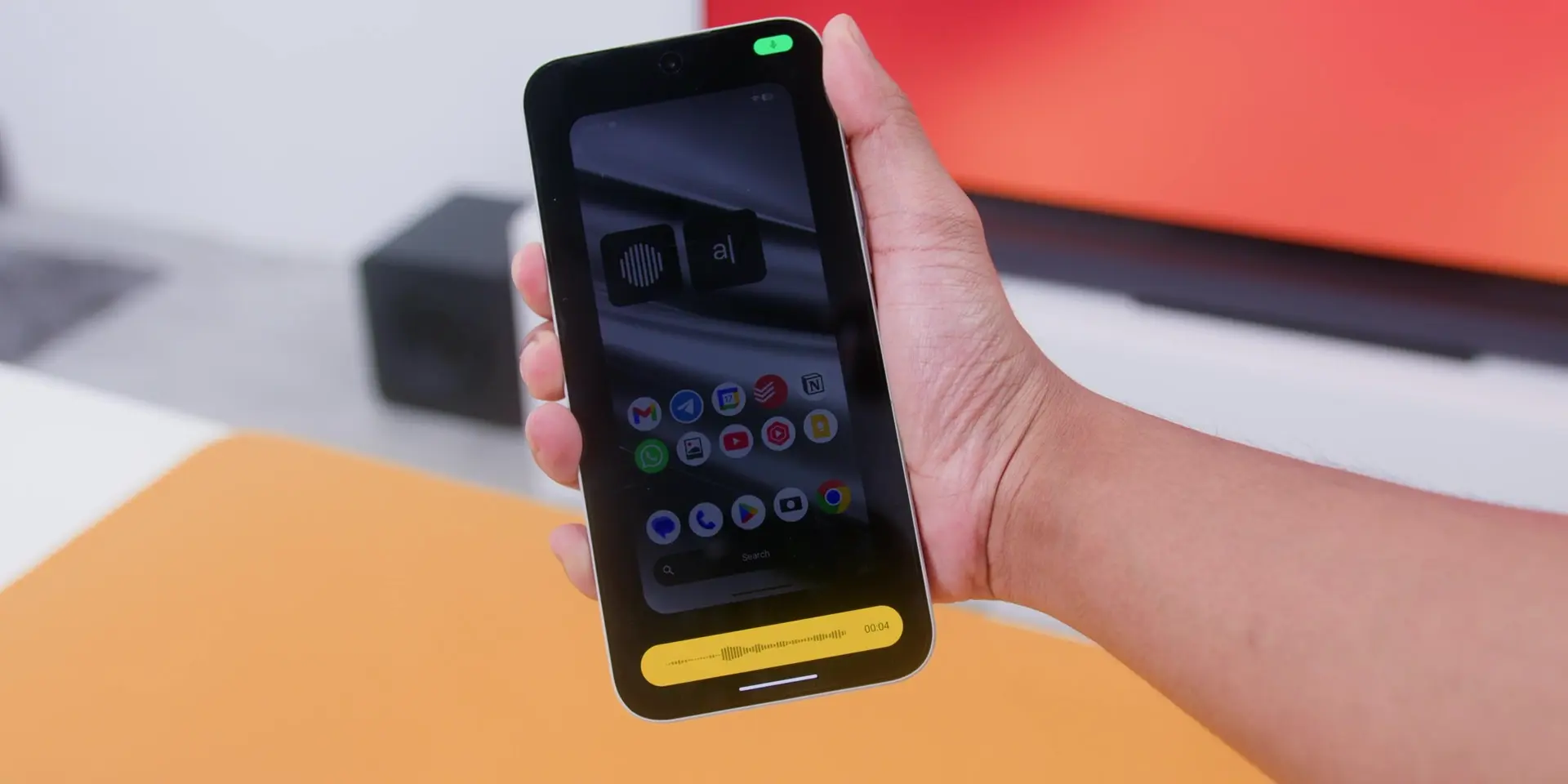
However, the Essential Voice on the other hand, I gave it a proper go when the update was pushed to this phone. Well, it works. But the accuracy isn’t consistent enough to be a real part of my daily workflow. The concept is good, but the execution still has room to grow. And although it’s a paid app, I’d rather use Whspr Flow instead.
Battery
As for the battery, what I can tell you from four months of real use is that it feels exactly the same as month one. Screen-on time has not dropped, and battery life has not degraded noticeably.
Heavy days still leave me comfortably at the end of the day with battery remaining. Easier days, two days are still on the table when I am not running navigation. For a phone at this price holding up like this after four months, that is exactly what you want to see.
Conclusion
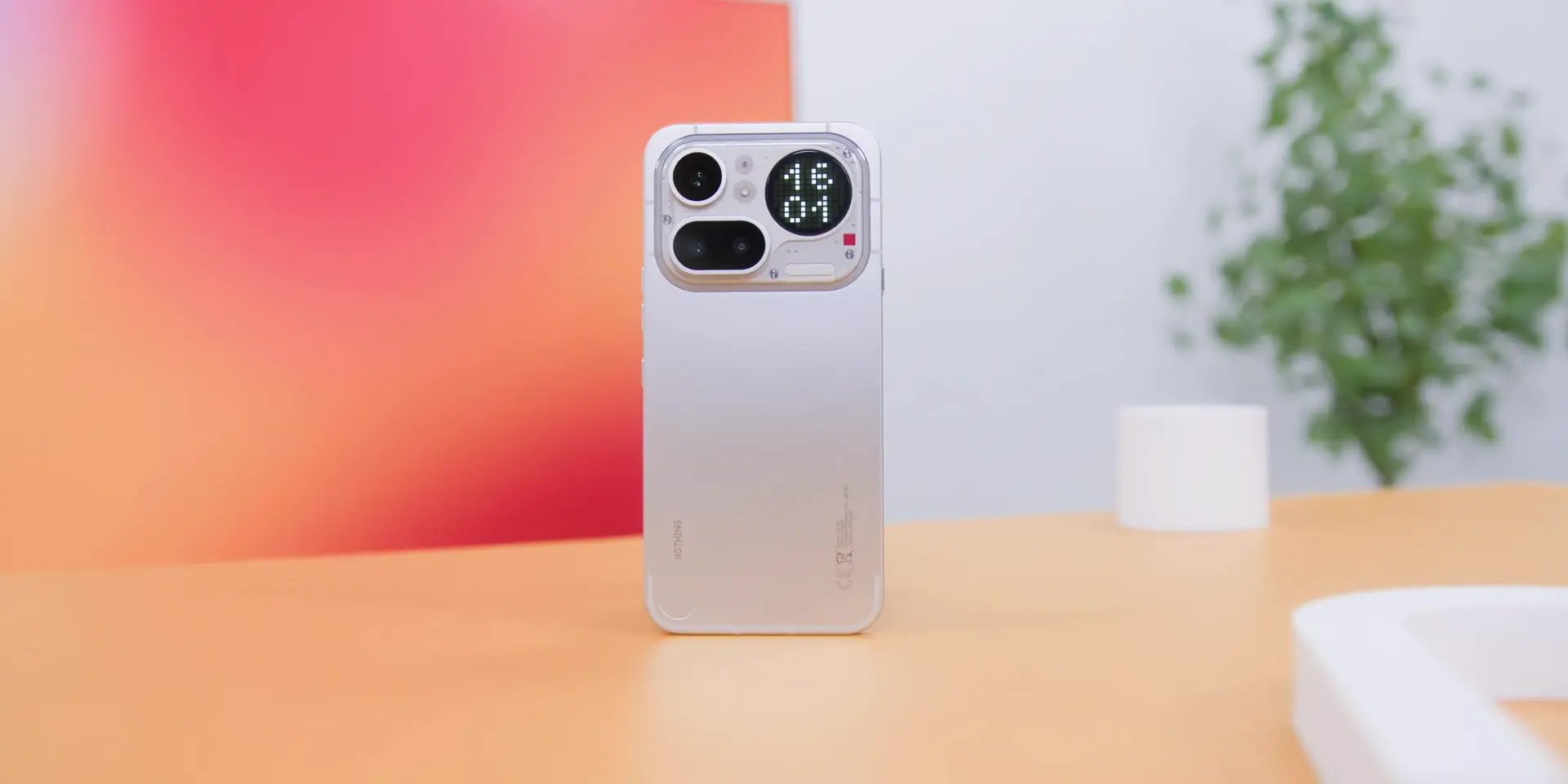
So everything mentioned earlier only makes sense if this phone is actually worth coming back to. And four months of putting down every other Android phone I review, and picking this one back up every single time, that answer has not changed.
The aluminum build held up better than expected going caseless. Essential Space has grown into something that earns its place the more you use it. The Essential Key converted me completely. The battery is holding. And as mentioned many times in past reviews and in this one, Nothing OS is still one of the cleanest Android experiences you can get at this price.
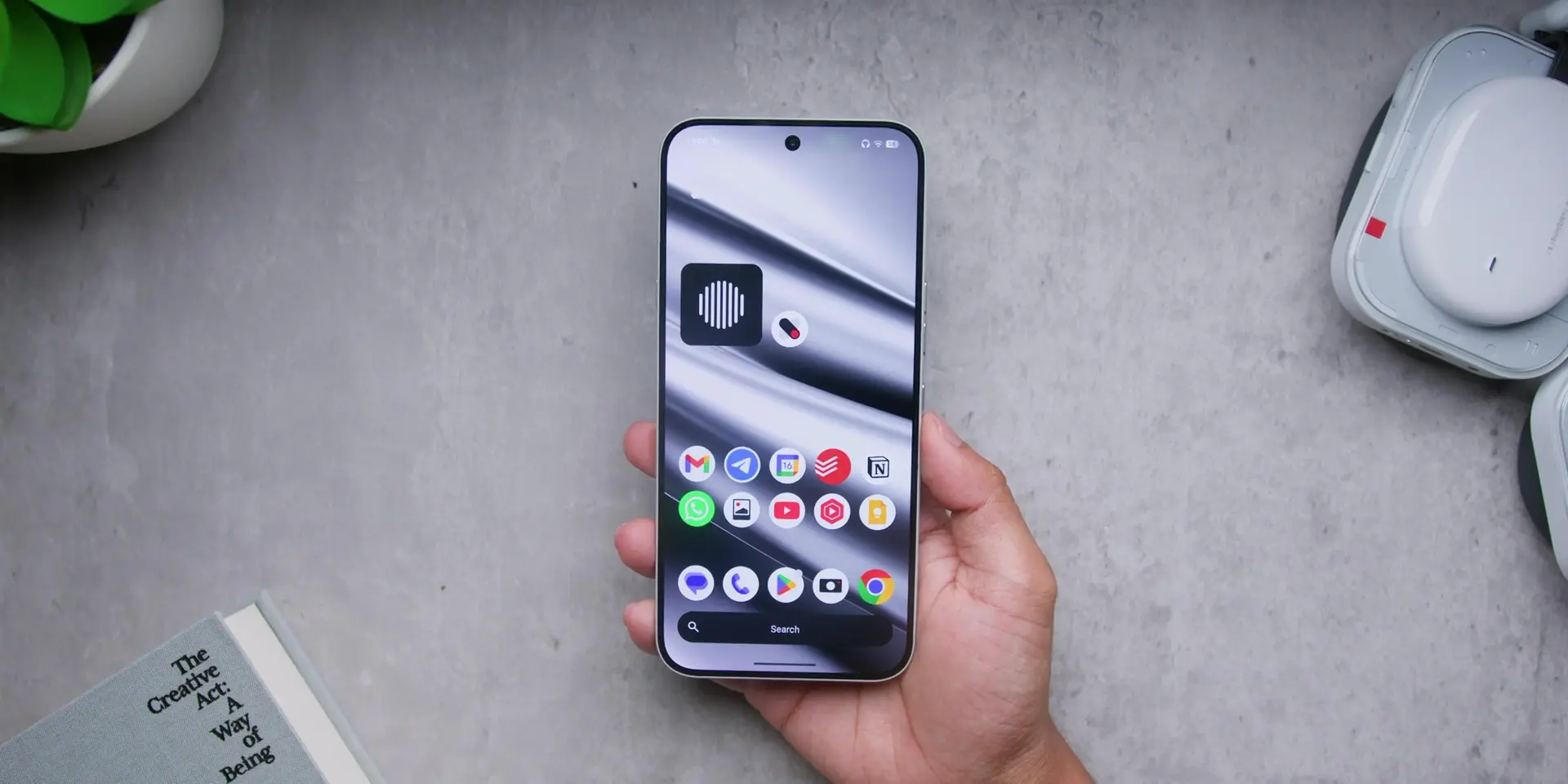
Is it perfect? No. The screen protection situation needs addressing. Essential Voice still has a way to go. And if you are not a face-down phone person, the Glyph Bar is going to stay mostly untouched.
But for the best Android experience without breaking the bank, four months later, I am not changing that. So that is not nothing; that is actually a lot.
.
▶️ Watch the full video on YouTube
Frequently Asked Questions (FAQ)
Is the Nothing Phone (4a) Pro durable without a case?
The cold aluminum unibody holds up exceptionally well without a case, showing no visible wear or frame scratches after four months of daily use. However, the display glass is susceptible to micro scratches, especially if placed face down regularly, so using a screen protector is recommended.
What is Essential Space on Nothing OS and is it useful?
Essential Space is an AI-driven organizational feature in Nothing OS that captures details from screenshots, voice notes, and screen content, automatically organizing them for later use. Over months of daily use, it proves to be a high-utility productivity tool rather than a marketing gimmick.
How is the battery life on the Nothing Phone (4a) Pro after four months?
Battery performance remains consistent with month one. Heavy daily usage comfortably lasts a full day with remaining charge, while lighter usage can easily stretch to two full days without needing navigation.
Does the Nothing Phone (4a) Pro have camera performance issues?
The cameras perform reliably, particularly when utilizing the Fuji camera LUT preset for balanced color output. The previous color shift issue present in the 80mm portrait mode focal length has been fully resolved via software updates.
Are there any performance issues or lag on the Nothing Phone (4a) Pro?
Everyday multitasking, app launching, and general usage remain smooth and fast. The only minor delay occurs briefly right after recording long video sessions, after which the system immediately returns to normal responsiveness.
Related:
- Nothing Phone (4a) Pro: RM300 ($75) More. But Is It Actually Worth It?
- This Phone Is NOT Boring: Nothing Phone (4a) Review After 2 Weeks
- Nothing Phone (3a) vs (2a): The One Change That NO ONE Saw Coming!