TL;DR/At a Glance
The Samsung Galaxy S26 Ultra is the 2026 benchmark for mobile productivity and low-light photography. While the design remains familiar, the introduction of a hardware-level Privacy Display and a wider f/1.4 aperture on the 200MP main sensor addresses two major user pain points: data security and “Nightography” noise. Powered by the Snapdragon 8 Elite Gen 5, it is the first Ultra to standardise 60W fast charging and native 5.5G (5G-Advanced) support in Malaysia.
Key Specifications & Features
- Display: 6.9-inch Dynamic AMOLED 2X with 15° Viewing Angle Privacy Filter.
- Camera: 200MP Main (f/1.4), 50MP Ultra-Wide, and Dual-Telephoto (10MP 3X / 50MP 5X).
- Performance: Snapdragon 8 Elite Gen 5 (3nm) with 12GB/16GB RAM.
- Battery & Charging: 5,000mAh with 60W Wired and 25W Wireless charging.
- Connectivity: Wi-Fi 7 and 5.5G-Ready (Snapdragon X85 modem).
- Price in Malaysia: Starting at RM6,799.
One month with the Samsung Galaxy S26 Ultra. And I’ll be totally honest with you that I went in expecting another incremental upgrade. You know the type: new number, same phone, and a higher price.
But after using this every single day for 30 days, there are few things that Samsung did here that I did not expect. And there’s one thing that might actually bother some of you. So, watch first and buy smart.
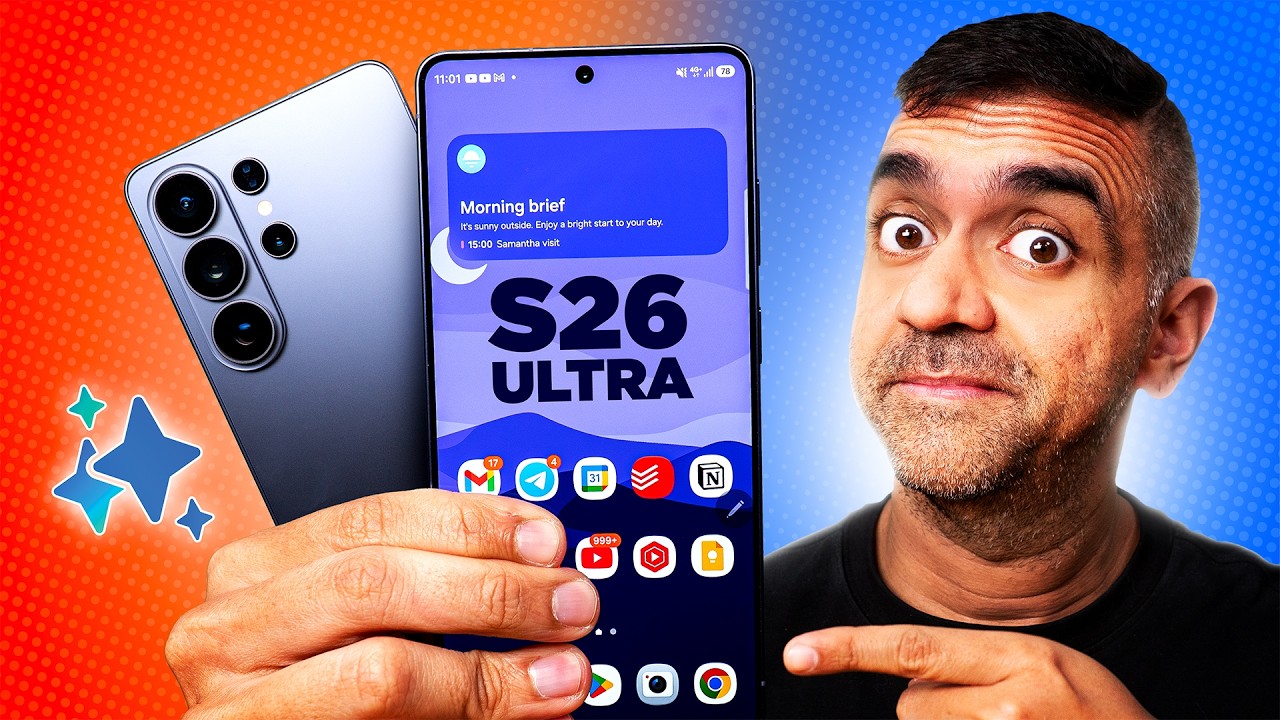
BUILD QUALITY
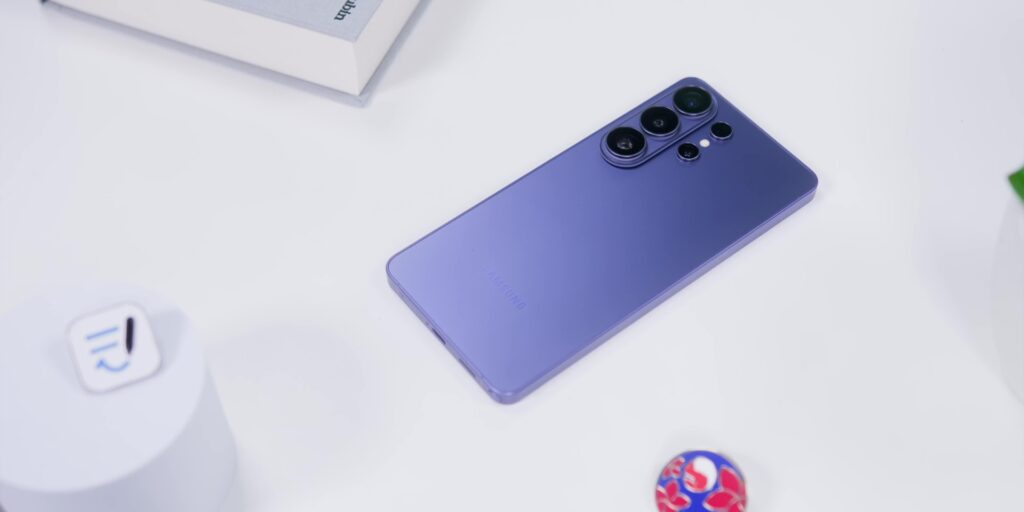
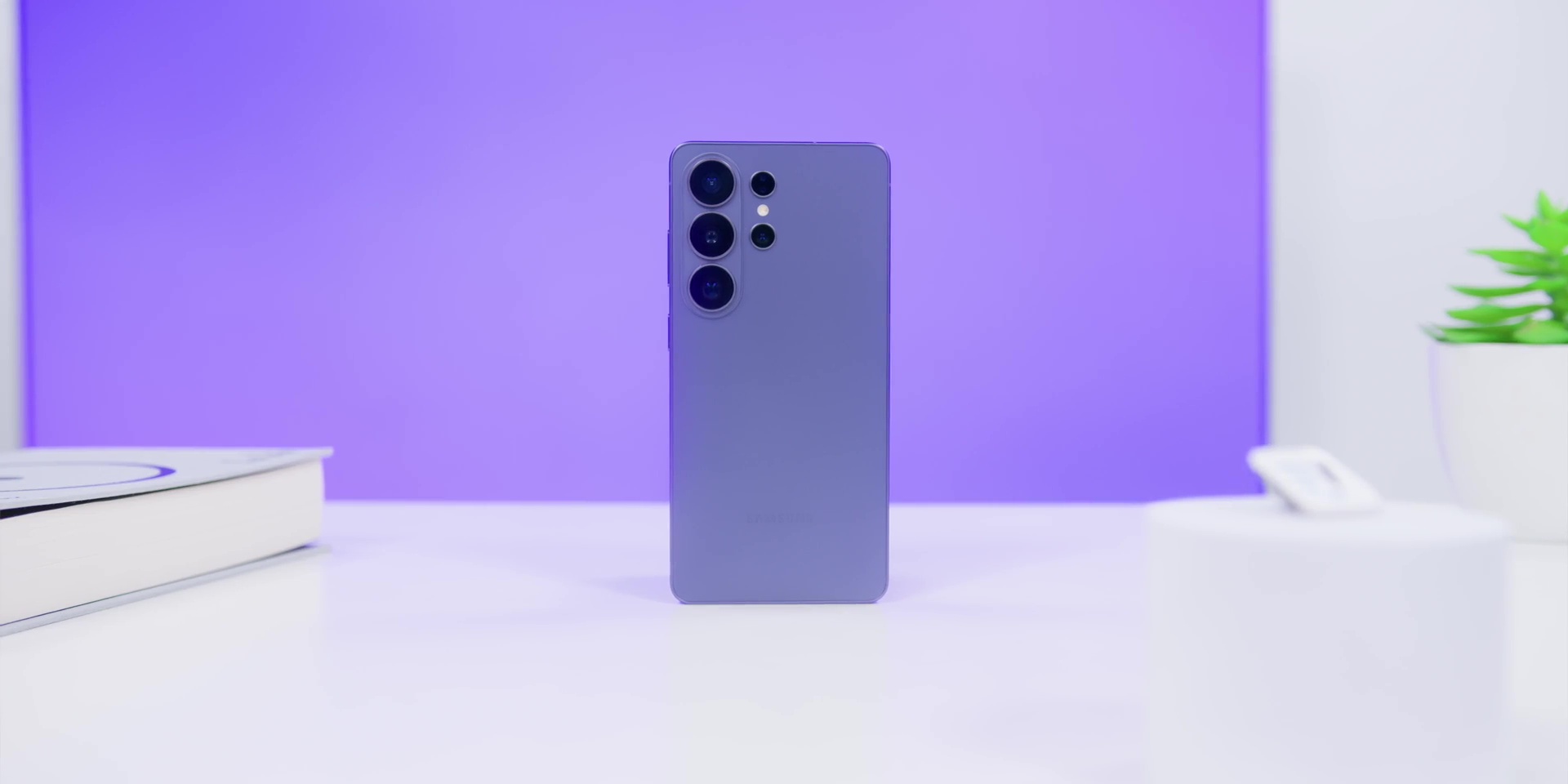
The first thing you notice when you pick this up is the fact that it is lighter because Samsung ditched the titanium this year and went back to armor aluminum. Some might say that that is actually a downgrade, but honestly, after a month of using this, I prefer this particular weight and it’s also thinner too. Not dramatically thin, but you can actually feel it when you use this daily.
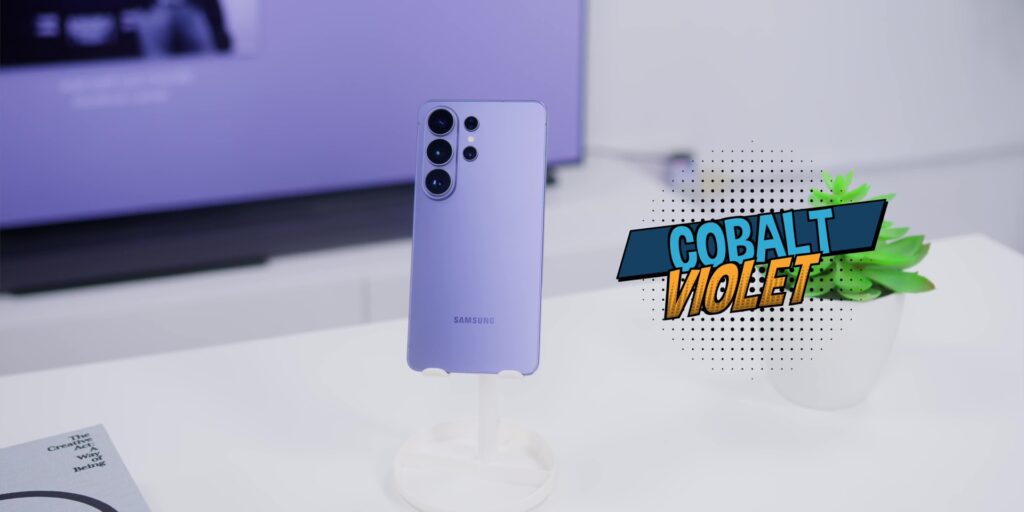
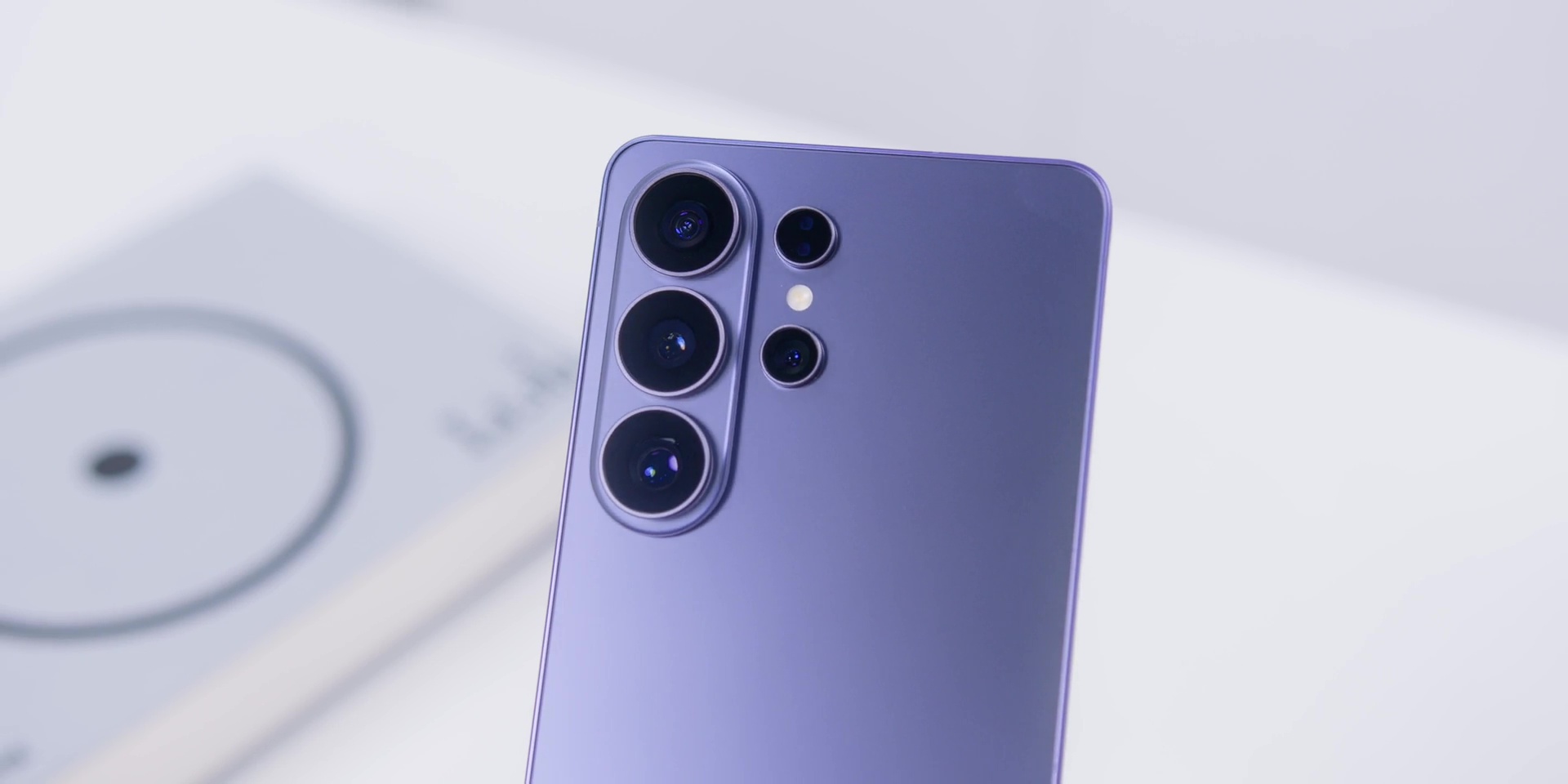
This is in the hero color, which is Cobalt Violet. I honestly was thinking of getting the White because if you know me, you know, but there was something about this purple metallic sheen that really made me appreciate this color more.
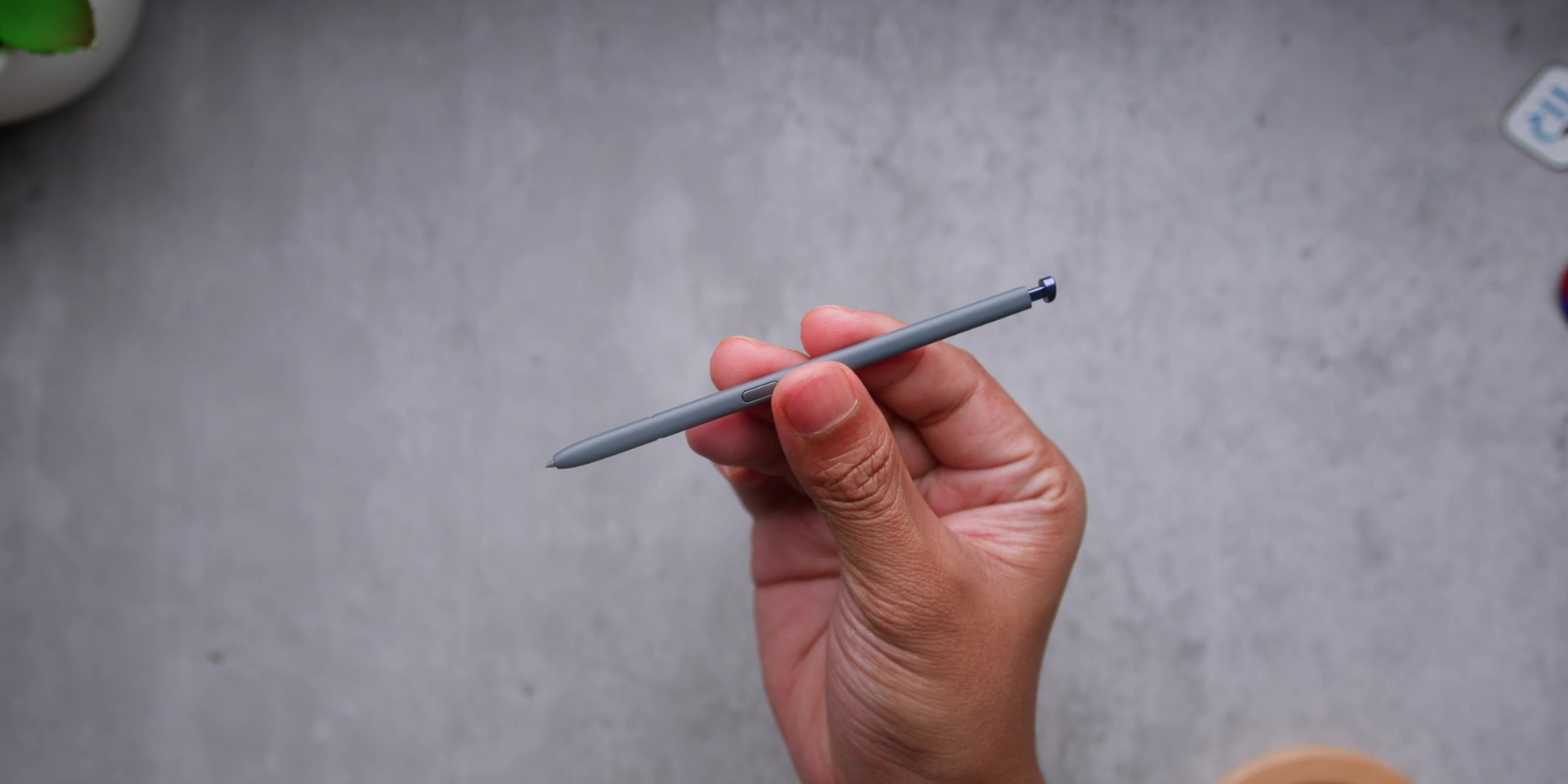
And the S Pen has also been redesigned as well. It is much thinner this year and has a slight curvature to it, which means that there’s now a right way to put it back.
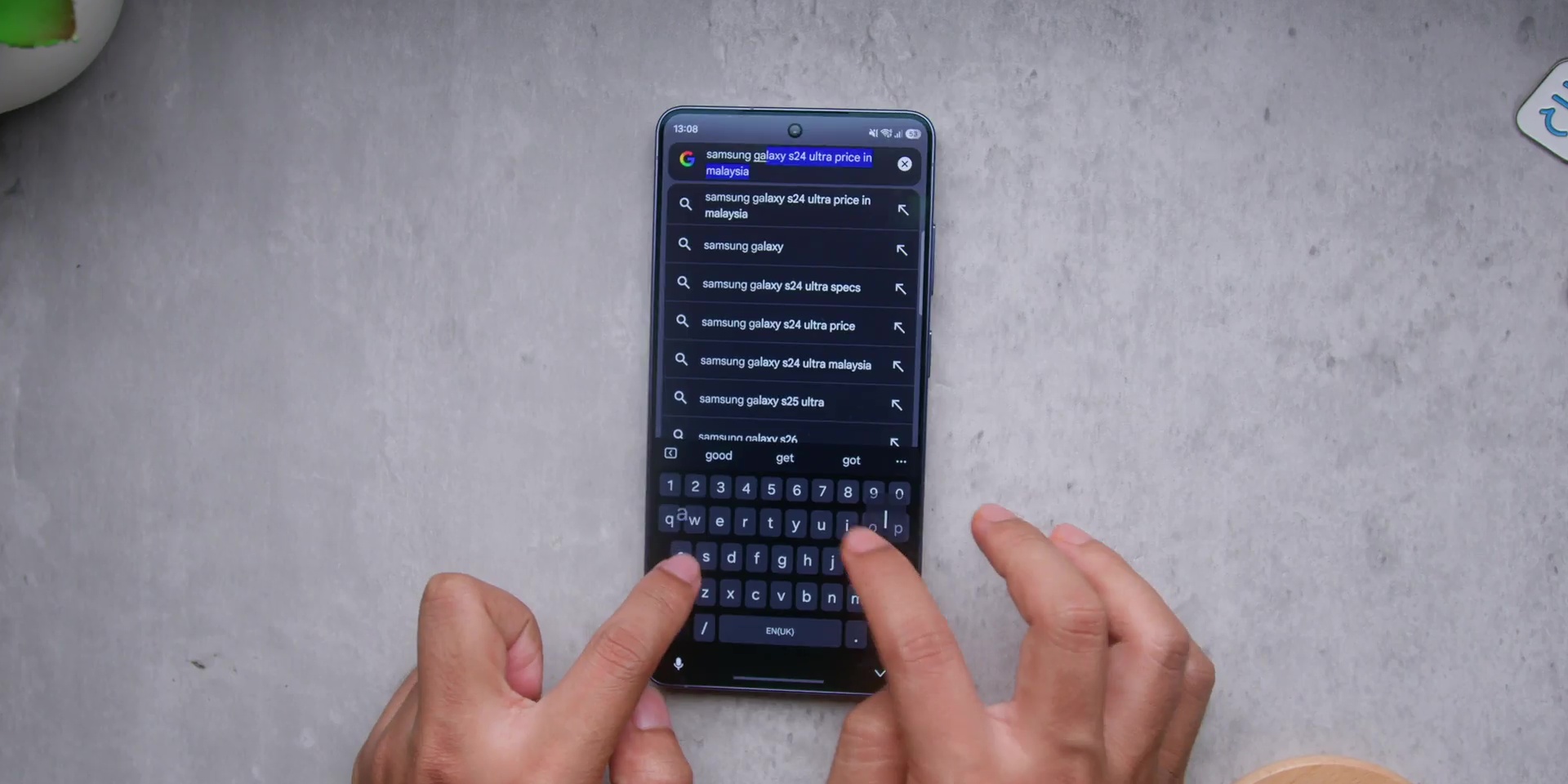
But there’s one thing that might bother a certain type of people where if you are someone who likes to put the phone flat when you type the phone on the surface, this phone totally wobbles a lot.
But I do have a solution for that. And I’ll show you exactly why in a bit.
And also worth mentioning is the fact that this phone did not heat up during setup. But if you ever set up a new flagship before, that is usually the case. And all of this means that the phone is lighter, it is thinner, and has a better S Pen. And yes, the wobble that comes with it, but we’ll fix that shortly.
DISPLAY
The display is Samsung doing what Samsung does best. You know how Samsung screens are the best in the business. Yeah, still very true. The anti-reflective coating is very close to what the S25 Ultra had. Not identical, but very close enough that most people won’t even notice the difference.
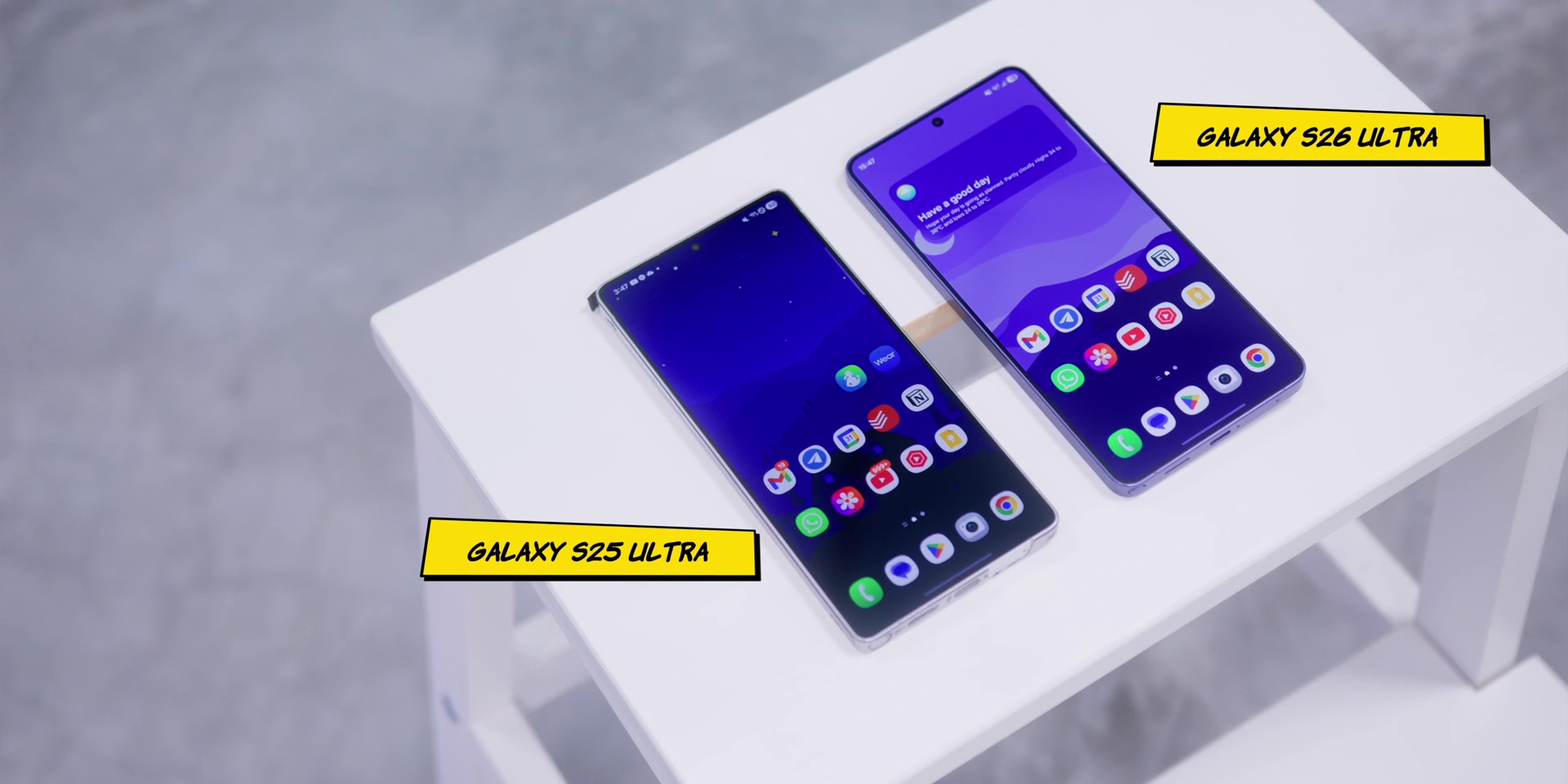
But the real story here is the Privacy Display, because this isn’t a screen protector style privacy filter, this blocks all viewing angles: horizontal, vertical, and even off-axis. And you can set it for specific apps and notifications only.
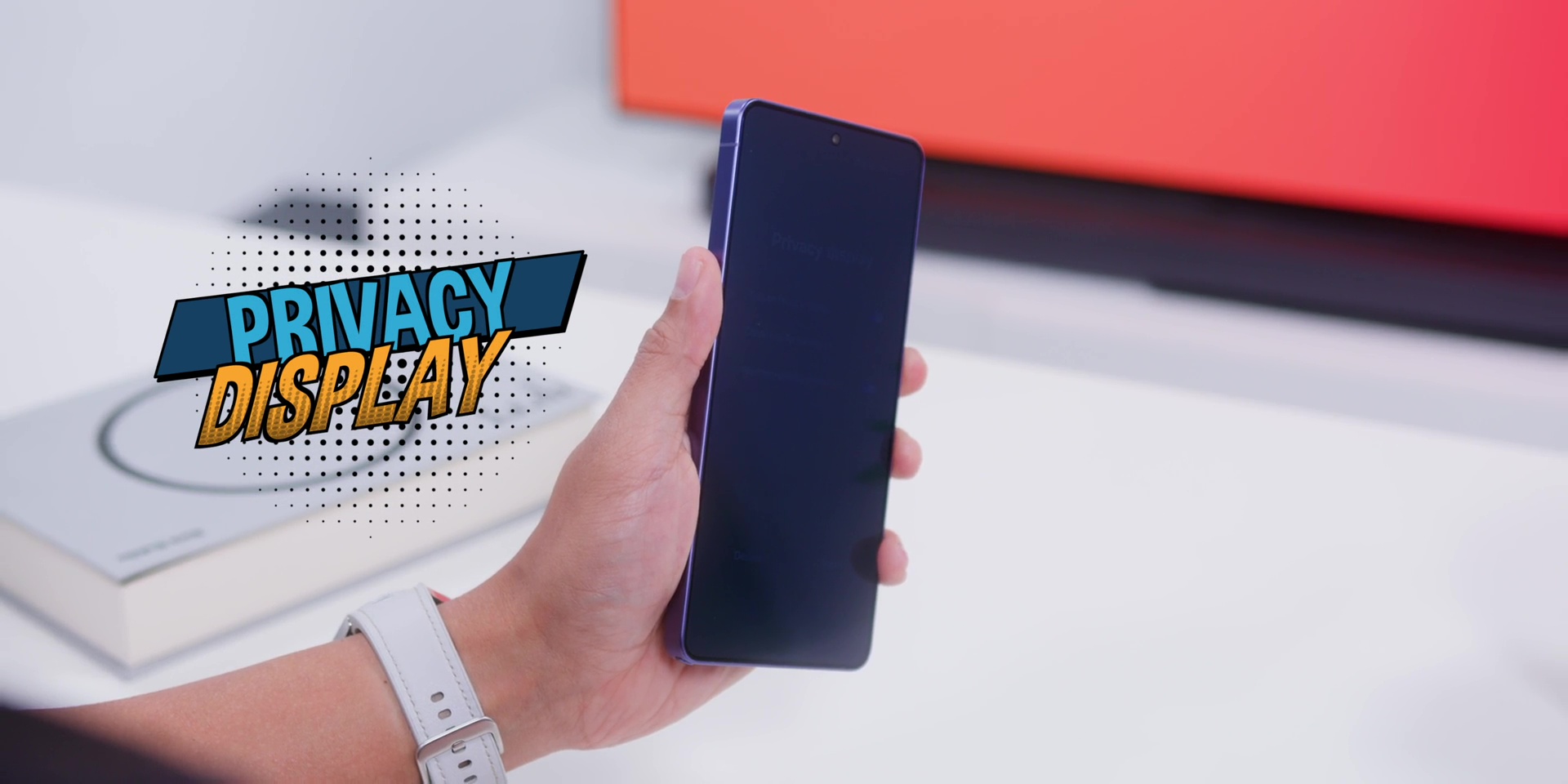
But in case you’re wondering, how does this actually work? Well, Zack from JerryRigEverything actually put this under a microscope. And basically, it’s selectively turning off the wider pixels on the display, which is very genius, honestly.
If you’re wondering whether I use this Privacy Display all the time, well, no. And here’s why. Because when you turn it on, the overall screen does get dimmer. And I’m not sacrificing Samsung’s amazing screen brightness for privacy on my Instagram feed, right?
But I do love how Samsung has made this customizable as mentioned earlier because it is like a blanket privacy mode and just calls it a day. They actually let you apply it on specific apps or just for your notifications and password.
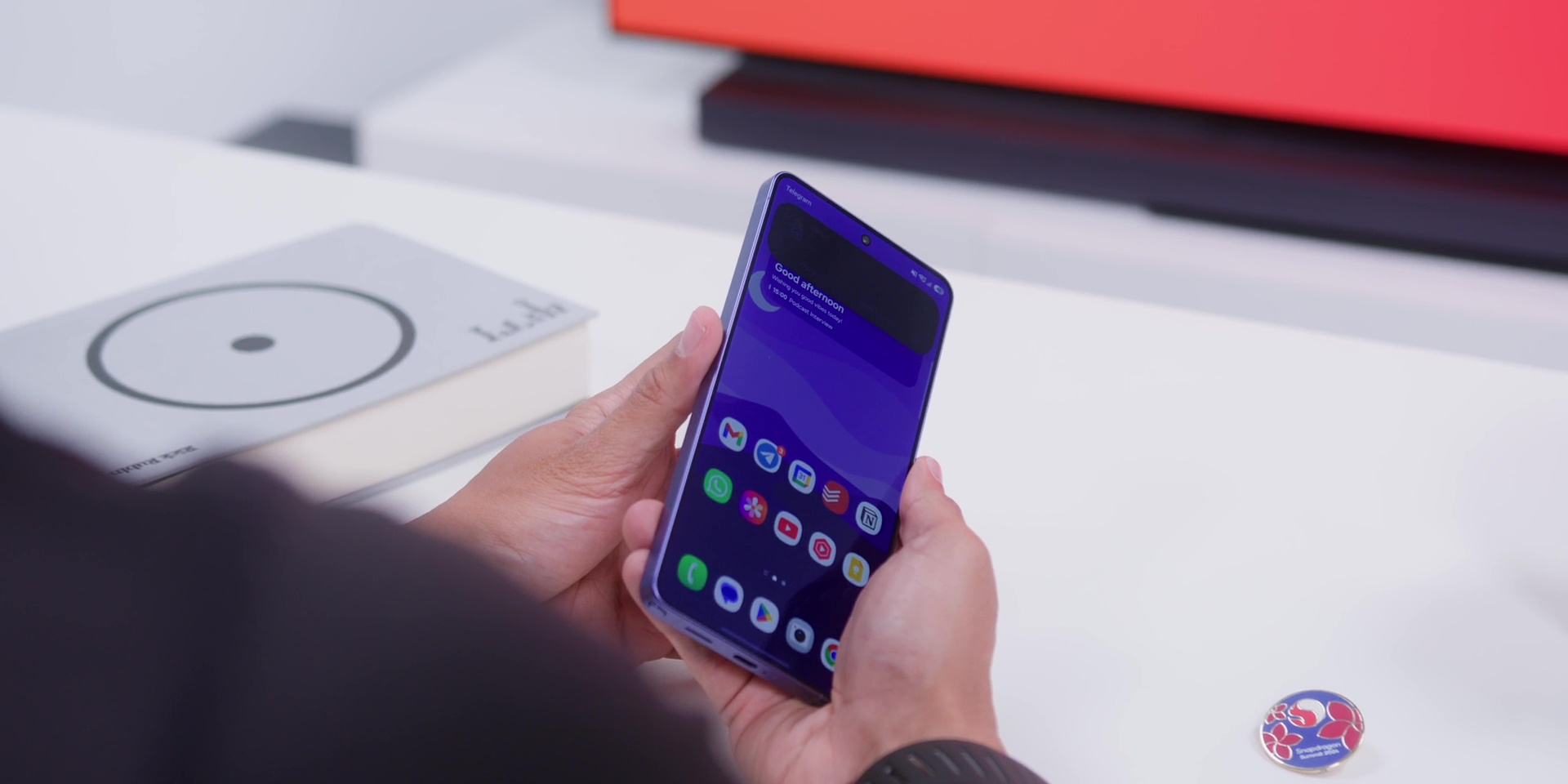
So yeah, that’s actually the right way of doing things especially when you introduce a new feature because you can’t predict everybody’s behavior when they use the phone.
But there’s one more thing about turning the Privacy Display on universally or in the camera app is that when you’re shooting a photo in a low angle, you cannot see your own screen. So, if you’re taking lots of photos with your phone, keep that in mind.
And even with this Privacy Display turned on, just so you know, it does not affect the ultrasonic fingerprint sensor at all, which is still great to know.
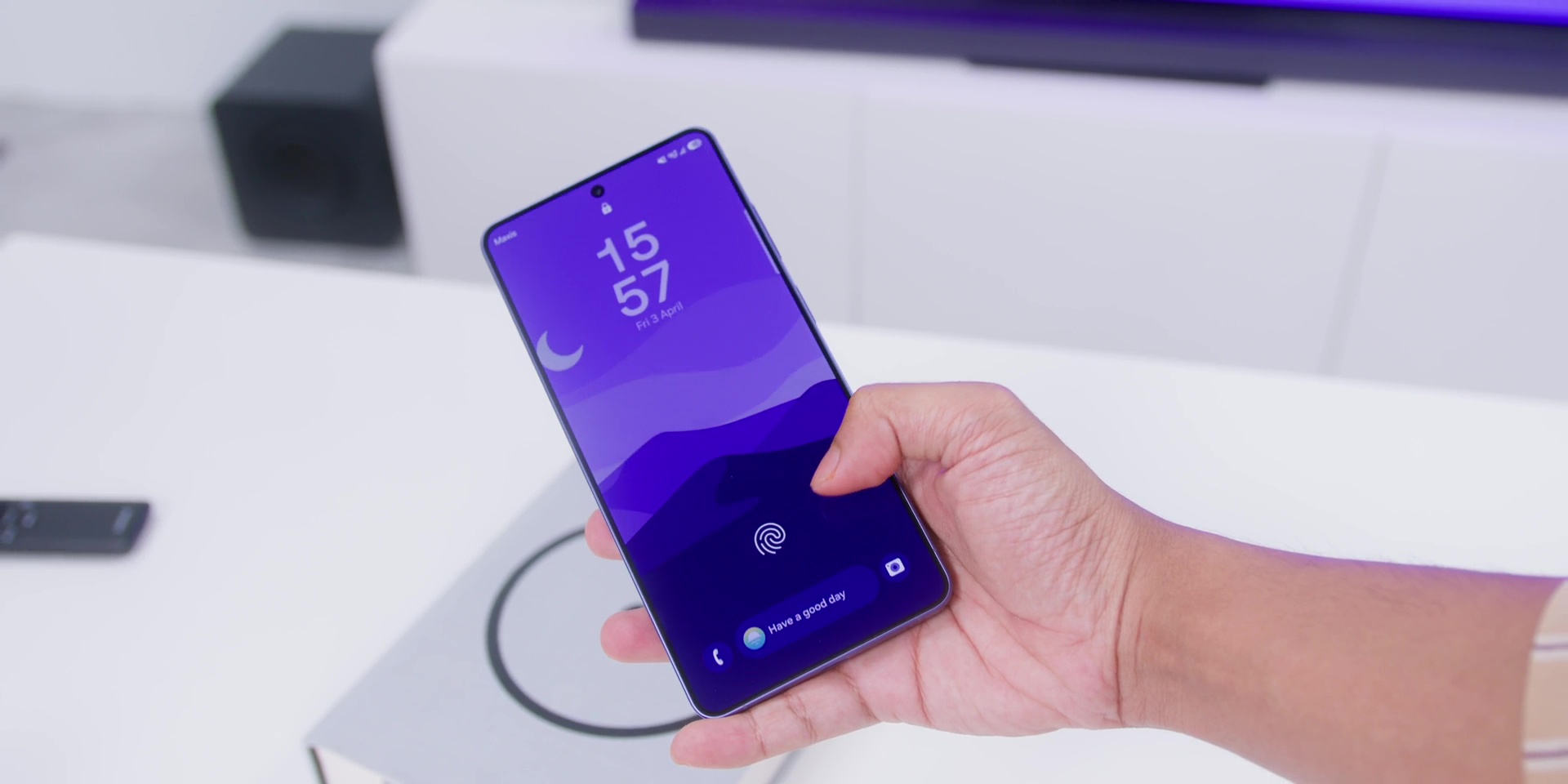
The screen on this has the Gorilla Armor 2. But if you want to protect the screen further, you can use dbrand’s Prism screen protector, which works perfectly with this.
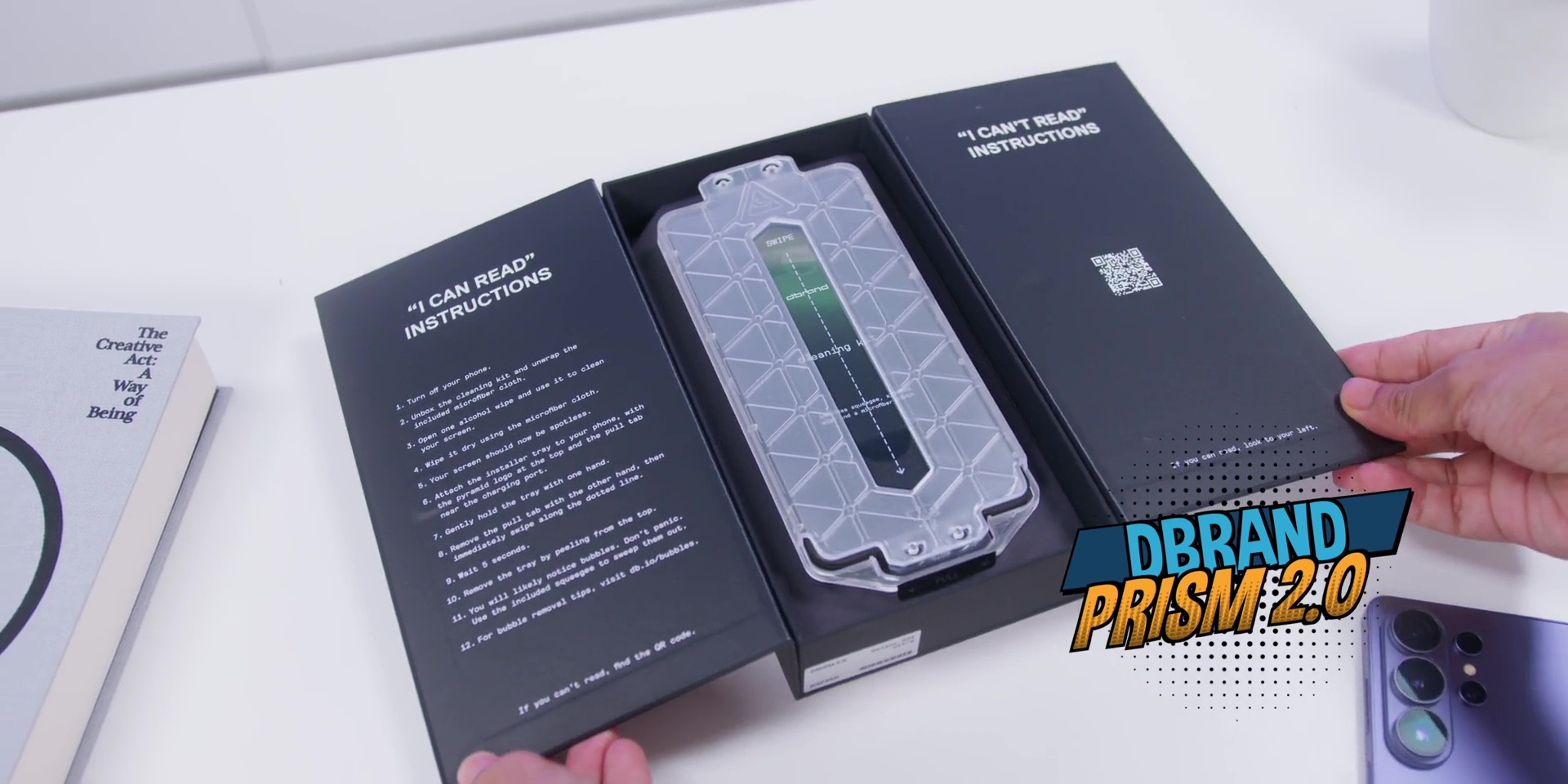
And it also works with the Privacy Display too. And dbrand gives you two just in case you mess it up for the first time, which trust me, you won’t and you’ll end up having with two screen protectors.
But more importantly, the dbrand cases come with very strong magnets built-in. So whether or not you go for the anti-yellowing Ghost Case, the very reliable Grip Case, or the absolutely indestructible Tank Case. Remember the wobble I mentioned earlier? Well, this case eliminates them completely.
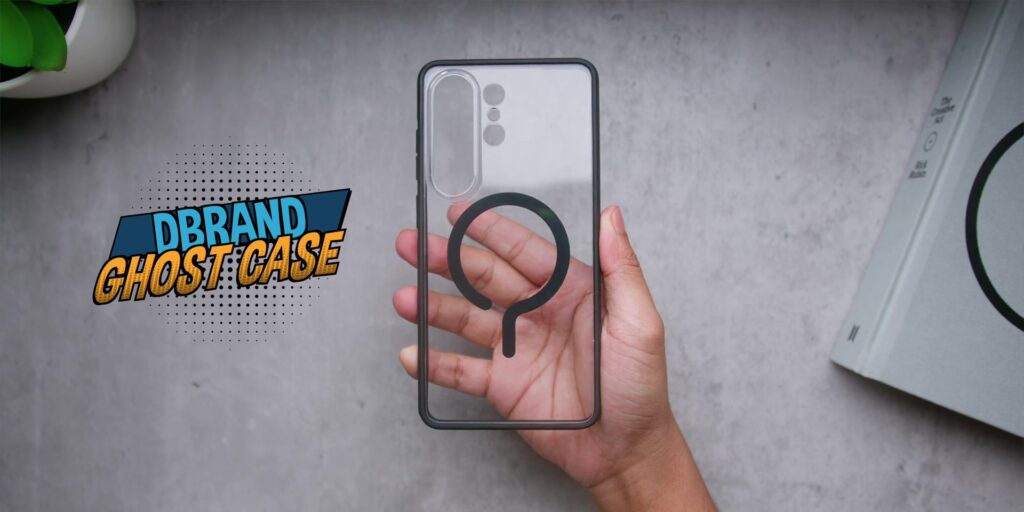
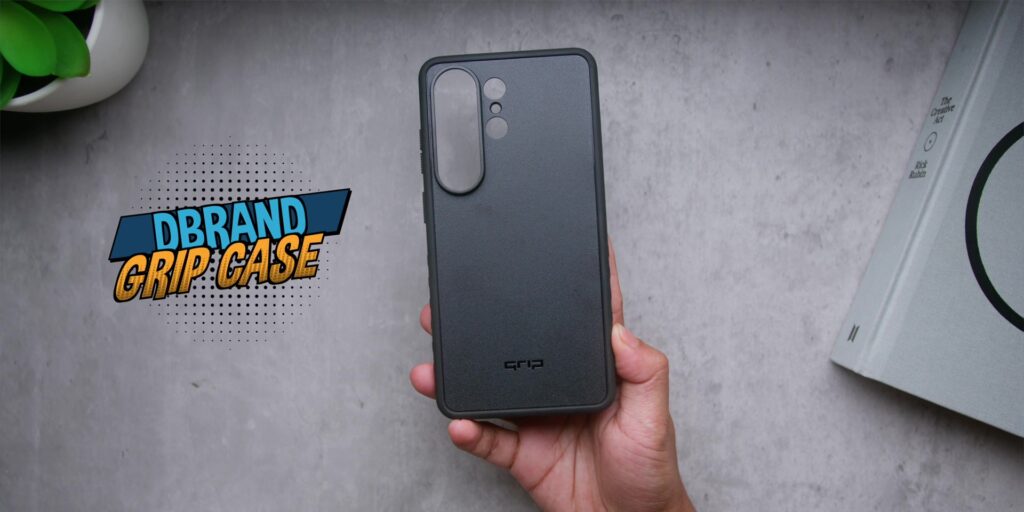
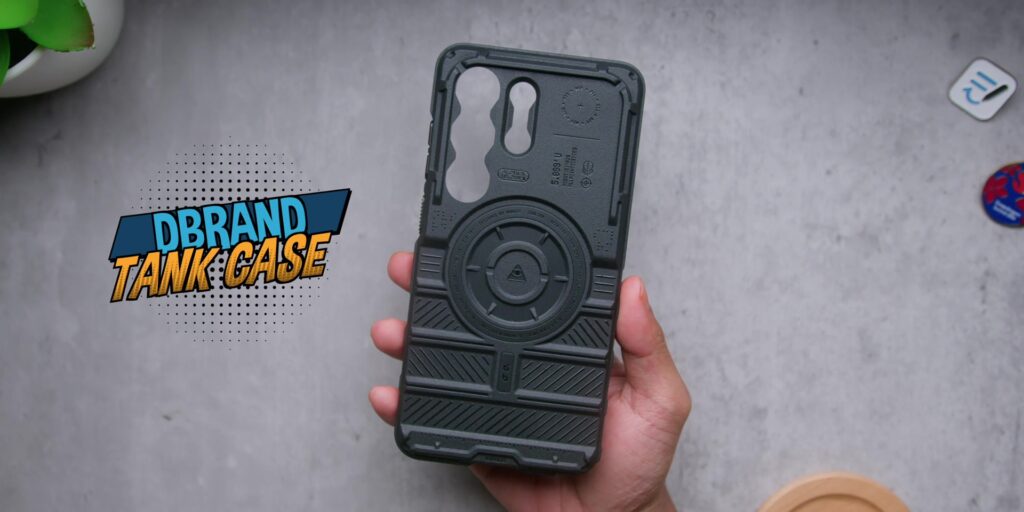
So that is your solution and honestly these cases look very sick too. So head on to https://dbrand.com/adamlobotv for a great offer on these cases.
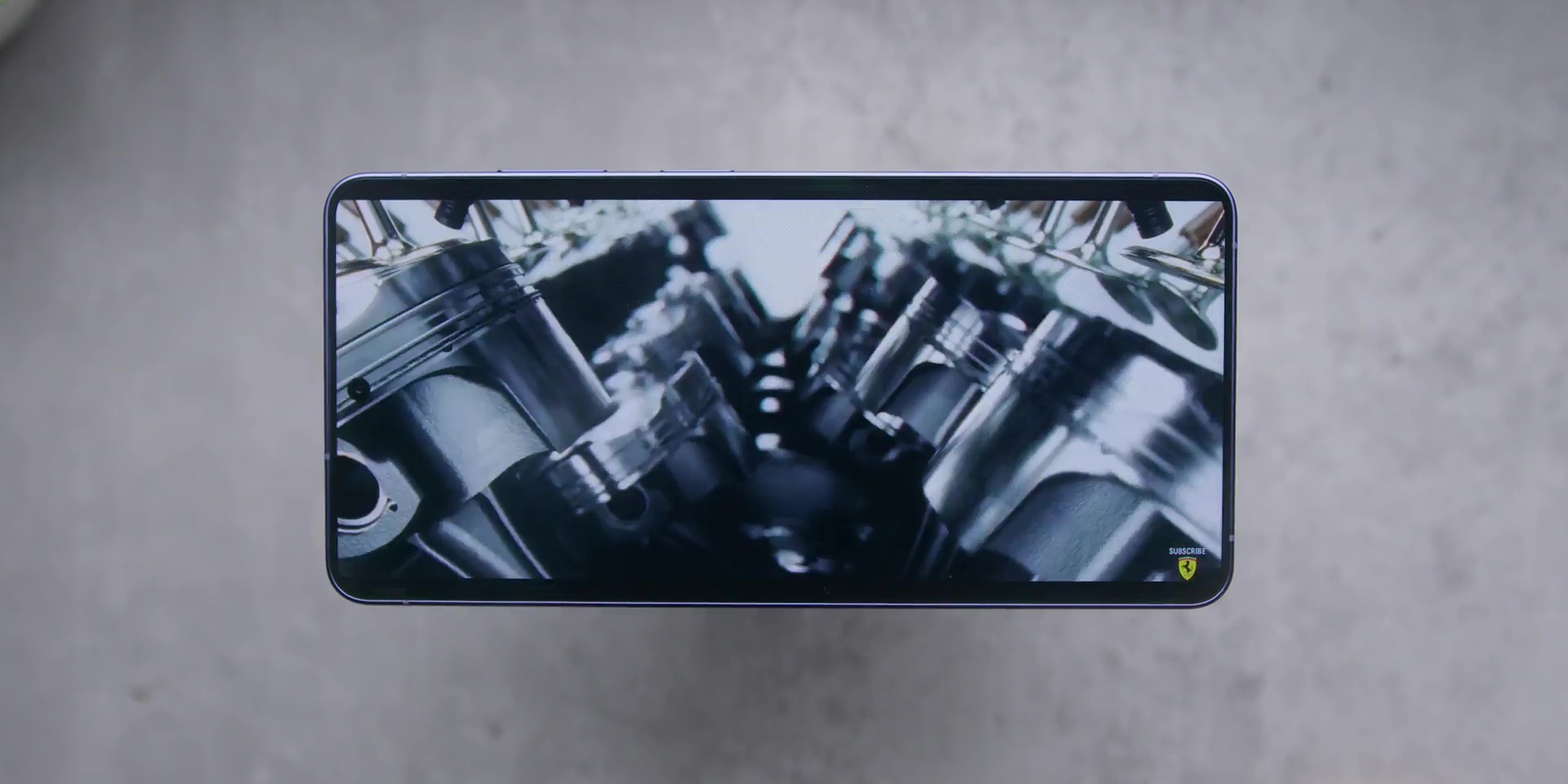
So yes, the screen is definitely one of the biggest reasons to own a Samsung phone, especially when it comes to watching videos. And yes, the speakers are still amazing.
CAMERAS
Next, when it comes to the cameras, I’ve already tested this extensively.
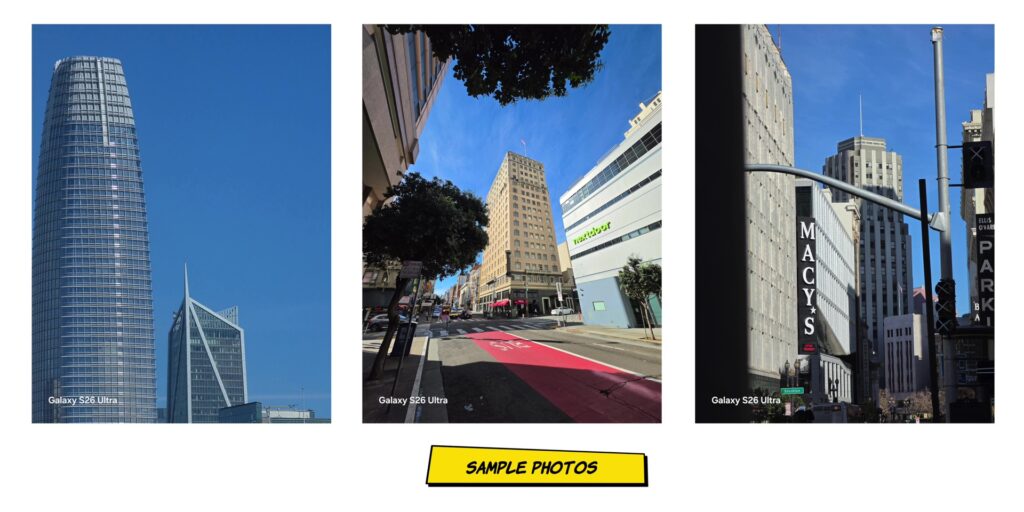
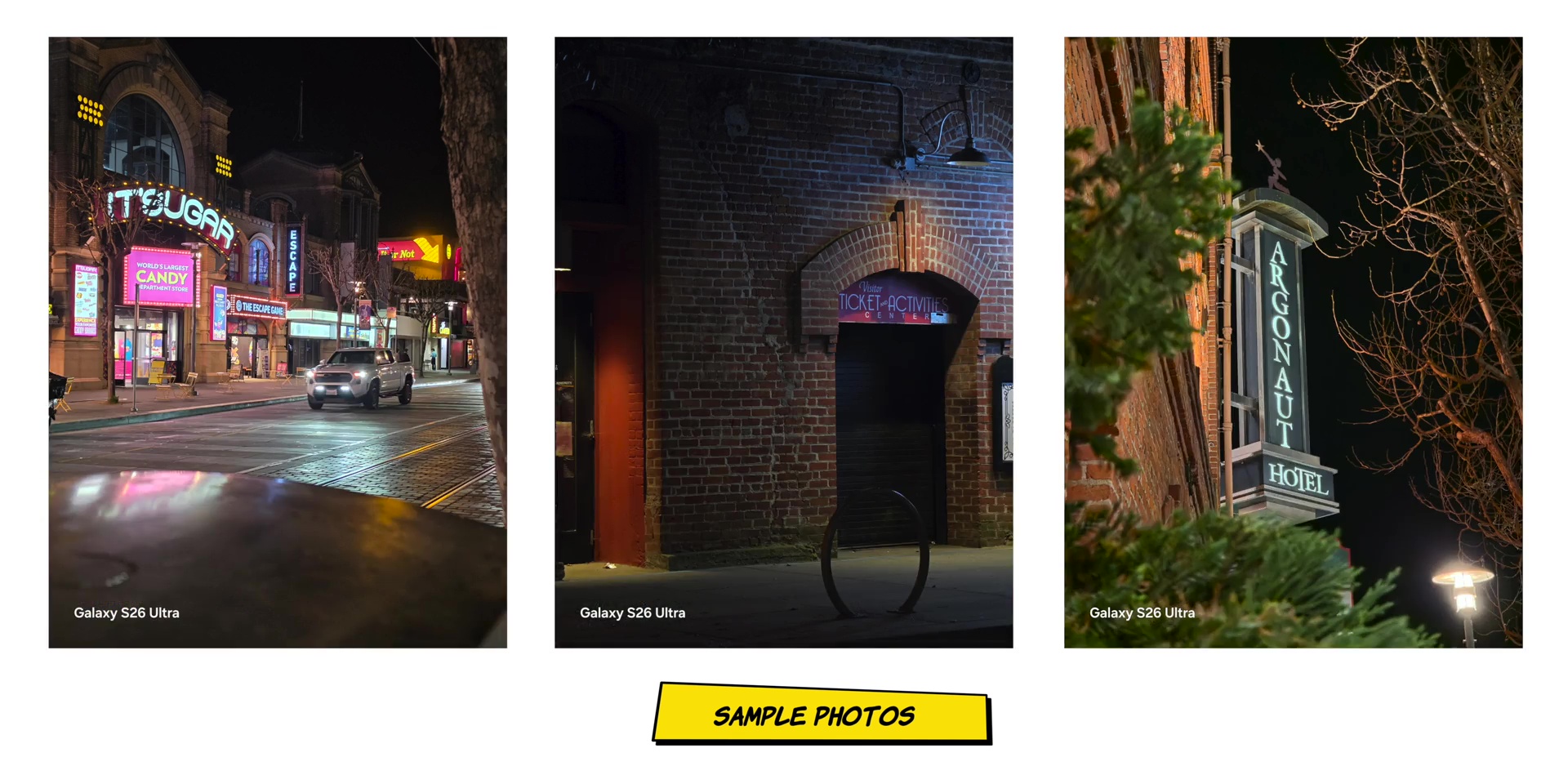
Photos on all of the lenses during the day and night and a video quality, the stabilization, the whole entire thing about the cameras.
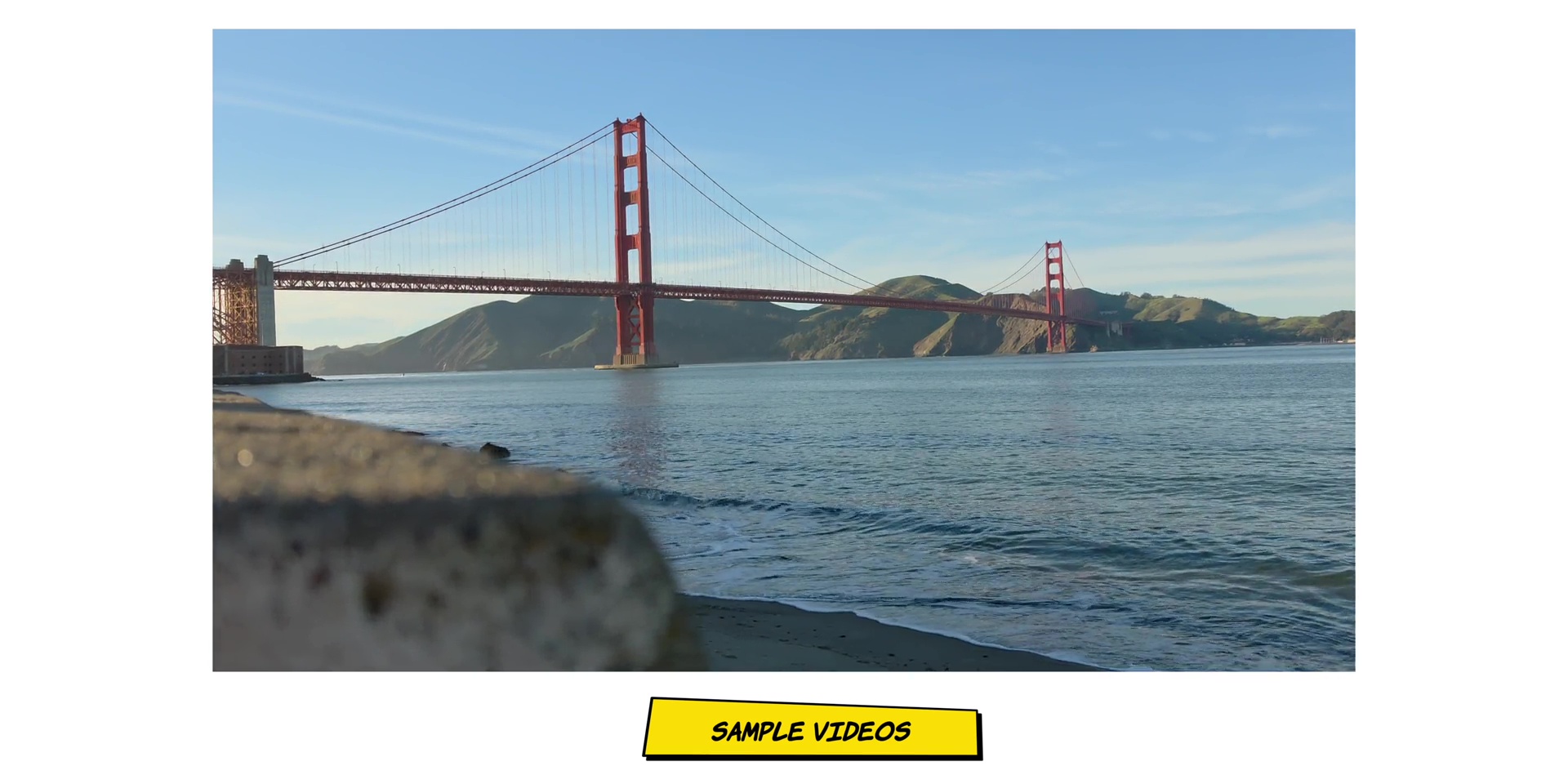
I’ll be having a dedicated camera review coming, so make sure you subscribe to Adam Lobo TV on YouTube in case you haven’t done so.
But here’s what stood out to me after months of actual use, which is the APV Samsung LOG. APV stands for Advanced Professional Video. And the easiest way to think about that is like how the iPhone has ProRes. That is Samsung or this APV mode is Samsung’s answer to that.
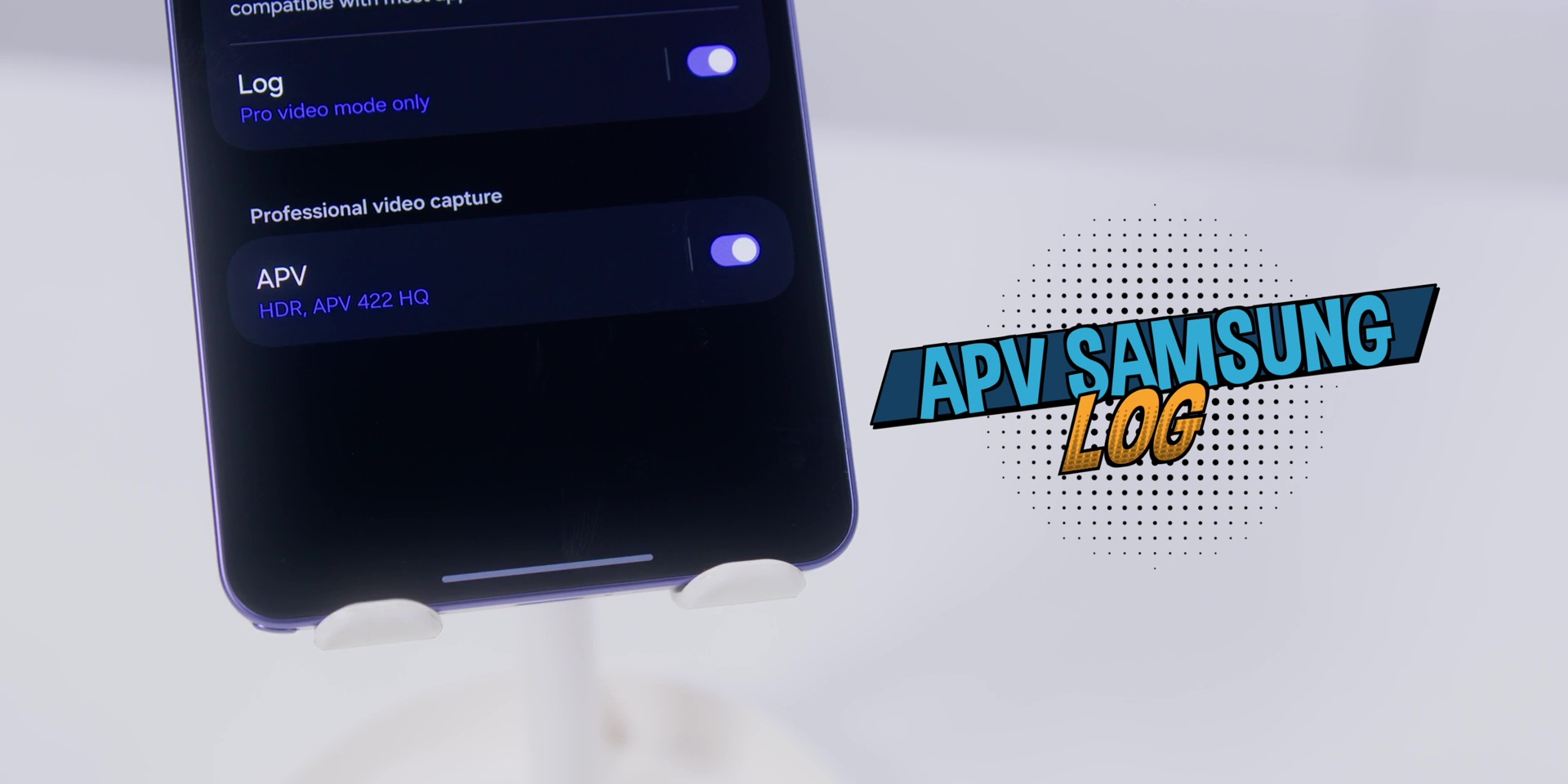
Another thing that APV also solves is that most phones’ videos are compressed aggressively to keep the file sizes small. And the problem is that every time you edit a reel for example, you export it and then you put it on a subtitle app or even like CapCut and then you re-export that loses quality. It’s like photocopying a photocopy. Each round it gets worse.
So using this APV codec keeps way more of the original image or the video information intact. And the S26 Ultra is the very first smartphone to ever support this particular codec where you can find this in the settings under the camera app settings.
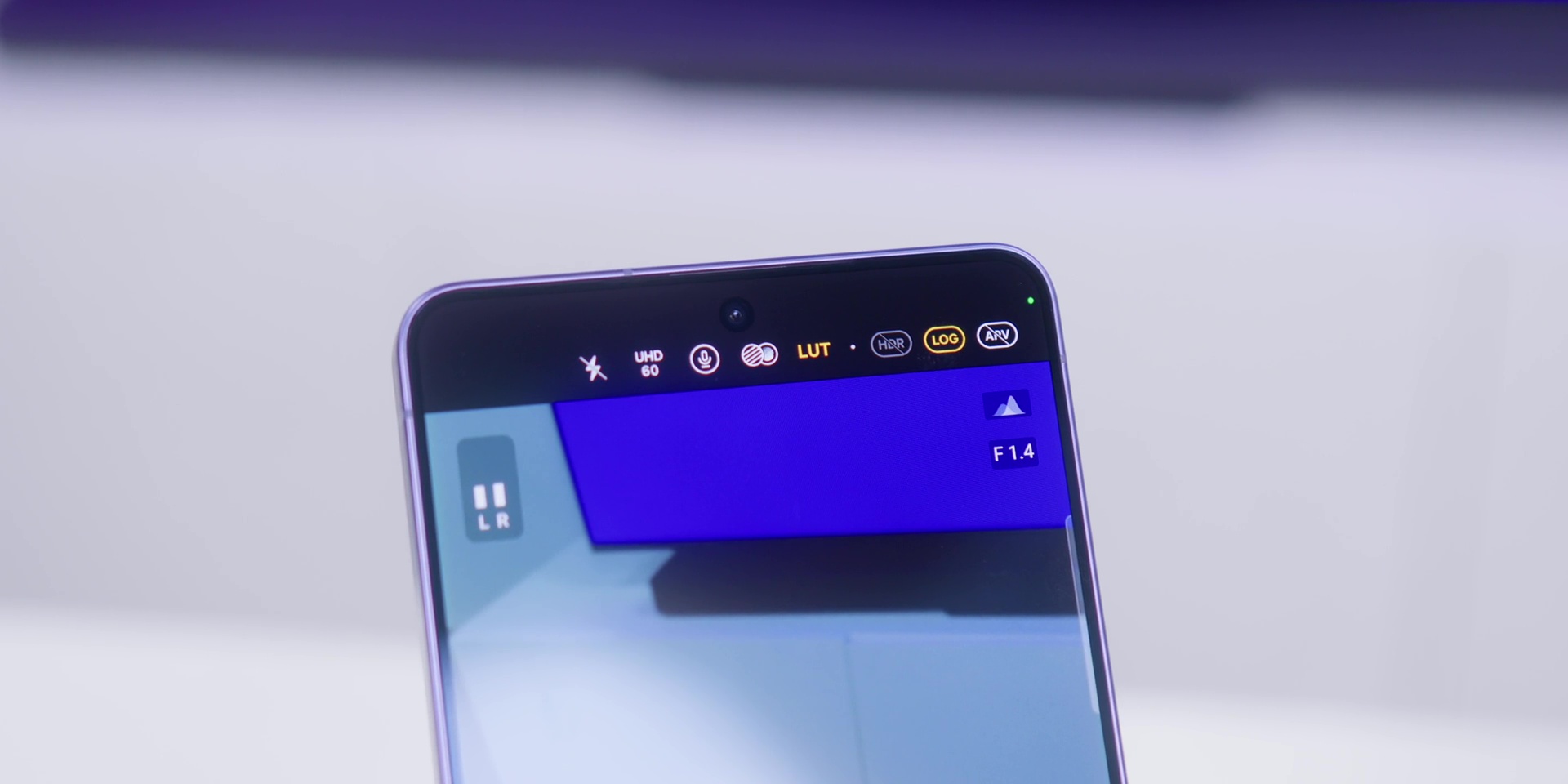
Make sure you turn on LOG for the recording mode because you can think of this like shooting in RAW for photos and that is where the LUTs come in because among all Samsung’s Blockbuster LUT will transform your footage into real cinematic footage.
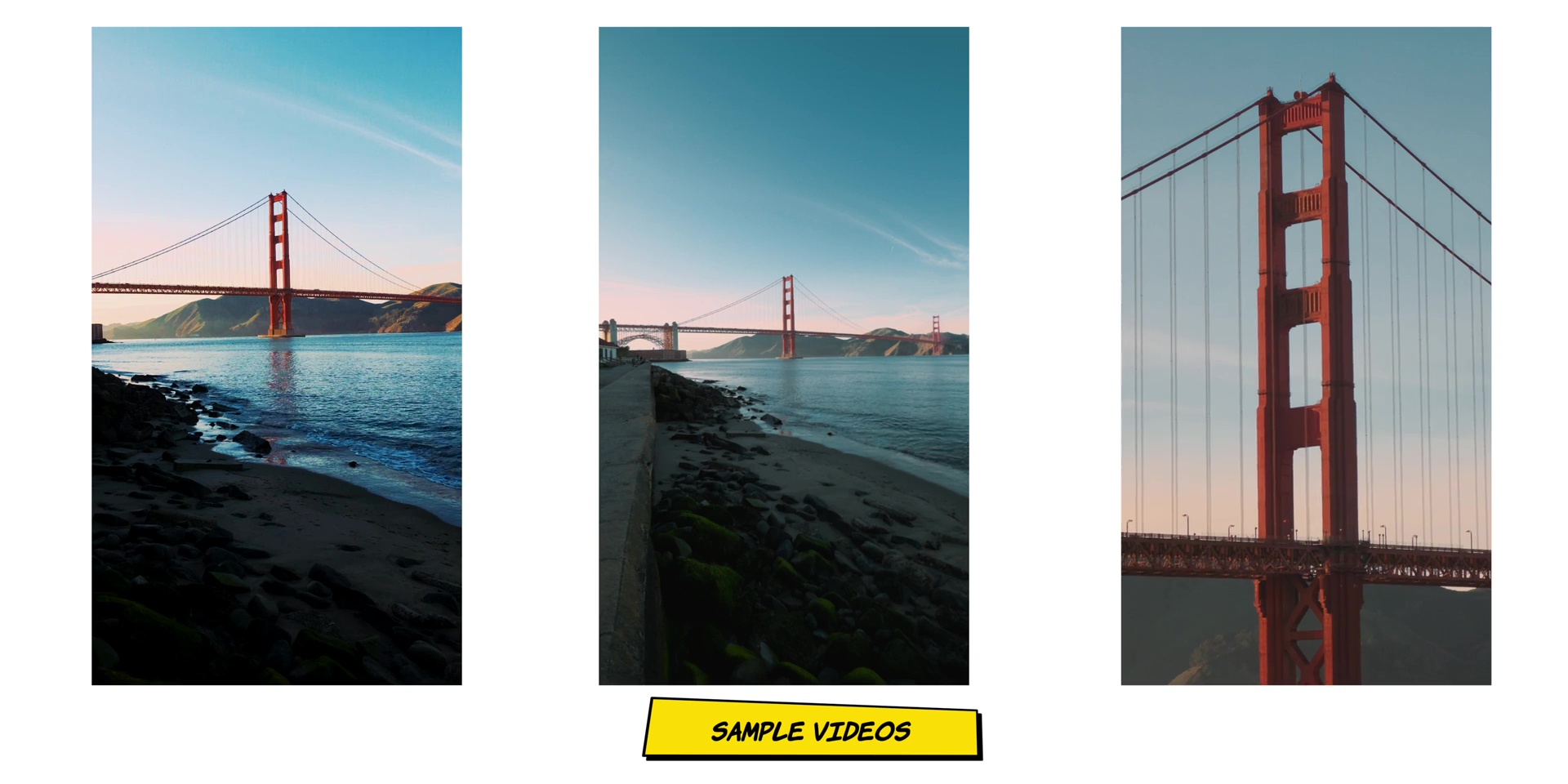
I’m not usually a fan of built-in LUTs because they usually look fake and over-processed, but this one I was truly impressed, as you can see over here.
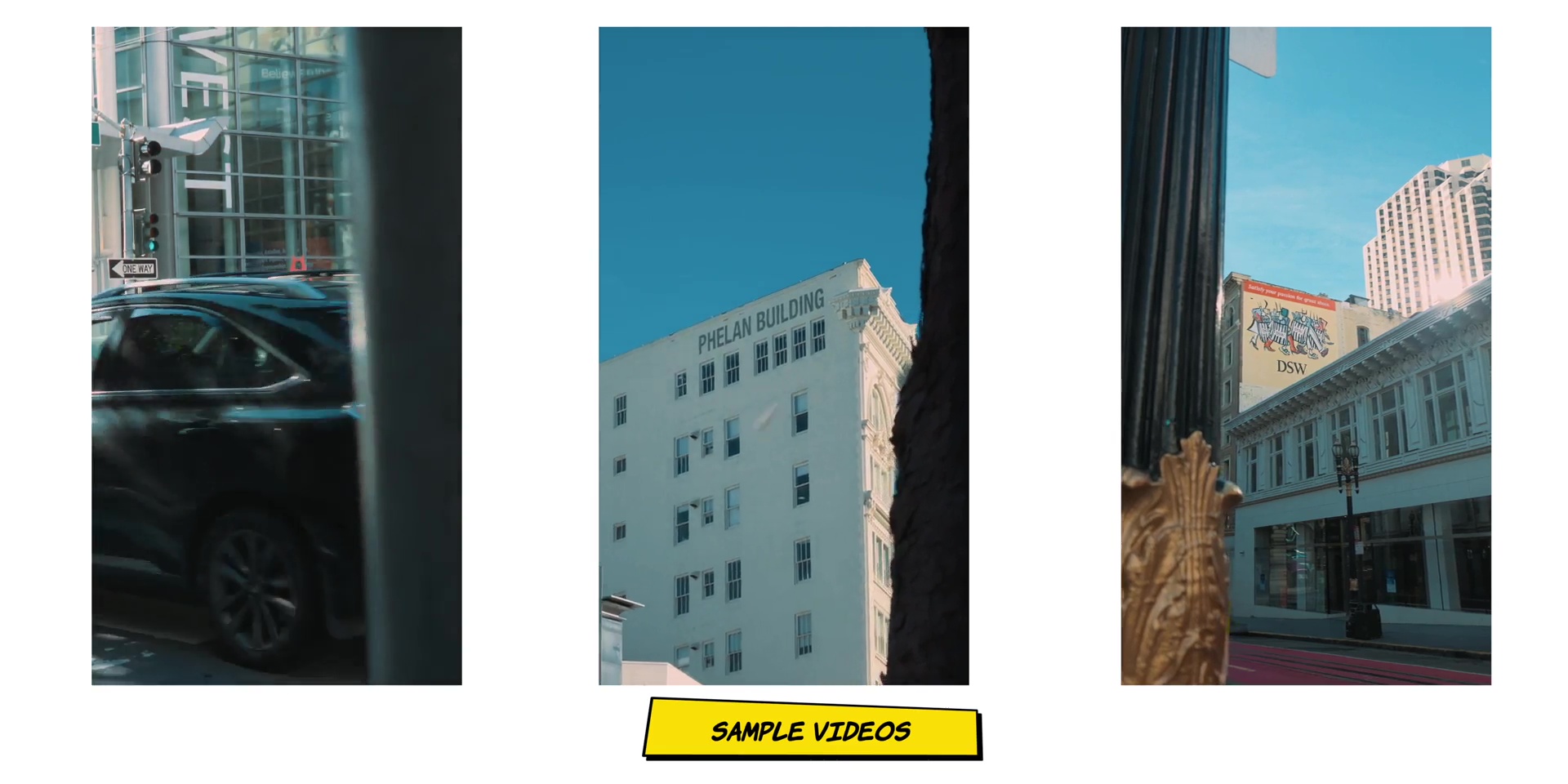
Then there’s the new Horizon Lock which is something that went viral as soon as it was introduced on the S26 Ultra. That is something that I absolutely do not need because I have been reducing my coffee intake. So my hands are very stable for years.
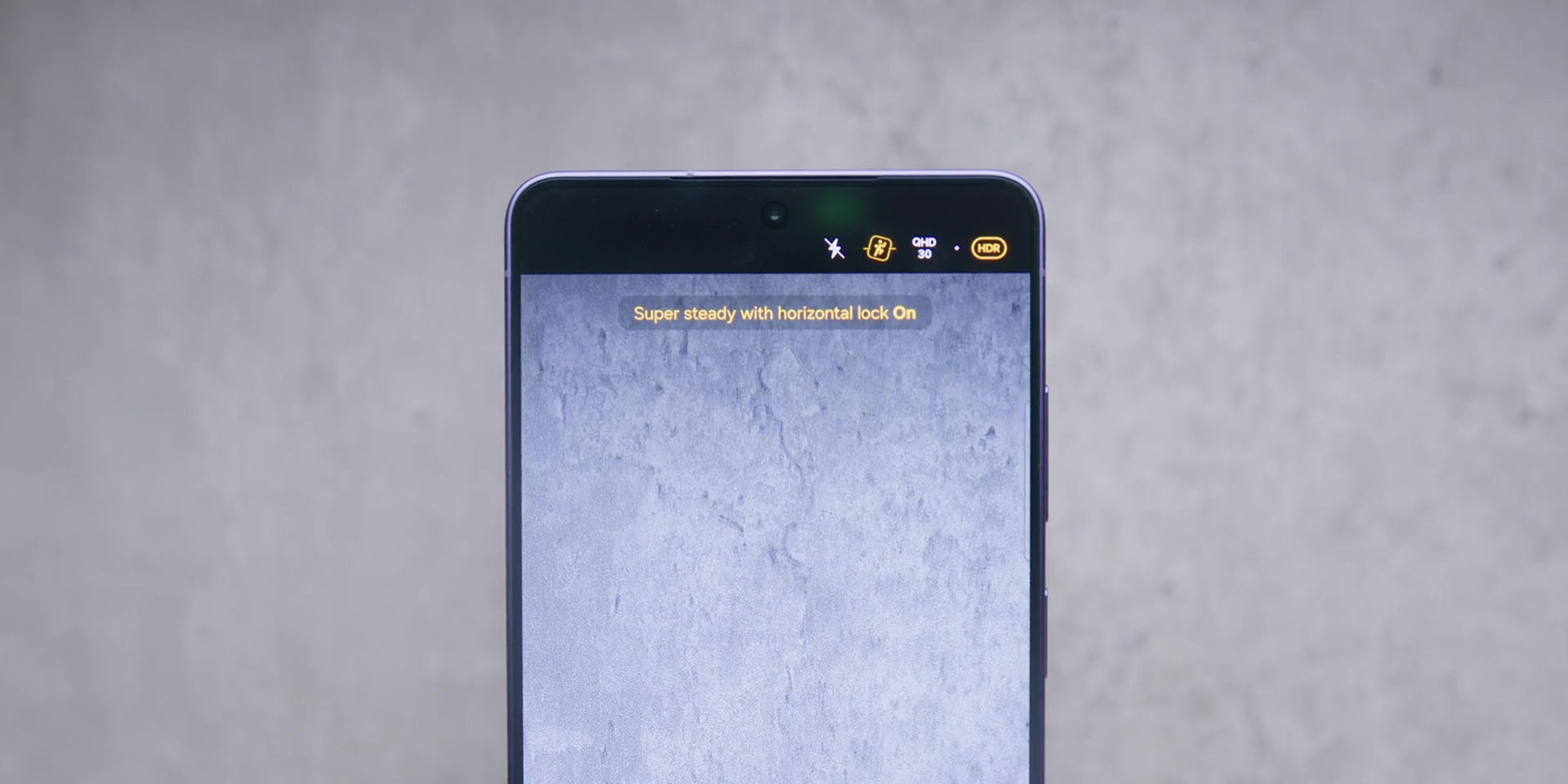
The way it works is very clever because it uses the full 200MP sensor and crops it in to stabilize. But since it crops into the sensor that also means that it will have some resolution drop and you also need better lighting to use this. As for someone who has been shooting 6K resolution for many years now, I personally prefer to keep the phone a bit more steady.
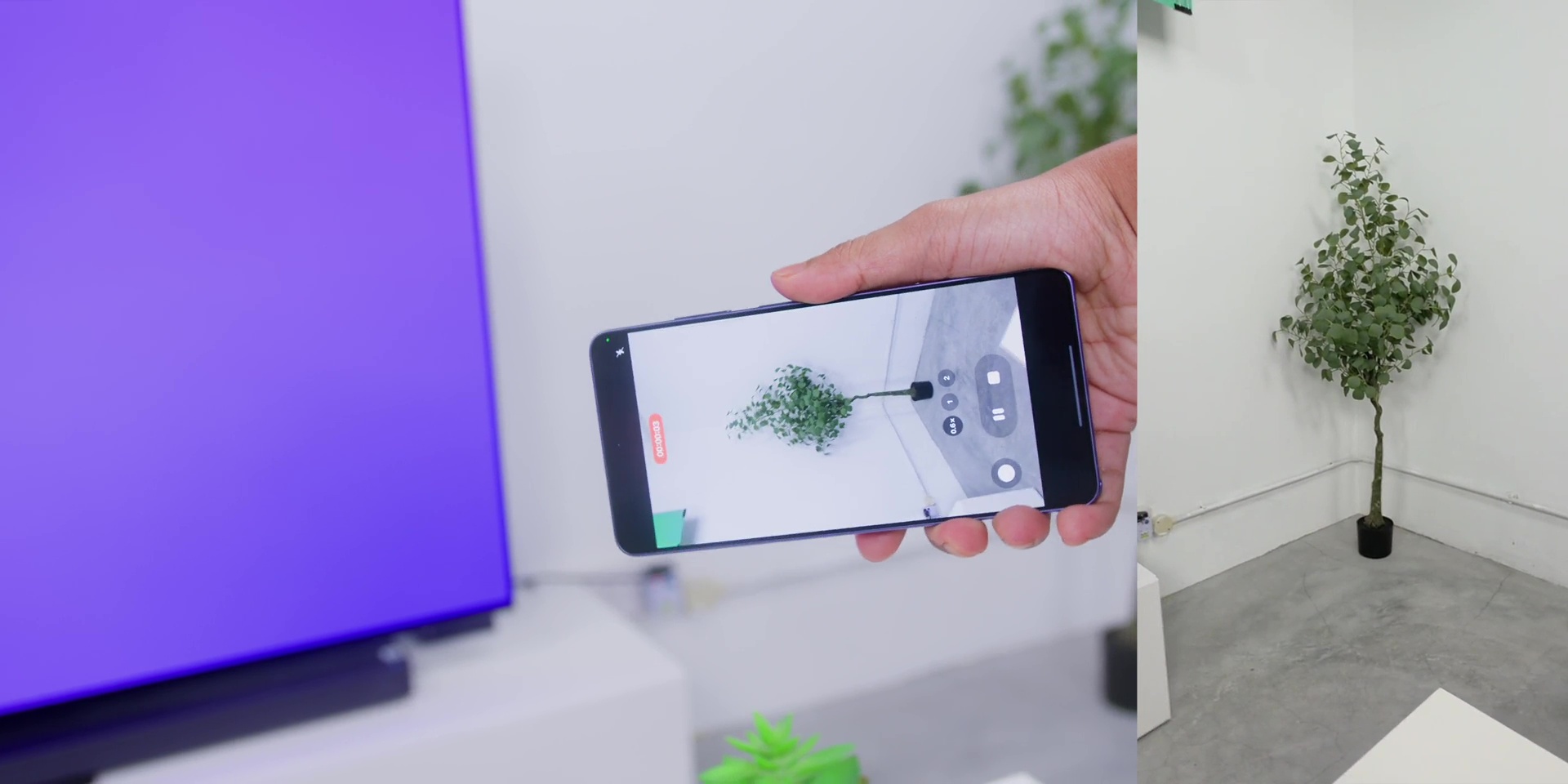
But for casual shooting or if you actually casual shoot a lot, this is actually very useful. So, this would be very beneficial for people who are not very steady with your hands when shooting or probably when you’re in a concert and you’re jumping and using your phone to record. That could be very useful.
Stay tuned for my full camera breakdown once again because if you haven’t seen my dedicated camera videos before, well, trust me, you want to watch that.
BATTERY
Battery life is slightly better than last year, although it has the same 5000 mAh of battery as last year and even the year before, where I got an average close to 6 and 1/2 hours of screen on time with 12% battery left. And I’ve been running it with a WQHD+ with the Always On Display the whole time with no compromises at all.
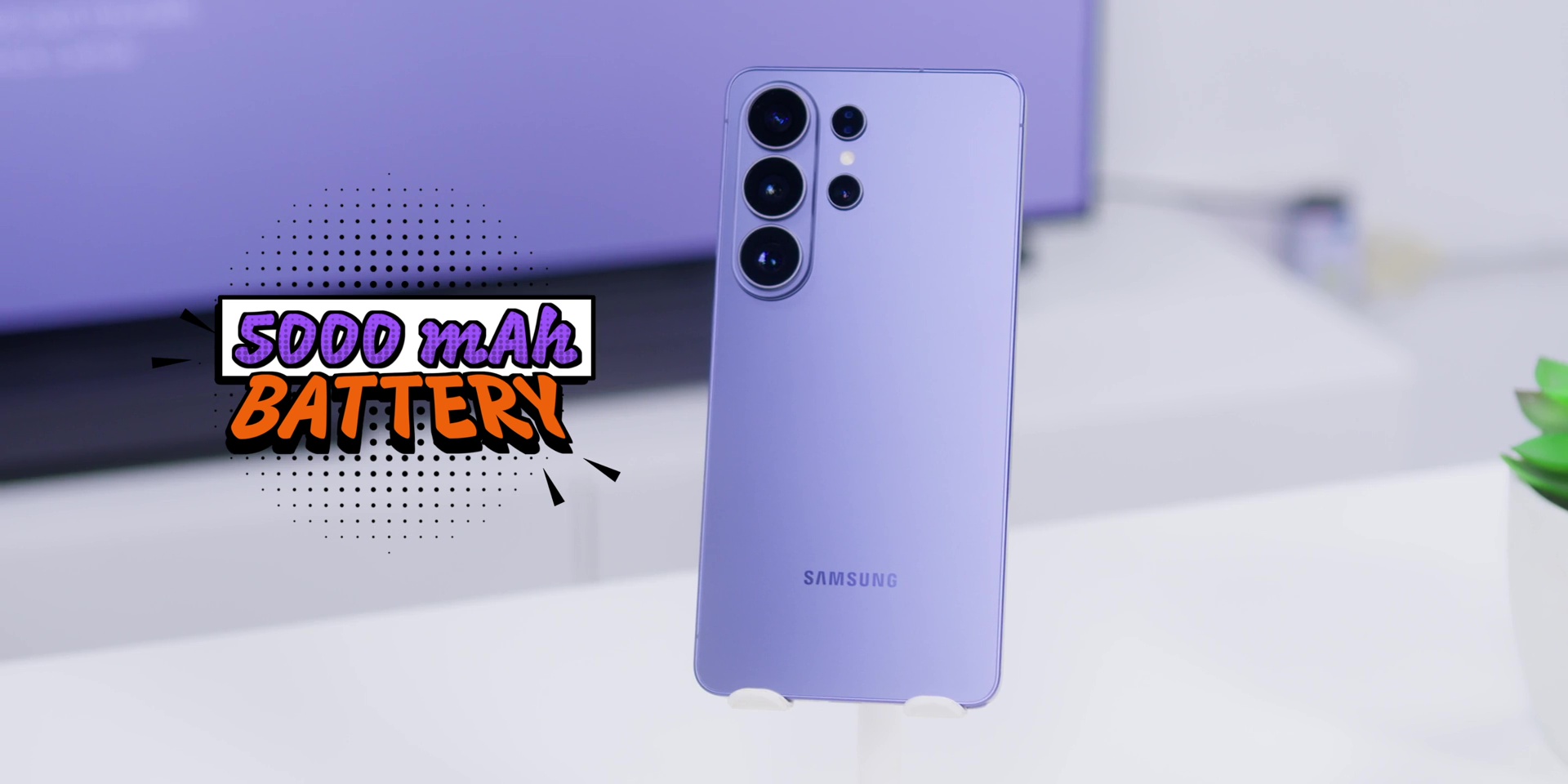
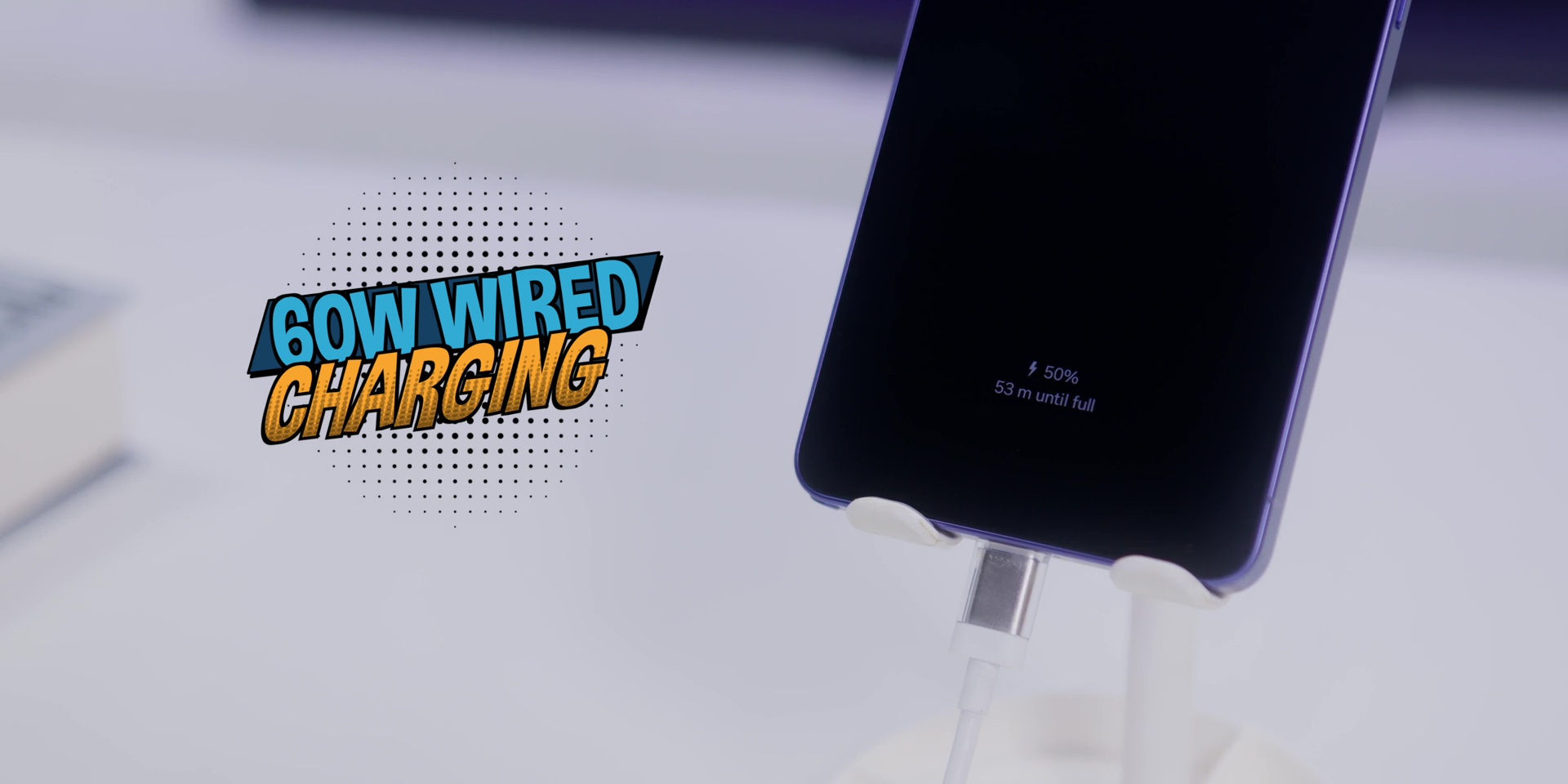
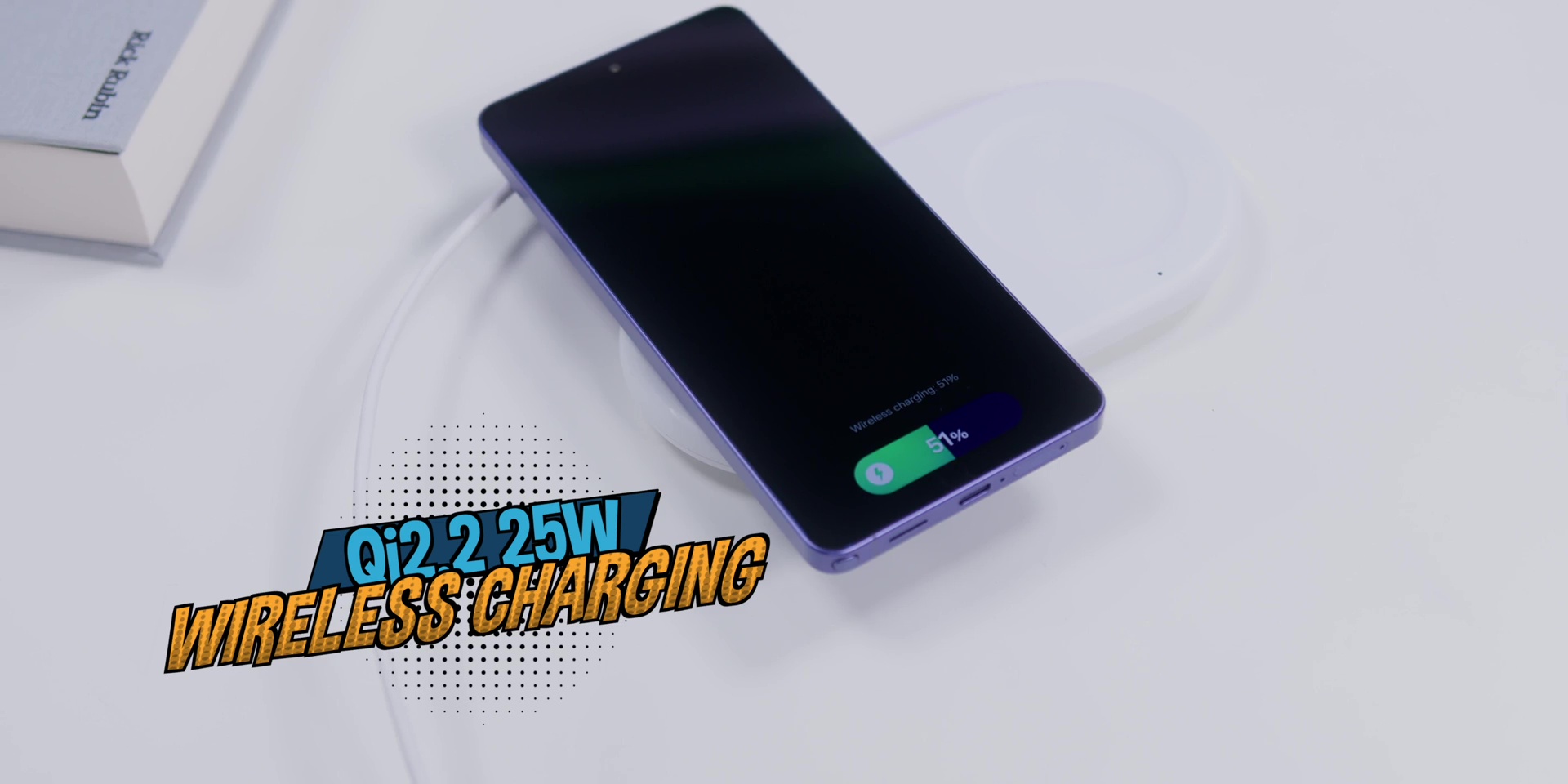
Charging speeds have also improved to 60W wired. That got me from 0 to 45% in 15 minutes. So, yeah, that’s your lunch break top up. And then wireless charging has also gotten a bump too to Qi2.2 25W which is great if you are a wireless-only charging person like me. All of this means that you are getting through a full day comfortably and back to full faster than before.
SOFTWARE & GALAXY AI
As for software, as of the timing of this review, it is at One UI 8.5.
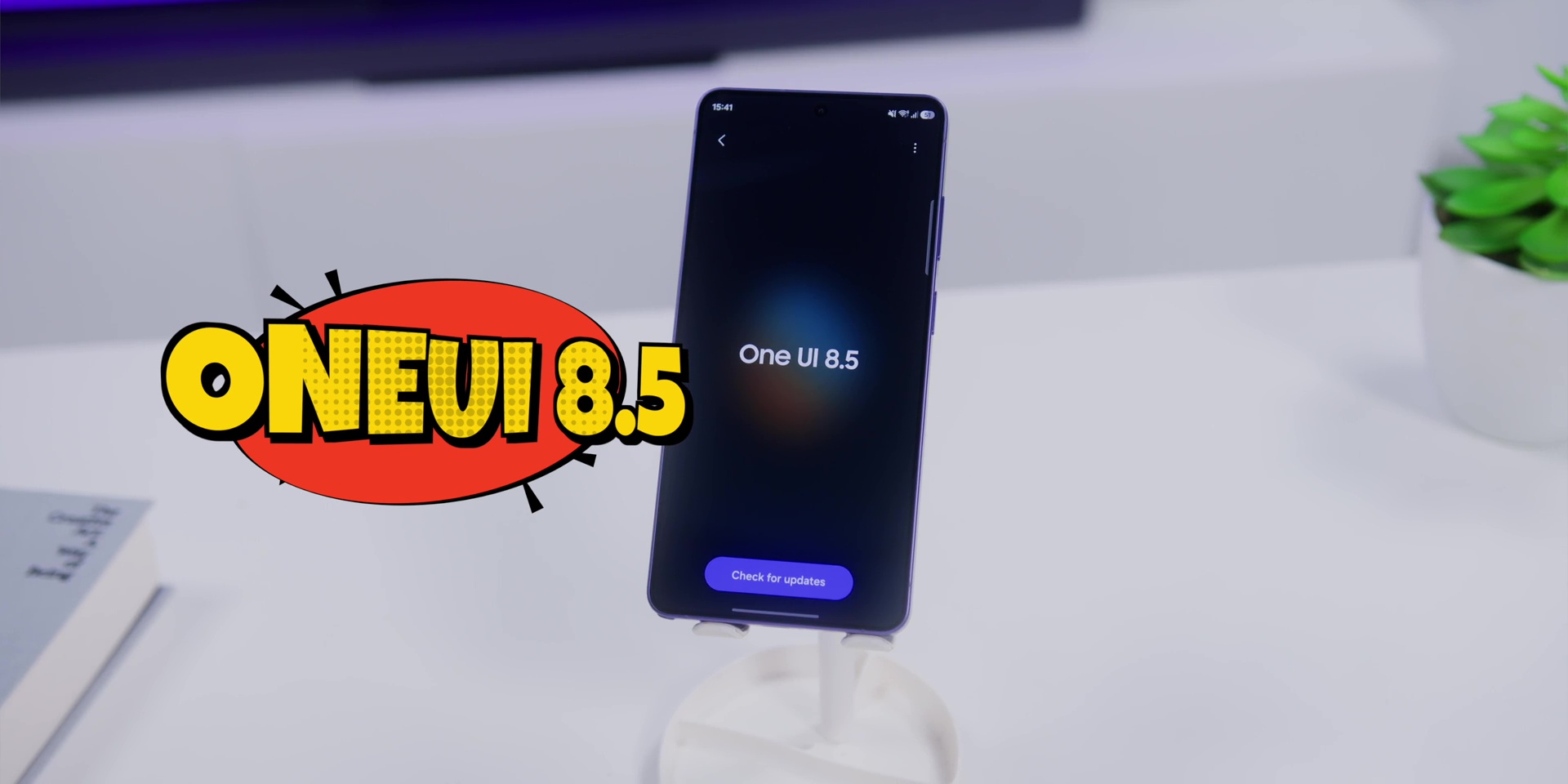
Since it was released there have been few updates which was really great to know. I turned on every single Galaxy AI feature in the menu but I didn’t toggle the “process data only on the device” because honestly if this whole entire AI makes my life easier, I don’t mind my data being shared.
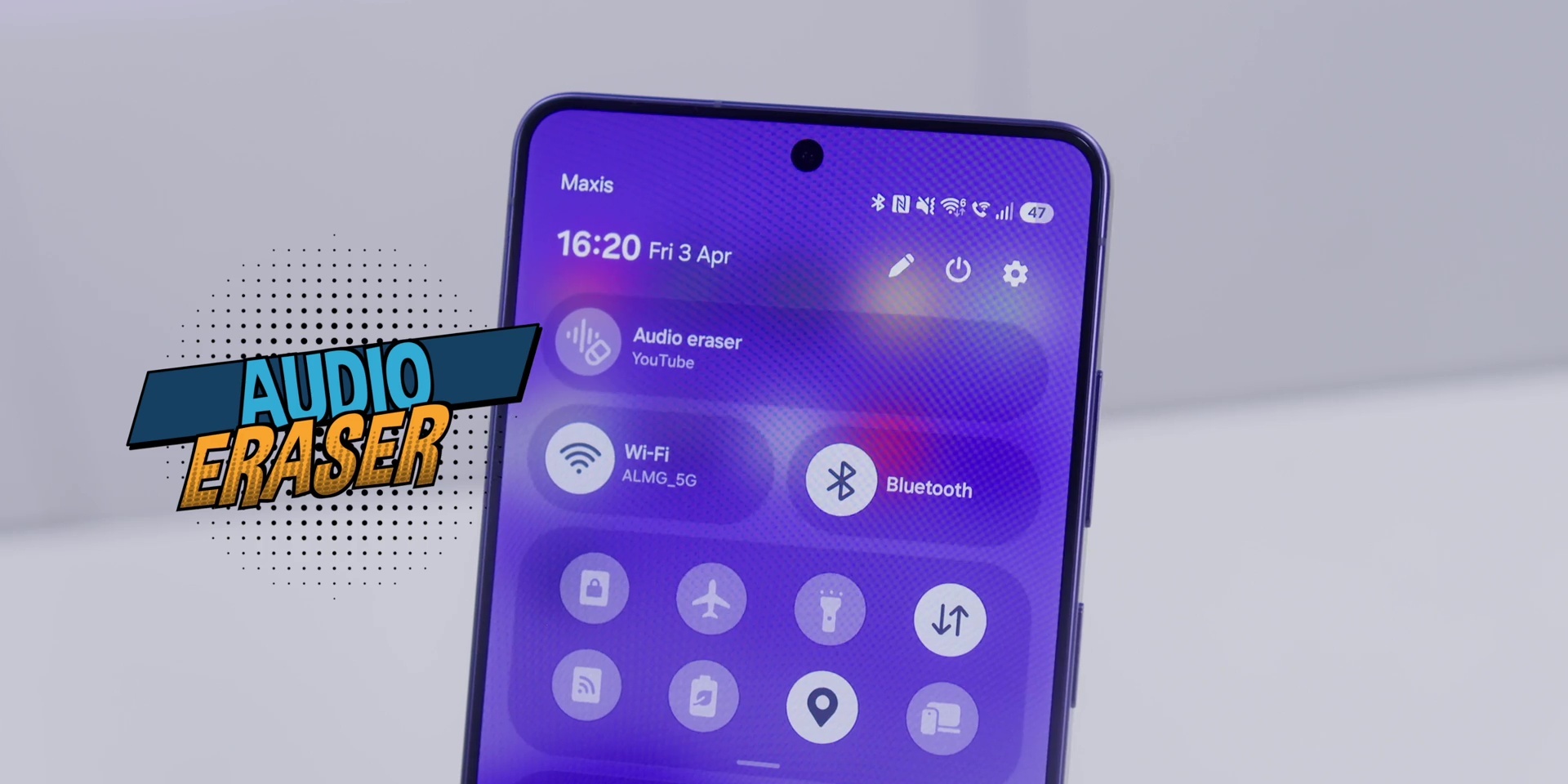
Among all there’s a few features that actually stuck to me after a month’s use. Firstly is the Audio Eraser which works across YouTube, Netflix and even on Instagram where there’s a dedicated tile in the Control Center menu for you to adjust it accordingly when you’re playing a video. So that was a very nice and useful touch.
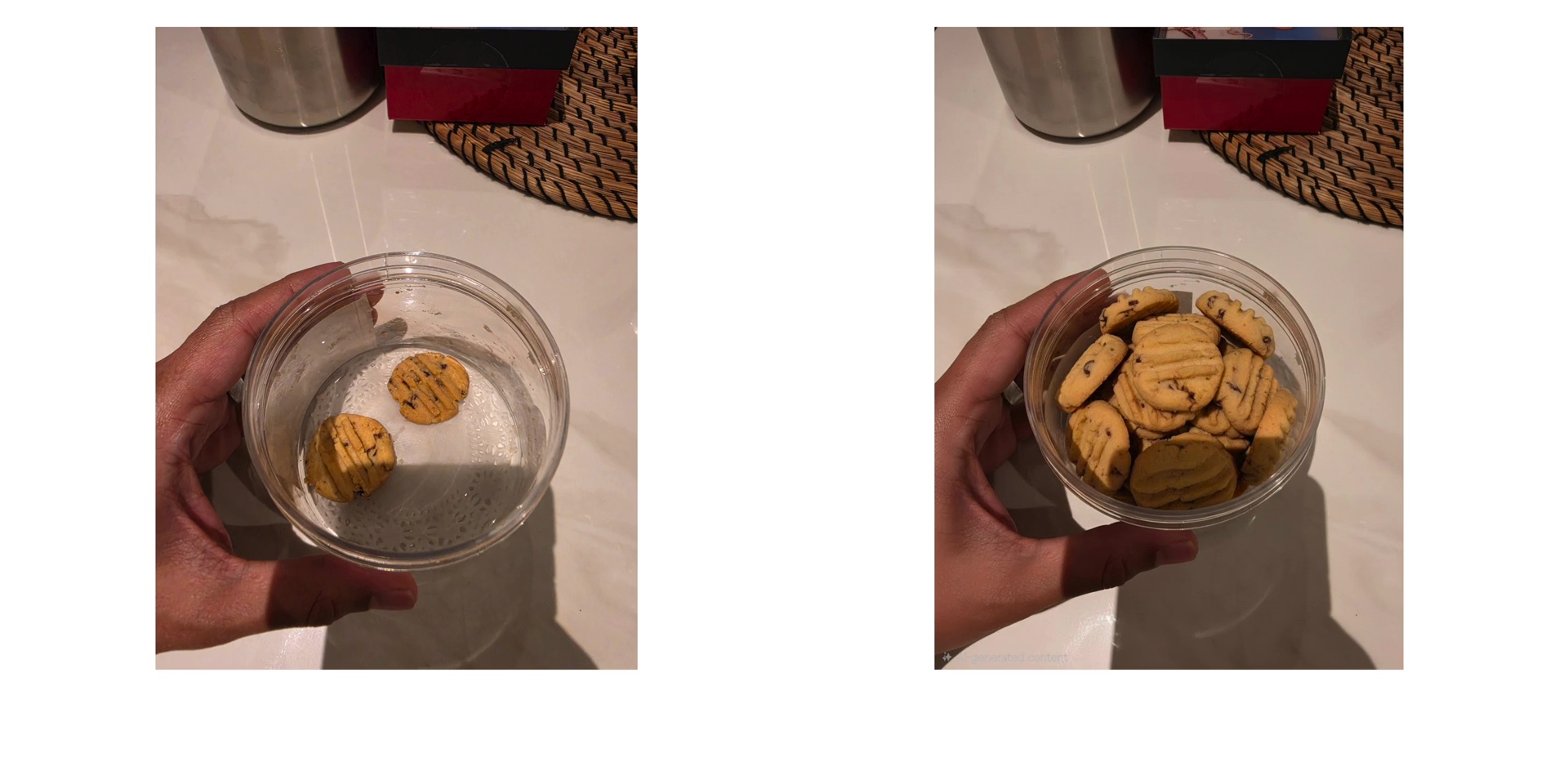
The Photo Assist over here has been heavily improved to basically give you unlimited edits from filling up a cookie jar to changing from day to night. It works perfectly almost all the time compared to any other AI. But heads up, the resolution on the edited AI photos is lower than the original. So if you’re a resolution nerd, keep that in mind.
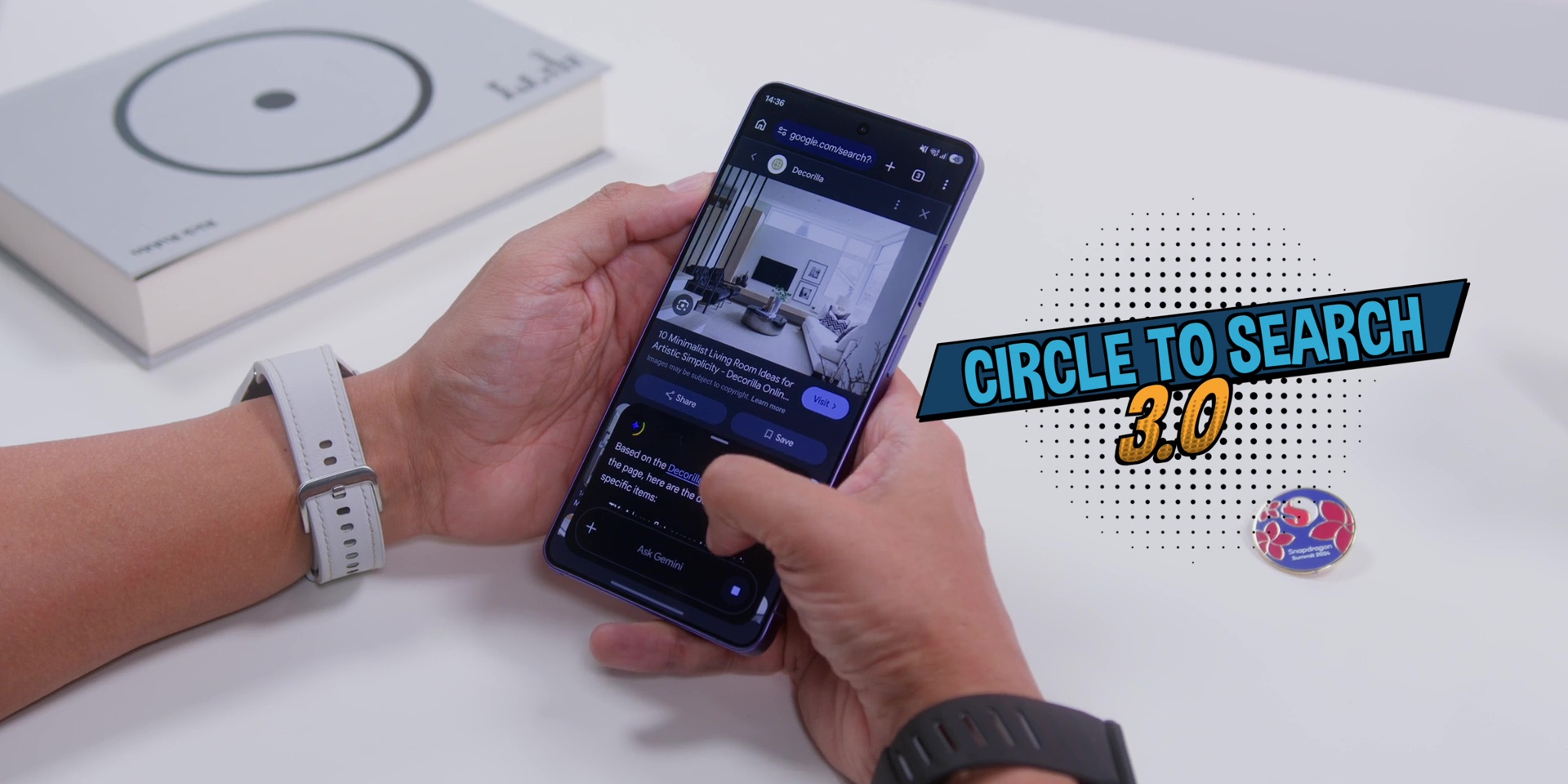
And then Circle to Search 3.0 now lets you search up to three things on the screen at once without you needing to circle. So why does Google call it Circle to Search again? They should just call it Look to Search 3 or something like that. Yes, so you just have to tap and hold and you’re all set.
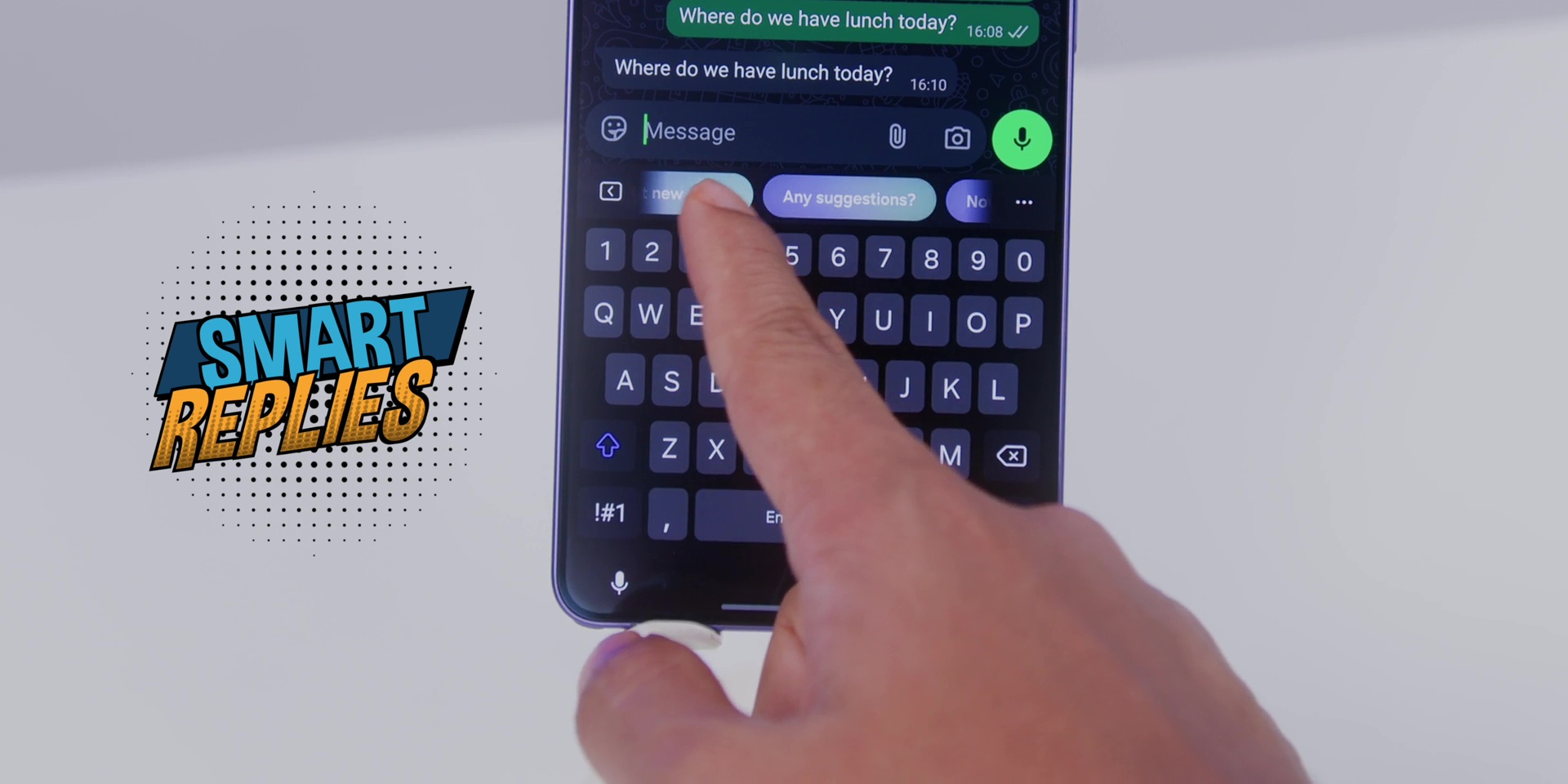
Then Smart Replies have improved significantly especially when it comes to messaging.
But Now Nudge hasn’t popped up for me yet. I’ve been using this Samsung keyboard during my use. So, I’ll keep you updated on that.
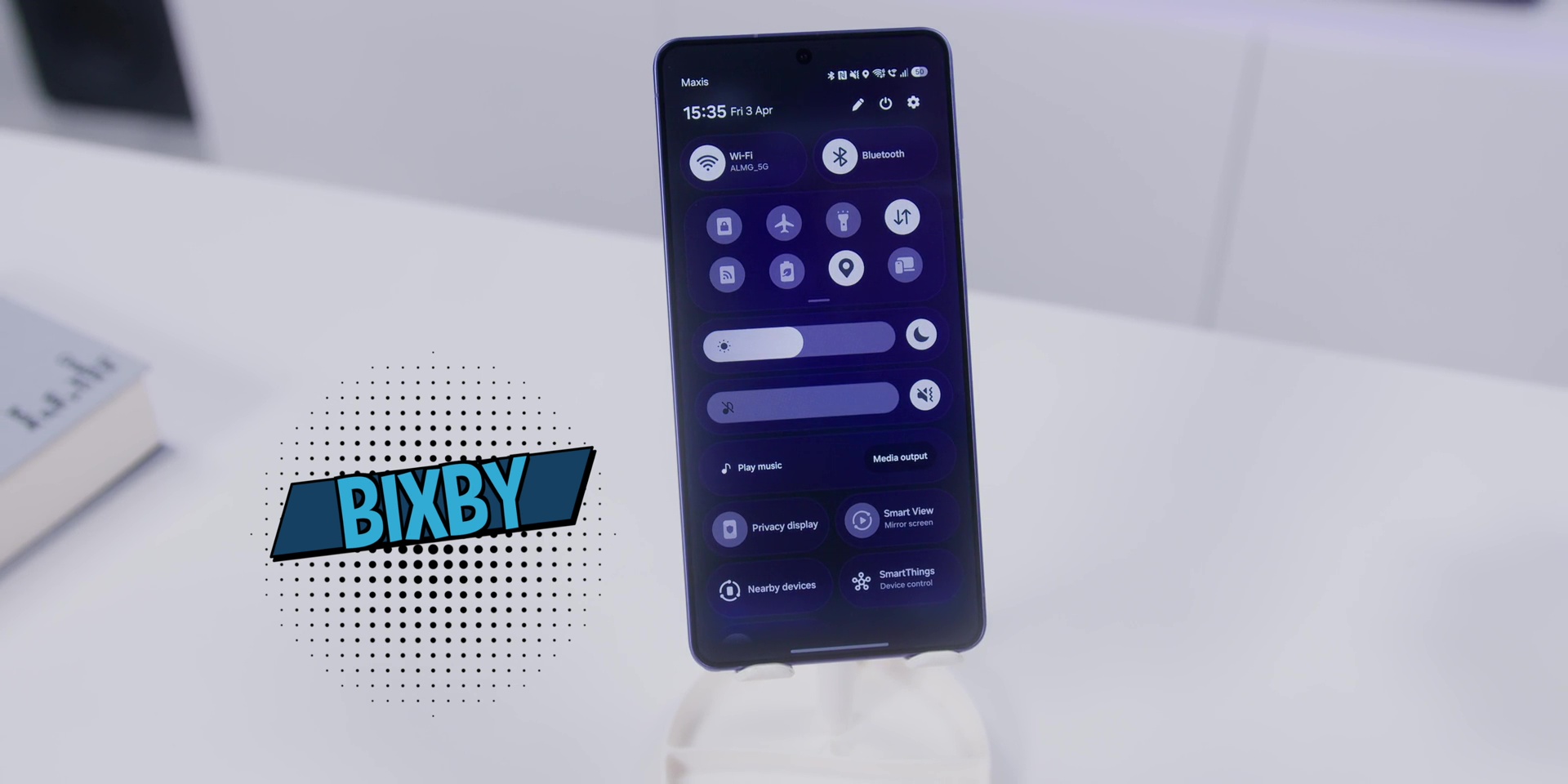
Then, Bixby, remember Bixby? It’s stronger this year because it can now handle phone level adjustment with just your voice. So, you can do brightness adjustments or any settings. You don’t need to dig into the menus. One UI is already a very good software where I feel like the menu system is very great, but this would be very helpful especially if you are a new Samsung user.
PERFORMANCE
When it comes to the chipset, it is using the Snapdragon 8 Elite Gen 5 For Galaxy compared to the Exynos ones on the other variants of the model.
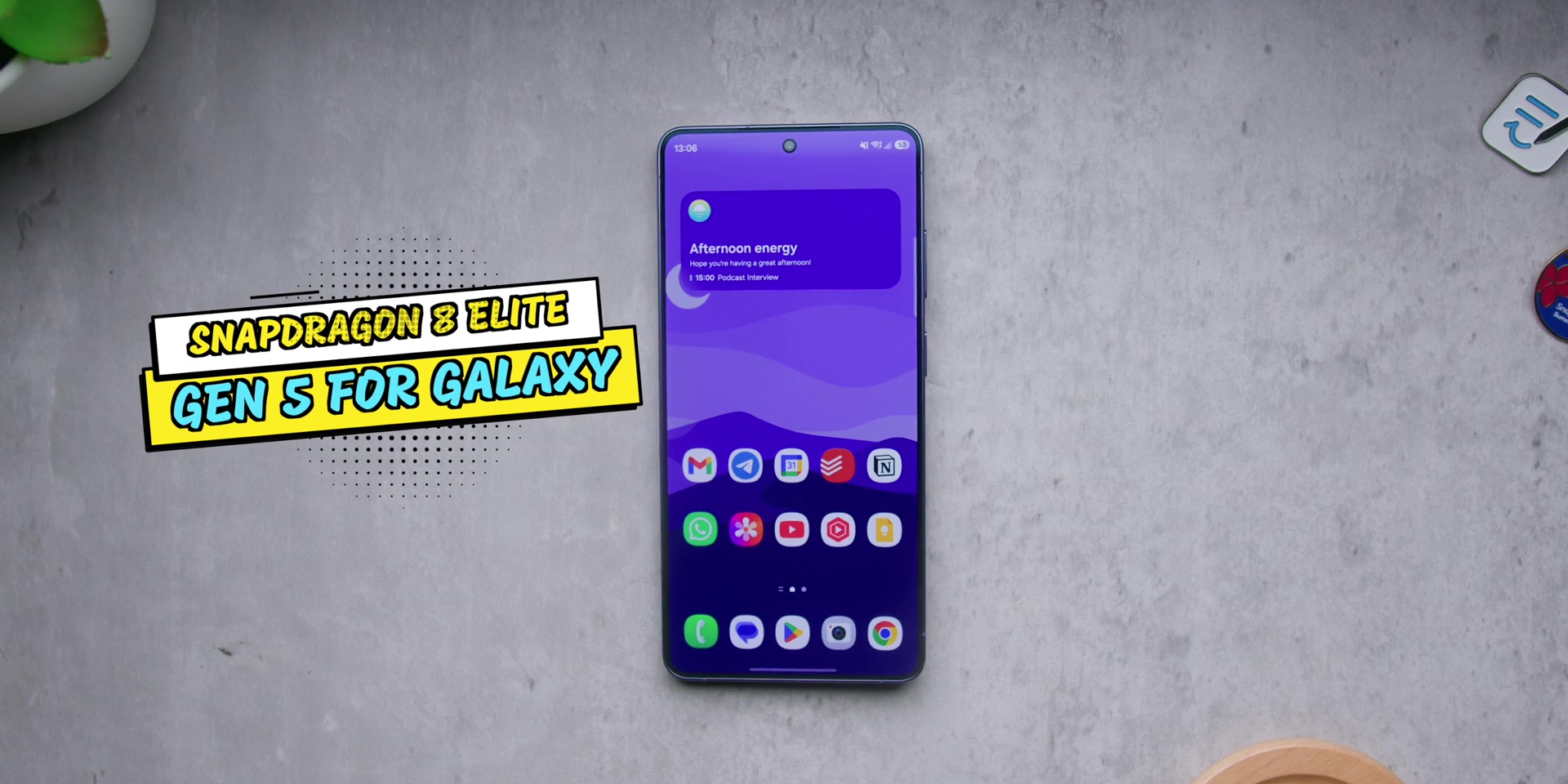
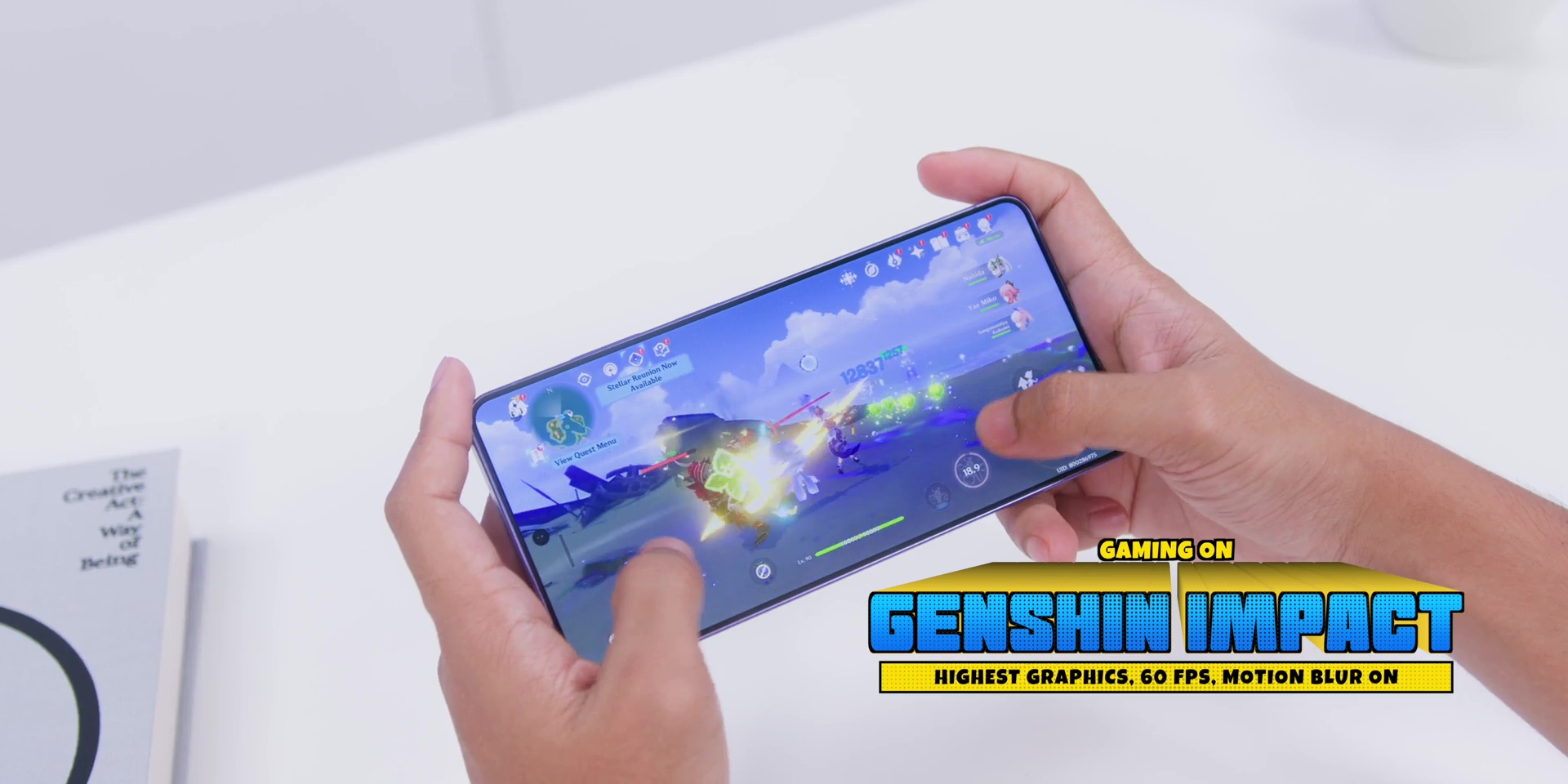
And the chipset over here has been flawless. No complaints because games ran super smooth for games like Genshin Impact. And so it was for Wuthering Waves too with no overheating issues at all during my entire month’s use.
VERDICT
So, after 1 month, the question is: Who is the Samsung Galaxy S26 Ultra actually for?
Well, if you’re on the S23 Ultra or older, this is a clear upgrade. No question, because it has better cameras, better AI, and meaningful improved charging, and of course, a lighter build as well.
But everything mentioned earlier only makes sense if the price makes sense too. And here’s where Samsung actually surprised me and everybody because here’s the thing really worth mentioning because Samsung didn’t raise the price this year, despite the component cost going up, despite RAM prices going crazy. So there’s actually a very big deal that a lot of people are sleeping on.
If you’re on the S24 Ultra or the S25 Ultra, then the upgrade math is harder. The Privacy Display and the camera improvements are real, but if your current phone is working great, you can actually wait.
For me personally, after a month, this is the best Android phone I’ve used because the cameras alone are worth a whole separate video which is coming soon.
[Watch the full review video on YouTube here]
🛡️ Level up your S26 Ultra protection with dbrand: dbrand.com/adamlobotv
Frequently Asked Questions (FAQ)
What is the main camera resolution on the S26 Ultra?
A: As detailed in The Samsung Galaxy S26 Ultra Review, the device features a 200MP main sensor. While the resolution remains the same as the previous generation, the aperture has been widened to f/1.4, allowing for 47% better light intake and improved “Nightography.”
Does the S26 Ultra have a privacy screen?
A: Yes, the S26 Ultra introduces the world’s first built-in Privacy Display. This hardware-level feature narrows the viewing angle to 15 degrees, making the screen illegible to “shoulder surfers” in public spaces like the LRT or MRT in KL.