Can you game on the M4 Mac Mini in 2026? Yes, but with caveats. The M4 Mac Mini gaming performance is highly capable for 1080p and 1440p gaming in native titles (Resident Evil, Death Stranding). For Windows-only titles, Game Porting Toolkit 3 has made AAA games like Cyberpunk 2077 playable at Medium settings. Its 16GB Unified Memory gives it a distinct advantage over budget Windows gaming PCs with limited VRAM.
So, gaming on a Mac sounds unusual, right? Well, I’ve tested the new Mac mini to its limits to find out if this can be a gaming beast—from high-end games like Borderlands 3 and Alien: Isolation to the award-winning Hades and more.
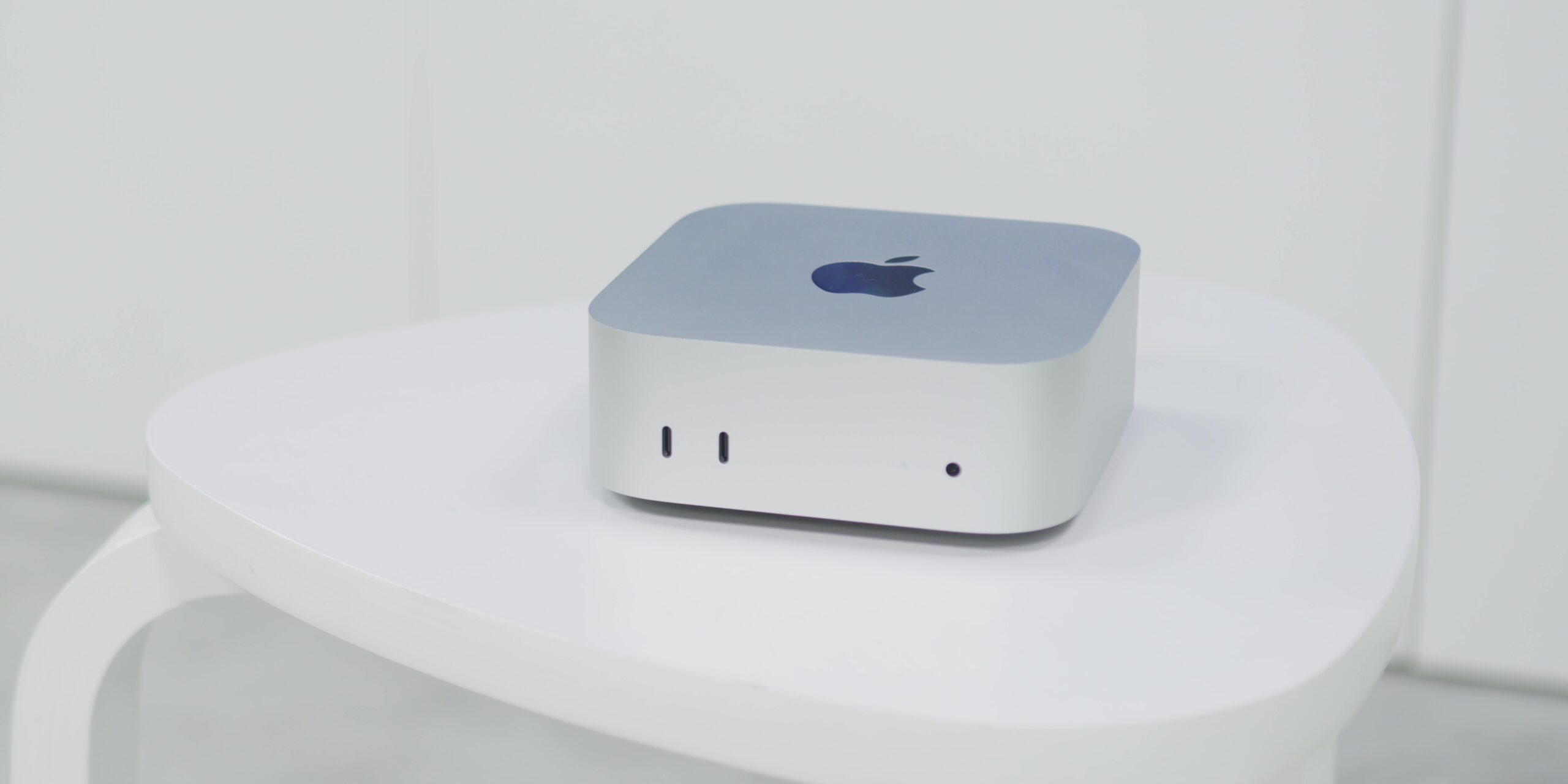
So, will it overheat? Will it drop frames? But most importantly, can it handle them all?
Specifications
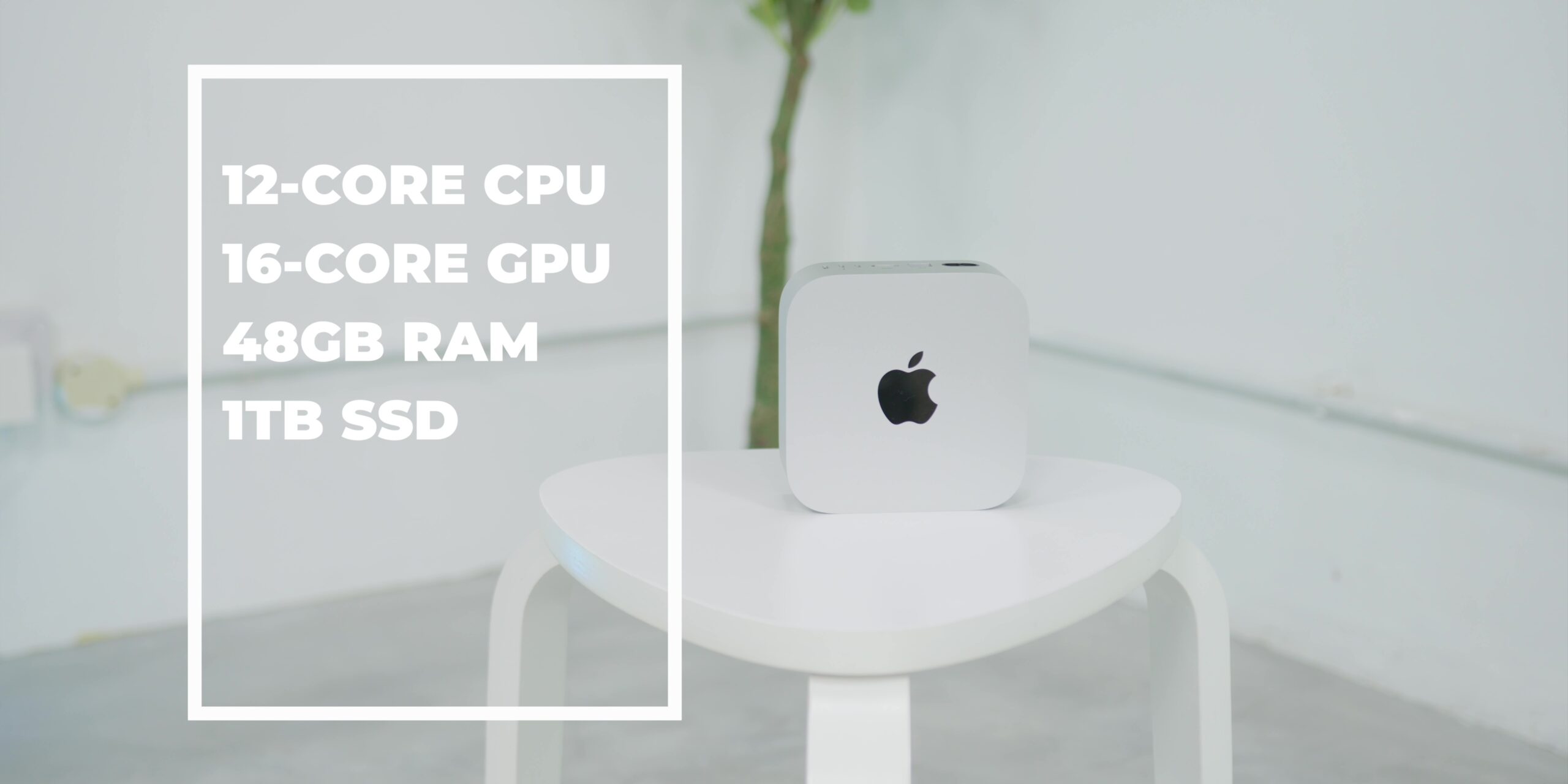
Just for context, the Mac mini that I have over here is the M4 Pro chip with a 12-core CPU and a 16-core GPU built in. It also has 48GB of RAM and 1TB of SSD storage.
So, I’ll be testing the Mac mini with 5 different games with different levels of graphics fidelity.
The heavy hitters will be Borderlands 3 and Alien: Isolation, while the mid-tier game will be Shadow of the Tomb Raider. And for the games that should be the easiest to run, I’ve selected the legendary Arkham City and Hades.
One thing to note is that all of these games can natively run on macOS without needing third-party apps like Crossover to run. I wanted to see how these games, which were supposedly built to run on Macs, really perform.
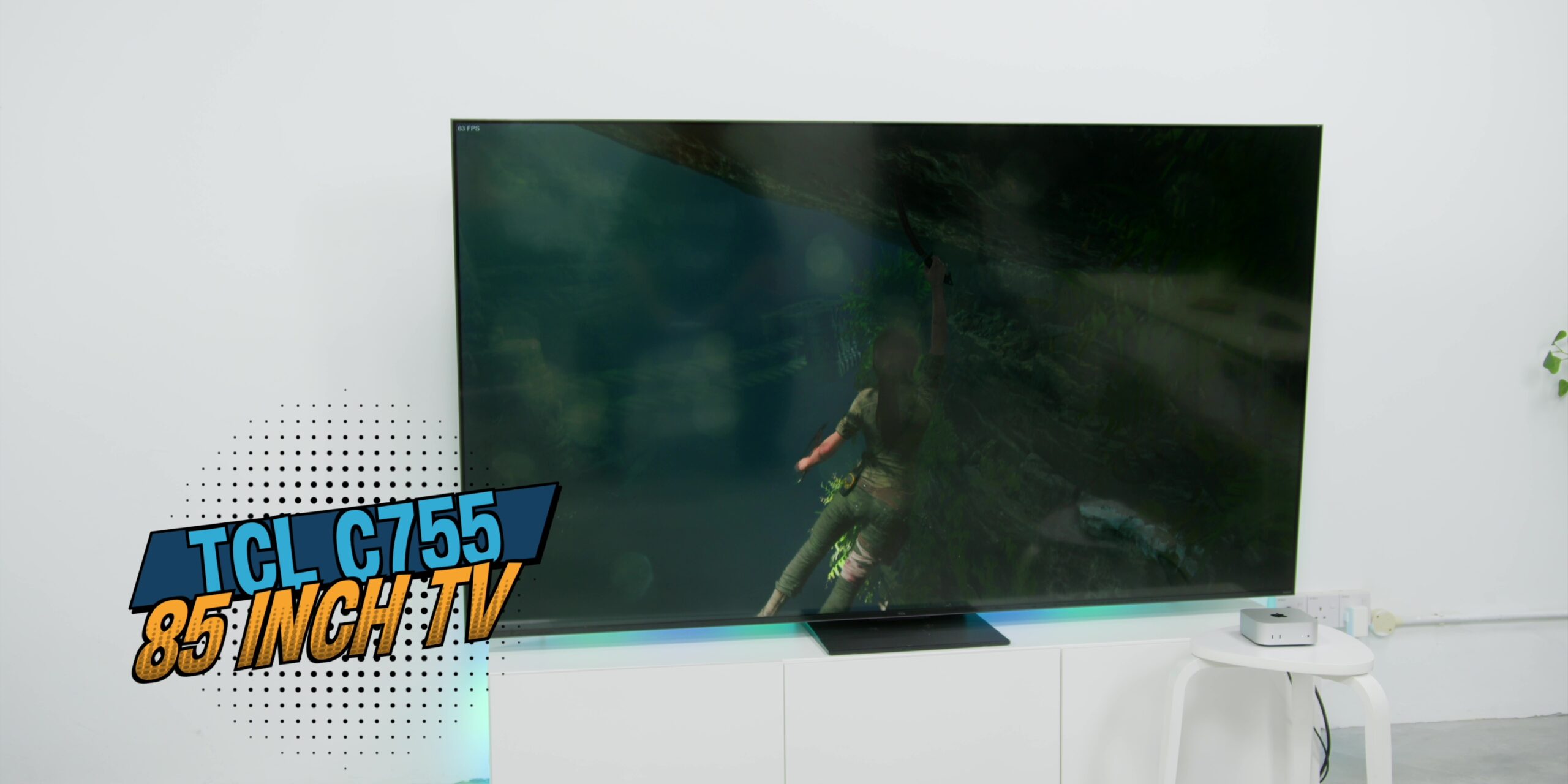
This is what exactly I’ll be using alongside the Mac mini: I’ll be using a 1440p gaming monitor from LG and also the TCL C755, an 85-inch TV with a 144Hz variable refresh rate.
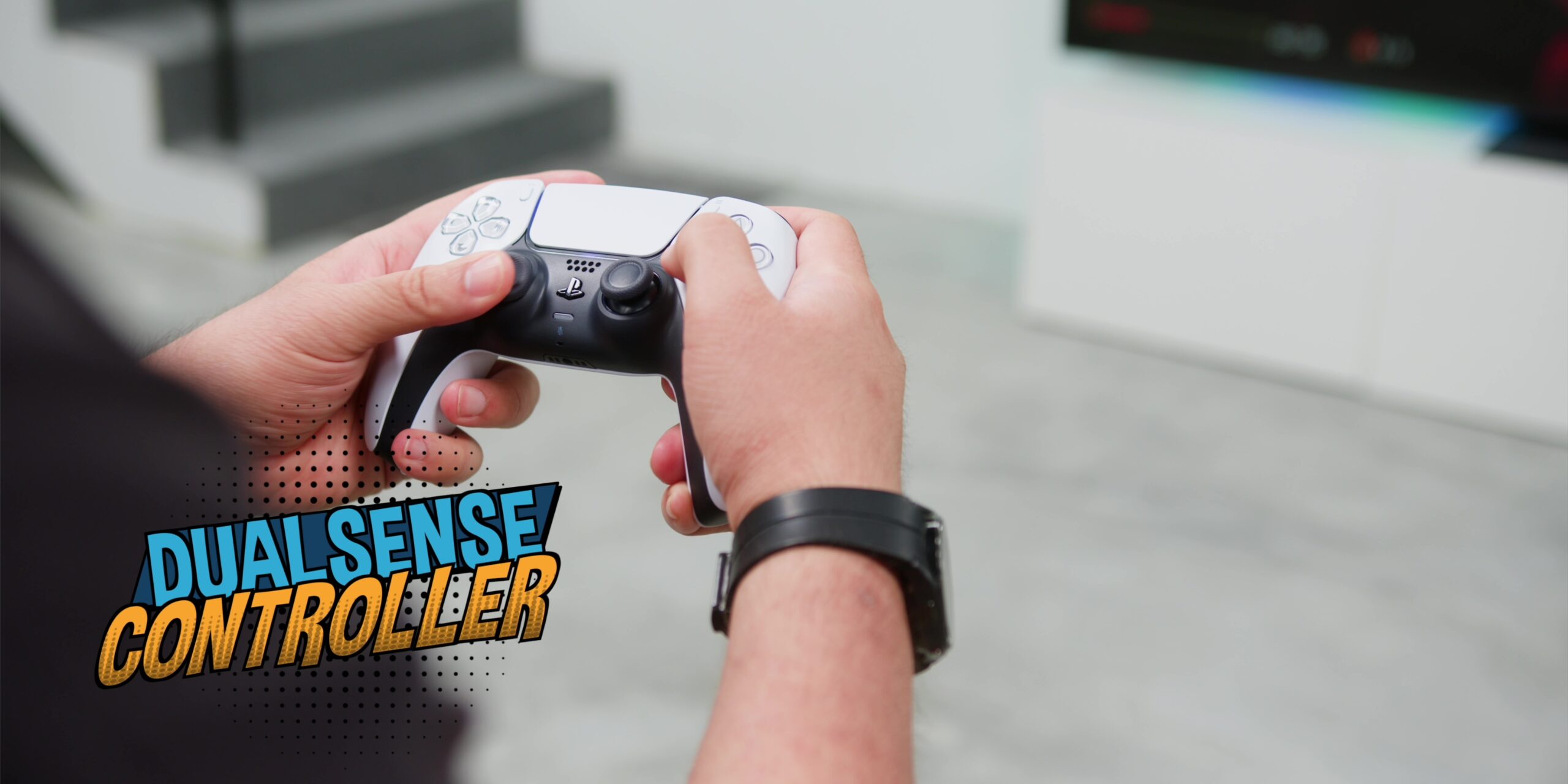
Together with the DualSense controller, that will be my main game controller. I’ll also be using a normal keyboard and mouse setup because—what’s proper gaming without these two, right?
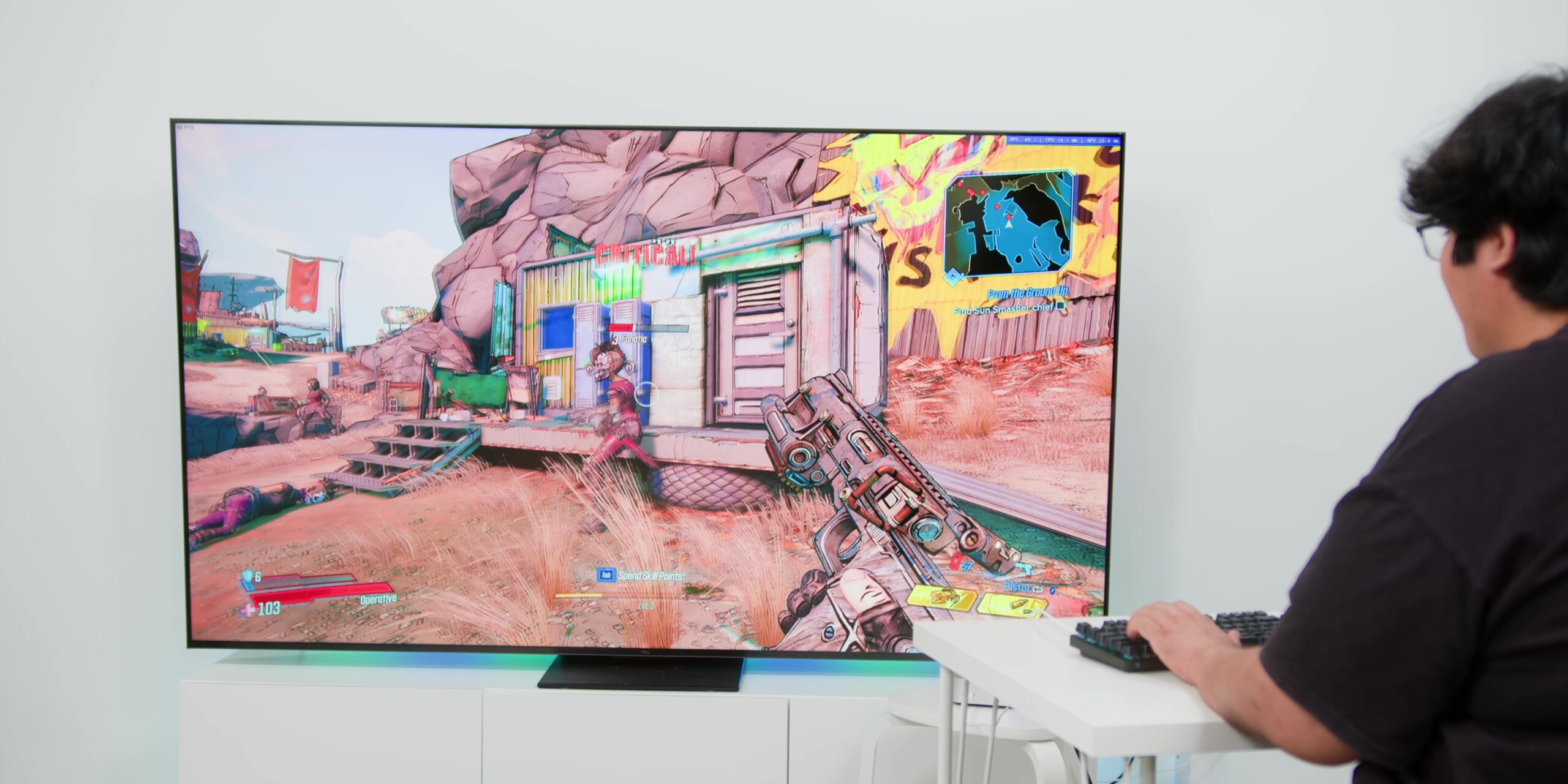
Borderlands 3
This game might not be everyone’s favorite because it has quite a disappointing story, but I can’t deny that this game is one hell of a ride.
It’s currently running at its highest “Badass” graphics setting, with resolution set to 1440p. The game ran quite smoothly, with a frame rate that fluctuates between 40 to 50 FPS most of the time. However, it did drop to about 30 FPS at times, mainly during combat or heavy loading scenes.
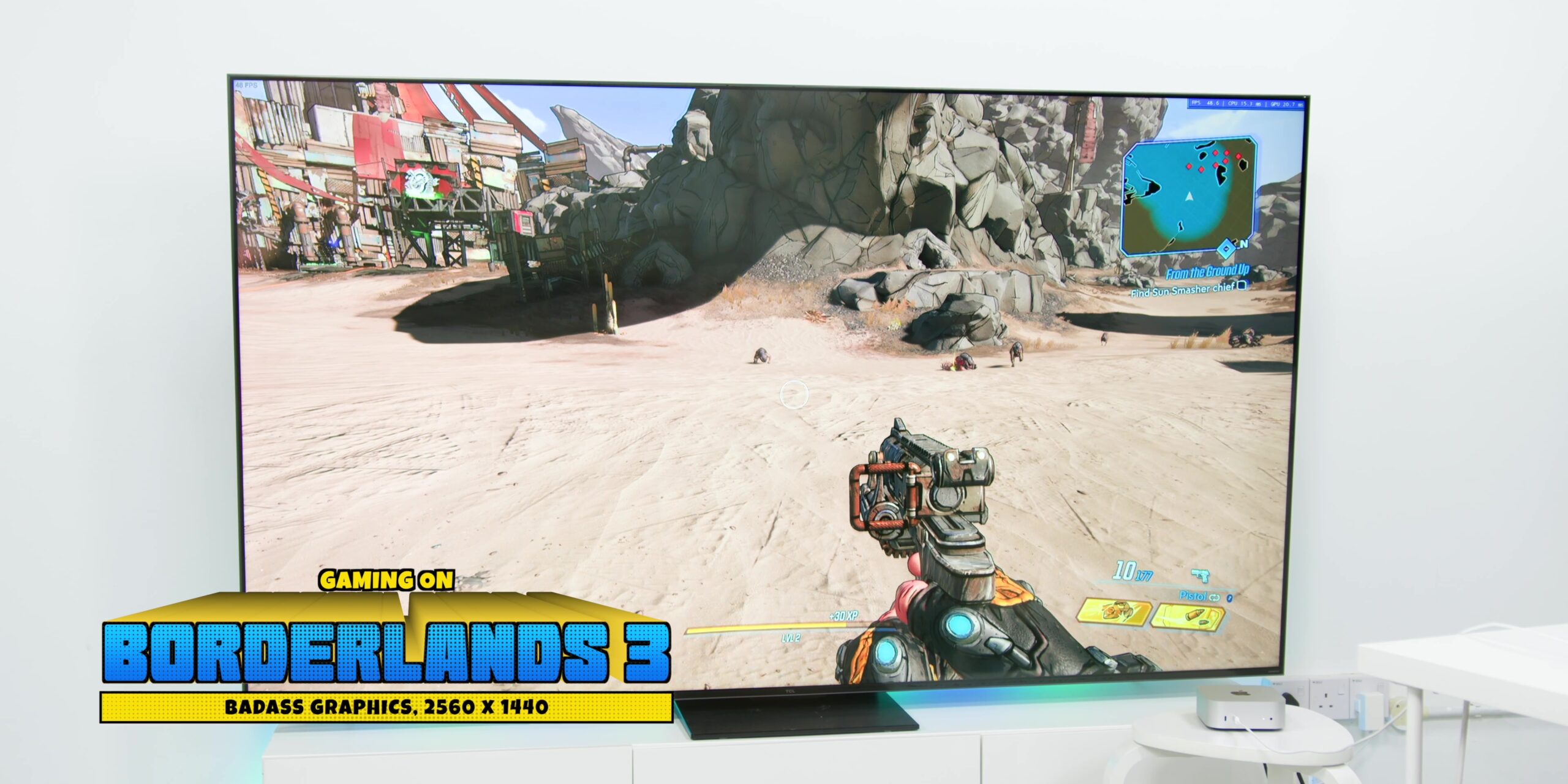
You can go up to 60 FPS if you want to, but you will have to sacrifice the graphics to just “Medium” together with a 1080p resolution.
The temperature of the Mac mini did become a little warm after a very long gameplay session, but the good news is that even with the high temperatures, it did not affect the gameplay at all.
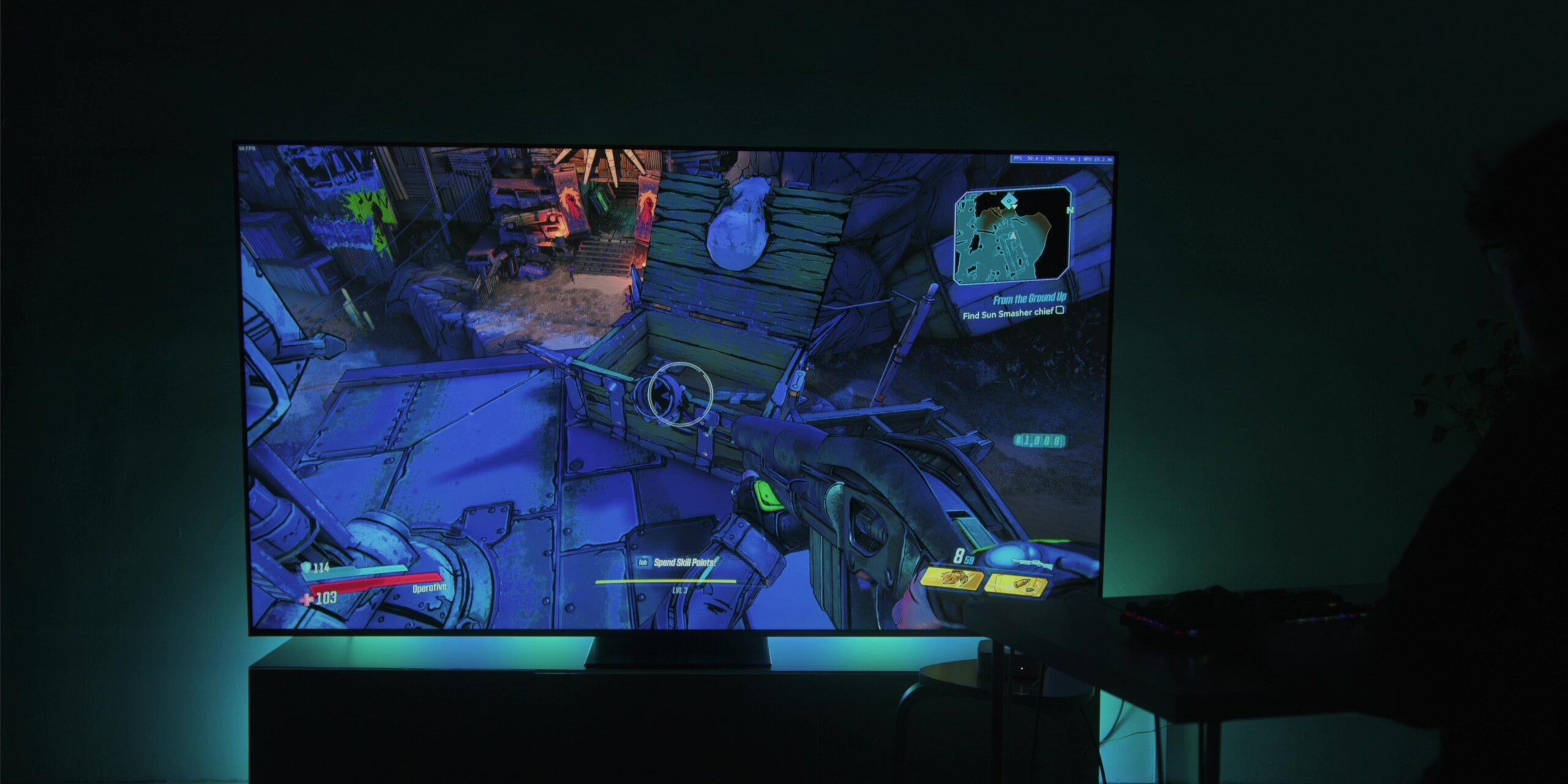
During my very long gameplay session, the Mac mini did slow down just once when I was playing this game, but fortunately, this did not happen again throughout my gameplay with this particular title. Not sure why it happened, but at least I’m happy that this was a one-off incident.
Alien: Isolation
Next, let’s look at how Alien: Isolation performed.
This game is one of our tech writer Syed’s biggest nemesis because of how scary and intense the game is. Like, seriously—Syed once played this game with all the lights on and a blanket over his head! Safe to say that Alien: Isolation is scarier than your internet bill.
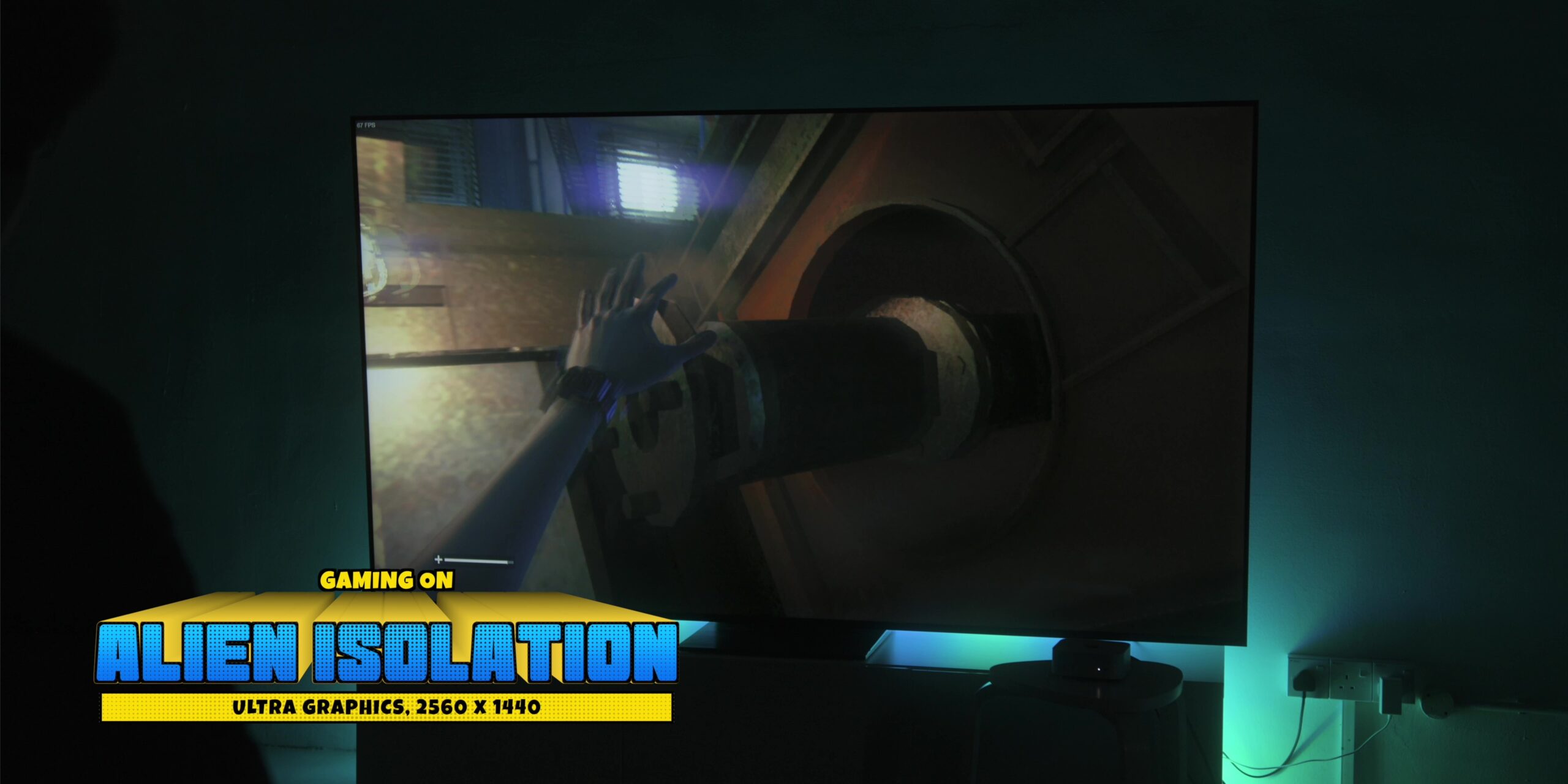
I managed to run this game with ultra settings, with a resolution of 1440p, which is the highest setting available in-game. There were very minor hiccups here and there, with the frame rate fluctuating between 45 to 75 FPS. It dipped to around the 30 FPS level when I encountered very intense moments in the game.
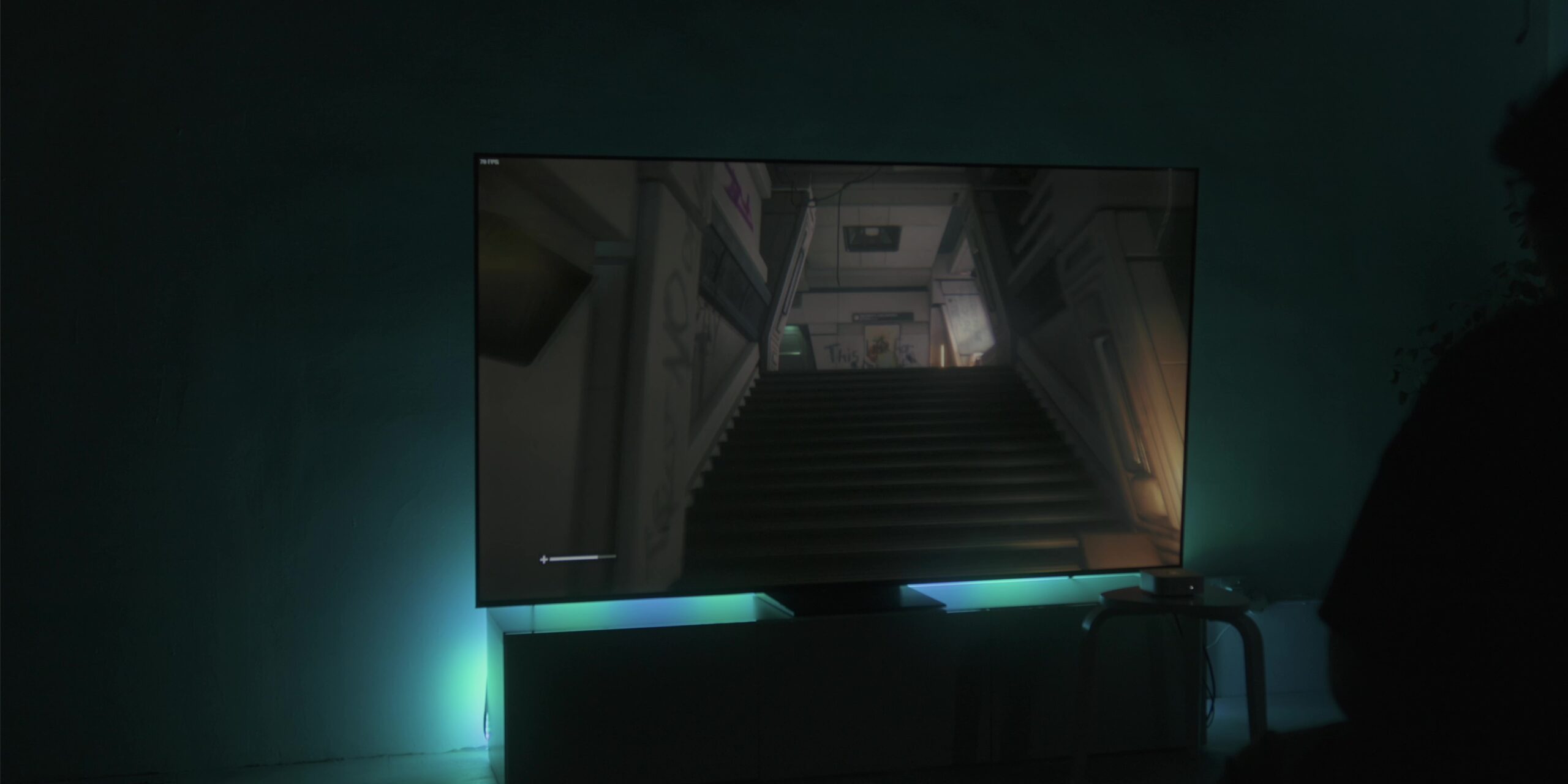
I would say that this game isn’t the smoothest to run at maxed-out settings, but it is quite playable. To get the smoothest gameplay, I would advise lowering the settings to “Medium” at 1080p.
This is honestly a little surprising because I thought that this particular game would be one of the easier games to run. But I guess that’s why we do these kinds of tests, right?
Shadow of the Tomb Raider
Now, let’s move on to see how Shadow of the Tomb Raider performed.
Like Borderlands 3, I had the game set to the highest graphic settings, with resolution set to 1440p. This game is one of the easiest games to run—it ran well at a steady 60 FPS throughout my entire playthrough.
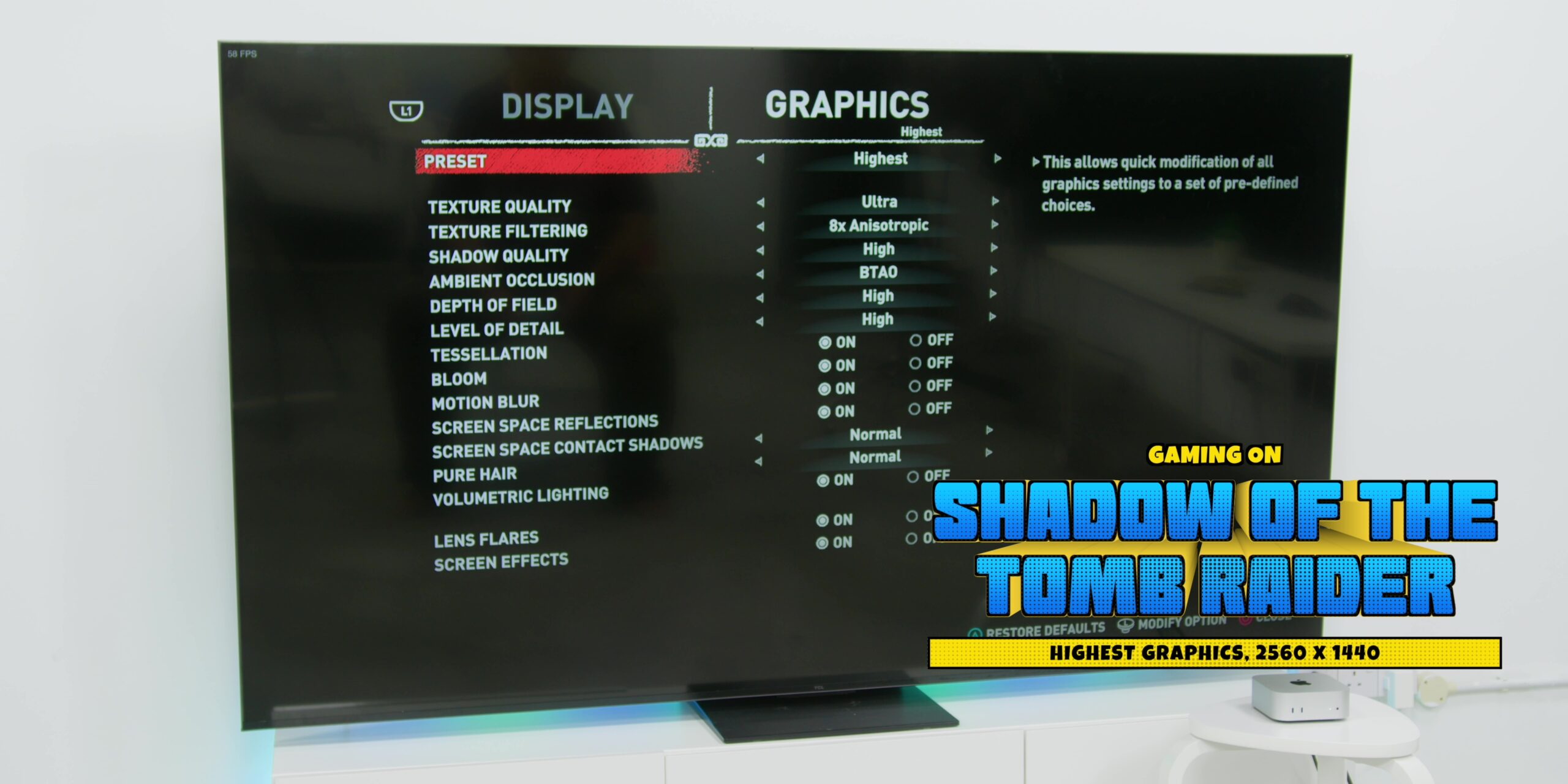
I was actually quite impressed that the game didn’t dip below 58 FPS, even during intense combat scenes. So yeah, it’s smoother than me trying to flirt—but this actually works consistently!
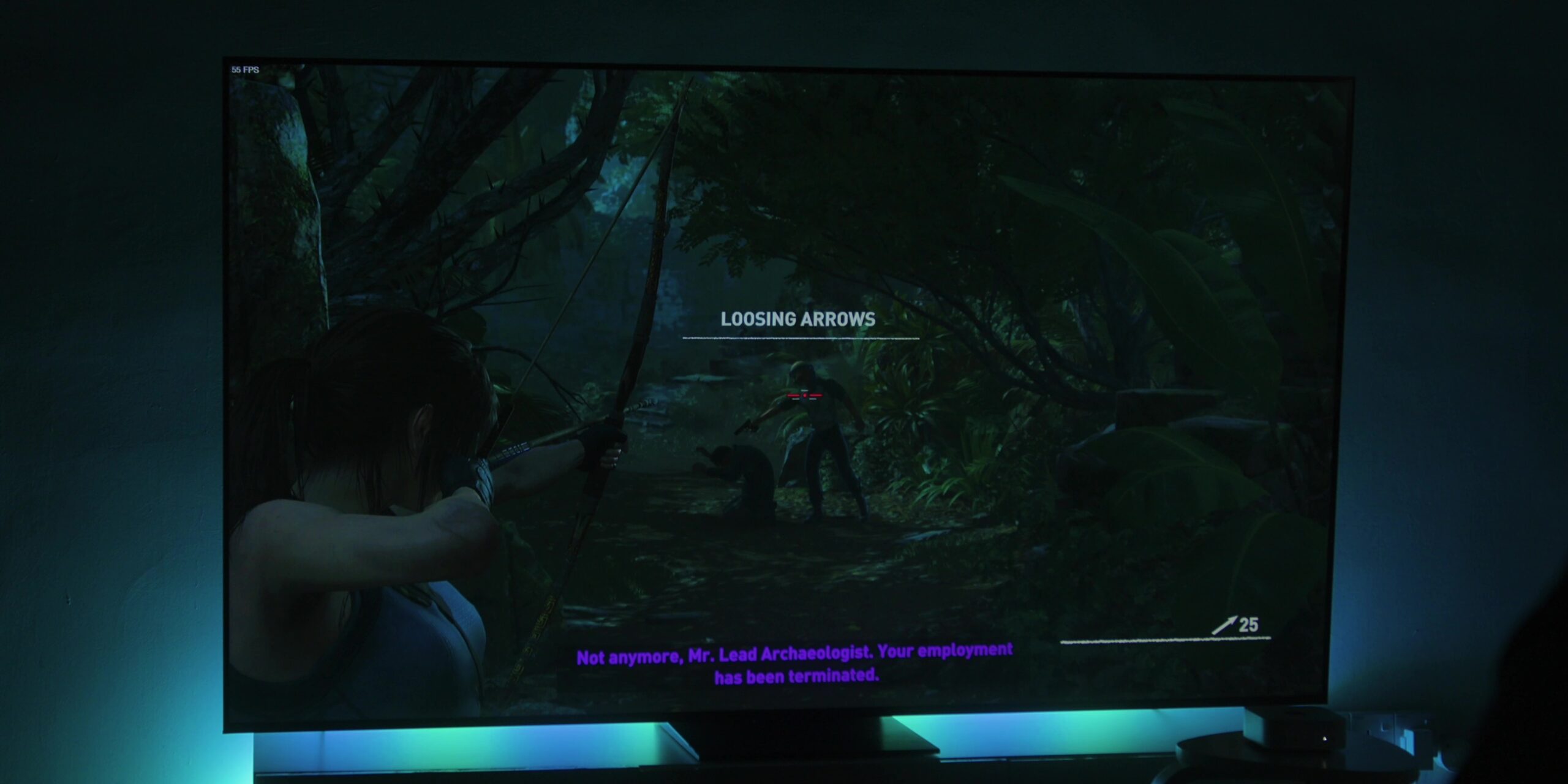
However, the Mac did feel a little warmer than when I was playing Borderlands 3, but again, I did not notice any effects on my gameplay.
Batman: Arkham City
Now, onto one of the best superhero games—one of the best games of all time—which is Arkham City. It features one of the best depictions of that idiot Batman and Joker. Because if you know me, you know that I love the Joker.
The game’s graphics have been set to “Extreme,” which is the highest, and the FXAA anti-aliasing was set to “High.” The resolution has been set to 1440p as well.
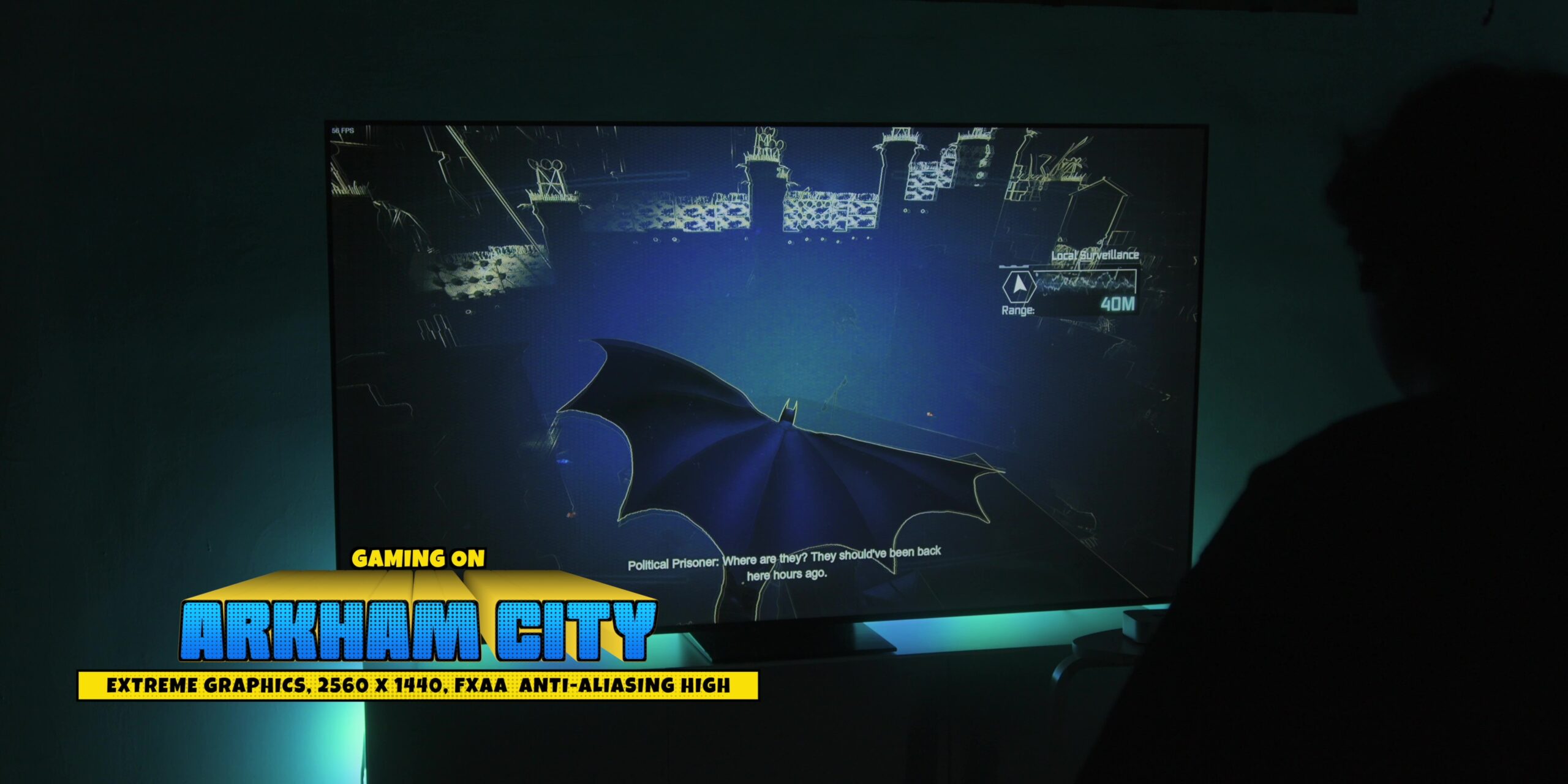
The game ran at 60 FPS throughout my whole playthrough without any dips or graphical glitches whatsoever. So yeah, this was more reliable than Alfred showing up for Bruce Wayne—because let’s be honest, even Batman would drop frames if his butler wasn’t around!
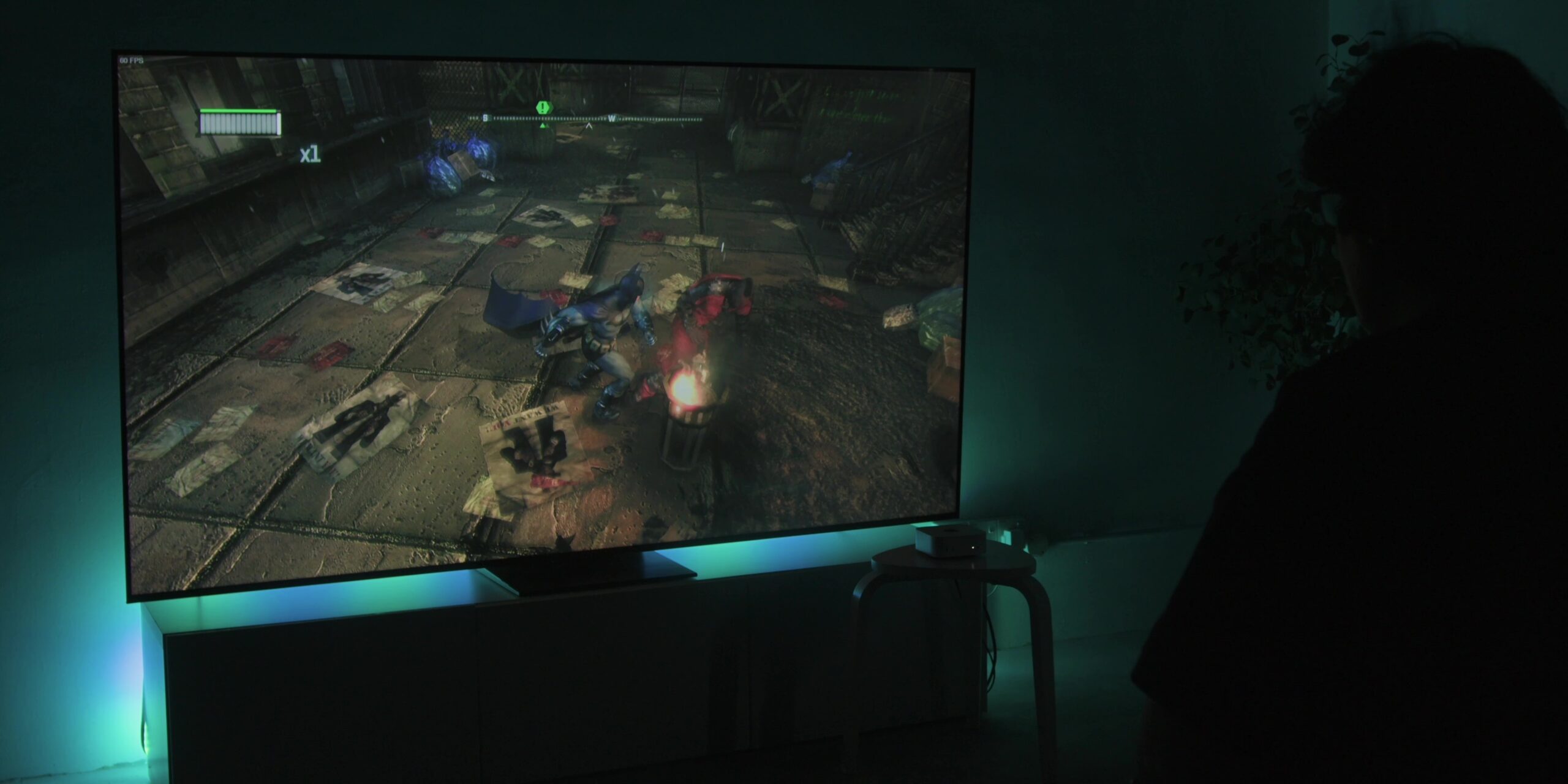
Considering its age, I wasn’t very surprised that the game ran very well, but it’s good that it did.
Hades
Now, let’s move on to Hades, the indie game that won many significant awards when it came out. Another favorite from our tech writer, Syed, and many gamers out there.
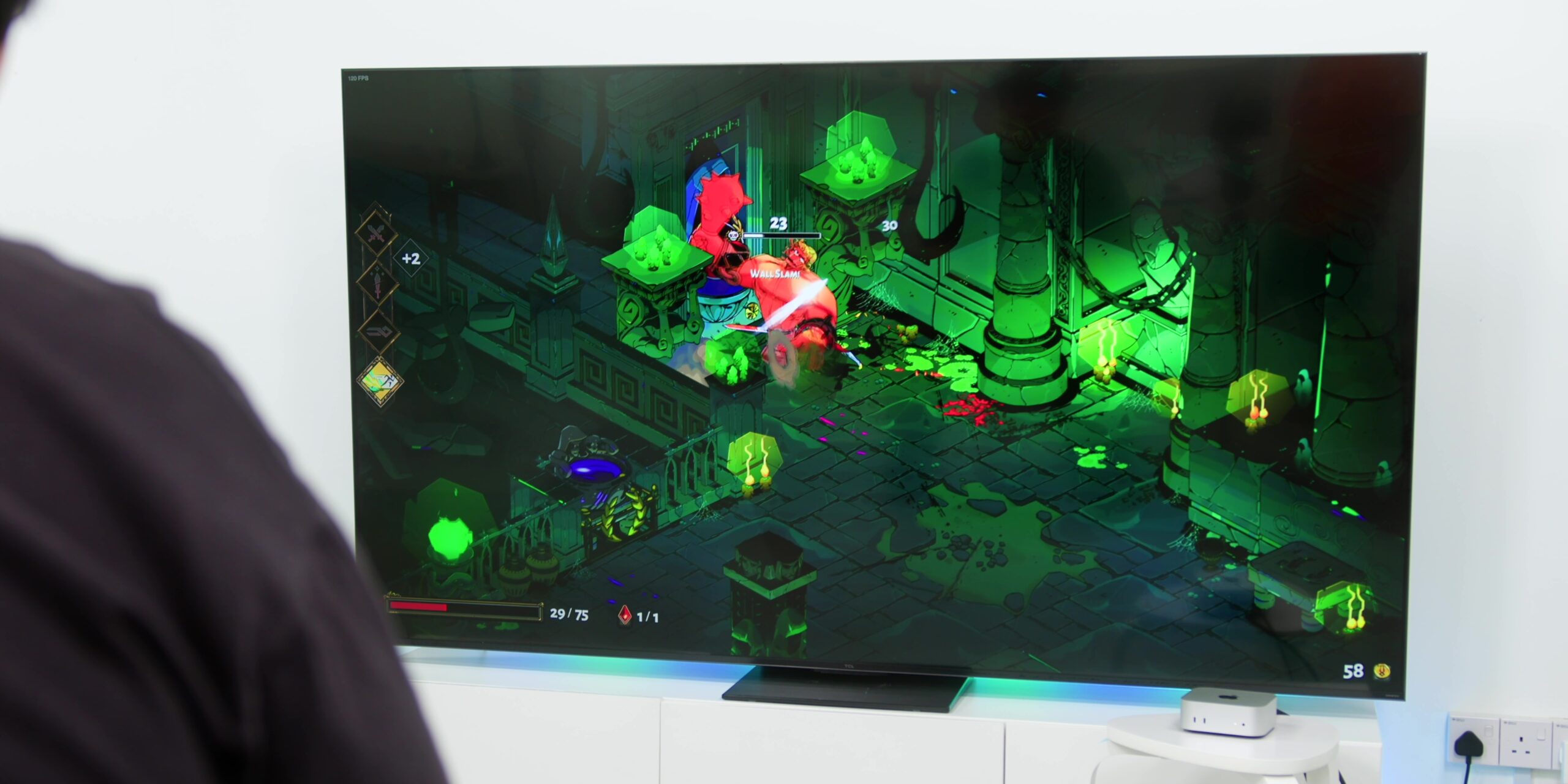
Of course, by far, this game is the easiest to run. It ran flawlessly without any issues whatsoever at 1440p. The frame rates were super smooth without any stutters at all. So yeah, this was something that I really knew would run well—and I’m glad it did.
Conclusion
Generally, I had a very great time gaming on the Mac mini. While the gaming performance was really great, I did have some inconsistent experiences with the DualSense controller, where it would suddenly disconnect while I was gaming.
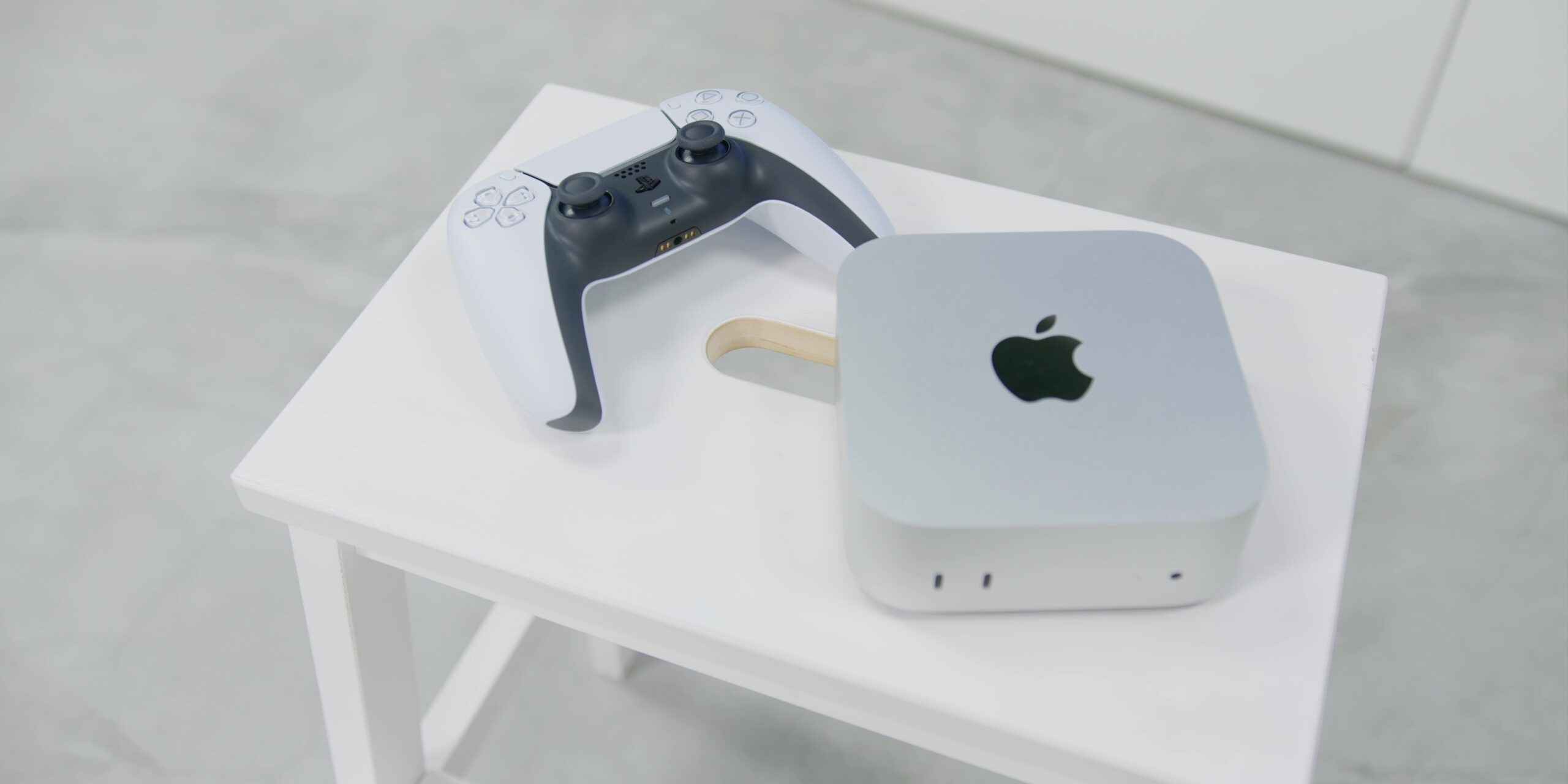
I’m not sure why that happened, but after reading online, it seems to indicate that it’s a Bluetooth problem caused by the recent macOS update. Hopefully, a software update can fix that.
Even our video editor, Apit, also mentioned that he has had issues connecting his controller to his MacBook recently after the latest update.
Despite some minor issues, Apple is making huge strides when it comes to gaming on the Mac. This M4 Pro Mac mini is another huge step forward.
So, PC gamers beware—Mac gamers are coming!
Frequently Asked Questions (FAQ)
Is the base M4 Mac mini with 16GB RAM enough for gaming in 2026?
Yes, for most users. In 2026, 16GB of Unified Memory has become the baseline. Because the M4 chip shares this memory between the CPU and GPU, it avoids the “VRAM wall” found in 8GB Windows gaming laptops. However, for heavy AAA titles like Cyberpunk 2077 via GPTK 3, the 24GB RAM variant provides a significantly smoother experience with higher texture settings.
Can the M4 Mac mini run Windows games?
While you cannot install Windows natively, you can play Windows games using Game Porting Toolkit 3 (GPTK 3) or CrossOver 25. These translation layers allow the M4 to run DirectX 12 titles. Note that games with aggressive anti-cheat (like Valorant or Apex Legends) typically do not work on macOS.
Does the M4 Mac Mini support Hardware-Accelerated Ray Tracing?
Yes. The M4 chip features a next-generation GPU architecture that supports Hardware-Accelerated Ray Tracing and Mesh Shading. This allows for realistic lighting and shadows in native Mac titles like Resident Evil 4 Remake and Control, which were previously only possible on high-end dedicated GPUs.
How does the M4 Mac mini handle heat during long gaming sessions?
The M4 Mac mini features a redesigned 5×5-inch thermal system. While it remains nearly silent during casual use, intensive gaming will spin up the fans. Unlike the fanless MacBook Air, the Mac mini maintains stable performance without significant thermal throttling, though the chassis can get noticeably warm during 3-hour+ sessions.
Can I upgrade the storage or RAM on the M4 Mac mini later?
Answer: No. Like all Apple Silicon Macs, the RAM and SSD are soldered directly to the chip for maximum speed. We recommend a minimum of 512GB SSD and 16GB RAM at purchase, as local AI workloads and 2026 game installs easily exceed the base 256GB storage.