TL;DR / At a Glance:
The Samsung Galaxy S26 series introduces an advanced Horizontal Lock feature within its Super Steady video mode. Powered by the phone’s internal gyroscope and accelerometer, this technology instantly corrects shakes and rotations in real time, keeping the video horizon perfectly level even during intense movement. Available across the entire S26 lineup, it removes the need for external gimbals or tripods.
Imagine you’re at a concert and your favorite artist is on stage. You hit record, and the video comes out looking like you’re on a roller coaster.
The new Samsung Galaxy S26 series has a feature called Horizontal Lock, and it was built for that exact moment. Most people either don’t know that this exists or how to set it up.
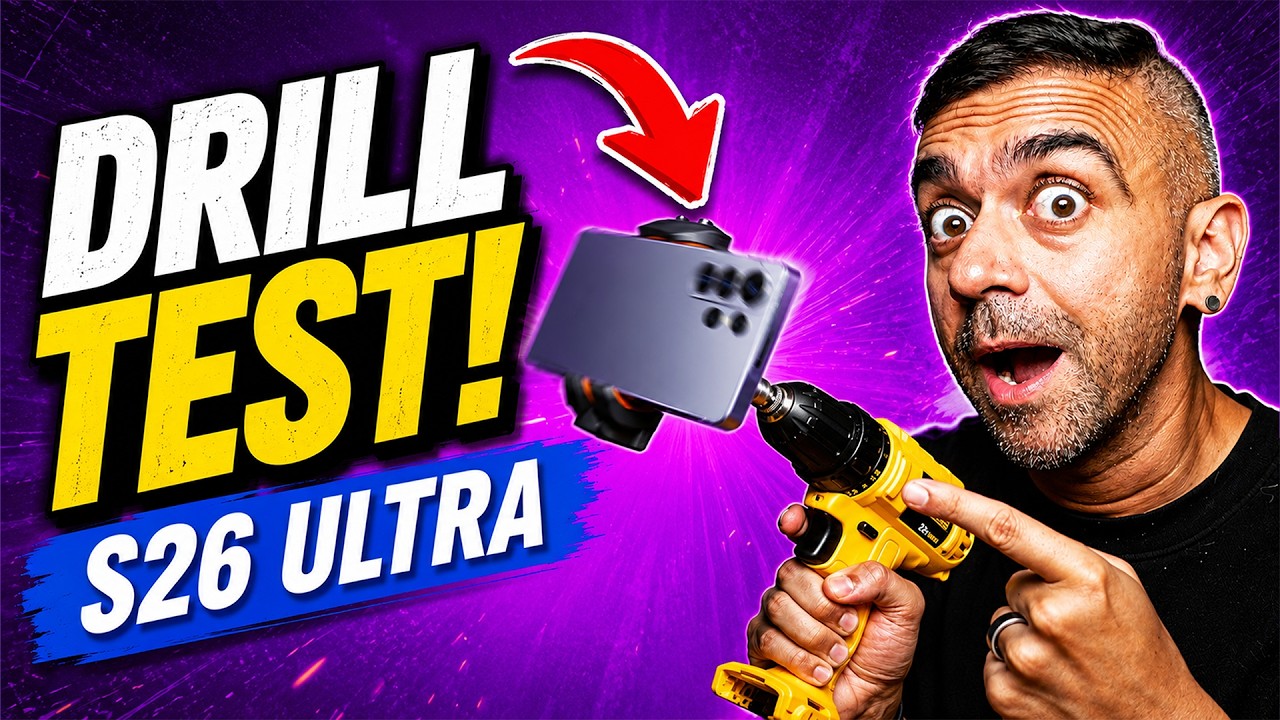
In this article, I’ll break down how this technology actually works, clear up a few things people still get confused about, and walk you through exactly how to turn this on. I even tested this by putting the Samsung Galaxy S26 Ultra mounted on a drill to show you how the video comes out smooth every single time.
How Does It Work?
Okay, let’s break down how this works properly. Your phone has two things built inside: a gyroscope and an accelerometer. The gyroscope tracks which way your phone is rotating, and the accelerometer tracks how fast it is moving.
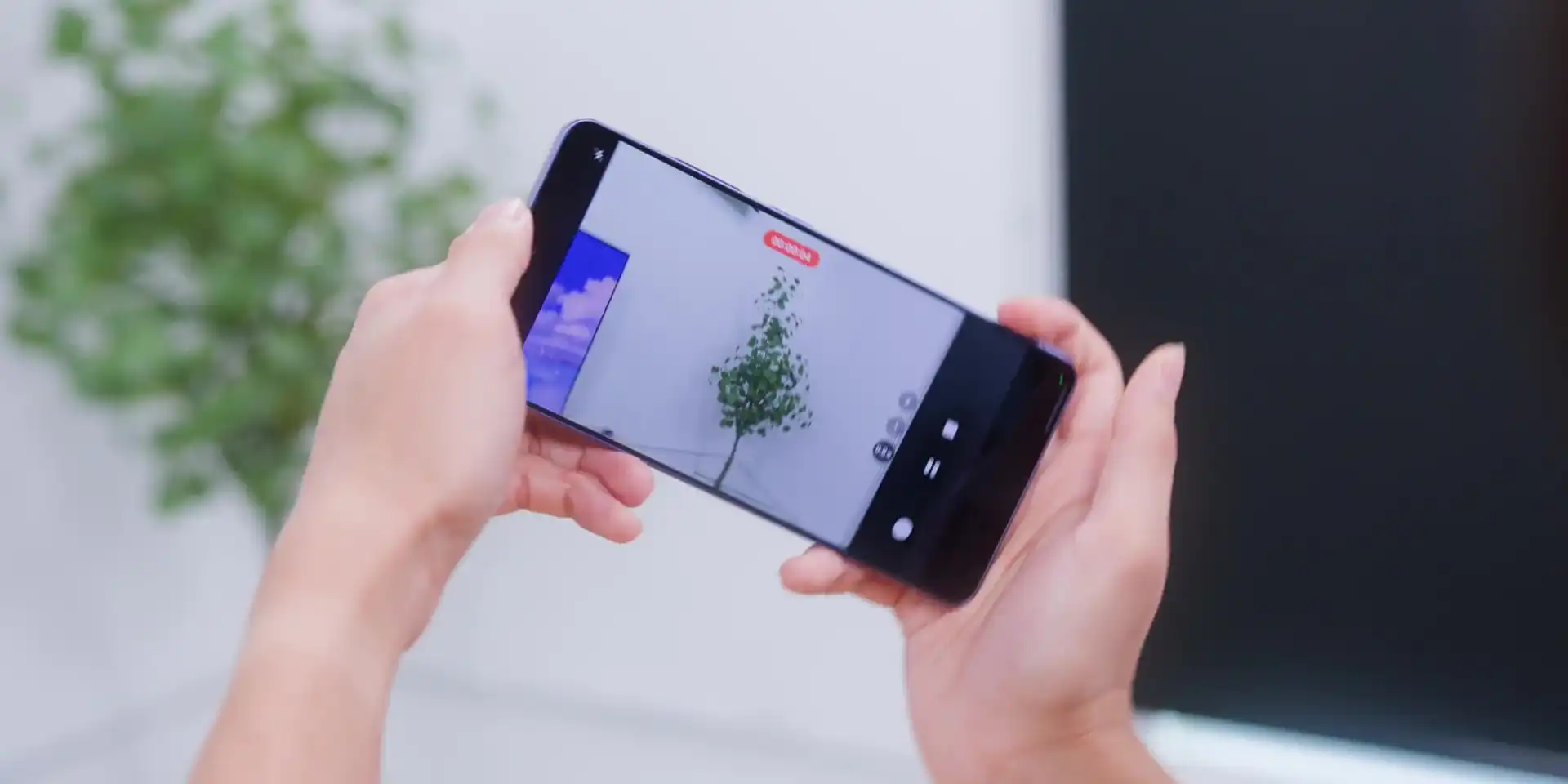
Together, they work in real time. Every tiny shake and every sudden movement is felt by your phone, and it corrects that instantly. So even if you’re walking, dancing, or your hands wouldn’t stay still – maybe because of too much coffee – your footage stays level. The horizon stays locked, and the video that you shoot looks like you know what you’re doing all the time.
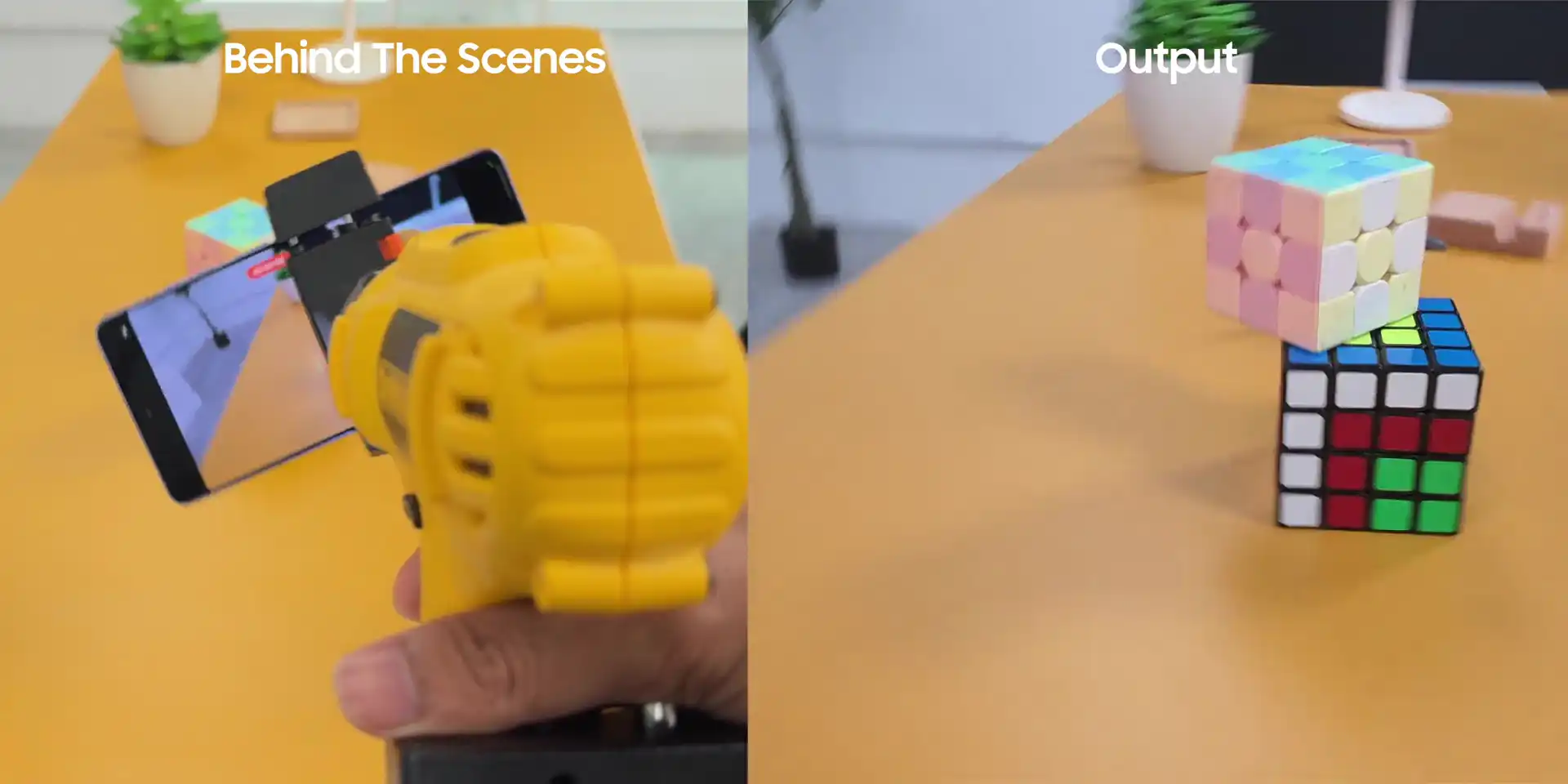
The best part is that this isn’t just on the S26 Ultra; this works across the entire S26 series, the S26 and the S26+ as well.
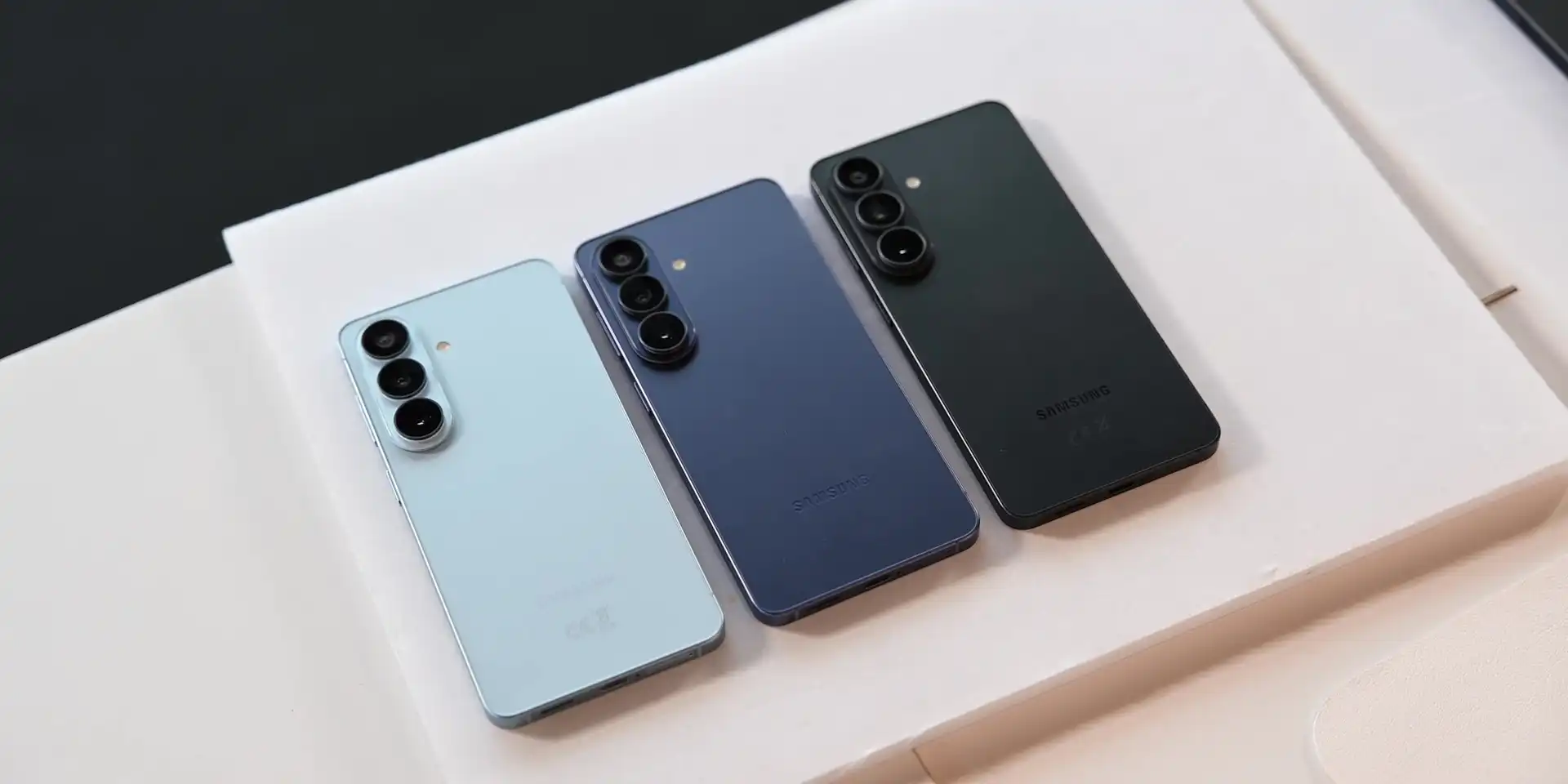
Does It Matter?
You might be thinking, “Adam, my videos are fine.” Maybe they are, but think about the last time you recorded something on the move or at a concert, jumping to music, on a road trip, filming the view out of the window, or chasing your kid around the house trying to get that one perfect shot.
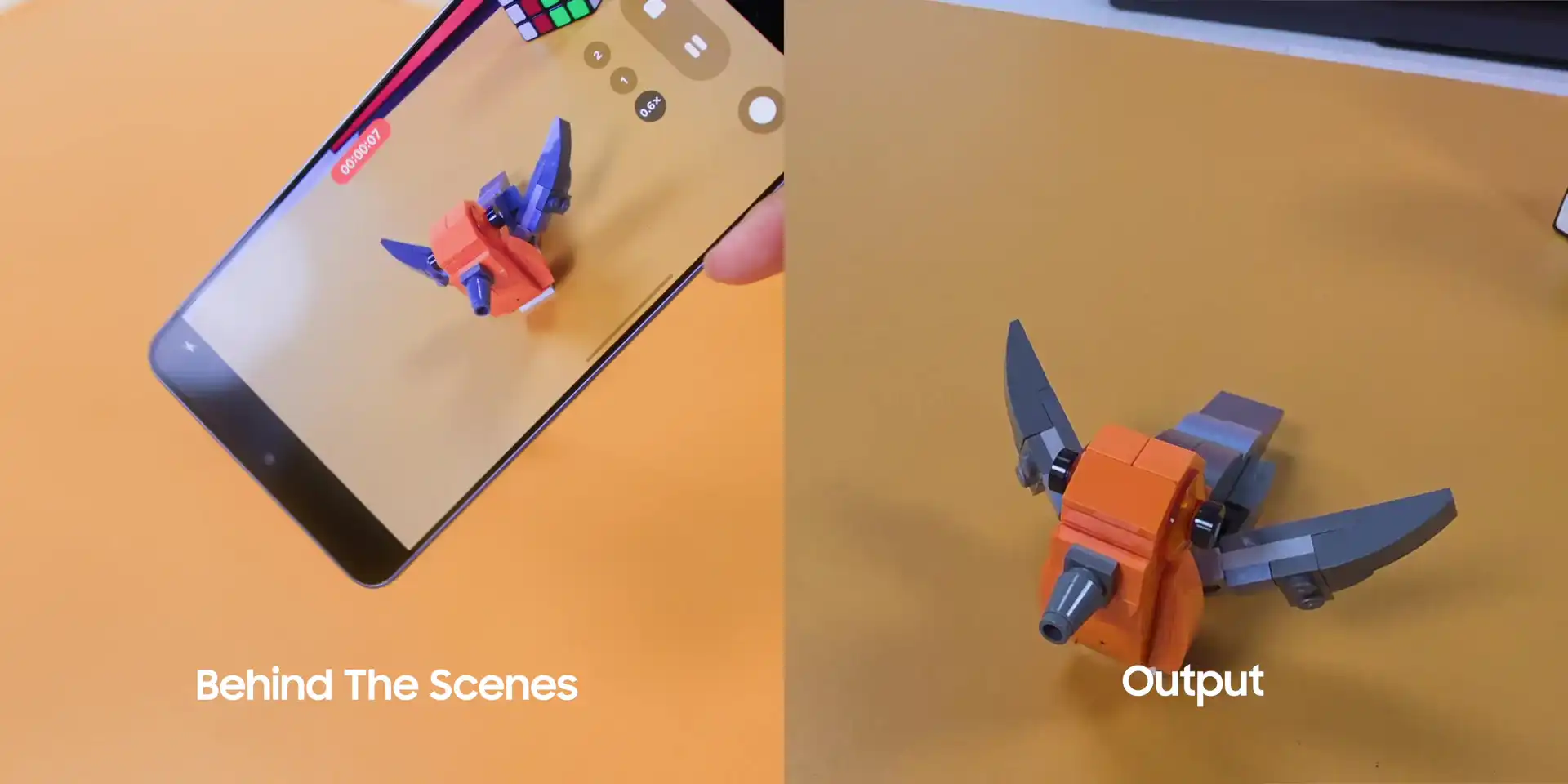
I cannot wait for my six-month-old son to start walking because all of this only makes sense if the videos you take look good. Shaky footage not only looks bad, but it makes people stop watching. If you’re a content creator, shaky footage is the difference between looking amateur and looking like you actually know what you’re doing.
With Horizontal Lock, you get smooth, steady footage no matter what your body is doing. No tripod, no gimbal, no extra gear to carry around – just your phone doing the heavy lifting for you.
Misconception
At this point, you might be thinking, “Adam, this is just a gimmick. Nobody actually needs this.” Look, if you’re ever recording videos just sitting down on a chair, maybe you’re right.
But the moment you’re on the move at an event, on a trip, or in a crowd, you will definitely feel the difference immediately. For content creators or anybody with mobility issues, this is not a gimmick. This is a feature that makes the difference between footage that you’re proud of and footage that makes you want to delete the moment you watch it back. Very relatable, right?
How to Set It Up
All right, let’s get you set up. It is very straightforward, and the setup is within seconds.
- Open your camera app.
- Switch to video mode.
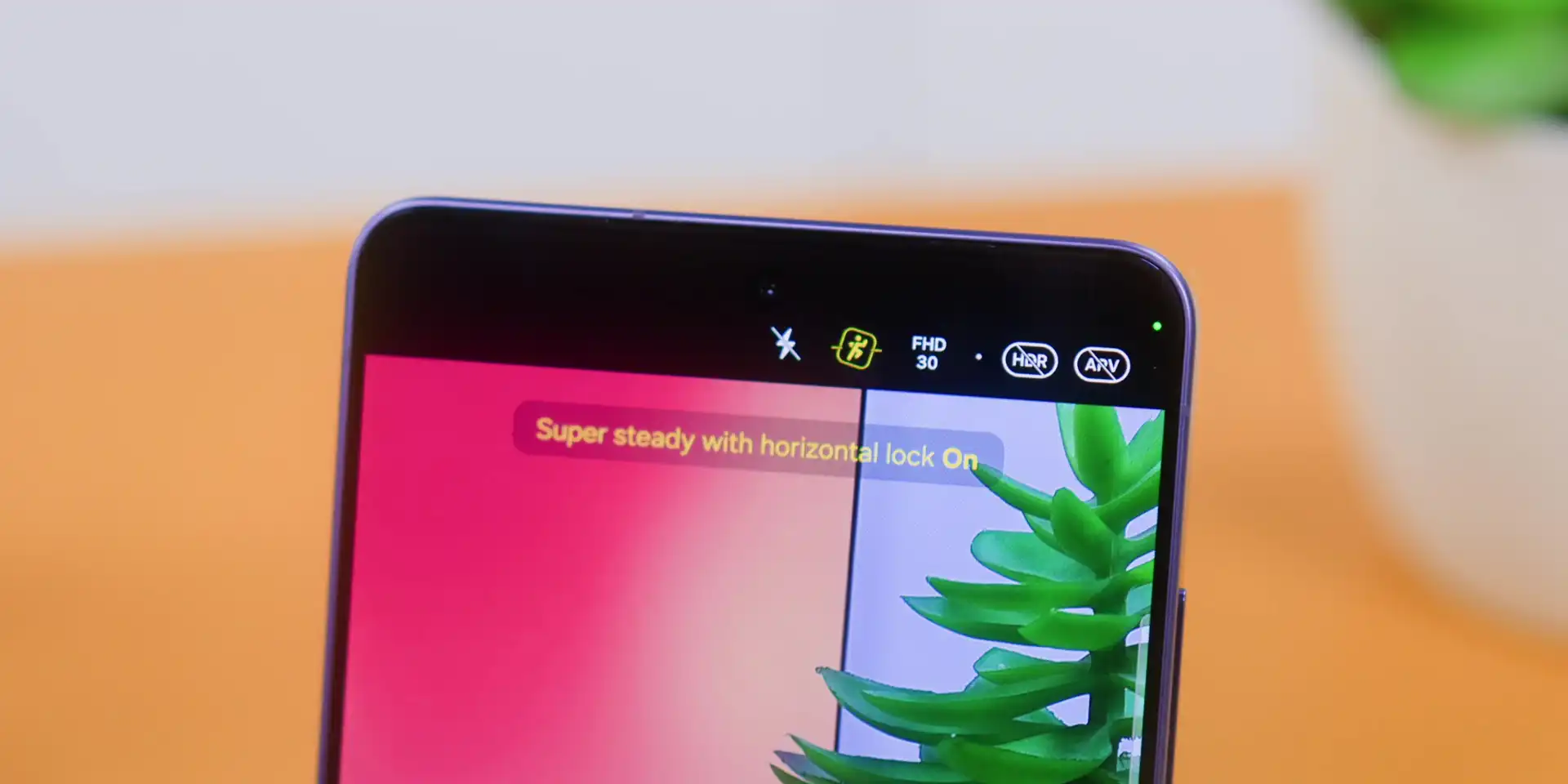
- Look for the Super Steady icon at the top of the screen. It looks like a little moving man. You can tap it and select “Super Steady with Horizontal Lock,” which looks like a little man moving inside of a frame.
That’s it. Next, hit record and move as much as you want. You will see the footage will be very smooth and level the whole time.
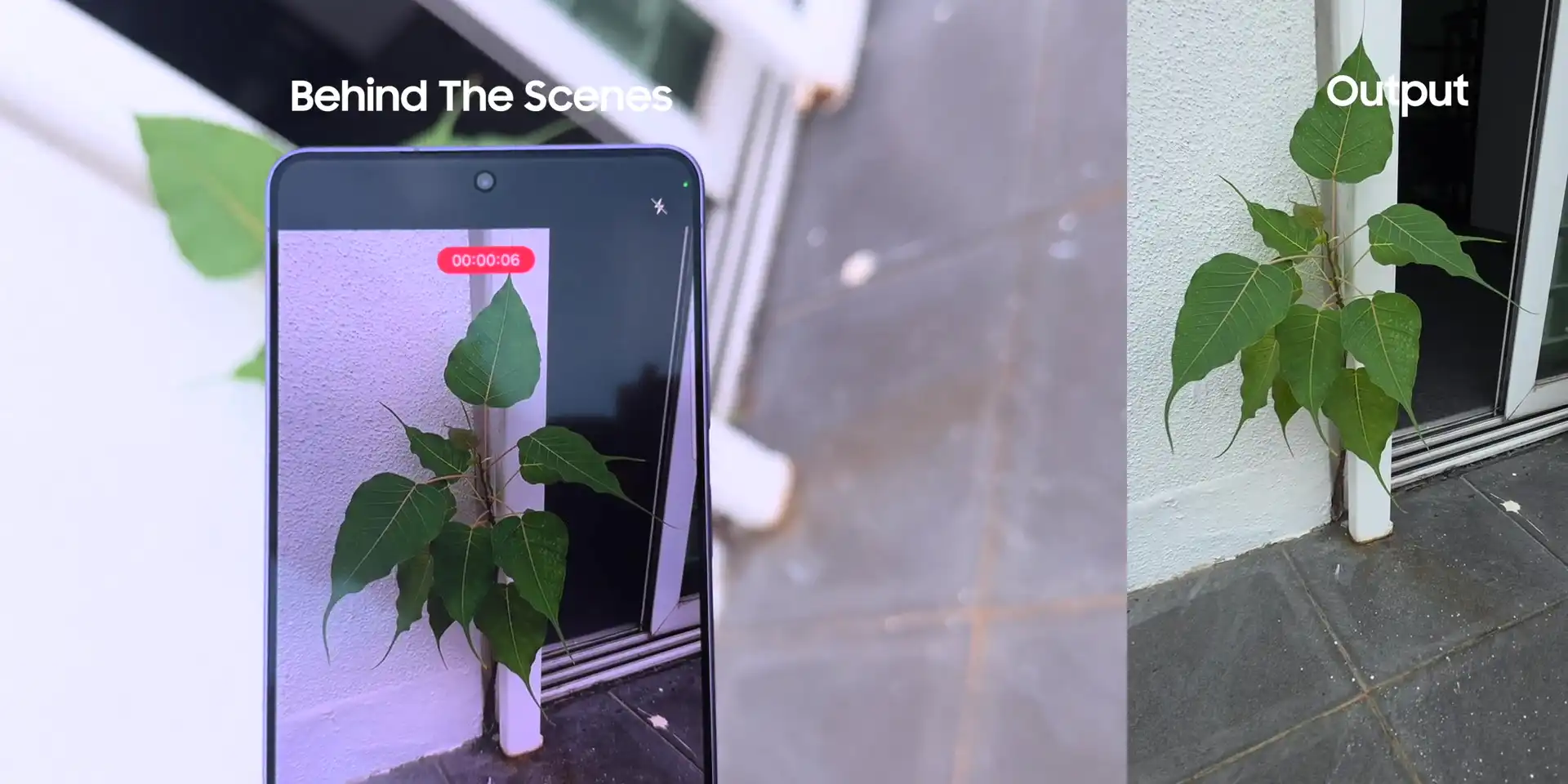
Quick tip: You need to make sure that you have enough light. Once you turn it on, your phone actually remembers it, so the next time you switch to video mode, it’s already there waiting for you.
Verdict
In conclusion, like I mentioned in my Privacy Display breakdown, a lot of features on phones these days feel like they were added just for the sake of filling up a spec sheet. This Horizontal Lock doesn’t feel like that. It solves something real – something that most of us have just accepted as part of our lives or part of shooting videos on our phones.
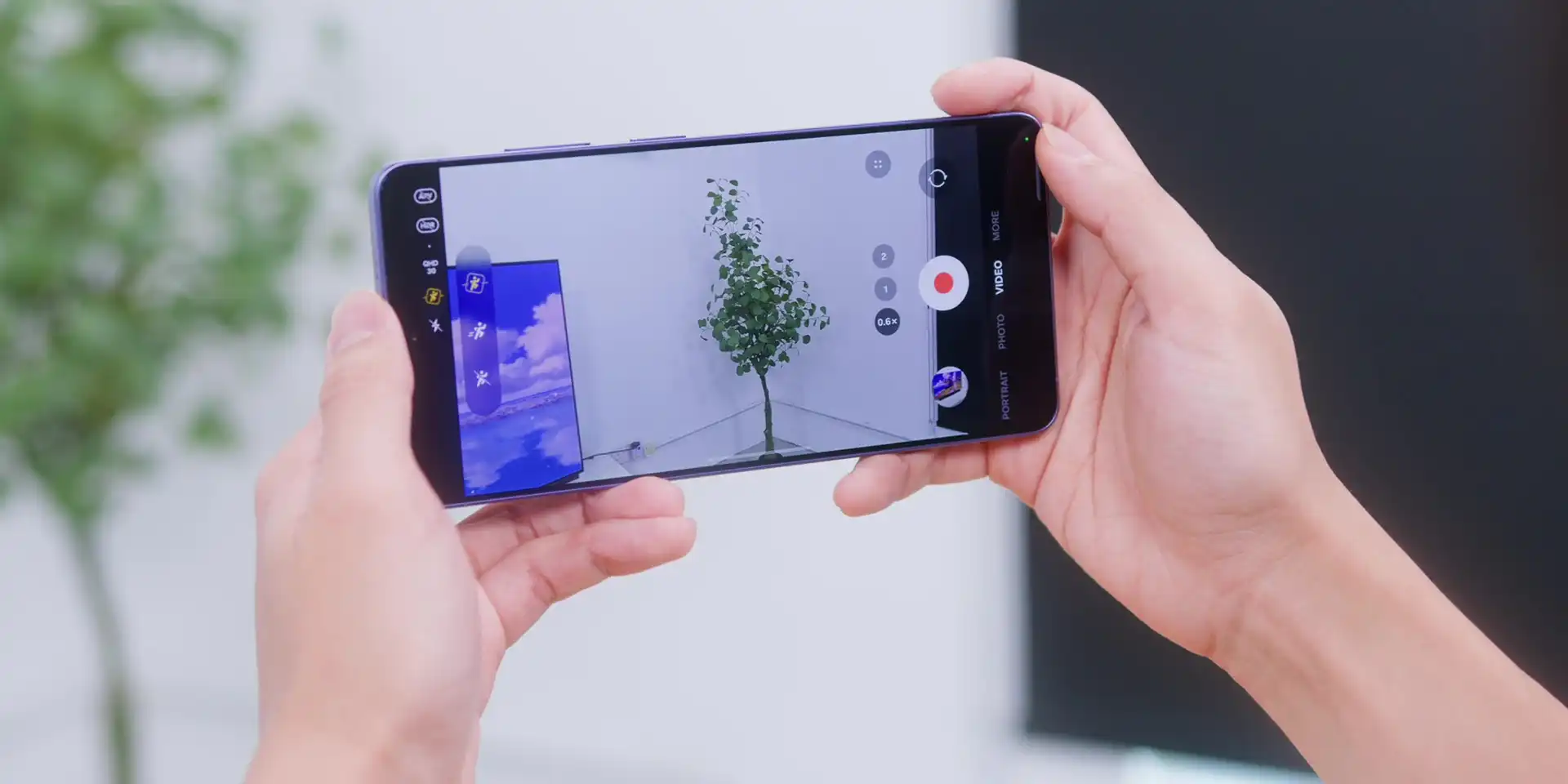
The bonus is that it works across the entire S26 series, and the fact that this kicks in automatically means you don’t have to think about it. Just shoot, and your footage comes out looking like you actually planned it that way.
Bonus: Circle to Search with Google 3.0
Speaking of planning, Circle to Search with Google 3.0 is also here. With One UI 8.5, it just got a serious upgrade because now it lets you circle multiple things at once. If you see an outfit you like, just circle the shoes, the bag, and the jacket all together. Yep, one big circle, and it’ll give you results for everything at the same time. That’s the new “Find the Look” feature.
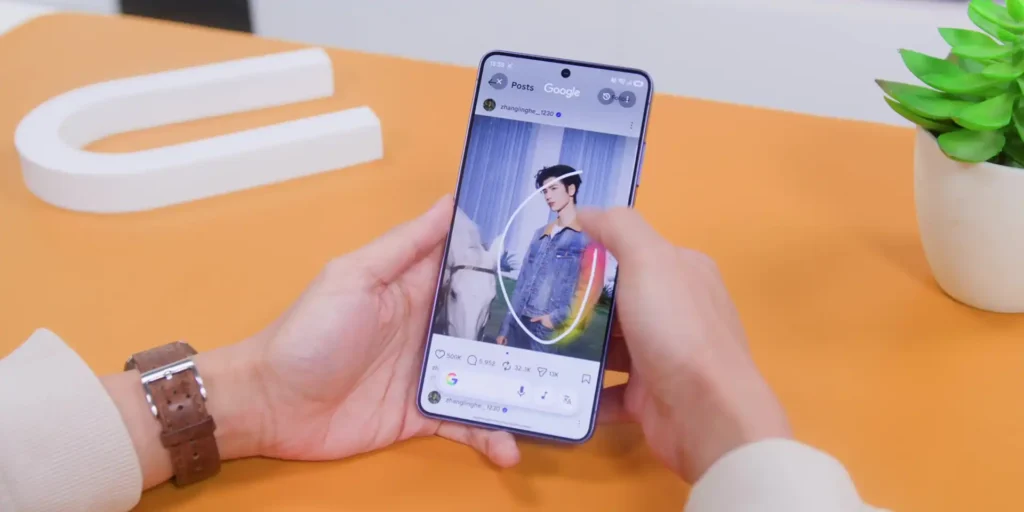
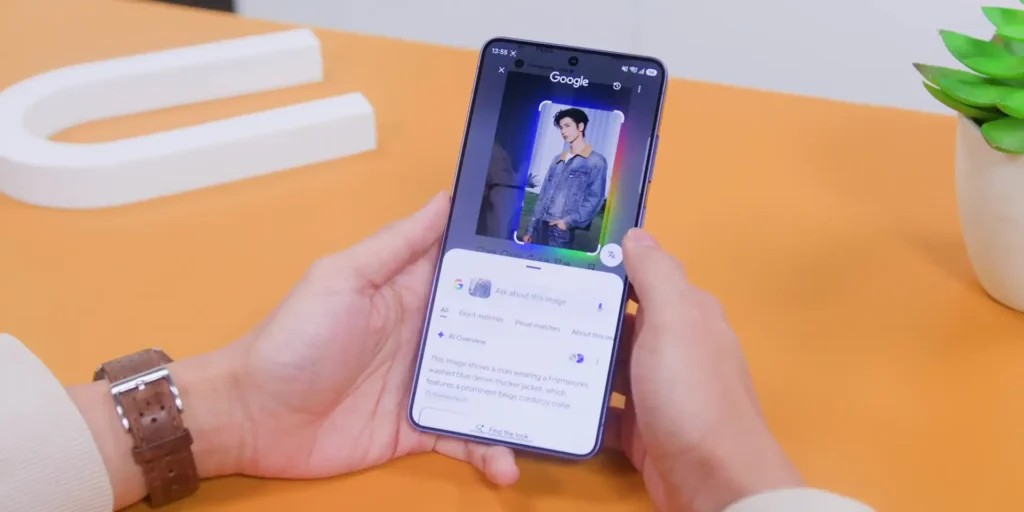
But it doesn’t stop there because after you circle, you can keep asking “Where can I get this in Malaysia?” and “How much does it usually cost?” just to keep the conversation going. That’s the new Continuous Conversation feature, and it changes how you search for everything moving forward.
.
▶️ Watch the full video on YouTube
Frequently Asked Questions (FAQ)
What is the Horizontal Lock feature on the Samsung Galaxy S26?
It is a video stabilization feature built into the Super Steady mode that keeps your video footage perfectly level and smooth, even if your phone rotates or shakes while recording.
Which Samsung Galaxy models support Horizontal Lock?
The feature is not exclusive to the premium model. It works across the entire lineup, including the base Galaxy S26, the Galaxy S26+, and the Galaxy S26 Ultra.
How do you turn on Horizontal Lock on the Galaxy S26?
Open the camera app and switch to video mode. Tap the Super Steady icon at the top of the screen (which looks like a little moving man) and select “Super Steady with Horizontal Lock” (the icon showing a moving man inside a frame).
Do I need to turn on Horizontal Lock every time I record?
No. Once you enable the feature, your phone remembers your preference and keeps it active the next time you open video mode.
What hardware powers the video stabilization on the S26?
The system relies on a built-in gyroscope to track phone rotation and an accelerometer to track movement speed. They work together in real time to instantly correct shaky footage.
Related:
- Privacy Display Explained: Samsung Galaxy S26 Ultra
- The Samsung Galaxy S26 Ultra After 1 Month: Was the Hype Worth It?
- Samsung S26 Ultra Display Flicker Fix: Is the Privacy Screen Worth It?