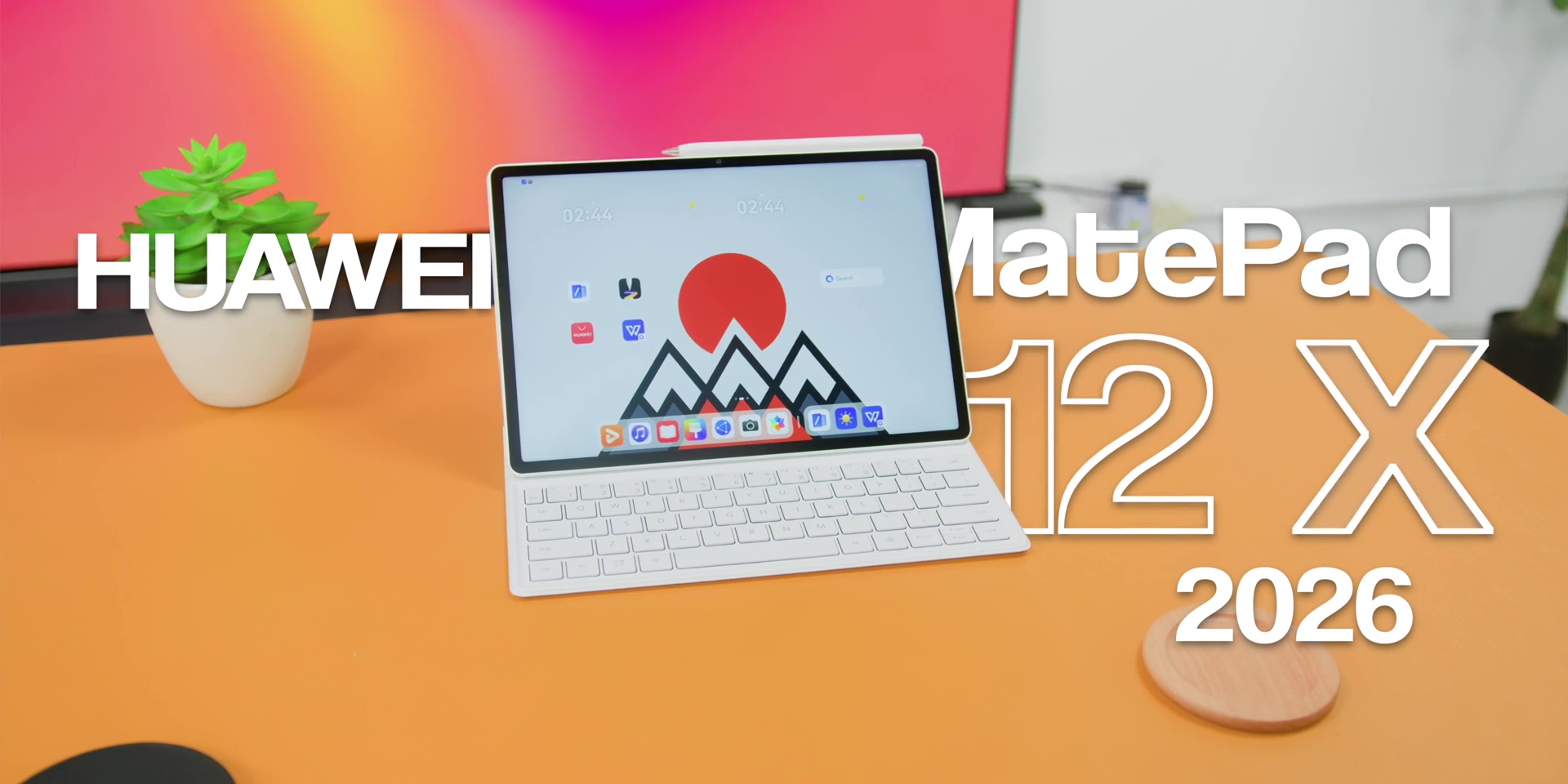
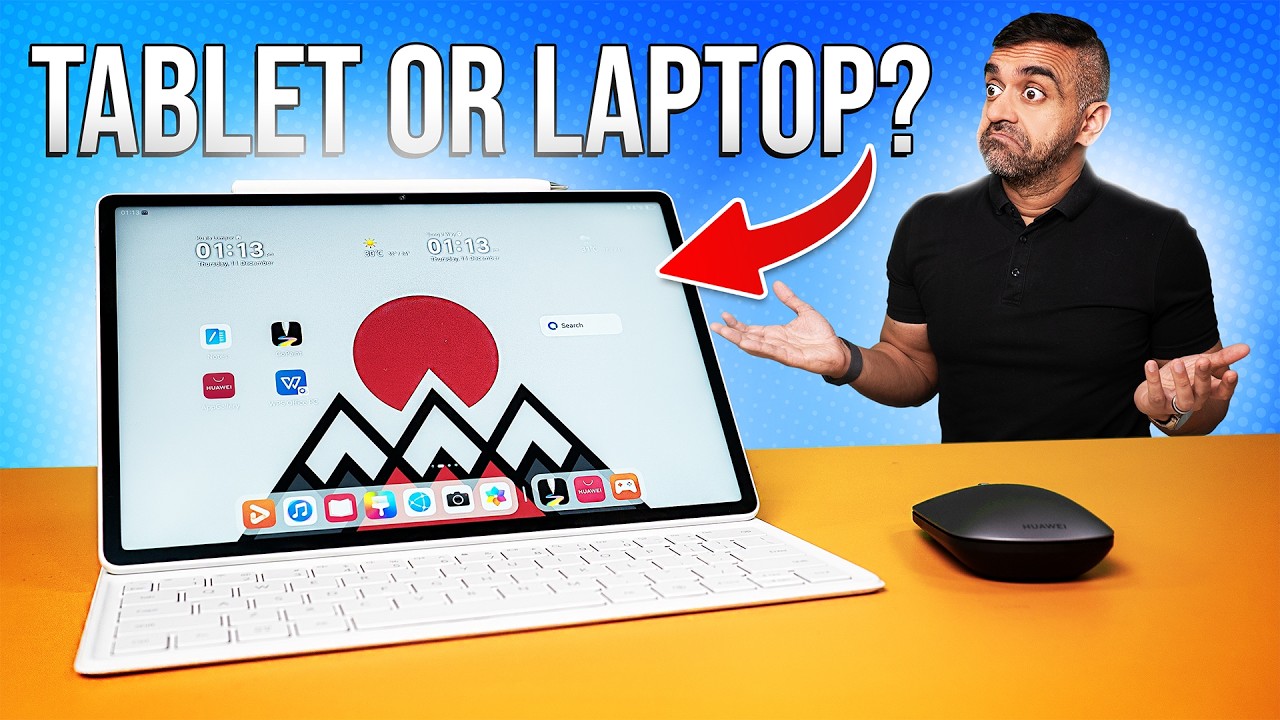
So, tablets these days are either too basic or trying too hard to replace your laptop. But what if I told you that there’s finally one that actually gets the balance right? This is the HUAWEI MatePad 12 X (2026). And I’ve been using it for a week. And honestly, it surprised me in many ways that I didn’t expect, especially the display, which is unlike any tablet I’ve reviewed before.
So, in this article, I’ll break down everything you need to know, including the brand new 3rd-generation PaperMatte display, the PC-level WPS Office 3.0, the new HUAWEI M-Pencil Pro, and why you should get this over other Android tablets out right now. So, watch first and buy smart, and happy new year to you!
PC-Level WPS Office 3.0
So, let’s start with where and how HUAWEI tries to replace your laptop. And honestly, they are closer than ever because while most Android-based apps are far different and limited compared to the PC versions, this PC-level WPS Office 3.0 lets you do everything like you’re on a desktop but on a tablet.
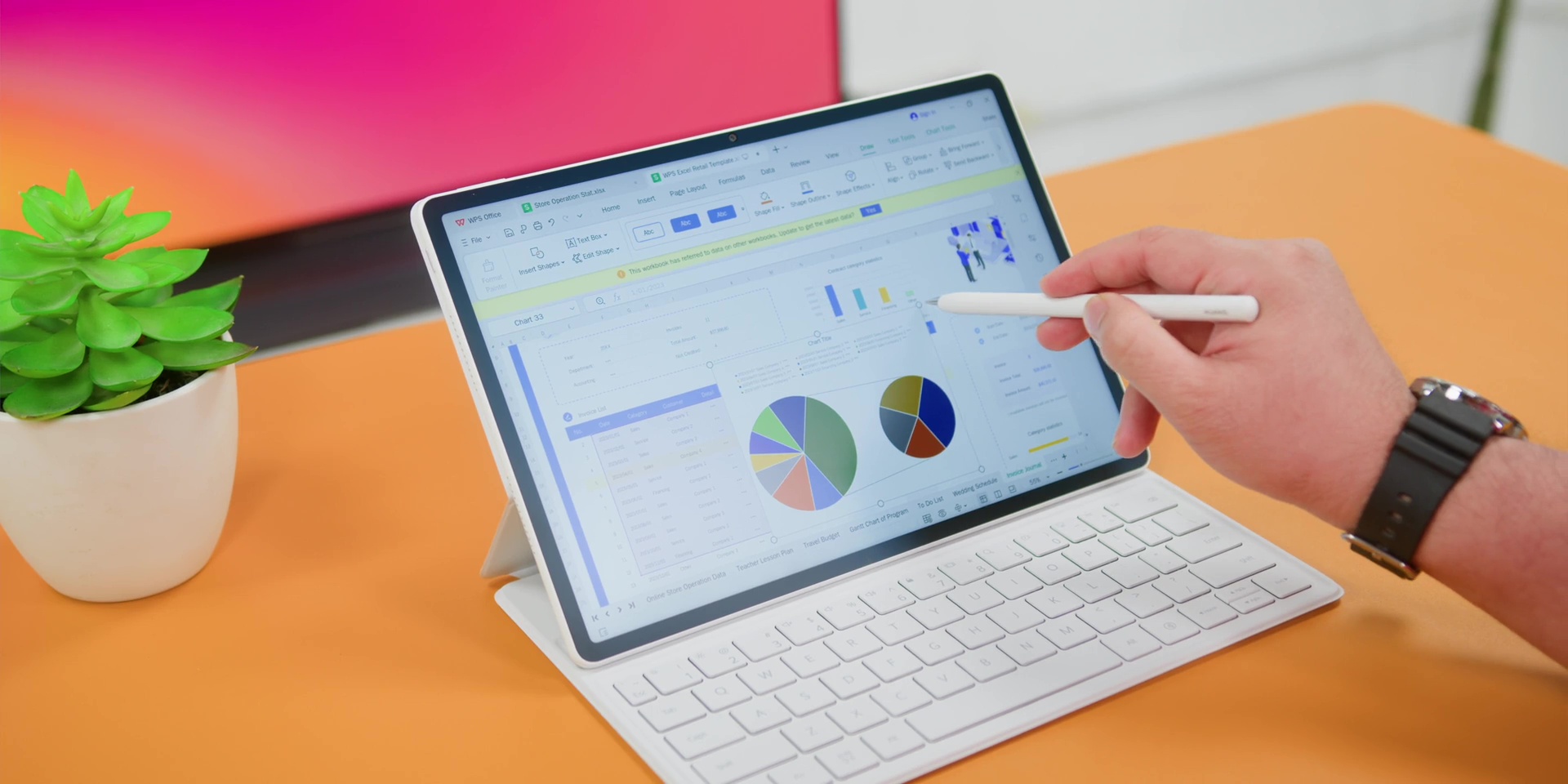
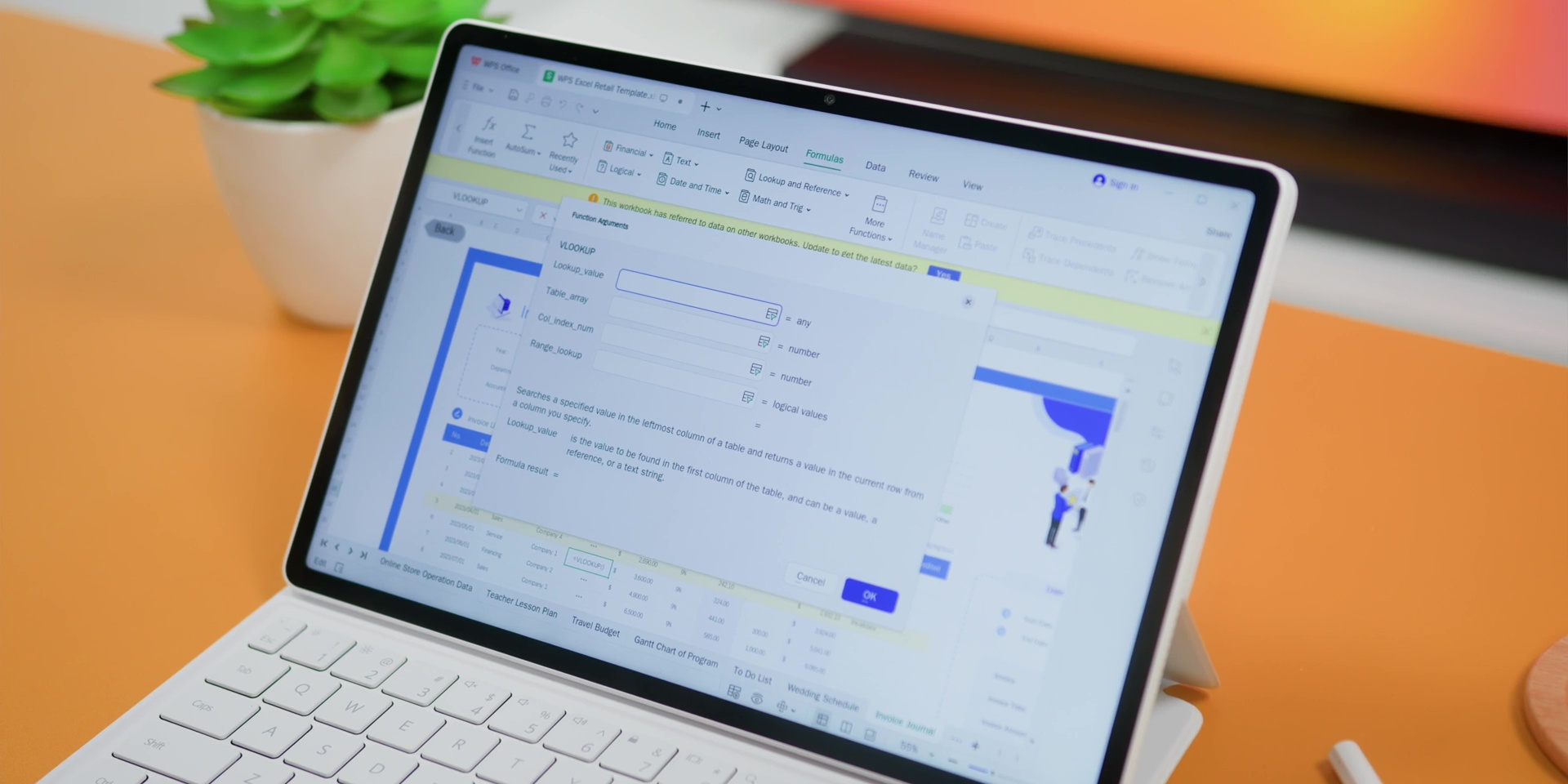
So, you can do things like insert editable charts, create and manage slides, have a total layout control, animations, transitions, and even editing PowerPoints inside a Word document. There are also even advanced Excel formulas that you could actually do like VLOOKUP, which is great for advanced Excel users, which searches for a specific value in the first column of the table and then it returns a corresponding value from a different column in the same row. So yes, this kind of advanced stuff can actually be done on this particular tablet, which is usually very impossible.
But of course, you can actually elevate your PC-style workflow by pairing this with the Smart Magnetic Keyboard and also a mouse. So, it’s like having Microsoft Office minus the subscription fee that keeps traumatizing your credit card bills.
Display
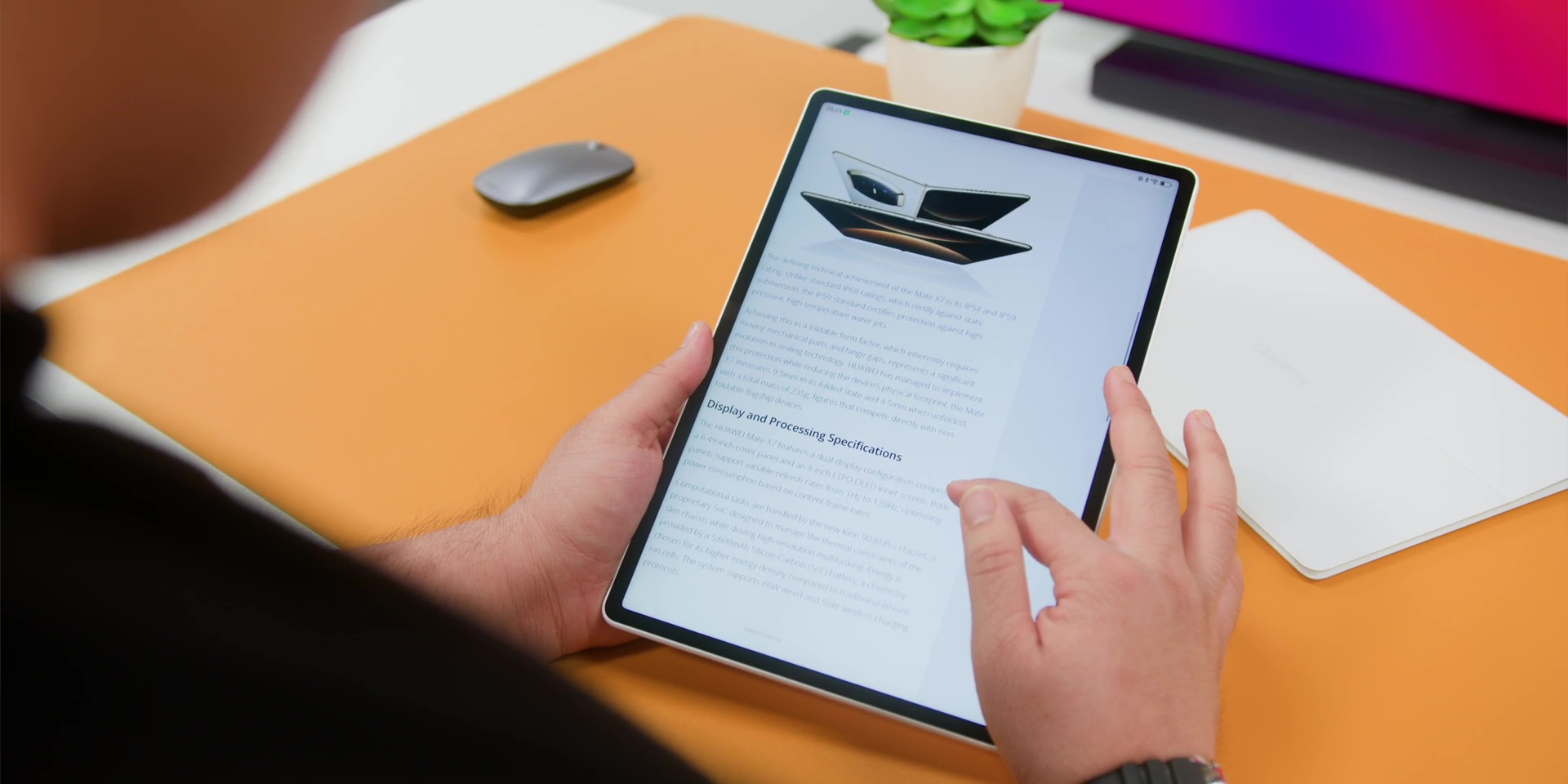
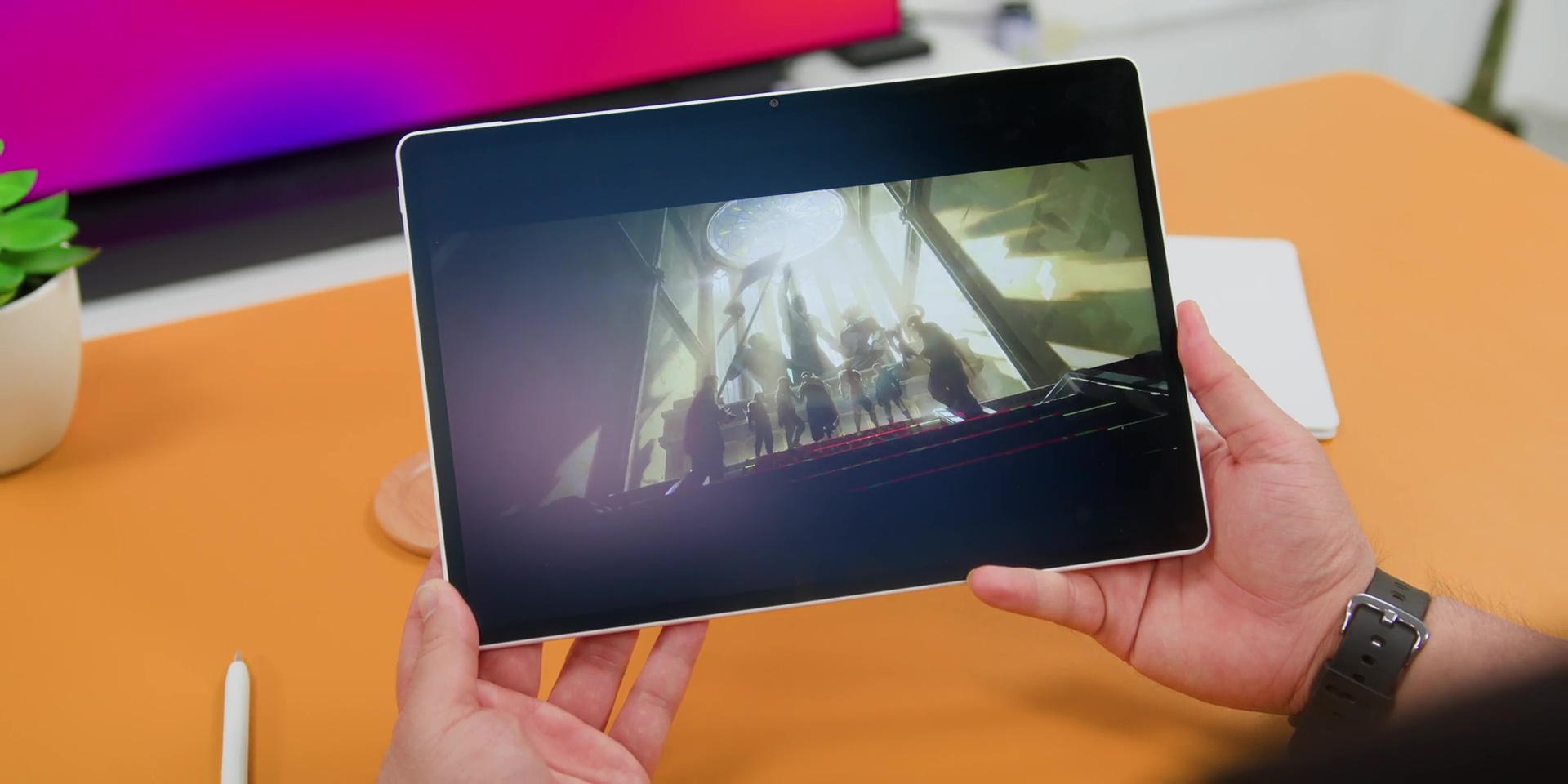
Next, we really have to talk about this. Yep, the display. Because this is the world’s first release of HUAWEI’s 3rd-generation Ultra-Clear PaperMatte panel, and the difference is not subtle, it is huge.
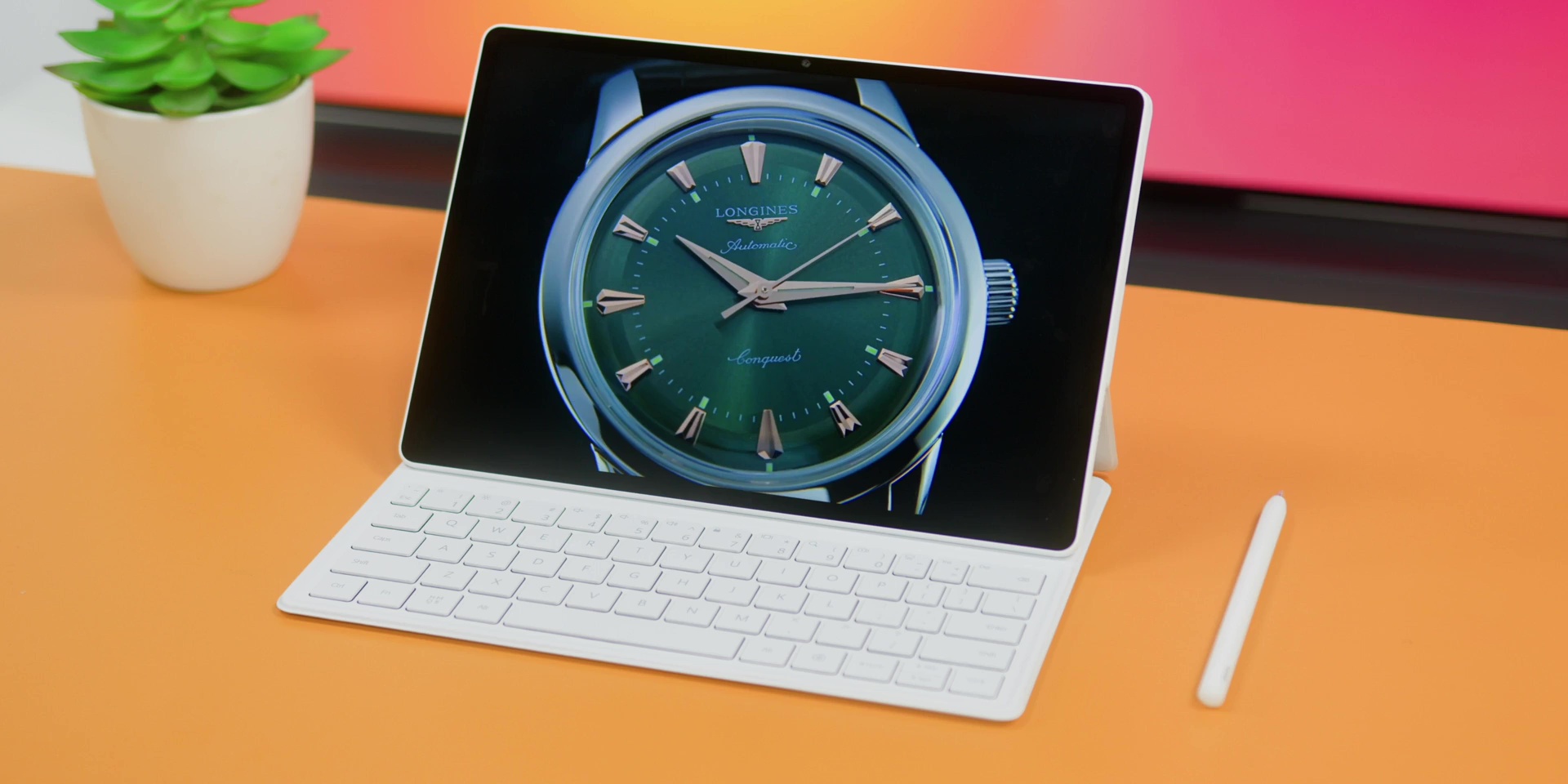
So, what’s new is that firstly, it eliminates 99% of the light interference, thanks to the amazing nano-texture structure. And since it is a matte finish, it has an anti-glare and an anti-reflective and also an anti-fingerprint screen. On top of that, it also gives you the best eye protection certifications from TÜV Rheinland for reflections, low blue light, and flicker-free viewing.
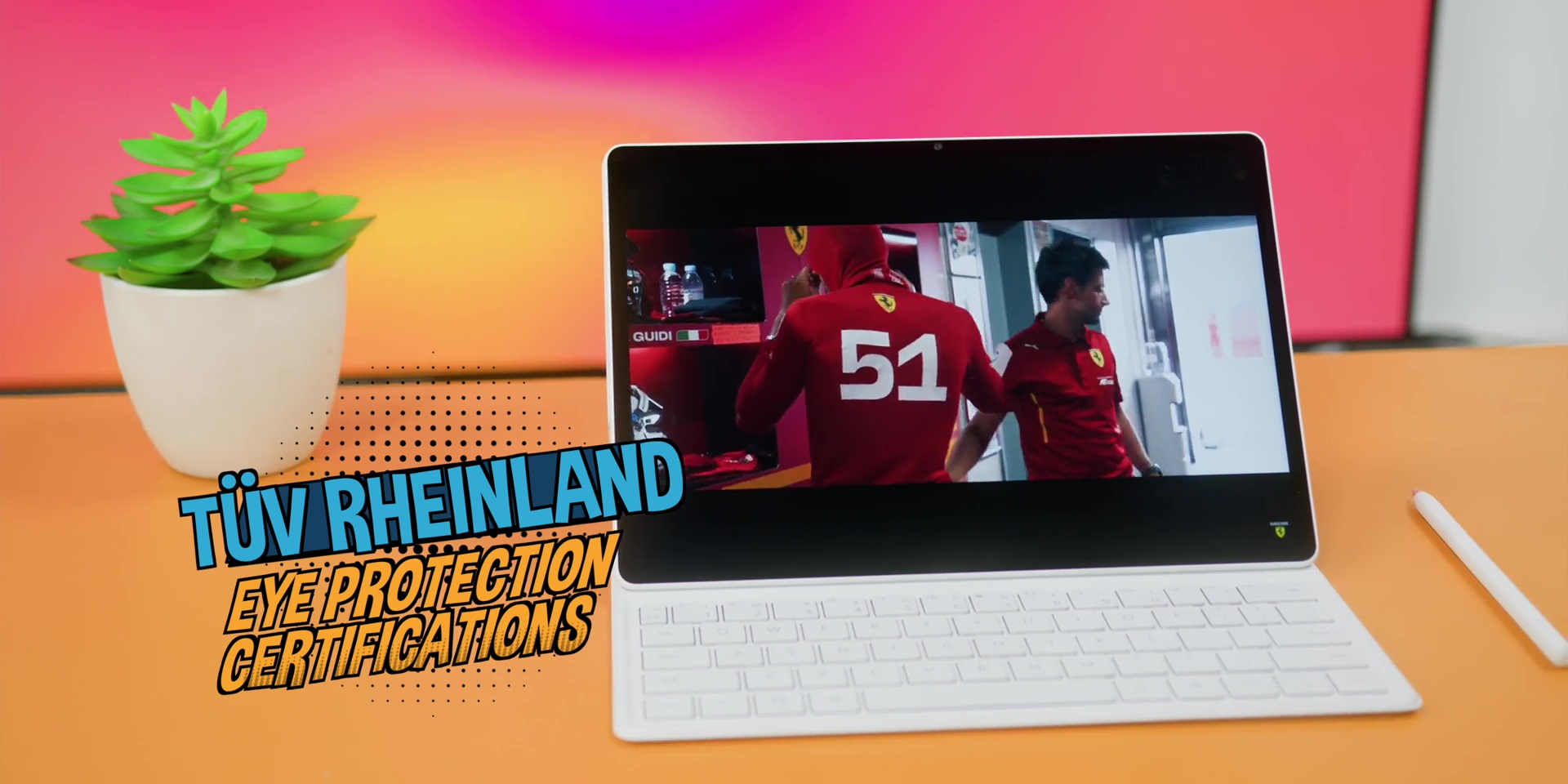
And for the first time, you know those sparkly things that you see usually on a matte screen, well, that is heavily reduced by 50%, making it much clearer and way more comfortable to read and also write on.
For you spec nerds out there, this comes with a 12-inch 2.8K UHD resolution. Yep, just the right size compared to the giant screen on the Galaxy Tab S11 Ultra. This also comes with a higher 144 Hz high refresh rate and a peak brightness of 1,000 nits and a great color accuracy of a P3 wide color gamut.
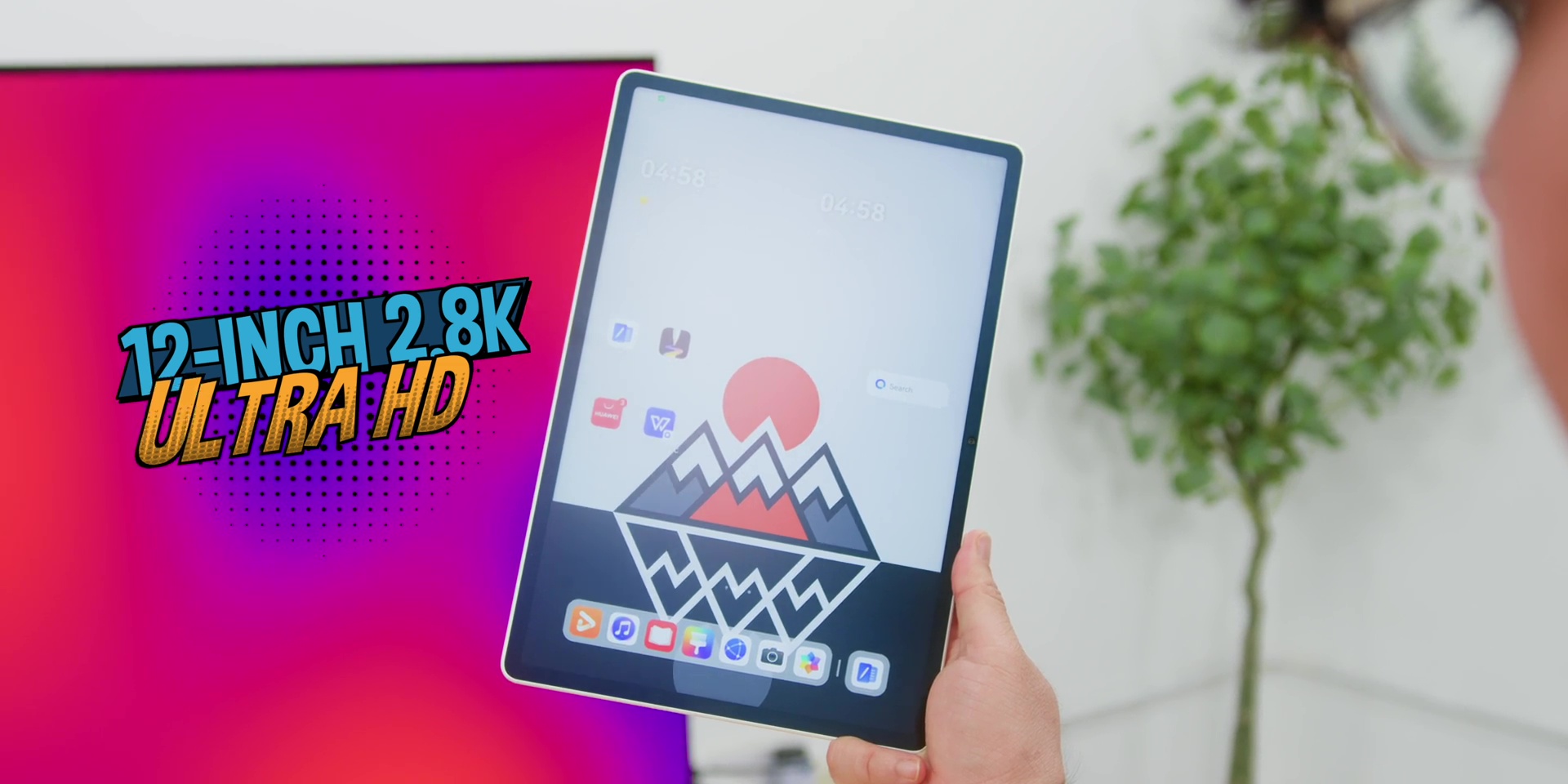
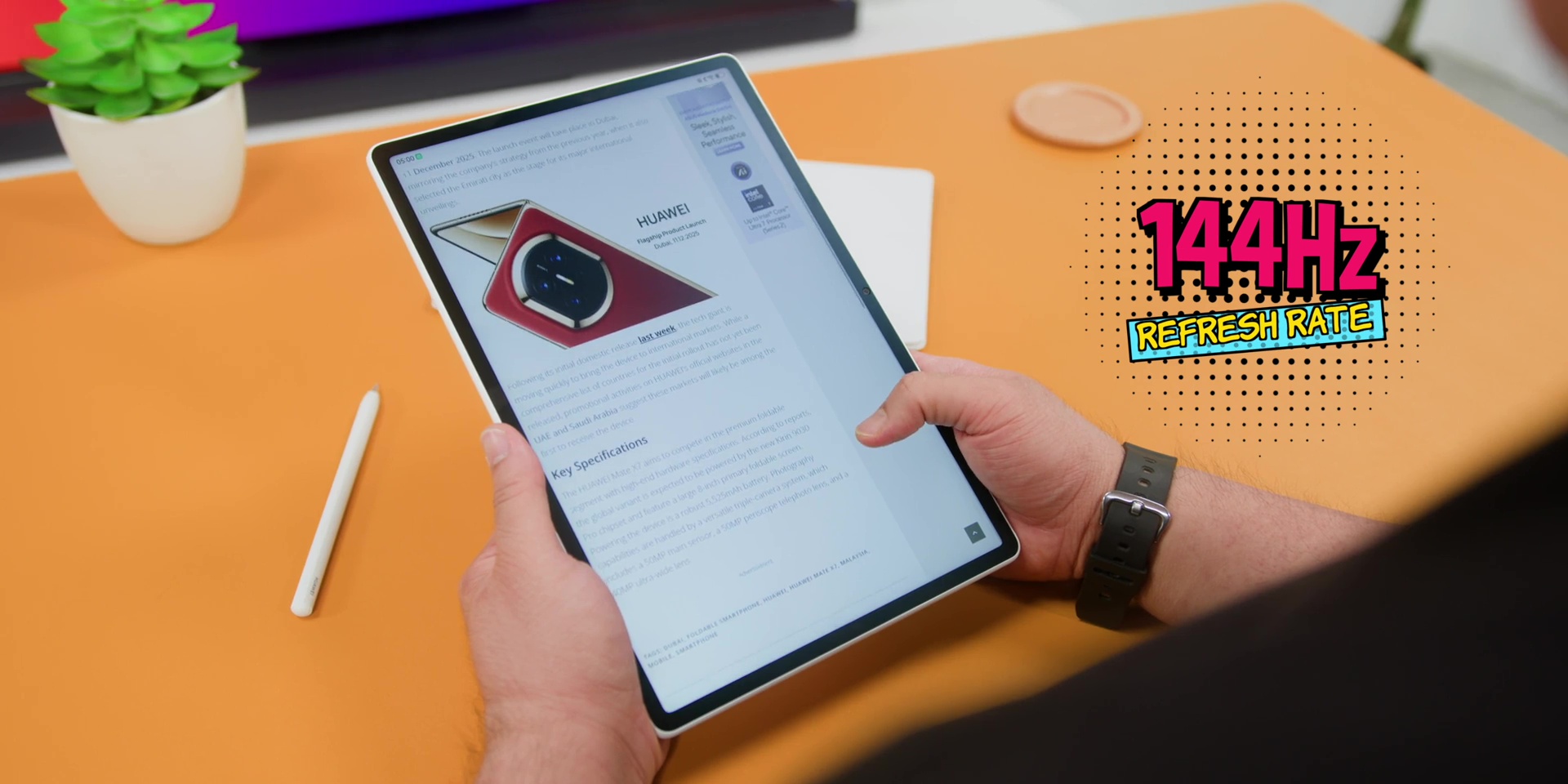
But one huge issue that a lot of matte displays have is that it looks dull and it looks less sharp. But if you use this daily, it will be the very first matte display that actually looks like a glossy screen, but of course without any reflections at all. So yeah, it’s like wearing sunglasses indoors, but instead of looking like a weird poser, everything just looks better.
M-Pencil Pro
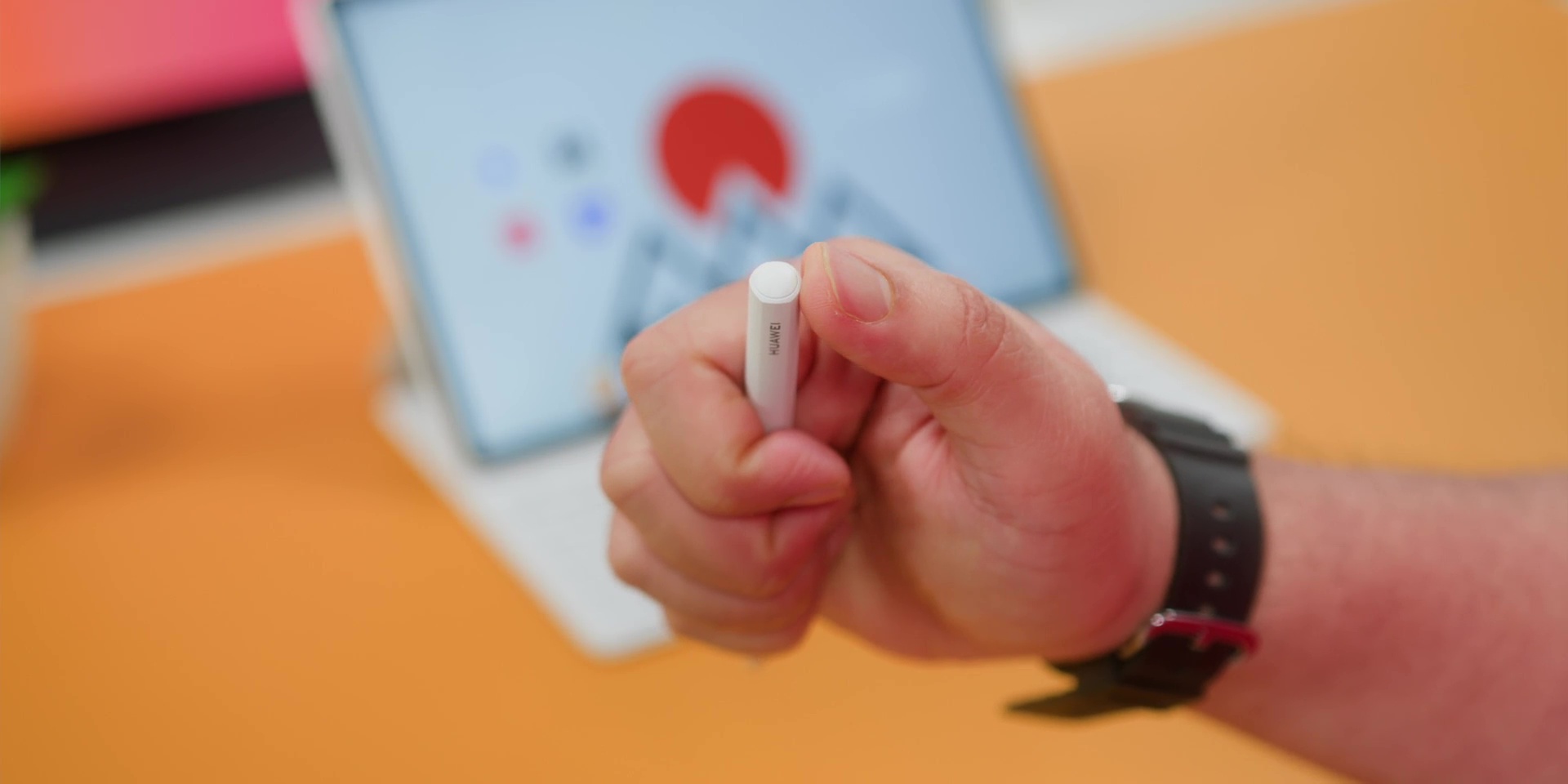
On to the next, and surely not only underrated, but probably the star of the show, which is this, the M-Pencil Pro. Because if you love writing and drawing, this is where HUAWEI flexes.
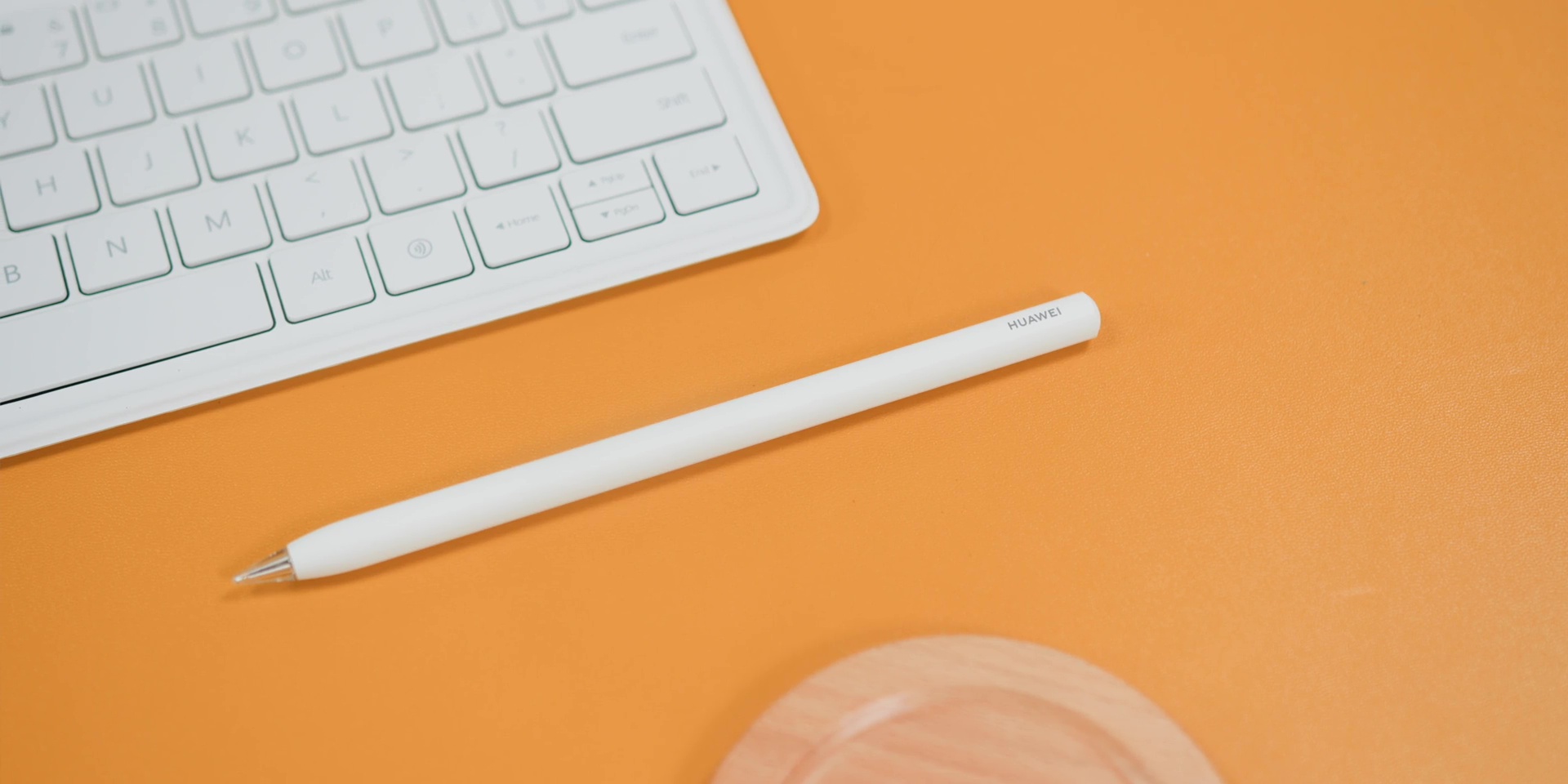
So, what’s new is that there is the Star Ring Quick Button on top with a breathing indicator for instant shortcuts to any apps. Then there’s also the Pinch Gesture to open a radial menu.
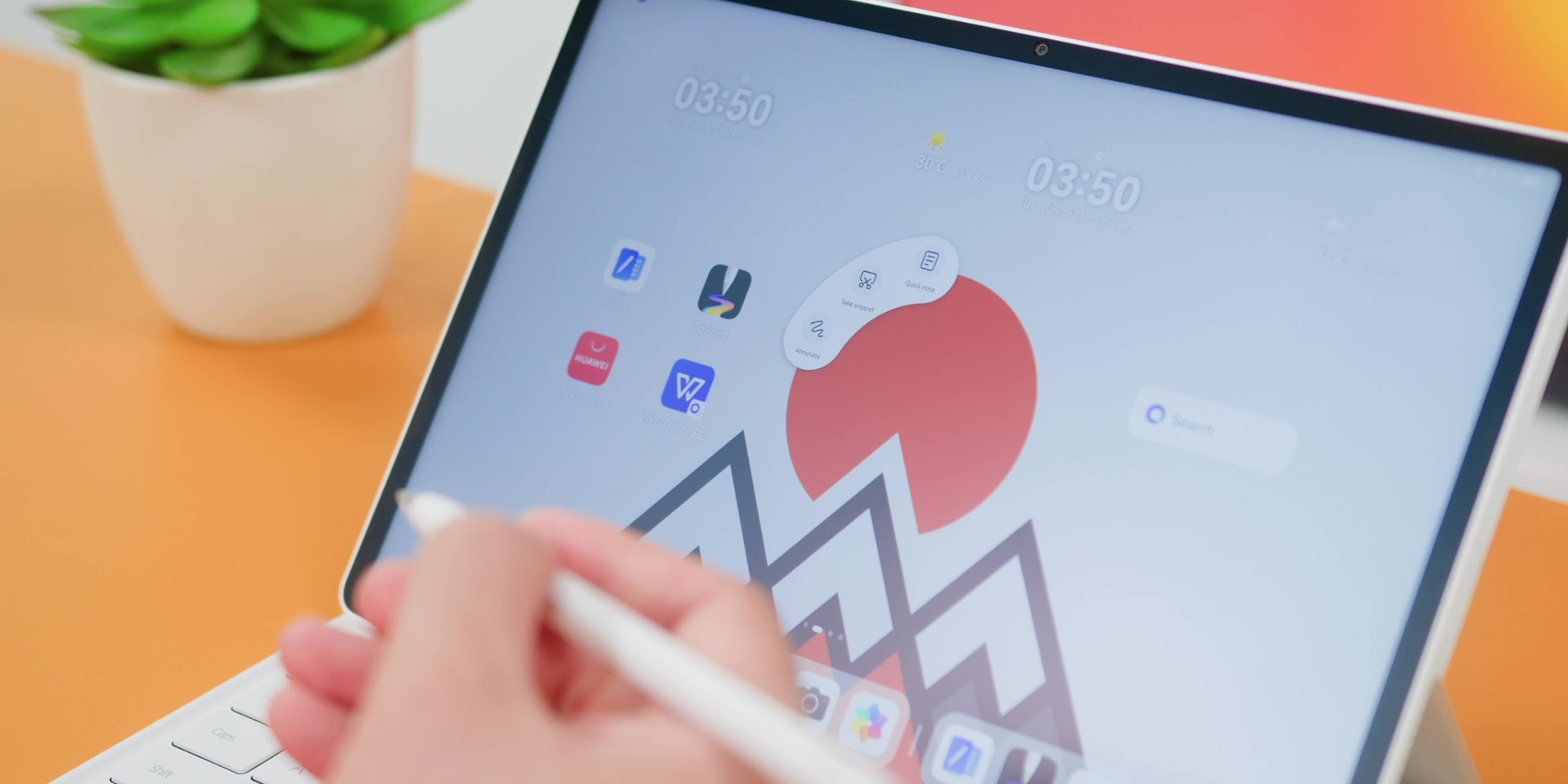
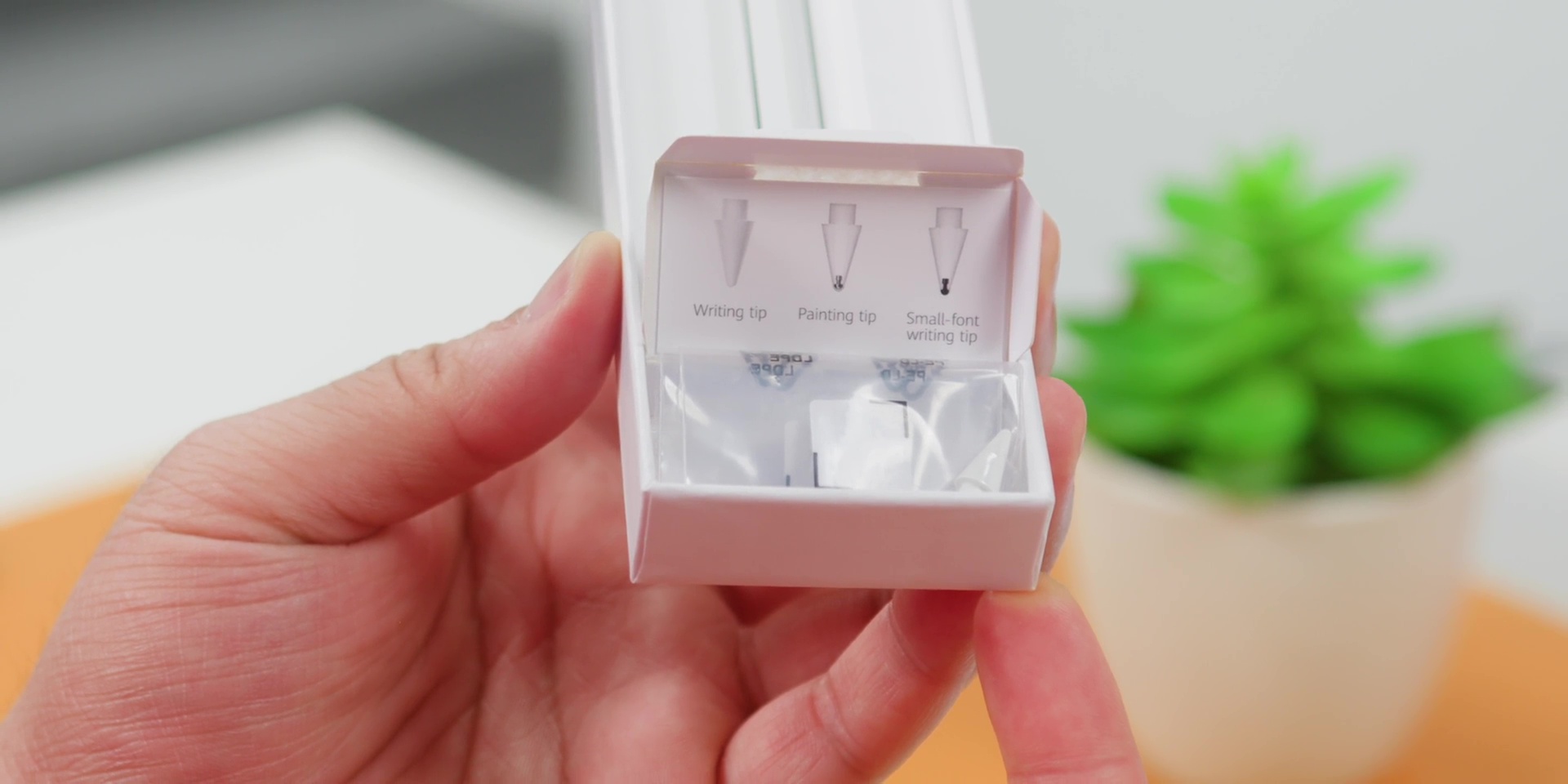
And on top of that, there are a total of 3 interchangeable pen tips which are included in the box for writing, sketching, or even shading or even painting or so. So, you don’t need to spend the extra money on those physical pen tips like what Apple or Samsung does.
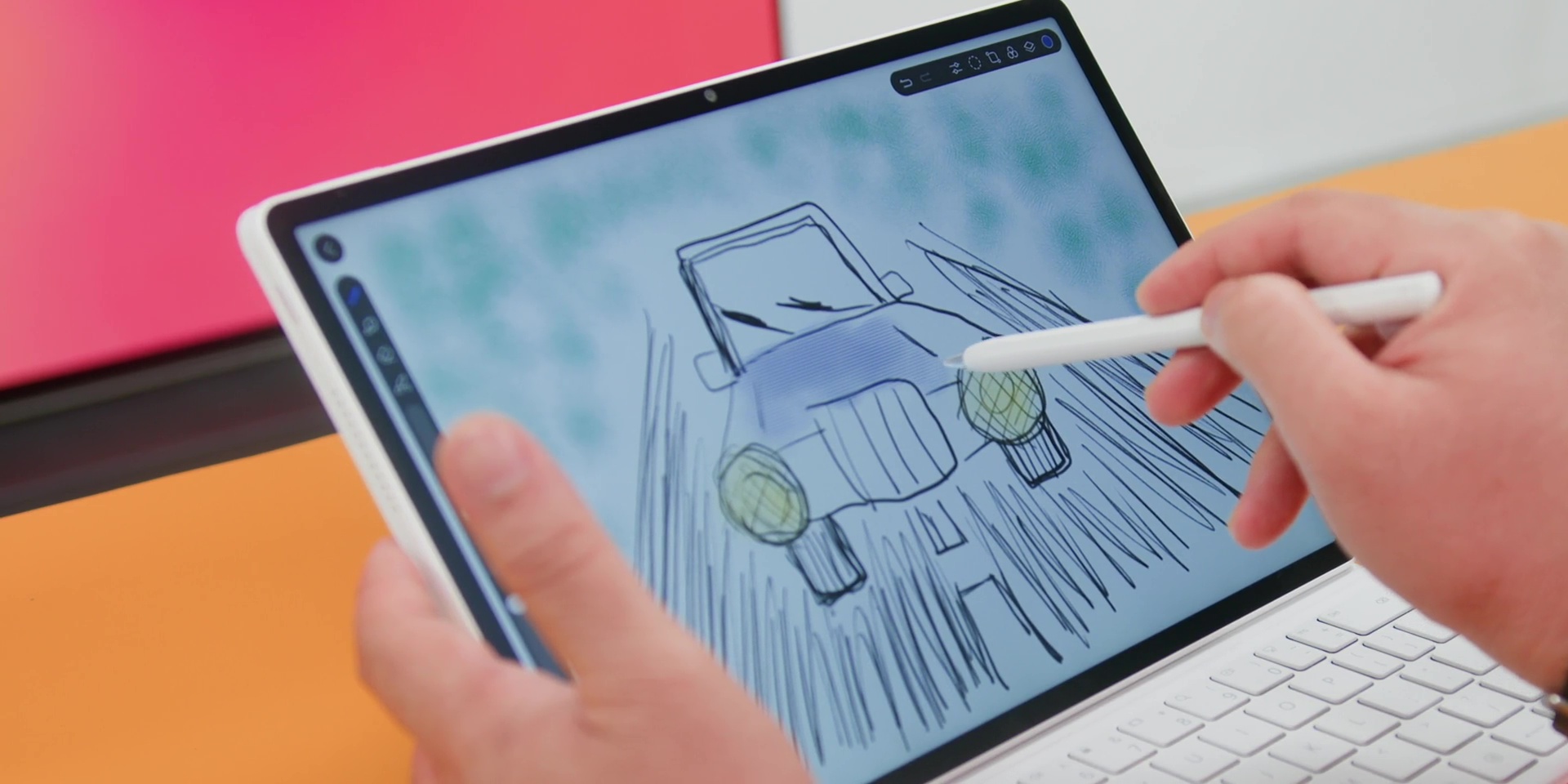
It also has a massive 16,384 levels of pressure sensitivity, which is also 4x higher than many styluses out there. So, it is so sensitive that it might understand your feelings better than your ex… So, yeah, imagine your Apple Pencil or your S Pen got the Infinity Gems and suddenly it comes back with superpowers!
Design & Build
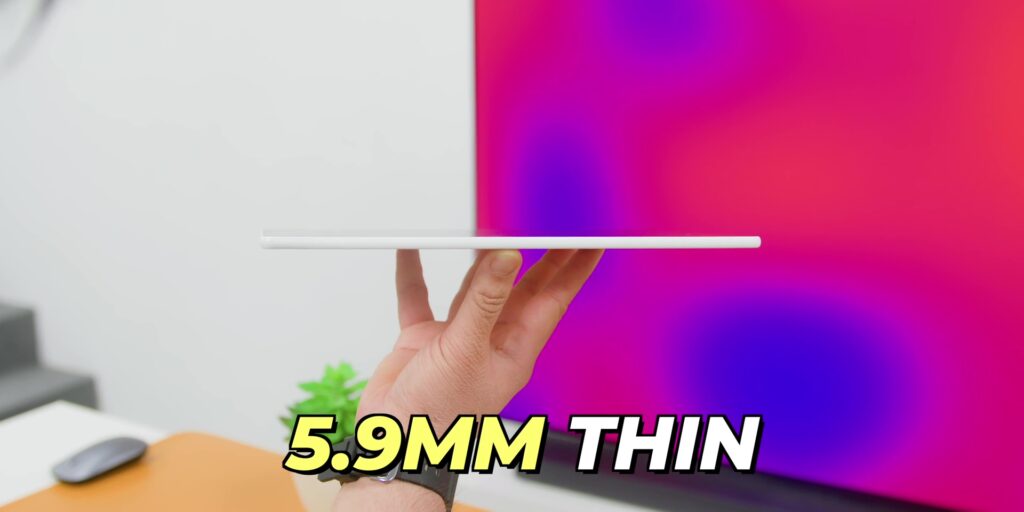
As for the tablet’s design and build, firstly, it’s only 5.9mm thin, but the design is where the MatePad 12 X looks very premium.
At the back, it has a shimmering pearlescent sheen thanks to the special e-coating technique plus a natural mica powder.
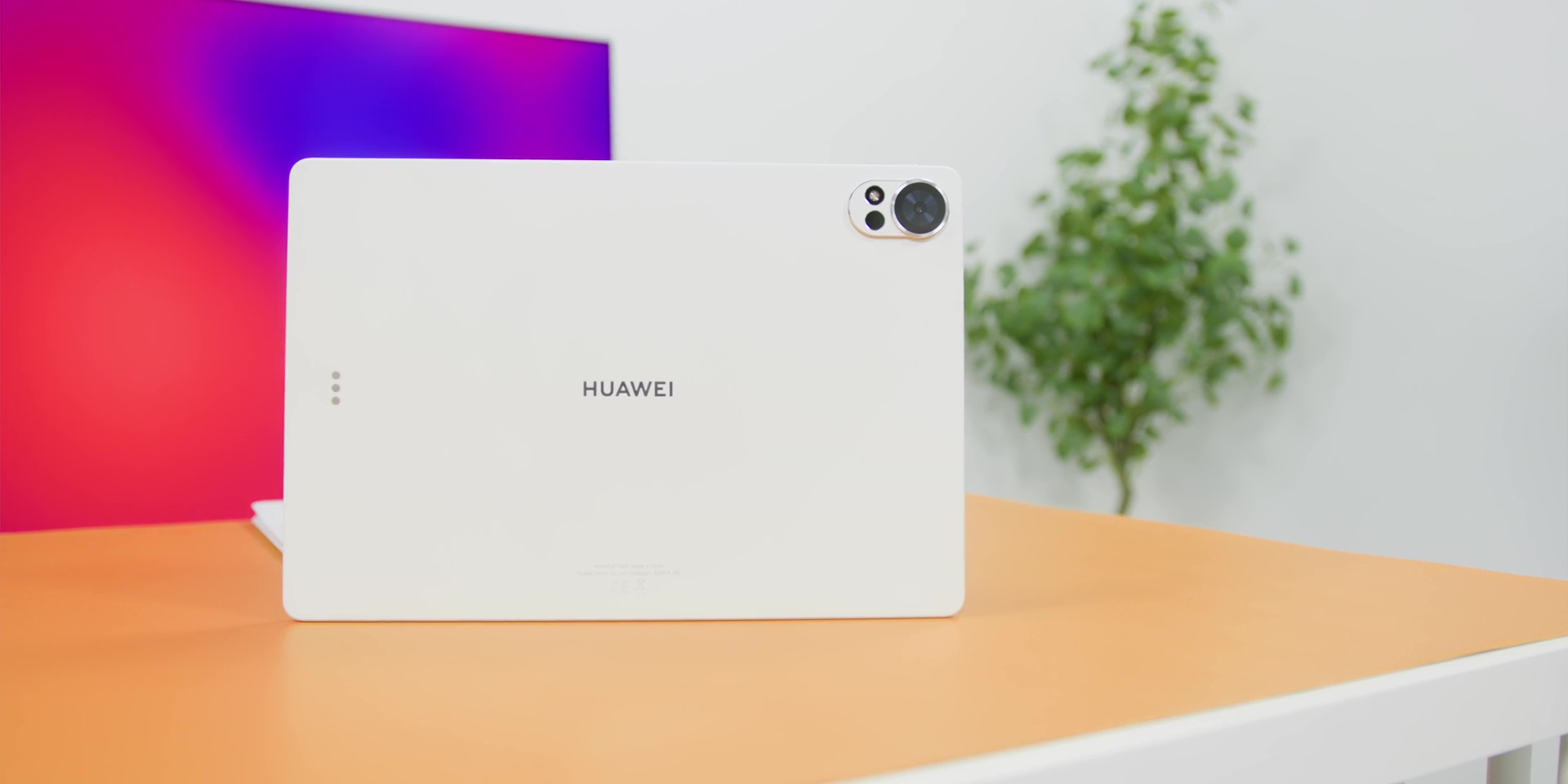
It also comes with an 88% screen-to-body ratio and quite narrow bezels all on the four sides. So, all of this makes the tablet feel very lightweight, modern, and very flagship.
HUAWEI Notes
Next is HUAWEI Notes because it has some super useful features on its own. It is honestly one of the best note-taking experiences, and the highlights include having up to 130+ covers, 60+ paper types, 400+ stickers, and apparently there’s also a localized Batik and even food stickers which are coming soon as well.
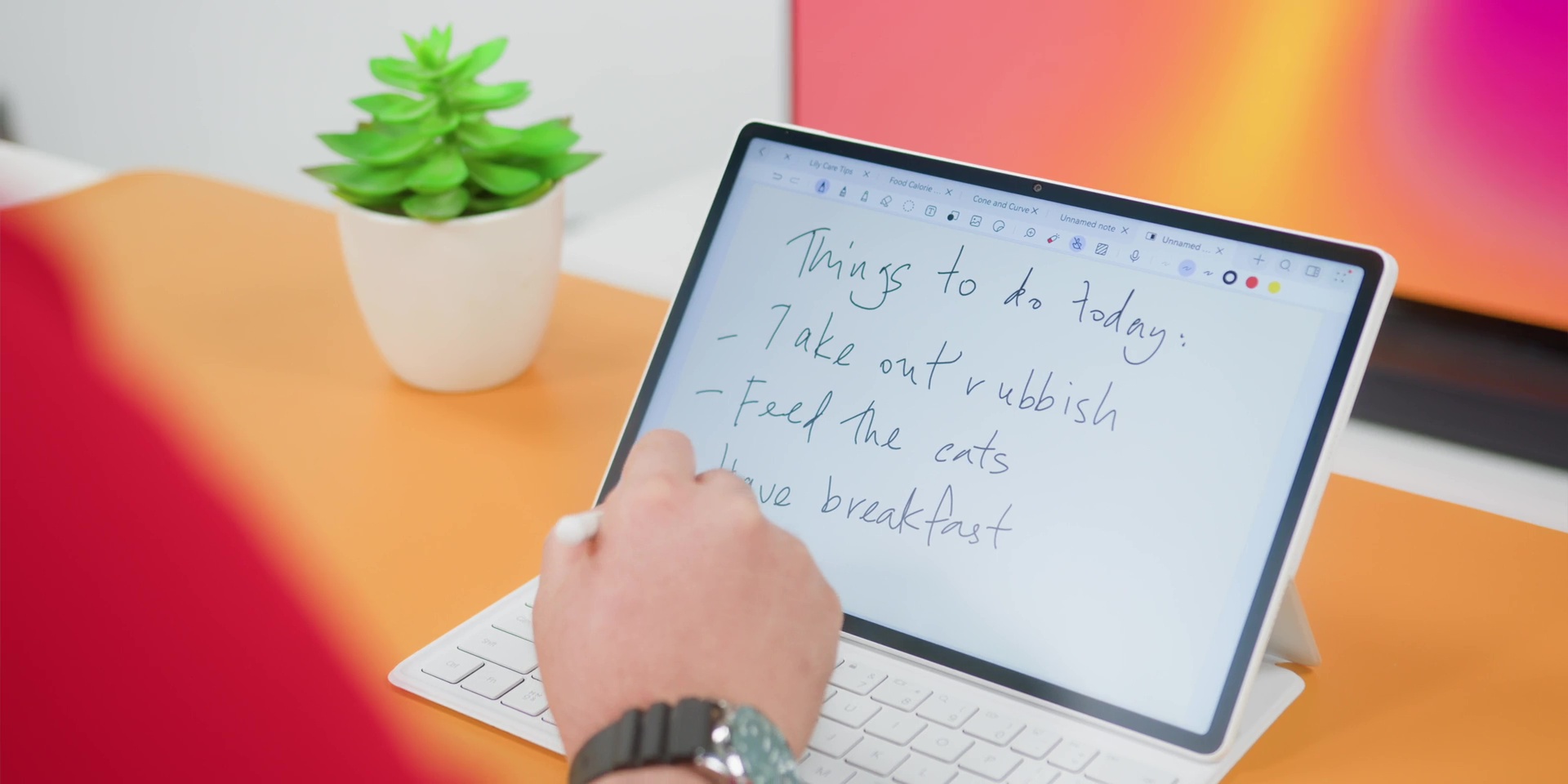
But where it becomes extra smart is the AI Handwriting Enhancement, which is not only great for English but also for Chinese too. So, of course, I cannot write in Chinese, but if you do, that would be great. So, yes, even if your handwriting looks like a doctor’s signature during peak flu season, this can fix that.
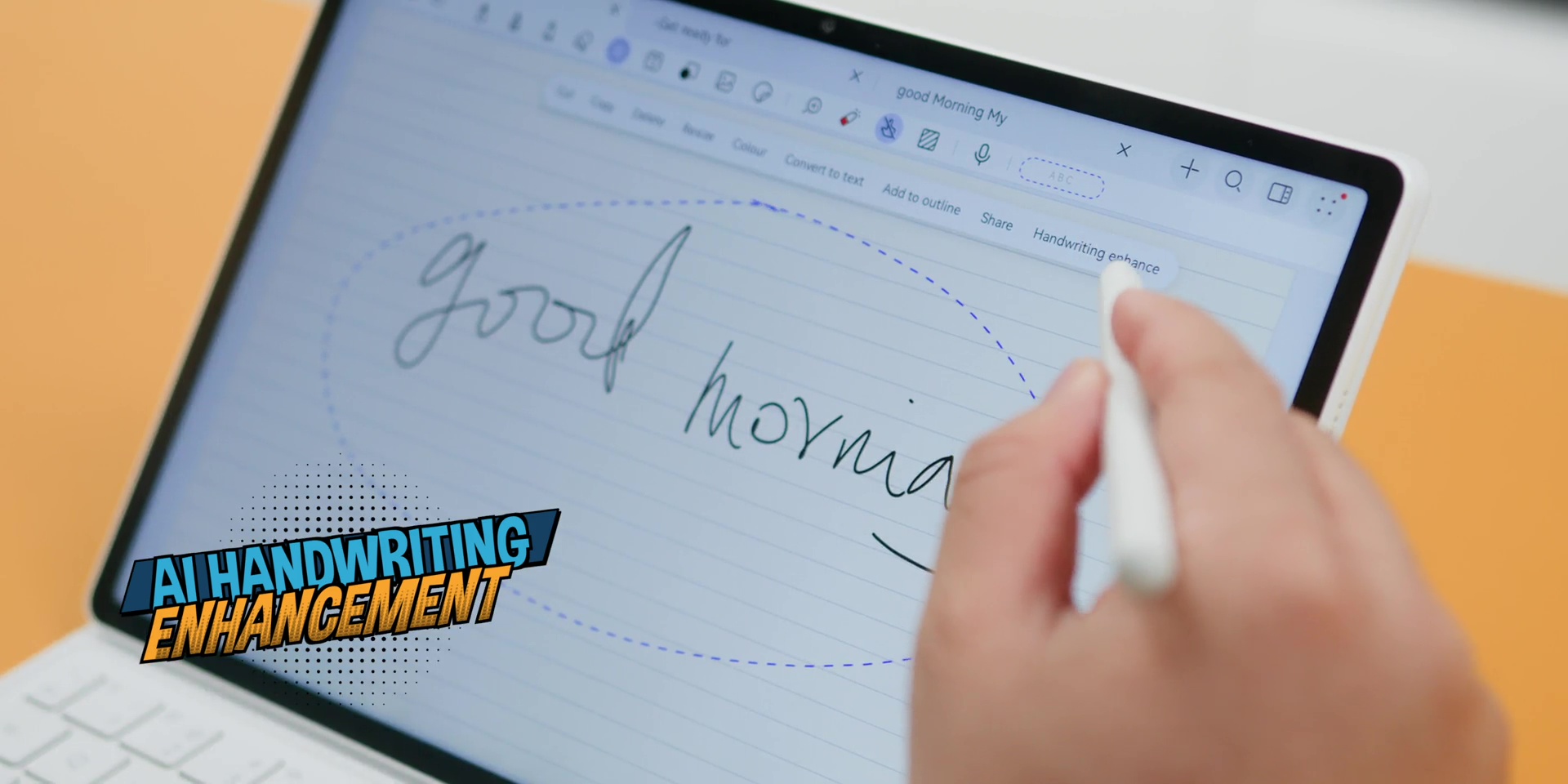
There’s also the Note Replay and also the Color Change Lasso. So, overall, this feels like you’re using apps like Notability or even Goodnotes all combined together. And guess what? It’s actually for FREE because you don’t have to pay for any subscription on this.
HUAWEI GoPaint
So, notes are great for productivity, but if you’re more on a creative side, this is where the MatePad 12 X suddenly becomes a mini drawing studio with HUAWEI GoPaint. And honestly, I didn’t expect it to be this good.
GoPaint is HUAWEI’s own professional-grade drawing app, and it comes completely FREE with the MatePad 12 X. No subscriptions, no hidden upgrades. Just install and start drawing.
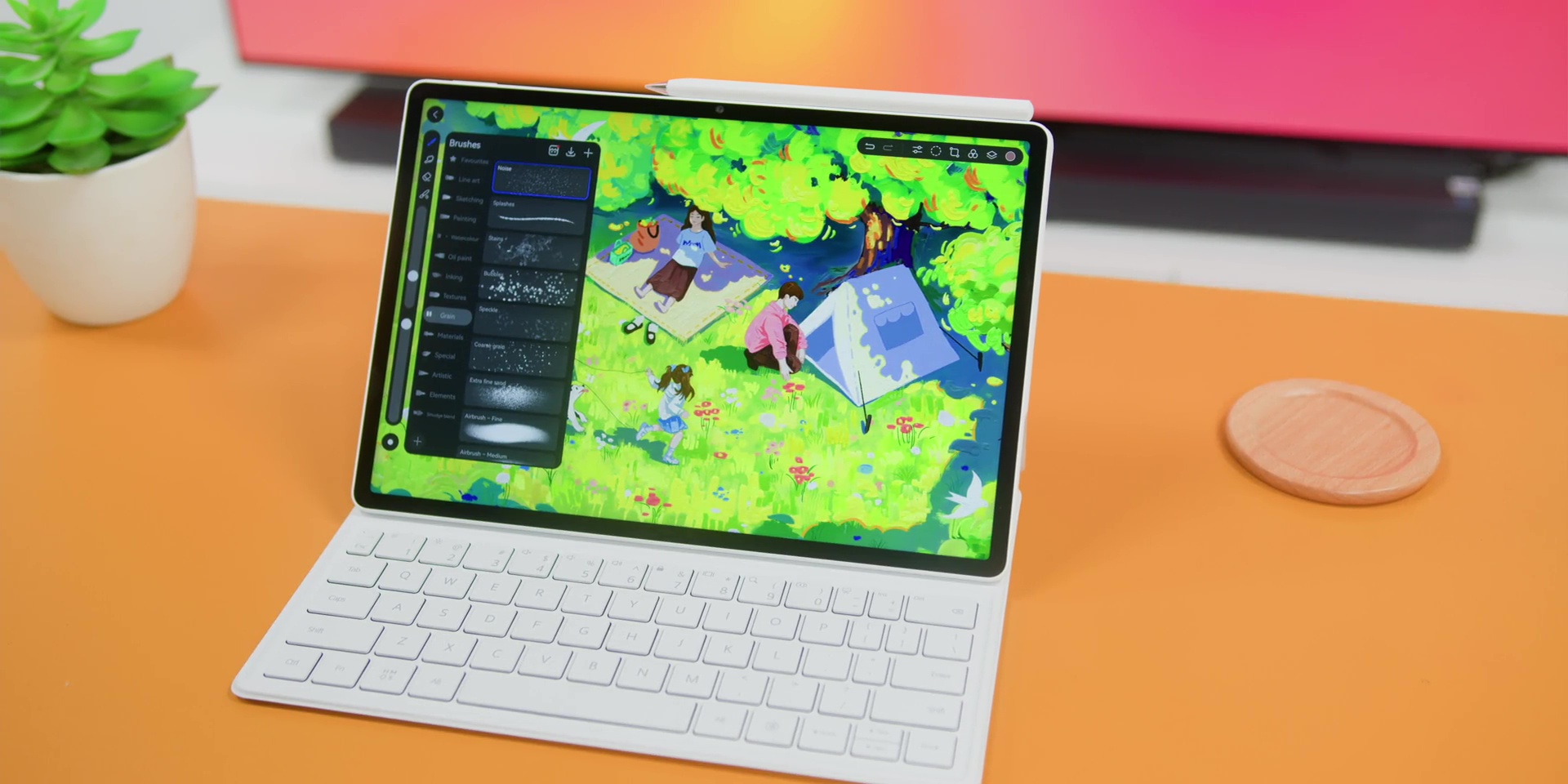
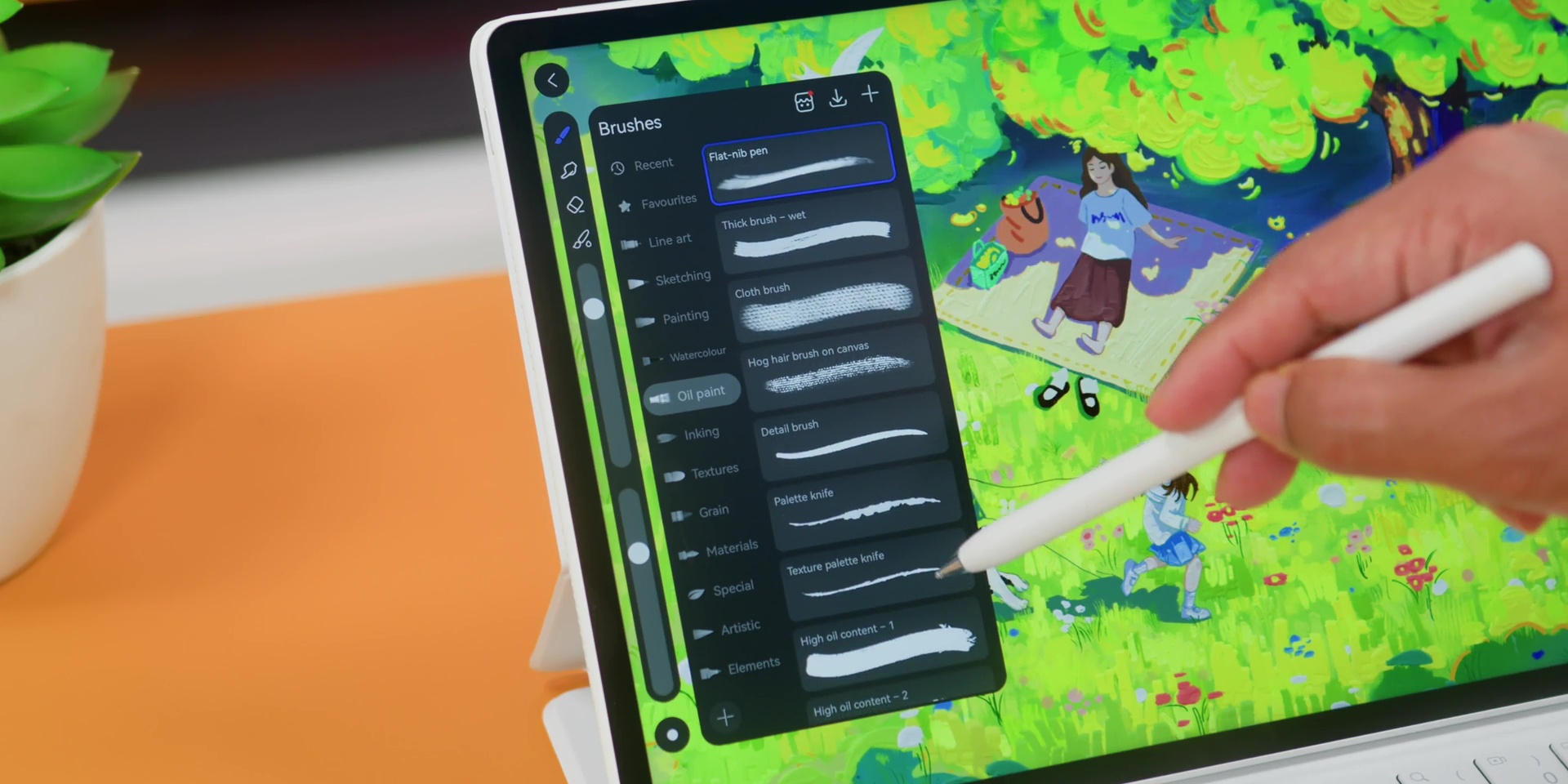
What impressed me immediately is how natural everything feels because you get over 100+ realistic brushes, including the upgraded 3D Oil Brush for 2025 that lets you see on the canvas and the animation too. It’s almost like you are finger-painting but without the mess and disinfecting it afterwards.
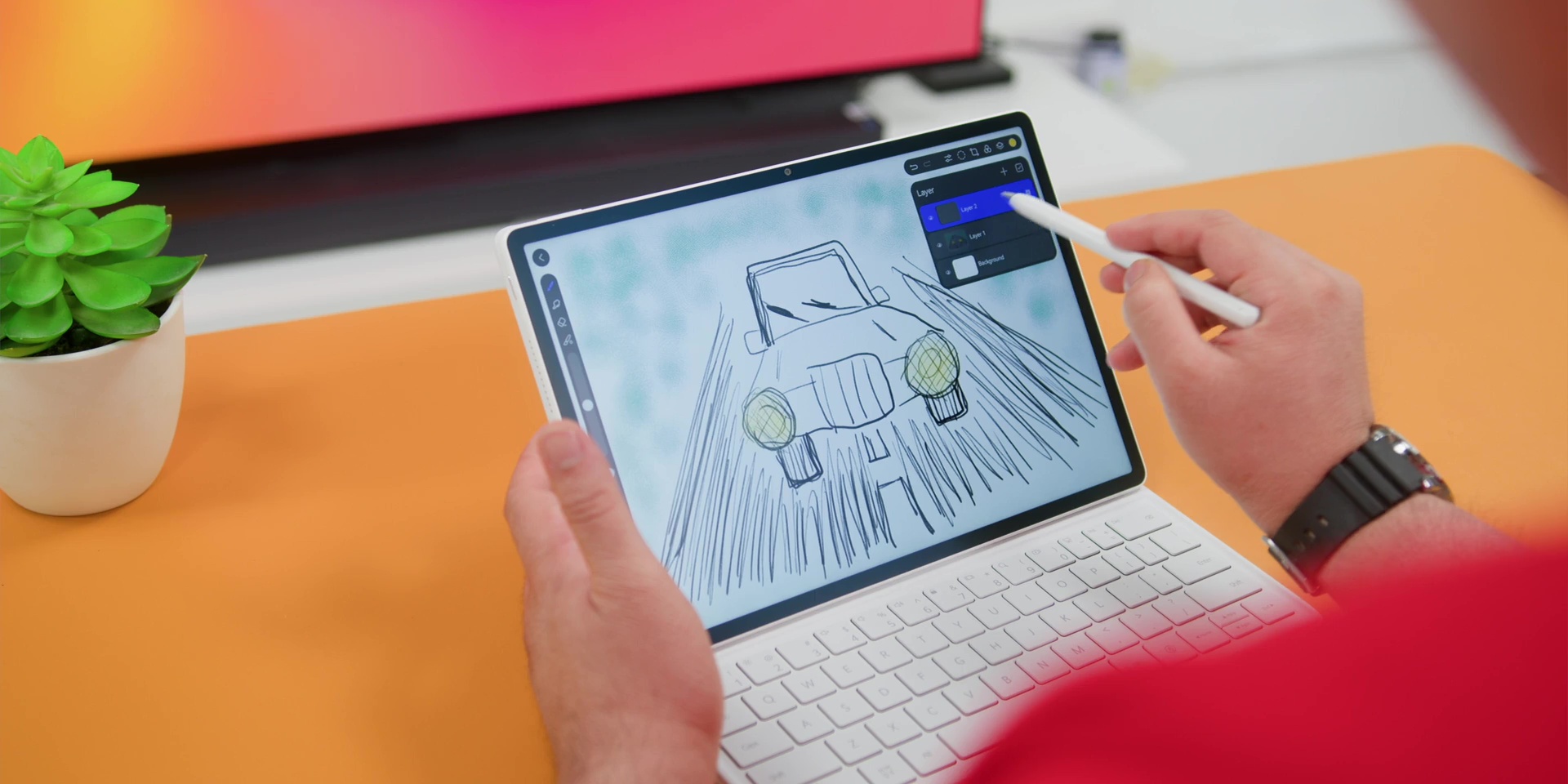
Then there’s also the vector strokes, layer support, and blending modes as well. So if you’re someone who edits videos on the go or creates thumbnails on the go, GoPaint also works seamlessly with apps like Canva. So you can sketch your assets here and then drag them straight into your editing workflow.
So yes, if HUAWEI Notes mentioned earlier is like your productivity superpower, GoPaint is your creativity superpower.
Performance + Cooling
All right, on the performance side and the cooling on the tablet, the new 3D heat dissipation architecture is actually smart. The heat source is placed towards the camera area. So, it is away from your hands.
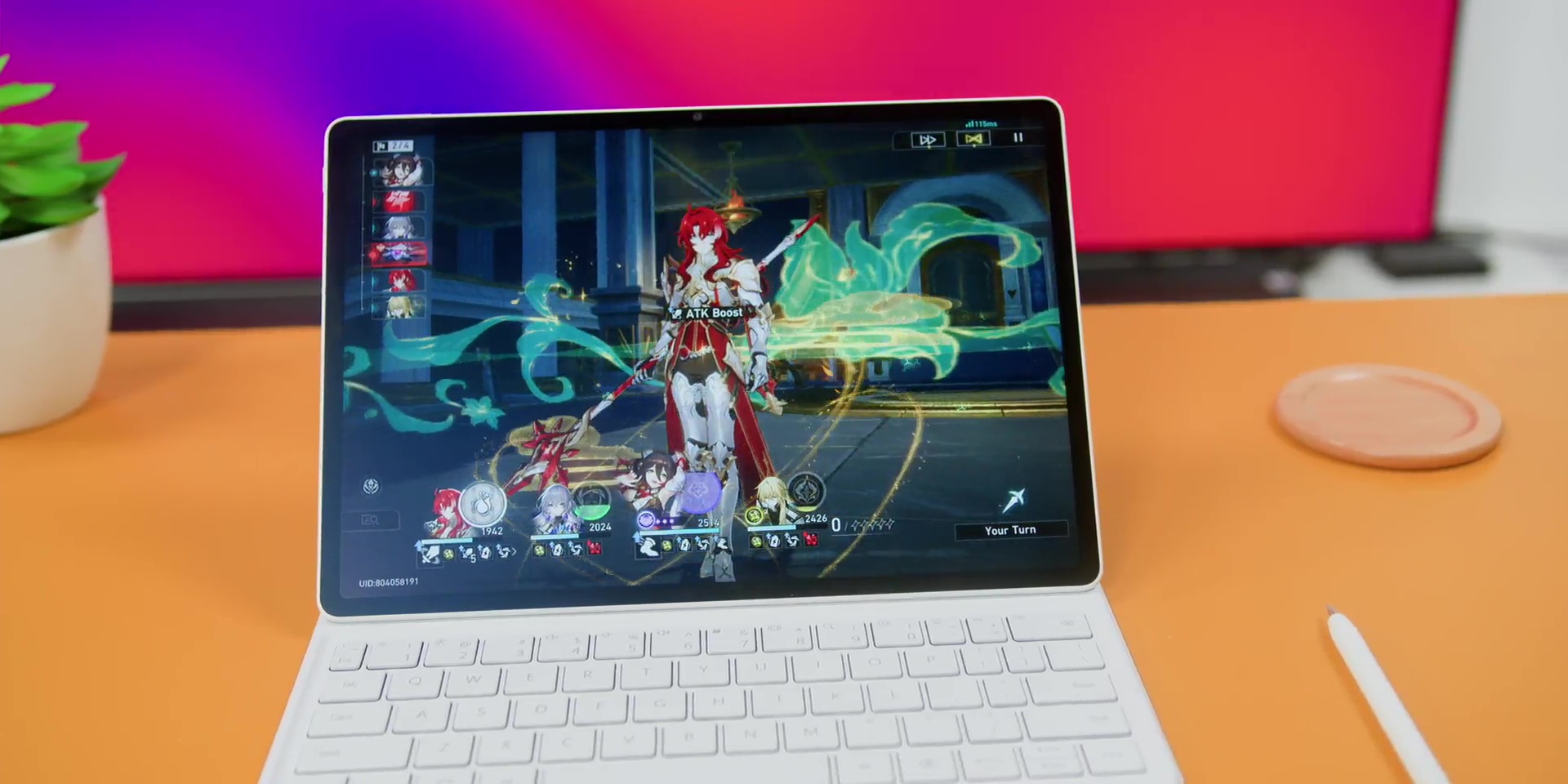
And just to bring back you nerdy friends out there, the results from the HUAWEI Lab include a 27% overall performance improvement, a turbo mode duration increase by 80%, and a heavy load temperature that has been reduced by 10°C. So, yes, but how are those numbers translate to real-world use? Well, that means that apps stay open longer, animations remain stable, and gameplay is also surprisingly smooth.
Battery & Charging
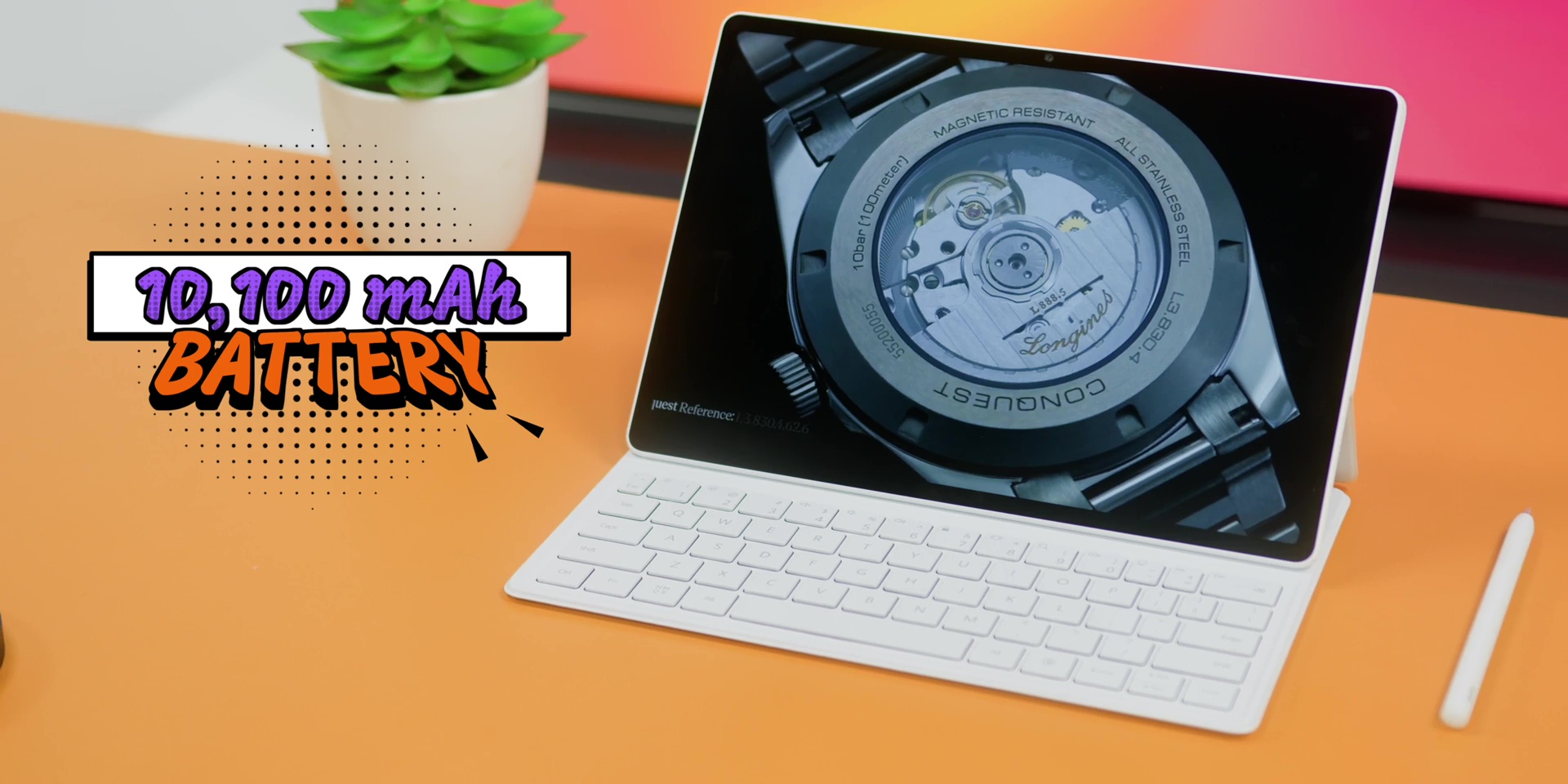
But with all of this being said, if the battery on the tablet is not good, what’s the point, right? Well, HUAWEI thought about that and has given one of the biggest batteries ever in a MatePad, a 10,100 mAh of battery, which will give you about 14 hours of 1080p local video playback and 12 hours of browsing.
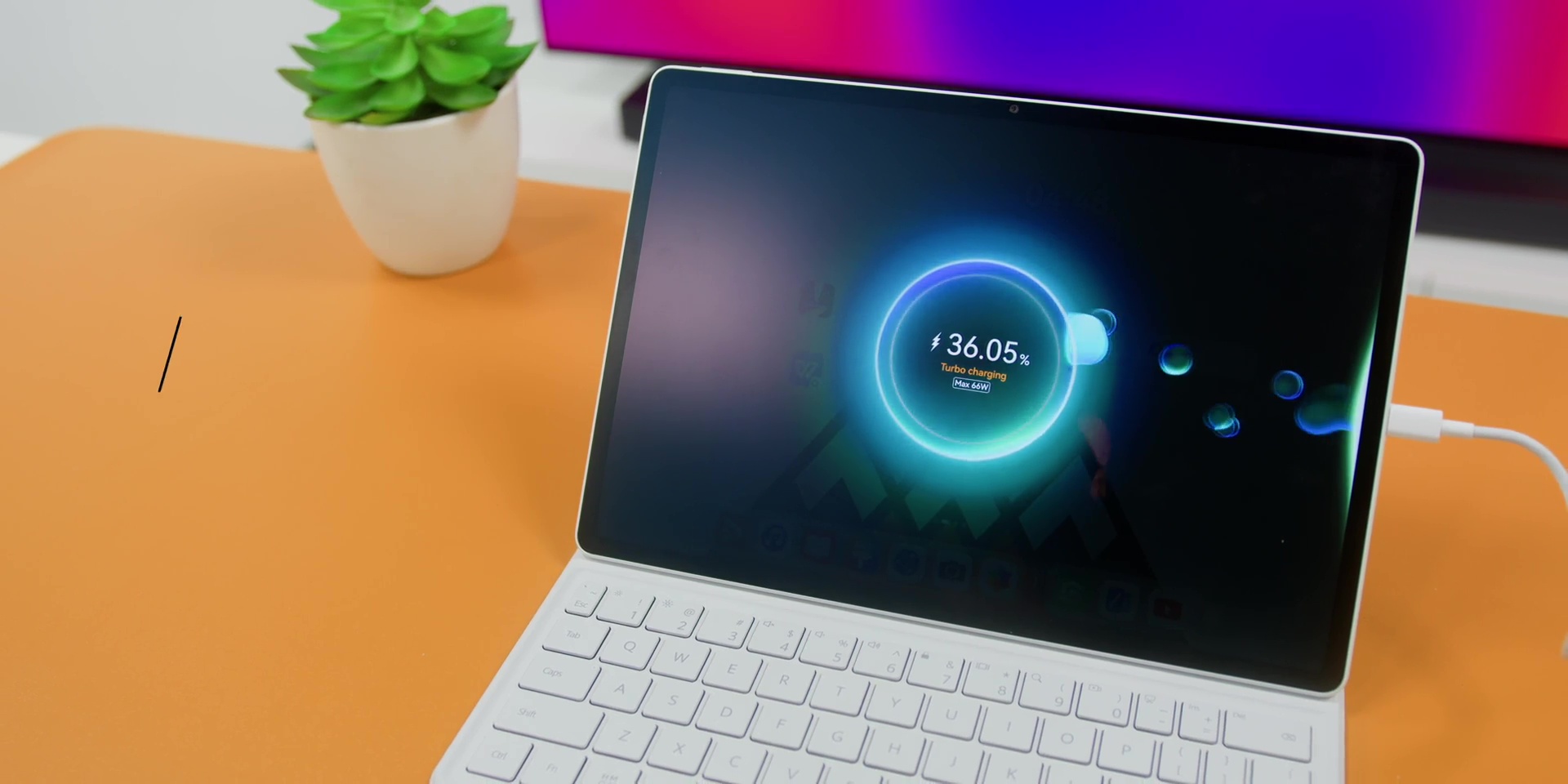
But there’s also a 66W SuperCharge where the good news is that the charger is included in the box here in Malaysia that will get the tablet to reach 100% in just 85 minutes.
Connectivity & Audio
Another two honorable mentions worth shouting about are the connectivity and the audio quality.
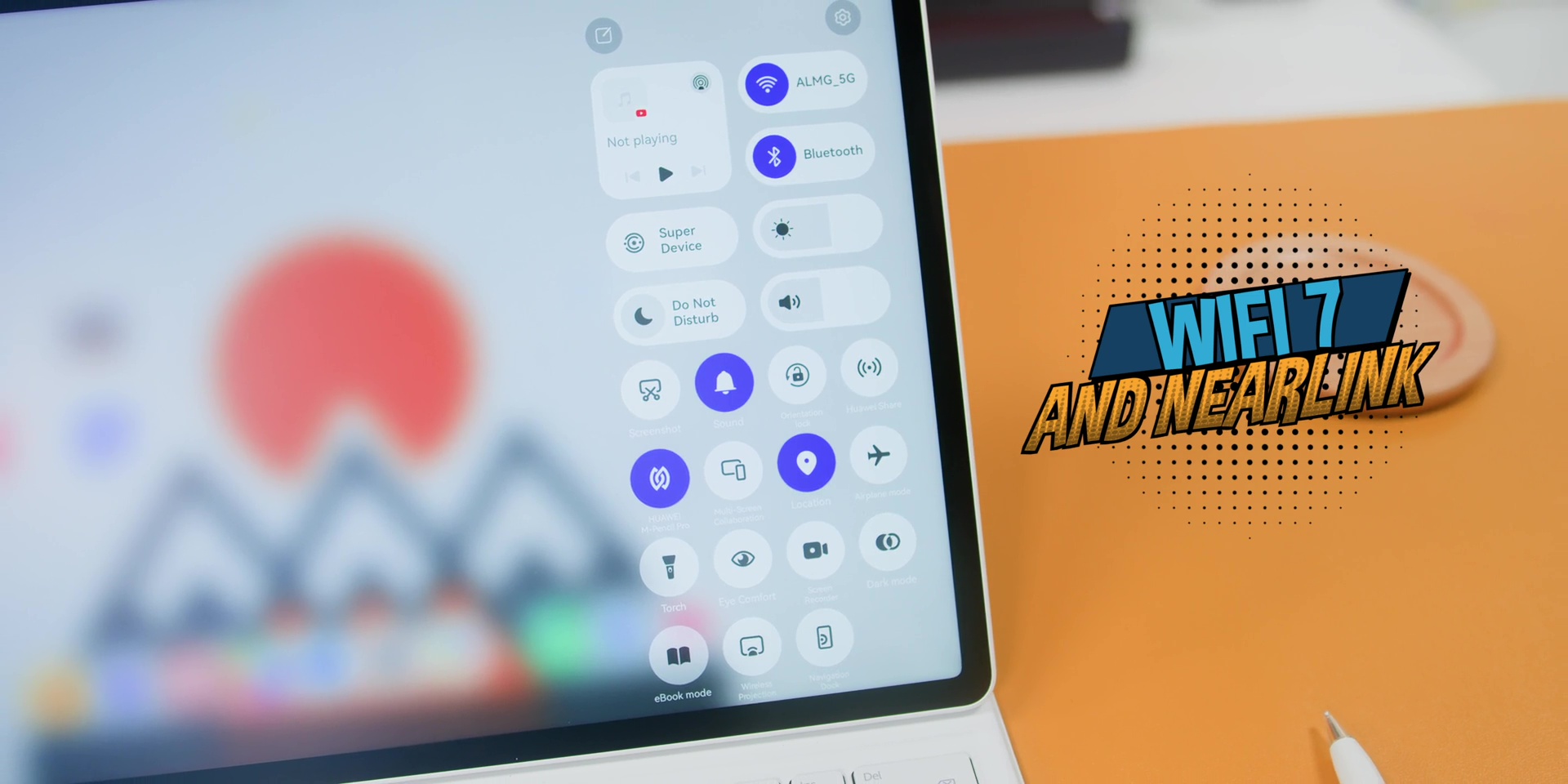
Firstly, this has the Wi-Fi 7 plus NearLink. So, you won’t be getting any disconnection on any NearLink devices like the HUAWEI M-Pencil Pro or even the Smart Magnetic Keyboard. And of course, when it comes to internet connectivity, even if you have lots of walls surrounding your home or office, that will be really stable when it comes to Wi-Fi 7, and of course, if your router is a Wi-Fi 7 router.
And then the quad speakers with HUAWEI Sound is one of the great things about a tablet because it does give top-tier speakers on this. So, if you’re like me who does not like to always put on headphones or earbuds when enjoying something on your tablet, you’ll enjoy the tablet a little more because the audio quality here is rich and loud and surprisingly balanced for a tablet this thin.
Conclusion
In conclusion, if you’re a student, creative, or someone who wants a laptop-like experience without actually carrying a laptop, this HUAWEI MatePad 12 X is honestly one of the most complete productivity tablets right now.
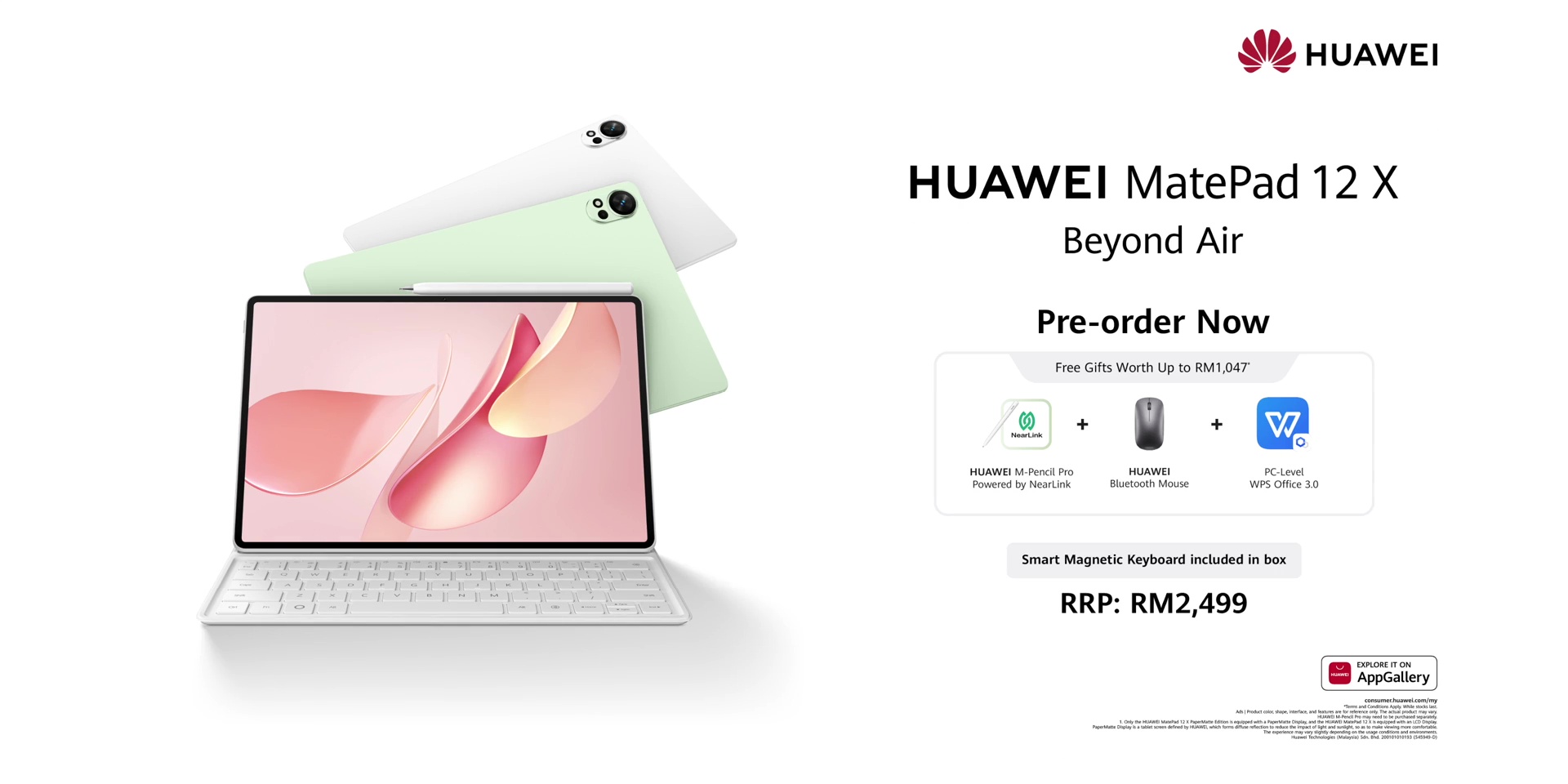
And for a very limited time only, you also will get the Smart Magnetic Keyboard, mouse, the PC-level WPS Office 3.0, and even the new M-Pencil Pro. But it’s only while stocks last!
🛒 Get the HUAWEI MatePad 12 X (2026) on HUAWEI Official website, Shopee, Lazada or TikTok Shop.
[Watch the full video on YouTube here]
Related:
- HUAWEI MatePad Pro 12.2 Inch: A Tablet Redefined? Google Apps Sorted?
- HUAWEI MatePad 11.5 PaperMatte Edition (2025): The Tablet That FINALLY Gets It Right?
- HUAWEI MatePad 11.5”S: NEW Anti-Glare Display & More Than A PC!